Skip to content
View in the app

A better way to browse. Learn more.

I Forge Iron

A full-screen app on your home screen with push notifications, badges and more.

To install this app on iOS and iPadOS
  1. Tap the Share icon in Safari
  2. Scroll the menu and tap Add to Home Screen.
  3. Tap Add in the top-right corner.
To install this app on Android
  1. Tap the 3-dot menu (⋮) in the top-right corner of the browser.
  2. Tap Add to Home screen or Install app.
  3. Confirm by tapping Install.

drevokov

Members
  • Joined

  • Last visited

  1. thankyou so much for the replies everyone. i never thought i would become so intrigued by a lump of metal- but anvils are truly the most interactive antiques ive ever come across and i look forward to using this for the rest of my life. you guys are awesome especially MC and NoName!
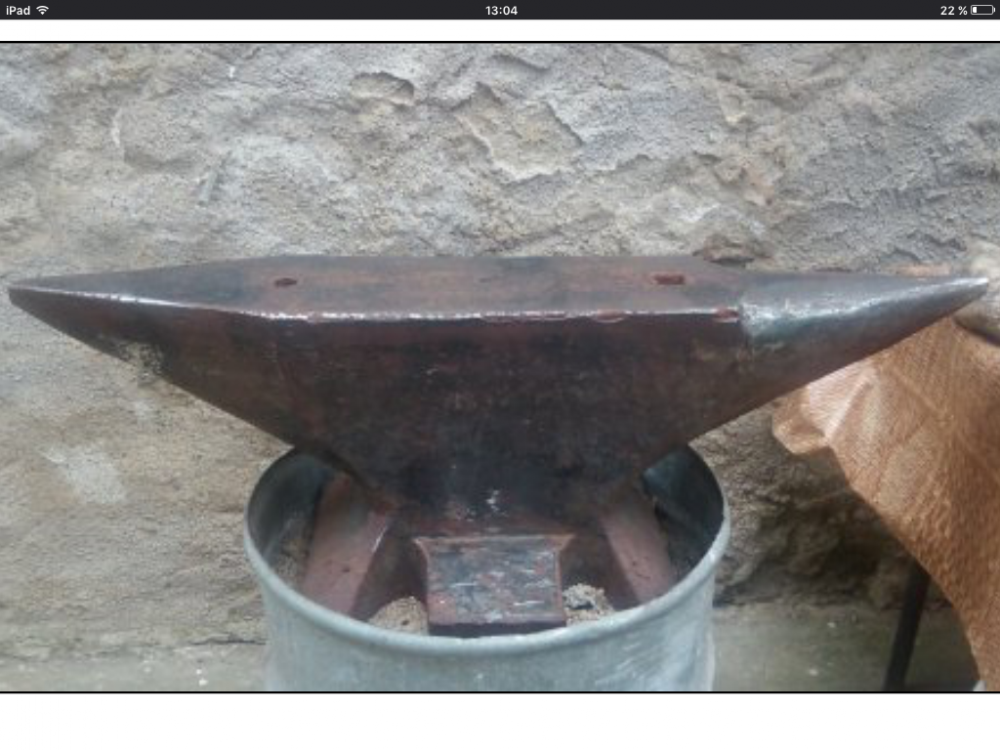
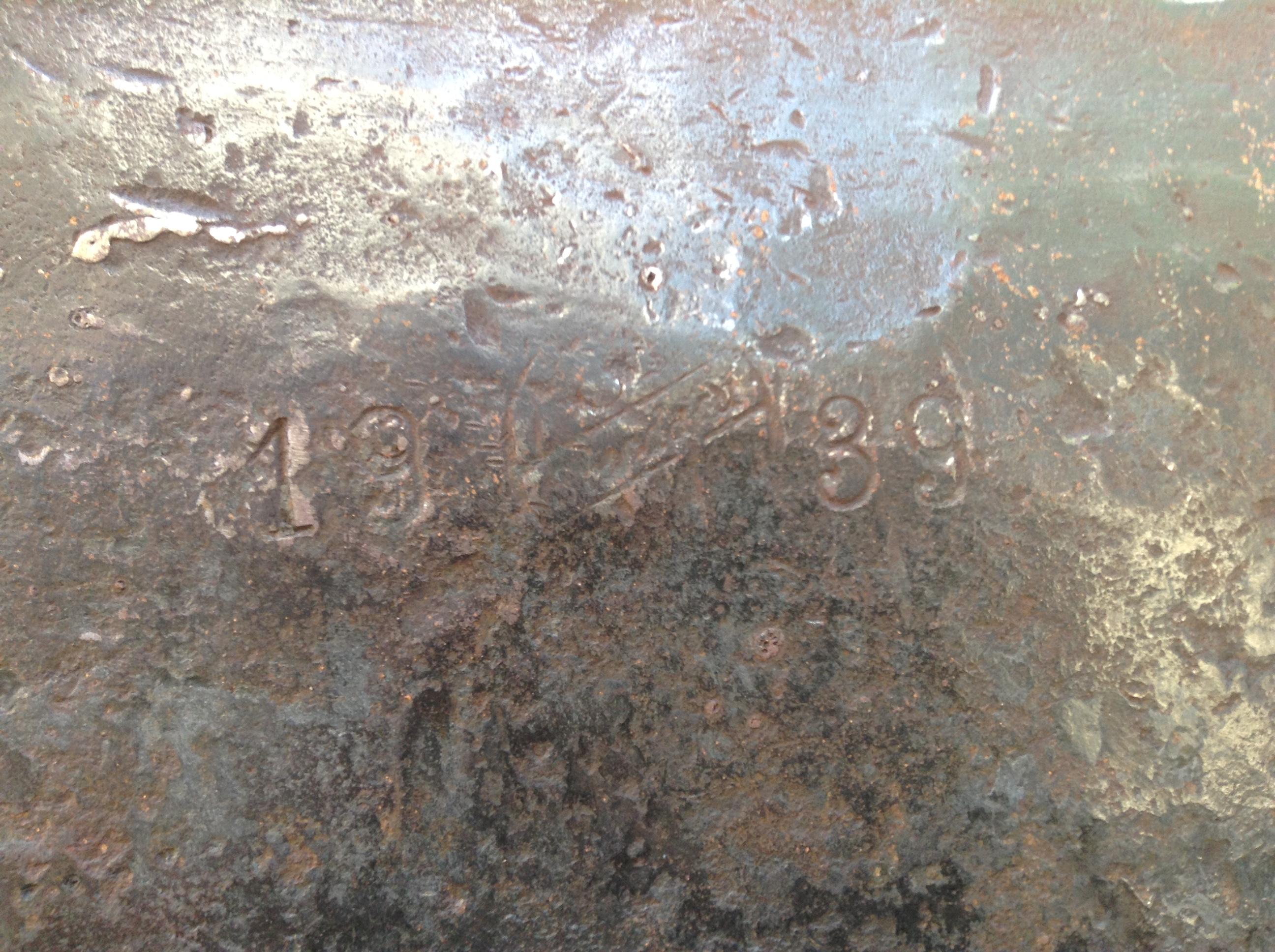
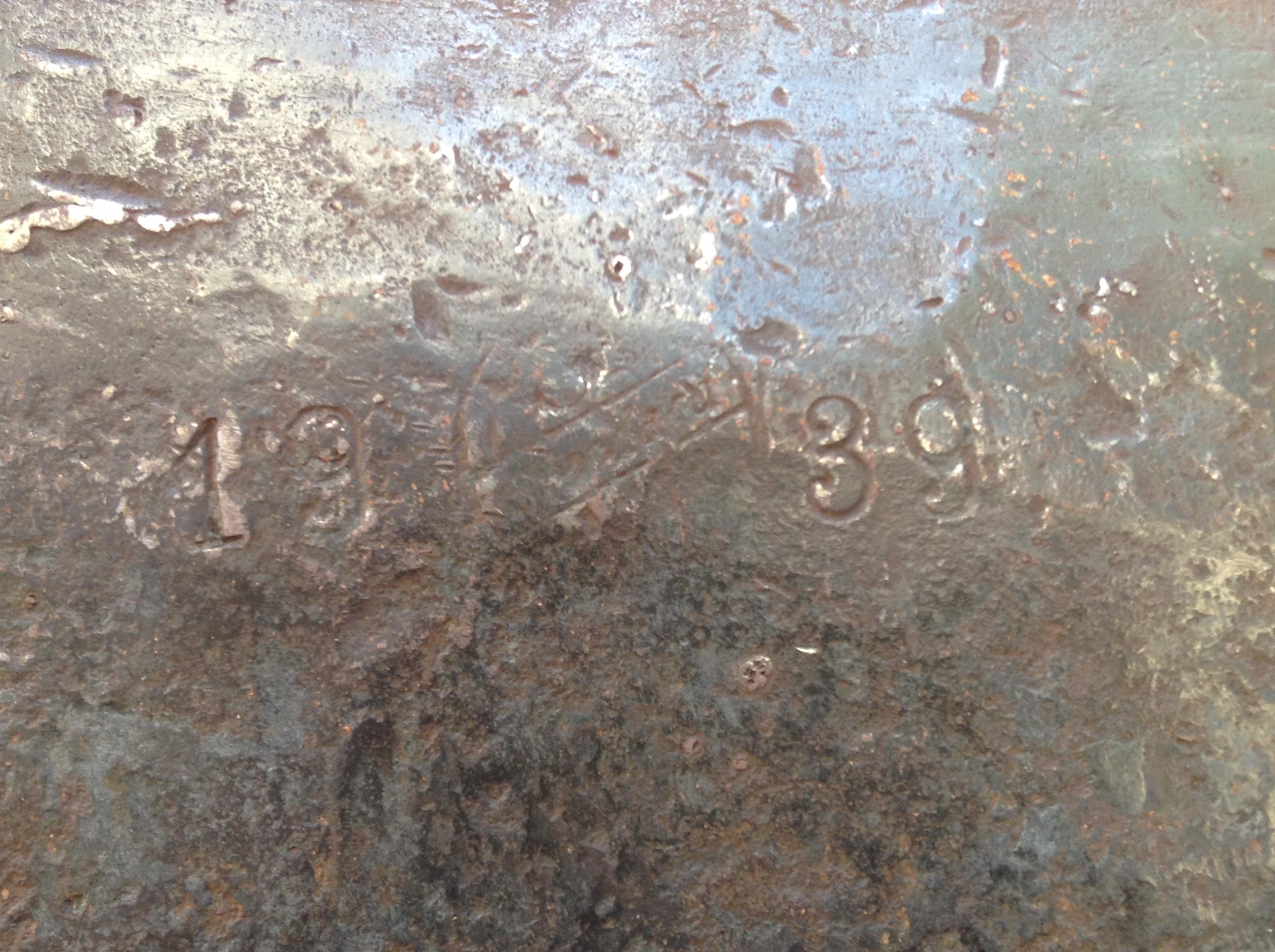
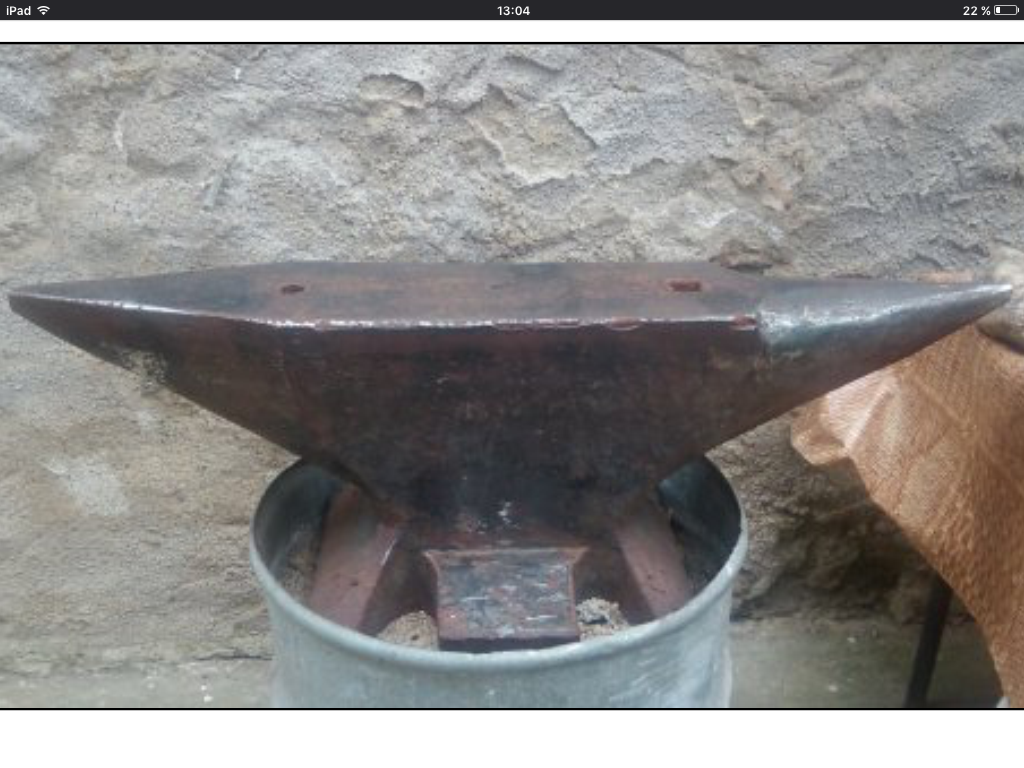
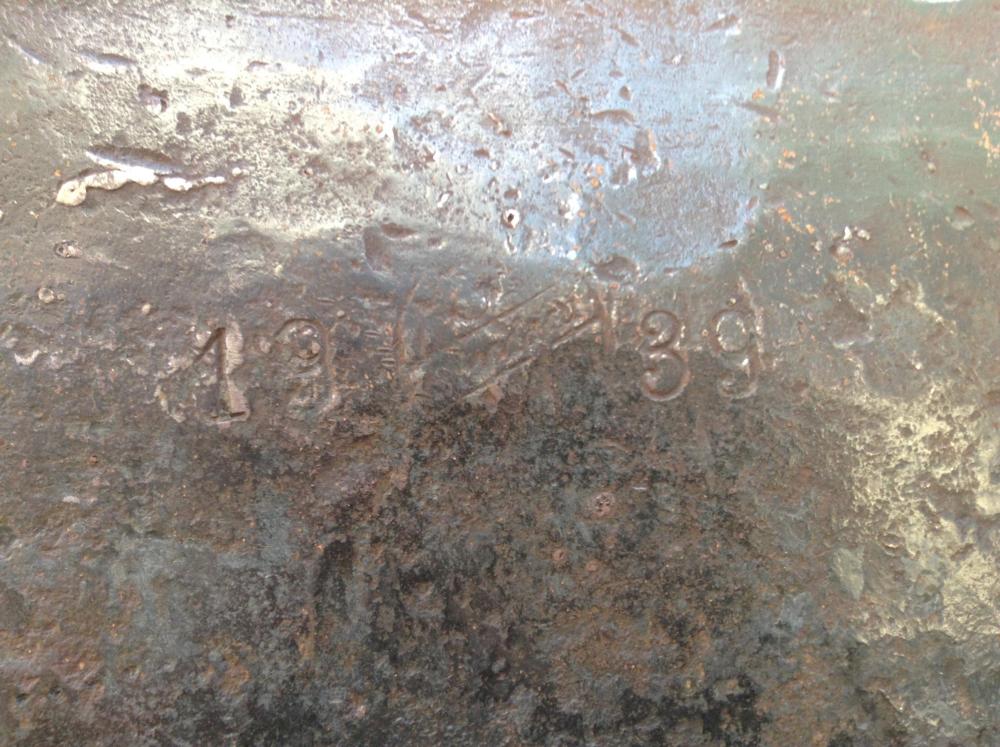
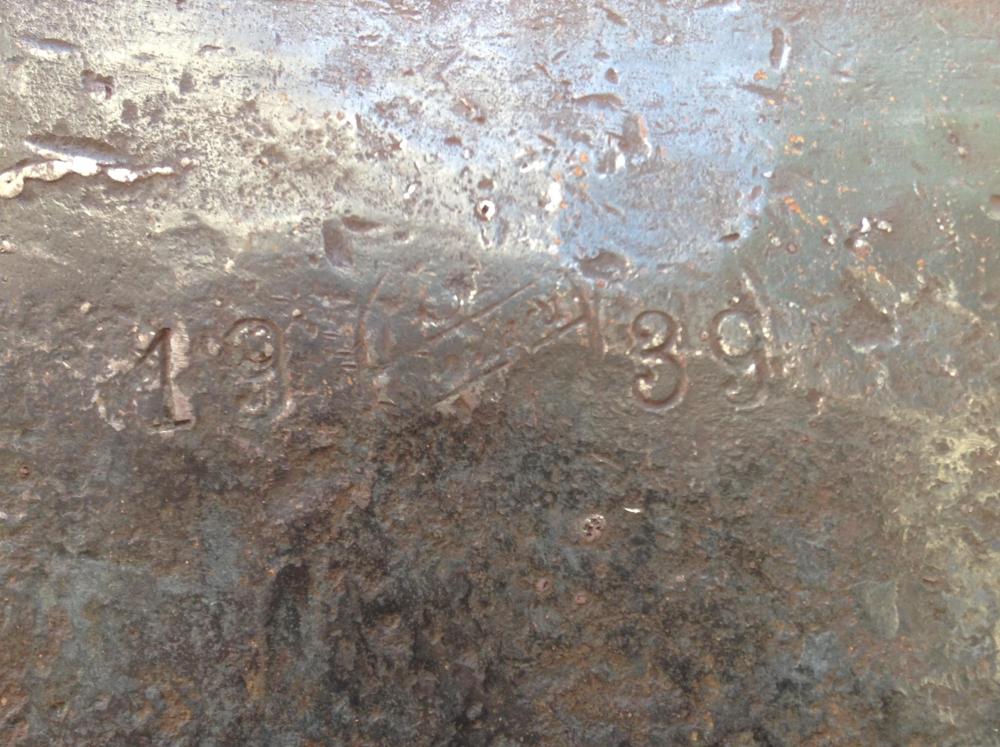
  2. so apologies if there is a specific place to post this sort of question but i'm genuinely stumped on this anvil logo. i know that the shape is a double horned south german pattern anvil made in the year 1939.. but i cant quite make out the writing. for now these are the best photo's i have, but will post more as soon as i have them! any help in finding out anything about this would be immensely appreciated!
Account

Navigation

Search

Search

Configure browser push notifications

Chrome (Android)
  1. Tap the lock icon next to the address bar.
  2. Tap Permissions → Notifications.
  3. Adjust your preference.
Chrome (Desktop)
  1. Click the padlock icon in the address bar.
  2. Select Site settings.
  3. Find Notifications and adjust your preference.