SaltCitySteel
Members
-
Joined
-
Last visited
-
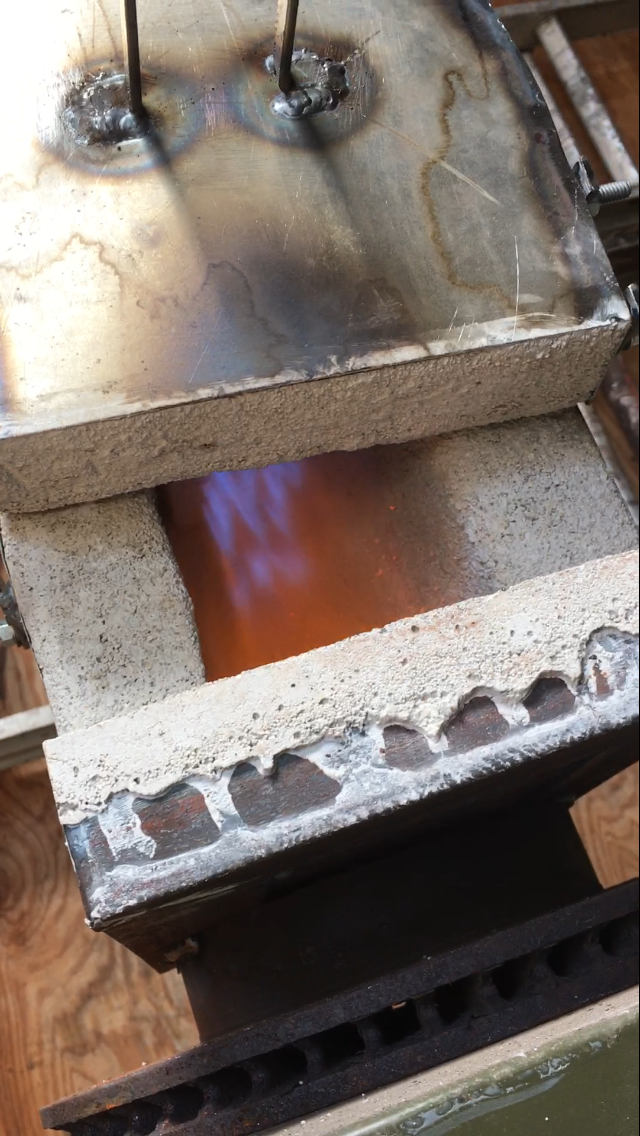
Frosty, thanks and yea stable from 4-20psi. I just get a lot of dragons breath past 10psi. Running a little rich but I'd prefer that for forge welding anyway. Thanks again. -Mike B
-
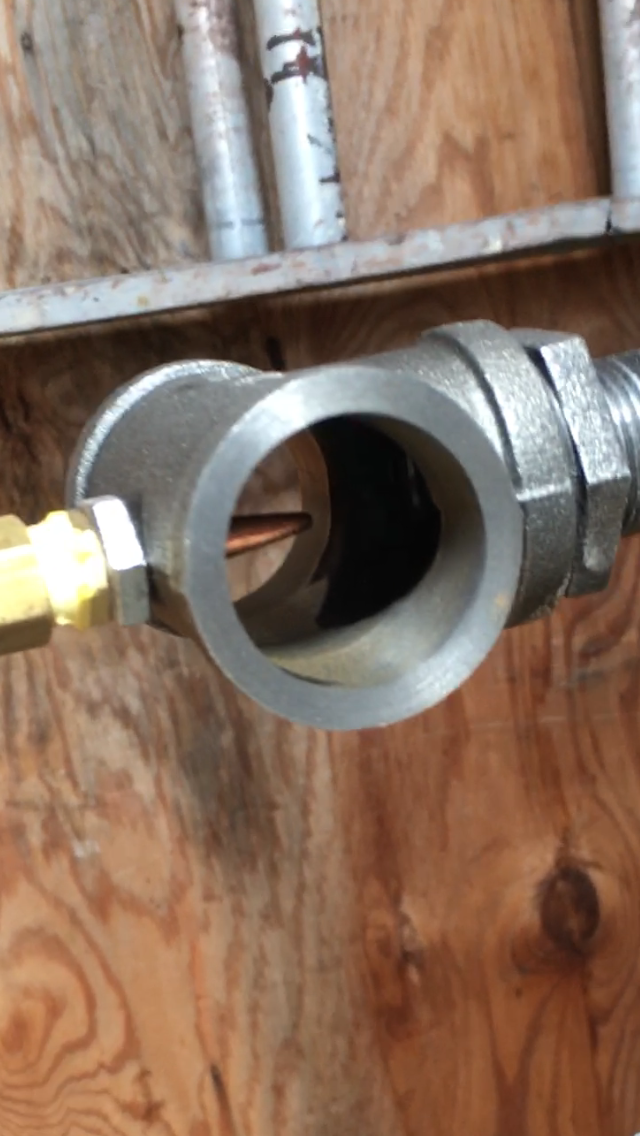
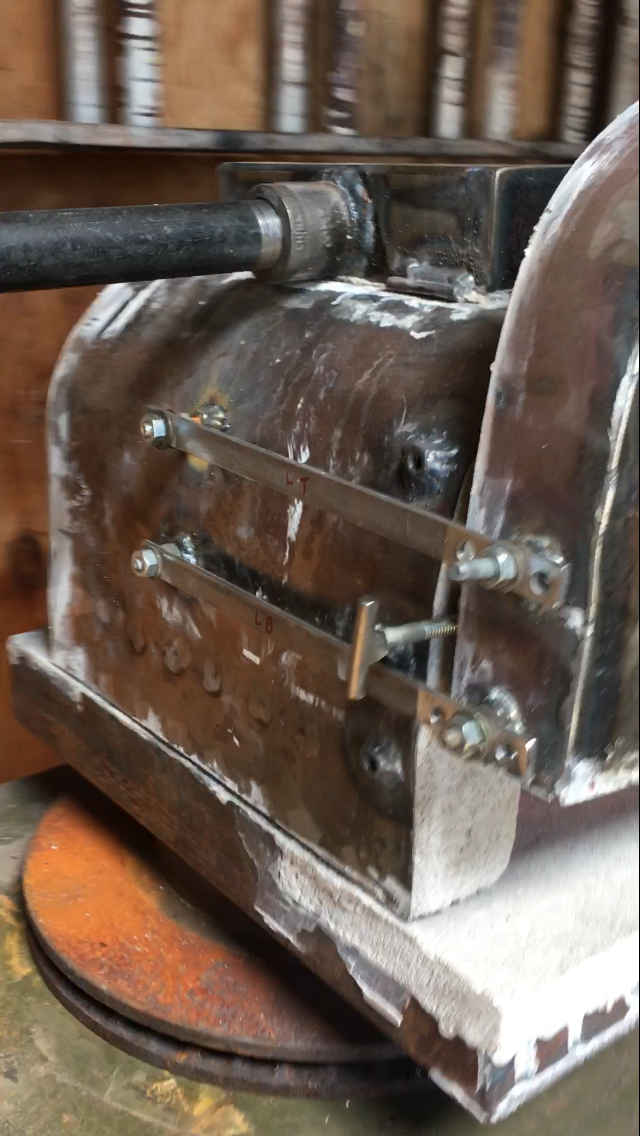
Frosty- thanks for all the info. Got her all setup. 19 holes using Wendy's straws. Reaches forge welding temp at 10psi without itc100. It is just heating up. Once I do the final coats I'll upload another pic. i did a bit of machining on the T burner I made from your plans. -Mike B.
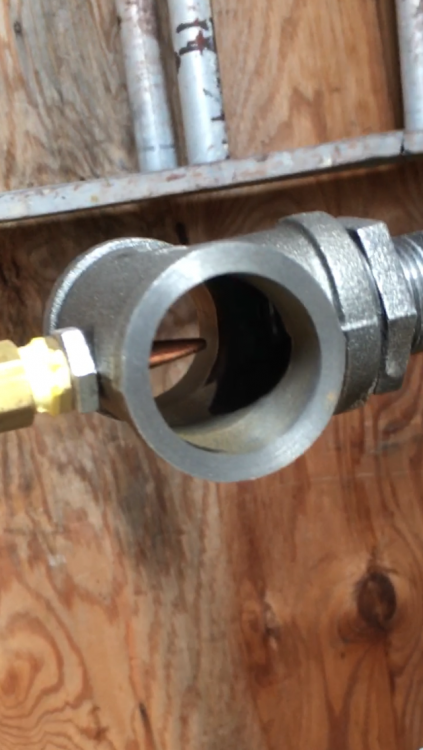
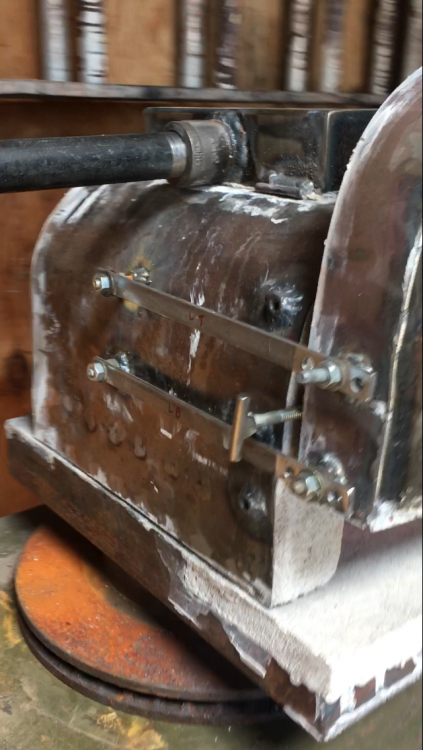
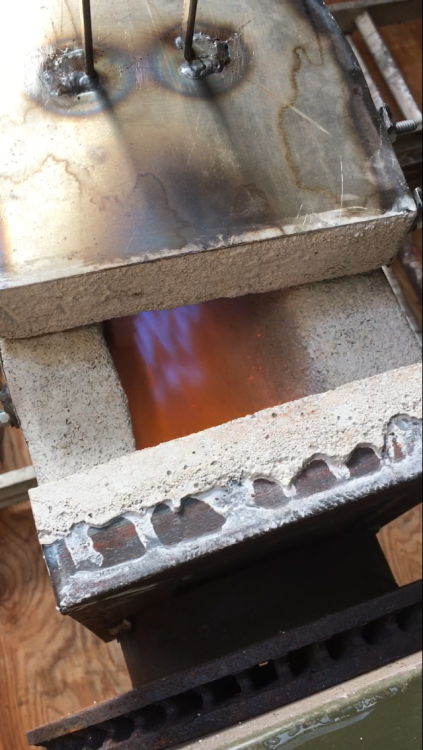
-
Thank you Iron Dragon, Just read it. Very helpful. I was commenting using my phone initially which was a little more difficult than the computer I am using now. The google search including the phrase iforgeiron is a great help. -Mike B
-
SaltCitySteel changed their profile photo
-
Bradshaw I'm in Camillus too. My forge is in Auburn though. -Mike B
-
Sounds good I will be building one once my kast o lite 30 gets here! -Mike B
-
Frosty have you been able to get the ribbon burner as hot as your standard T burner or is it slightly cooler with more even heat? Mike B