Skip to content
View in the app

A better way to browse. Learn more.

I Forge Iron

A full-screen app on your home screen with push notifications, badges and more.

To install this app on iOS and iPadOS
  1. Tap the Share icon in Safari
  2. Scroll the menu and tap Add to Home Screen.
  3. Tap Add in the top-right corner.
To install this app on Android
  1. Tap the 3-dot menu (⋮) in the top-right corner of the browser.
  2. Tap Add to Home screen or Install app.
  3. Confirm by tapping Install.

Radforest

Members
  • Joined

  • Last visited

Everything posted by Radforest

  1. Any good ideas for quick demo items for a county fair.
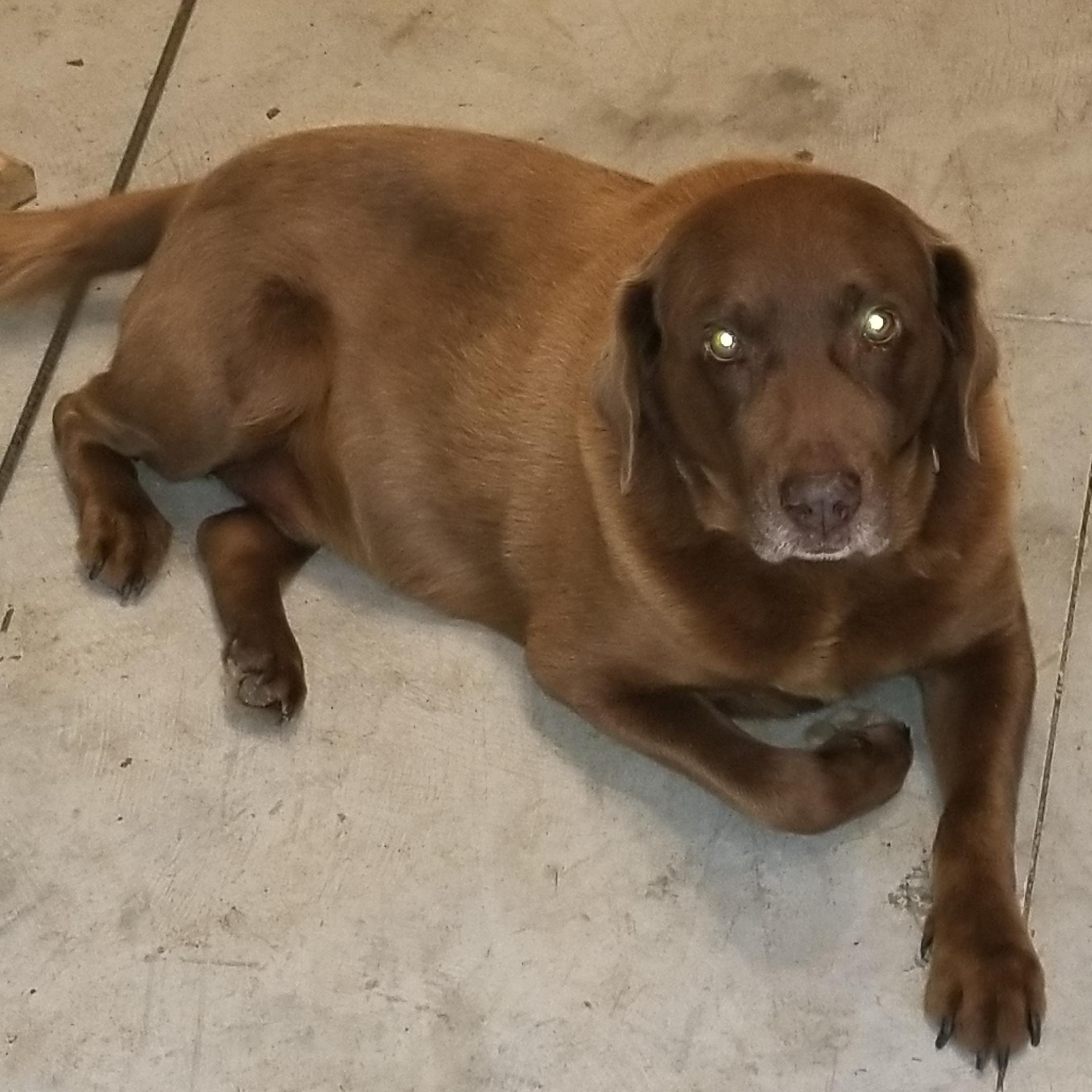
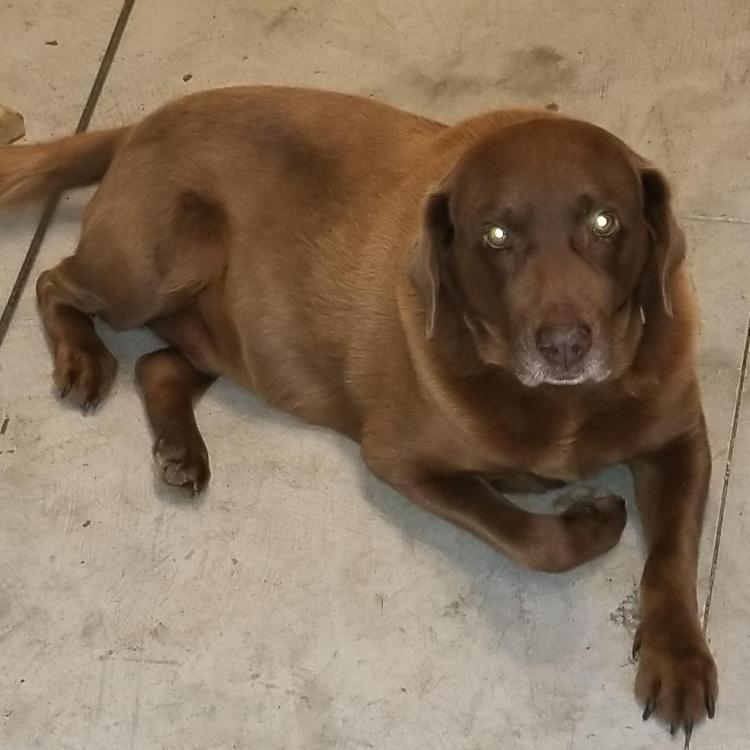
  2. This is Max, he is in the Forge with me everyday. He is 14.
  3. Thanks for the info. I had found one of these on ebay, but there was no information on it. That was the only picture I had been able to find. Once again thanks for the info.
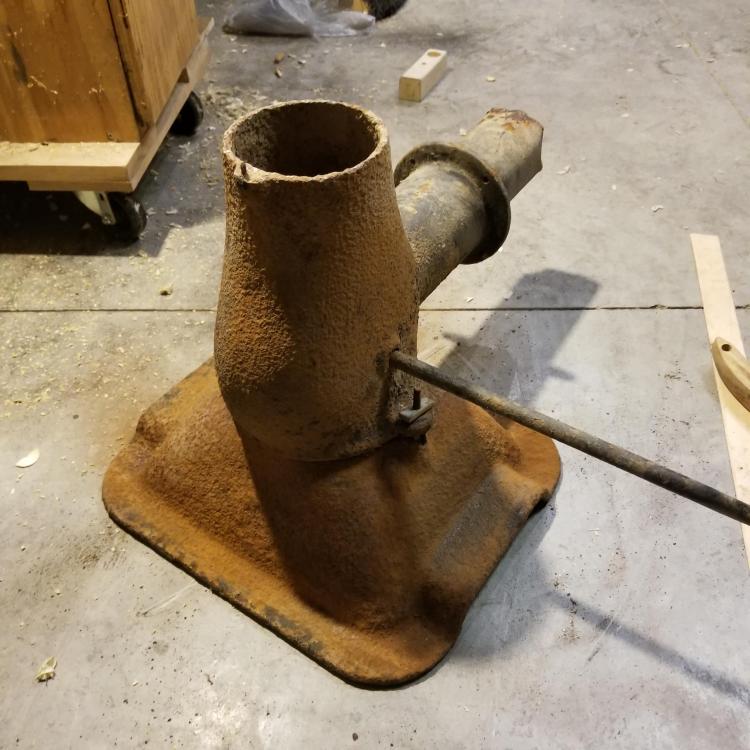
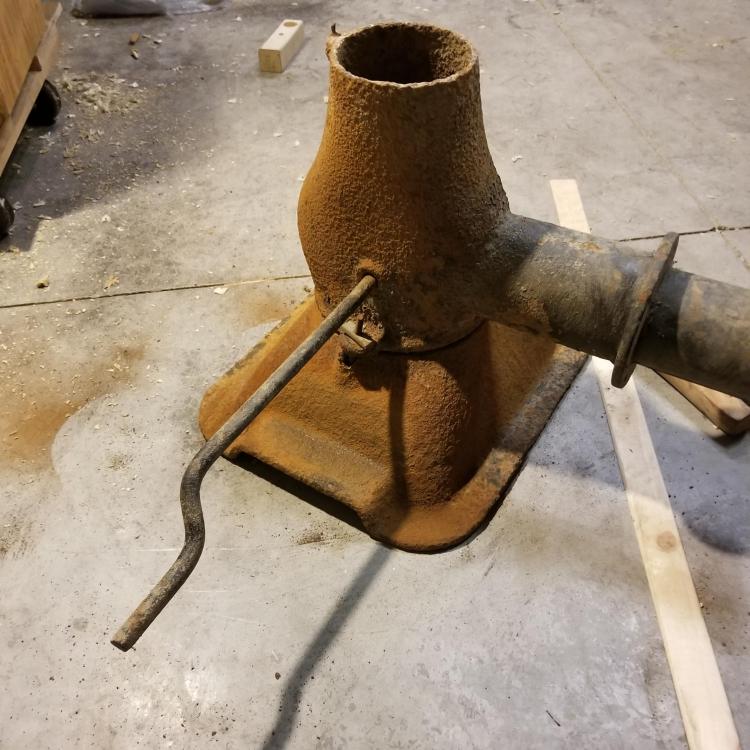
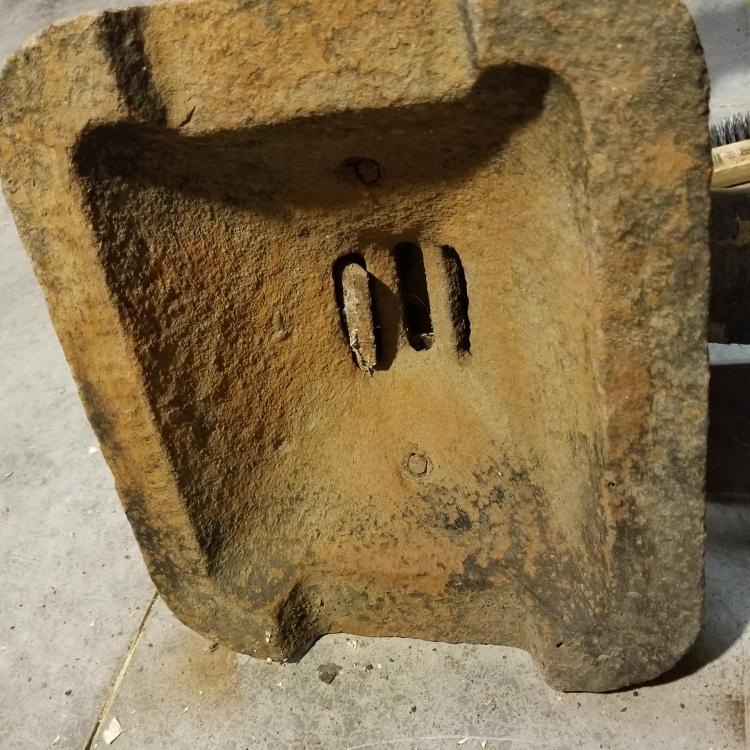
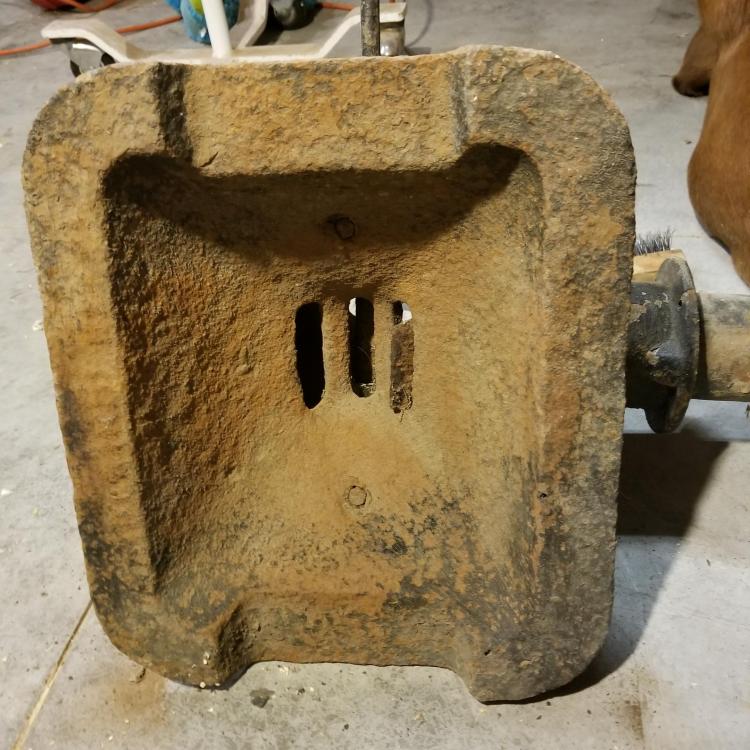
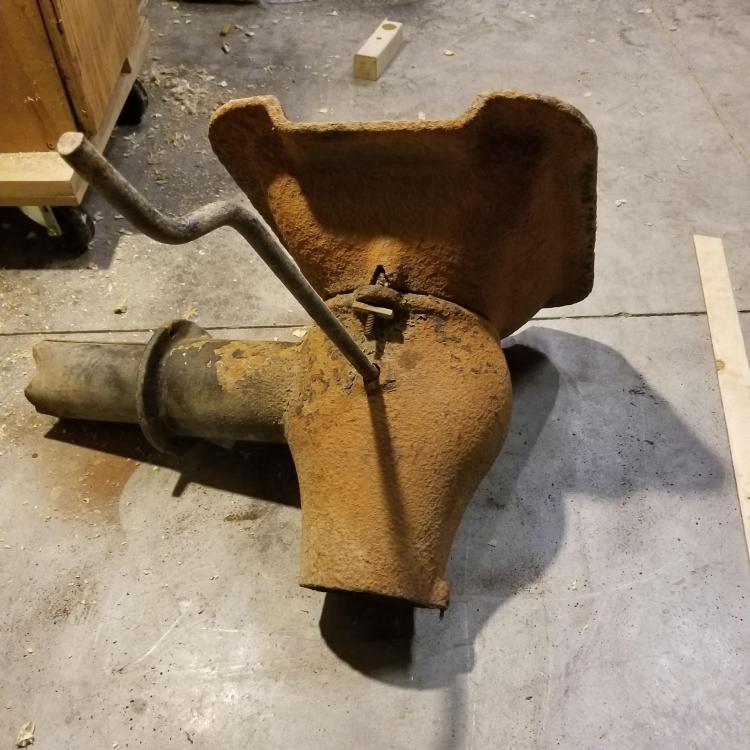
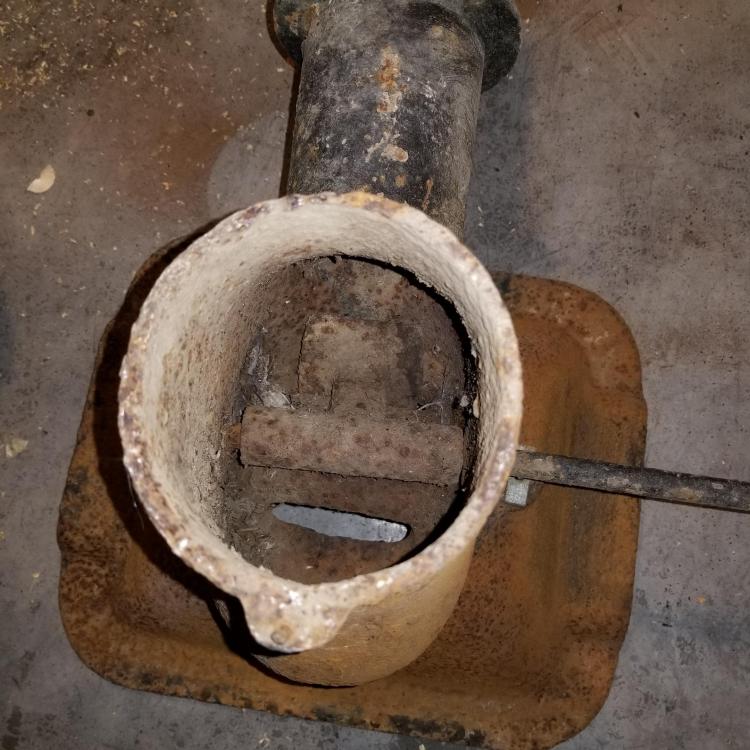
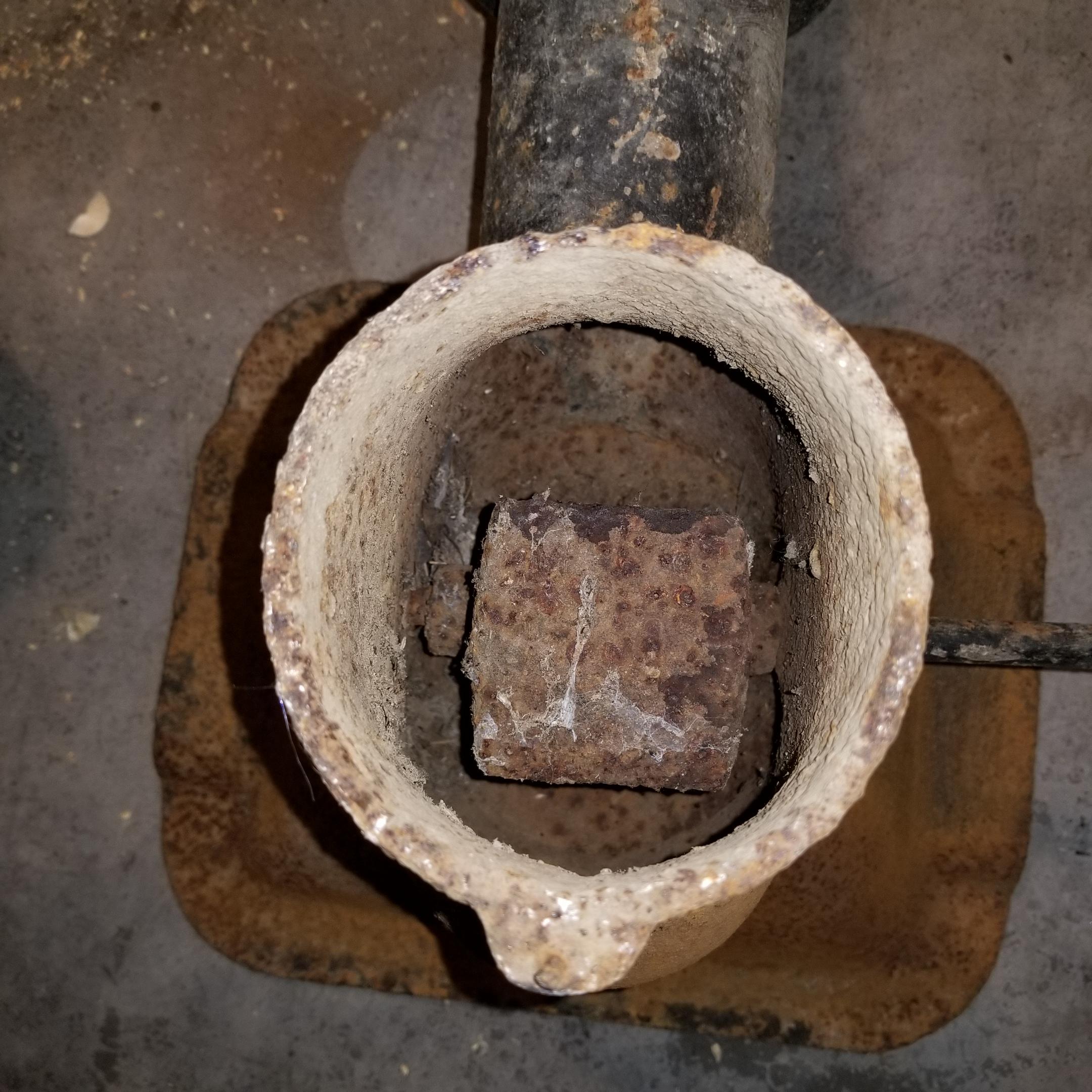
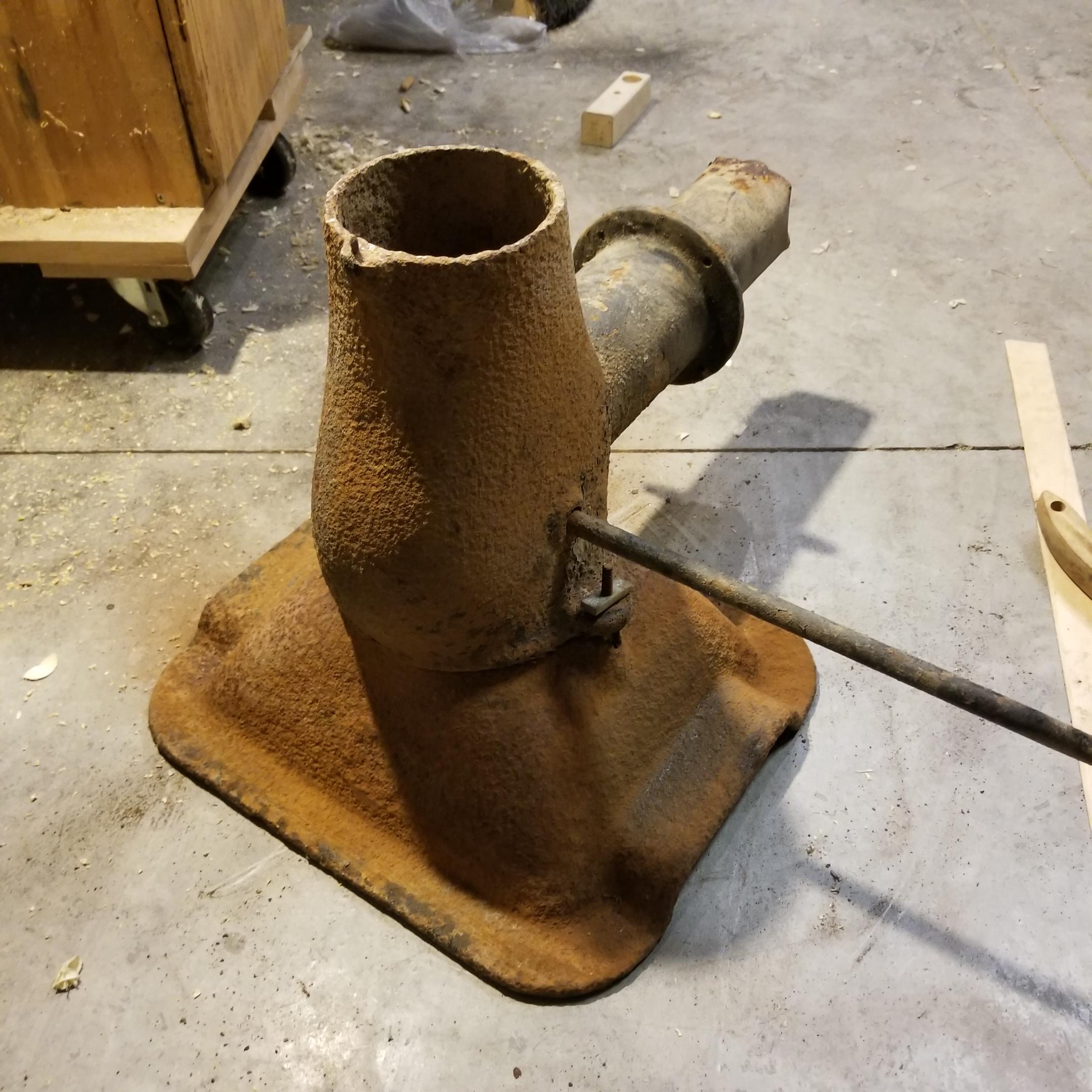
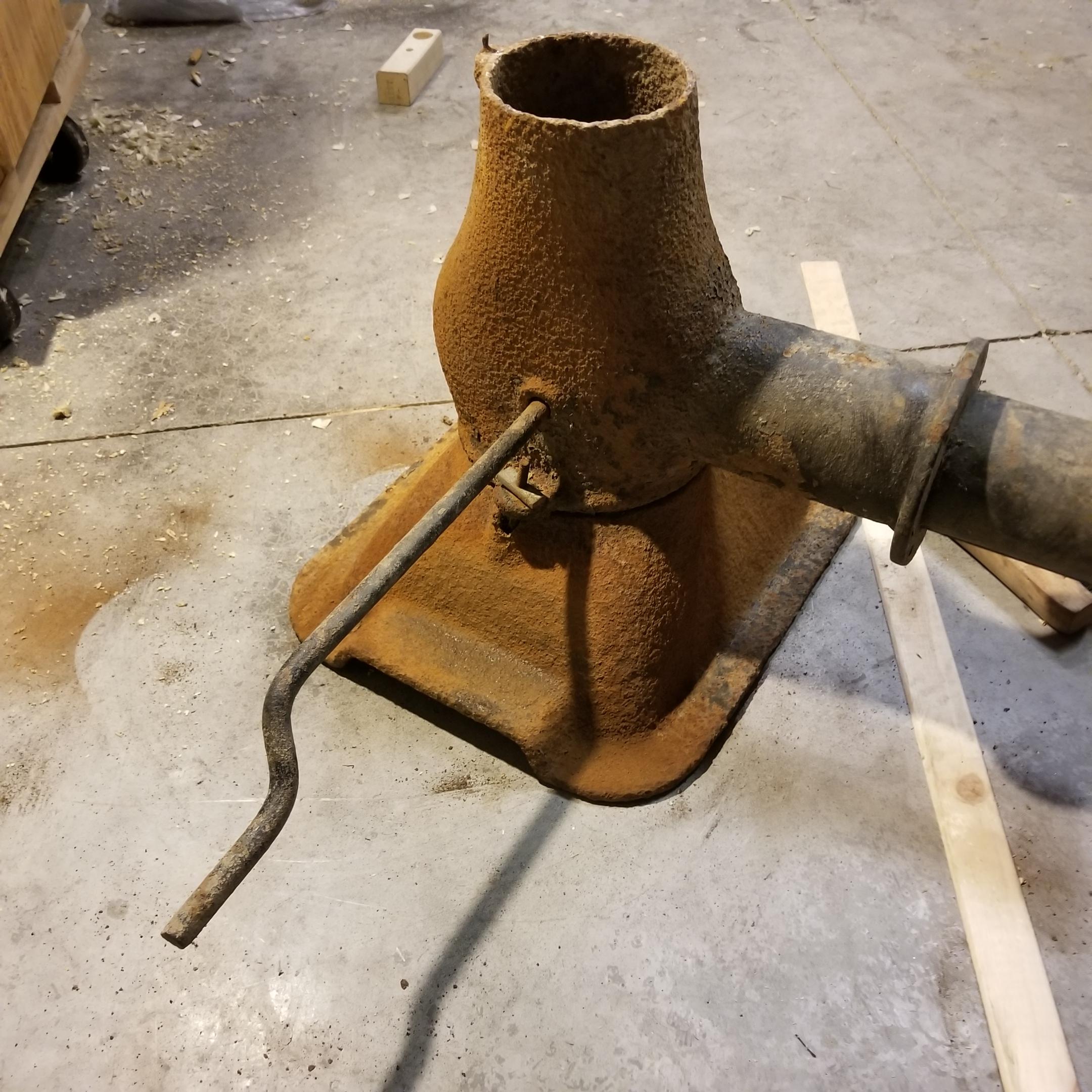
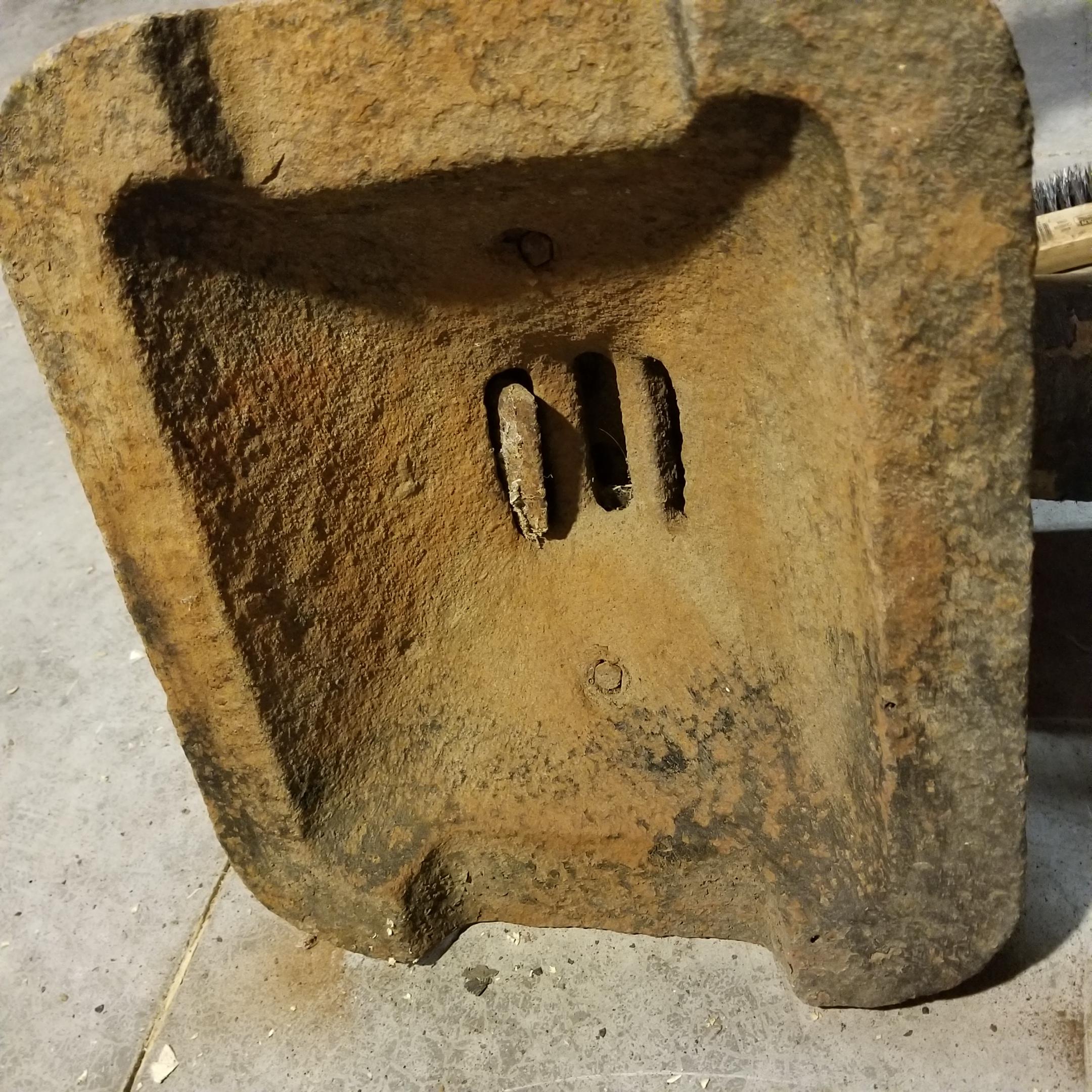
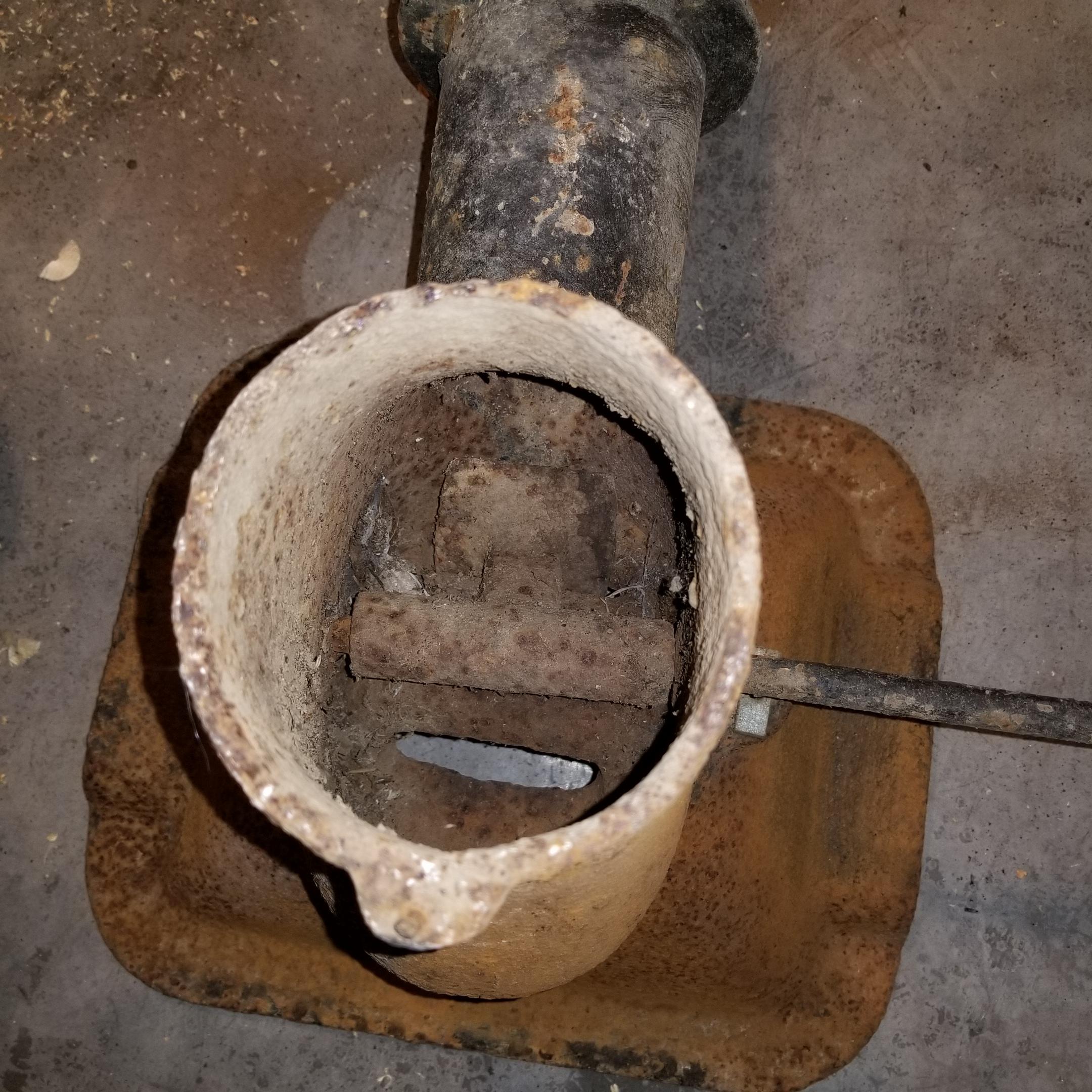
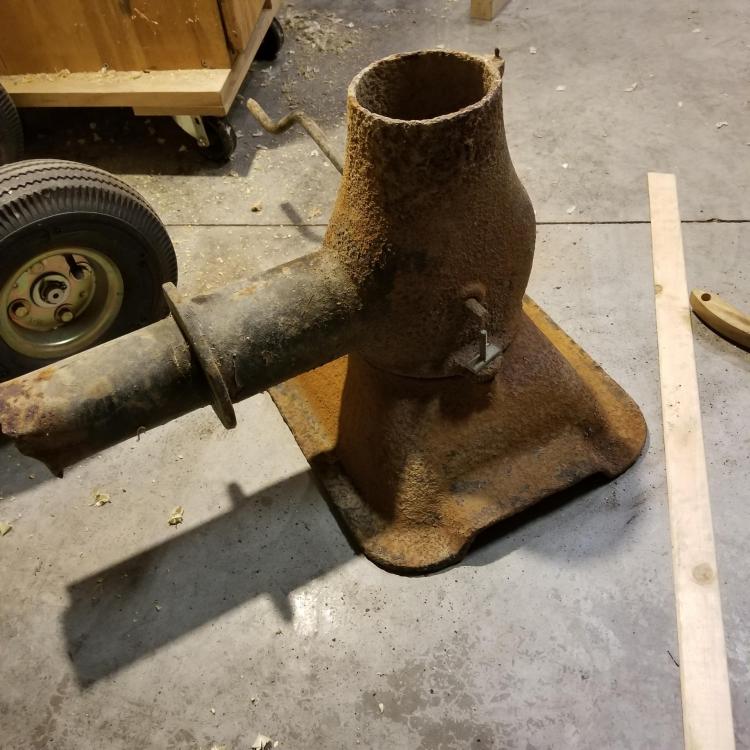
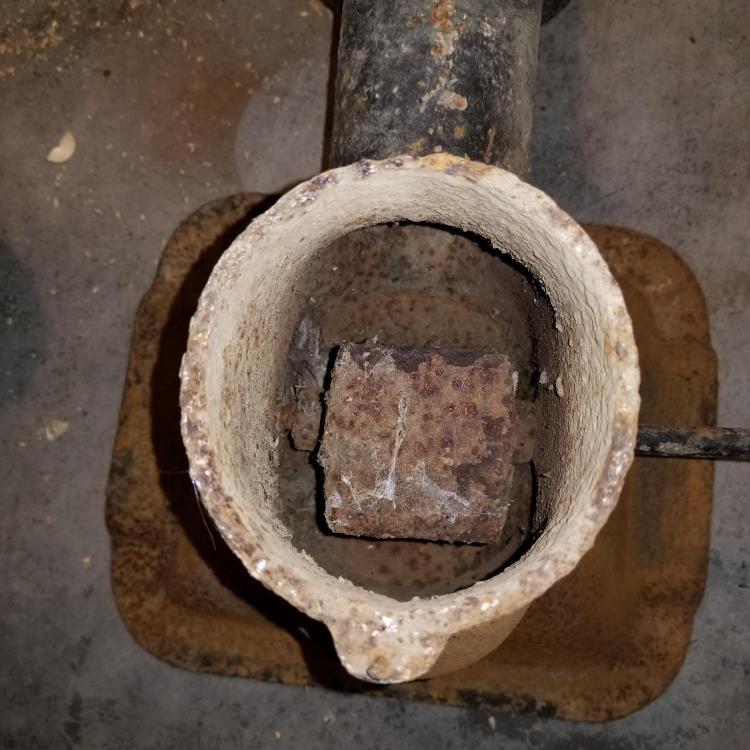
  4. Hello Everybody, I came across this old firepot and tuyere. I would like some help identifying it it's big 16x12, I have never seen a clinker breaker like this. If anyone has any information it would be greatly appreciated. There was an ash dump lid on the bottom. I'm going to clean it up this afternoon to see if I can make out any markings. Thanks
Account

Navigation

Search

Search

Configure browser push notifications

Chrome (Android)
  1. Tap the lock icon next to the address bar.
  2. Tap Permissions → Notifications.
  3. Adjust your preference.
Chrome (Desktop)
  1. Click the padlock icon in the address bar.
  2. Select Site settings.
  3. Find Notifications and adjust your preference.