KILLERkroopa
Members
-
Joined
-
Last visited
Everything posted by KILLERkroopa
-
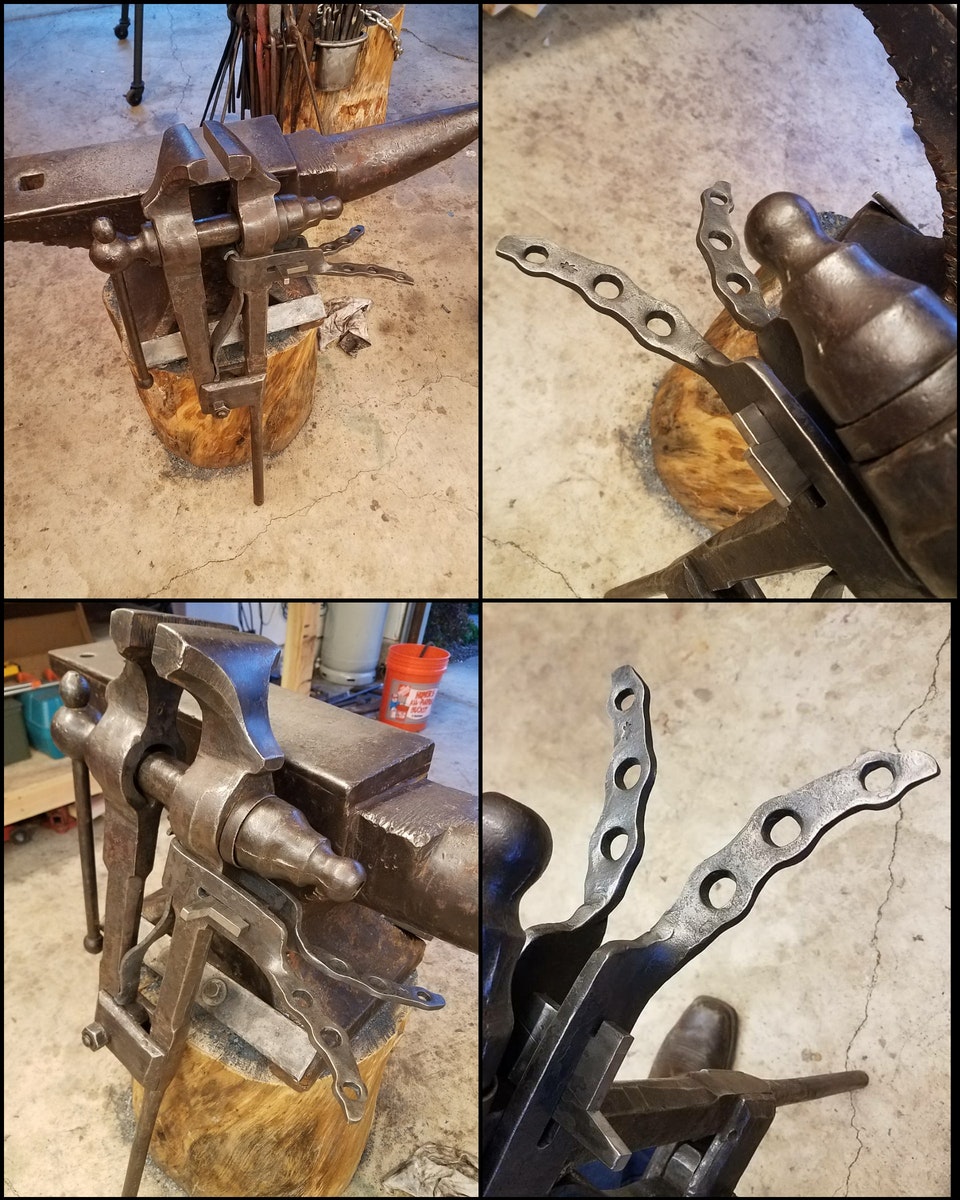
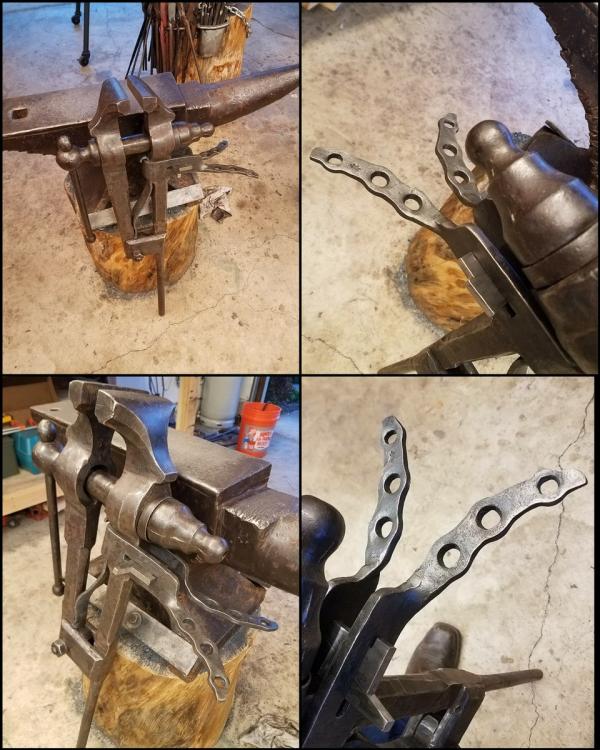
Unfortunately, I did not take a before picture, but it was rusted shut with no spring or mounting bracket. I'm pretty happy with the outcome.
-
It's actually got a funny history. I got it for free from one of my drivers at the trucking company I work for. His father-in-law was a farrier, so he hollowed it out to make it easier to haul around. It has a perfect face, but it's unbearably loud. To make a long story short, old man bill was shoeing at a stable one day only to find out they were filming a xxxx called "xxxxxxxxxxxxxxxxxxxxxxxxxx" he ended up working the whole time they were filming. You can actually hear the anvil in the background during parts. They would always xxxxxxxxxxxxxxxxxx saying he was in a xxxxxx. It was really funny to hear the story from his son in law.
-
Thank you! I'm beyond excited about it. Especially since the old man I got it from isn't a greedy guy. He just wanted it in good hands being used.
-
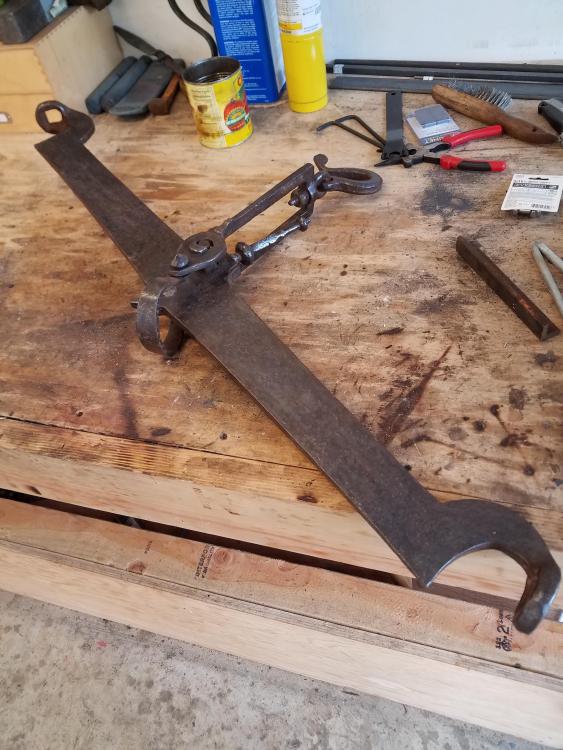
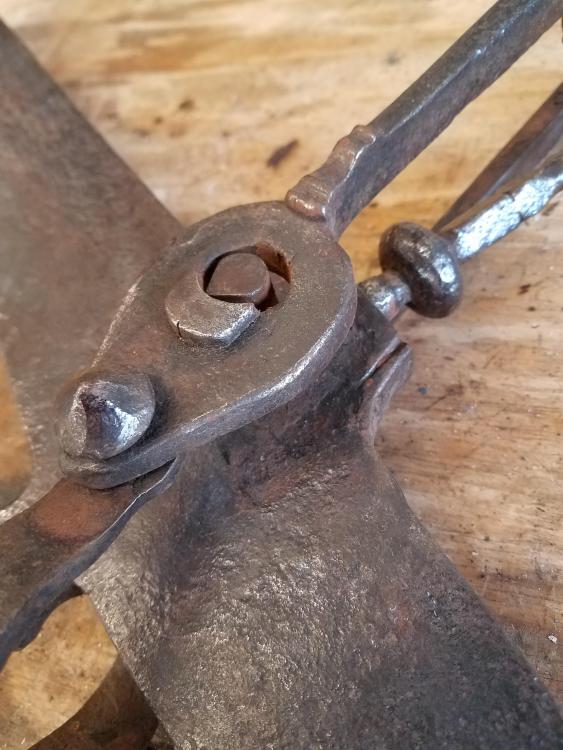
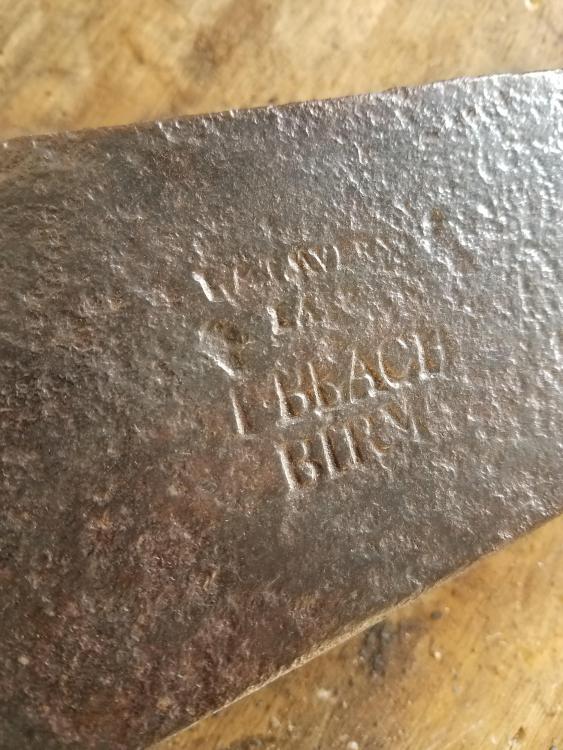
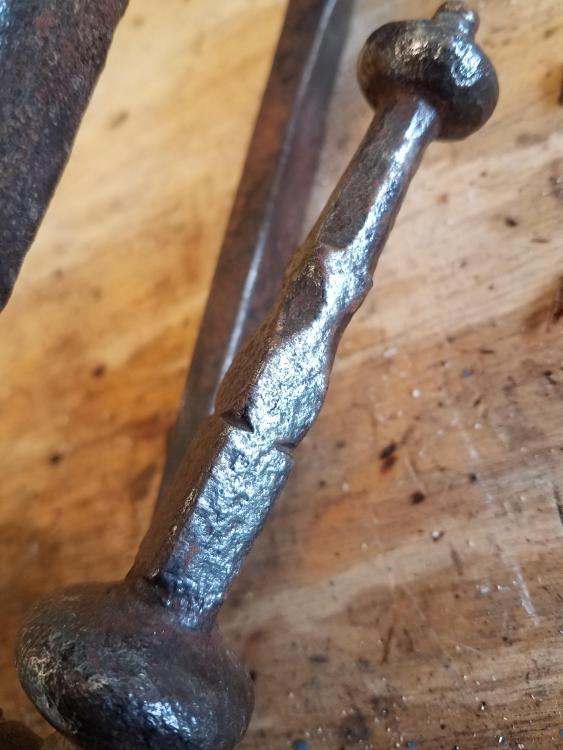
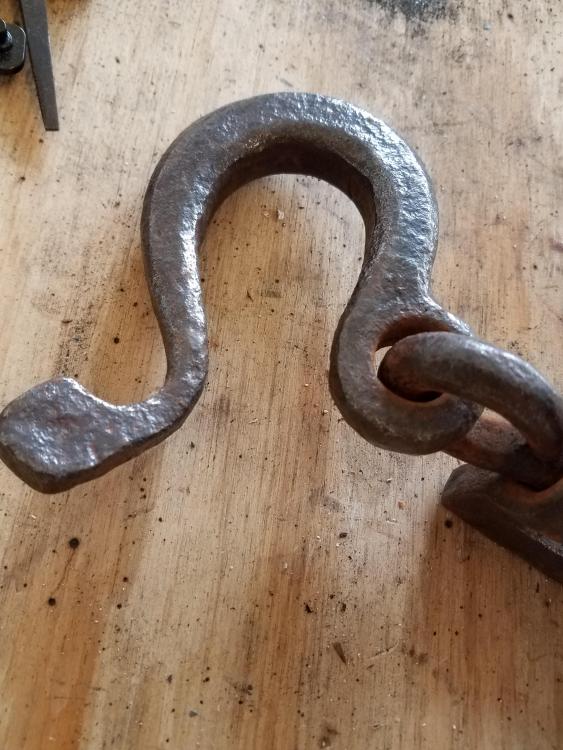
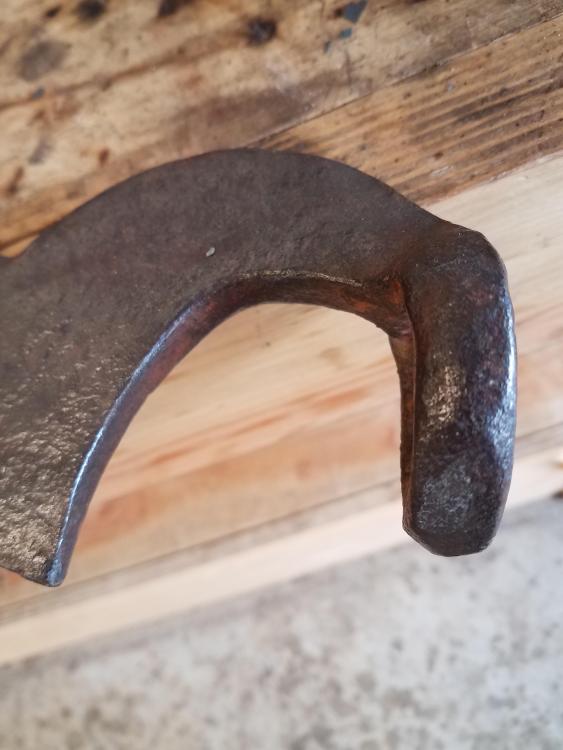
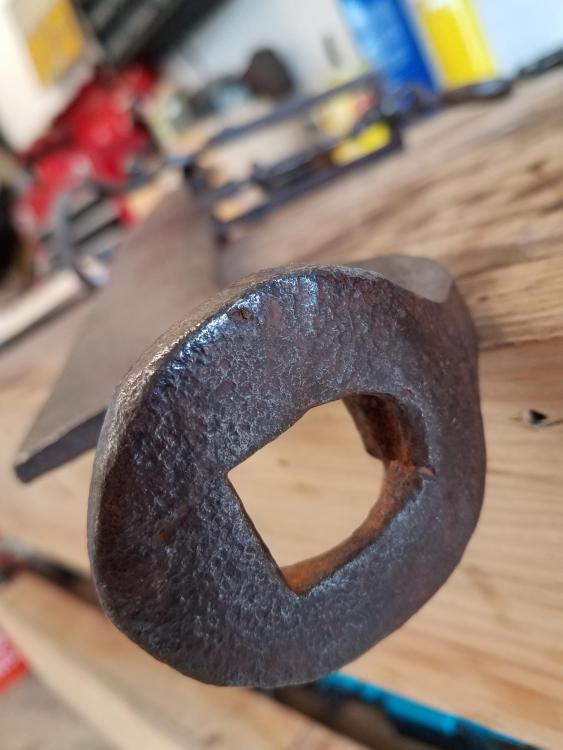
This is one of my favorite things I own. I still have the original platforms with hand forged chains as well.
-
I think it gives it a bit more character. I kinda like it!
-
I'll take some better ones when i get home.
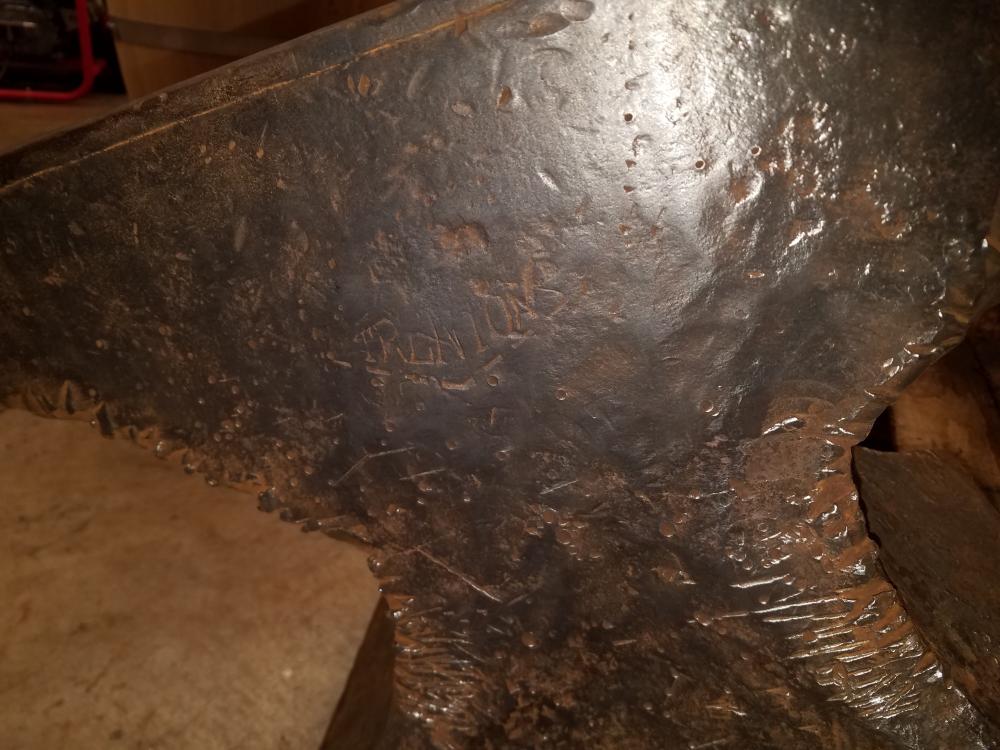
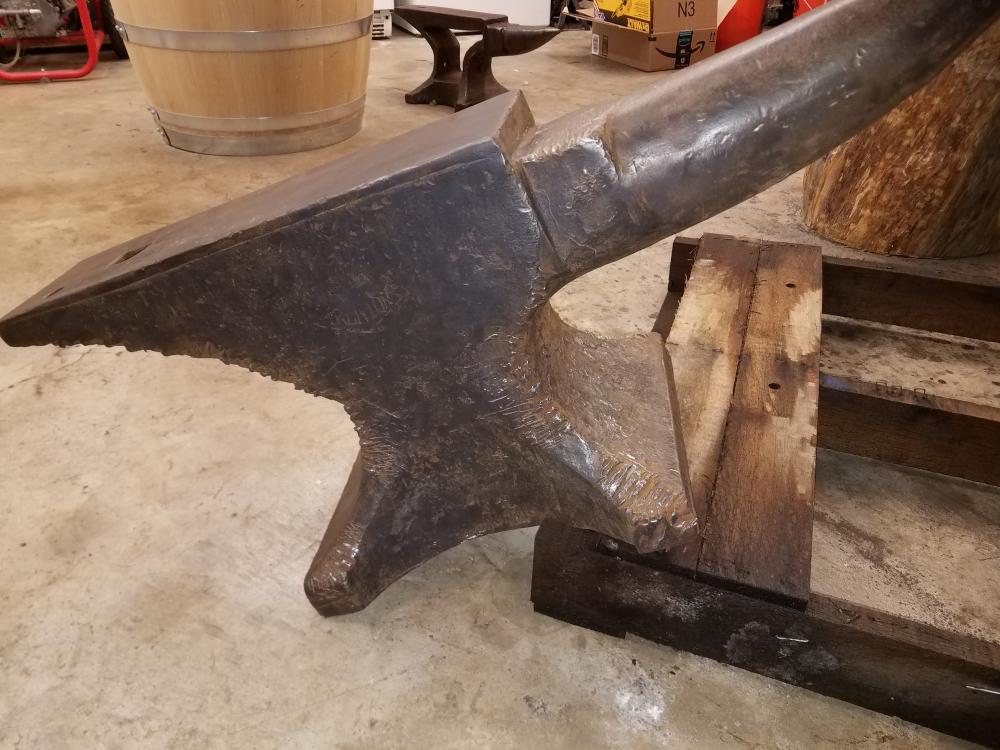
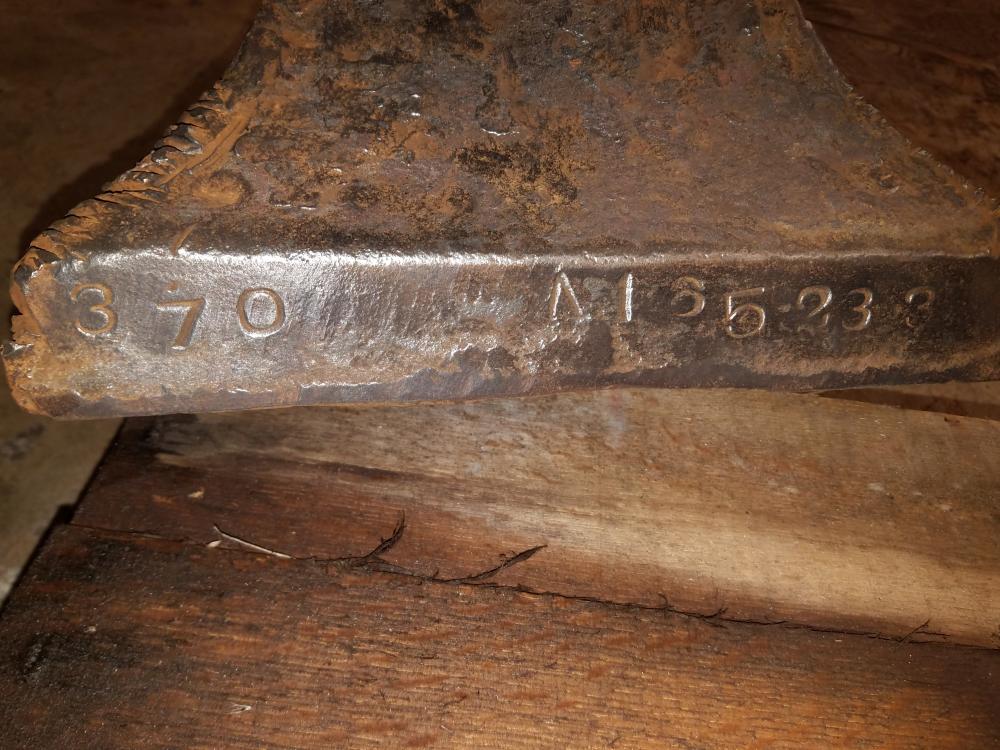
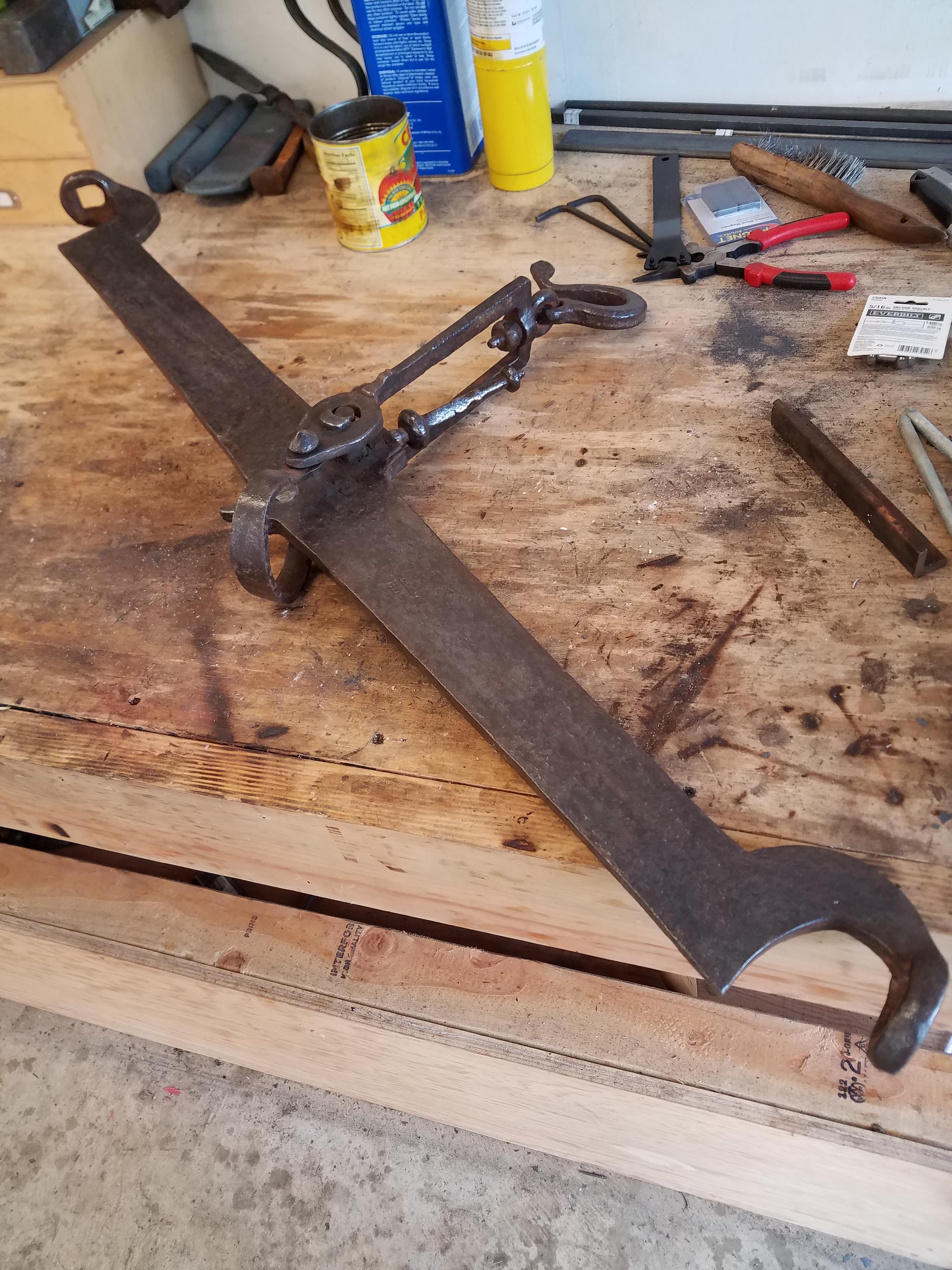
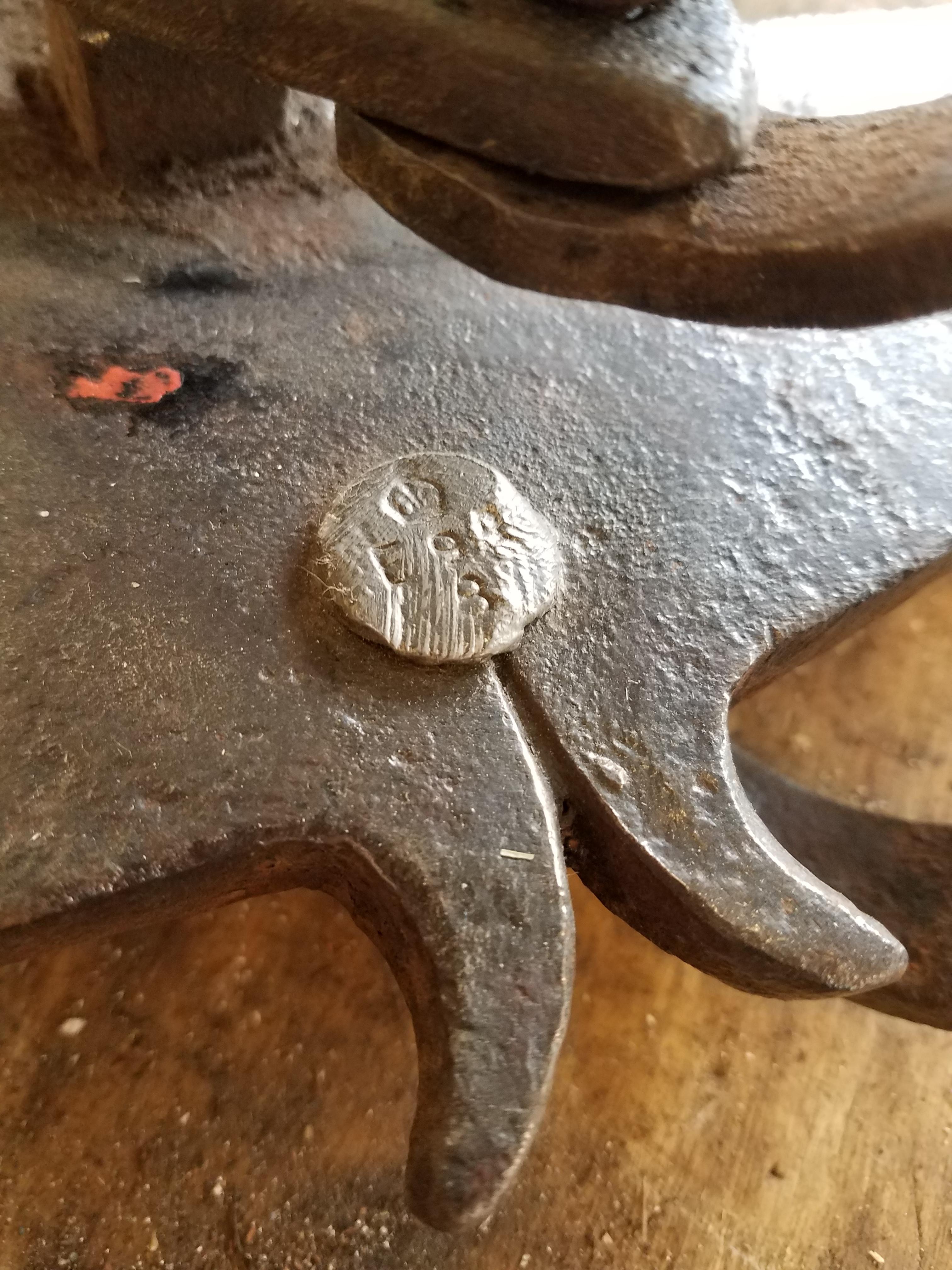
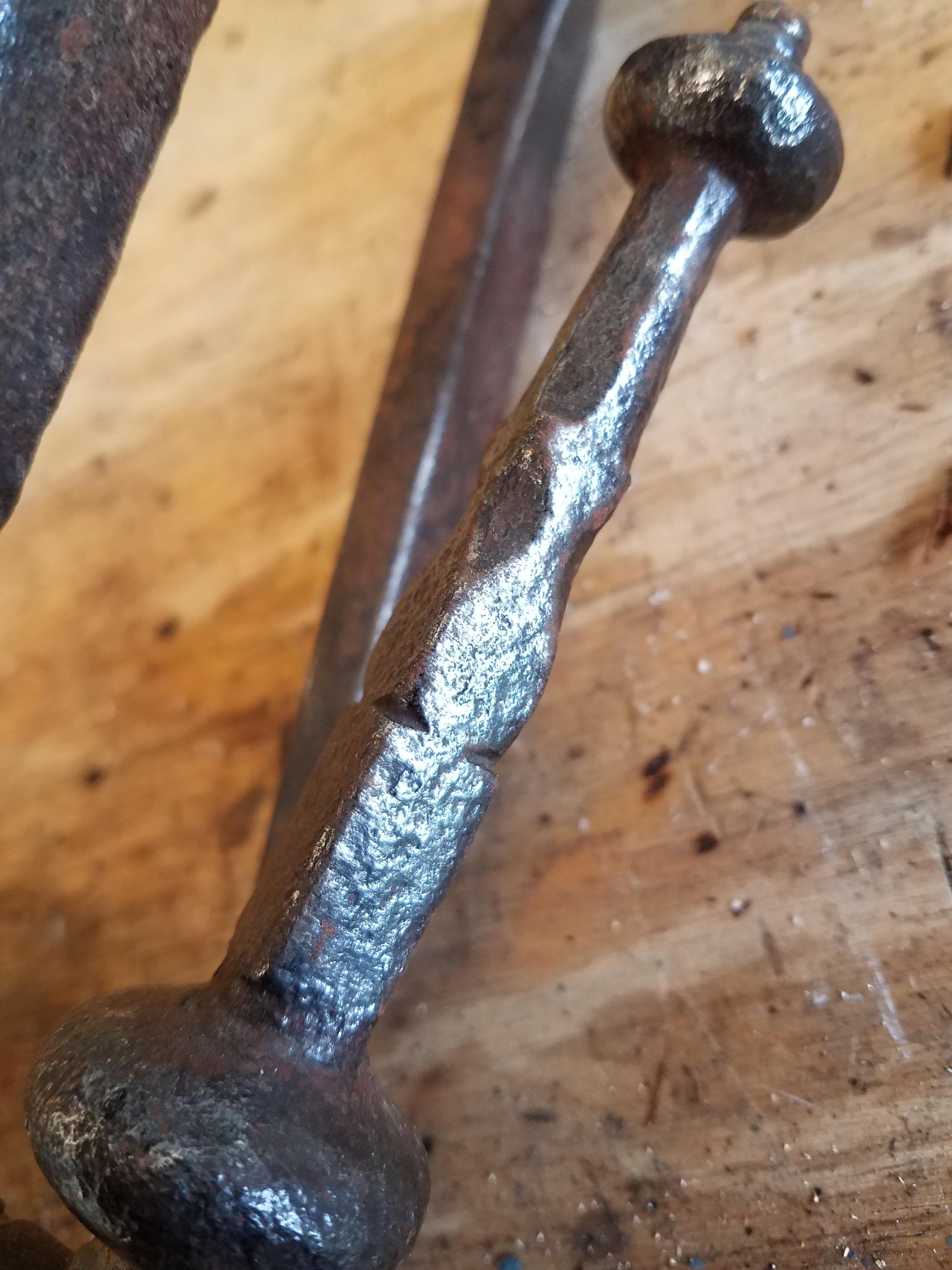
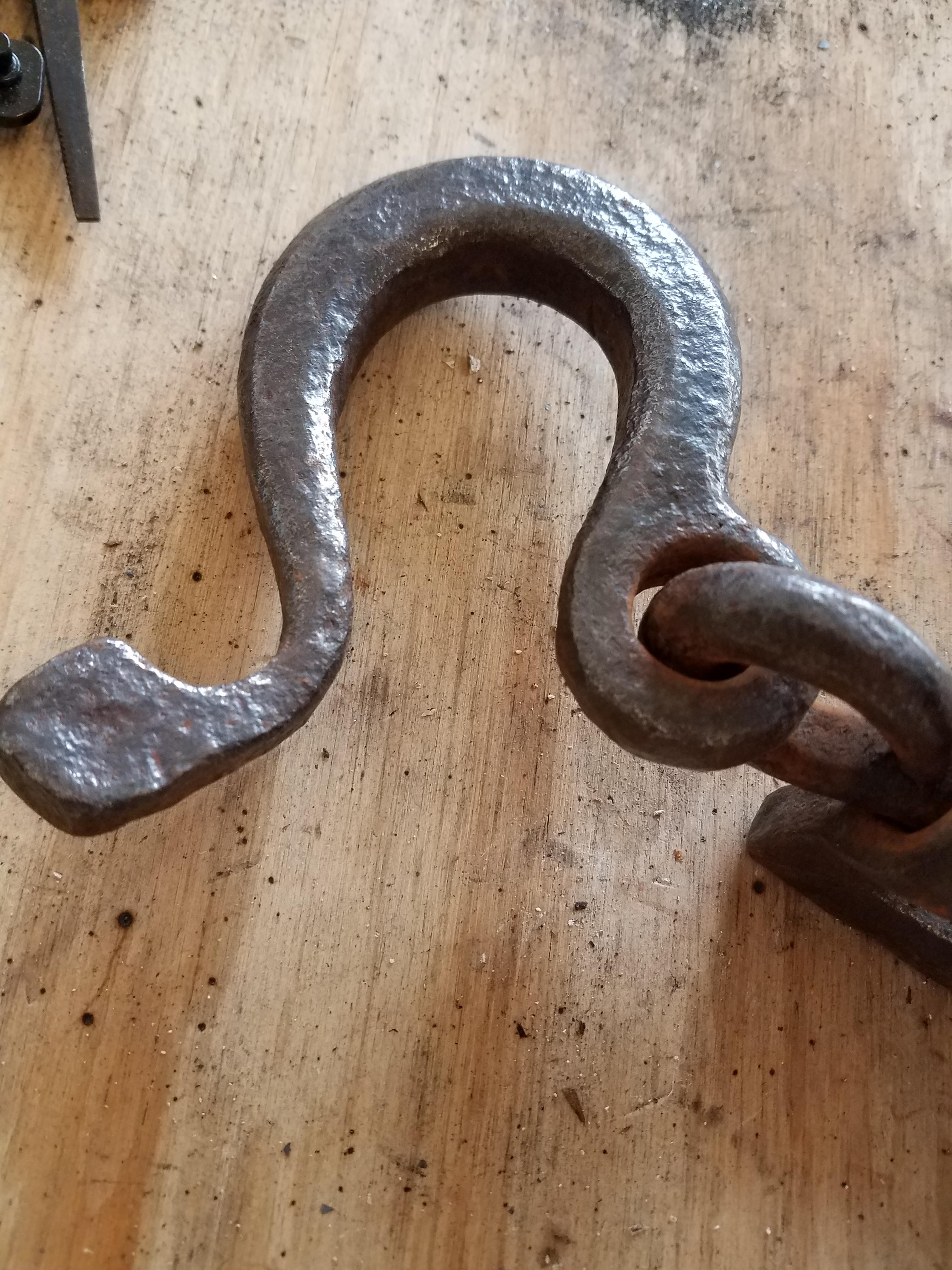
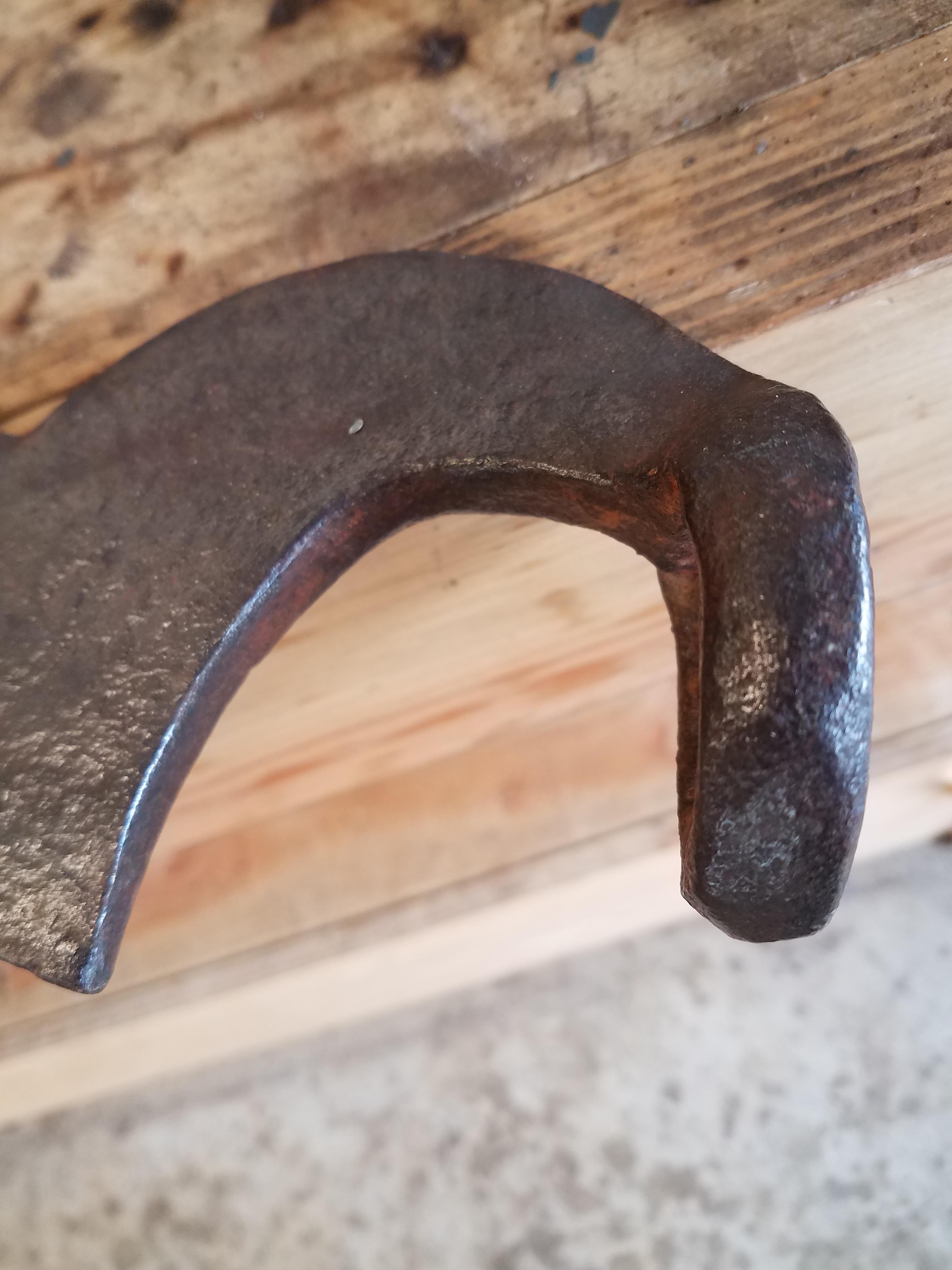
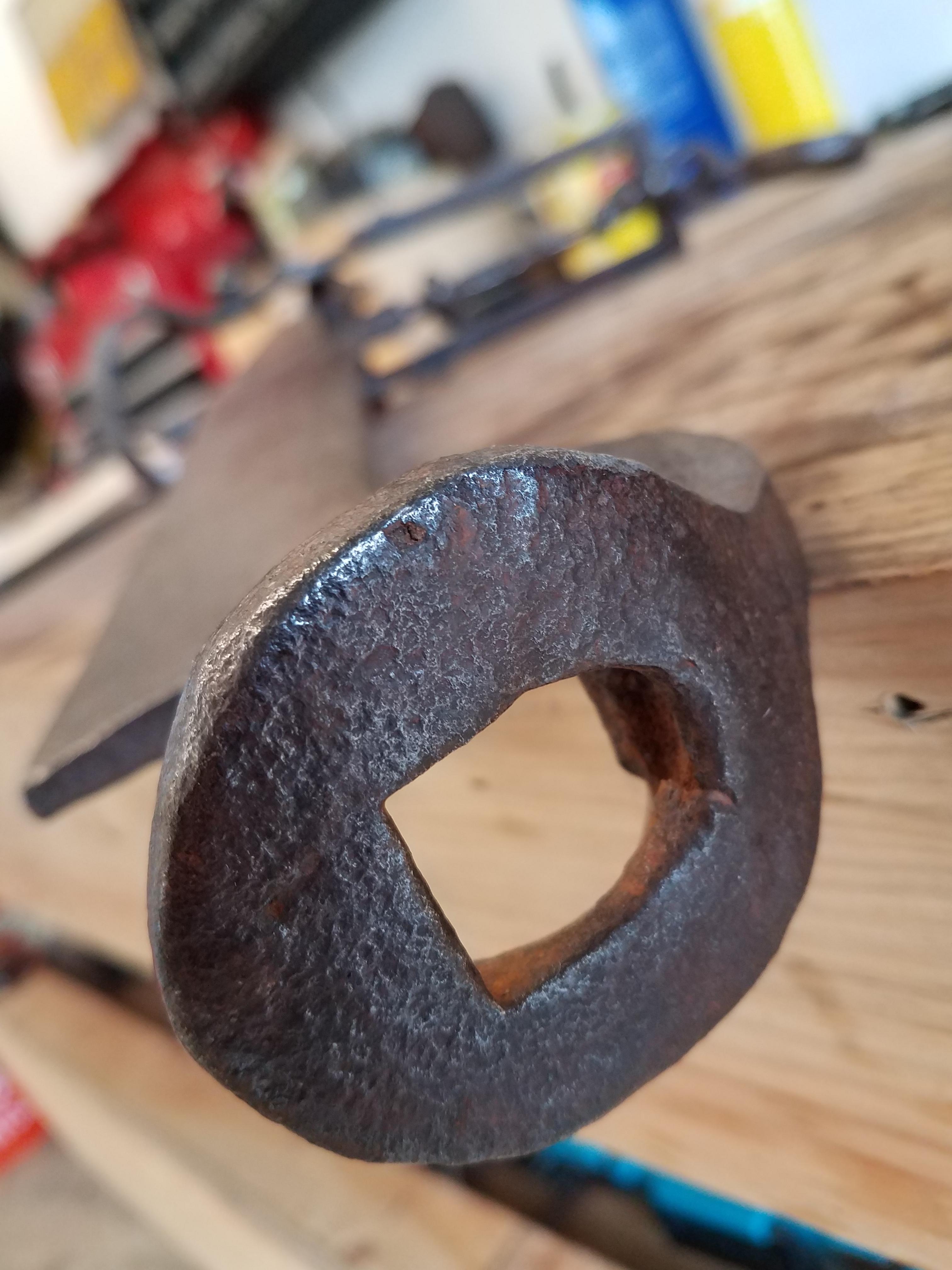
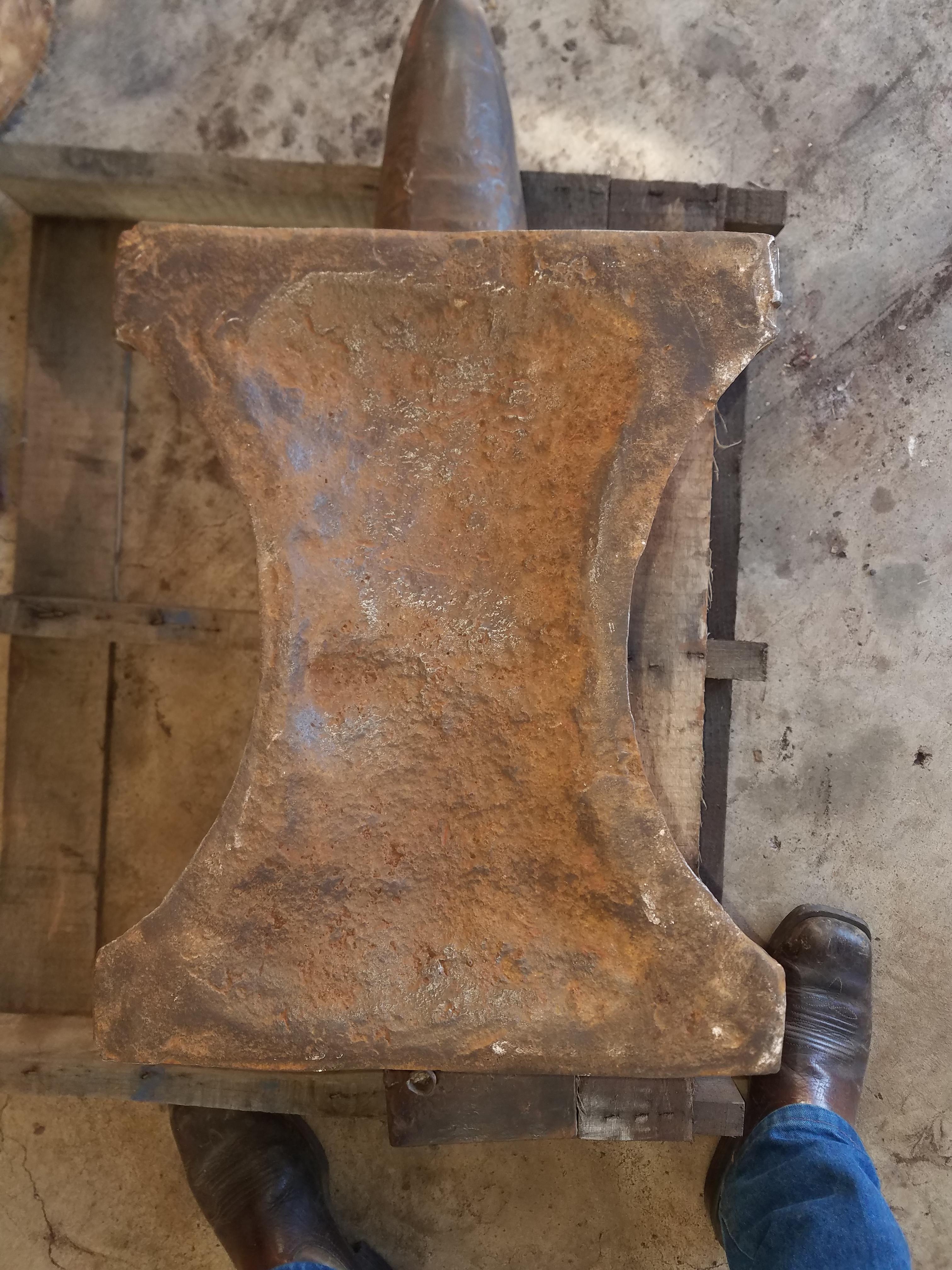
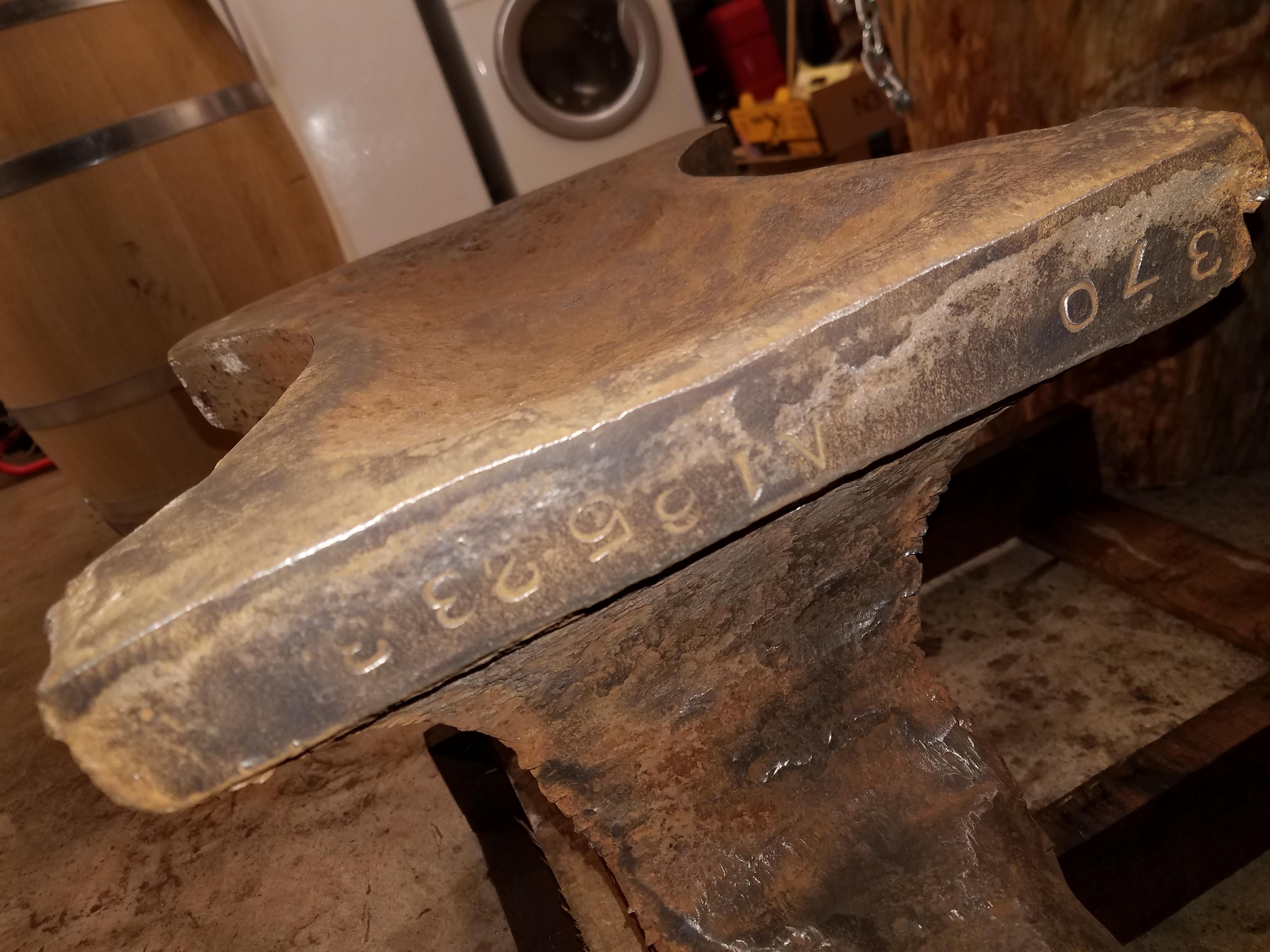
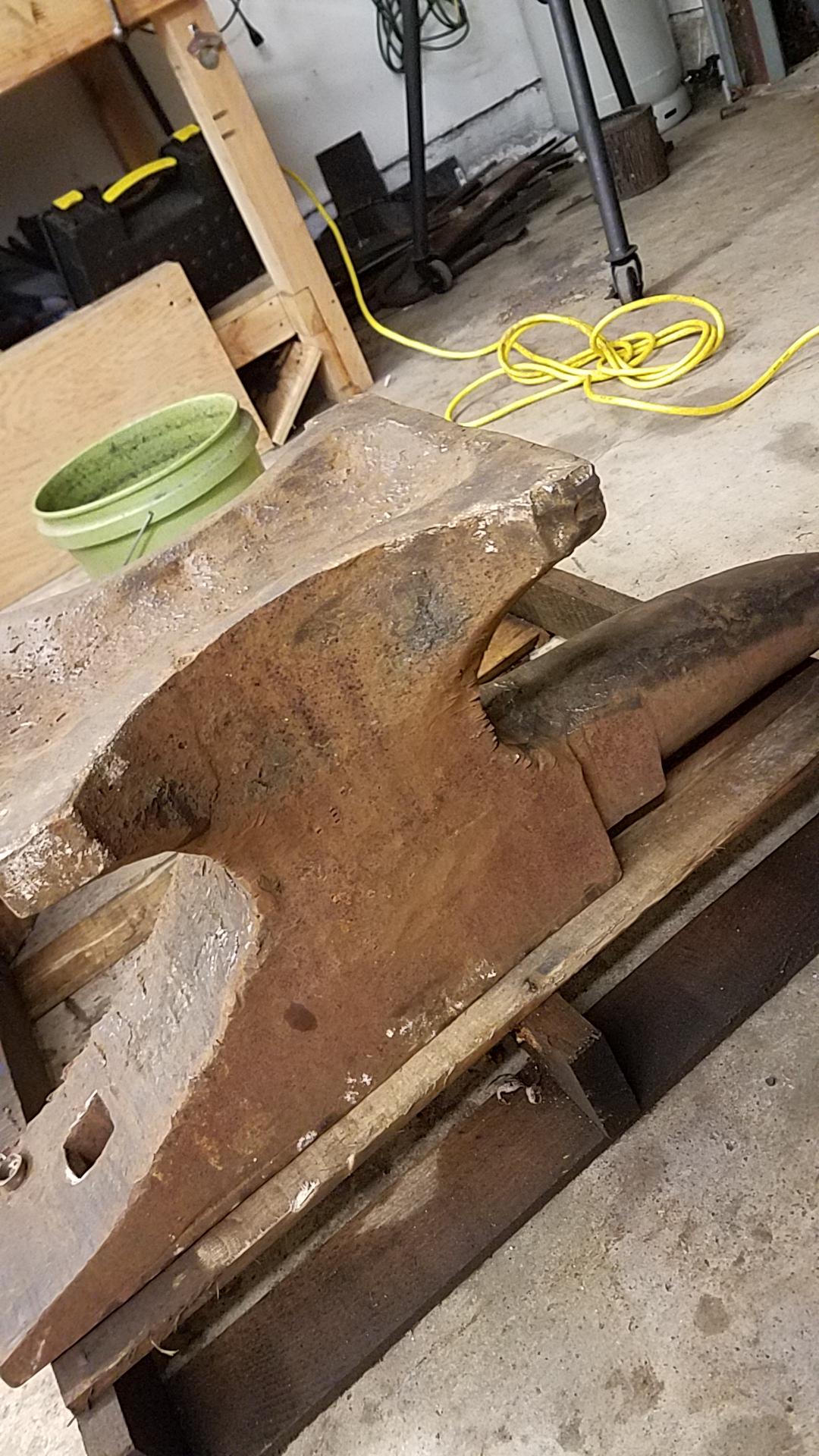
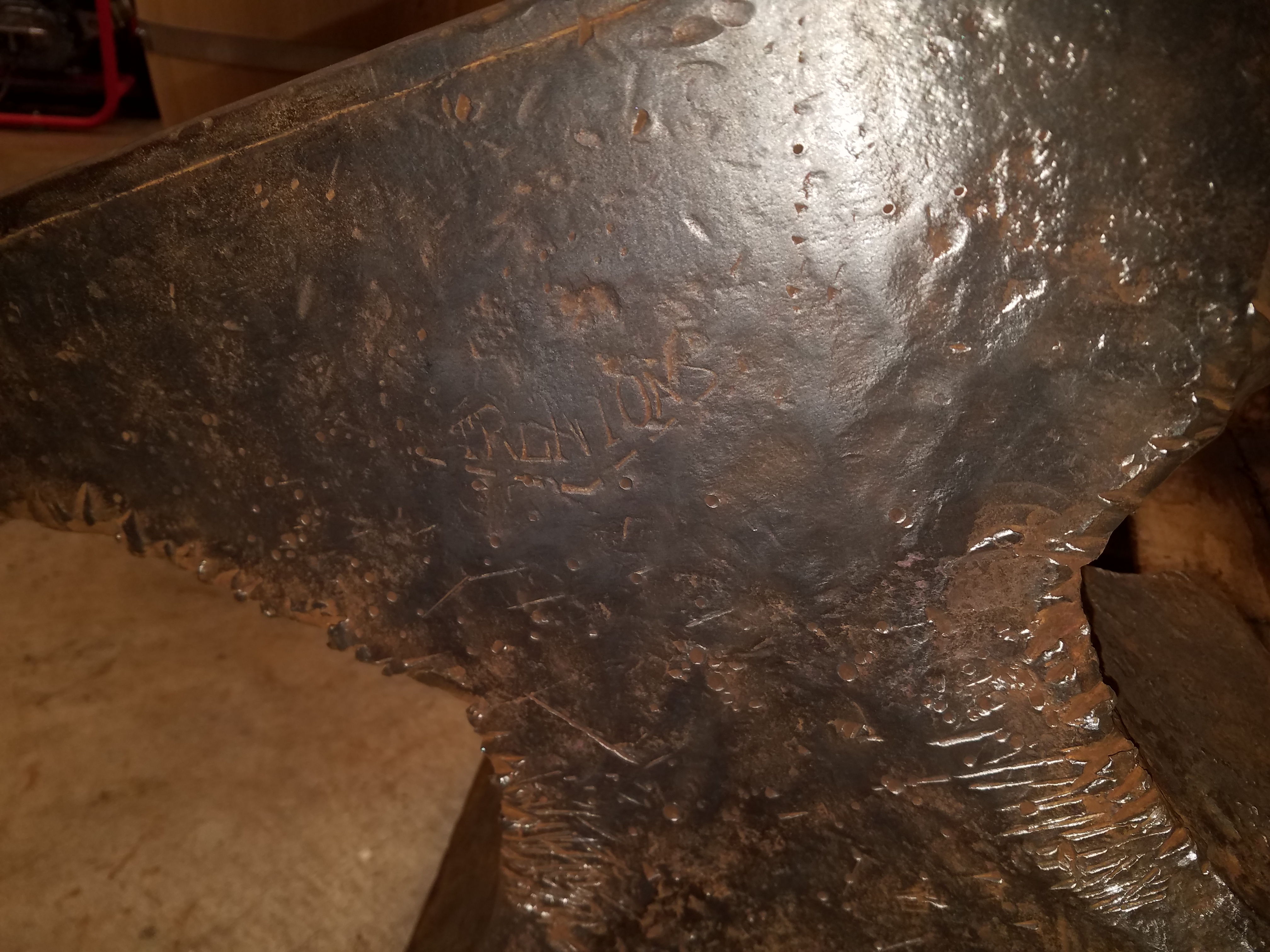
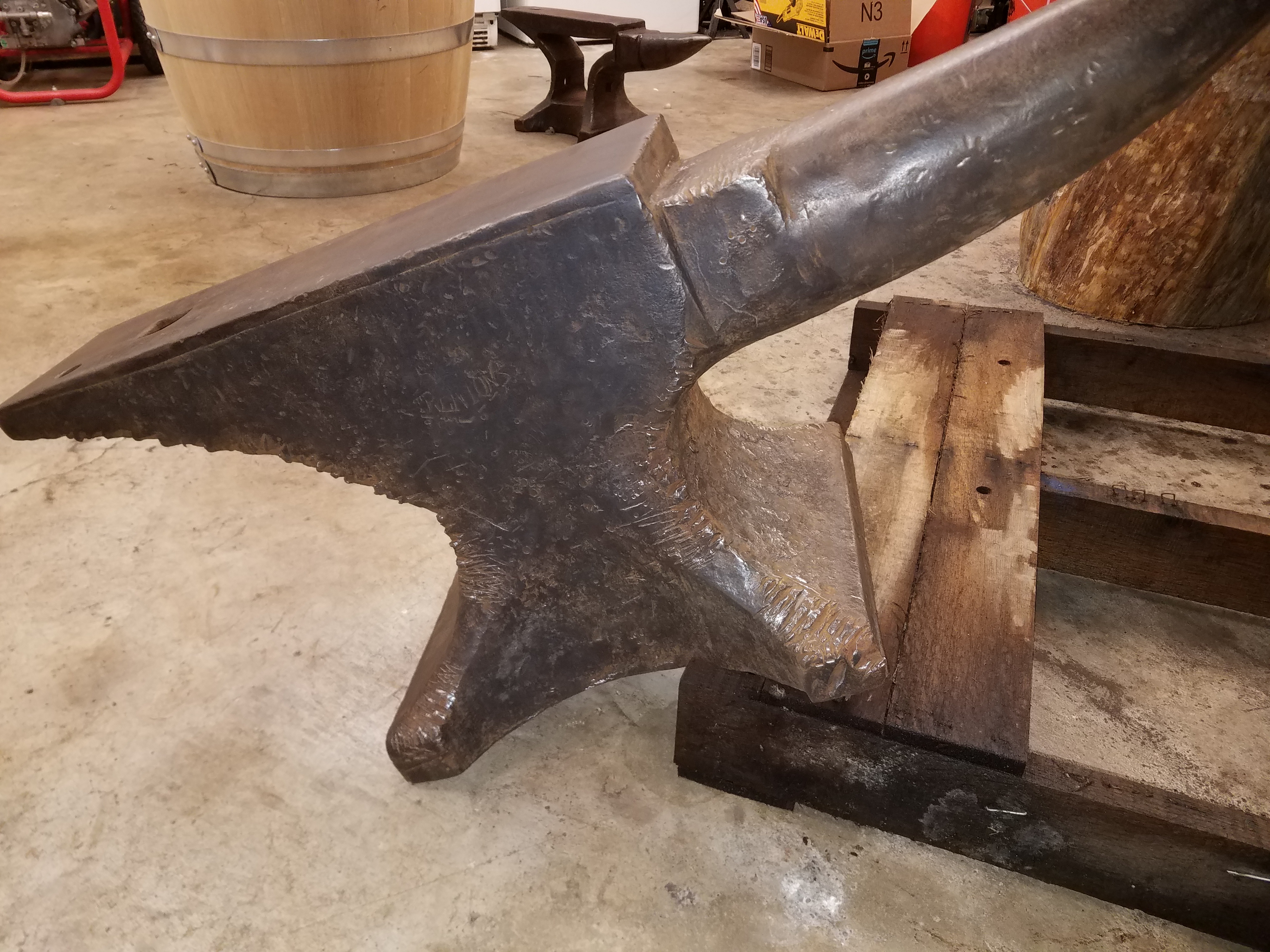
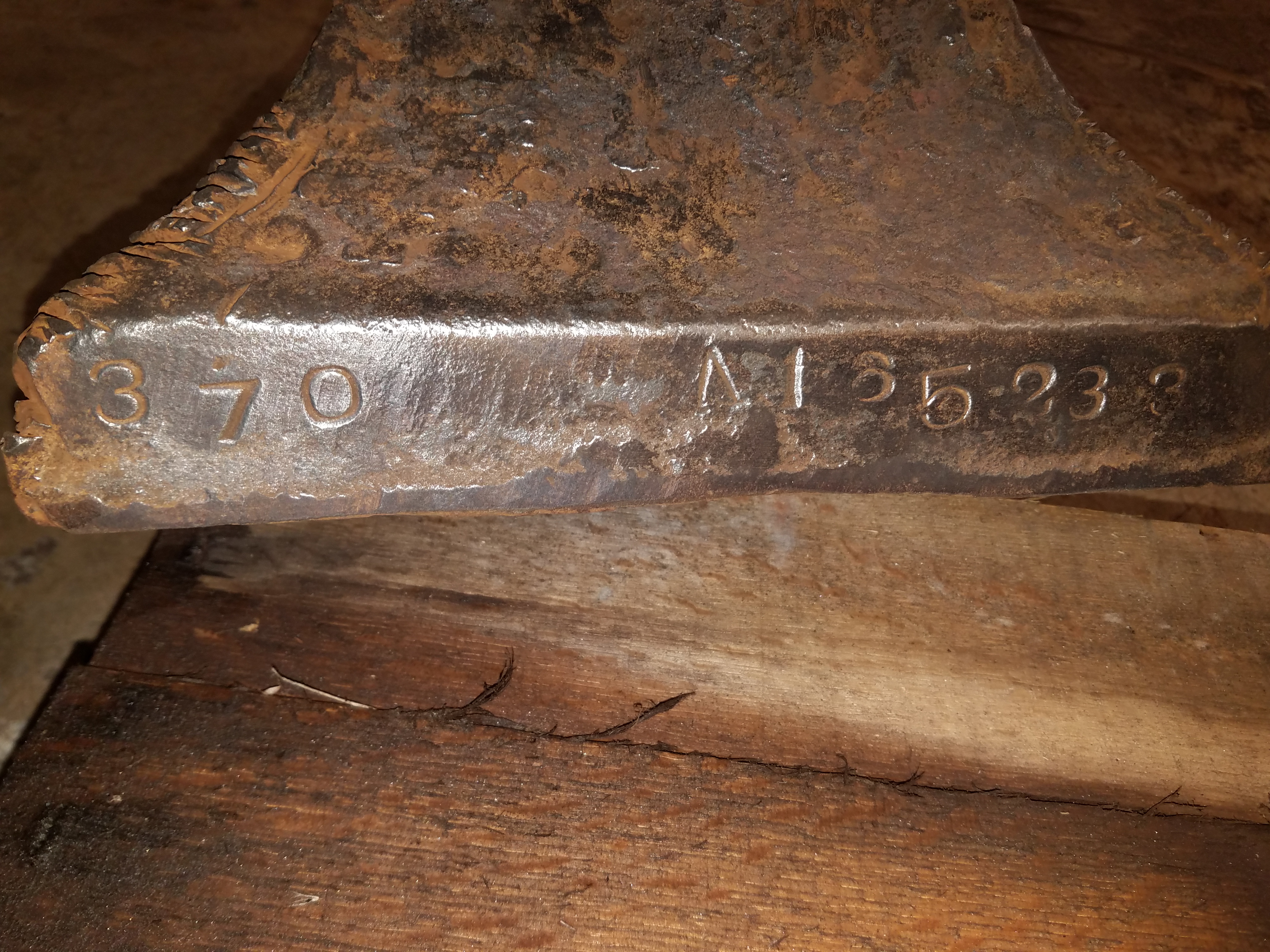
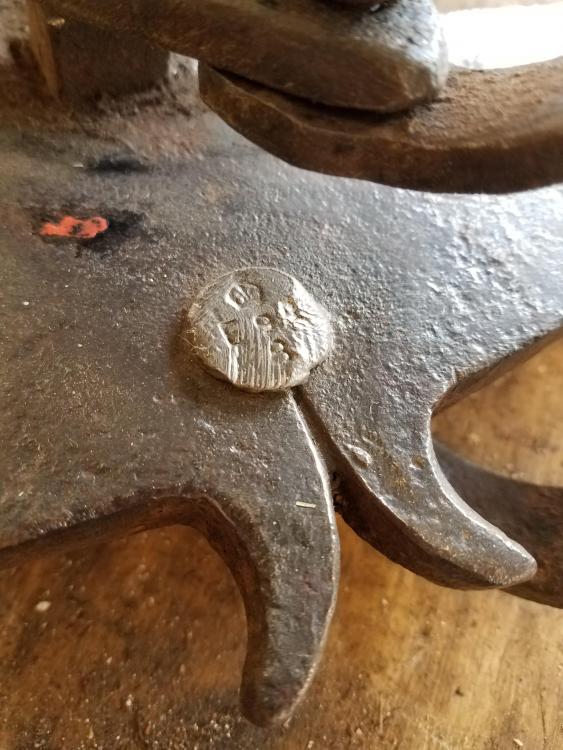
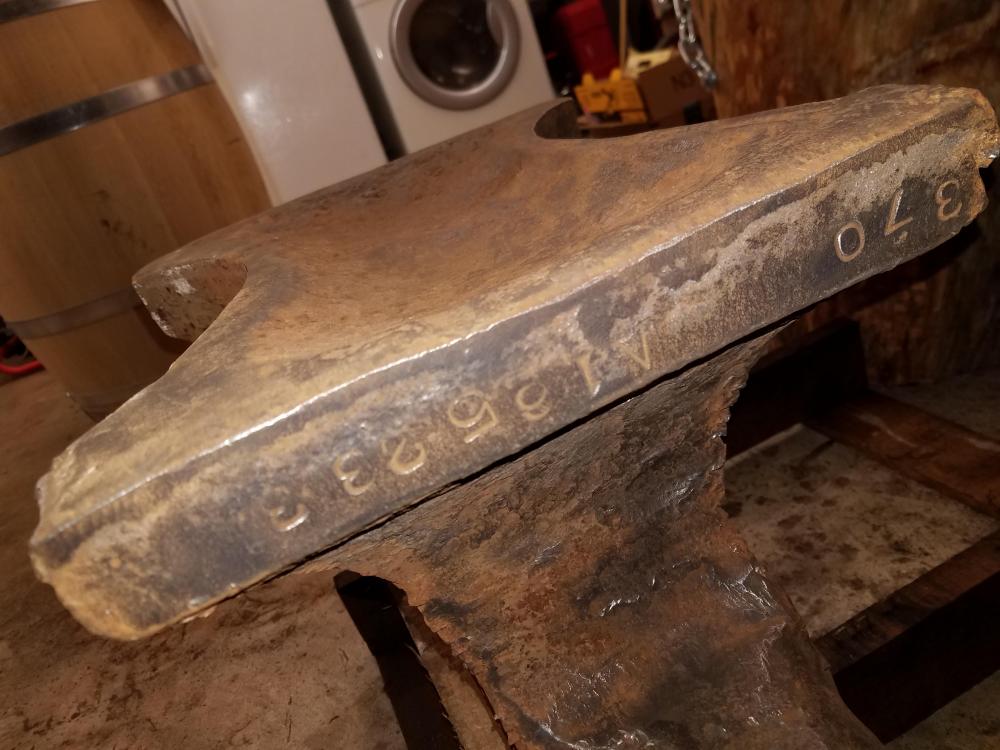 First time posting. Just picked this bad boy up. I'm really excited. I'm really interested to know the date. "370 A185233"