mtjt
Members
-
Joined
-
Last visited
-
Interesting information regarding the serial numbers. Looking forward to seeing photos of your anvil! I don't have a photo of the bottom of mine but if I remember correctly it had a fairly smooth bottom without a significant depression. The face caught my eye as well through pictures when I purchased the anvil. In person you can see that the bound is sound and the difference in color is just how the metal shows after being cleaned and oiled.
-
-
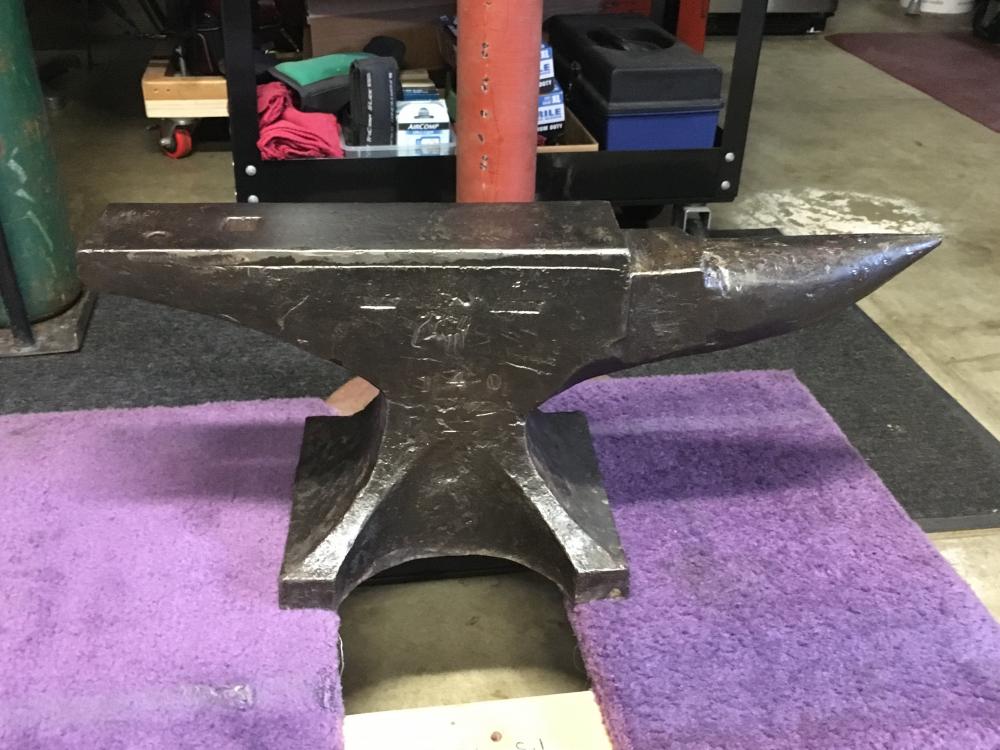
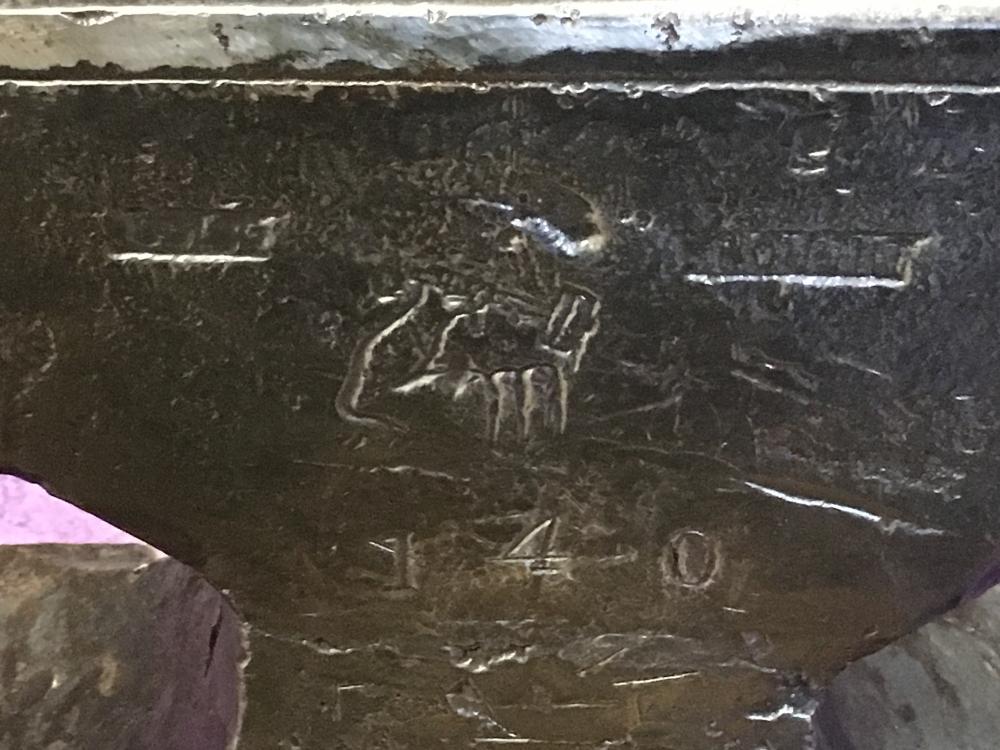
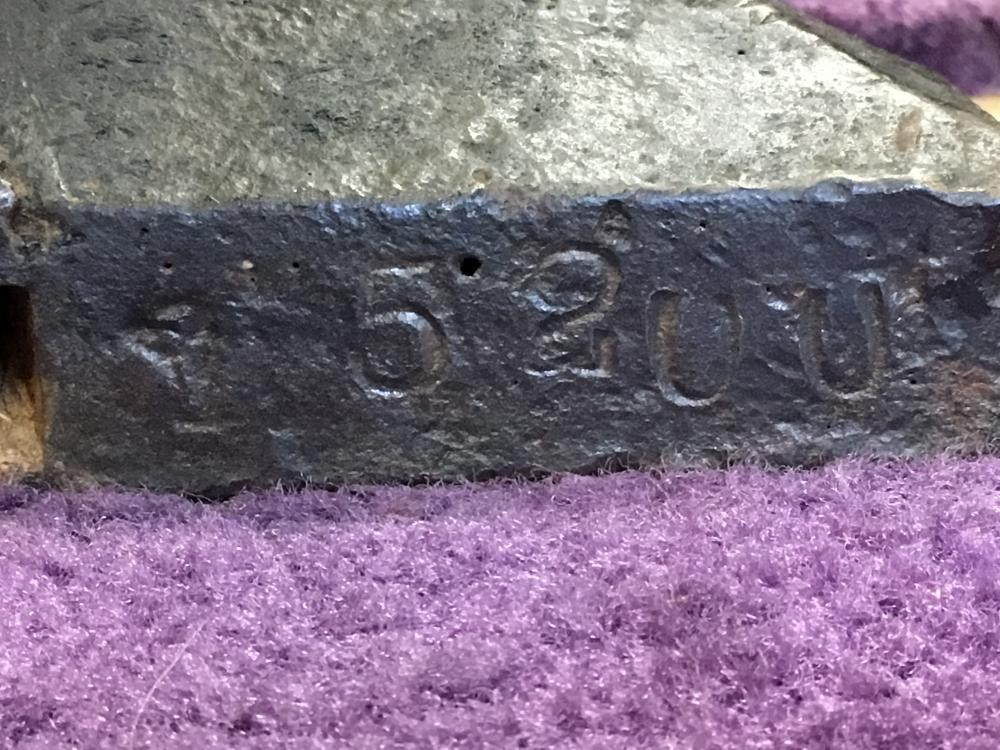
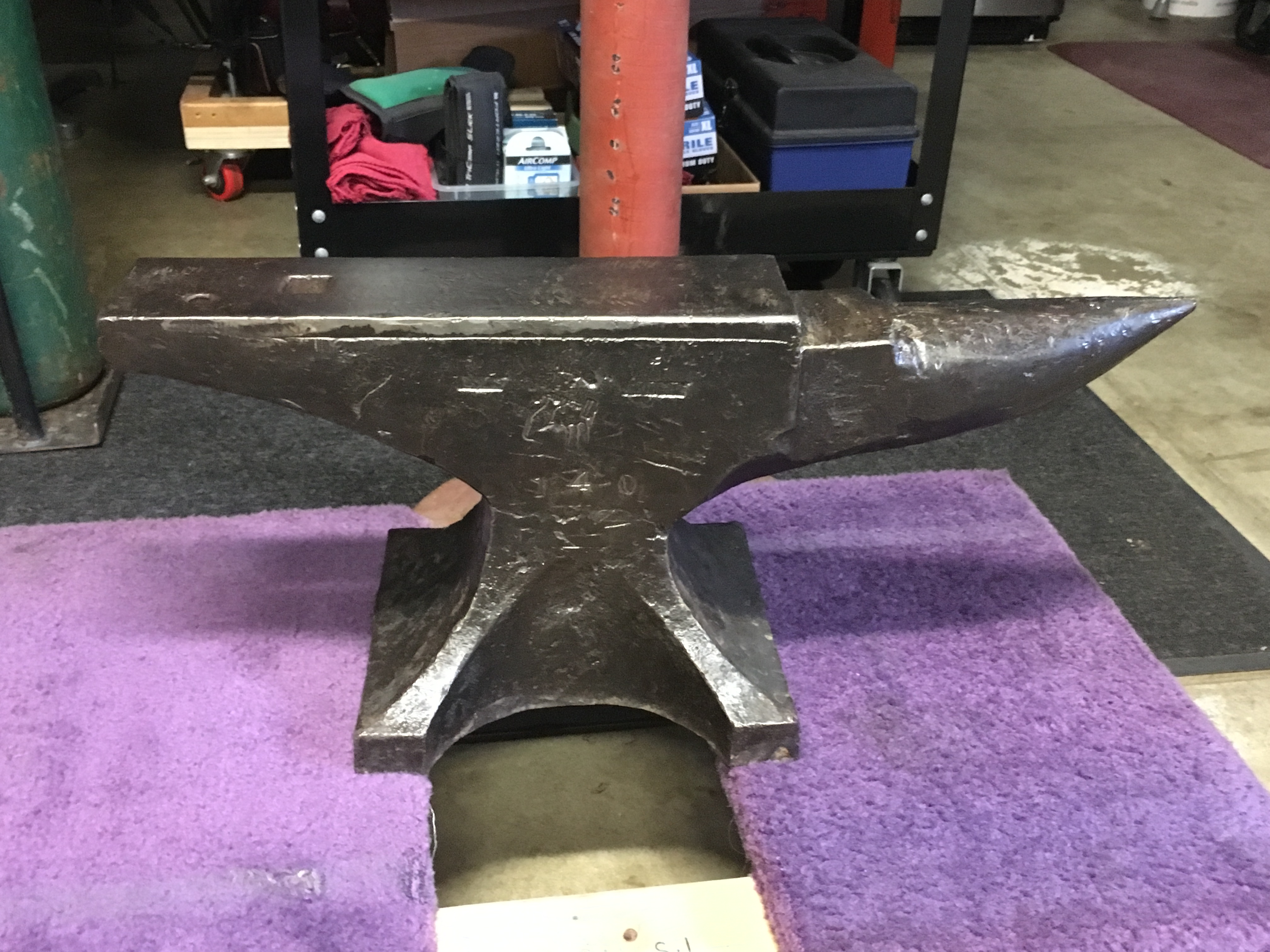
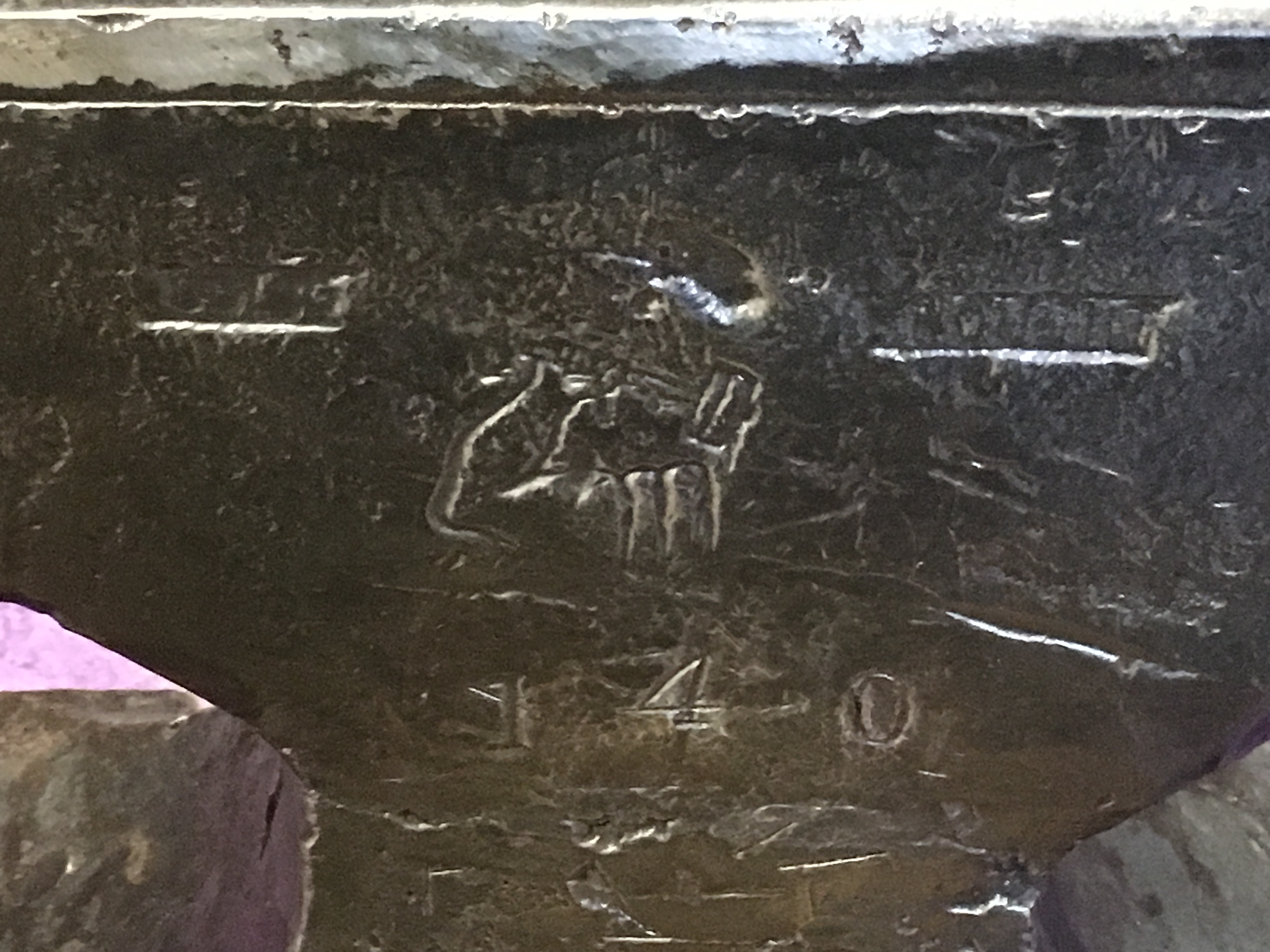
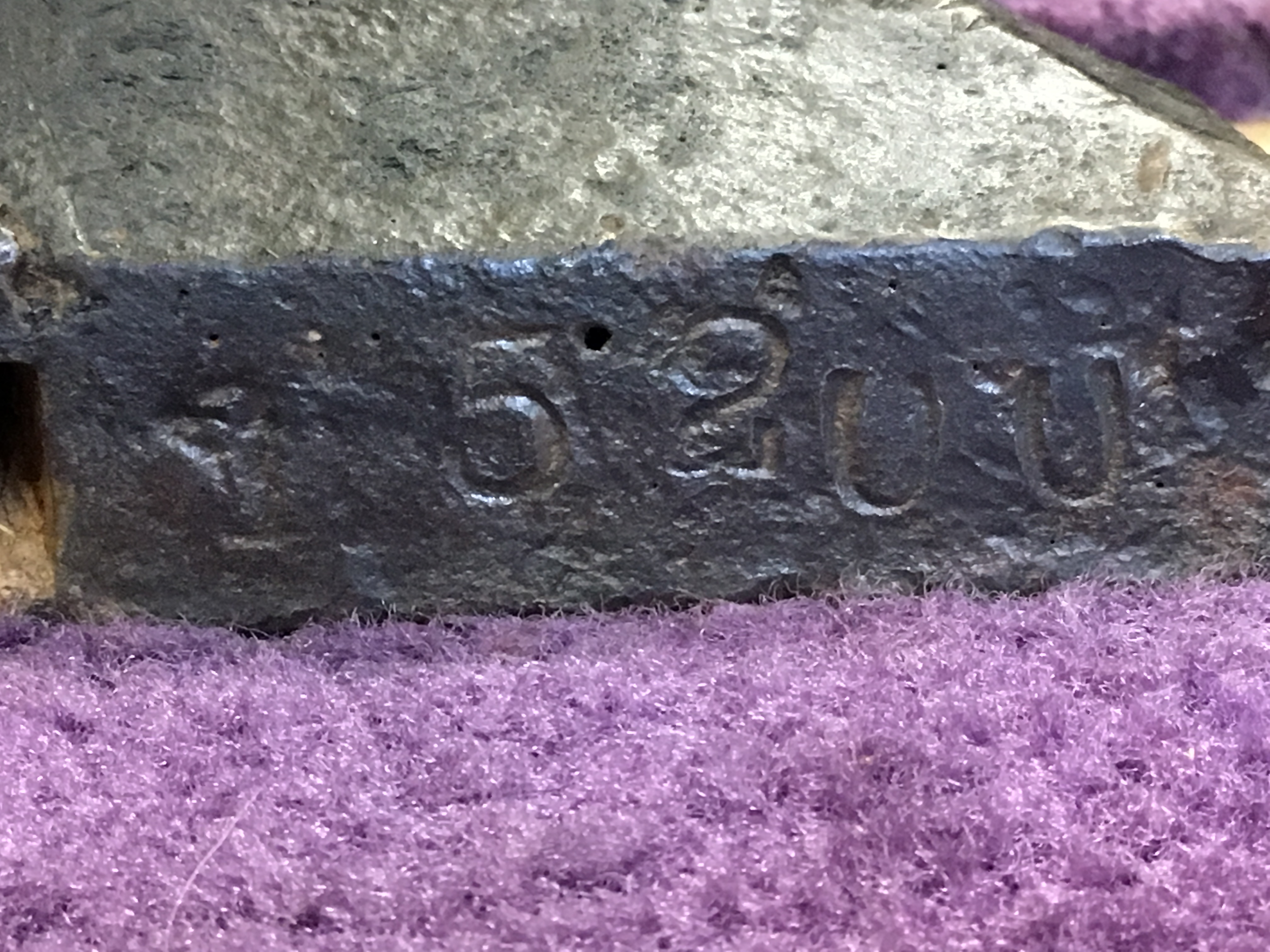
Hi Everyone! Yesterday I picked up this 140# Arm & Hammer anvil and I was wondering if someone can help me determine the age. The serial number appears to be 15200. Searching online I haven't found an example of an Arm and Hammer anvil with the same logo as mine. After looking for a while I was stoked to locate this anvil because there aren't a lot for sale in my area (Northern CA). I was also really happy to stumble across this awesome forum. What a great resource you have all built here. Thank you! Mickey