
toddmc451
Members
-
Joined
-
Last visited
Everything posted by toddmc451
-
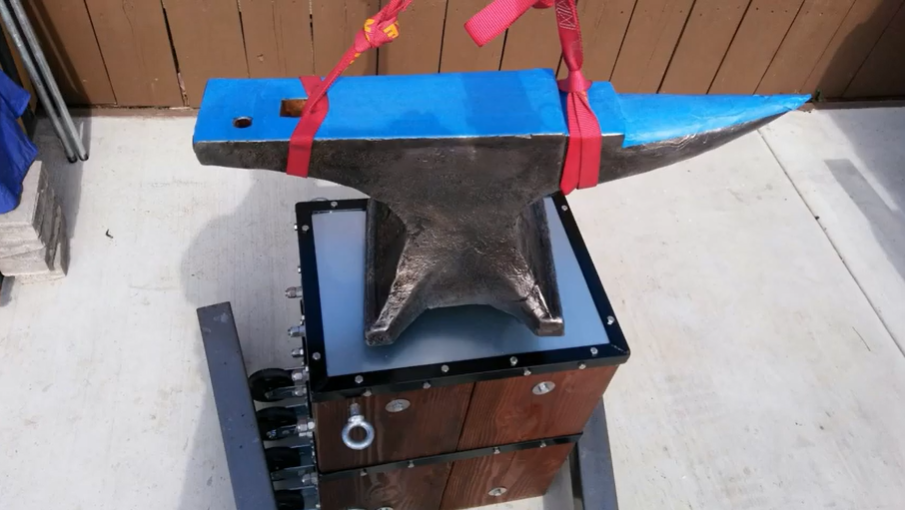
I posted a "slide-show" of the build process for my anvil stand on youtube. It's a "MOBILE" anvil stand that you can move around with the anvil like a "Dolly". Here's a link to the slide show (if not permitted, let me know, and I'll post a couple pictures instead): https://www.youtube.com/watch?v=0xA9EnkzKkM
-
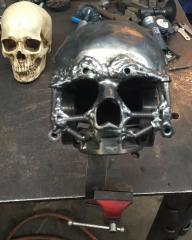 This is VERY COOL! :-)
 -
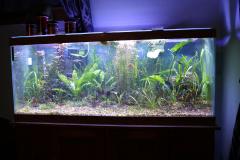 Do the fish mind when you use the tank for quenching? ;-)
 -
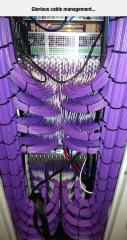 A beautiful installation! As a network engineer I can fully appreciate excellent cable management. Unfortunately though, I think that this work of art is wasted in this forum. Now, if you post a picture of some blade that you forged from a chunk of twisted steel cable, I'm sure that everyone here would give it high praise! ;-)