Tom of All Trades
Members
-
Joined
-
Last visited
Everything posted by Tom of All Trades
-
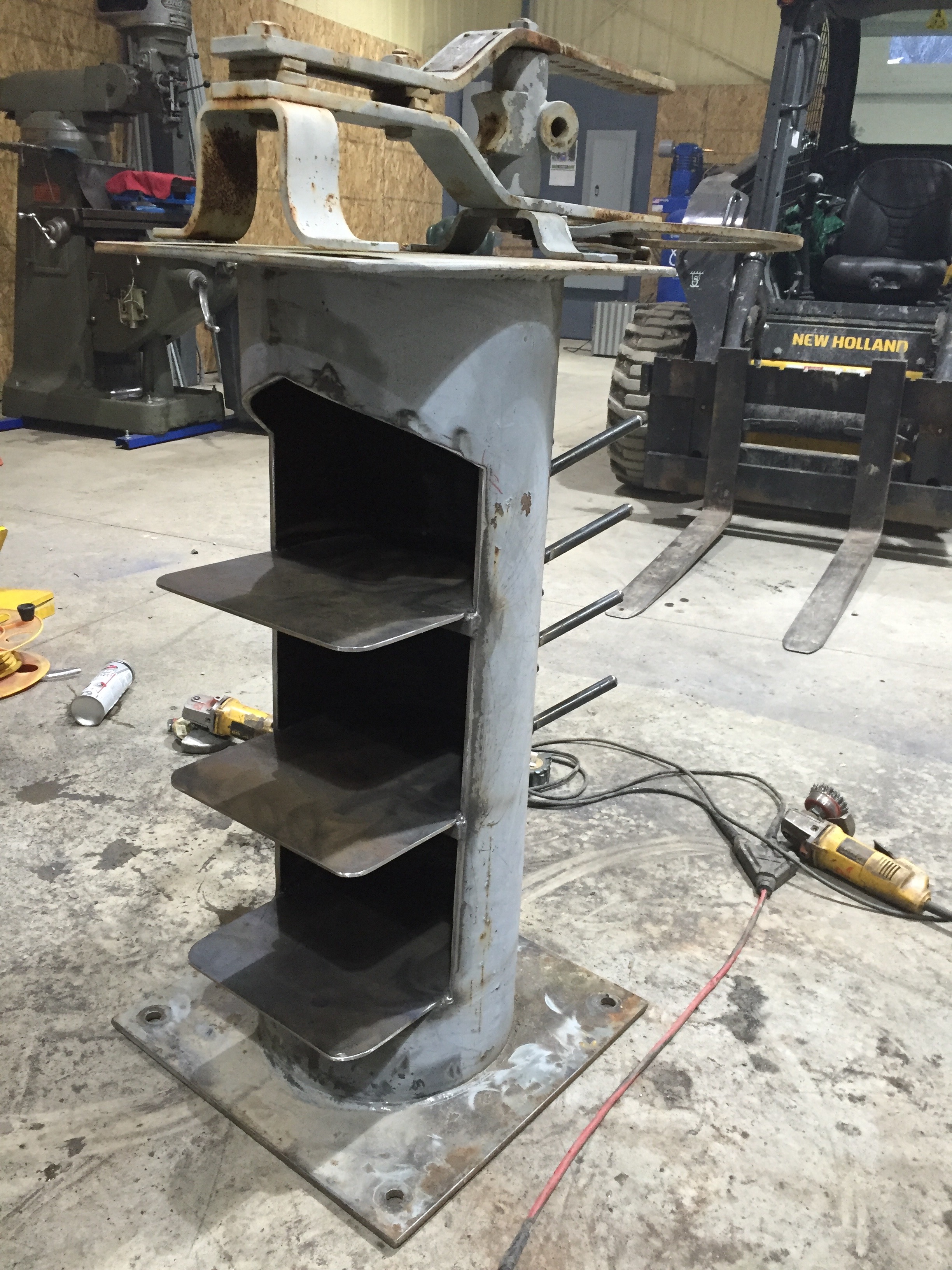
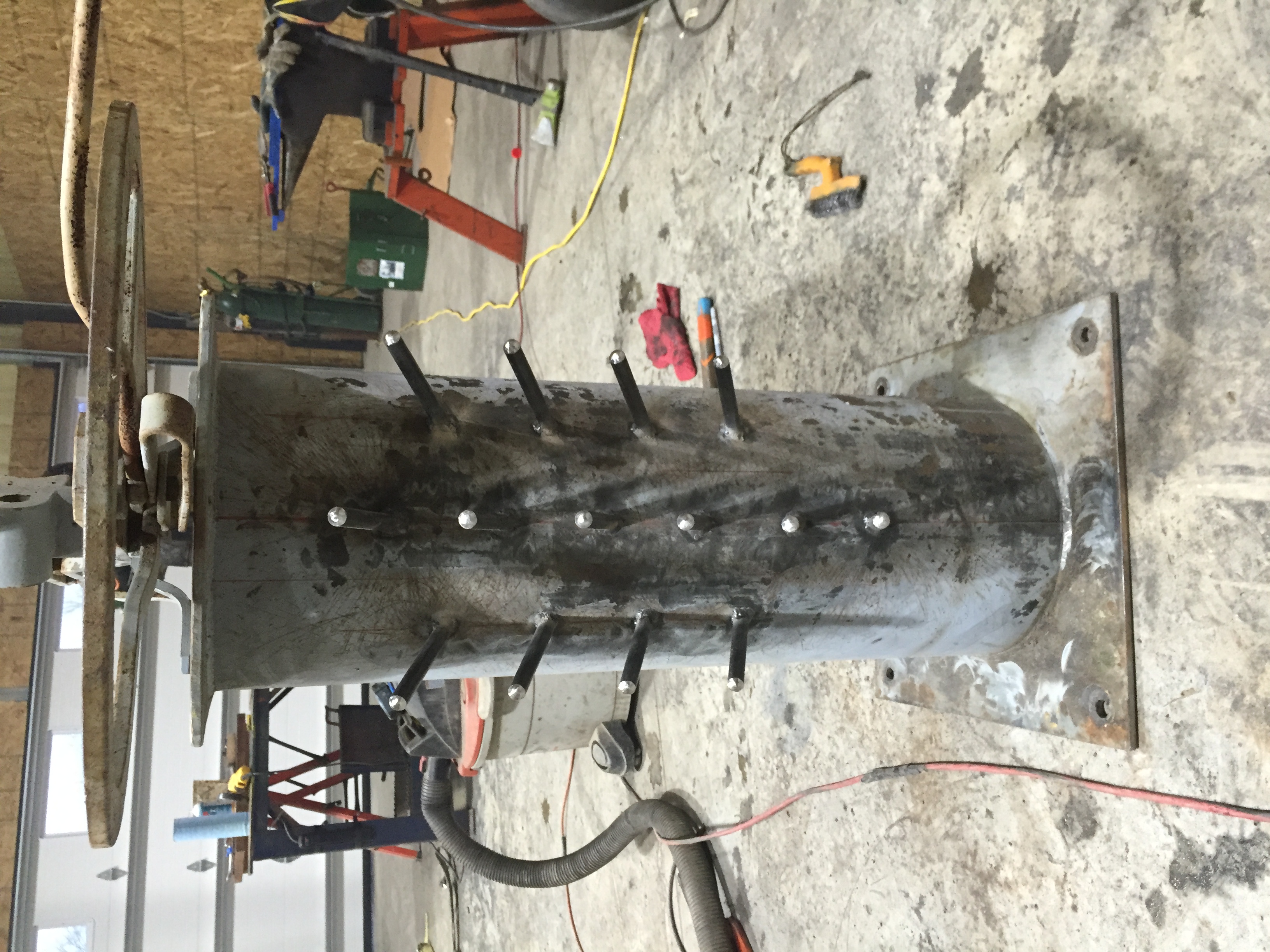
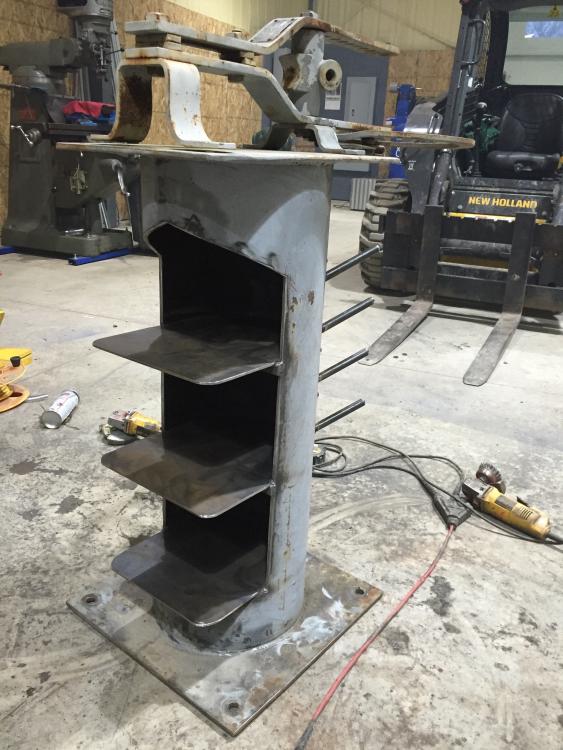
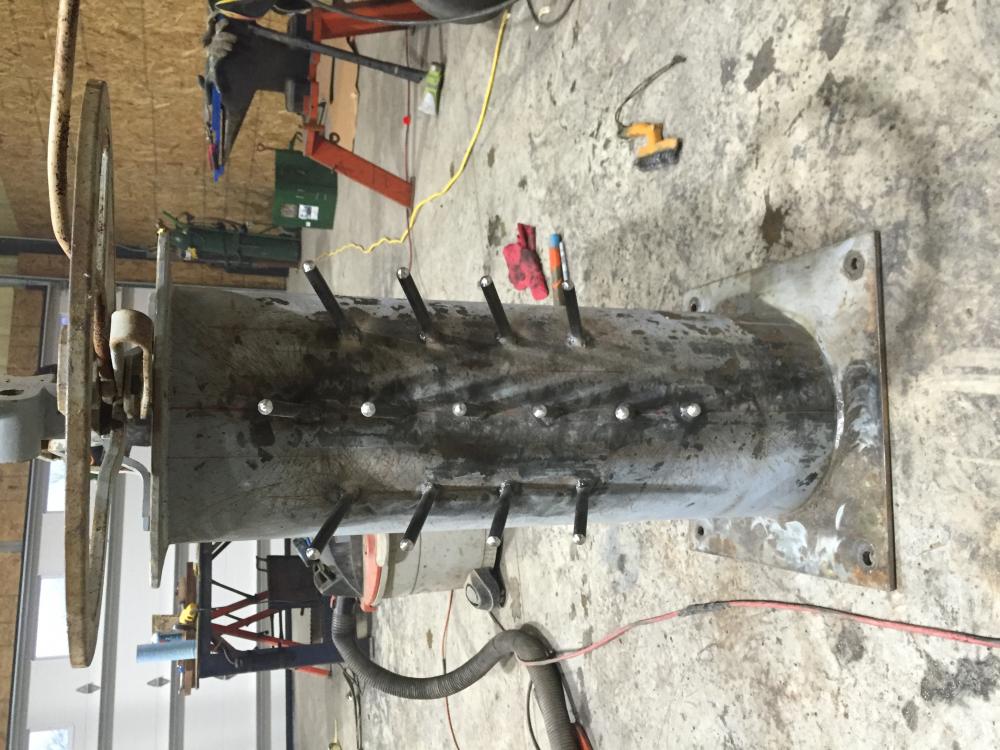
Just modified my Hossfeld bender stand to accommodate all the dies.
-
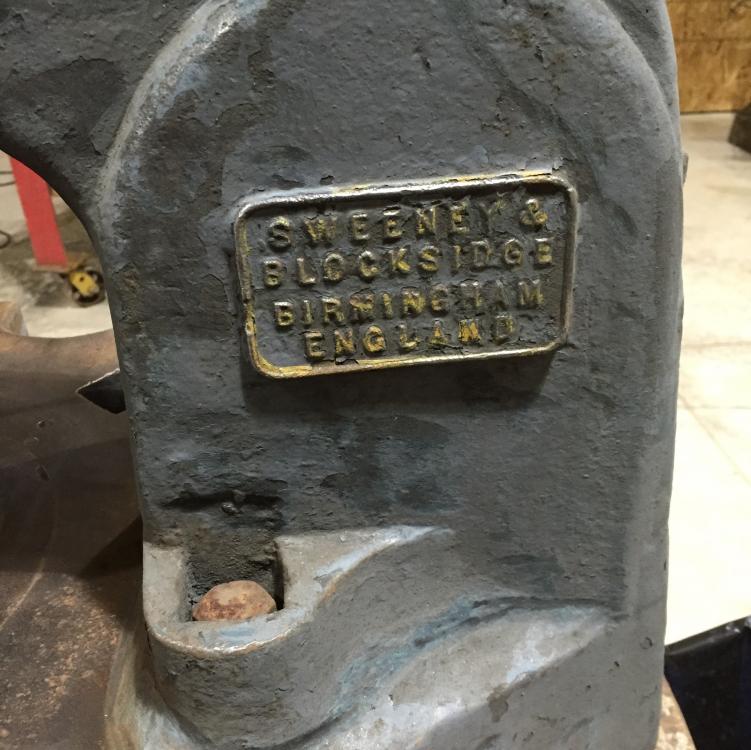
Yes, that is what I have scene online as far as the raw/screw attachment. My paint looked exactly like that. There was at least six layers of paint on mine. Gray, white, shades of blue, and black as the first layer. It was punched with "Sweeney's Patent" underneath the check nut. Yours, like mine, has that Gothic arch as part of the casting where the name is placed.
-
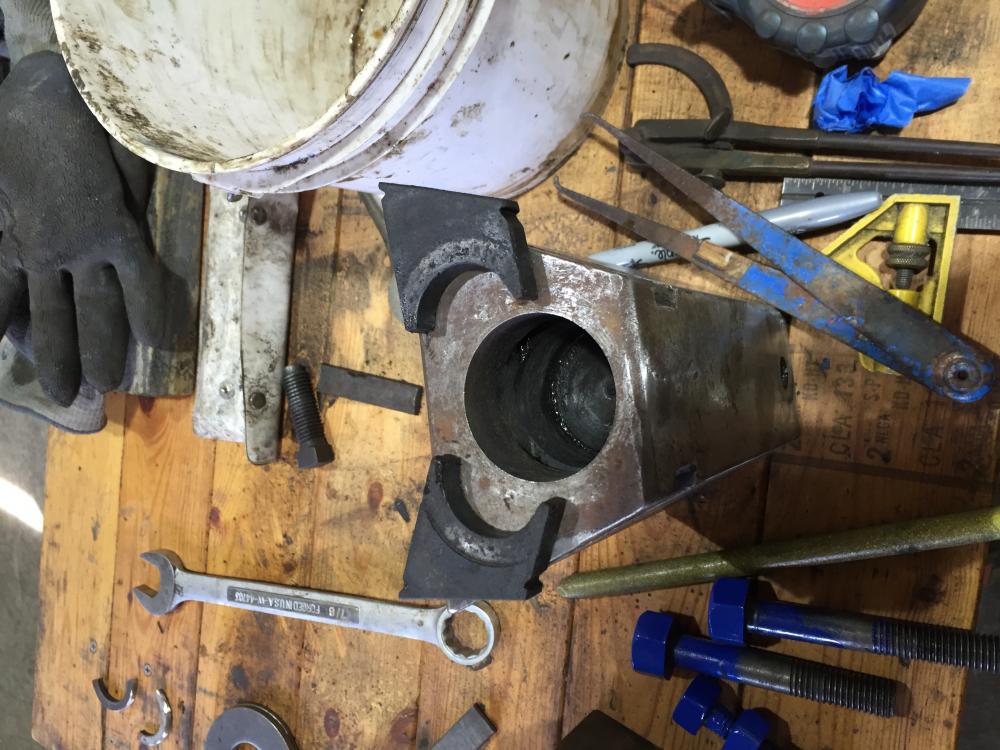
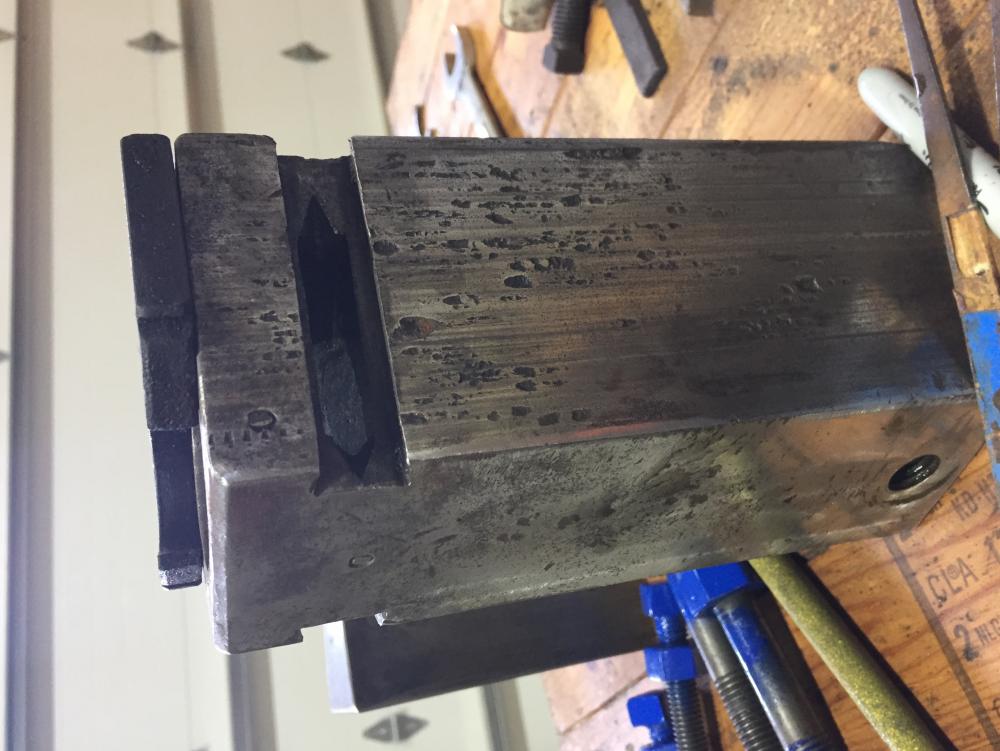
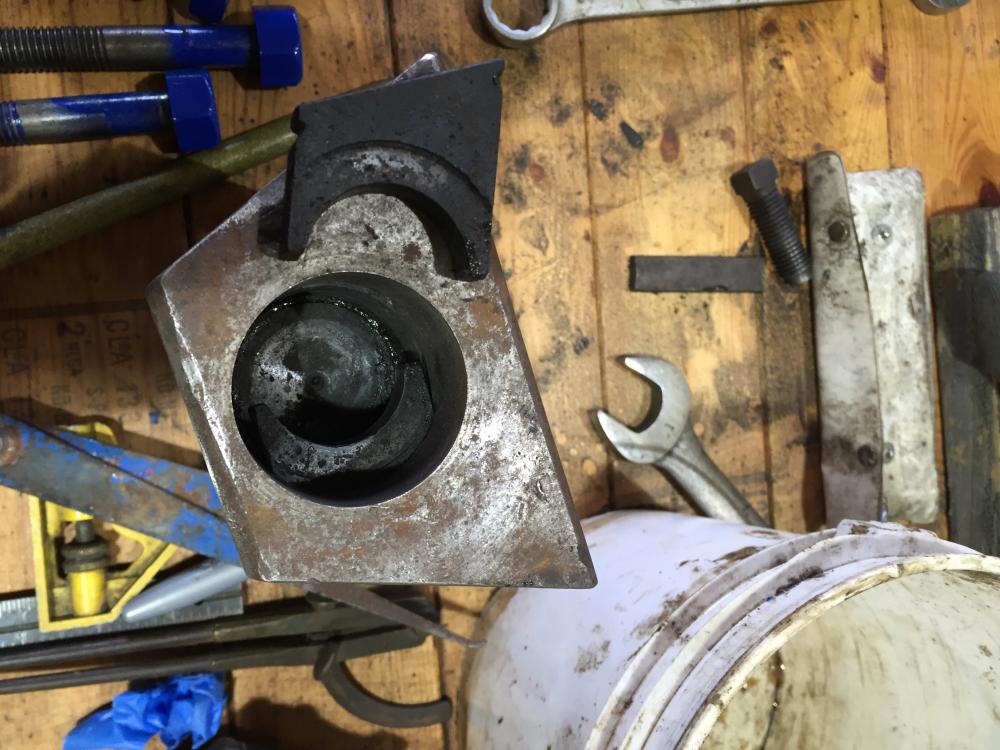
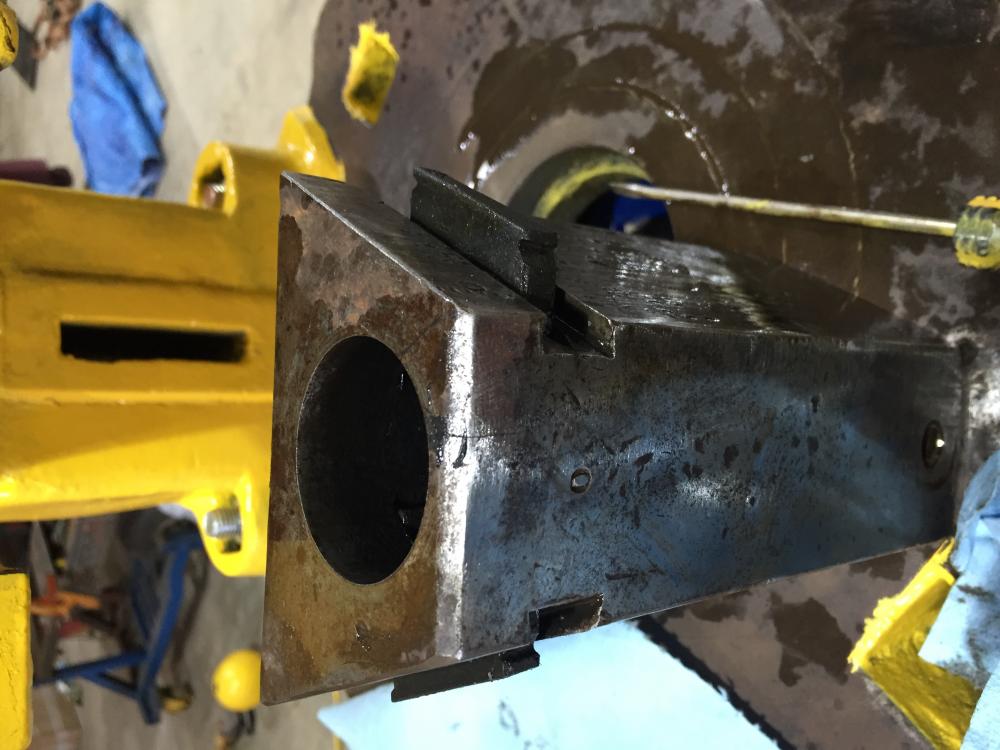
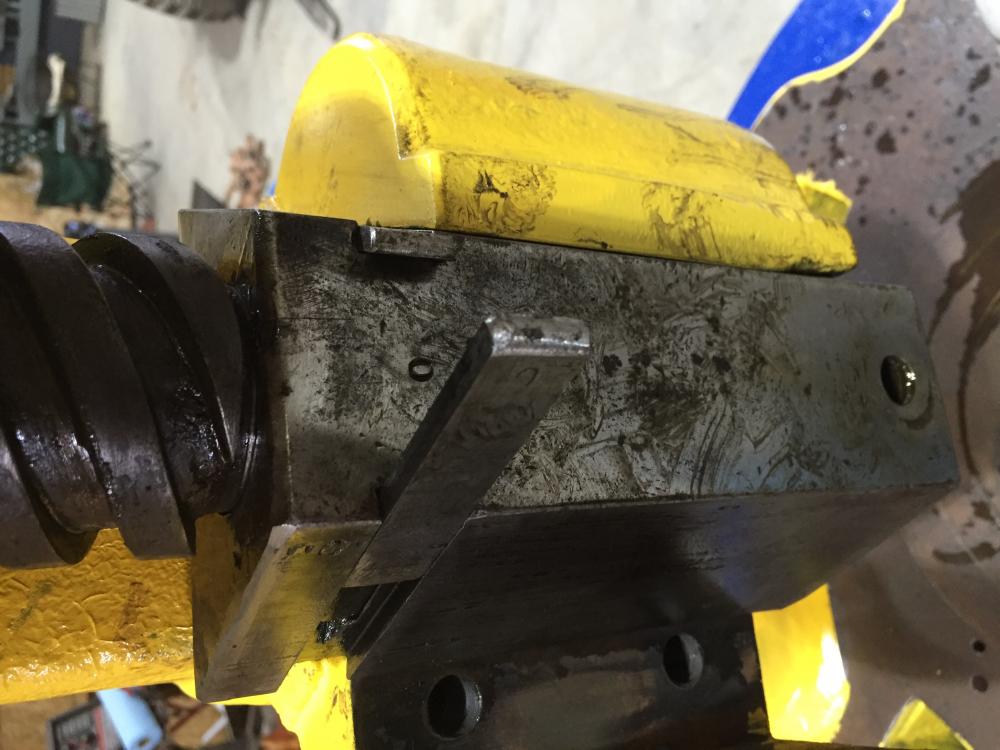
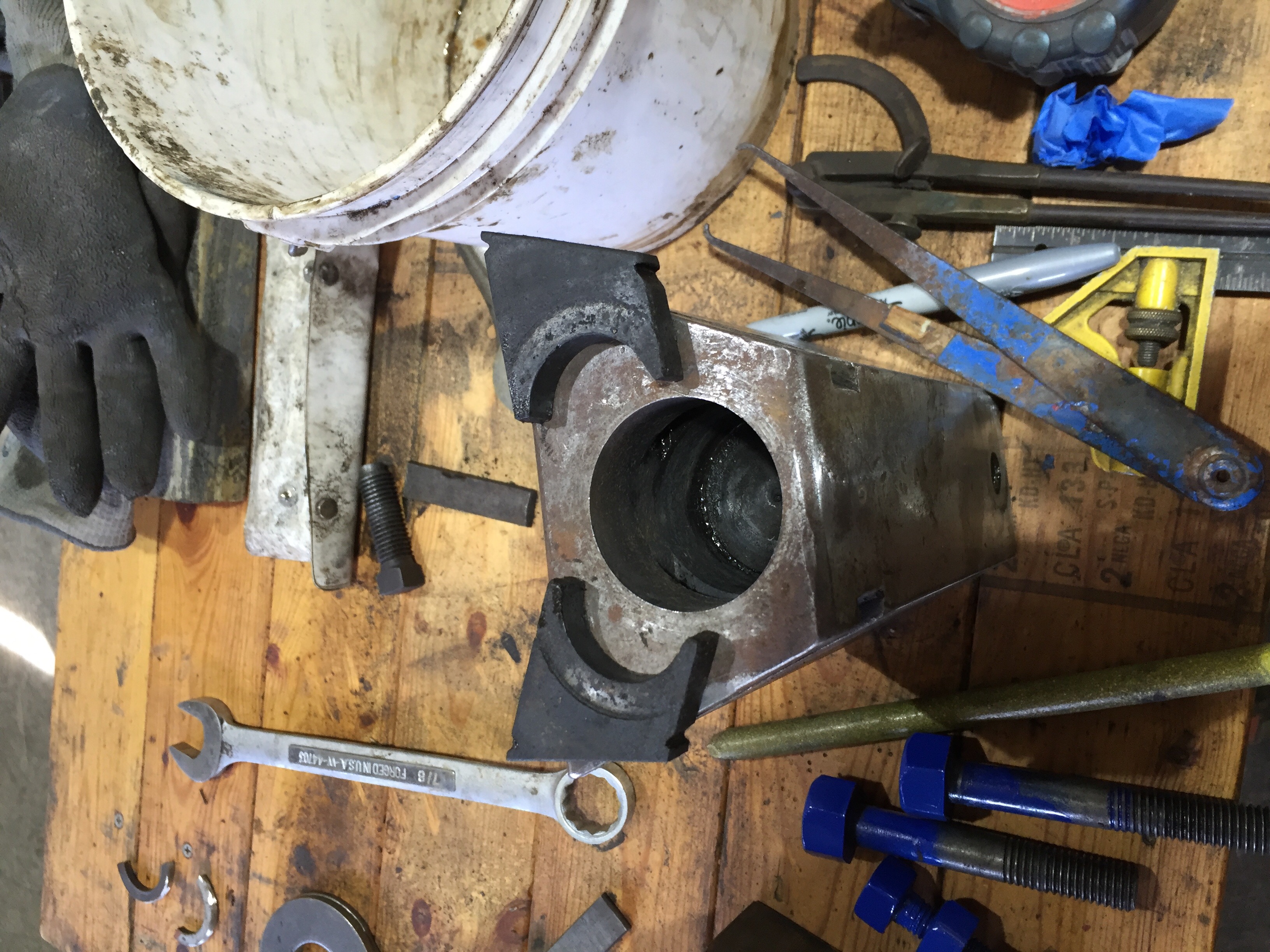
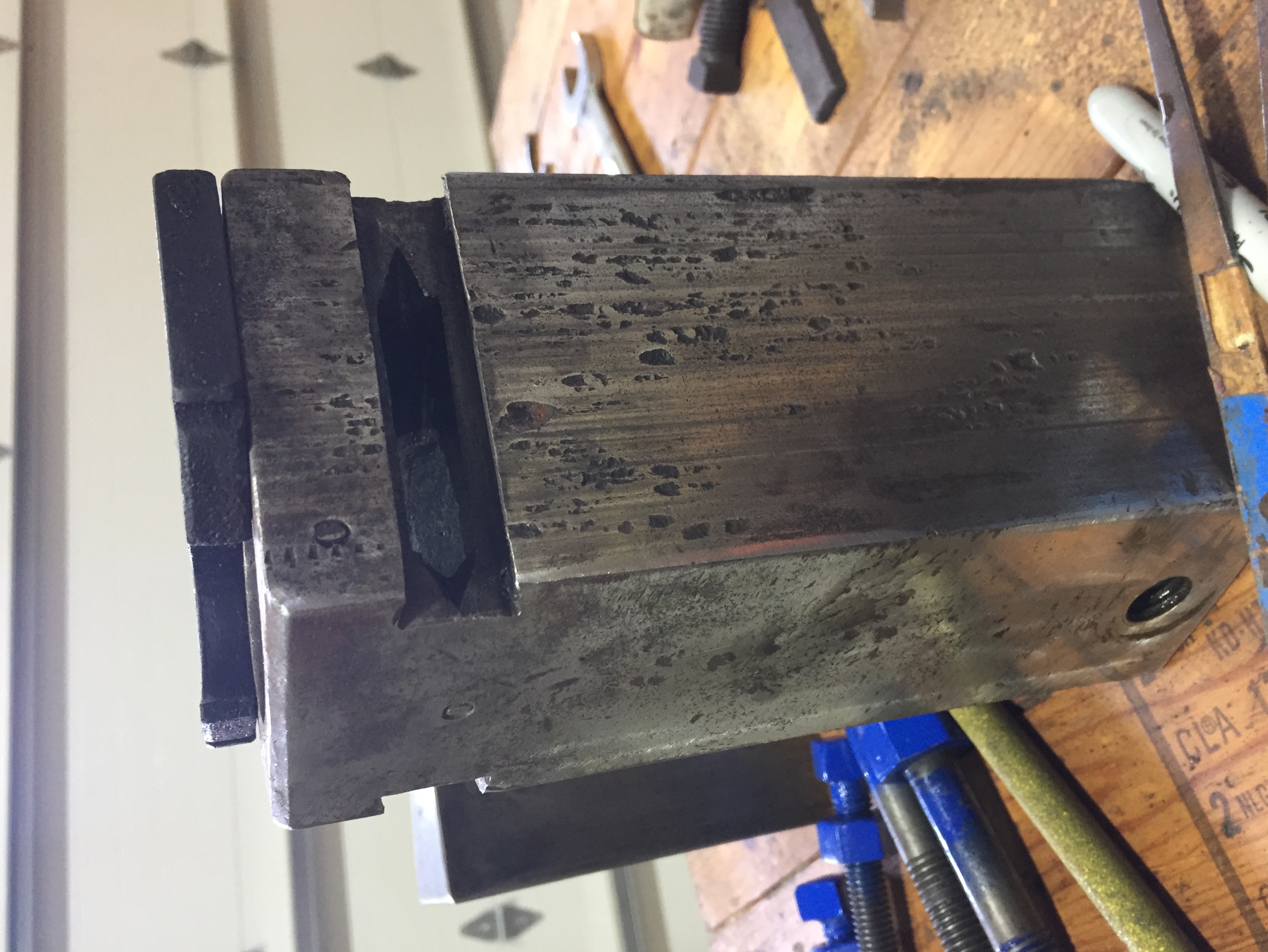
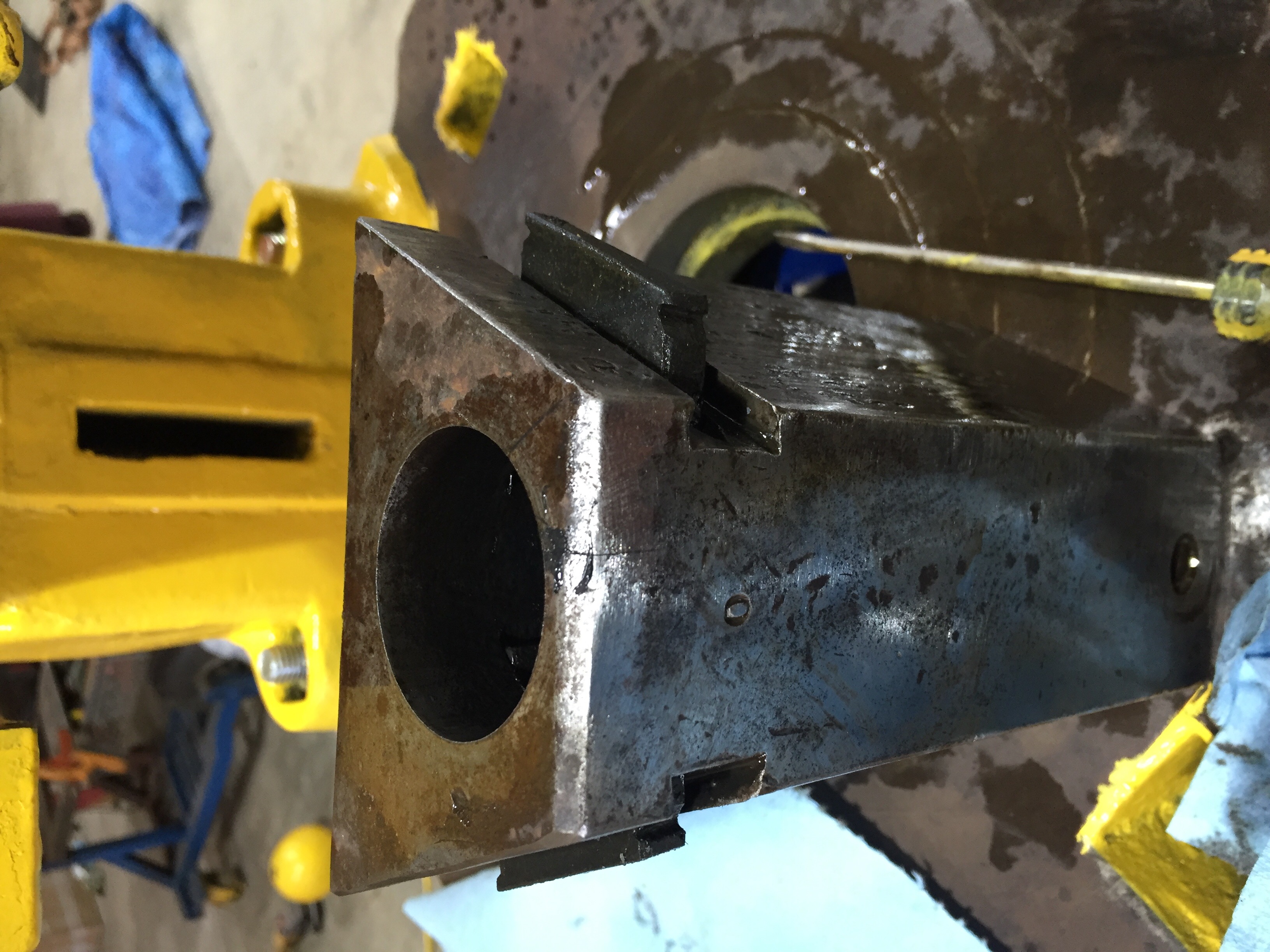
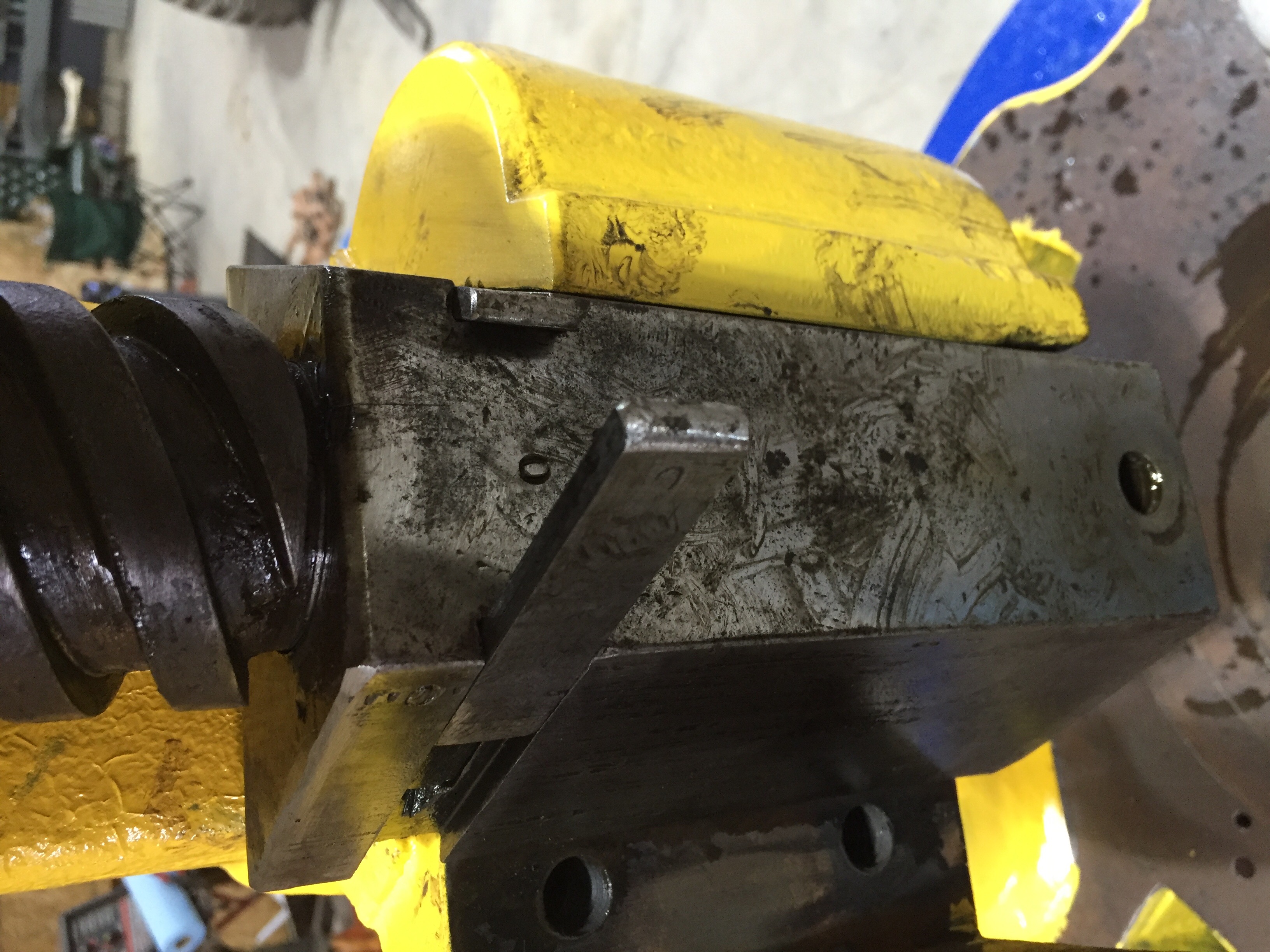
Yes, Sweeny and Blocksedge. I saw the split collar/sleeve from another Sweeny and Blocksedge flypress images on this site. This press has the same type of screw termination that fits in the ram.Those dovetail strips are in there really tight, and they were difficult to drift out (slightly easier to put back). -Tom Some original pics (before paint)
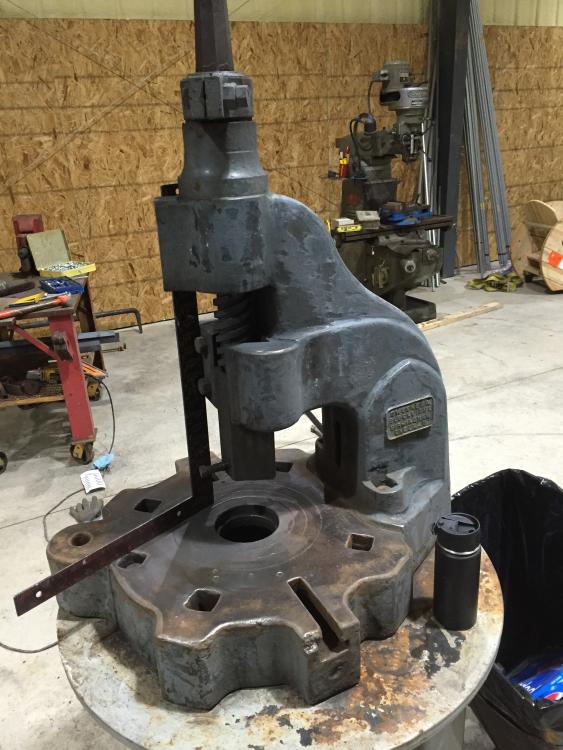
-
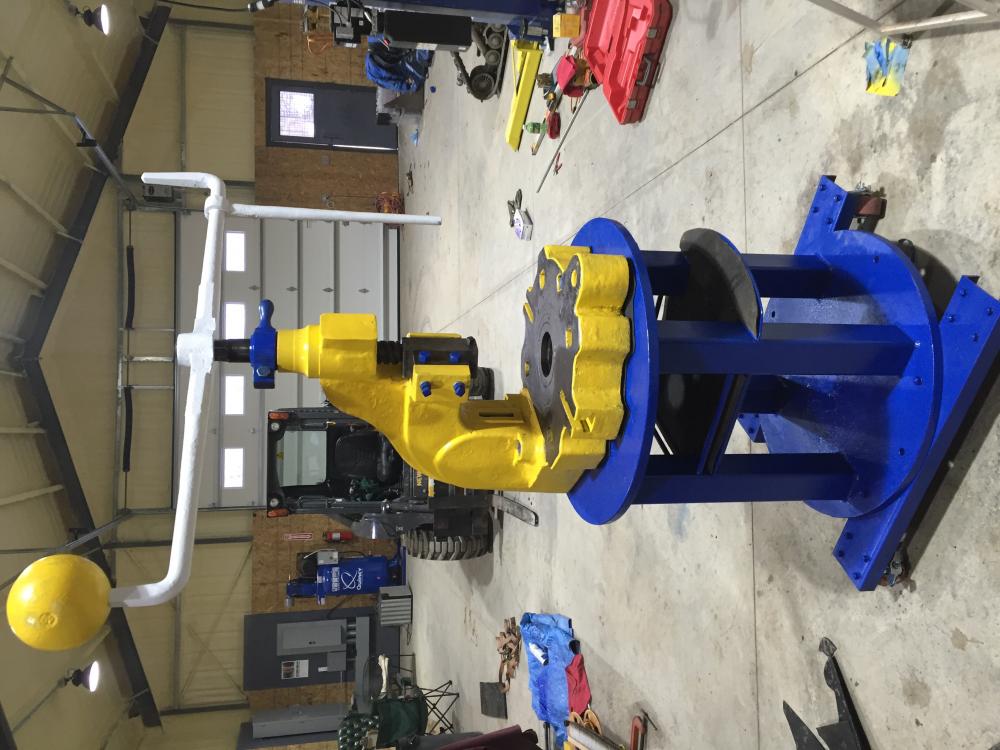
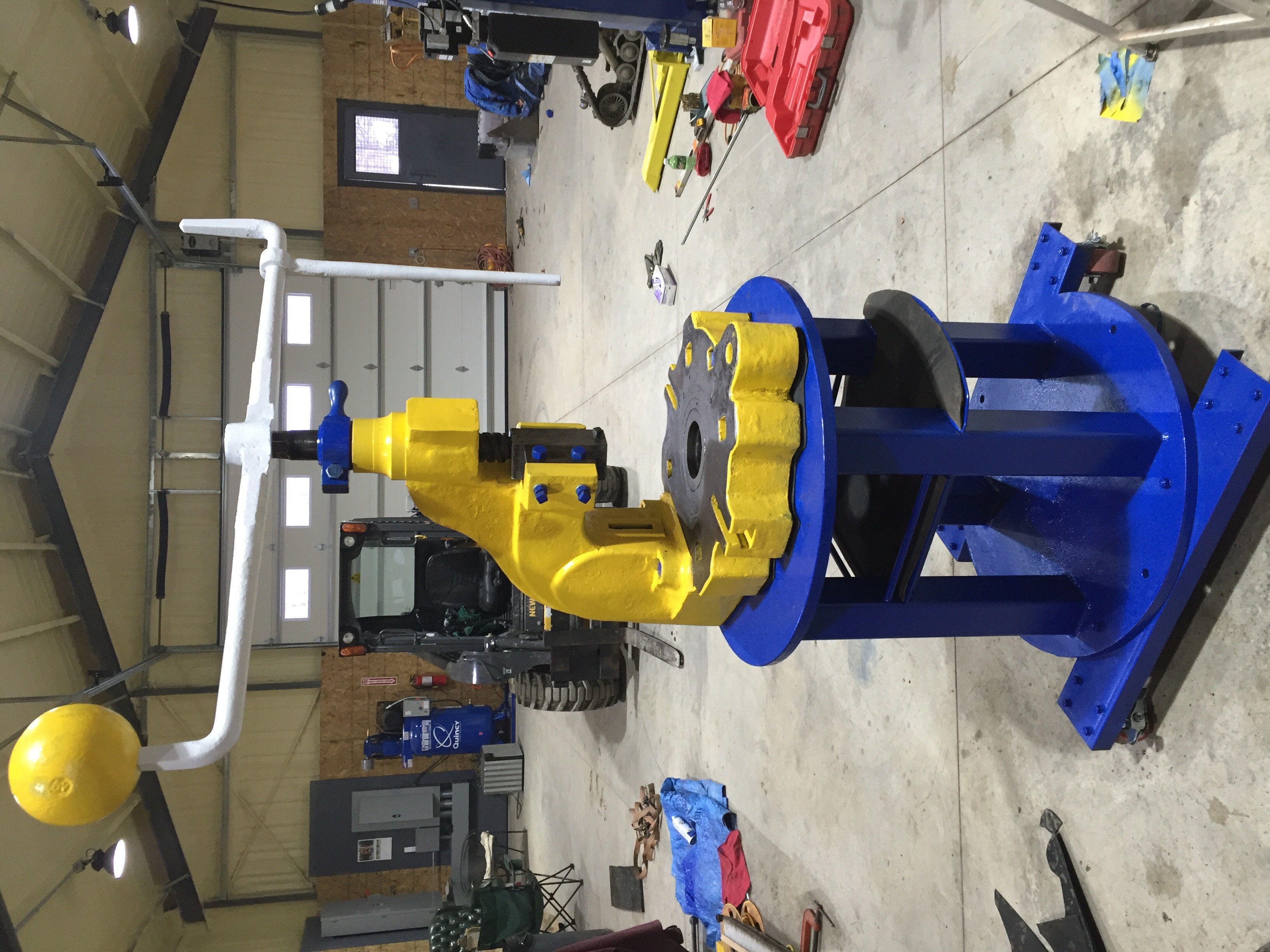
I am new to this forum, and I thought I would post some work I am doing on the flypress. Recently I disassembled my flypress for cleaning and a re-paint. The ram dissasembles from the screw in a manner I have not scene posted on the web. Two dovetailed strips of steel needed to be drifted from the ram I order to remove two triangular retaining clips. I do not know what size the press is, but the screw is 2.5" in diameter. Sorry for the sideways pics.