CJinAK
Members
-
Joined
-
Last visited
-
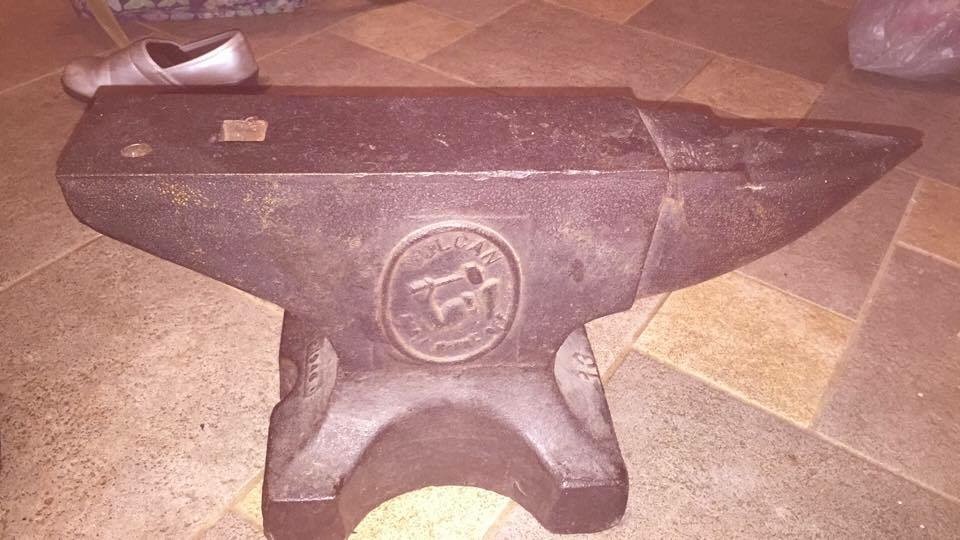
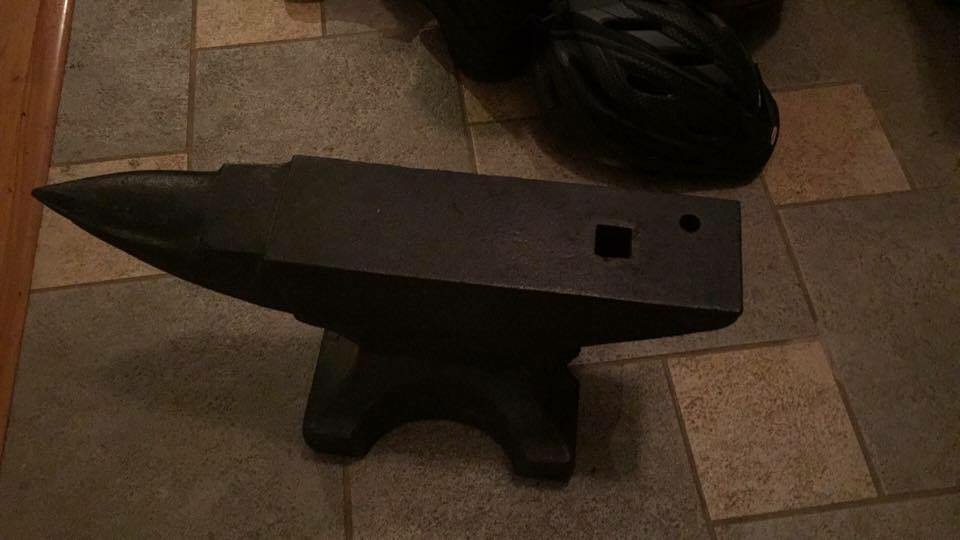
I would come and just watch! What are the directions to Pat's again?I've never pounded steel before, but no stranger to swinging a hammer. I was a concrete donk for 15 years and a 3 pound sledge was a daily used tool. I'll send a pic of the Vulcan here in a bit.I like the idea of making my own tools. In that case, for now, what is a good option for a hammer? My forge will come with time.I am picking up an anvil this weekend! Found a 125lb Vulcan with what appeared to be a 1" hardy hole. Where would be the best place to find inserts? Looking forward to meeting you all in a few weeks!Outstanding! I am looking forward to meeting you guys. And the War Department will be elated to get me out of her hair for a day!CJinAK changed their profile photoHello All. I've lived in AK for about a year now. Moved from Idaho. I've wanted to get into smithing, particularly knife making, for some time now. I'd like an opportunity to come and watch someone do some work so that I have an idea of what it takes. Thanks in advance for any suggestions.Hello All. I am new to AK and have wanted to learn smithing for some time now. Do you all allow spectators to come and watch you work at your gatherings? I would like to see what is needed to get started.