Skip to content
View in the app

A better way to browse. Learn more.

I Forge Iron

A full-screen app on your home screen with push notifications, badges and more.

To install this app on iOS and iPadOS
  1. Tap the Share icon in Safari
  2. Scroll the menu and tap Add to Home Screen.
  3. Tap Add in the top-right corner.
To install this app on Android
  1. Tap the 3-dot menu (⋮) in the top-right corner of the browser.
  2. Tap Add to Home screen or Install app.
  3. Confirm by tapping Install.

Travv801

Members
  • Joined

  • Last visited

  1. Looks like an awesome build, David. Since I'm close by, I might have to steal it ;). I'm looking to build my first forge too. I'll definitely be following your build.
  2. I have considered getting forklift tines and making an anvil out of that. I heard they ring quite a bit though. Need to research into that. Worst case scenario, I'll get by with an improvised anvil until I find a keeper.
  3. I reached out to the owner and his bottom number is $750. The search is still on! Thanksfor the help guys.
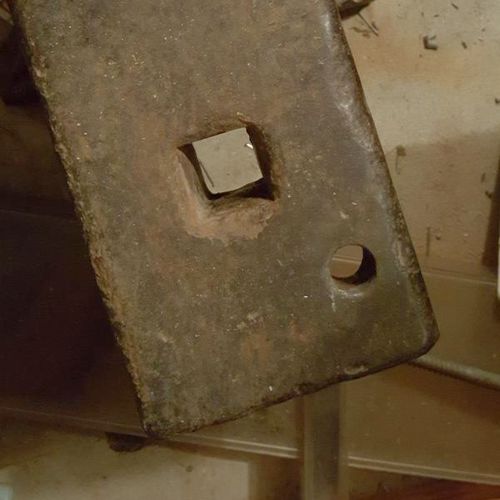
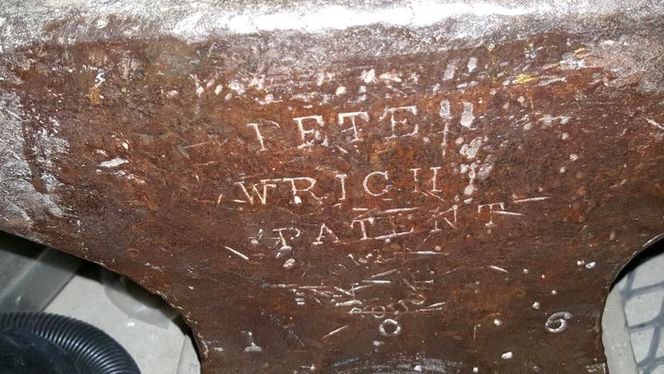
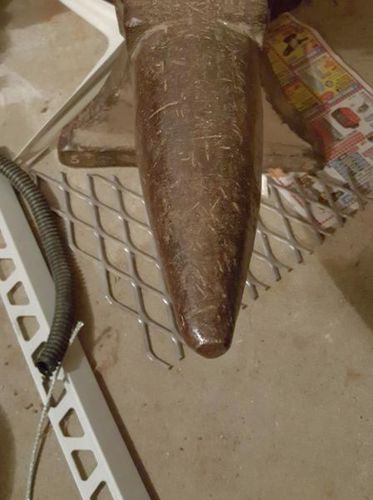
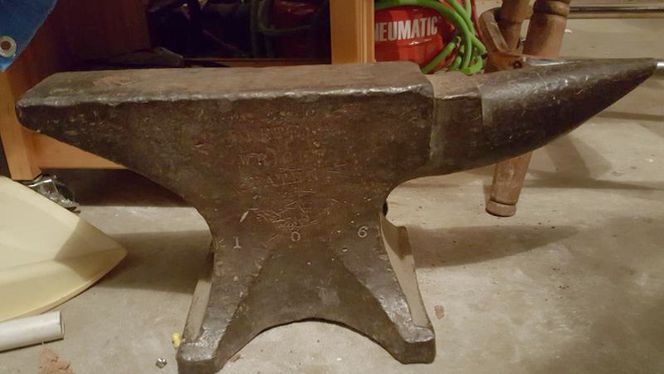
  4. A local is asking an astronomical $800 for this anvil, I know it's not close to that, but I'd like to know what I should offer for it. Supposedly it's a 118# Peter Wright, looks to say 106 on the anvil, so I assume that's the weight. I don't see decent anvils available in my area on a regular basis. I've been looking for a month with no luck. This anvil has been up since I started looking, figured I'd at least talk to the owner this week and see if they'll accept an offer.
Account

Navigation

Search

Search

Configure browser push notifications

Chrome (Android)
  1. Tap the lock icon next to the address bar.
  2. Tap Permissions → Notifications.
  3. Adjust your preference.
Chrome (Desktop)
  1. Click the padlock icon in the address bar.
  2. Select Site settings.
  3. Find Notifications and adjust your preference.