Skip to content
View in the app

A better way to browse. Learn more.

I Forge Iron

A full-screen app on your home screen with push notifications, badges and more.

To install this app on iOS and iPadOS
  1. Tap the Share icon in Safari
  2. Scroll the menu and tap Add to Home Screen.
  3. Tap Add in the top-right corner.
To install this app on Android
  1. Tap the 3-dot menu (⋮) in the top-right corner of the browser.
  2. Tap Add to Home screen or Install app.
  3. Confirm by tapping Install.

Bondo

Members
  • Joined

  • Last visited

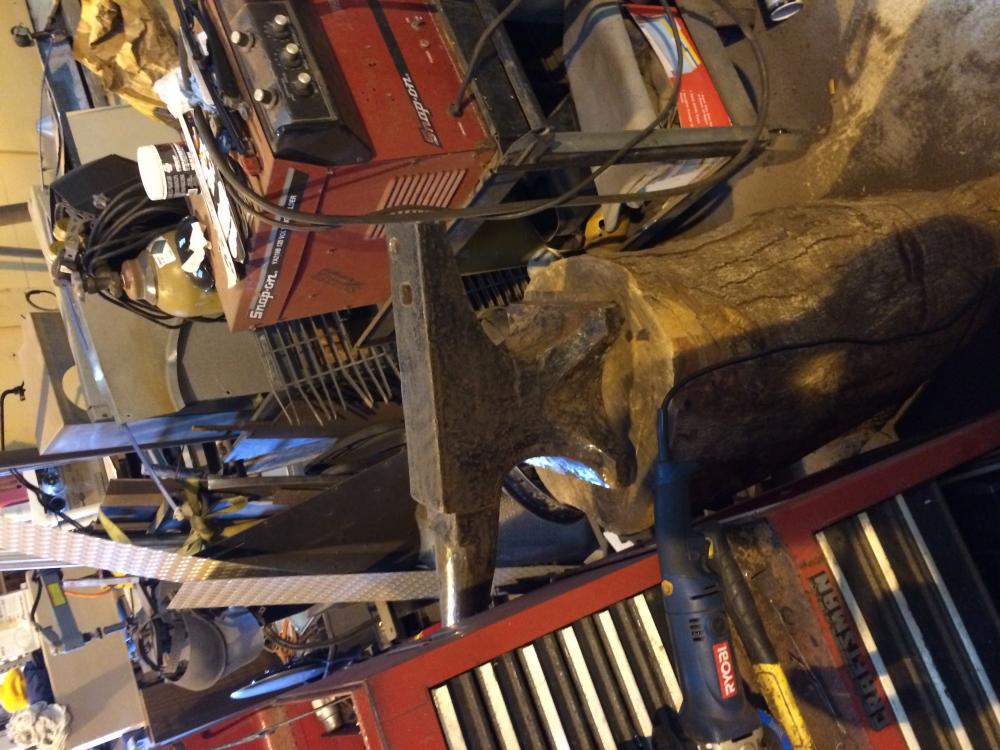
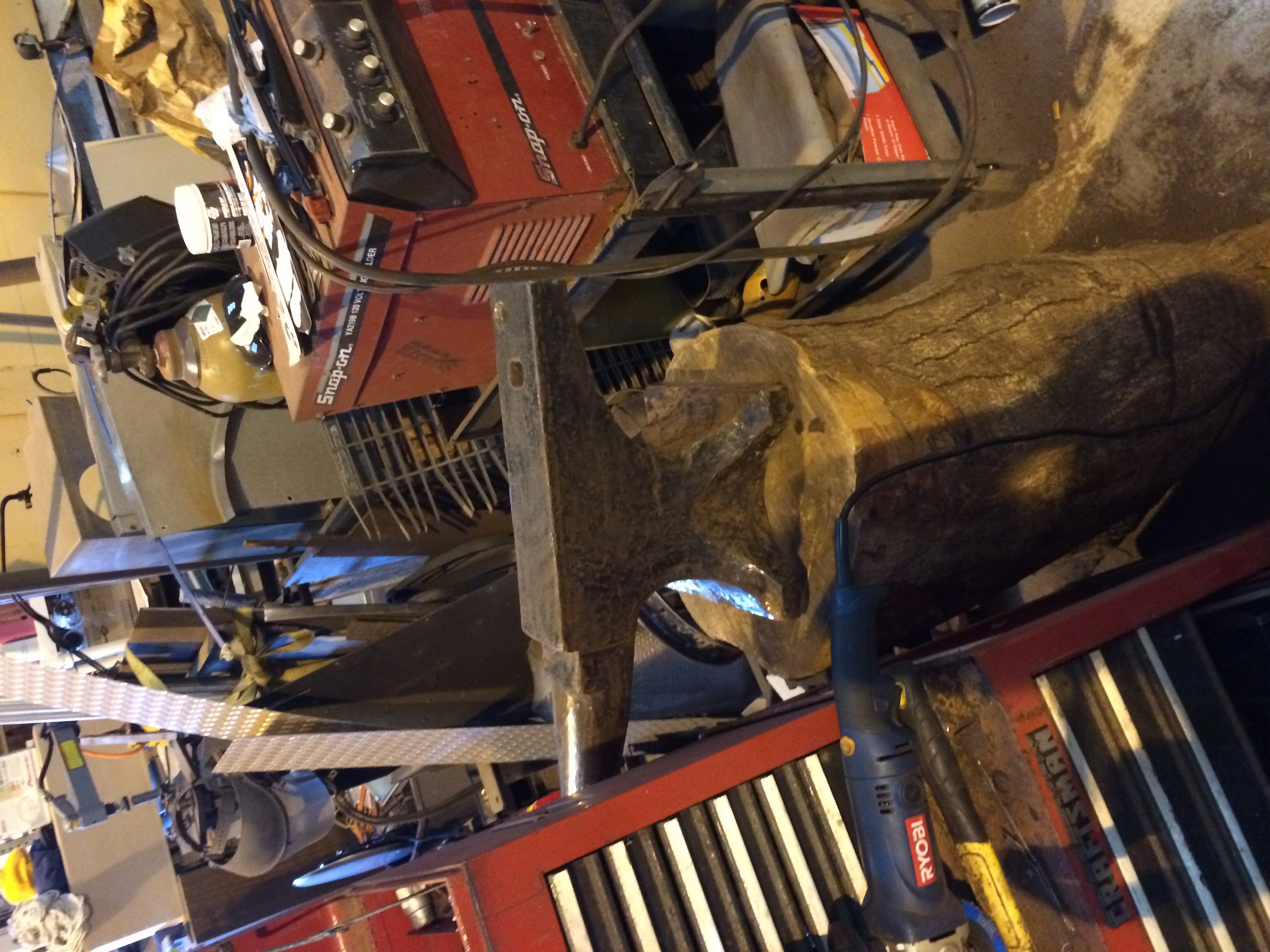
  1. How can I make it like new again it has a 16 of an inch crown inch crown ? It's not upward it's been used a lot. Someone on here told me there's a few hundredths of really hard iron on my face of my anvil if so I'm sure mine is gone how can I make it like new if that's possible ?
  2. Thanks my braddah - I love it got it for 20$ in Kauai Hawaii. I work at a mechanic shop use it to shape body parts mostly but I want to build a forge. And make some real stuff some day. How can I make it like new again it has a 1/16th of an inch crown ?
  3. It's beat big crown and divots every where pic not doing justice
  4. I'll never sell it
  5. Would I drop my value on my h b anvil if I milled it flat ?
  6. Got a hay budden anvil and it's an 165 any ever see that size ?
Account

Navigation

Search

Search

Configure browser push notifications

Chrome (Android)
  1. Tap the lock icon next to the address bar.
  2. Tap Permissions → Notifications.
  3. Adjust your preference.
Chrome (Desktop)
  1. Click the padlock icon in the address bar.
  2. Select Site settings.
  3. Find Notifications and adjust your preference.