ANGRYANVIL
Members
-
Joined
-
Last visited
-
-
-
-
-
Wow. Beautiful work.
-
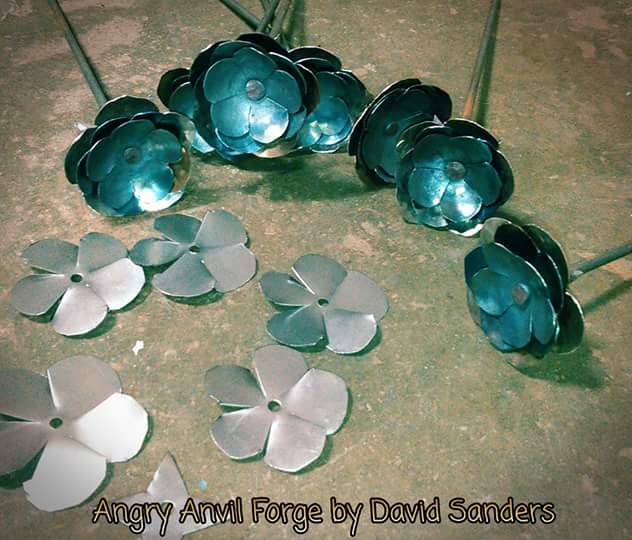
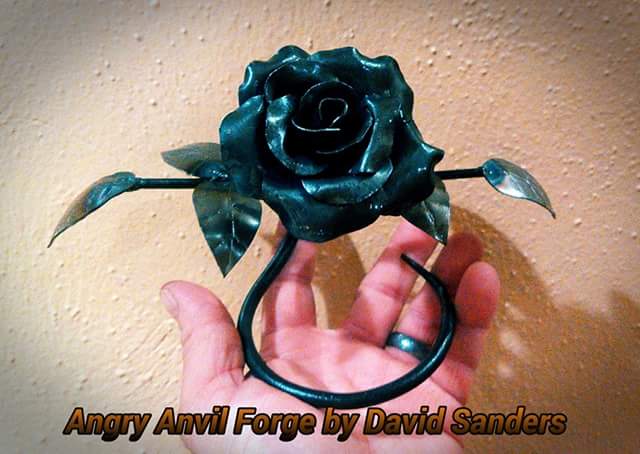
I use some 22 gage steel sheets. Easy to cut out with snips. the rod is quarter inch.
-
That is some amazing work.
-
-
Got to fire up the forge for the first time. Still some work to do. sorry couldnt figure how to put up the video.
-
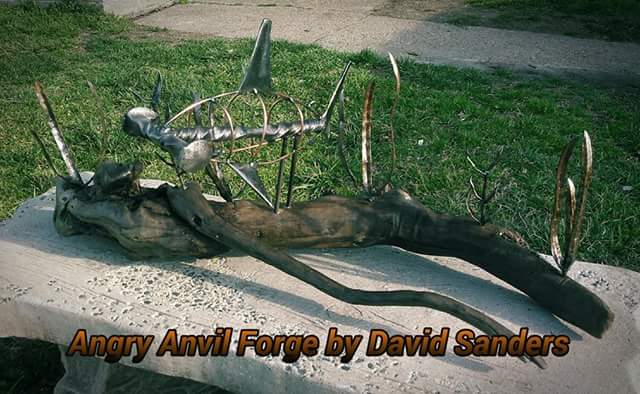
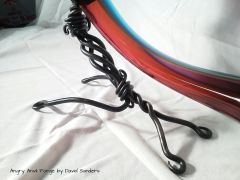
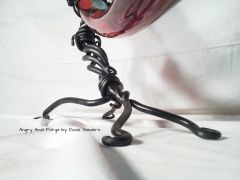
the glass is about 3 1/2 ft long. The stand is about 1ft long. for the coating I used gun metal blueing with some oil. the coal was mixed in with some mud from the rain. After washed off it goes right back to black. The home it was in used to have a boiler in it to supply the heat. I defiantly need to do some cleaning and break it up to be used.
-
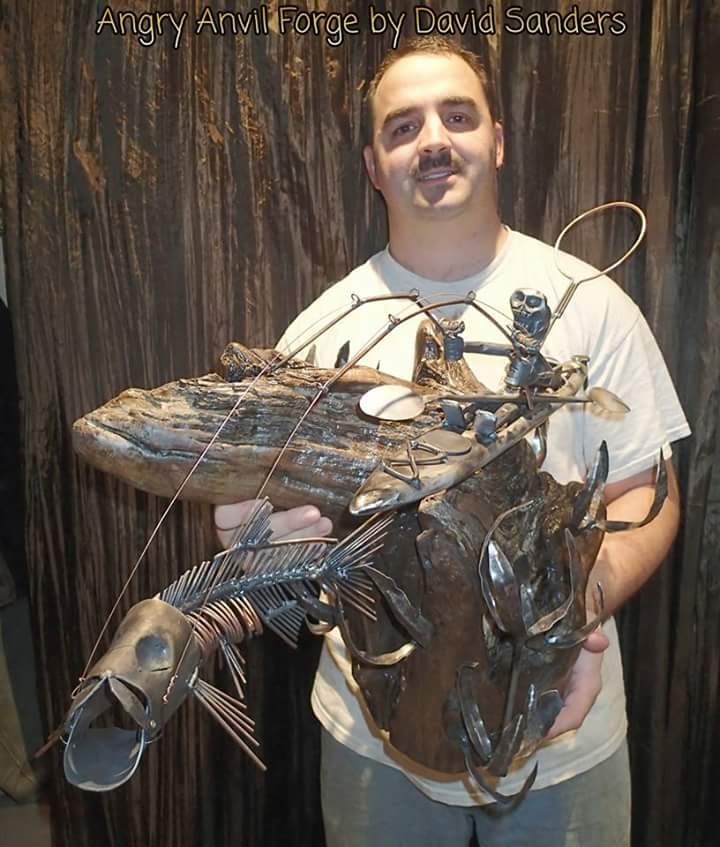
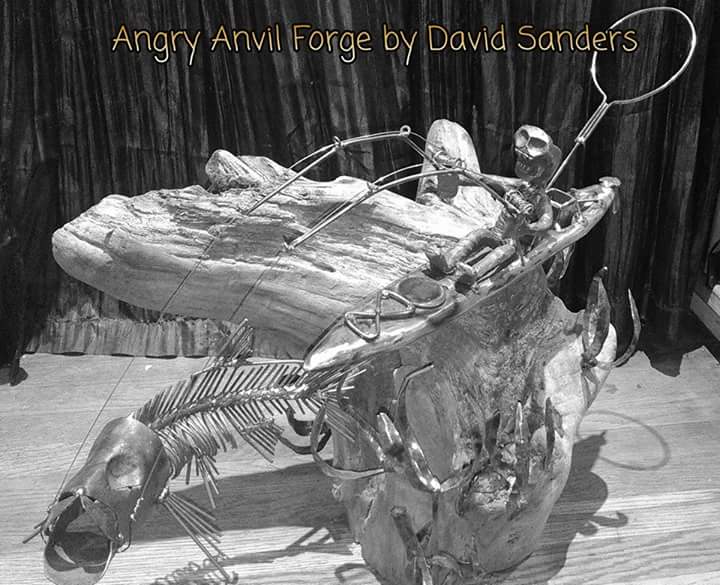
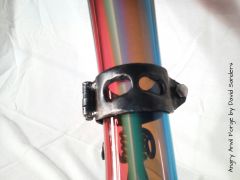 Working with a local glass artist to build a stand for his glass work. This is the results
 -
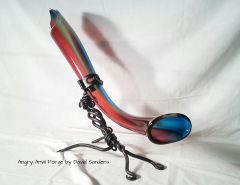 Working with a local glass artist to build a stand for his glass work. This is the results
 -
 Working with a local glass artist to build a stand for his glass work. This is the results
 -
-