HitinHard
Members
-
Joined
-
Last visited
Everything posted by HitinHard
-
-
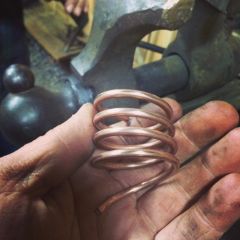
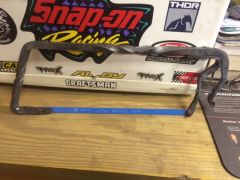
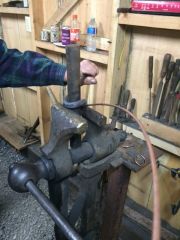 5/32 wire around 1.5 round stock. cold rolled key ring maker
© BBB
-
-
-
-
-
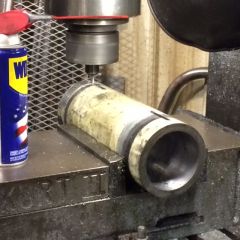
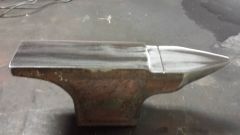 Stamp BBB,, haha looks awfully familiar. still needs the pritchel. I just uploaded a pic.
 -
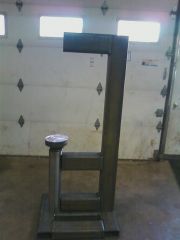
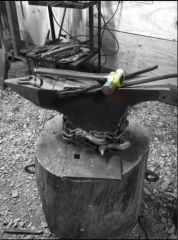 Not the first,, Not the last. Homemade anvil. aprx. 110# very hard. (BBB)
 -
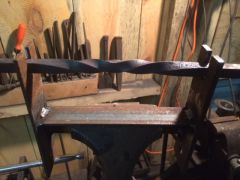 It's a must do! Endless possibilities and fun
 -
-
-
-
-
-
-
-
-
-
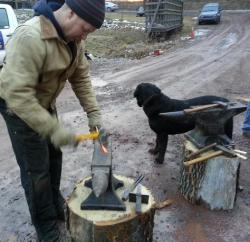
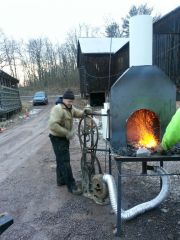 we had an electric blower riged up that day and she burned up.. had to bring out the trusty old faithful! never lets ya down...