
Eric Leonard
Members
-
Joined
-
Last visited
Everything posted by Eric Leonard
-
I like watching other smith's work. You learn interesting things. I tell everyone who wants to learn from me. "You never stop learning, you will always think of a new way to make a hammer, a new tool to help make a hook. There will be times you watch a new(er) smith work and learn a new way to do a certain thing. This is an ever learning craft that keeps on teaching."
-
local scrap yard owner flat out refuses to sell his scrap iron/steel to any private person, business's however.... i even found 6 large mining drill bits i was interested in.
-
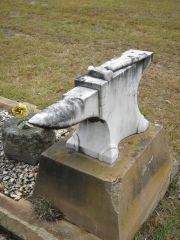 Wow! If there was a monument to my smithing skills, i would want it made out of black granite, and to be in the workshop and used.
 -
 An old blacksmithing trick is to get the metal quite warm, and rub oil on the metal, it will leave a blackened rust resistant finish.
 -
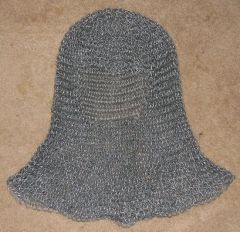
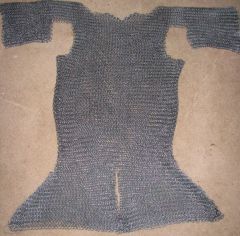 Butted maille. Costume wear?