kevinwright
Members
-
Joined
-
Last visited
Everything posted by kevinwright
-
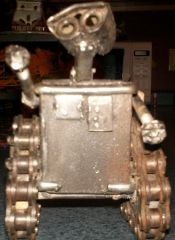 I love robots
 -
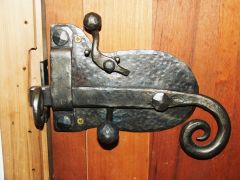 I really like this
 -
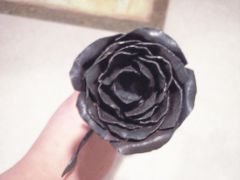 Yep looks real good . I love to make roses .
 -
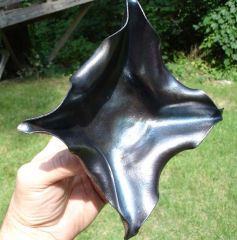 That would make a neat ash tray .looks really nice so far
 -
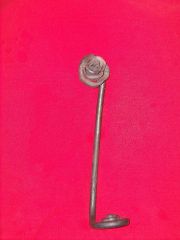 People always like roses . They sell very nicely .good job
 -
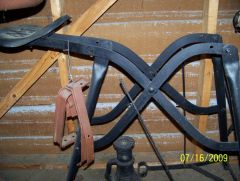 Thats what it looks like to me
 -
 Yep always were my safty glasses .I like my eyes to much not too
 -
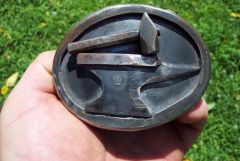 it weighs 1/2 pound or more .I made it from 1/8 steel
 -
I really had fun that day .well every day of smithing is fun
-
-
-
-
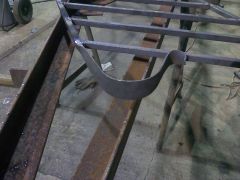
I was forging some 3/4 inch solid bar for some hand rail .had a very hot fire lots of wind blowing in my face .And nasty large lump coal .I hate to use that stuff but it was all we had at work that day
-
-
-
-
-
-
-
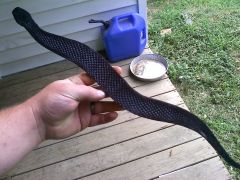 Hello ! Yep you can do them a couple of different ways .I like the flat ones but you can make them round,oval,flat.all depends on how long you want to work on it
 -
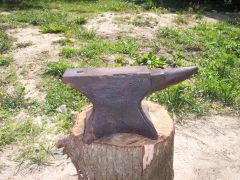
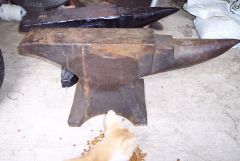 This is a wonderful anvil Its about the only anvil I ever use anymore .has awesome rebound .I traded a old truck for it.
 -
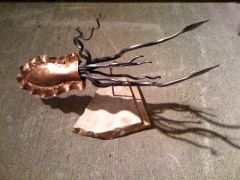 I love it !
 -
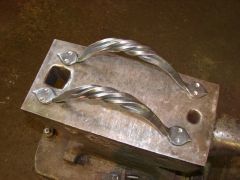 Those look great !
 -
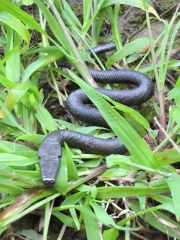 files make great snakes !
 -
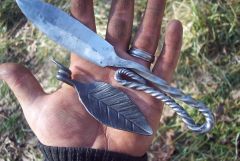
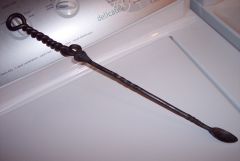 Thanks ! This is one of my favorite things I ever made .