kustomsteel
Members
-
Joined
-
Last visited
Everything posted by kustomsteel
-
-
-
-
-
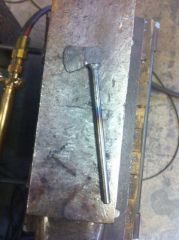
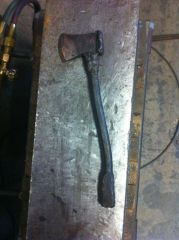
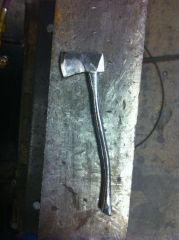
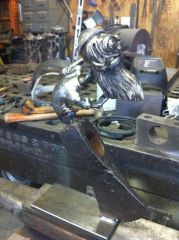
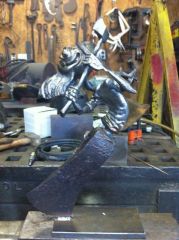 needs a little more work to blend into the axe head, then gun blue and lacquer. I also end up changing the base.
 -
-
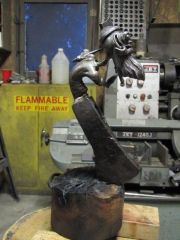 Nope, it's all fabricated steel- i'll try to get some process photos up
 -
He's in the hands of a friend who actually bore quite a resemblance to him when he sported the same beard.
-
I appreciate the comments! I'll have to post some pics of a rat fink holding a hot rod/ Von Dutch inspired knife I made years ago.(gotta re-size them first)
-
Thanks CG, I have about 42 process photos of this piece, I may have to wait for the wife to assist on this one... I'll tell her your suggestion!
-
Ha! Thanks!
-
Thanks! I have a bunch of process photos from beginning to end but I'm having a hard time navigating putting them in an album, hopefully I'll have those pics up soon!
-
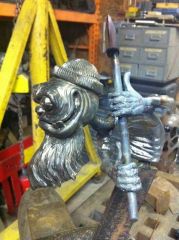
This piece is about 16" tall- started with a hollow steel ball and added various size round bar- and lot's of welding and grinding. I had a real hard time posting this- was the pic huge when you opened it?
-
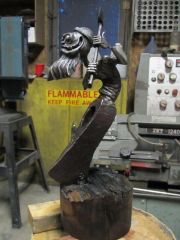 This sculpture is made from a hollow steel ball, various diameters of round bar, an old axe head, a little forging and a lot of welding and grinding. The base is a piece of original decking from the Constellation which is docked in Baltimore's Inner Harbor.
 -
-
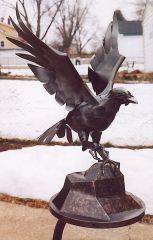
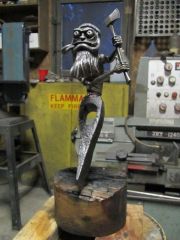 Fabricated steel and wood sculpture
 -
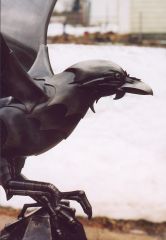
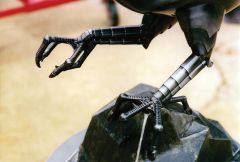 I made the leg components on the lathe then welded them together.
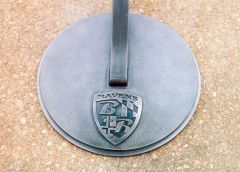
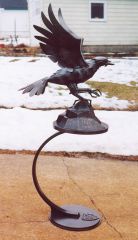 This sculpture was commissioned by the Baltimore Ravens football team as a gift to the outgoing owner. I started with one of the existing logos, which is a side view of the bird head, and then envisioned the rest of the body.