I had problems with rain and snow comming through the window and soaking my welding area.
I had to shut down when it rained because of no ventilation.
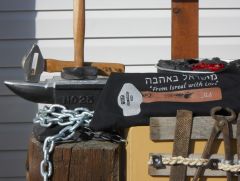
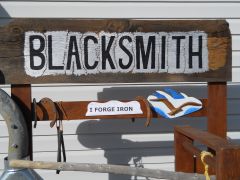
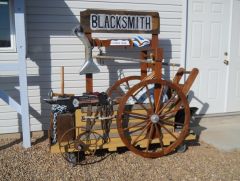
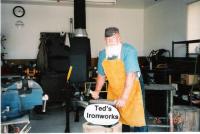
This self standing Awning (Curtains) is not attached to the shop. It solved the problem.
I can work in any weather now!
![BlacksmithShopWoodCurtinDecember82010001[1]](https://www.iforgeiron.com/uploads/gallery/album_121/gallery_1176_121_66609.jpg "BlacksmithShopWoodCurtinDecember82010001[1]")

![BlacksmithShopWoodCurtinDecember82010001[1]](https://www.iforgeiron.com/uploads/gallery/album_121/sml_gallery_1176_121_66609.jpg)
Recommended Comments
Join the conversation
You can post now and register later. If you have an account, sign in now to post with your account.