Skip to content
View in the app

A better way to browse. Learn more.

I Forge Iron

A full-screen app on your home screen with push notifications, badges and more.

To install this app on iOS and iPadOS
  1. Tap the Share icon in Safari
  2. Scroll the menu and tap Add to Home Screen.
  3. Tap Add in the top-right corner.
To install this app on Android
  1. Tap the 3-dot menu (⋮) in the top-right corner of the browser.
  2. Tap Add to Home screen or Install app.
  3. Confirm by tapping Install.

lt9553

Members
  • Joined

  • Last visited

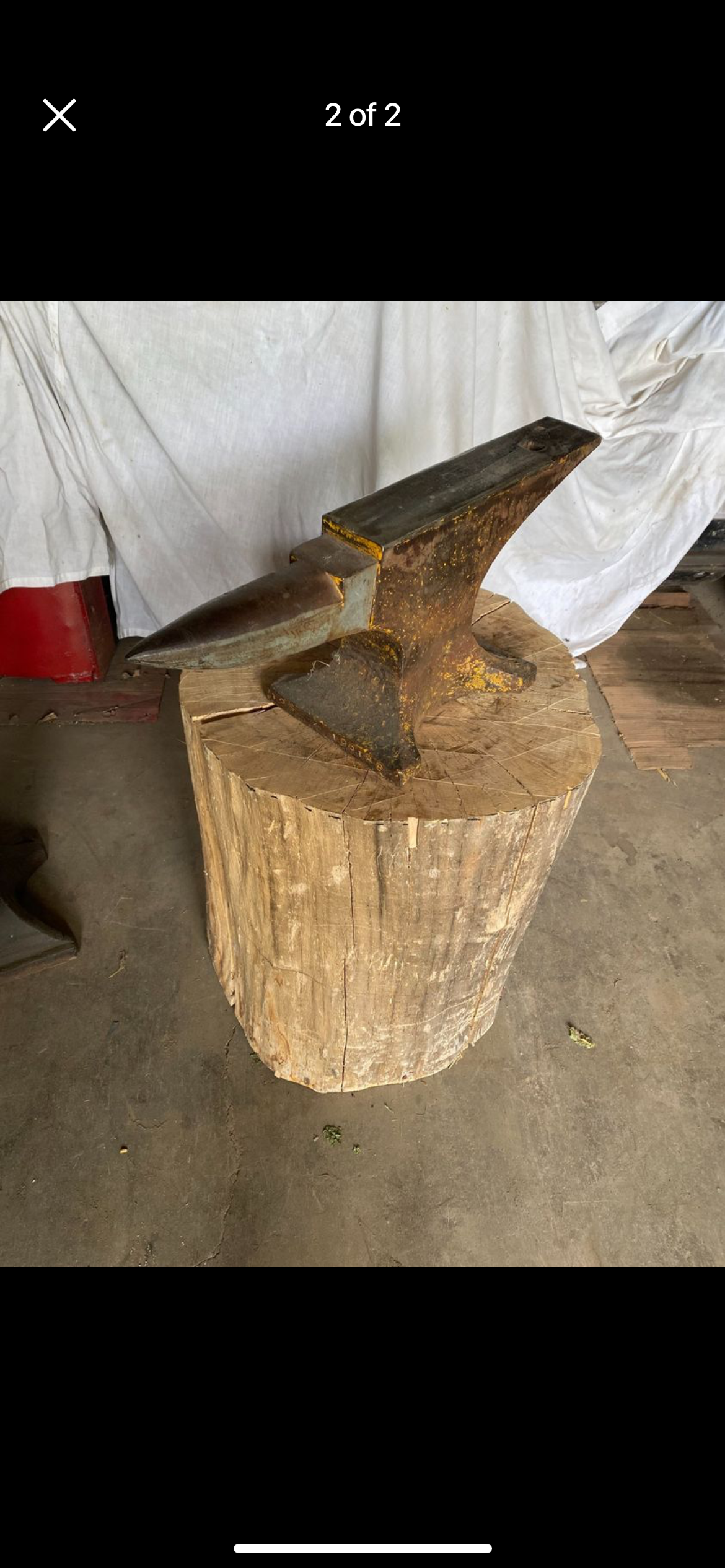
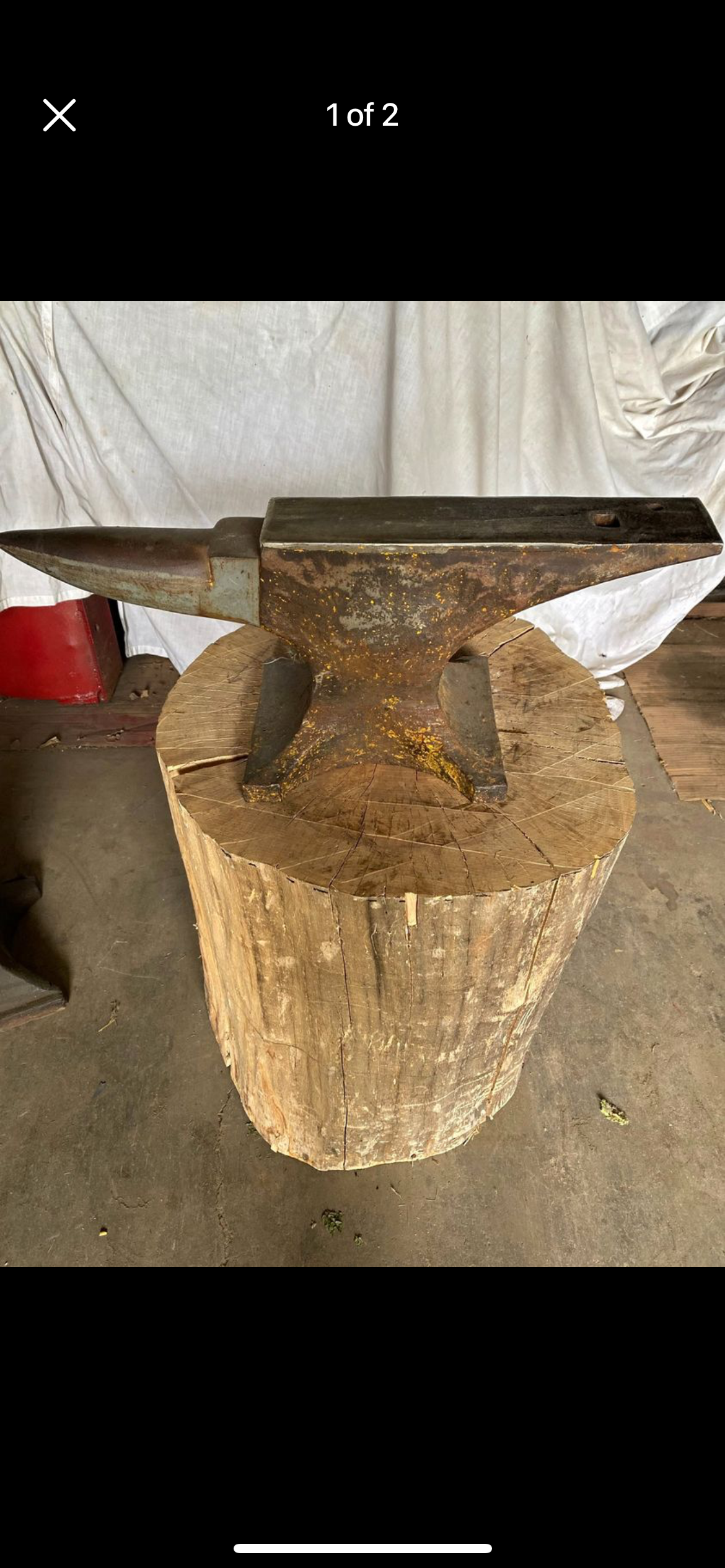
  1. Thanks for the help. I'm in Southern Illinois. It weighs 130lbs 27" long, 3 1/2" wide 11" high with 7/8" hardy hole. I will do some more work cleaning on it but maybe the numbers under the horn on the foot are 196128 on the right side and 128 on the left side under the horn. Not real caught up on the brand just wanted a usable anvil to start. Was more curious for the history part of it. Previous owner didn't have any info. Adam
  2. Help identify this anvil. Thanks I am new to blade smithing.

Account

Navigation

Search

Search

Configure browser push notifications

Chrome (Android)
  1. Tap the lock icon next to the address bar.
  2. Tap Permissions → Notifications.
  3. Adjust your preference.
Chrome (Desktop)
  1. Click the padlock icon in the address bar.
  2. Select Site settings.
  3. Find Notifications and adjust your preference.