Skip to content
View in the app

A better way to browse. Learn more.

I Forge Iron

A full-screen app on your home screen with push notifications, badges and more.

To install this app on iOS and iPadOS
  1. Tap the Share icon in Safari
  2. Scroll the menu and tap Add to Home Screen.
  3. Tap Add in the top-right corner.
To install this app on Android
  1. Tap the 3-dot menu (⋮) in the top-right corner of the browser.
  2. Tap Add to Home screen or Install app.
  3. Confirm by tapping Install.

airvhue

Members
  • Joined

  • Last visited

Everything posted by airvhue

  1. airvhue posted a topic in Presses
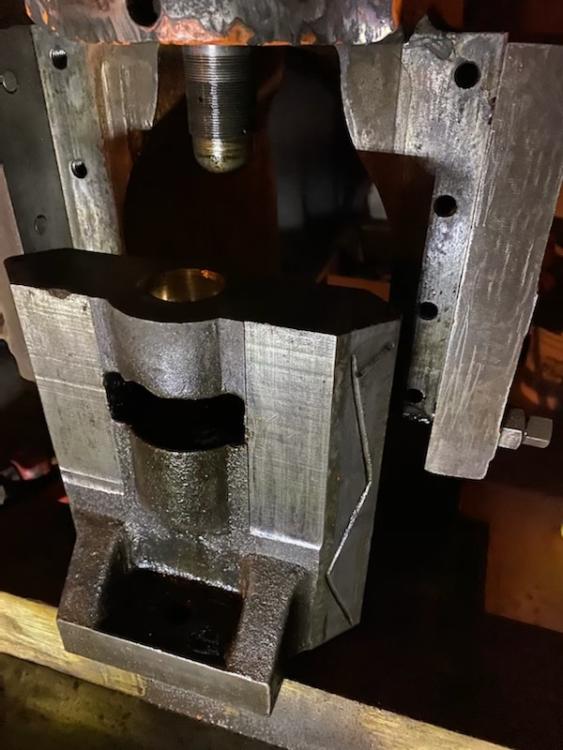
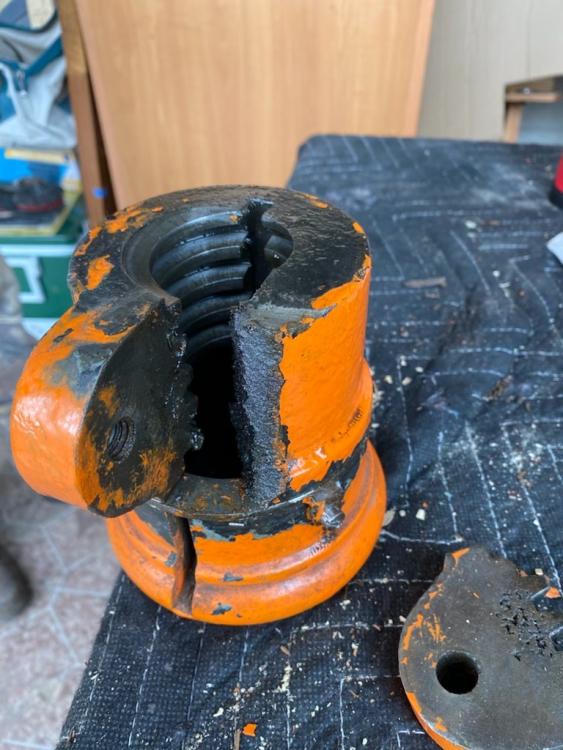
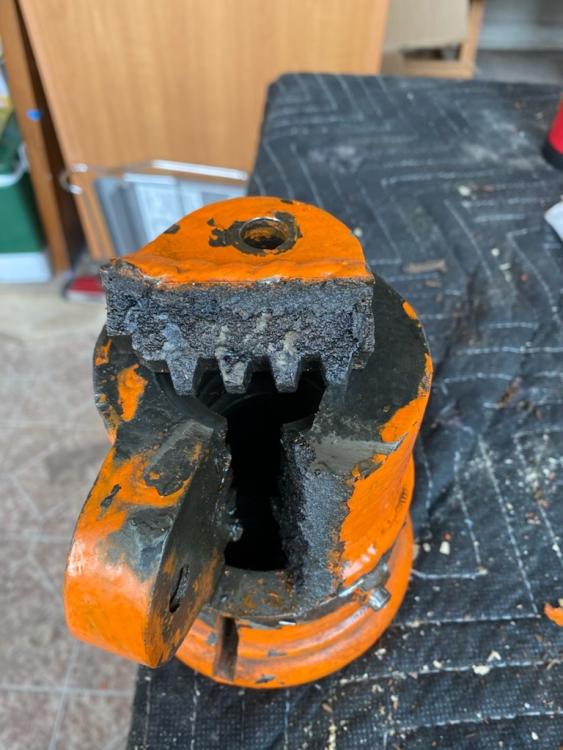
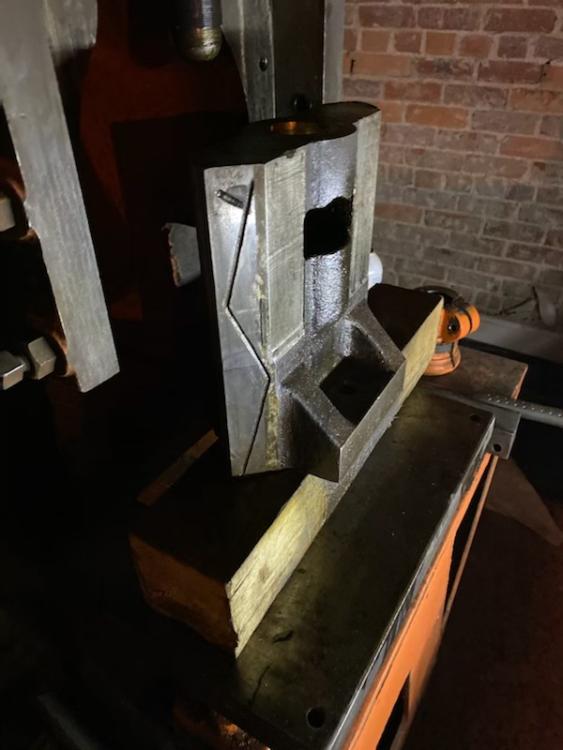
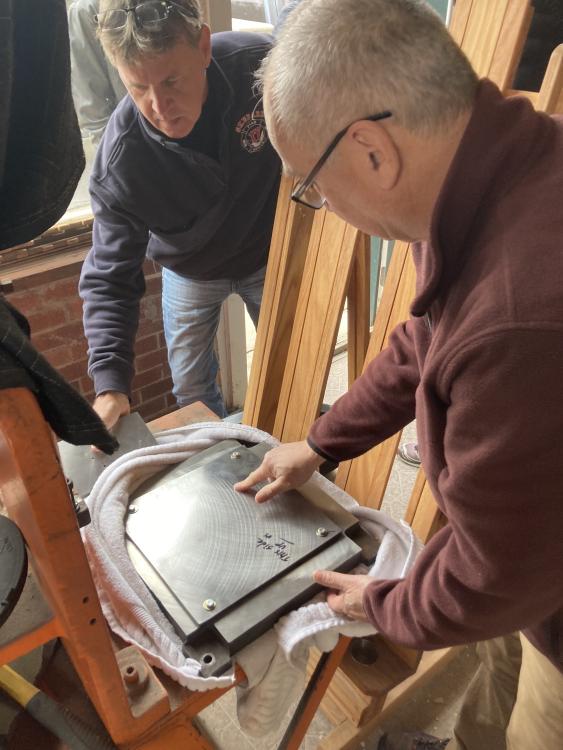
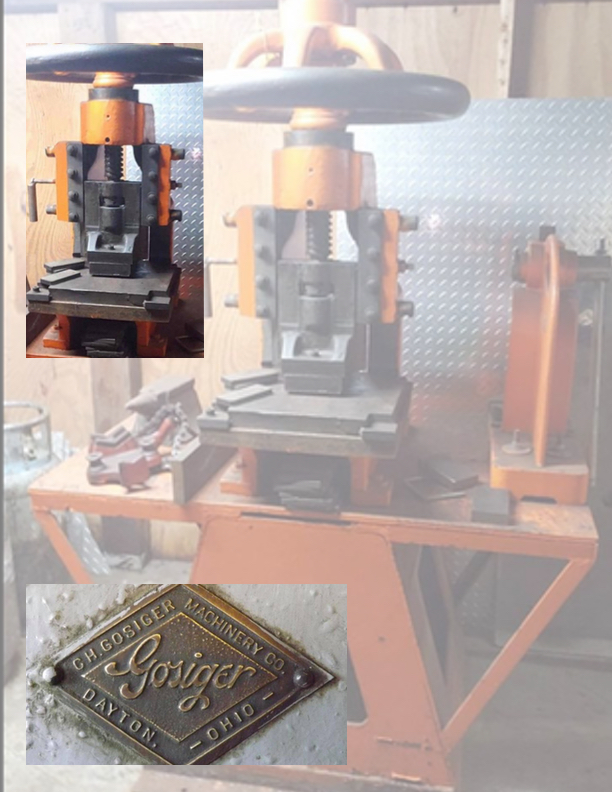
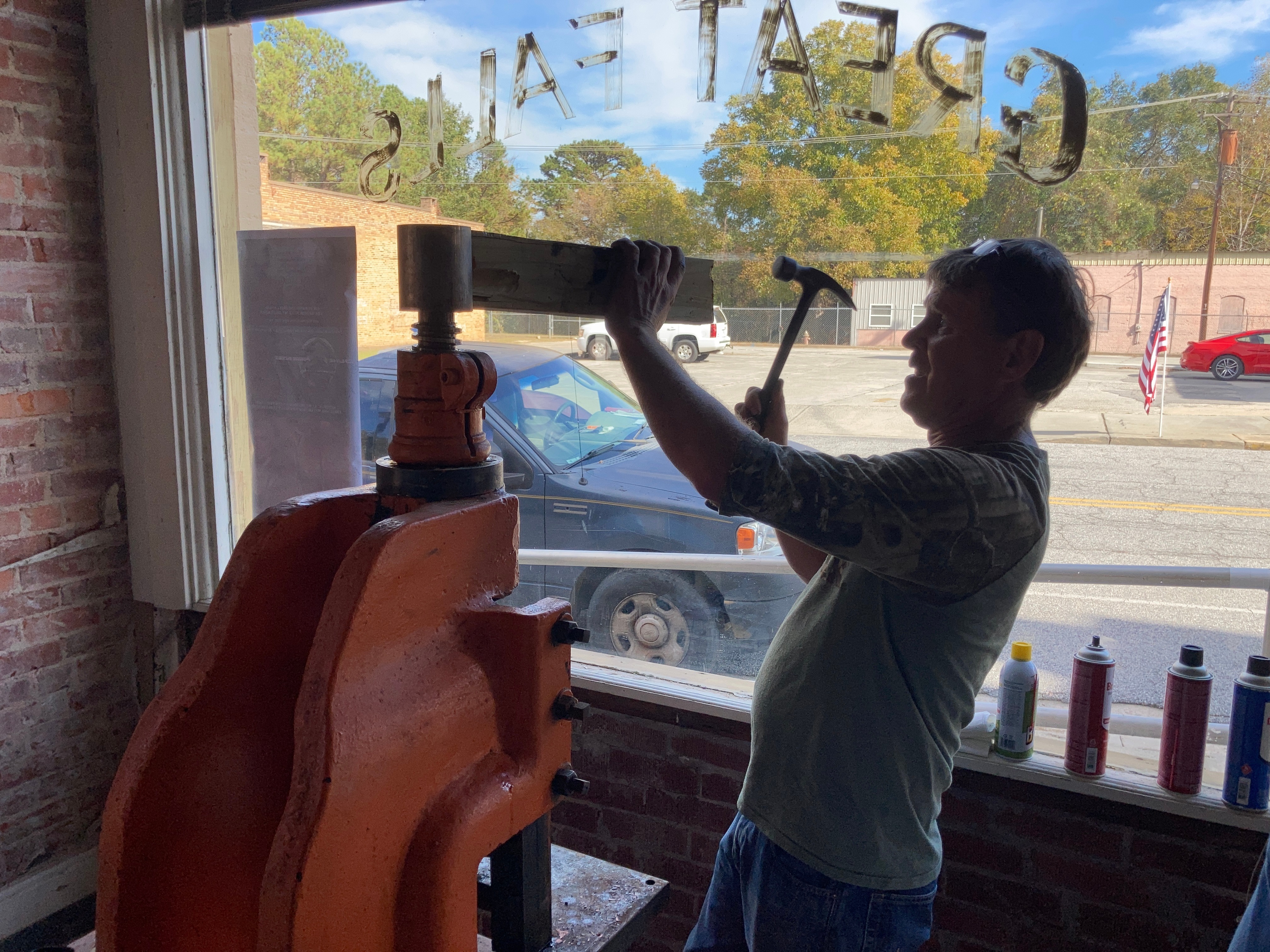
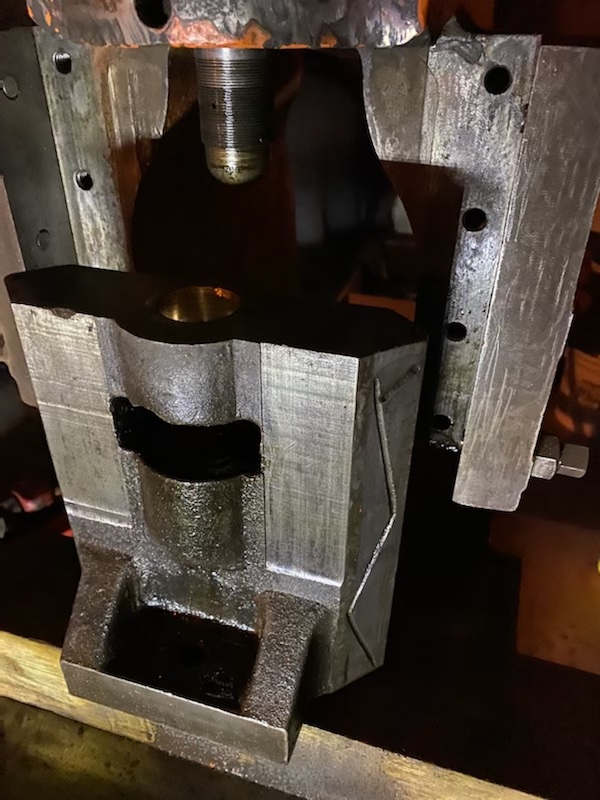
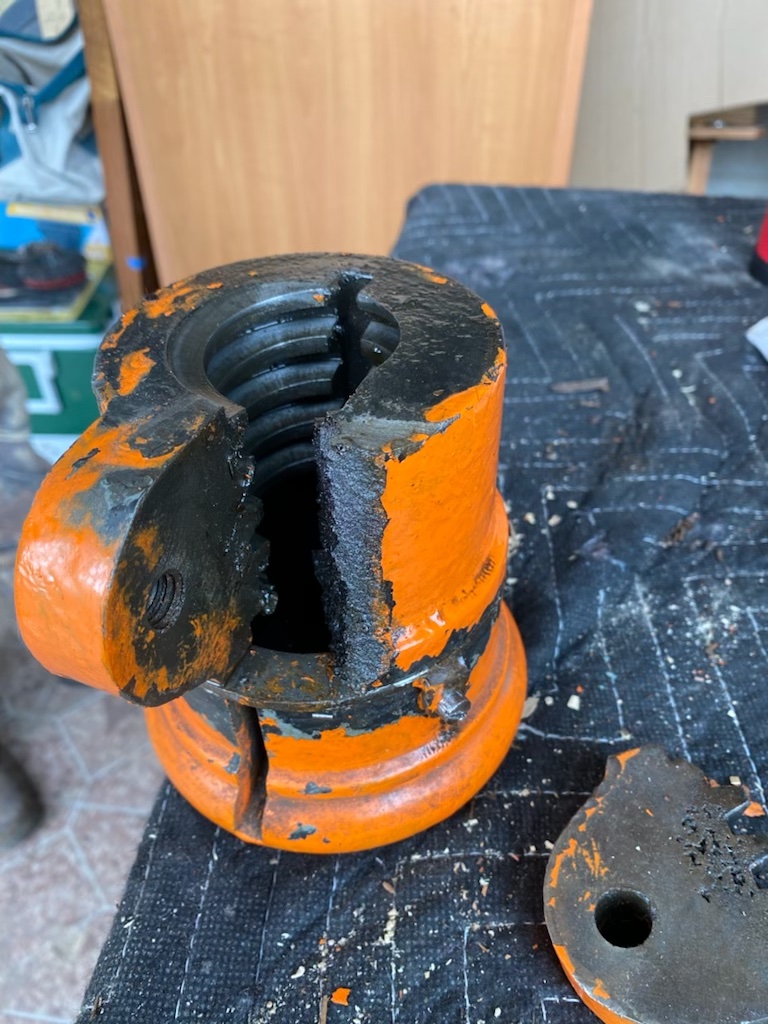
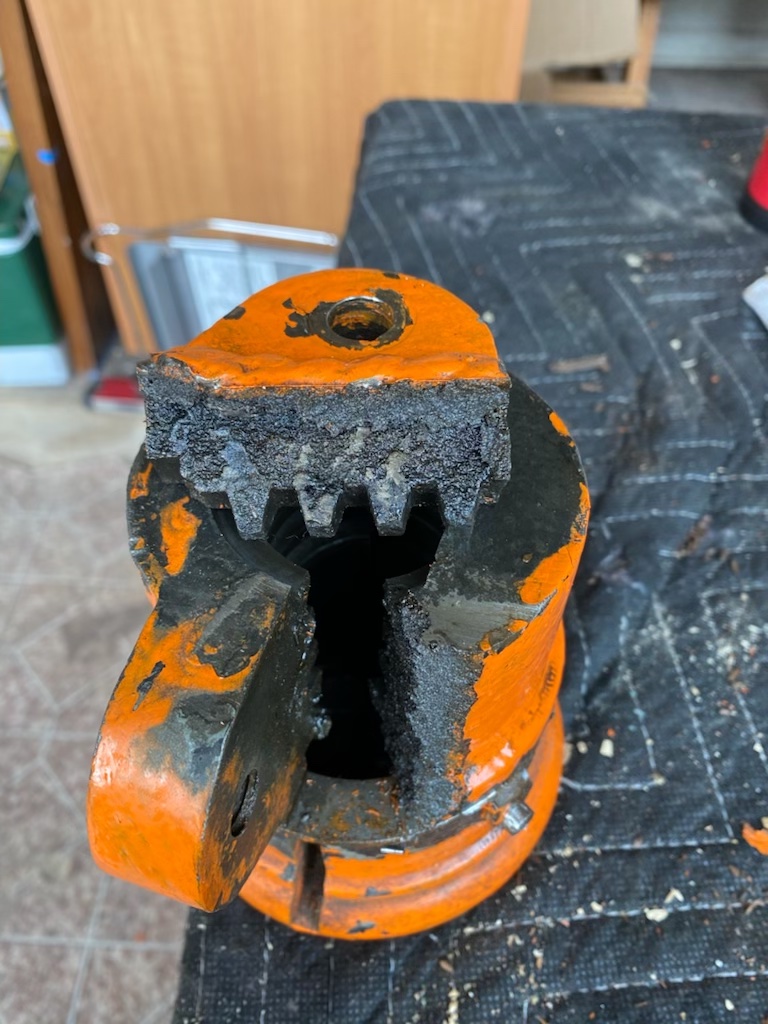
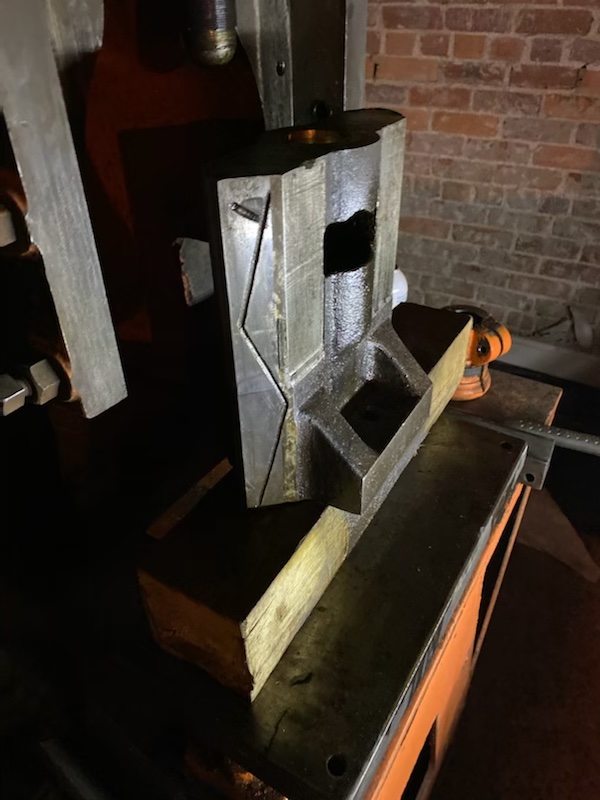
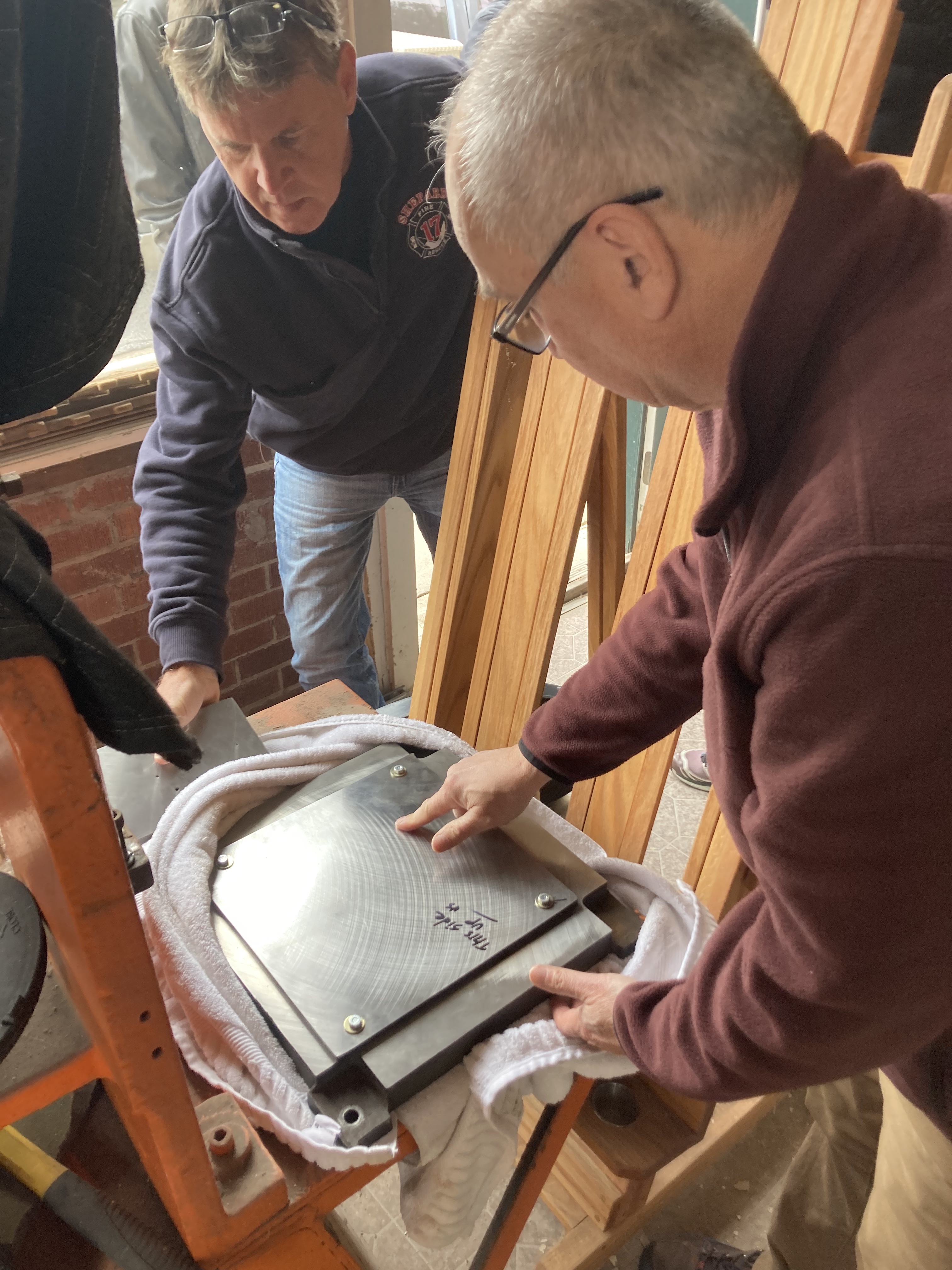
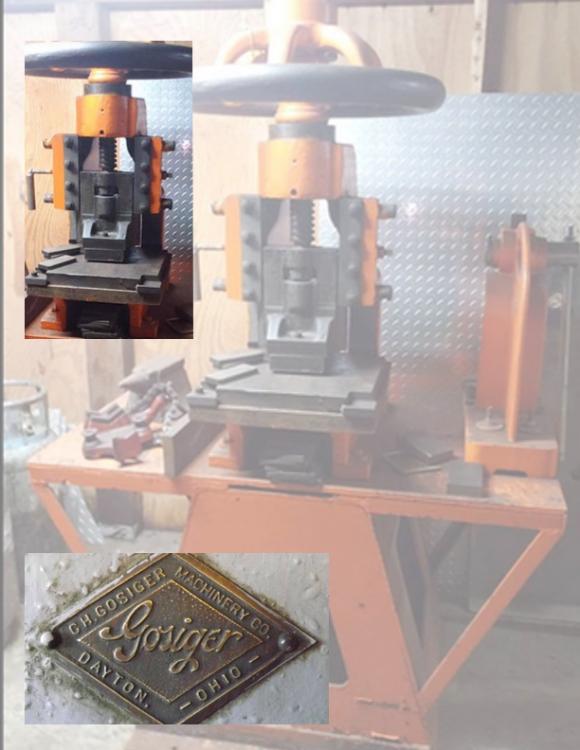
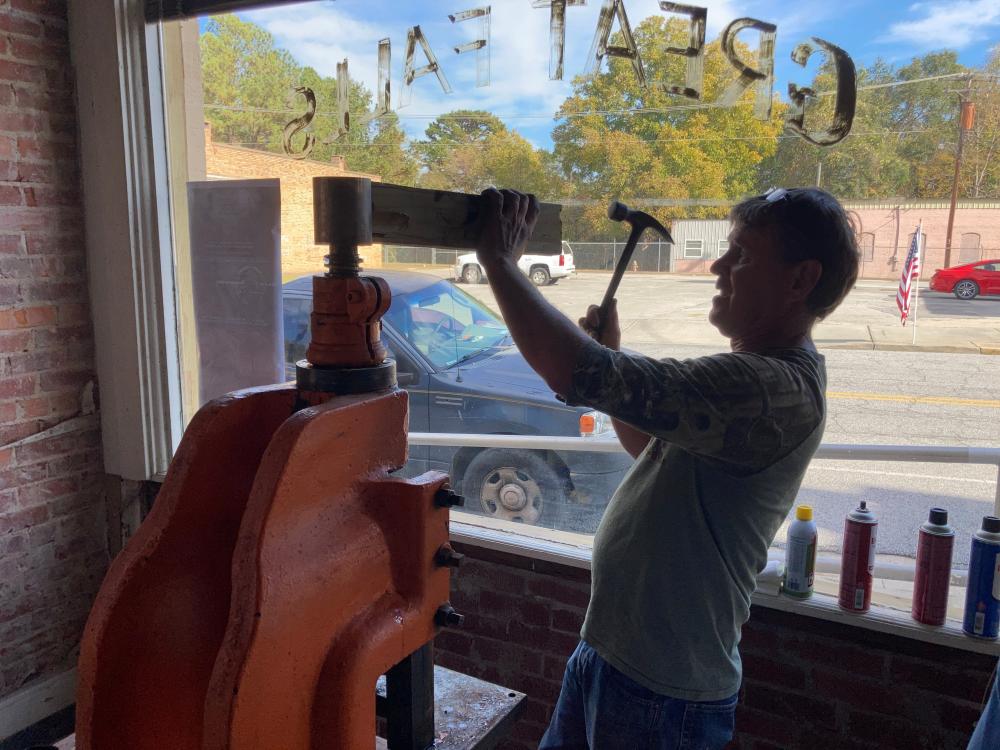
    Hello my name is James Douglas - I traveled from South Carolina to out an old Gosiger press, needed work but I hauled it back from Zion, Illinois to give it a try. I located it into an old 1925 Western Union Telegraph Office with hopes to get it working and do some simple striking of coins with dies I created over the past 20 years - maybe sell a little coffee - and encourage others to embrace old world arts as an Atelier. All was going well - got it in safely began clean up some repairs, *Then this tough break. Any suggestions ? Repair of would I have better luck finding a replacement part ? media below in hopes of better explaining the saga.. Thanks
Account

Navigation

Search

Search

Configure browser push notifications

Chrome (Android)
  1. Tap the lock icon next to the address bar.
  2. Tap Permissions → Notifications.
  3. Adjust your preference.
Chrome (Desktop)
  1. Click the padlock icon in the address bar.
  2. Select Site settings.
  3. Find Notifications and adjust your preference.