Skip to content
View in the app

A better way to browse. Learn more.

I Forge Iron

A full-screen app on your home screen with push notifications, badges and more.

To install this app on iOS and iPadOS
  1. Tap the Share icon in Safari
  2. Scroll the menu and tap Add to Home Screen.
  3. Tap Add in the top-right corner.
To install this app on Android
  1. Tap the 3-dot menu (⋮) in the top-right corner of the browser.
  2. Tap Add to Home screen or Install app.
  3. Confirm by tapping Install.

AROP

Members
  • Joined

  • Last visited

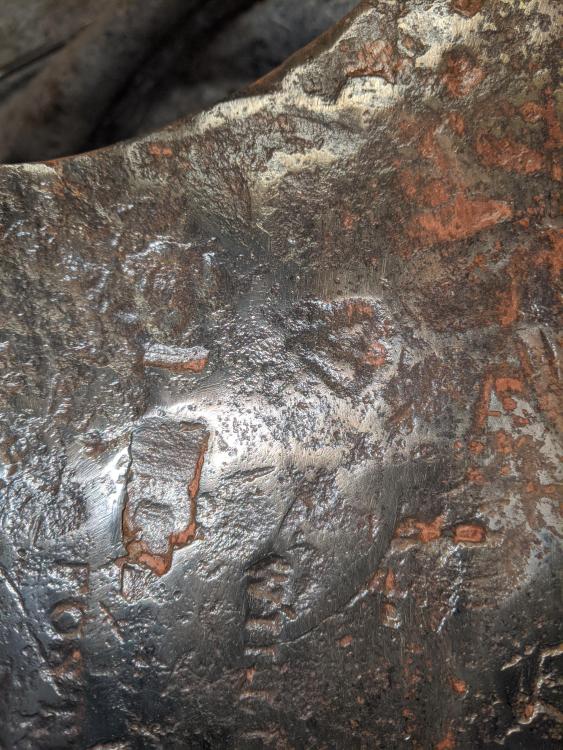
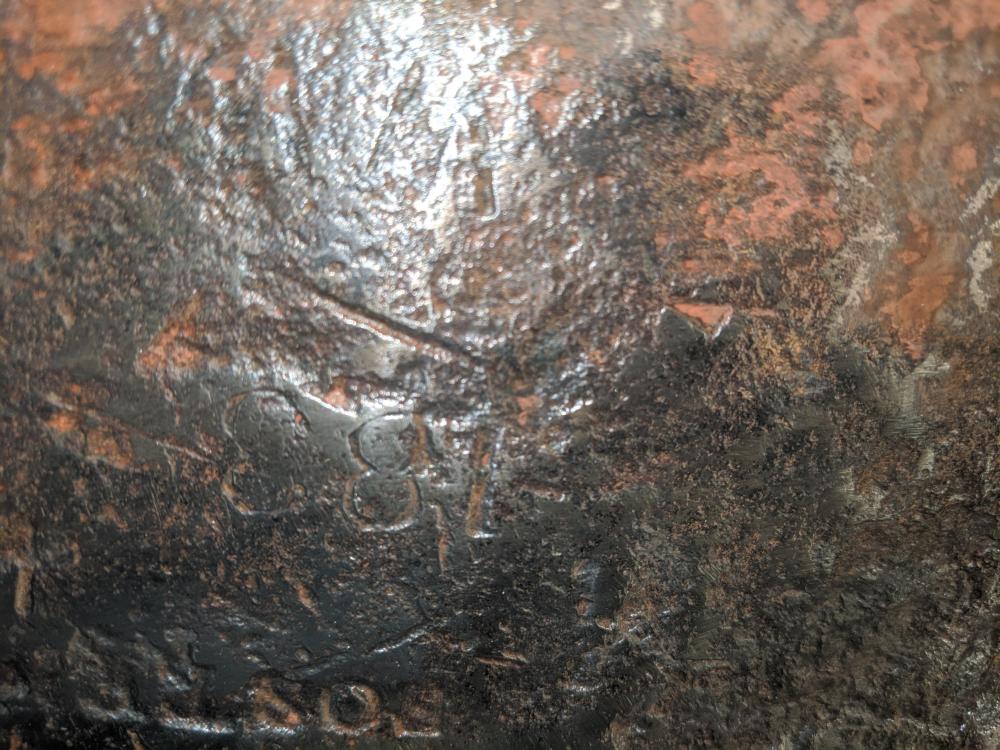
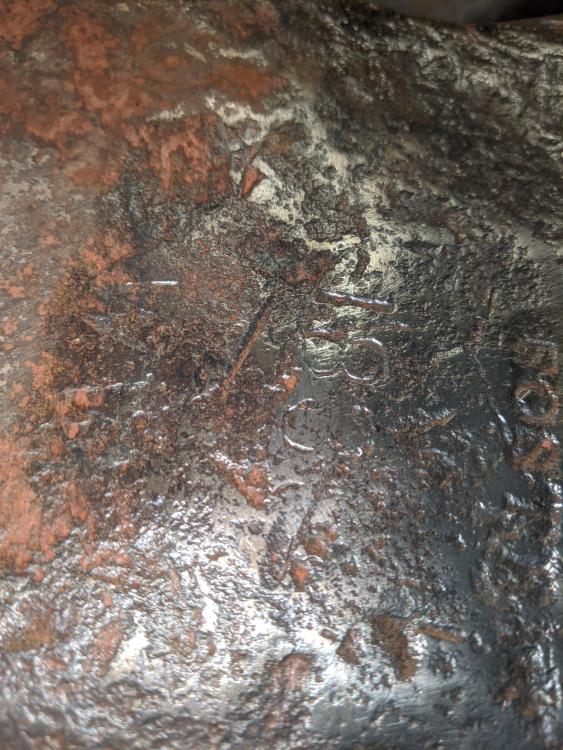
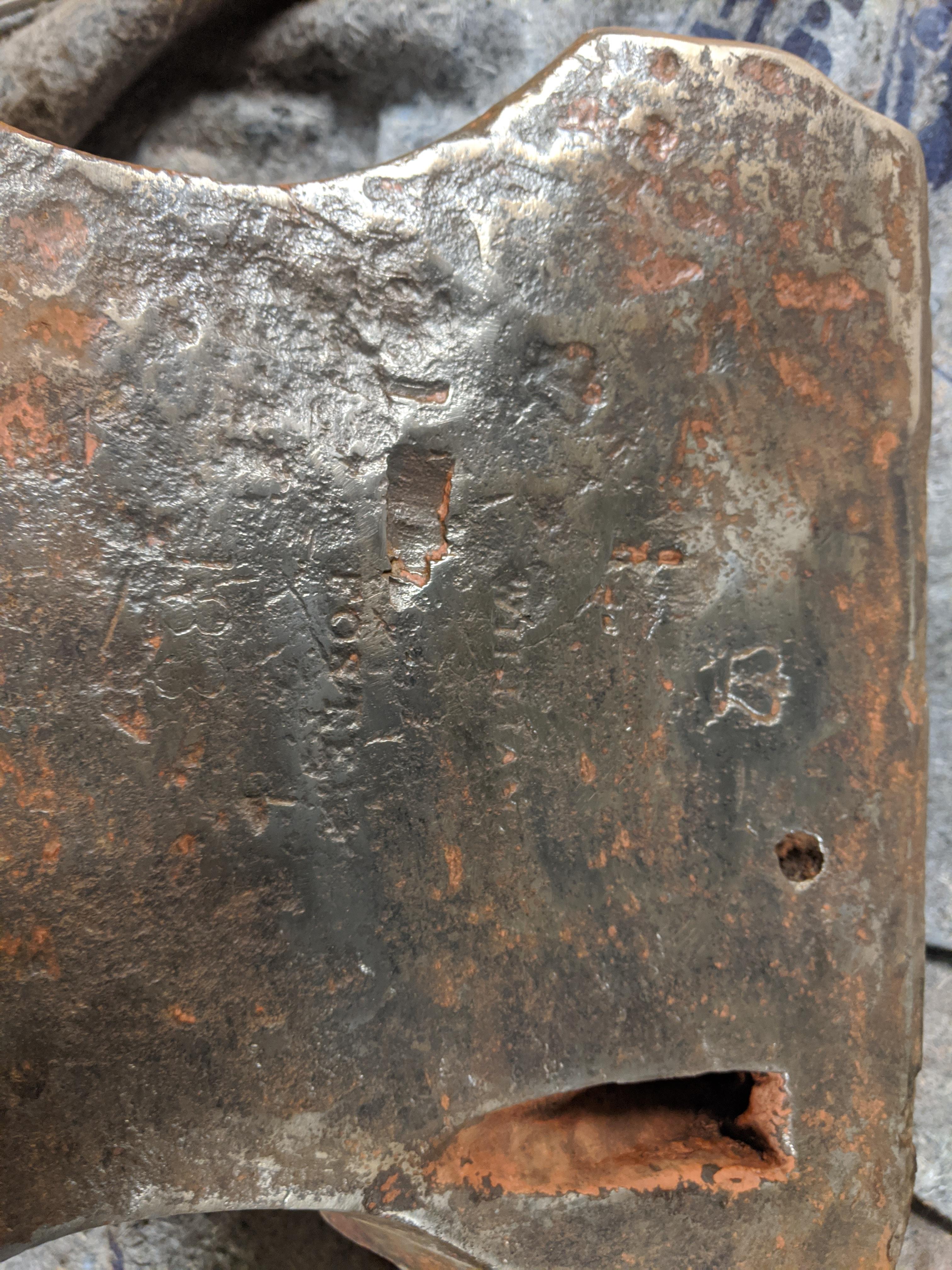
  1. lol battery powered! thanks. Sorry - your correct. It was late when I posted them off of quick cell phone pics. I'll take some new ones.
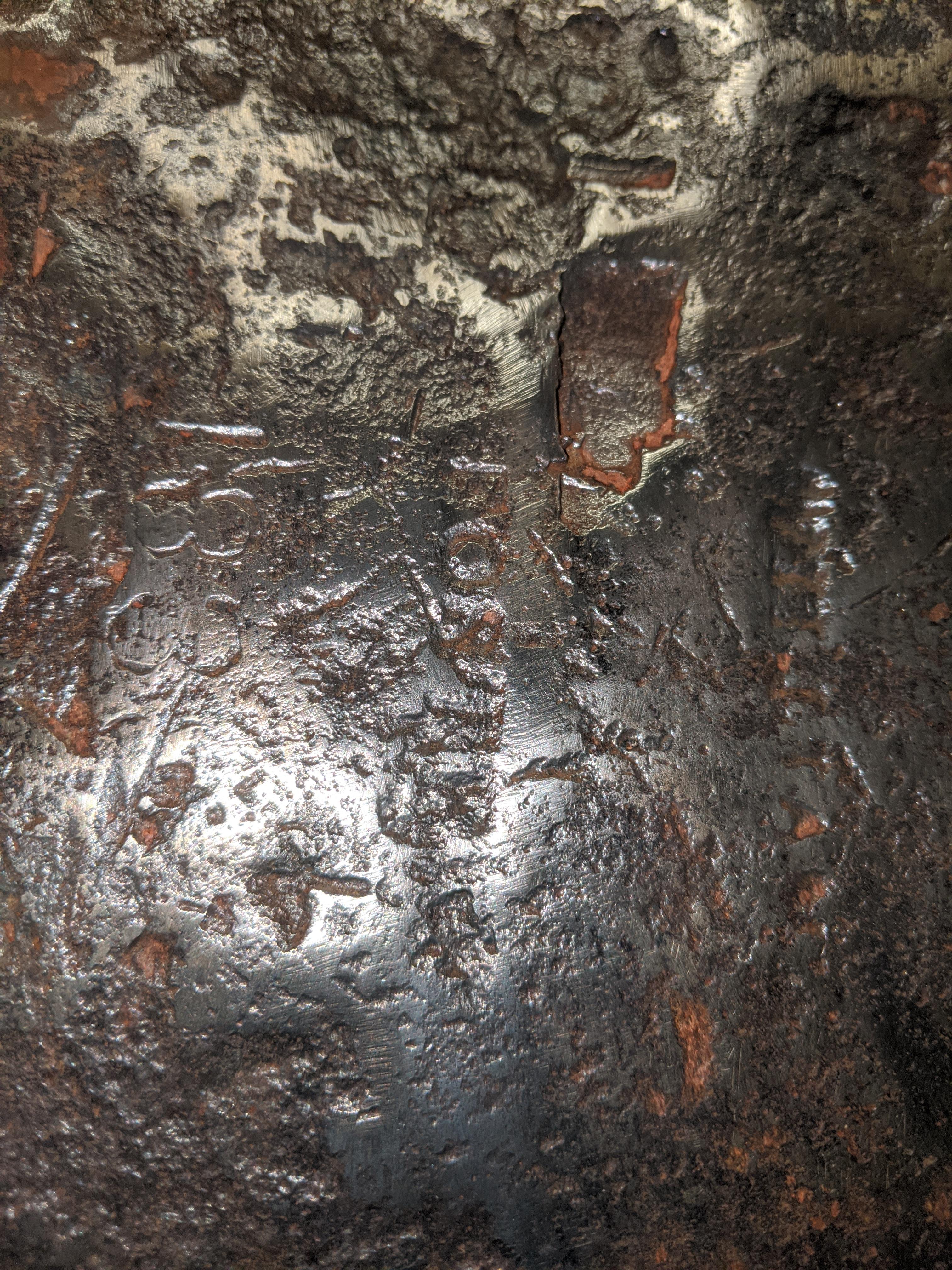
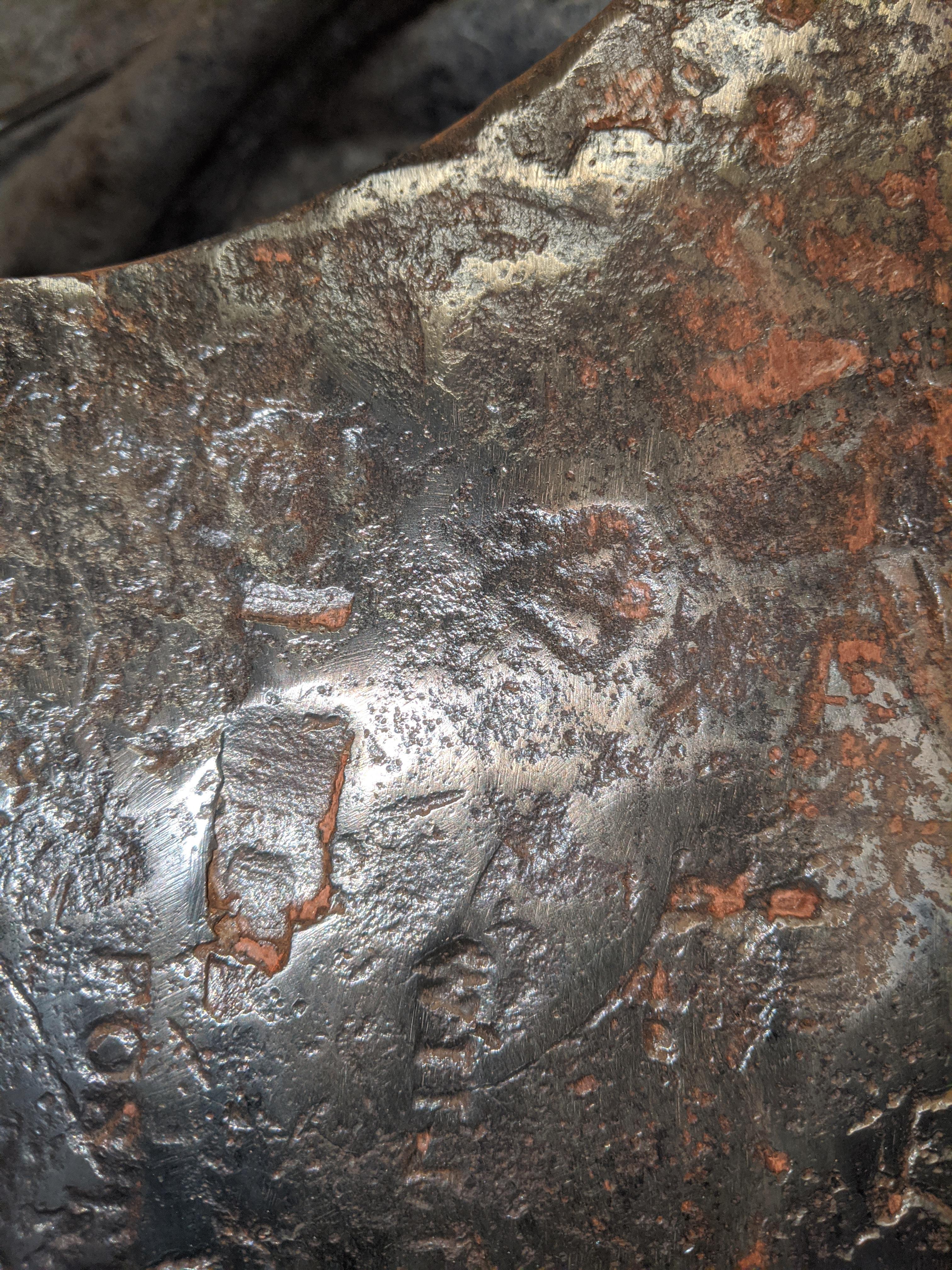
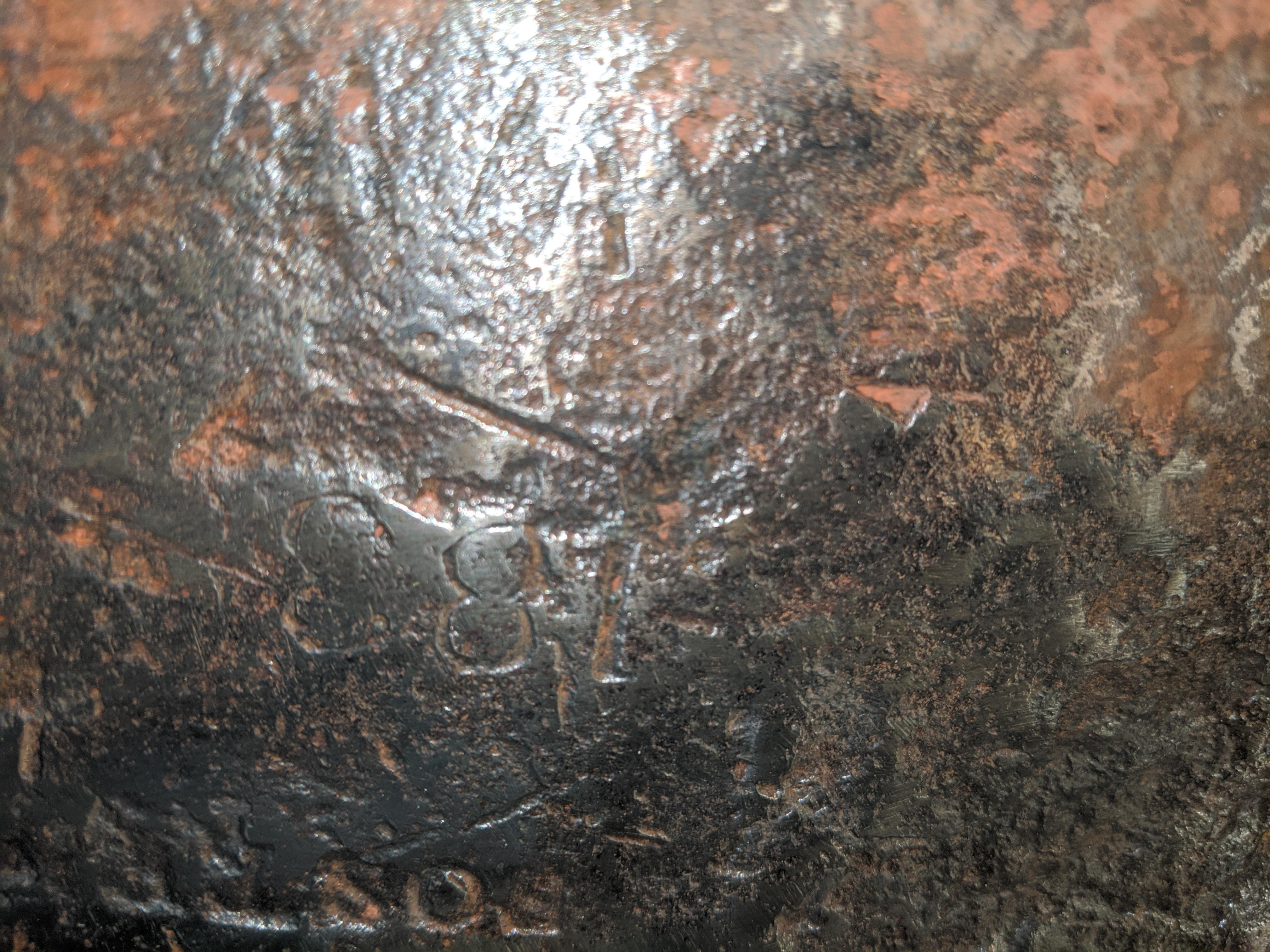
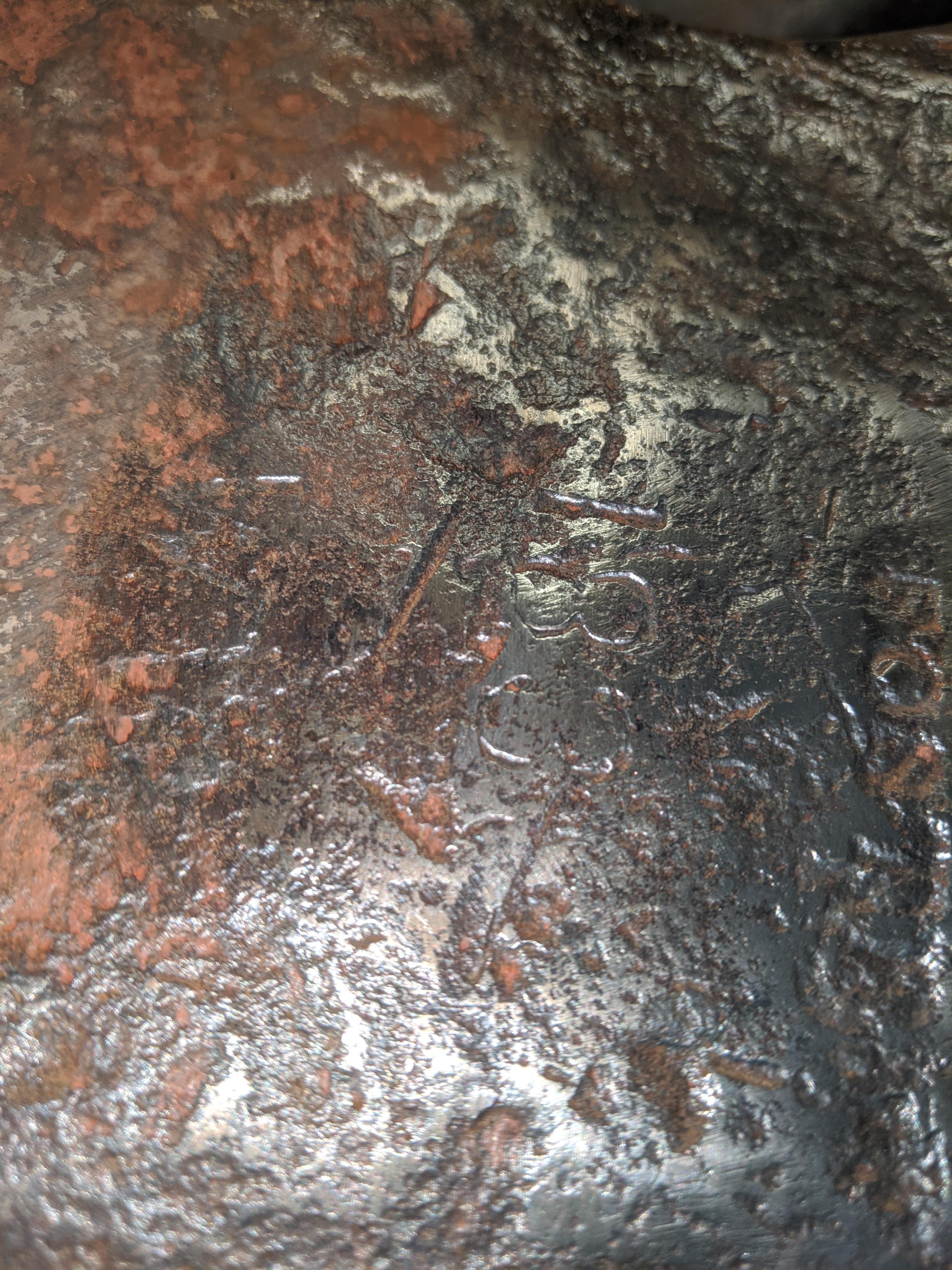
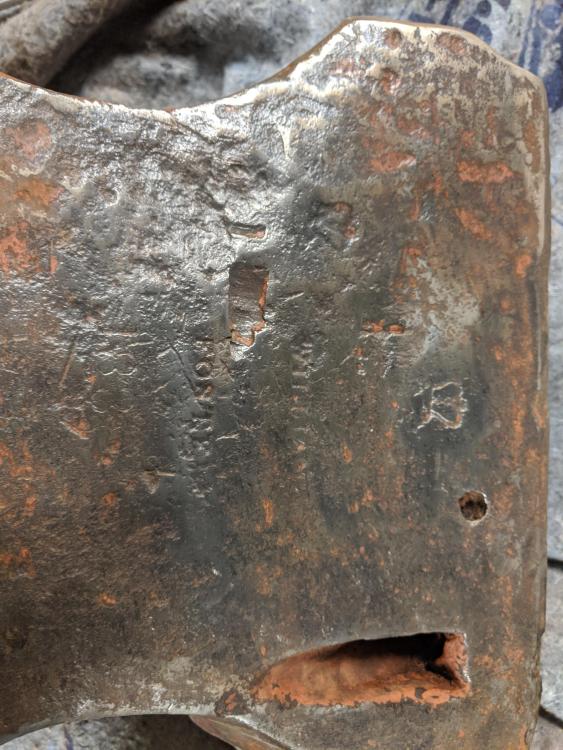
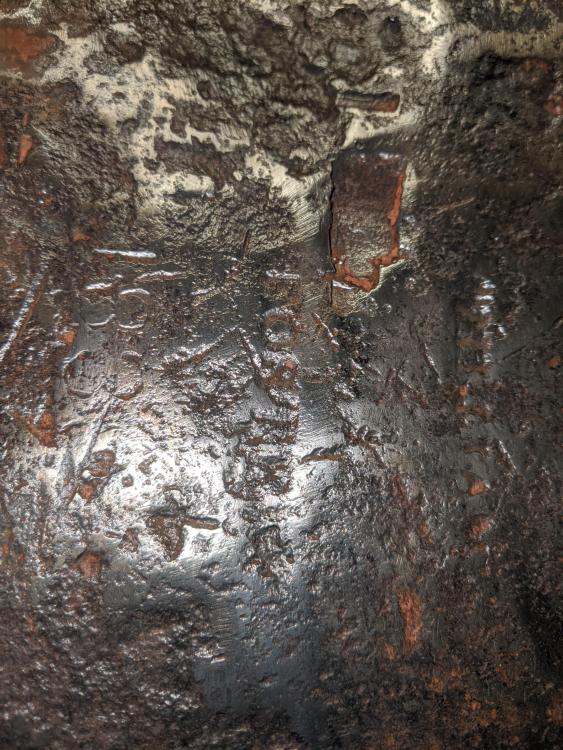
  2. I recently purchased a broken William Foster Anvil. It looks like its from 183...8? Question is :: I've seen hundreds of WF Anvil Pictures... I can't seem to find one with a side hole and angled indentation like mine. The indentation looks like it would make it easy to attach a clamp to your work piece and the face. ALSO : looks like an impression of a Battery... does that mean anything? Any info on what I have appreciated.
Account

Navigation

Search

Search

Configure browser push notifications

Chrome (Android)
  1. Tap the lock icon next to the address bar.
  2. Tap Permissions → Notifications.
  3. Adjust your preference.
Chrome (Desktop)
  1. Click the padlock icon in the address bar.
  2. Select Site settings.
  3. Find Notifications and adjust your preference.