Skip to content
View in the app

A better way to browse. Learn more.

I Forge Iron

A full-screen app on your home screen with push notifications, badges and more.

To install this app on iOS and iPadOS
  1. Tap the Share icon in Safari
  2. Scroll the menu and tap Add to Home Screen.
  3. Tap Add in the top-right corner.
To install this app on Android
  1. Tap the 3-dot menu (⋮) in the top-right corner of the browser.
  2. Tap Add to Home screen or Install app.
  3. Confirm by tapping Install.

Hayfarmer

Members
  • Joined

  • Last visited

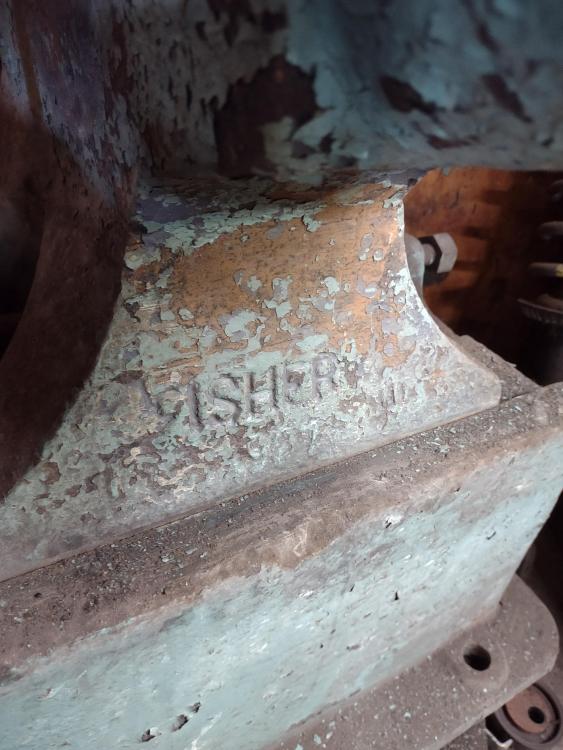
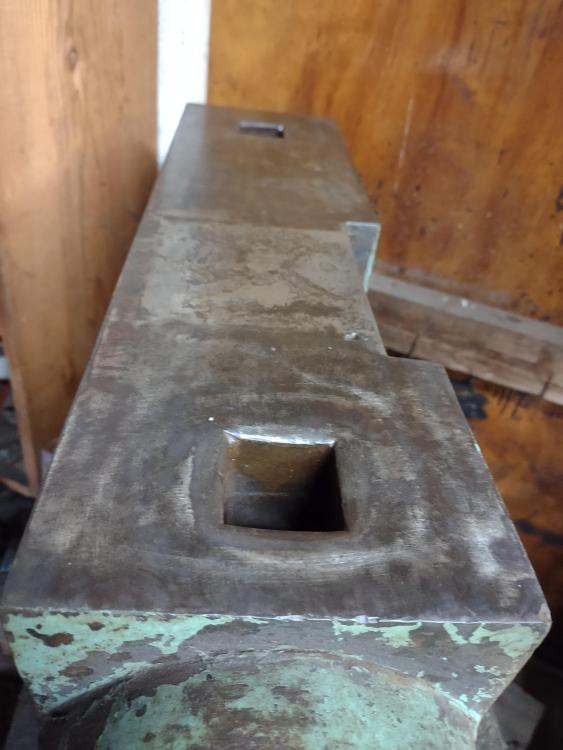
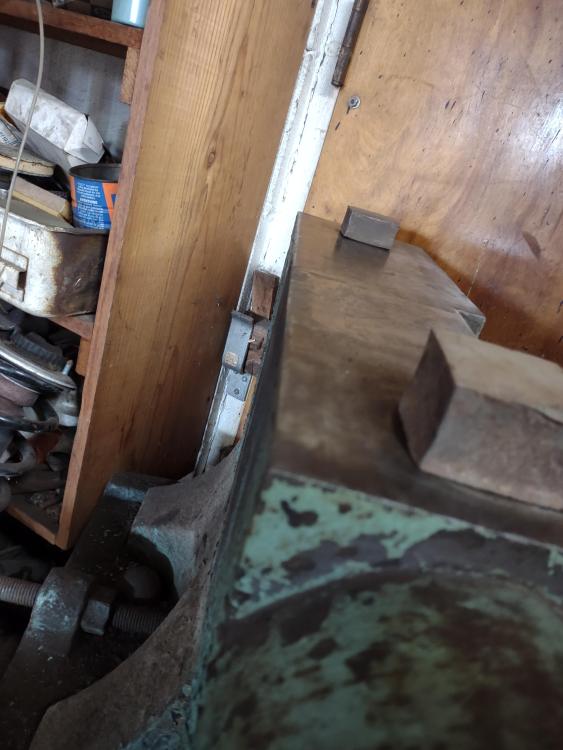
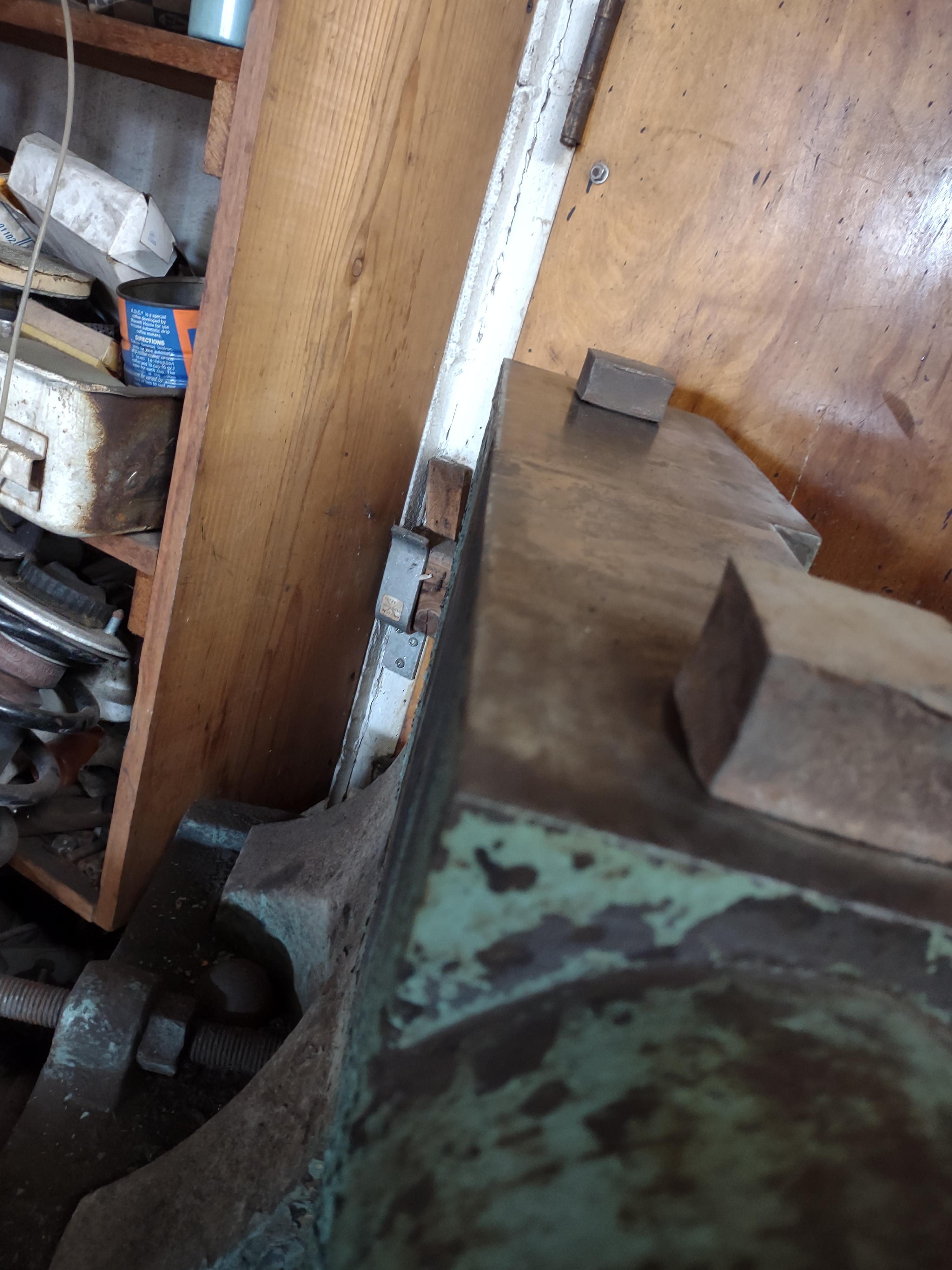
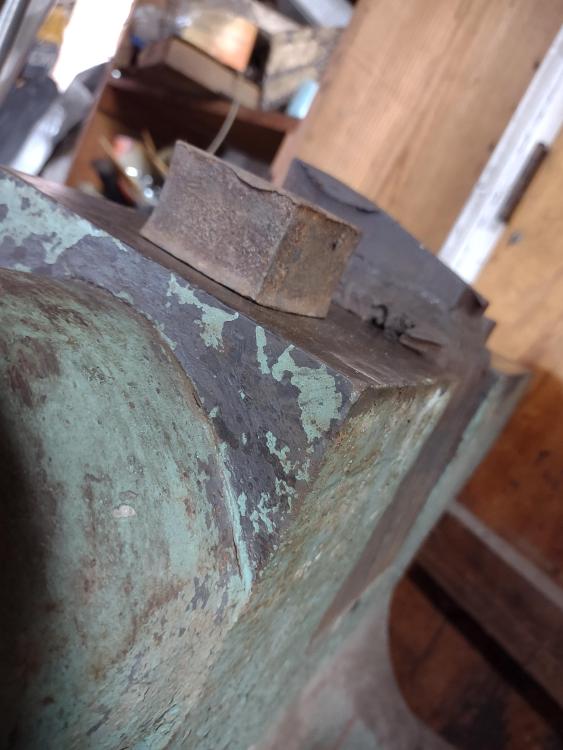
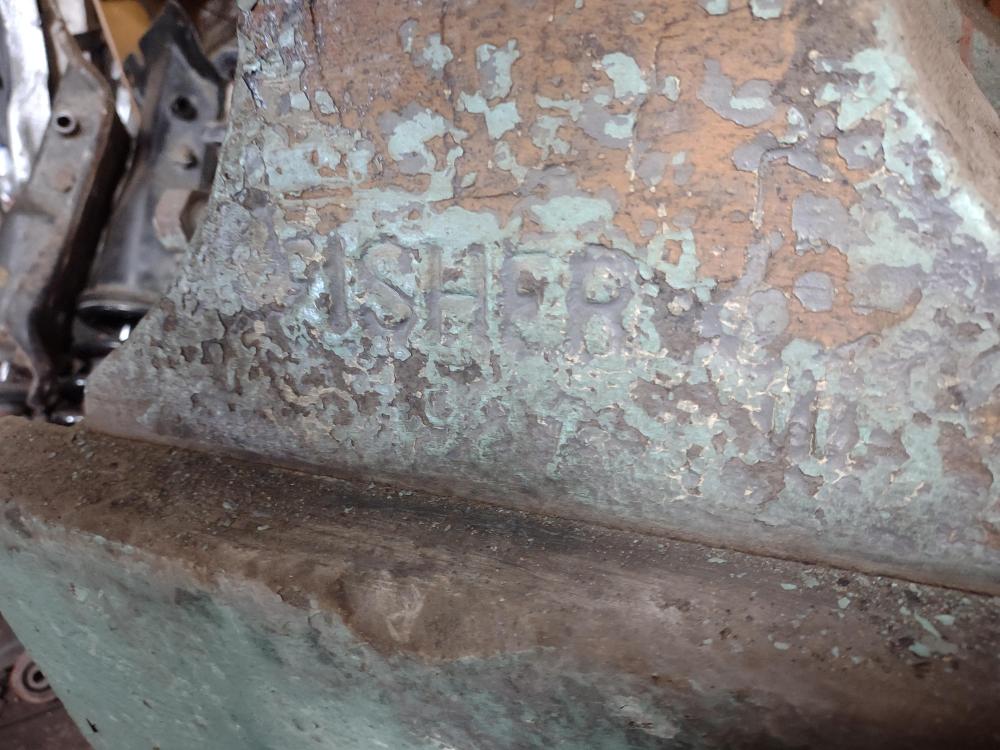
  1. Thanks George, I'm from south western Pennsylvania. One thing I noticed about it was there was not an eagle cast into it. Maybe they are only on the earlier ones? IDK
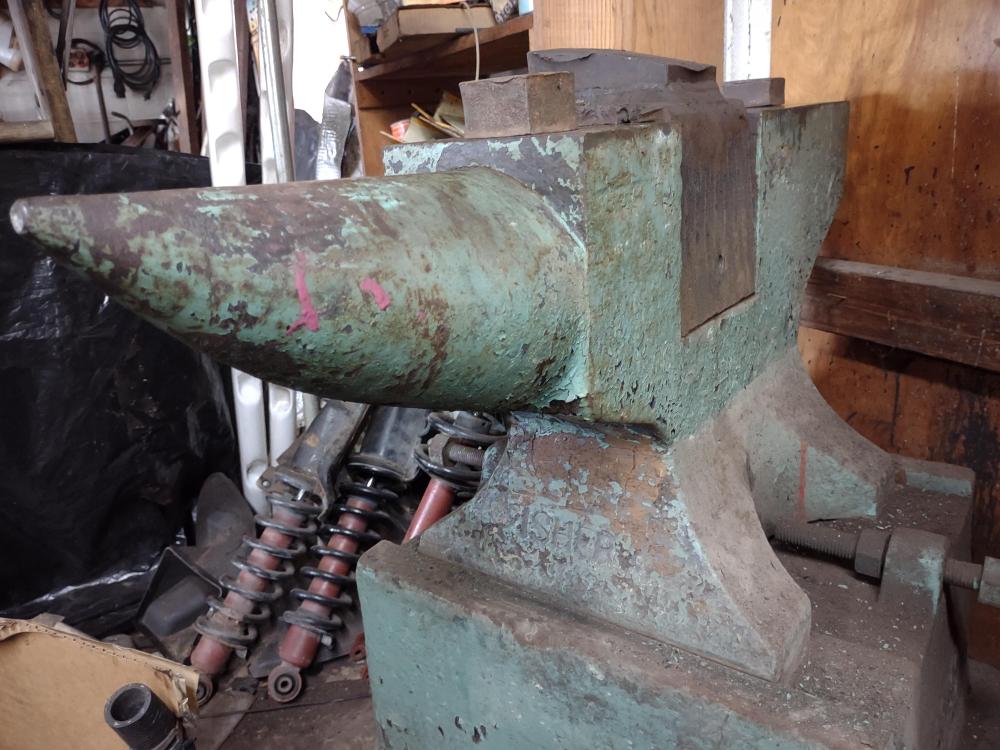
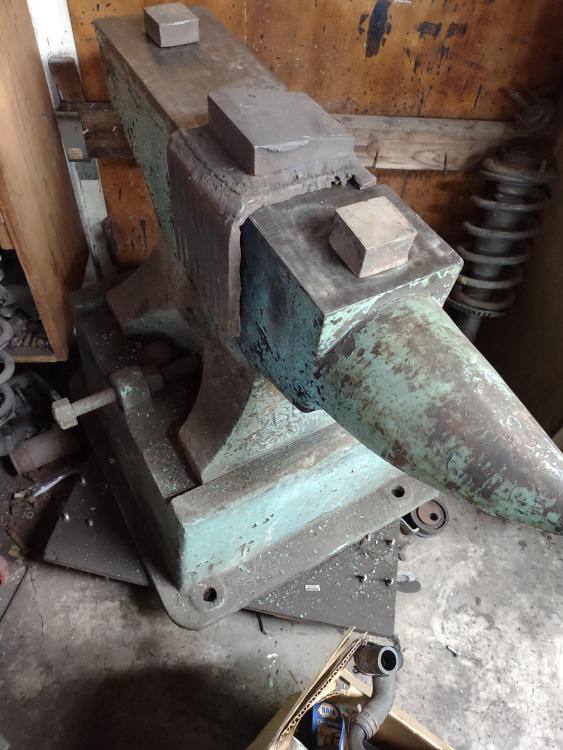
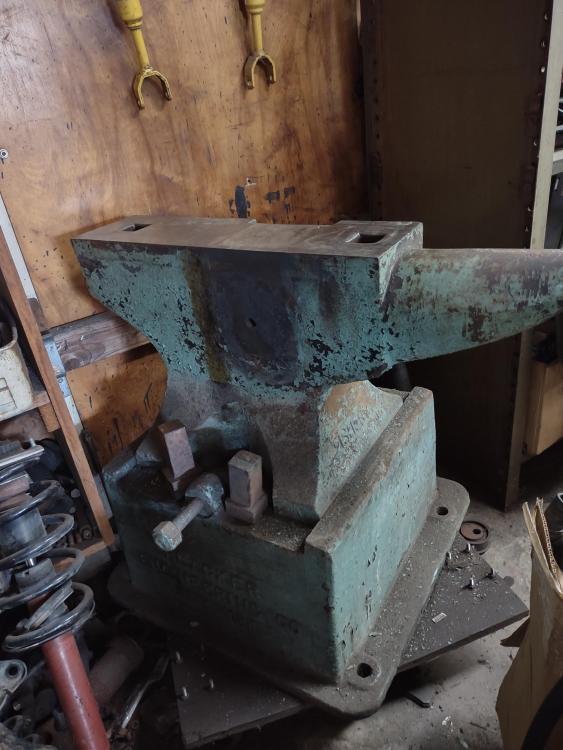
  2. Hi everybody, I'm new to the group and was looking for some opinions and recommendations on this Fisher anvil. I've been trying to buy it from a long time friend for years and he finally is ready to let go of it. I'm wondering what it's actually worth . I'm willing to pay what it's worth but don't want to overpay. Any knowledge, opinions and recommendations would be appreciated.
Account

Navigation

Search

Search

Configure browser push notifications

Chrome (Android)
  1. Tap the lock icon next to the address bar.
  2. Tap Permissions → Notifications.
  3. Adjust your preference.
Chrome (Desktop)
  1. Click the padlock icon in the address bar.
  2. Select Site settings.
  3. Find Notifications and adjust your preference.