Skip to content
View in the app

A better way to browse. Learn more.

I Forge Iron

A full-screen app on your home screen with push notifications, badges and more.

To install this app on iOS and iPadOS
  1. Tap the Share icon in Safari
  2. Scroll the menu and tap Add to Home Screen.
  3. Tap Add in the top-right corner.
To install this app on Android
  1. Tap the 3-dot menu (⋮) in the top-right corner of the browser.
  2. Tap Add to Home screen or Install app.
  3. Confirm by tapping Install.

Jfloyd

Members
  • Joined

  • Last visited

  1. Thank you both! I will check that out.
  2. Hello all! Names Josh, Been reading these forums for awhile and getting lots of great info. And thanks to everyones information i just sold my first blade today! Mostly into the bladesmithing but intrested in all blacksmithing as well. Thanks again to everyone for sharing there expertise and im looking forward to getting involved with the blacksmithing community.
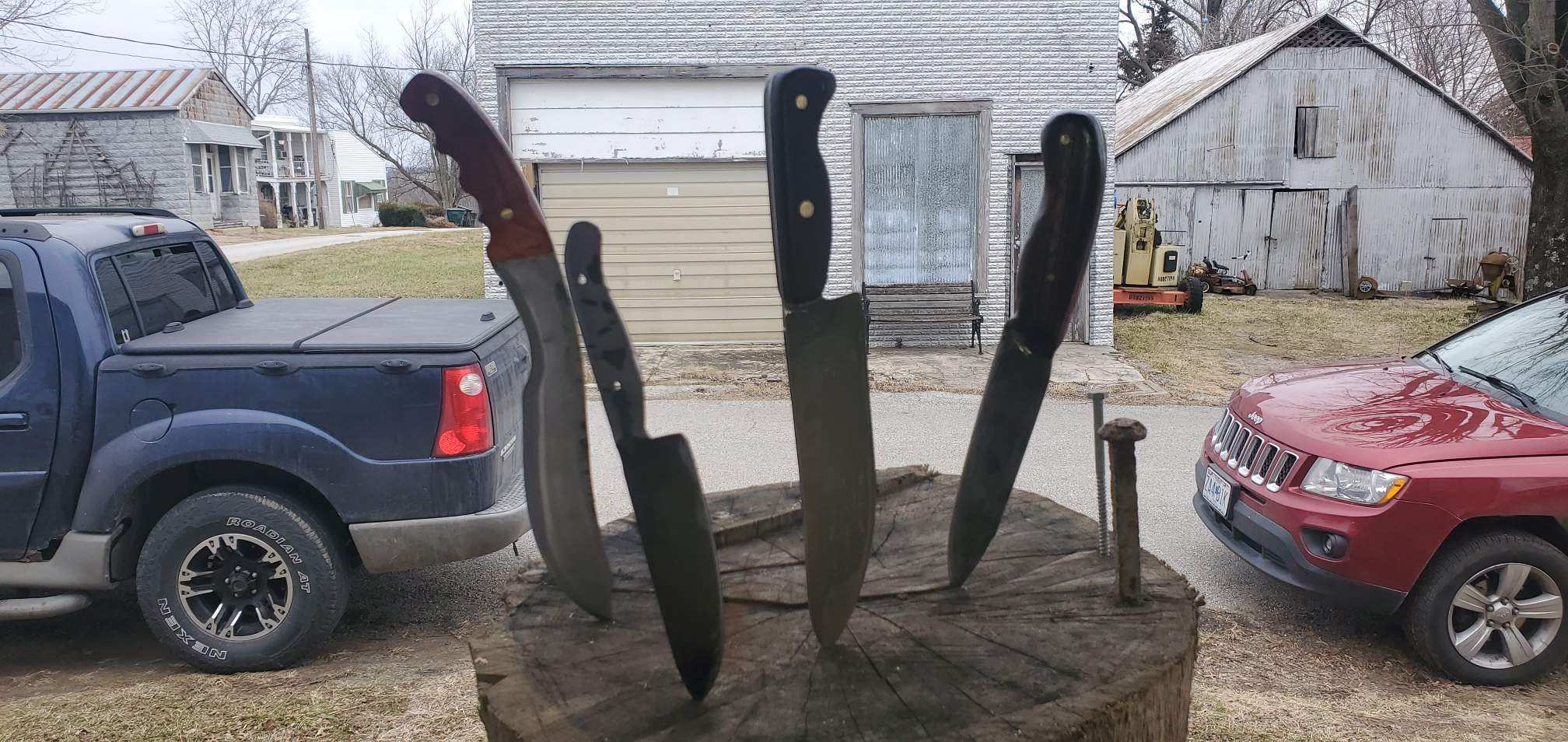
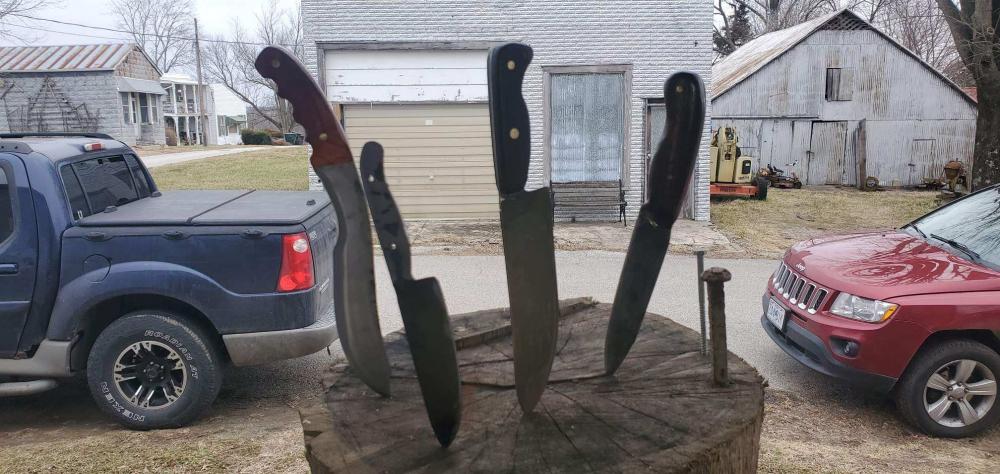
  3. Middle one is the newest but they are all pretty recent and all ive got, havnt been forging long.
Account

Navigation

Search

Search

Configure browser push notifications

Chrome (Android)
  1. Tap the lock icon next to the address bar.
  2. Tap Permissions → Notifications.
  3. Adjust your preference.
Chrome (Desktop)
  1. Click the padlock icon in the address bar.
  2. Select Site settings.
  3. Find Notifications and adjust your preference.