Skip to content
View in the app

A better way to browse. Learn more.

I Forge Iron

A full-screen app on your home screen with push notifications, badges and more.

To install this app on iOS and iPadOS
  1. Tap the Share icon in Safari
  2. Scroll the menu and tap Add to Home Screen.
  3. Tap Add in the top-right corner.
To install this app on Android
  1. Tap the 3-dot menu (⋮) in the top-right corner of the browser.
  2. Tap Add to Home screen or Install app.
  3. Confirm by tapping Install.

Nik870

Members
  • Joined

  • Last visited

Everything posted by Nik870

  1. Thanks for the tip. Shop is usually around 55 in the winter.
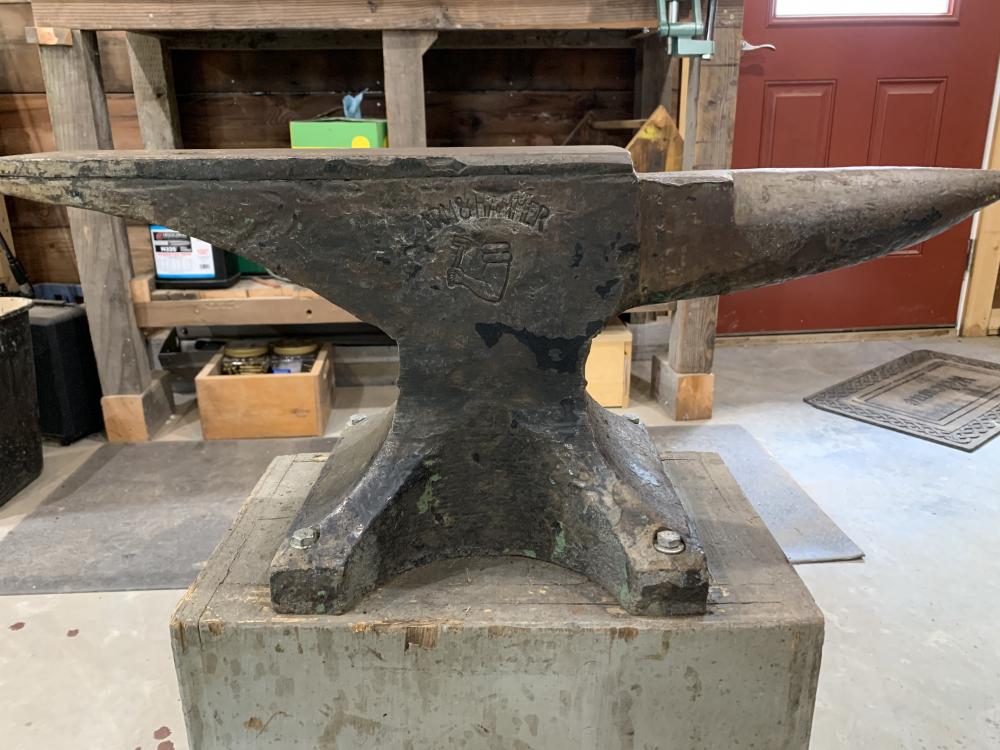
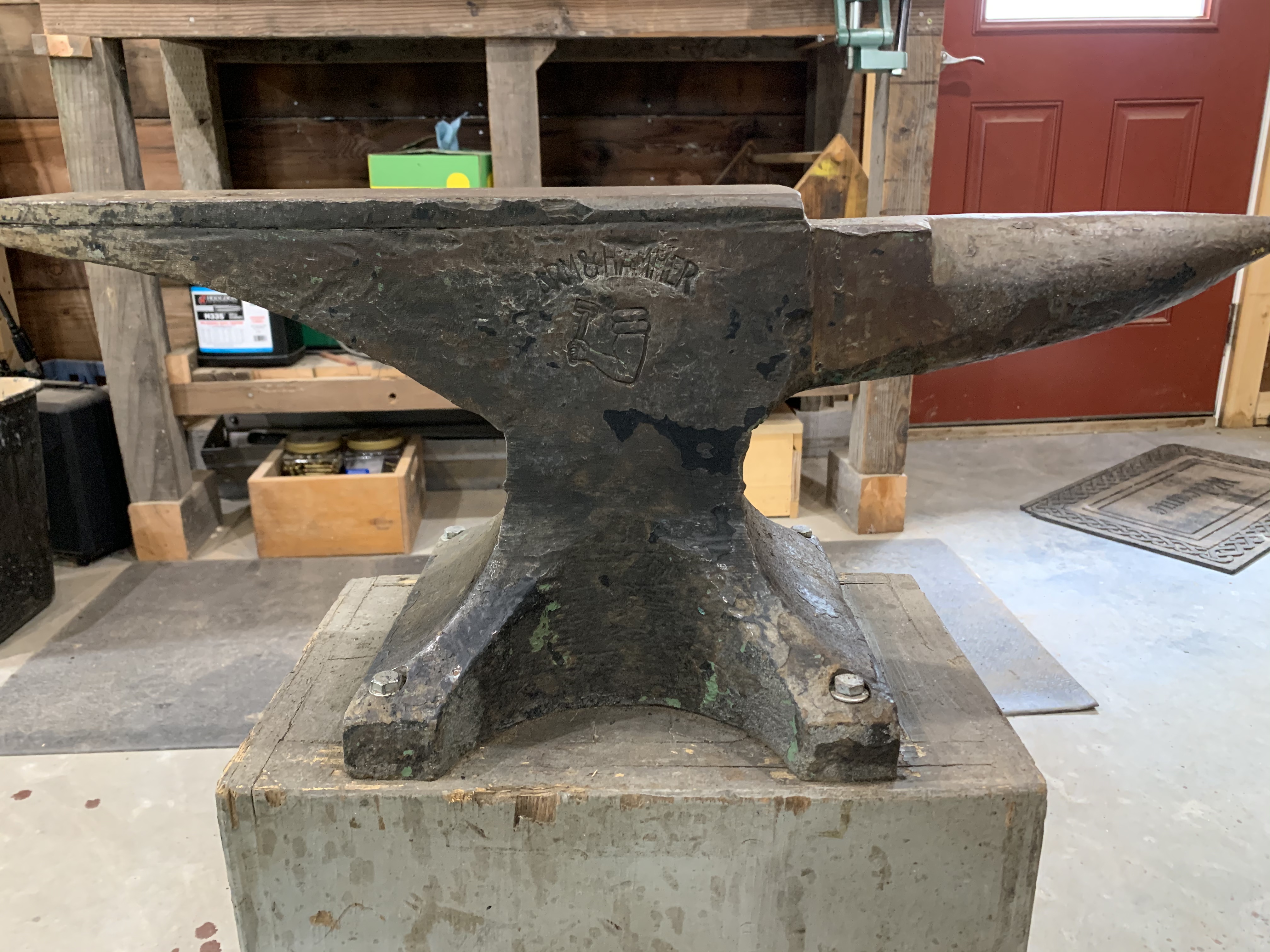
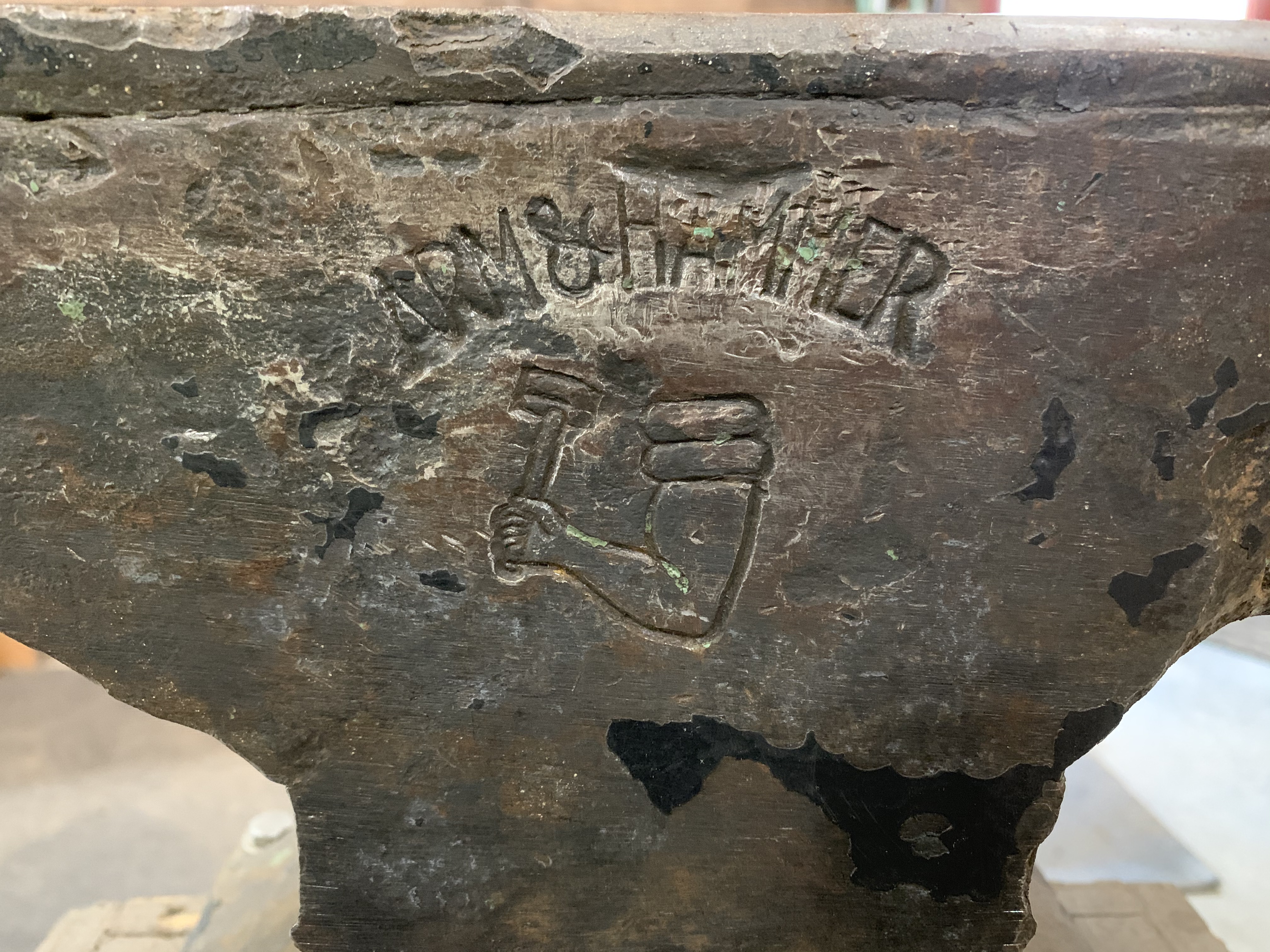
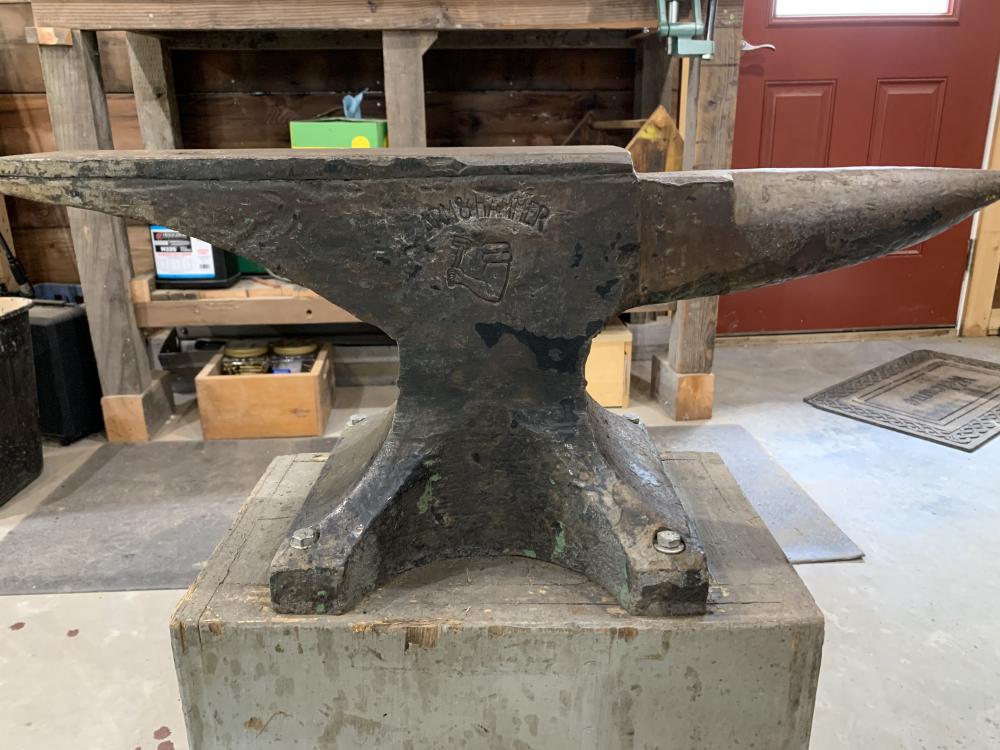
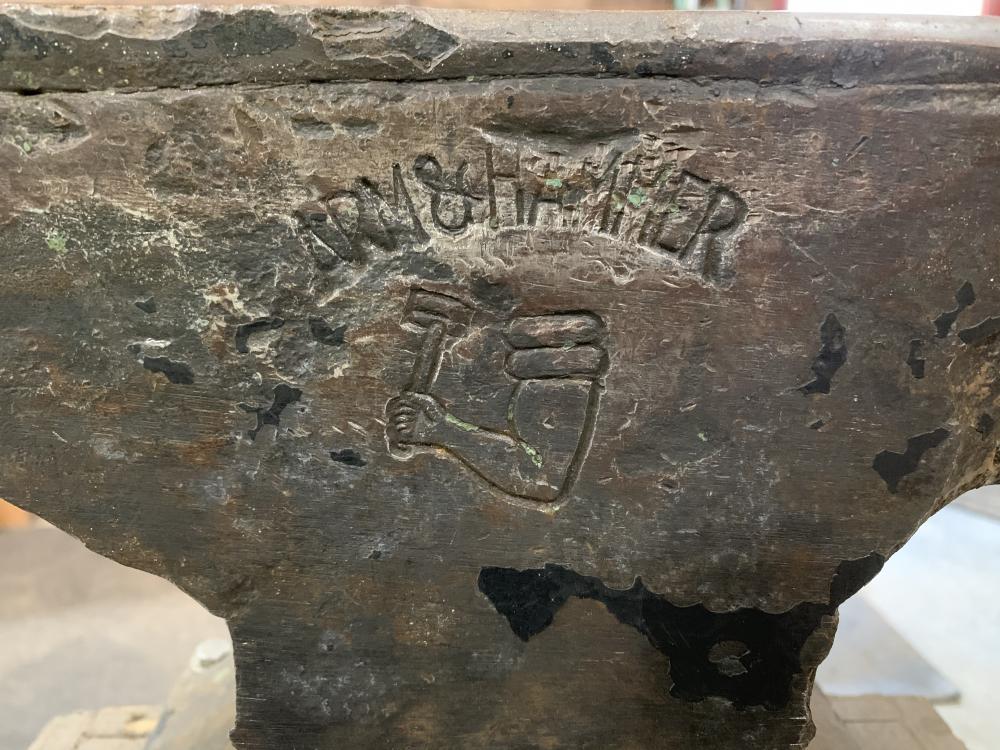
  2. He needs to do a lot for his grandfather. We were just talking about an anvil we missed out on he said he had one in the barn. My sons eye lit up and this is what he had. Just getting into this hobby and he is excited.
  3. My son got this from his grandfather. Arm & Hammer 114 lbs. serial #47167 from what I can gather early 40’s.
Account

Navigation

Search

Search

Configure browser push notifications

Chrome (Android)
  1. Tap the lock icon next to the address bar.
  2. Tap Permissions → Notifications.
  3. Adjust your preference.
Chrome (Desktop)
  1. Click the padlock icon in the address bar.
  2. Select Site settings.
  3. Find Notifications and adjust your preference.