Skip to content
View in the app

A better way to browse. Learn more.

I Forge Iron

A full-screen app on your home screen with push notifications, badges and more.

To install this app on iOS and iPadOS
  1. Tap the Share icon in Safari
  2. Scroll the menu and tap Add to Home Screen.
  3. Tap Add in the top-right corner.
To install this app on Android
  1. Tap the 3-dot menu (⋮) in the top-right corner of the browser.
  2. Tap Add to Home screen or Install app.
  3. Confirm by tapping Install.

Jonnyj9320

Members
  • Joined

  • Last visited

  1. Jonnyj9320 changed their profile photo
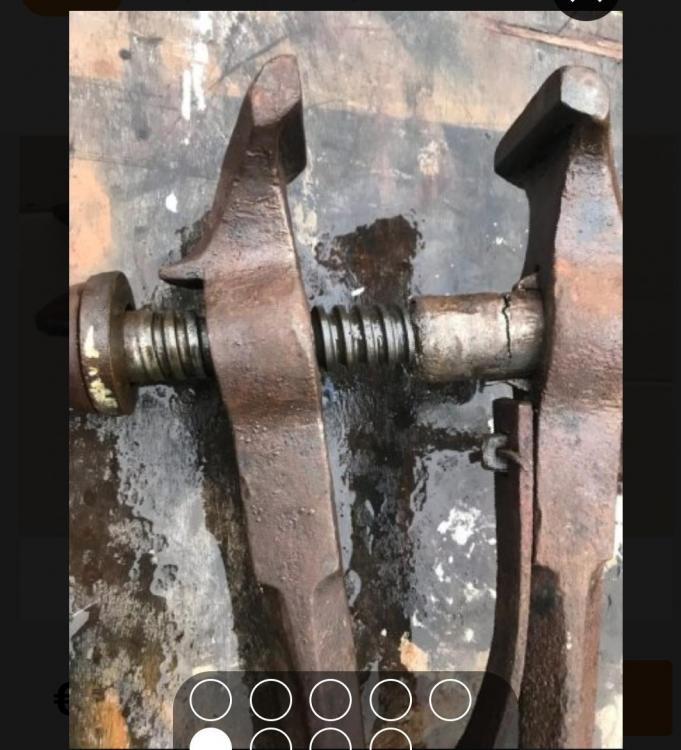
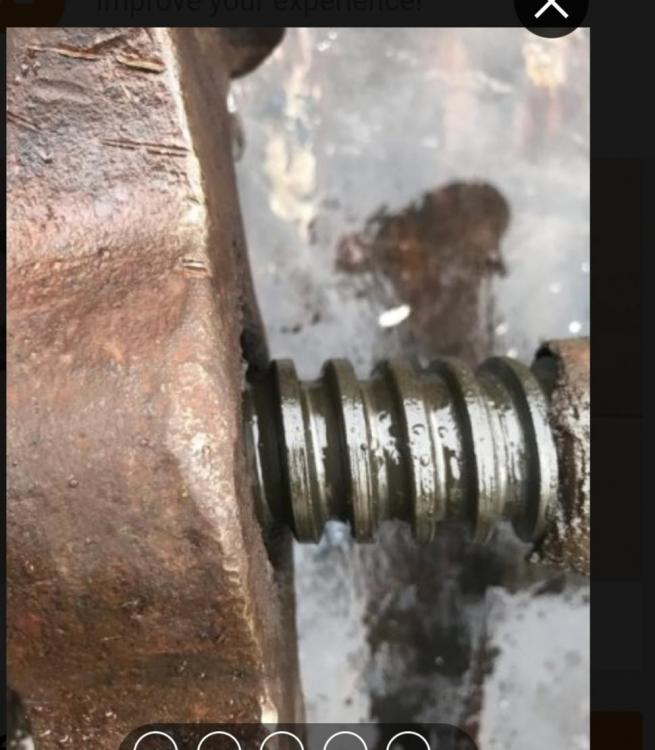
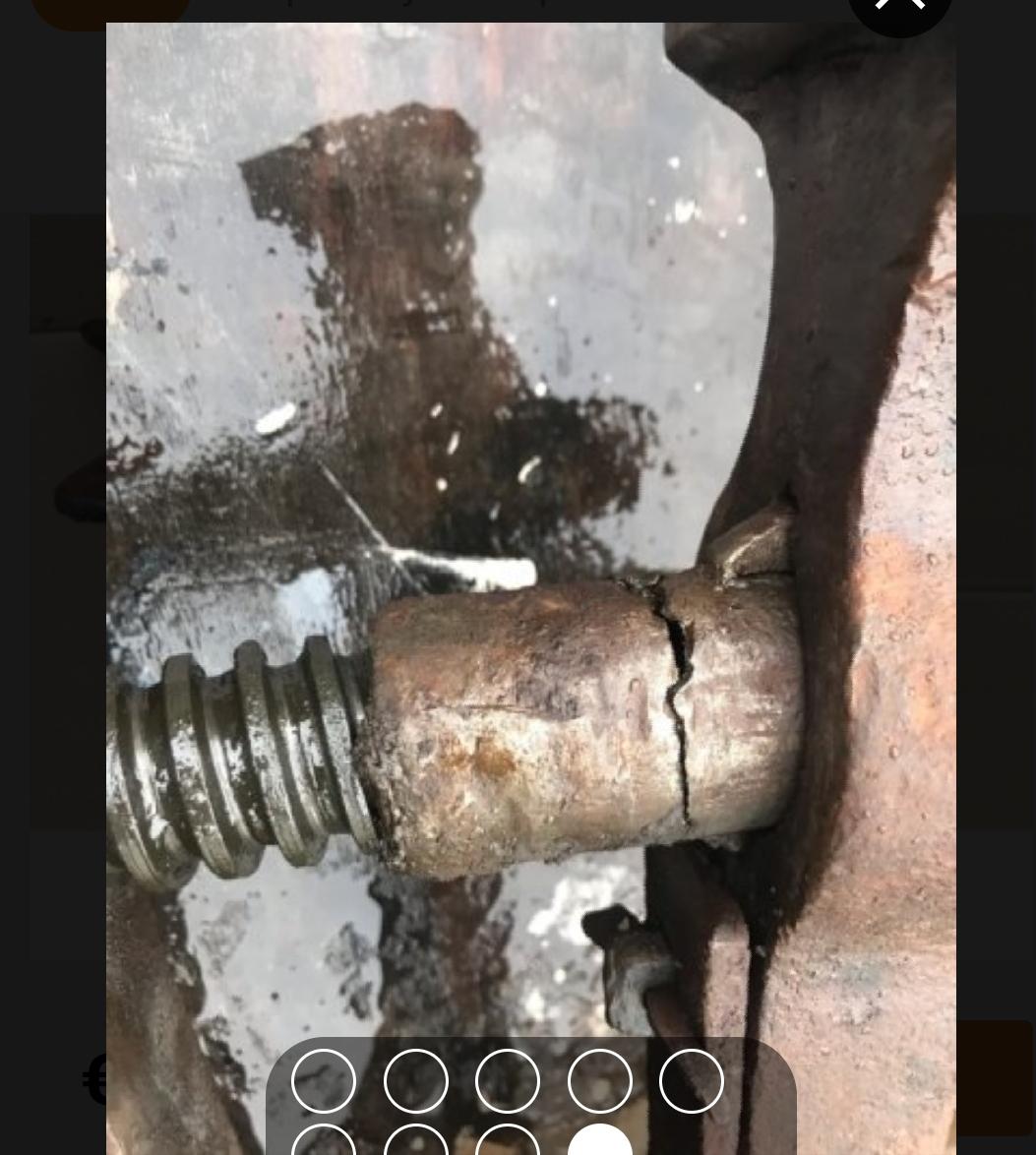
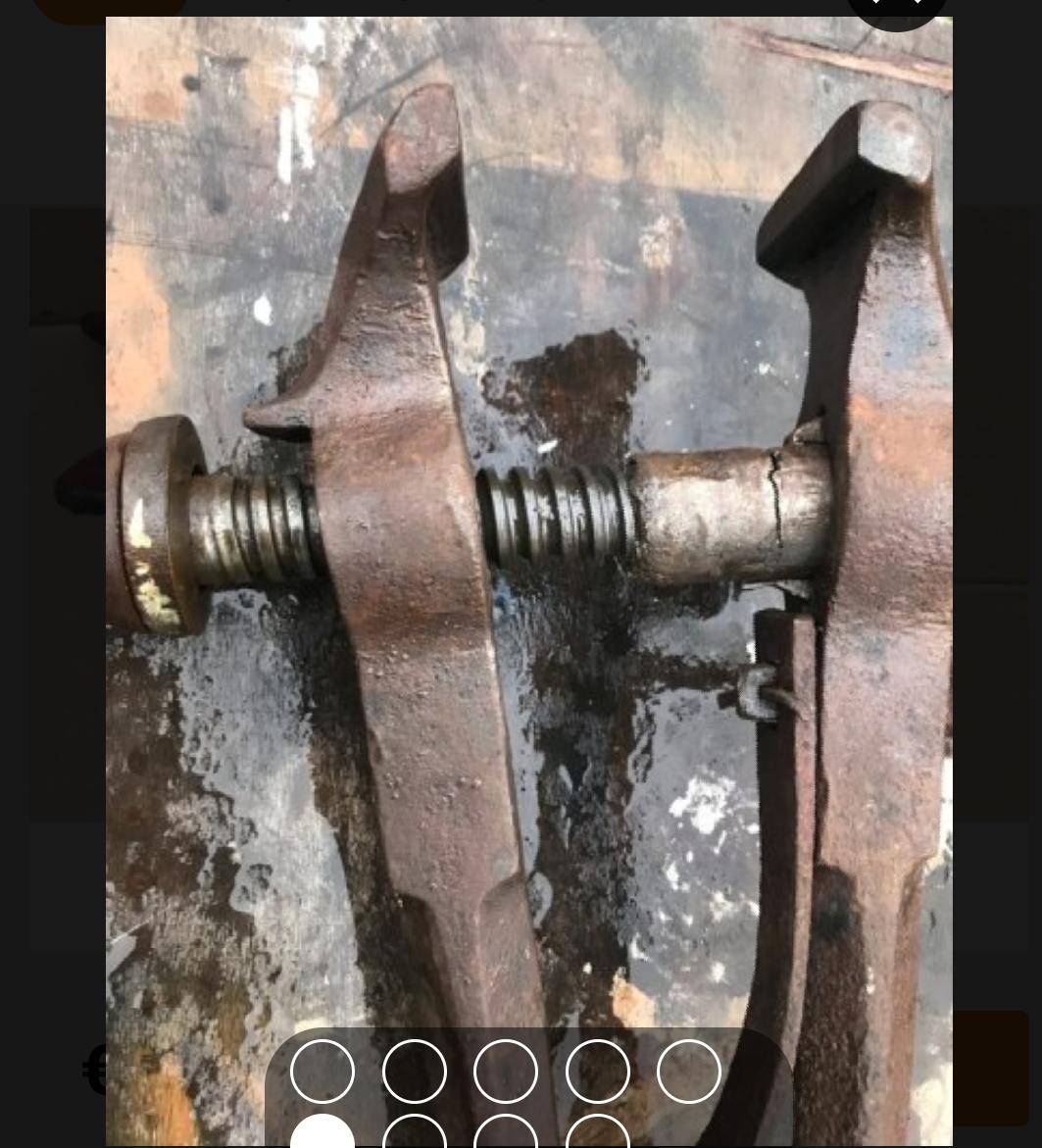
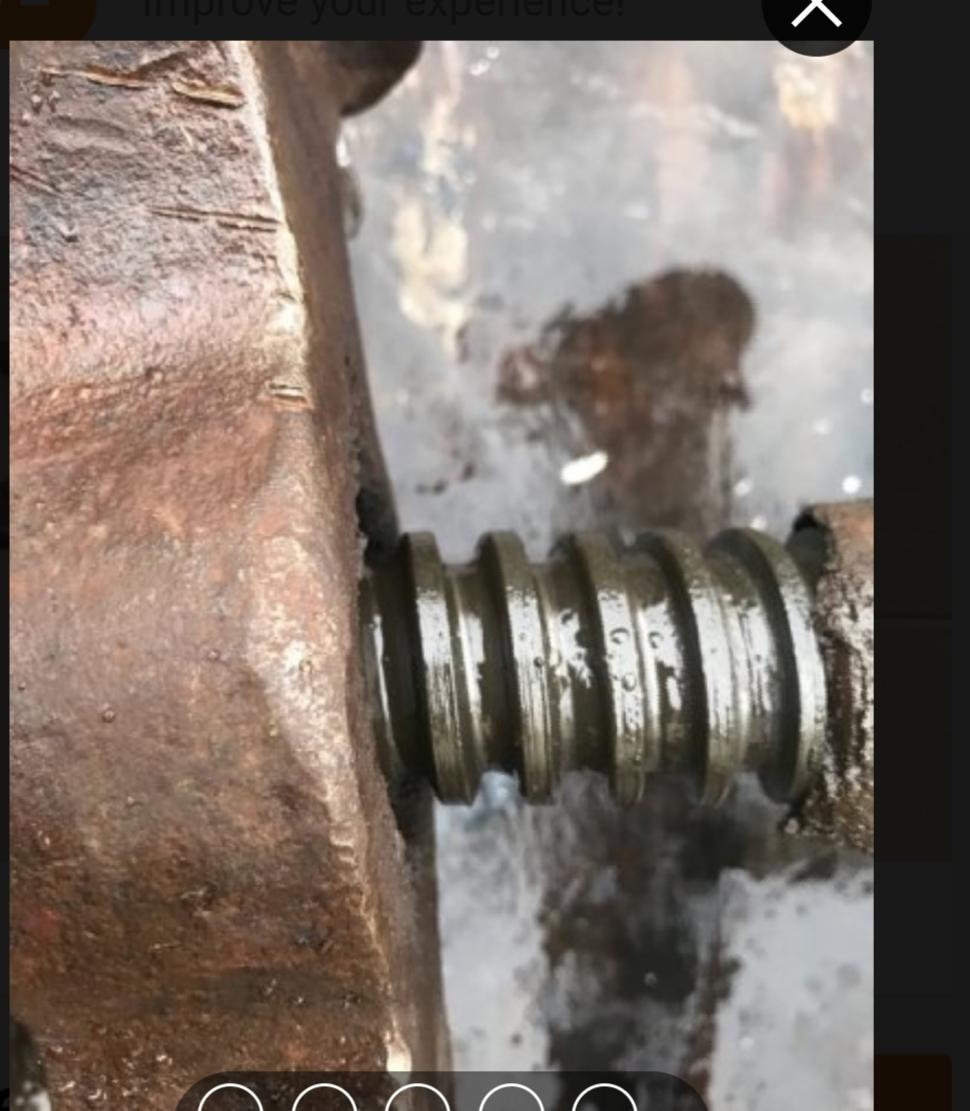
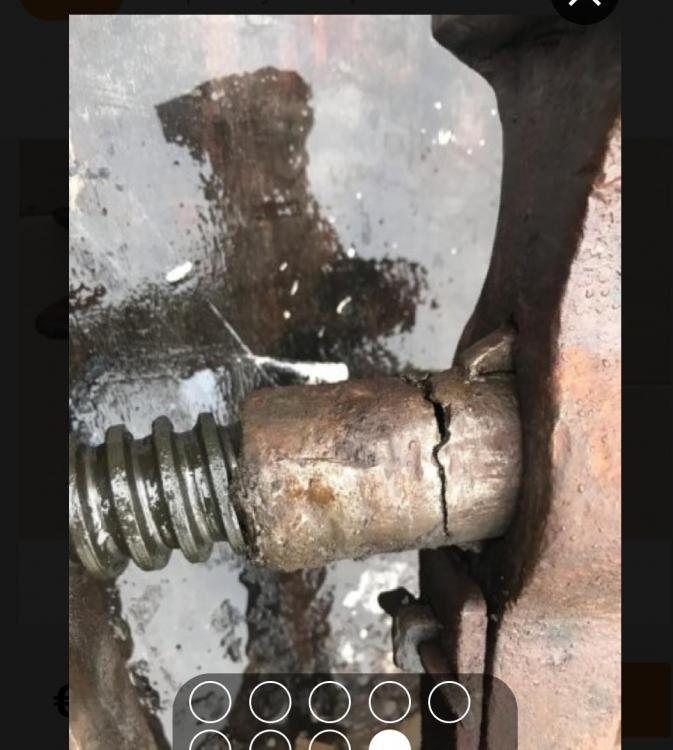
  2. Thanks for the advise everyone, I gave that vise a miss. So when is the screw worn so much that it's an issue and what level of wear is acceptable?? I know it depends on price but I'm not finding many under €120.
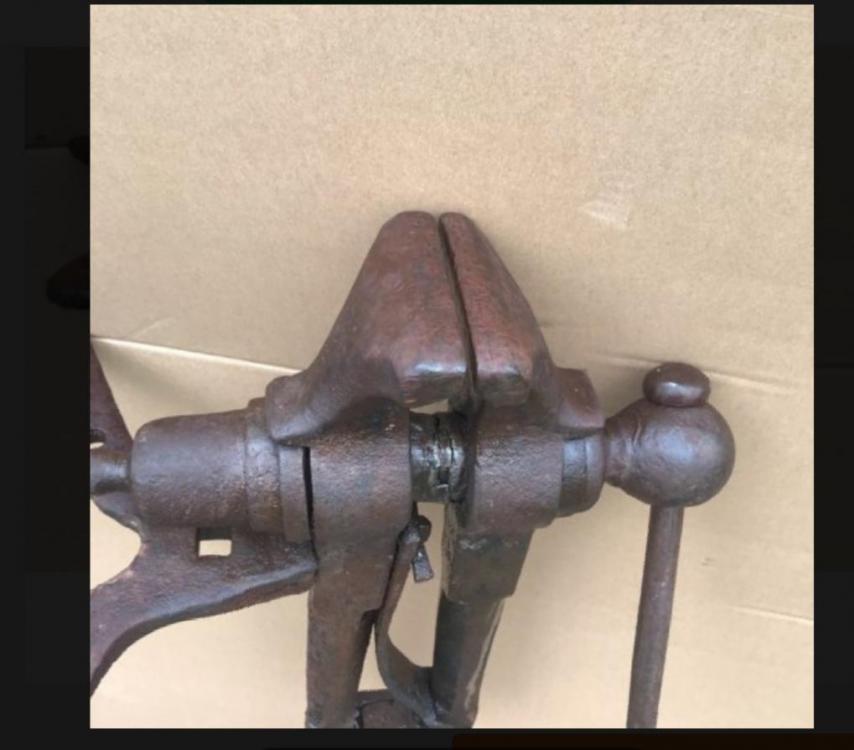
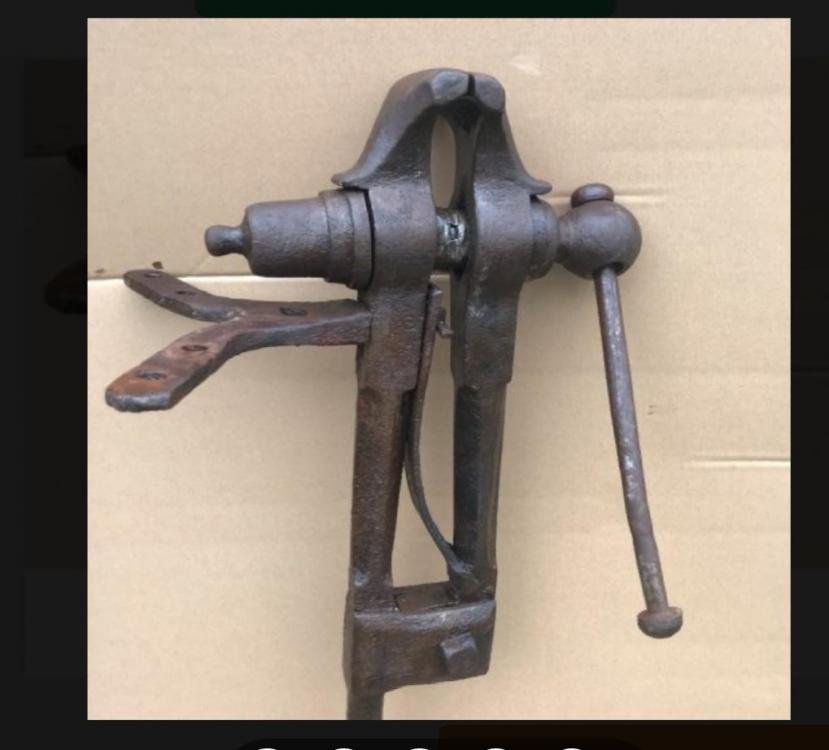
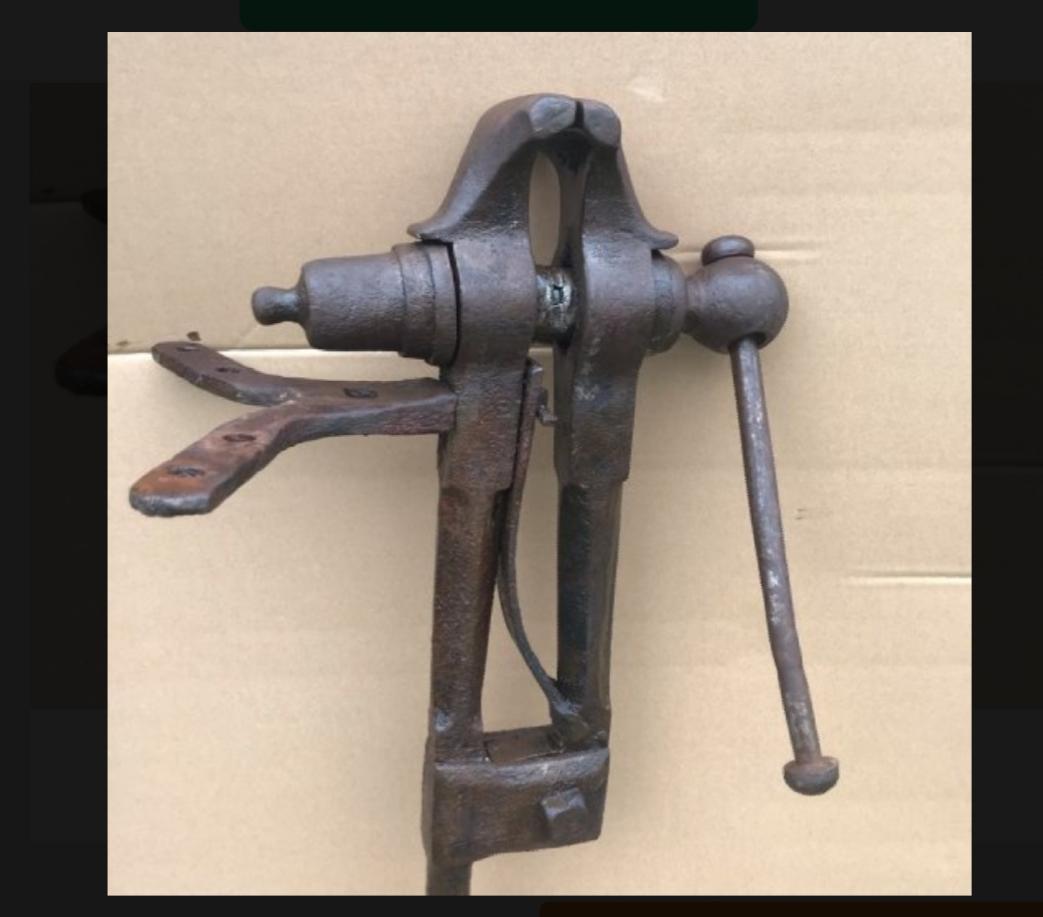
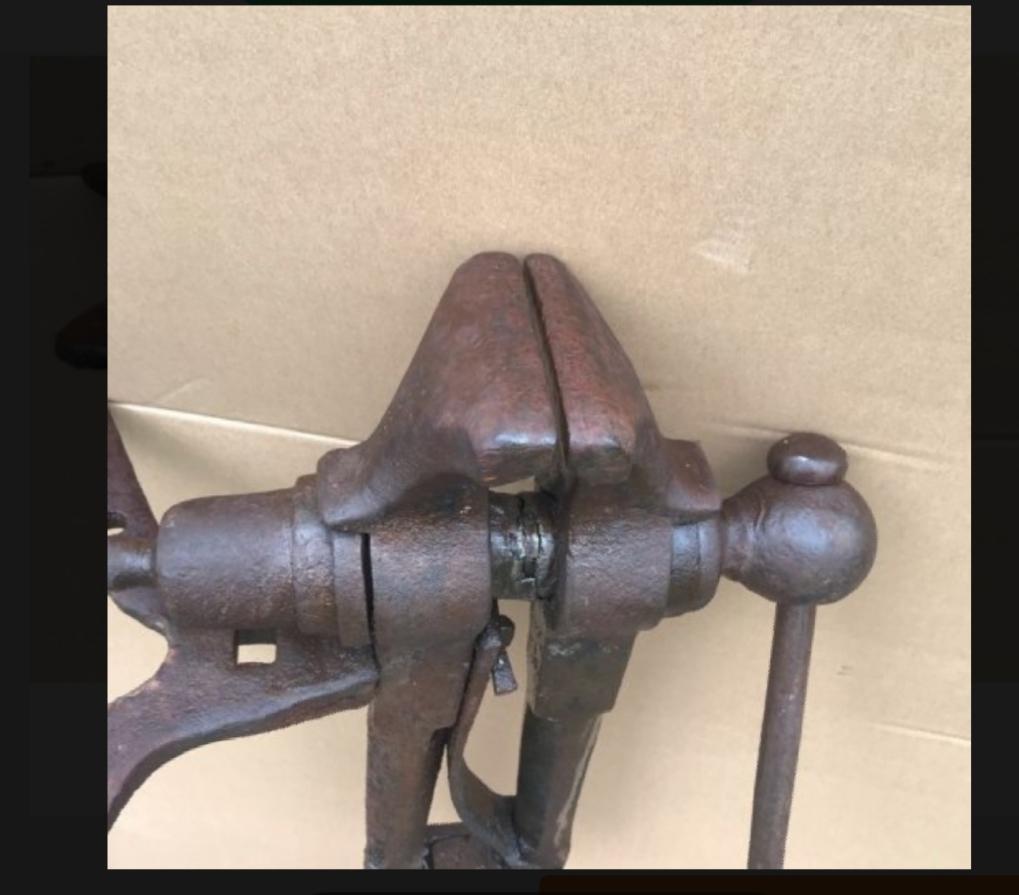
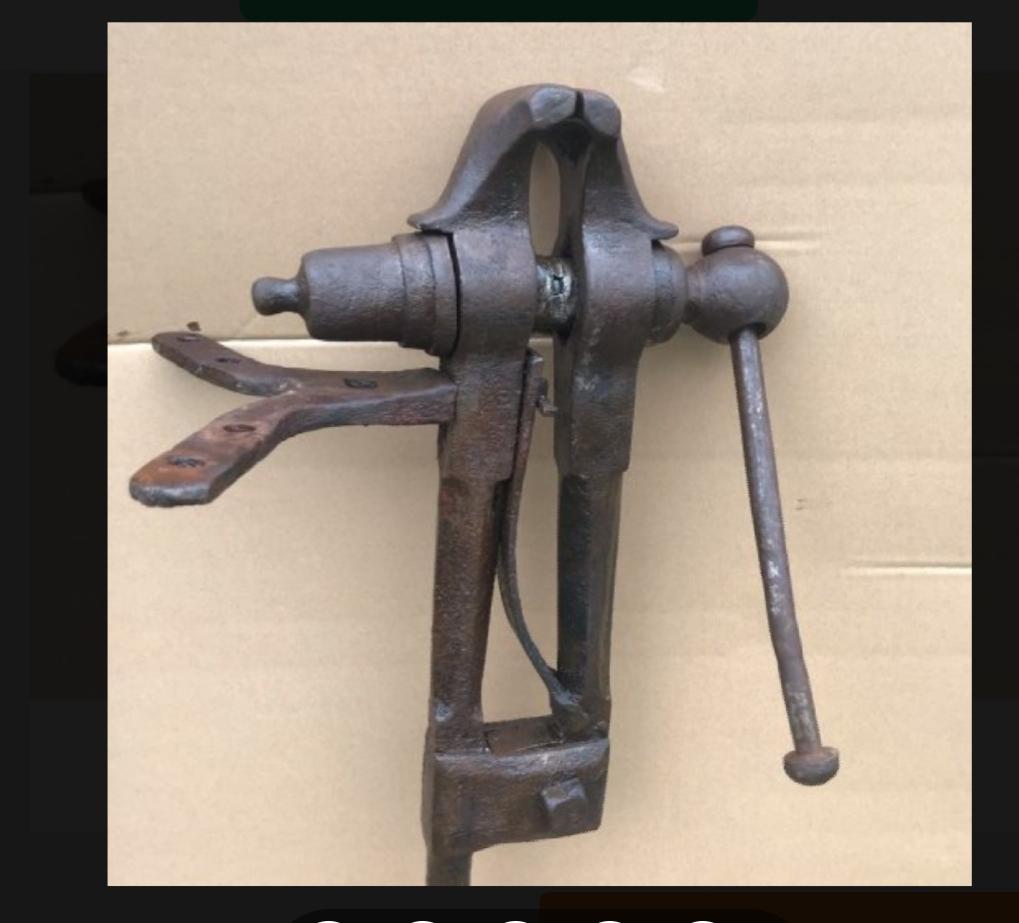
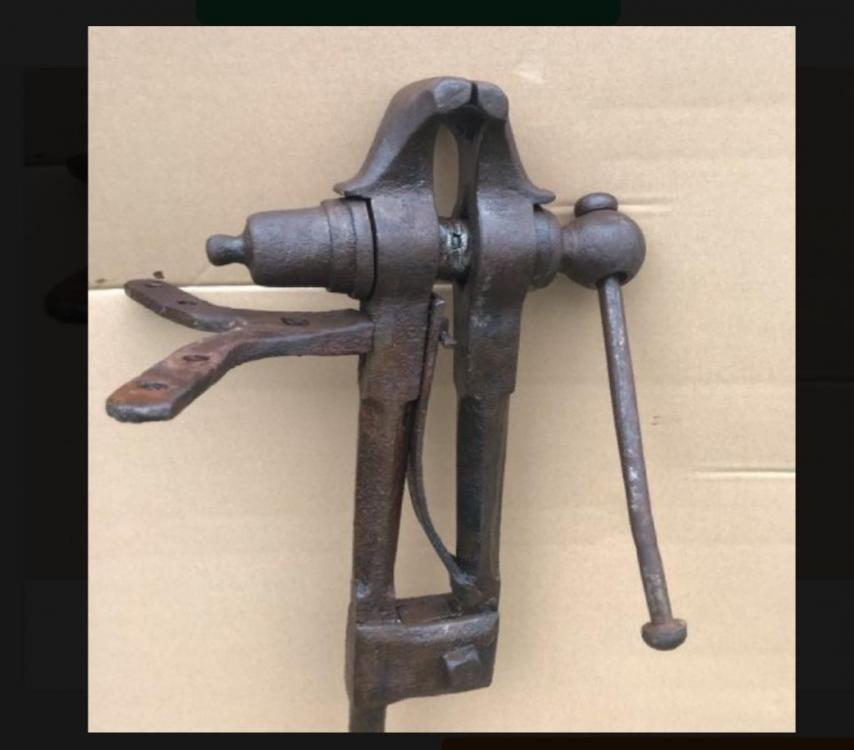
  3. Hey people.. looking for some advice, got offered this vise for a cheap price but never owned one so not too knowledgeable about them. How does this vise look to those that know and is it fixable?? Opinions would be great please.
Account

Navigation

Search

Search

Configure browser push notifications

Chrome (Android)
  1. Tap the lock icon next to the address bar.
  2. Tap Permissions → Notifications.
  3. Adjust your preference.
Chrome (Desktop)
  1. Click the padlock icon in the address bar.
  2. Select Site settings.
  3. Find Notifications and adjust your preference.