Hvychve
Members
-
Joined
-
Last visited
Everything posted by Hvychve
-
Sorry for not reading before posting, I will do my research and look forward to gaining more knowledge, thanks for directing me right.
-
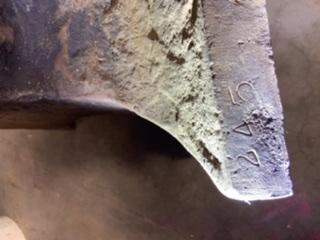
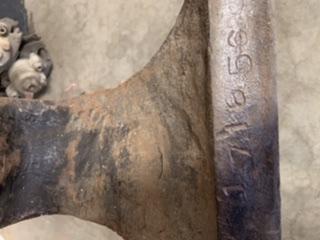
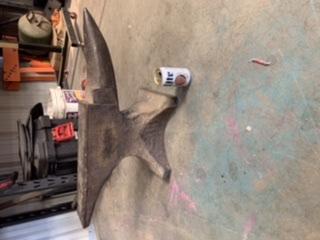
Not sure if I’m in right area,, butt I found this sight and have been learning tons, I’m new at this all always wanted to learn forging and shaping. i just picked up a Trenton anvil, the price was fantastic, all I had to do was empty five freezers of food that had been in each for 20 years and haul to the dump. I am with a truck bed full of black glad bags full of meat, bleeding leaking out my tail gate, due to the heat of the day, all I could think of is they would think I had bodies in bags at the dump. i included some pictures, granted I’m real green with this sight, just found it, but hoping someone could see numbers and clue me in on a few things about my new Trenton? thanks for looking, look forward to more time on here, that’s for sure.