TheEthan
Members
-
Joined
-
Last visited
-
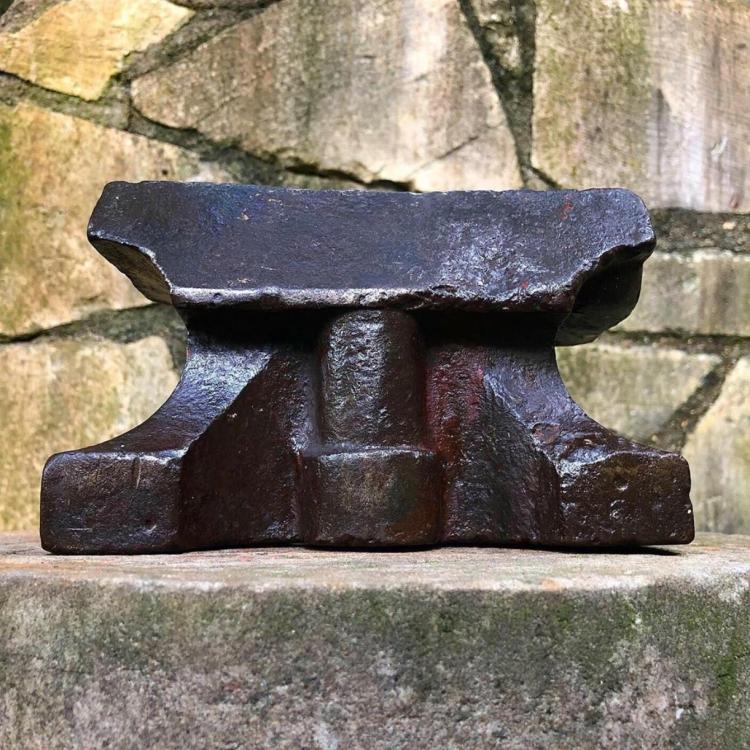
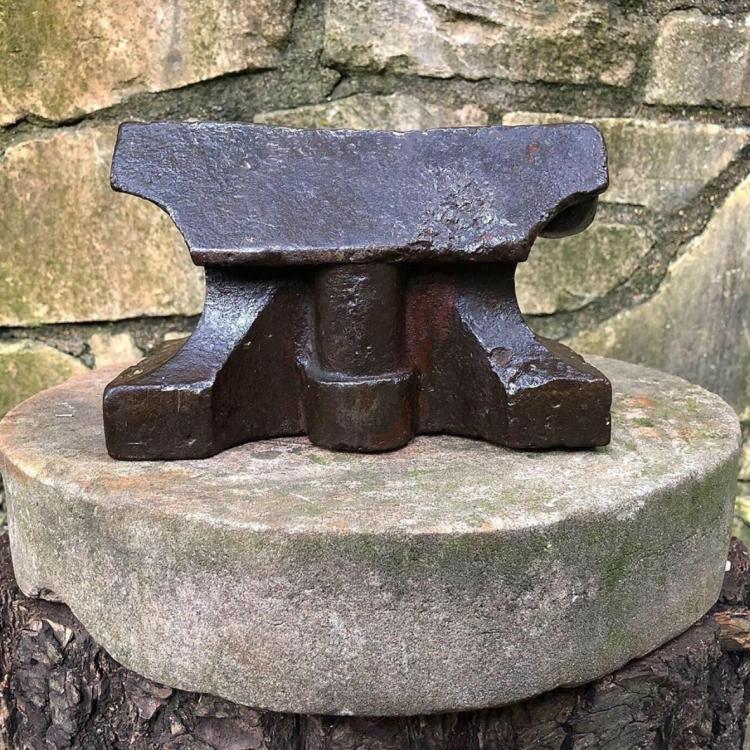
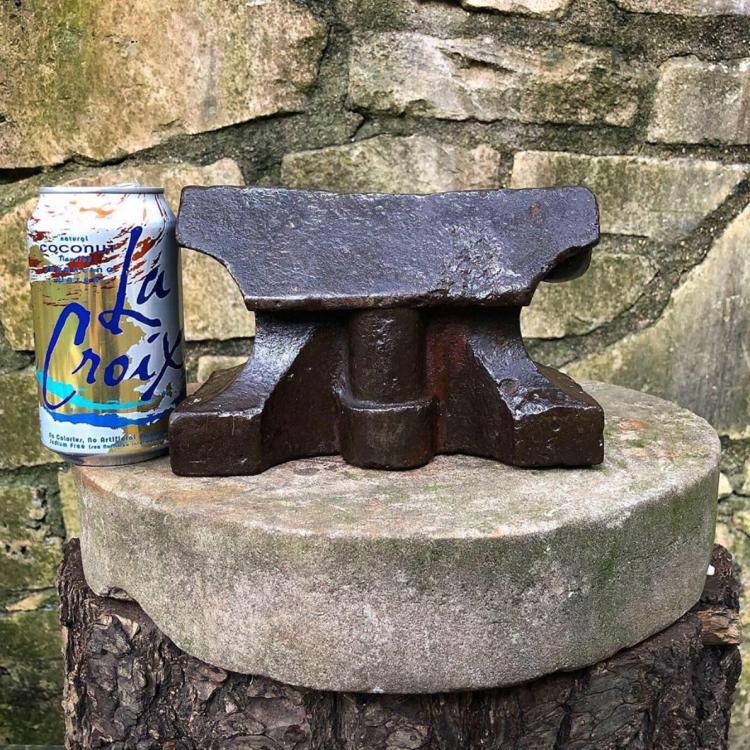
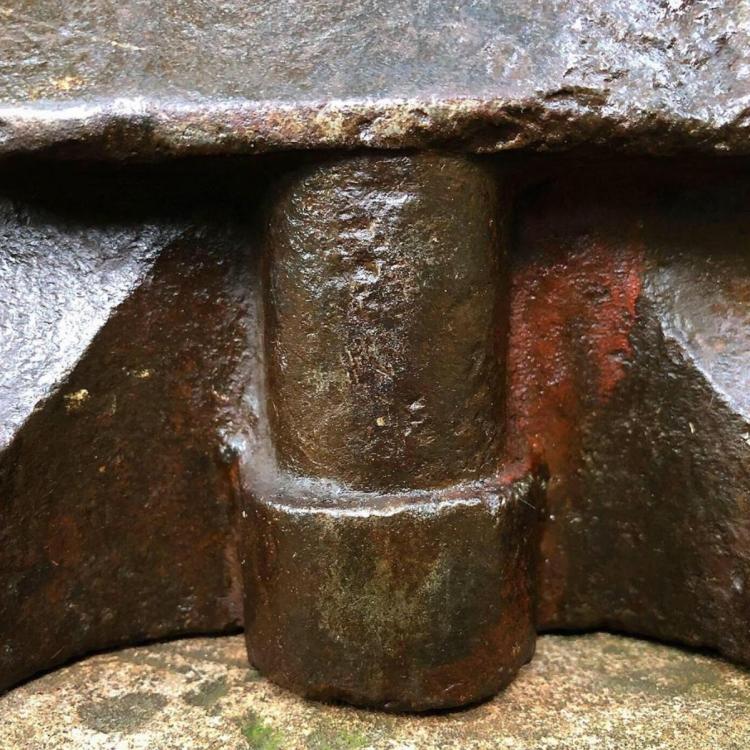
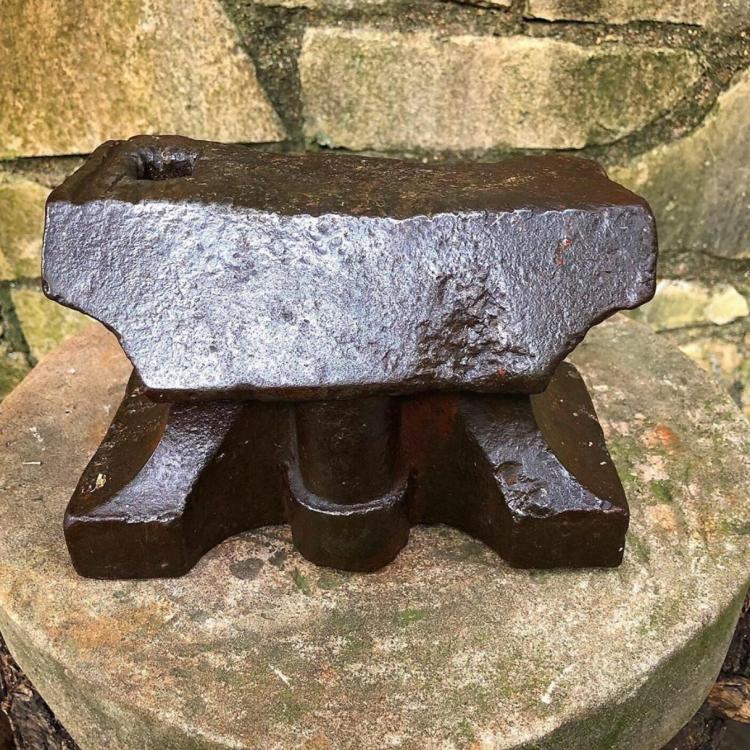
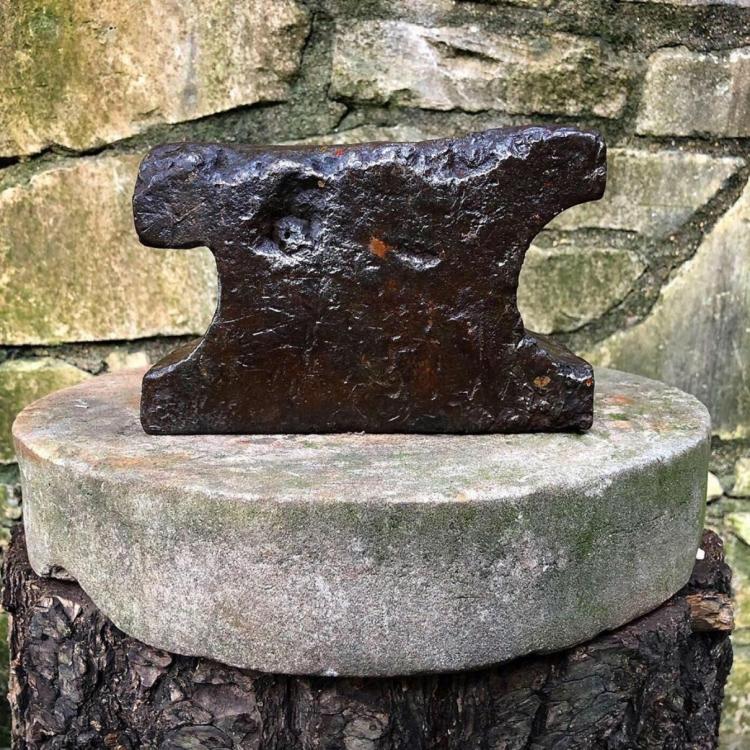
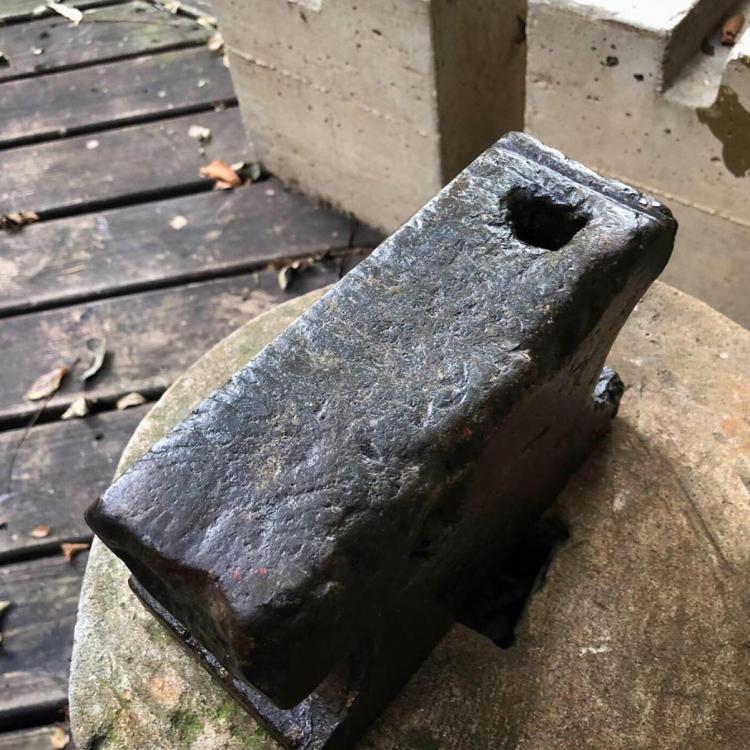
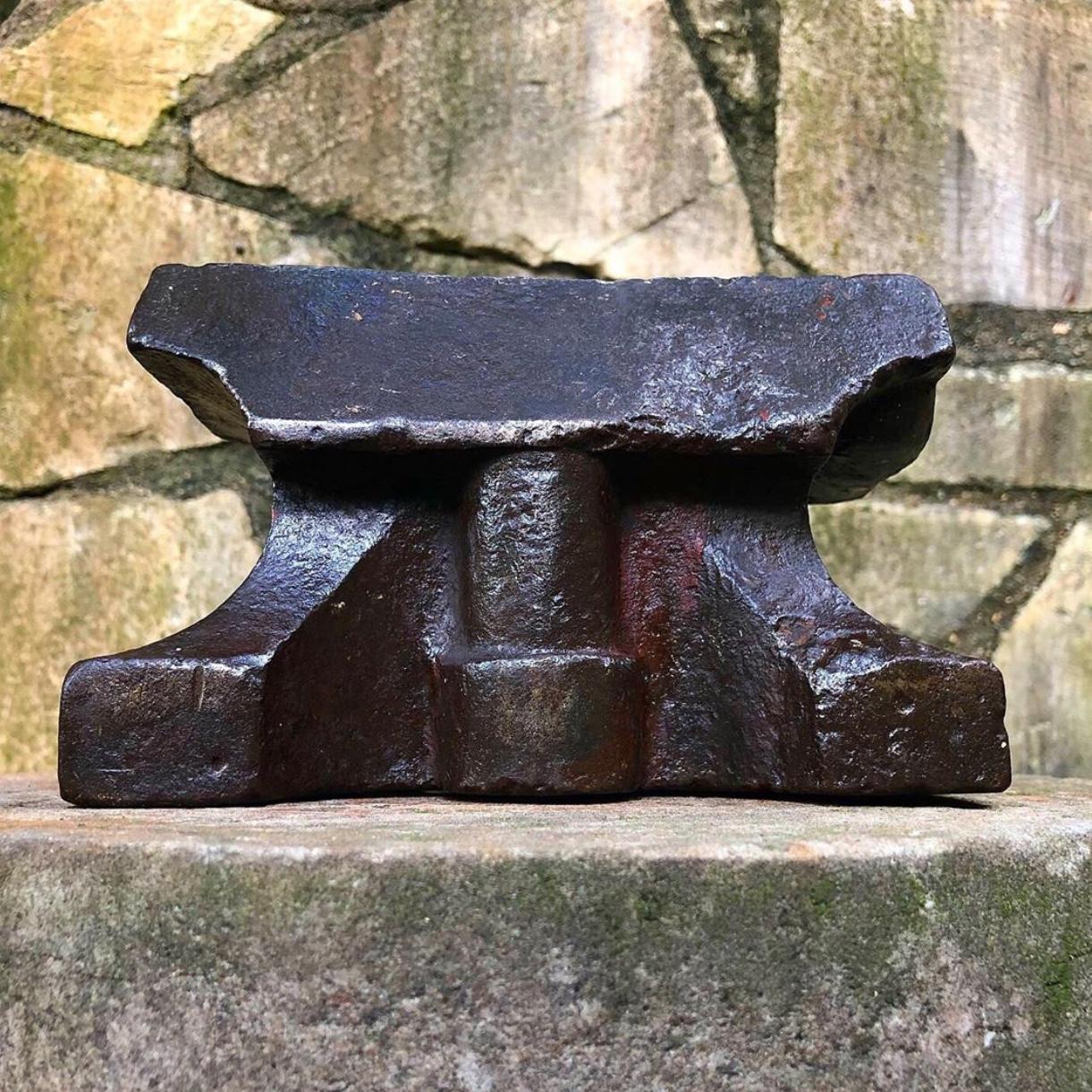
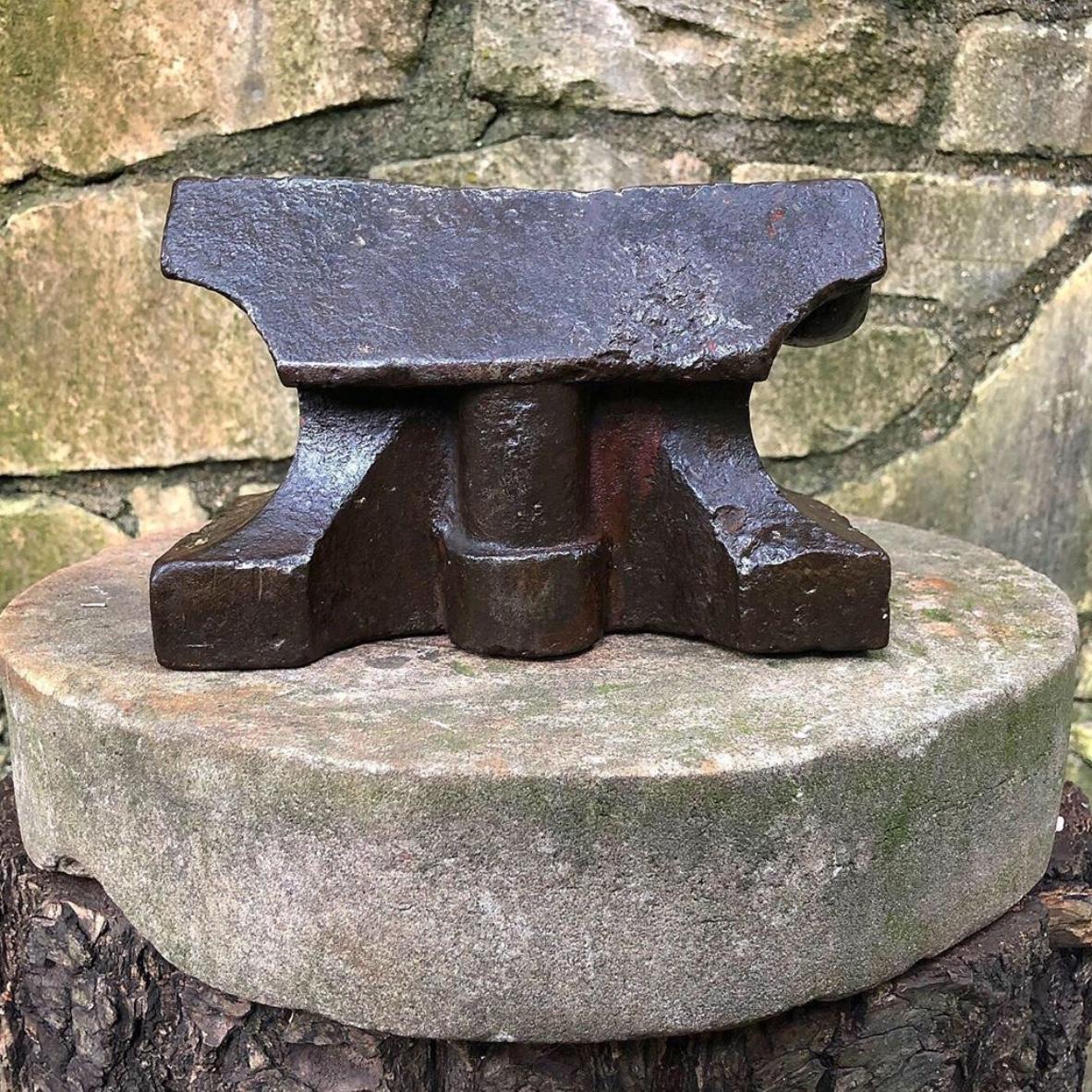
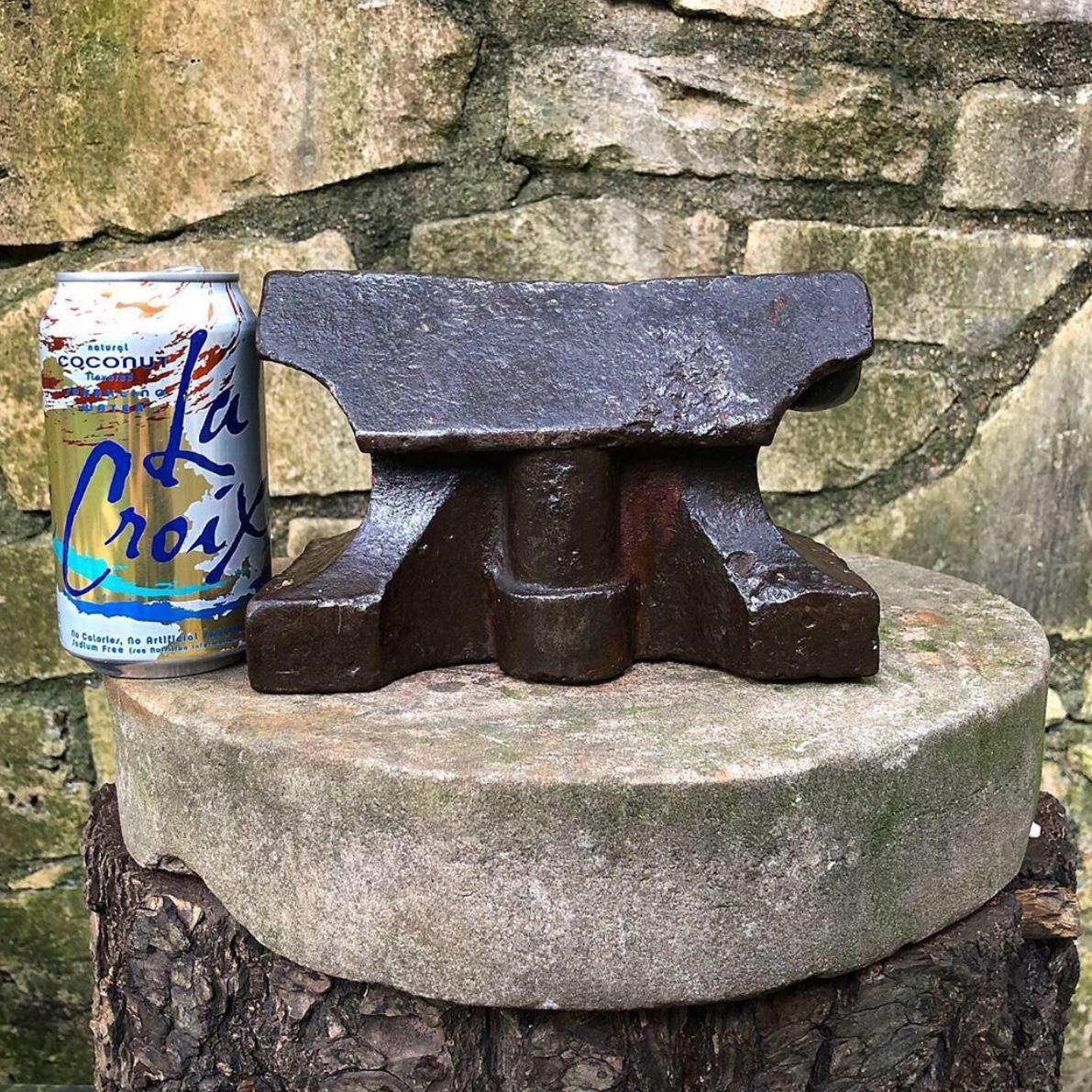
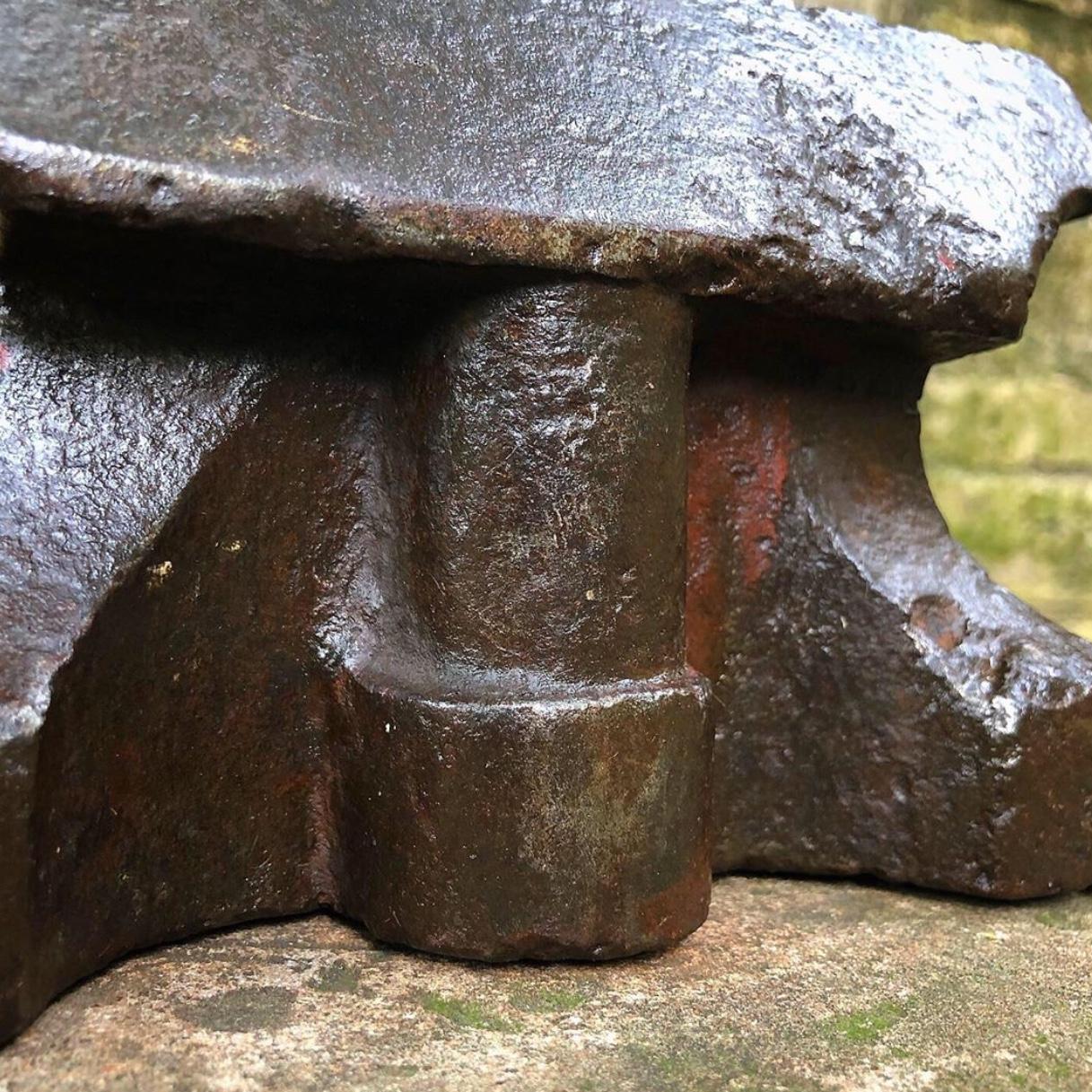
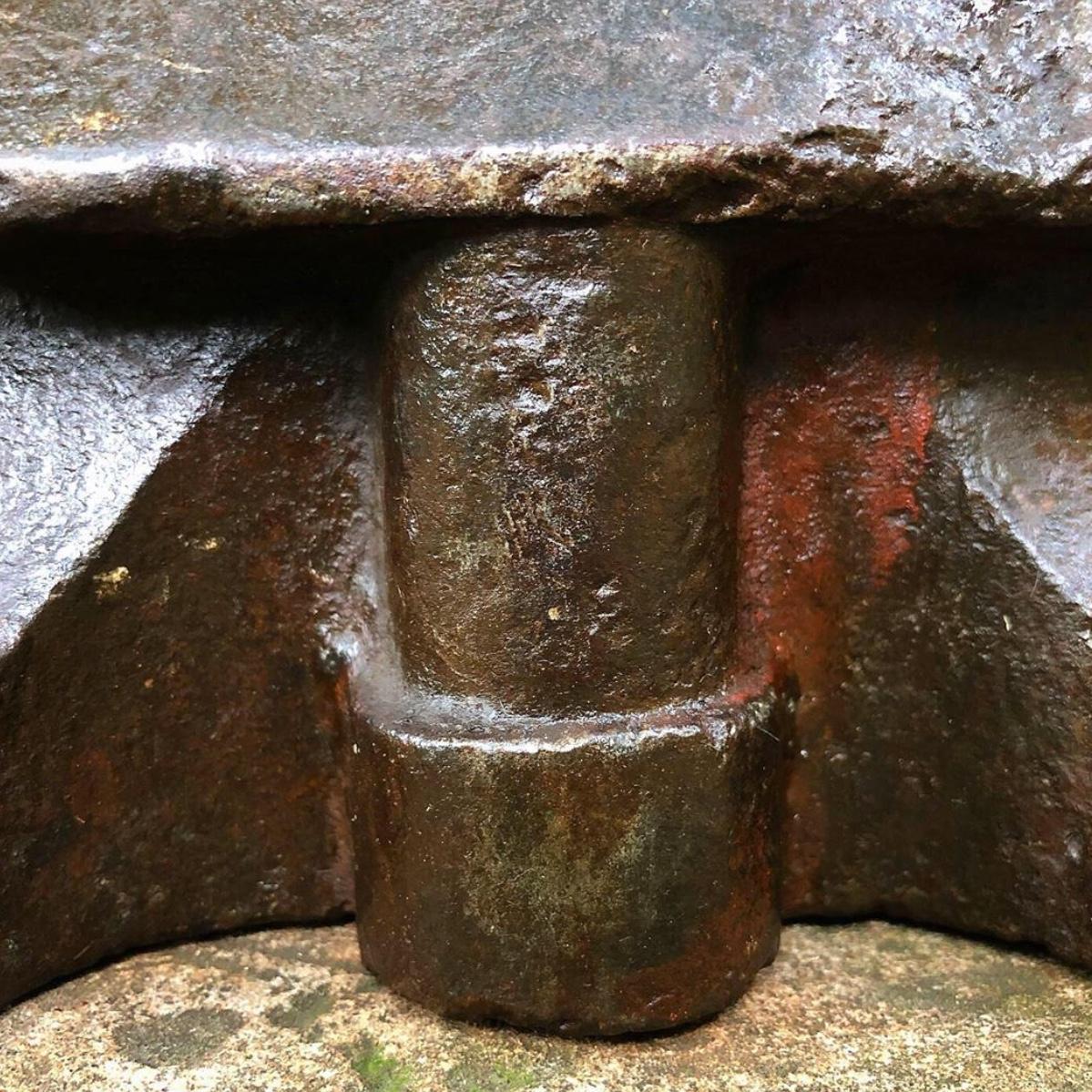
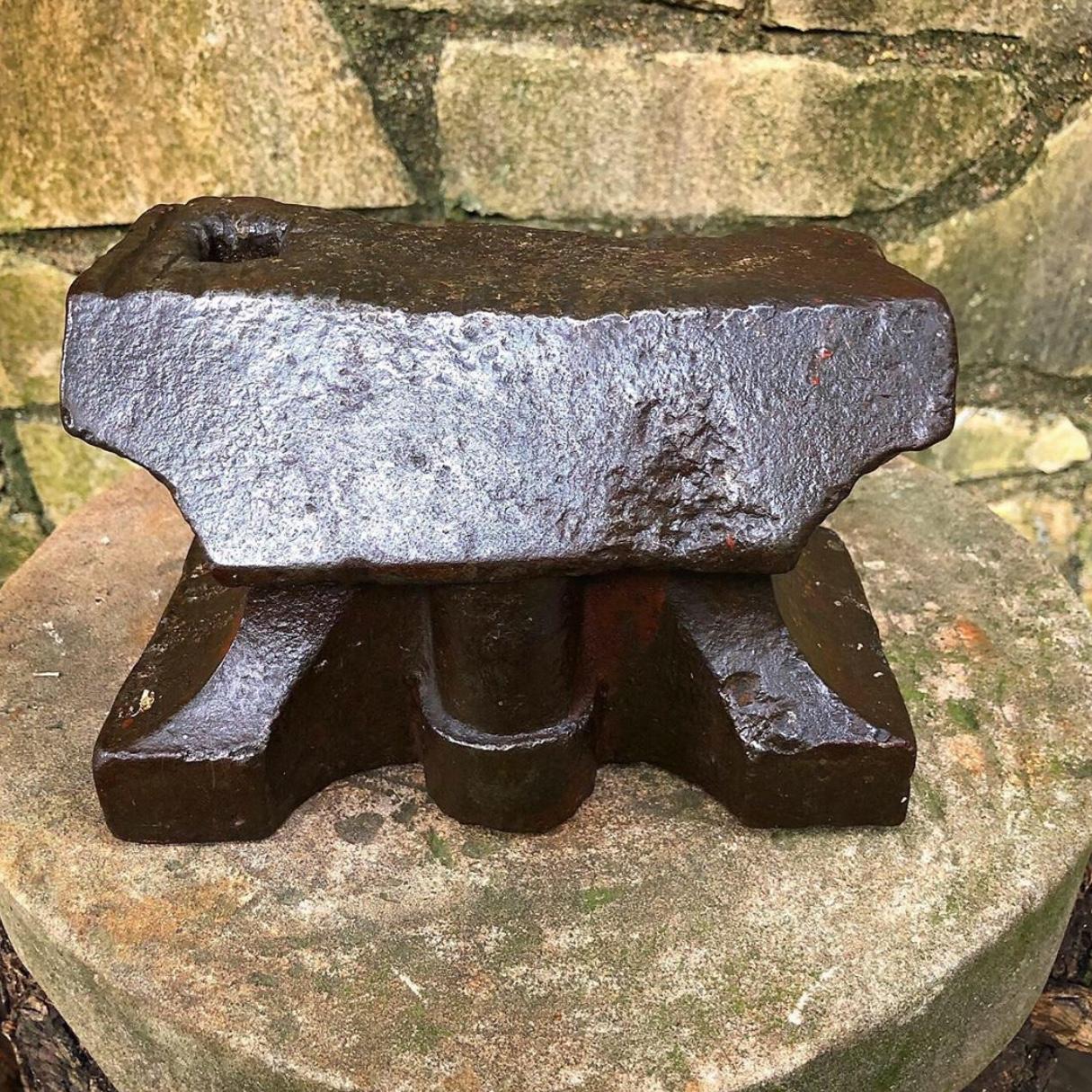
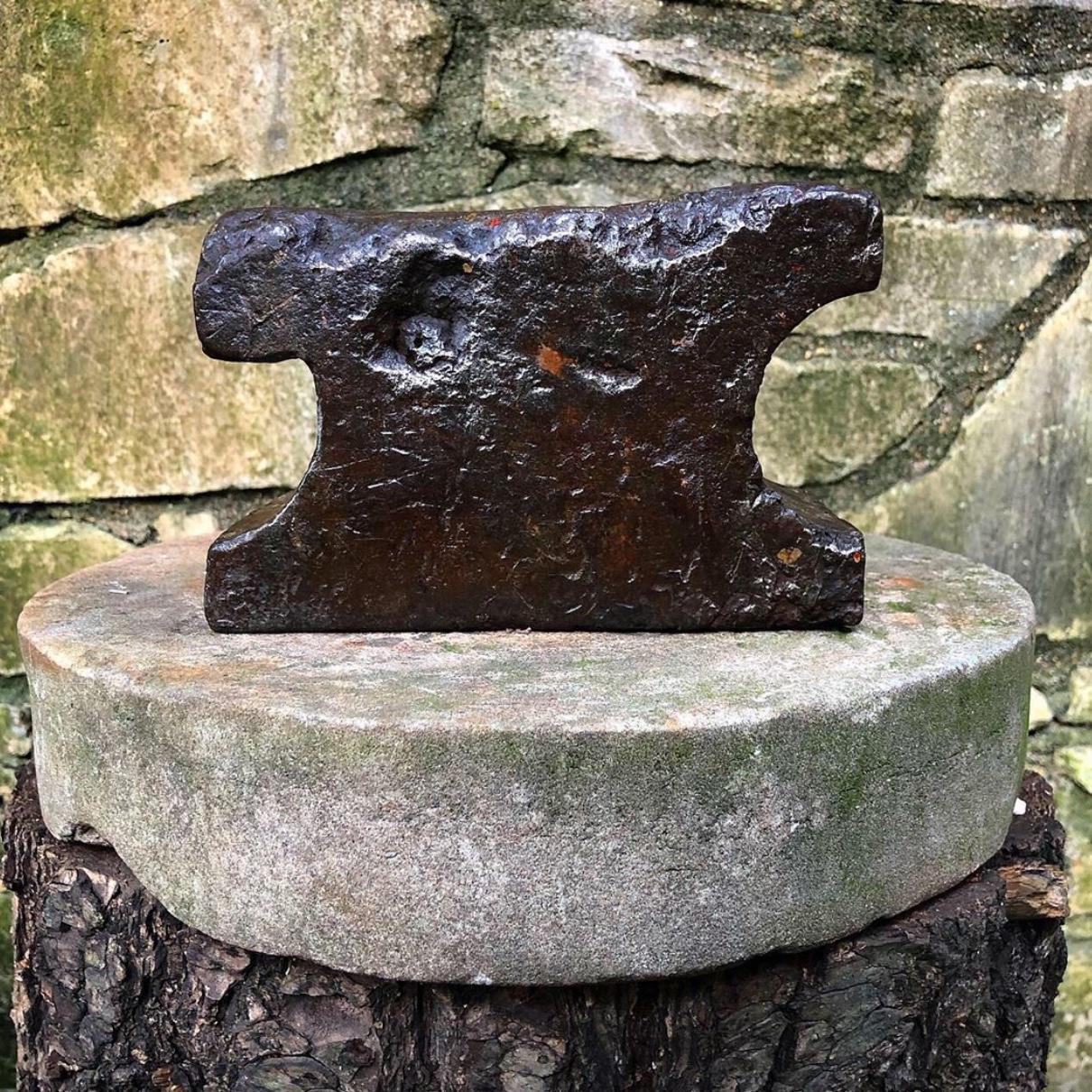
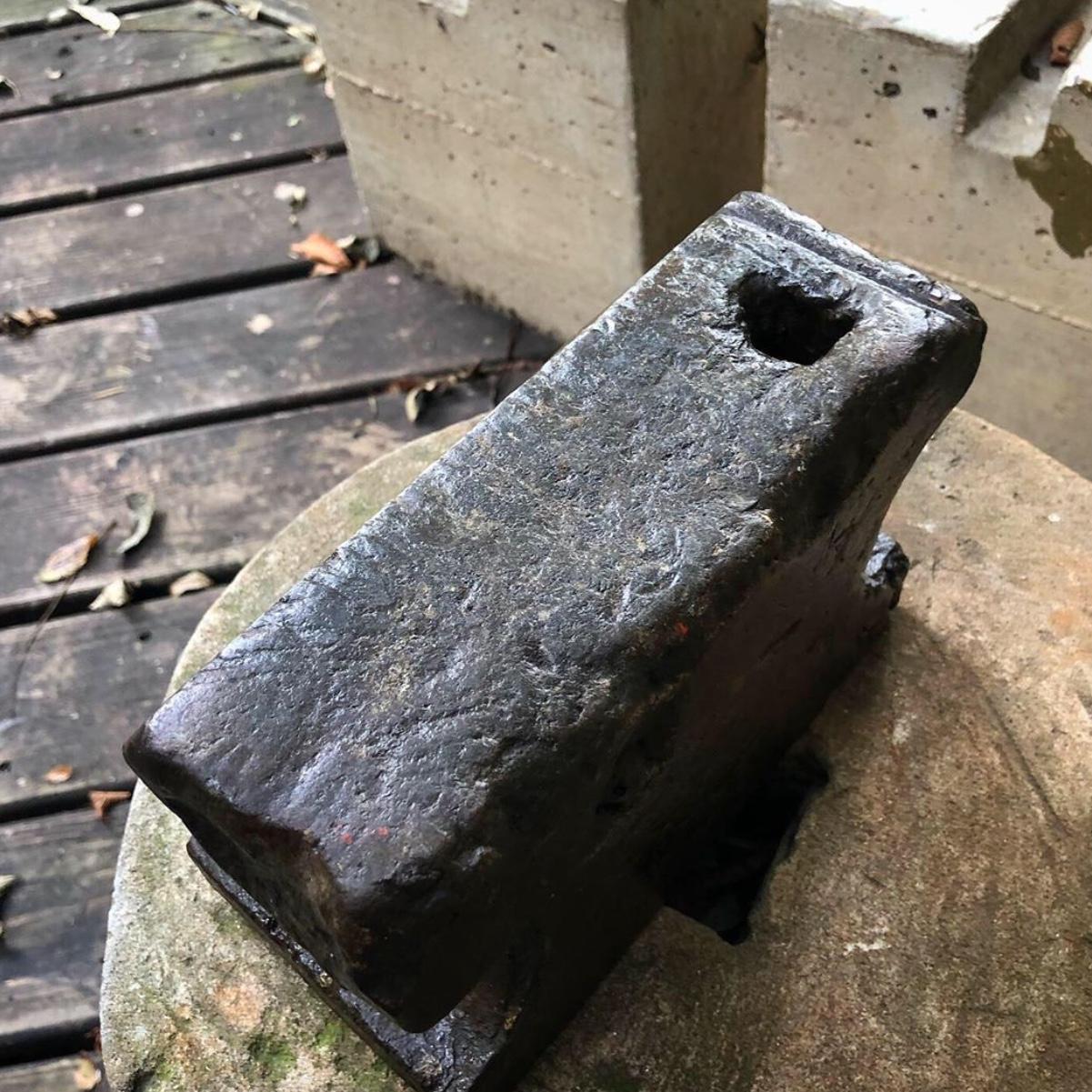
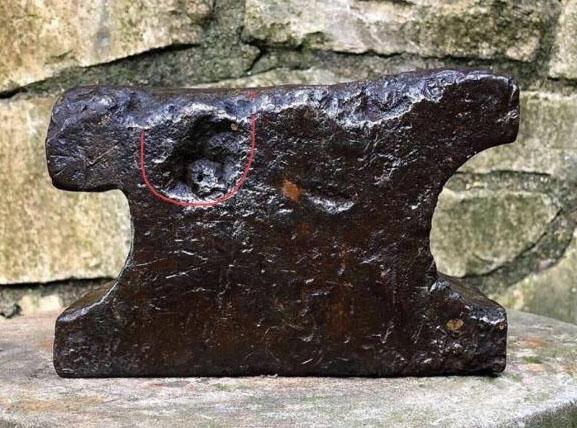
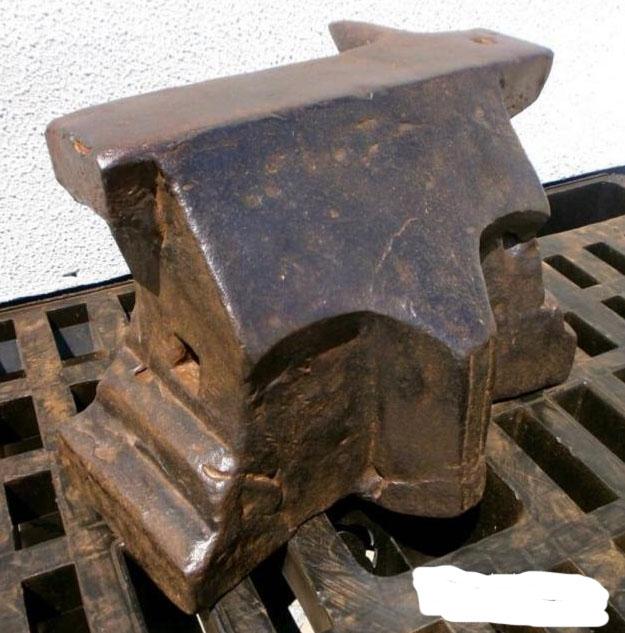
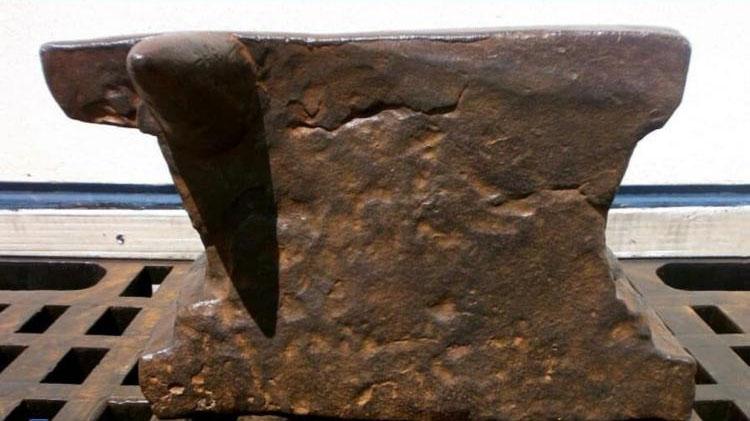
I’m located in Brisbane Australia, But I purchased if from a seller in Texas, who purchased it from Germany. The seller didn’t show any pictures of the ends or bottom (which may have holding holes), so I’m not sure yet. I’ll have to wait until I receive it. Might take a while with Coronavirus and everything. Here is some pictures of another anvil I found on Instagram, which seems to show similar design features. It looks like my anvil once had a horn On the back like this one. id be interested to see if someone else had a similar anvil, or a larger version perhaps.
-
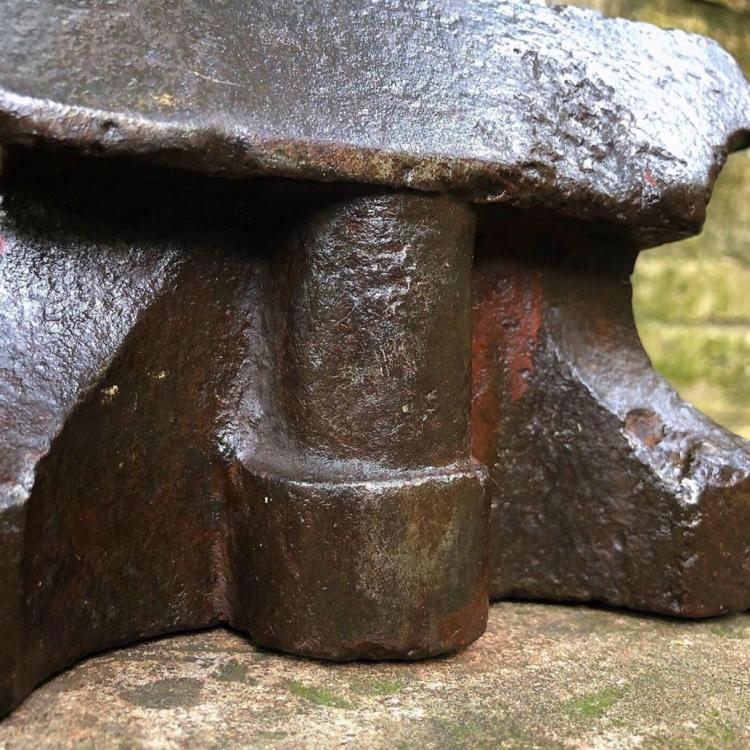
Hi, I’m new here. I recently purchased the anvil I have attached pictures of. I have no idea of the age, country of origin, or method of manufacture. Why do some older anvils have a flat featureless back? Also, it has some sort of pillar running down the front, under the apron. Is this a fifth foot? or does it serve some other purpose? Looking forward to hear what you know.