Christy
Members
-
Joined
-
Last visited
Everything posted by Christy
-
Ok great thank you so much, That makes me feel so much better.. I will look into that
-
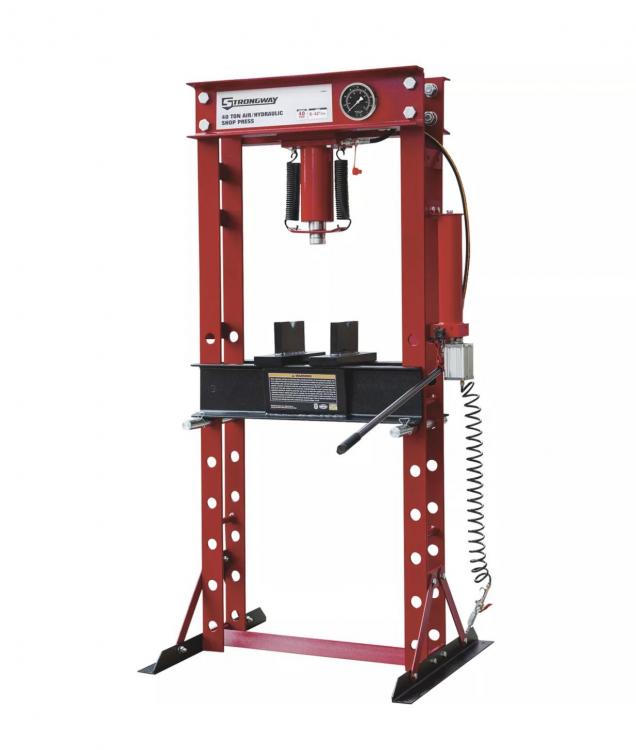
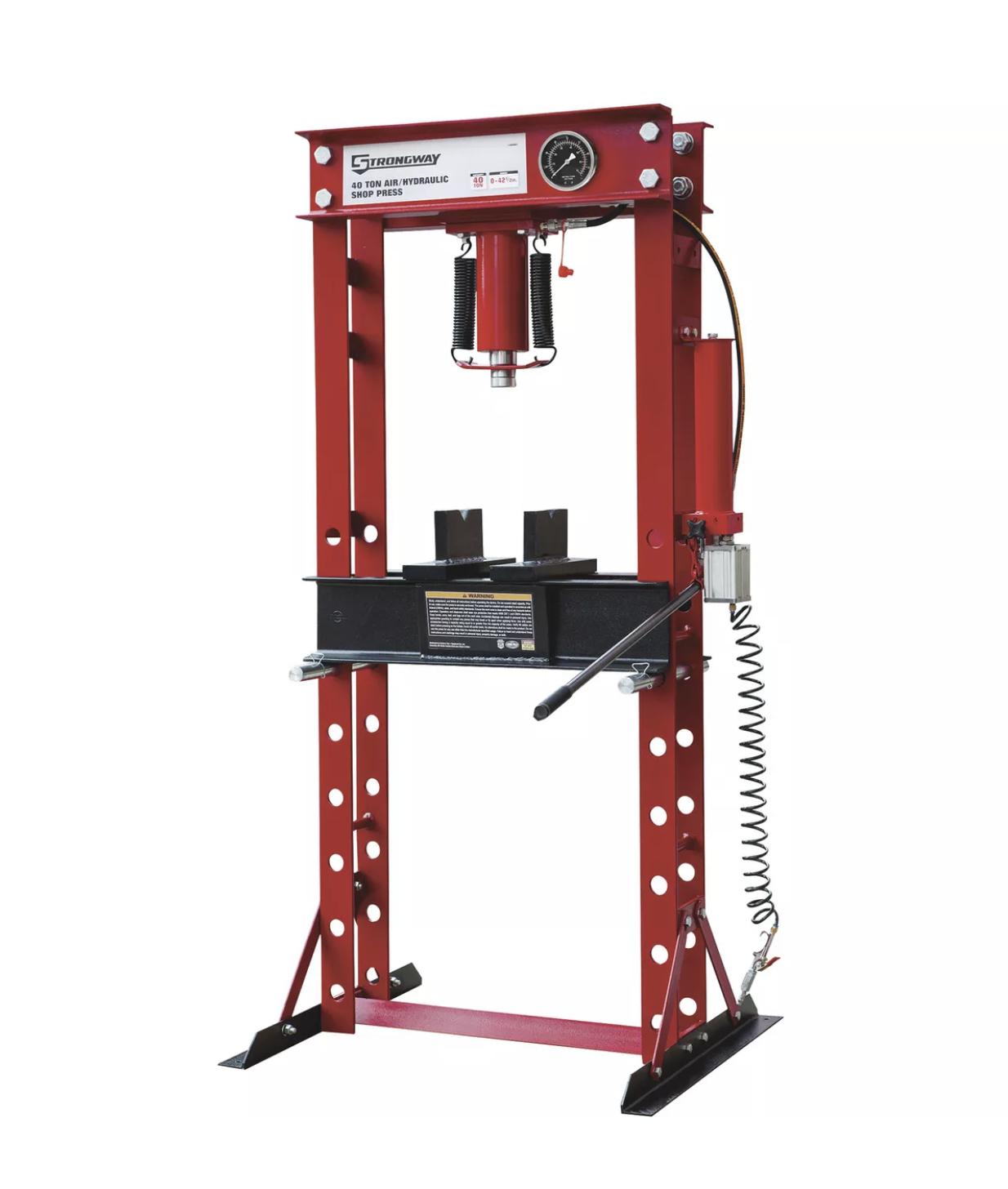
Hello, I have purchased a 40ton pneumatic shop press for my husband as a Christmas gift. He wishes to use this primarily for forging and knife making. I realize now I should have never made such a bold purchase without being properly informed about the types of presses as the one I purchased is a bearing press and the speed is very slow, too slow to use for forging. I’m trying to learn how to increase the speed in order to salvage my gift and make it usable for his needs. I’m reading that perhaps replacing the cylinder with a smaller size or adding a control to the air lines could help? Yes, I’m the typical female and do not really know anything about this but I’m trying to help him make this work, any advice would be appreciated, thanks.