Skip to content
View in the app

A better way to browse. Learn more.

I Forge Iron

A full-screen app on your home screen with push notifications, badges and more.

To install this app on iOS and iPadOS
  1. Tap the Share icon in Safari
  2. Scroll the menu and tap Add to Home Screen.
  3. Tap Add in the top-right corner.
To install this app on Android
  1. Tap the 3-dot menu (⋮) in the top-right corner of the browser.
  2. Tap Add to Home screen or Install app.
  3. Confirm by tapping Install.

Larry Allen

Members
  • Joined

  • Last visited

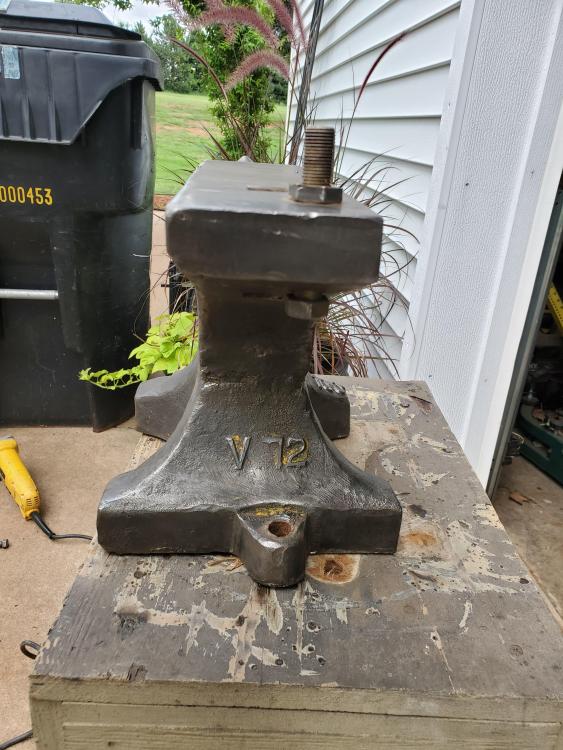
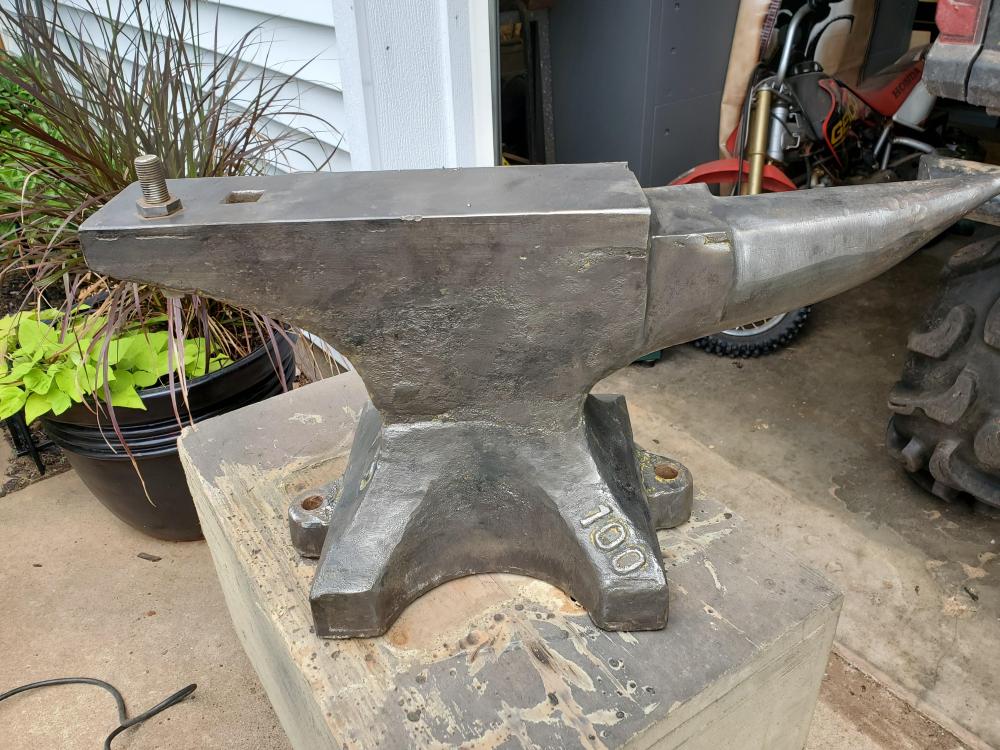
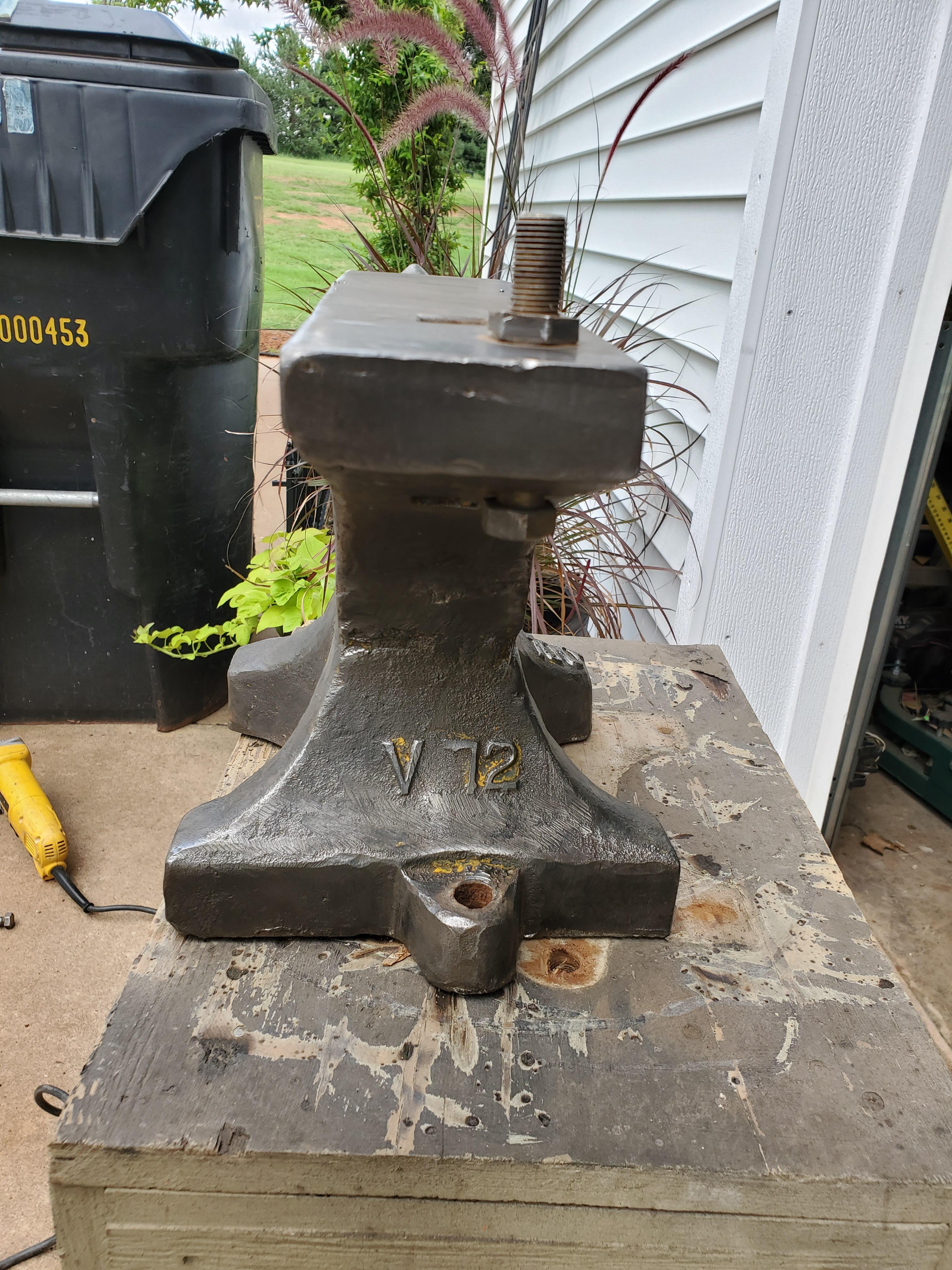
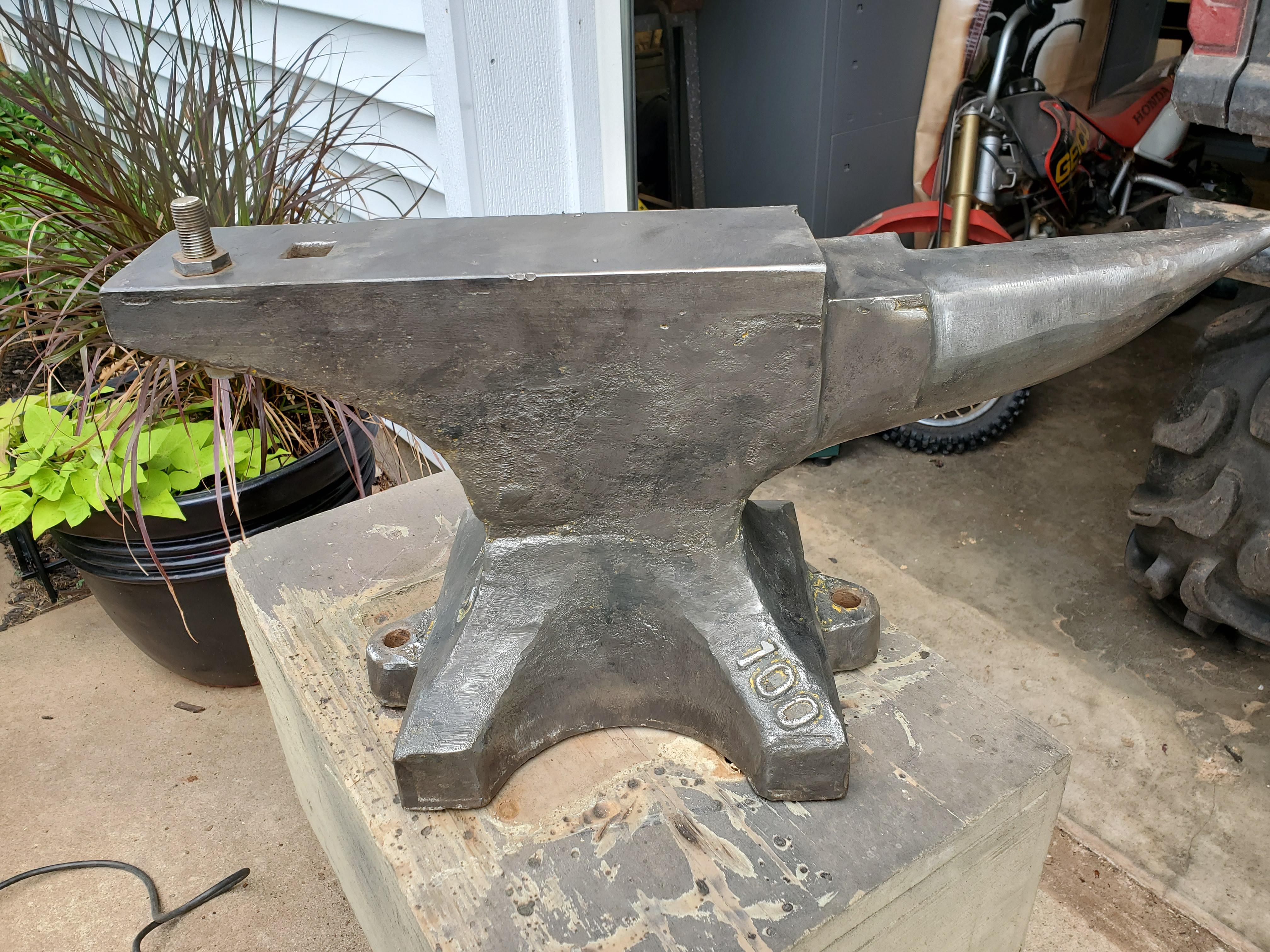
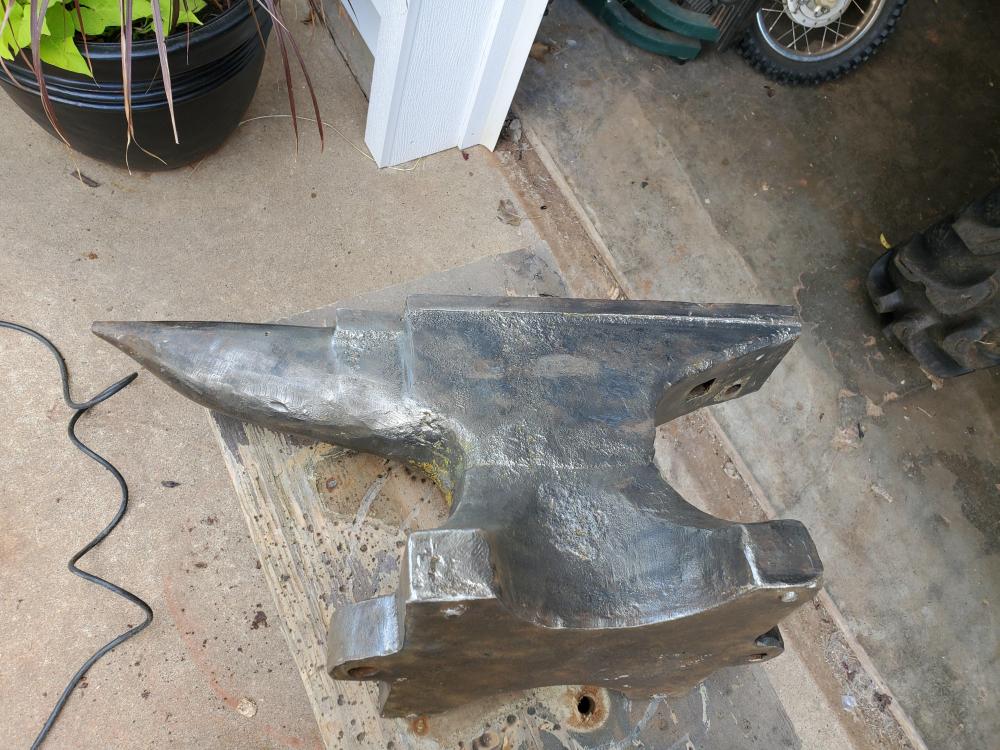
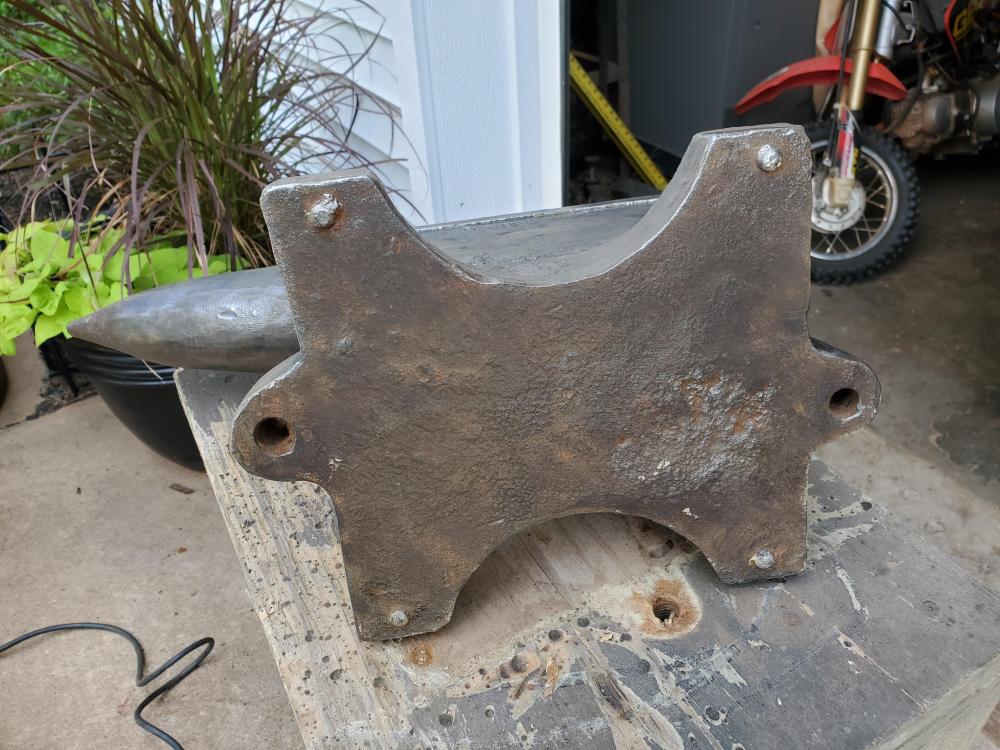
  1. Thanks black frog. Do you happen to know what the markings mean that are on it? I assume the 100 is for 100lbs I typed the wrong numbers in earlier it shows to weigh roughly 104 lbs. Just not sure on the V72
  2. Sorry to hear that. I acquired this from my deceased uncle and am trying to find out a little history on it. Thanks
  3. Sorry for being a newbie, I have edited the profile and will do more research before asking questions thanks
  4. Us Oklahoma, weight shows 140 on the scales I have. Have not done a ball bearing test.
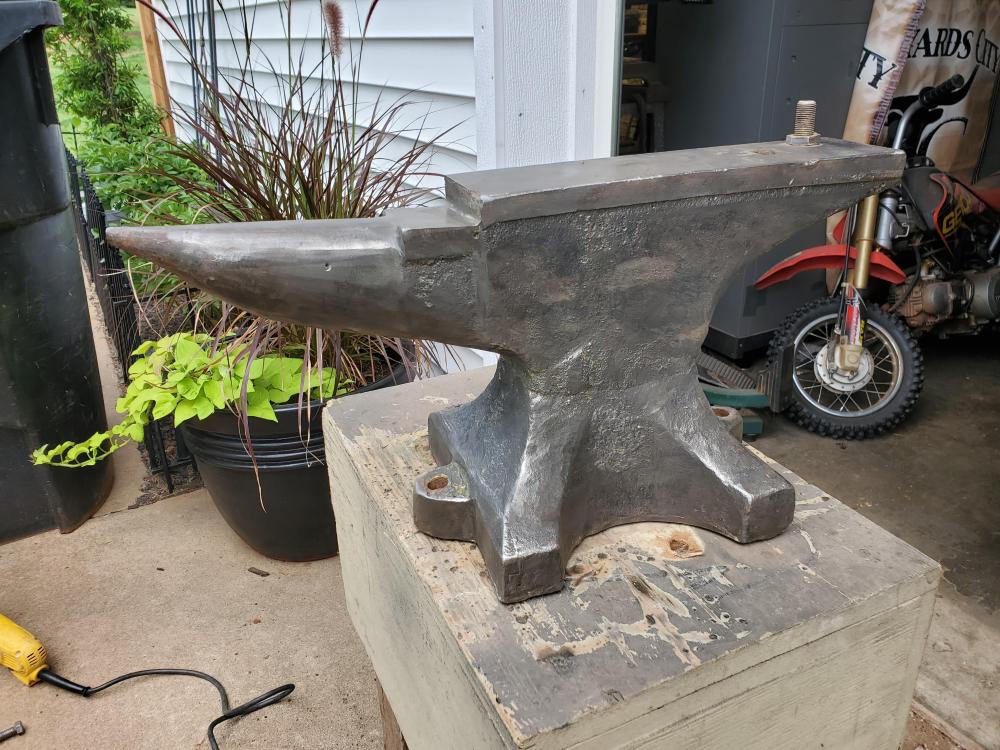
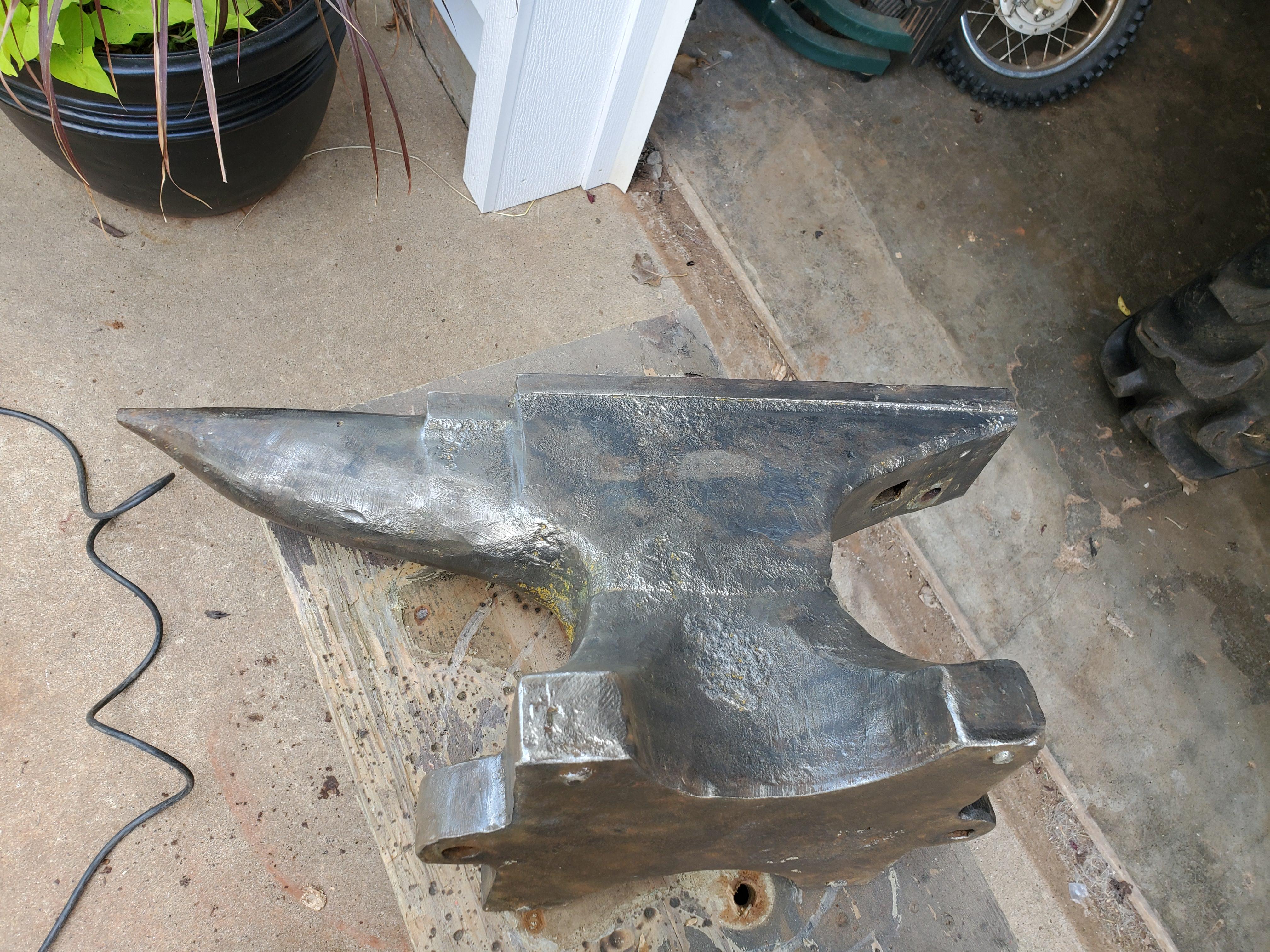
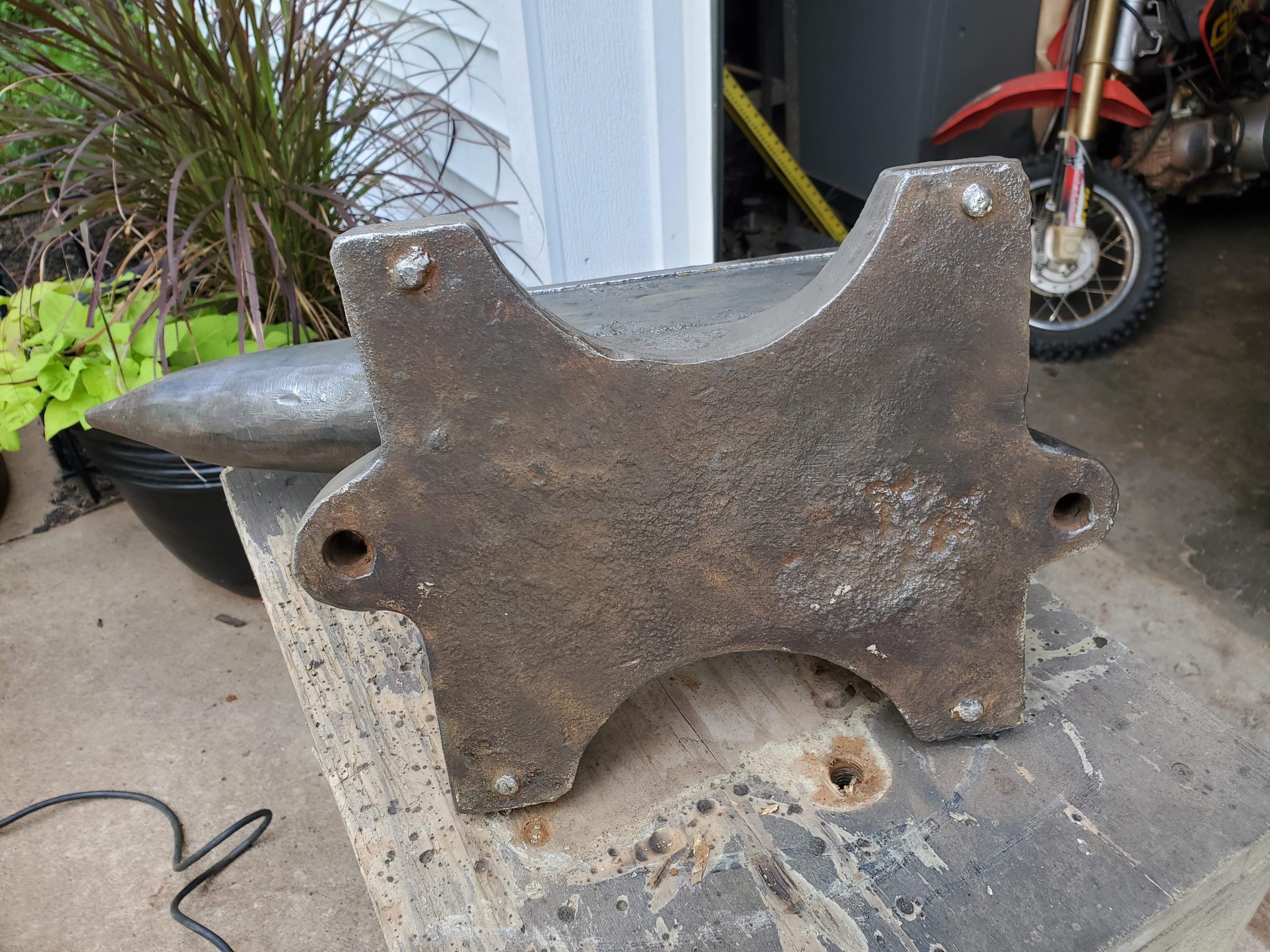
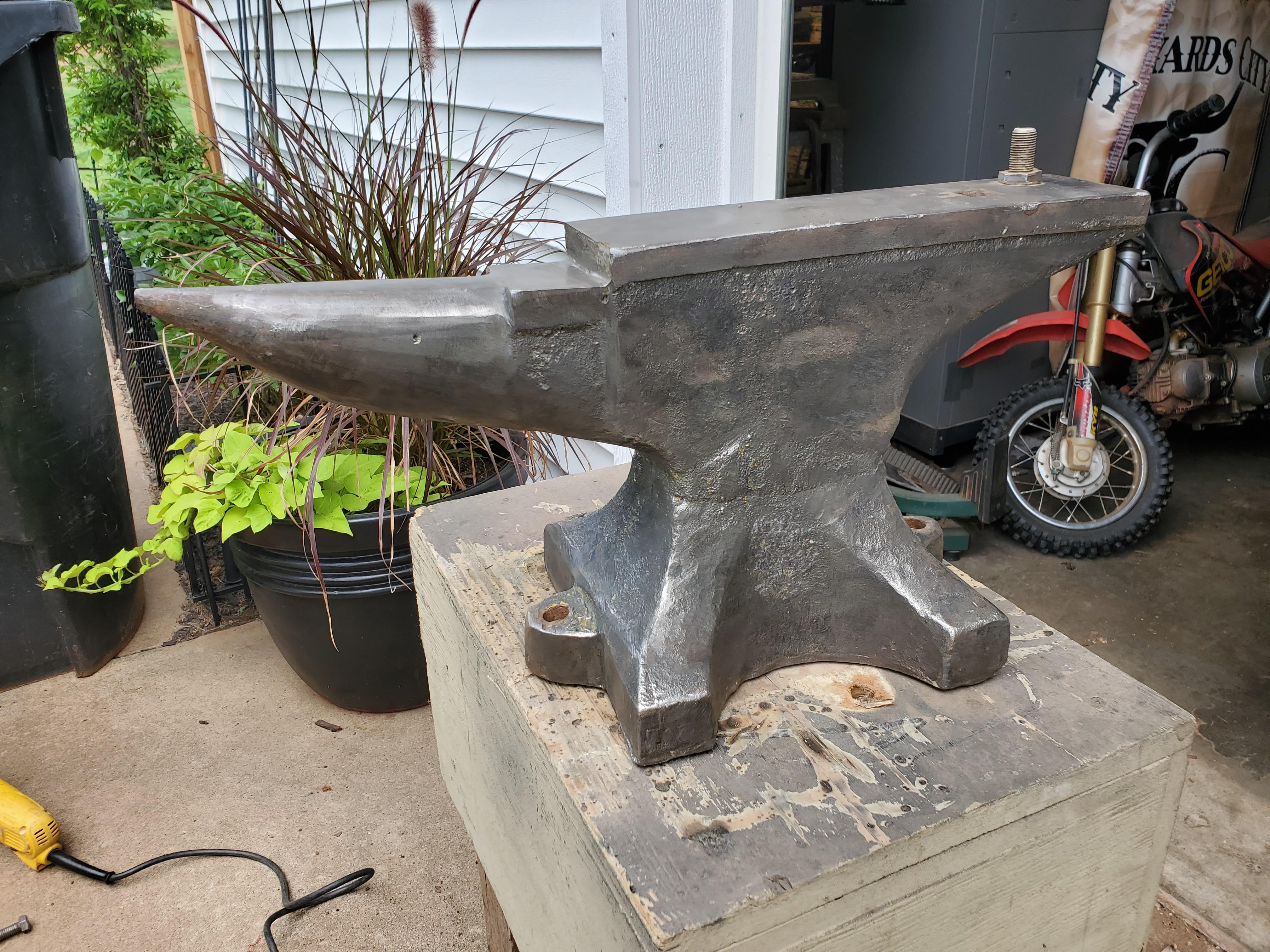
  5. Can anyone tell me about this anvil, brand or age? It appears to be 100lbs but I can't find anything on the other markings V72
Account

Navigation

Search

Search

Configure browser push notifications

Chrome (Android)
  1. Tap the lock icon next to the address bar.
  2. Tap Permissions → Notifications.
  3. Adjust your preference.
Chrome (Desktop)
  1. Click the padlock icon in the address bar.
  2. Select Site settings.
  3. Find Notifications and adjust your preference.