Skip to content
View in the app

A better way to browse. Learn more.

I Forge Iron

A full-screen app on your home screen with push notifications, badges and more.

To install this app on iOS and iPadOS
  1. Tap the Share icon in Safari
  2. Scroll the menu and tap Add to Home Screen.
  3. Tap Add in the top-right corner.
To install this app on Android
  1. Tap the 3-dot menu (⋮) in the top-right corner of the browser.
  2. Tap Add to Home screen or Install app.
  3. Confirm by tapping Install.

Donkoti

Members
  • Joined

  • Last visited

Everything posted by Donkoti

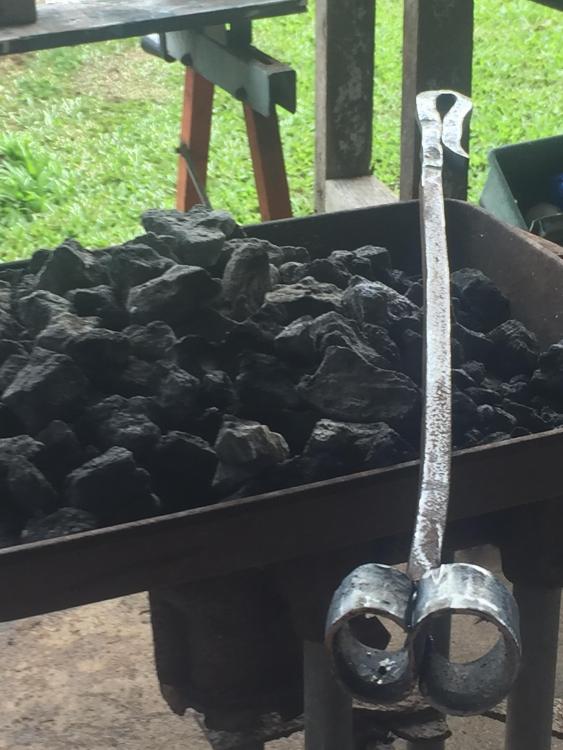
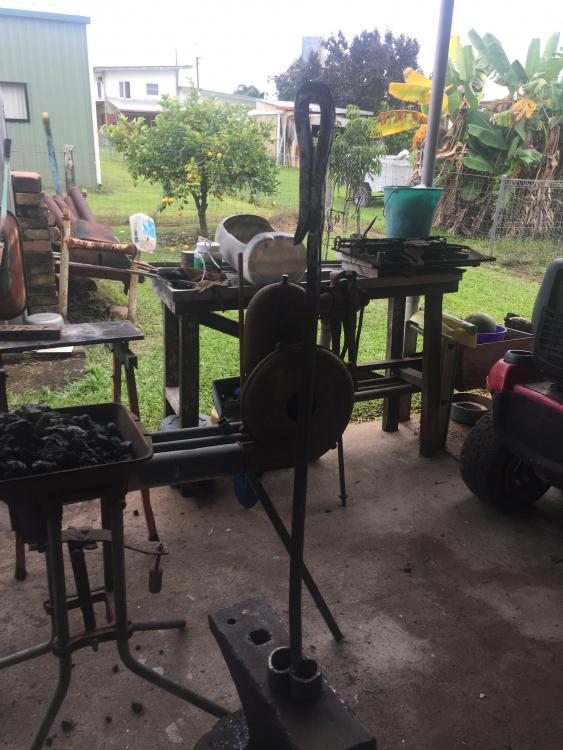
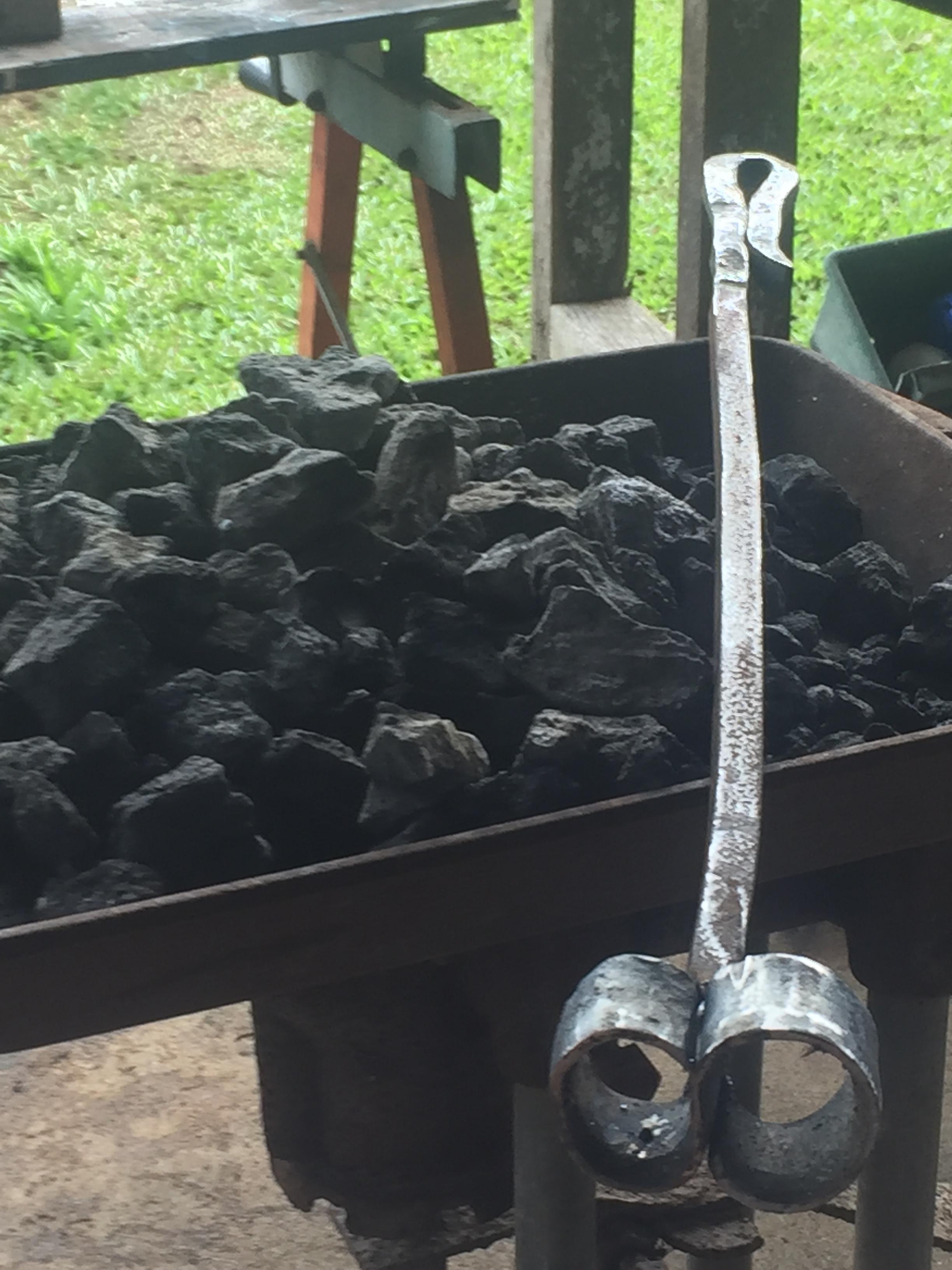
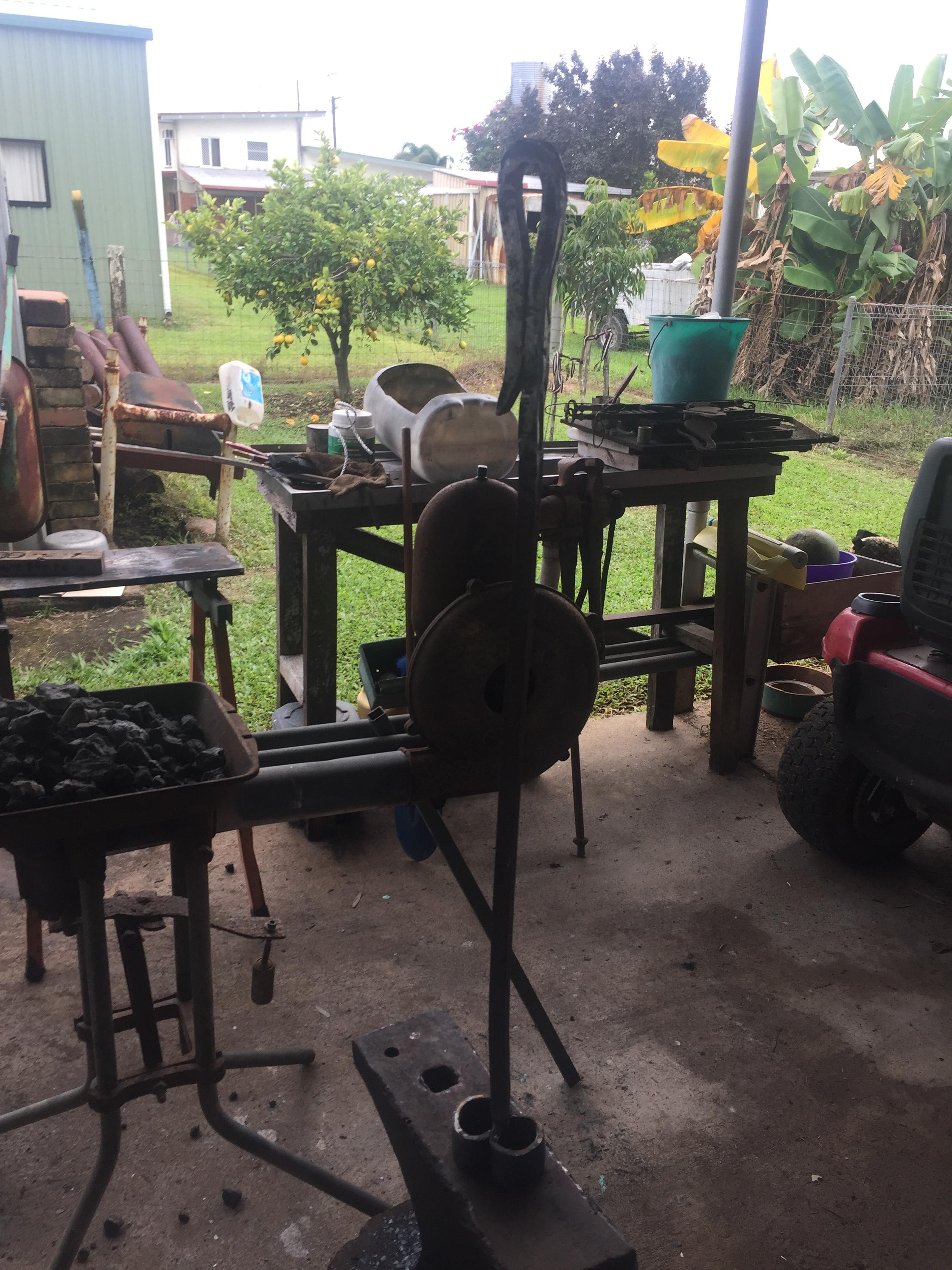
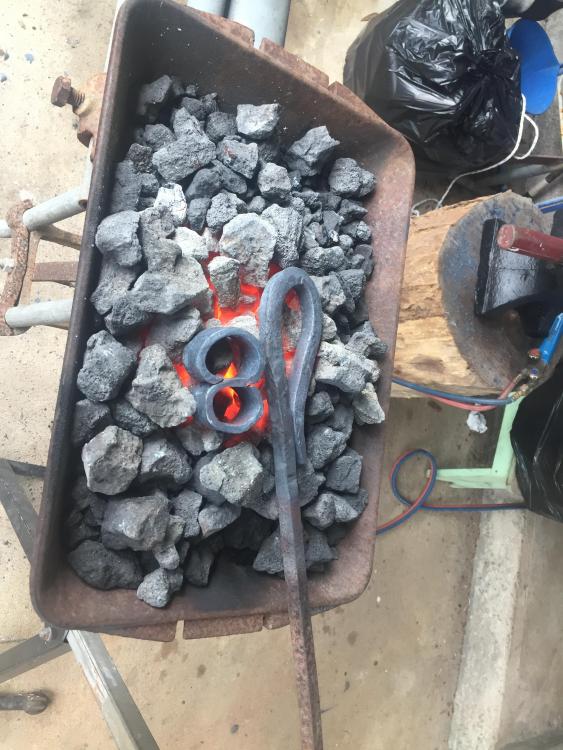
  1. Completed my first blacksmithing job in approximately 30 years and made a number 8 branding iron but I had a problem getting the coke to burn any ideas on solving this problem
  2. Hi I’m Don from Ingham North Queensland, I’m a qualified Blacksmith/ Spring Maker but I haven’t swung a hammer in the last 35 years having just retired I’m looking forward to doing some smithing, been a member for a few days and I’ve already received some great advice. Cheers
  3. Thanks everyone for your advice
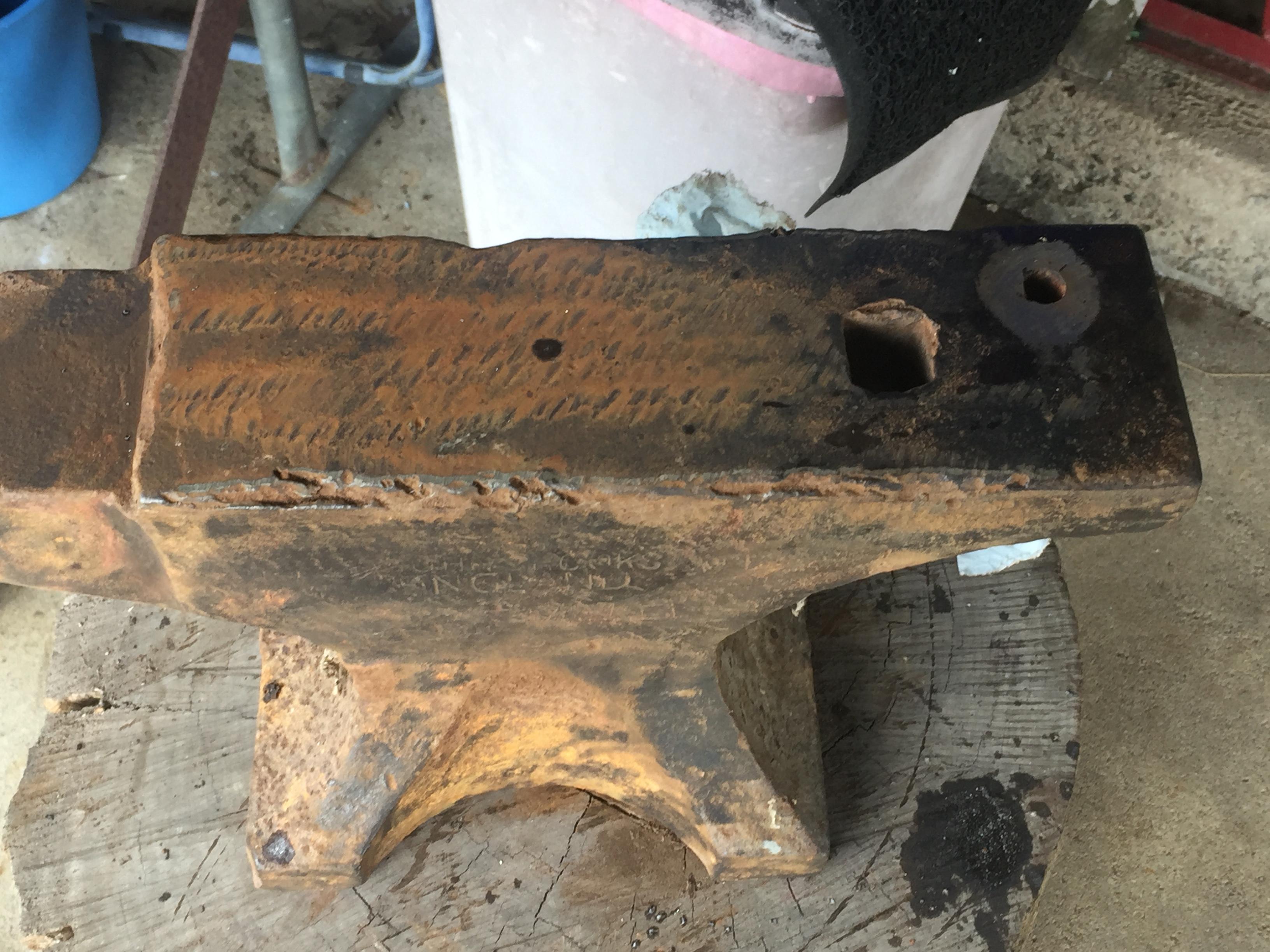
  4. I have acquired an anvil that has damage to the edges what can I do to repair the damage see attached photo thanks in advance Donkito
Account

Navigation

Search

Search

Configure browser push notifications

Chrome (Android)
  1. Tap the lock icon next to the address bar.
  2. Tap Permissions → Notifications.
  3. Adjust your preference.
Chrome (Desktop)
  1. Click the padlock icon in the address bar.
  2. Select Site settings.
  3. Find Notifications and adjust your preference.