Skip to content
View in the app

A better way to browse. Learn more.

I Forge Iron

A full-screen app on your home screen with push notifications, badges and more.

To install this app on iOS and iPadOS
  1. Tap the Share icon in Safari
  2. Scroll the menu and tap Add to Home Screen.
  3. Tap Add in the top-right corner.
To install this app on Android
  1. Tap the 3-dot menu (⋮) in the top-right corner of the browser.
  2. Tap Add to Home screen or Install app.
  3. Confirm by tapping Install.

Brijasher

Members
  • Joined

  • Last visited

Everything posted by Brijasher

  1. Brijasher replied to Mikey98118's topic in Gas Forges
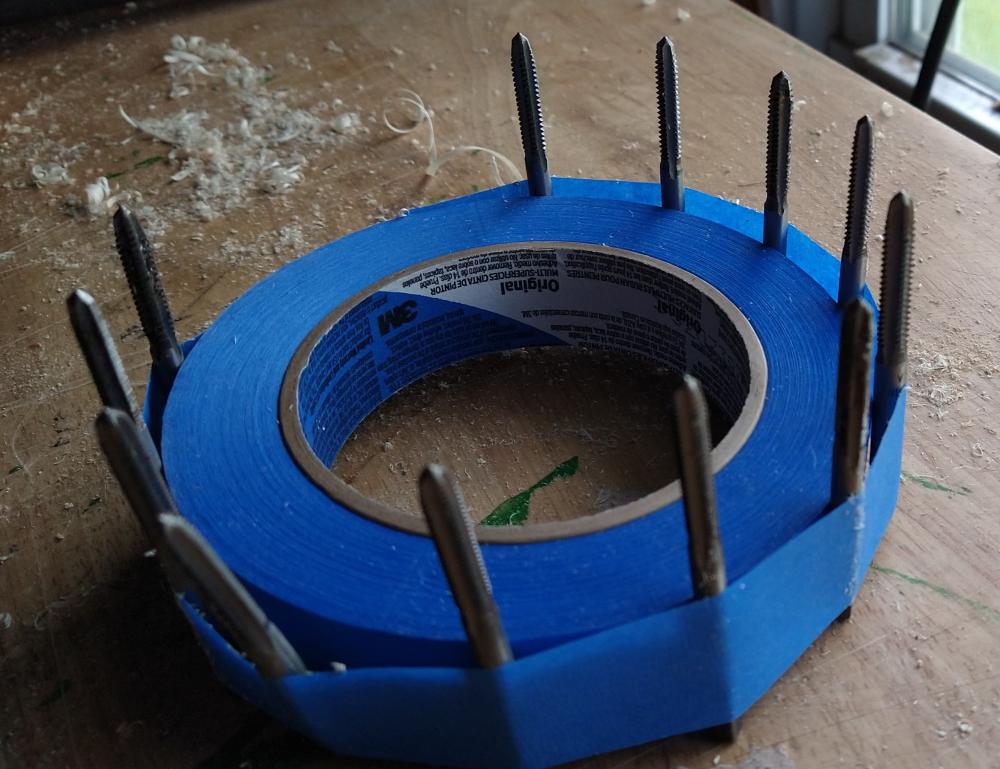
    Thanks for the clarification. However, I am still trying to understand how this will help the parallelism. Maybe I need more taps? I'll show myself out now. -Brinton
  2. Excuse me a minute. I need to find my jaw and a mop for the drool. -B
  3. Brijasher replied to Mikey98118's topic in Gas Forges
    I've been married for 20 years and still haven't figured out how they work. Slinking away to hide in case someone wants to hit me with one. -B
  4. Good evening all. Been lurking for a while, so my first comment is - Frosty and Mikey, I already have. =D Reading AFB's and DRottBlatt's discussion on the trumpet/bell reminded me of some older YouTube videos put out by a turbine engine repair mechanic. He explains why they install a bell mouth on the static test stand. https://www.youtube.com/watch?v=3DQdcvzf9RM starts at 6:00 https://www.youtube.com/watch?v=eB3f_Idkiow starts at 7:45 Good luck gents, Brinton
Account

Navigation

Search

Search

Configure browser push notifications

Chrome (Android)
  1. Tap the lock icon next to the address bar.
  2. Tap Permissions → Notifications.
  3. Adjust your preference.
Chrome (Desktop)
  1. Click the padlock icon in the address bar.
  2. Select Site settings.
  3. Find Notifications and adjust your preference.