Gongo
Members
-
Joined
-
Last visited
Everything posted by Gongo
-
Thanks irondragon, I'll have to learn how to resize pics on my phone
-
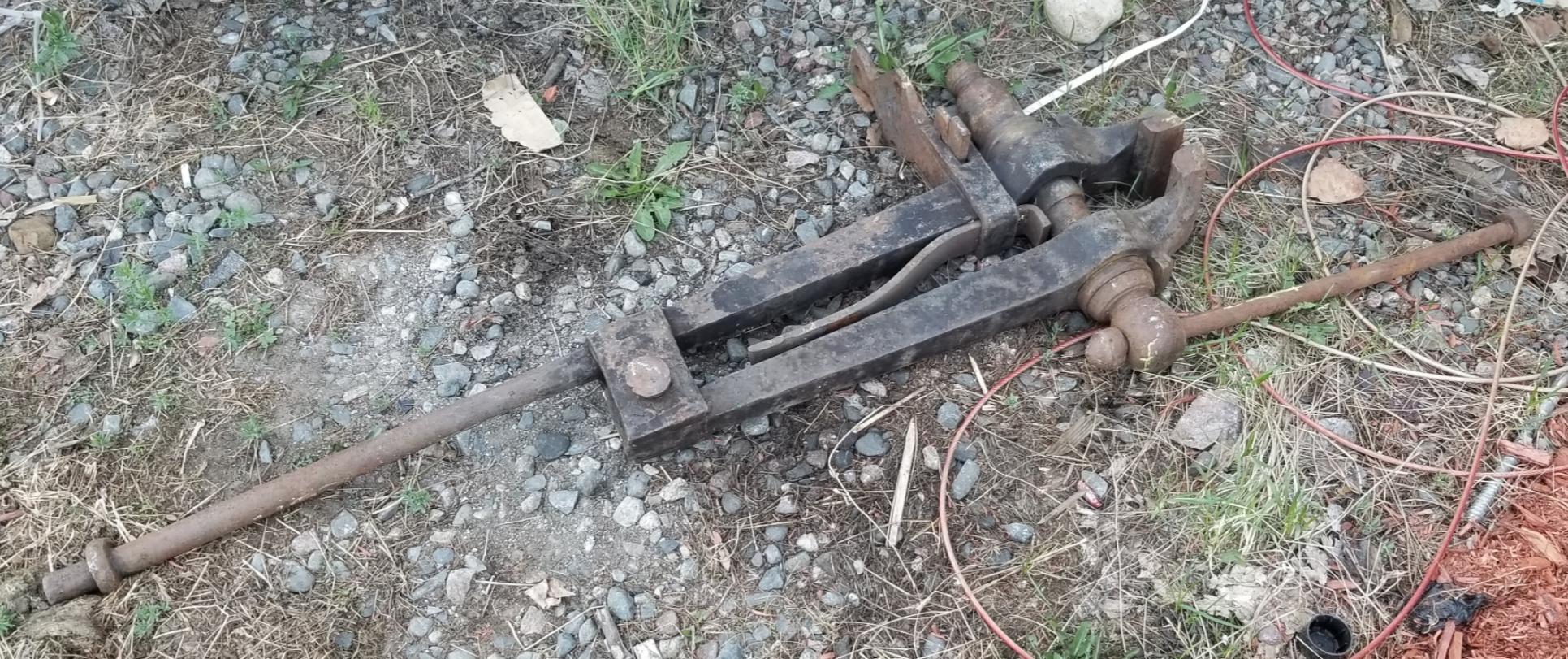
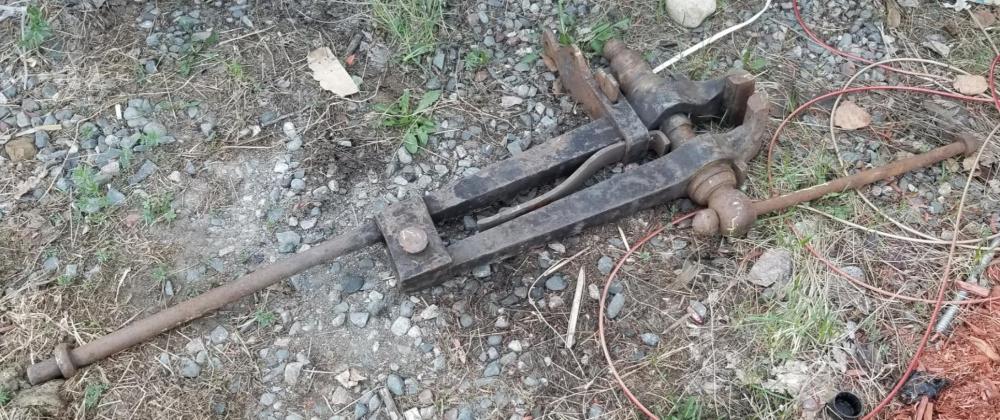
For years I have been driving past this place with 2 post vises sitting out in the elements, I finally saw someone home so I asked about them. Immediately he said they weren't for sale but after I said I was a beginner blacksmith he said I could have the small one for $50! I haven't looked it over much yet but the threads seem to be in good shape. I'm trying to upload photos but am having issues
-
I deliver propane for a living, it's very common to see 123 gallon tanks in the city. However to have propane delivered (here in Ontario anyways) you must have any propane powered equipment inspected for safety.
-
It's a good machine, it's the operator that's the problem... lol I dont think my crappy homemade burner gets hot enough to forge weld, I'm looking at starting over from scratch to make a better forge.
-
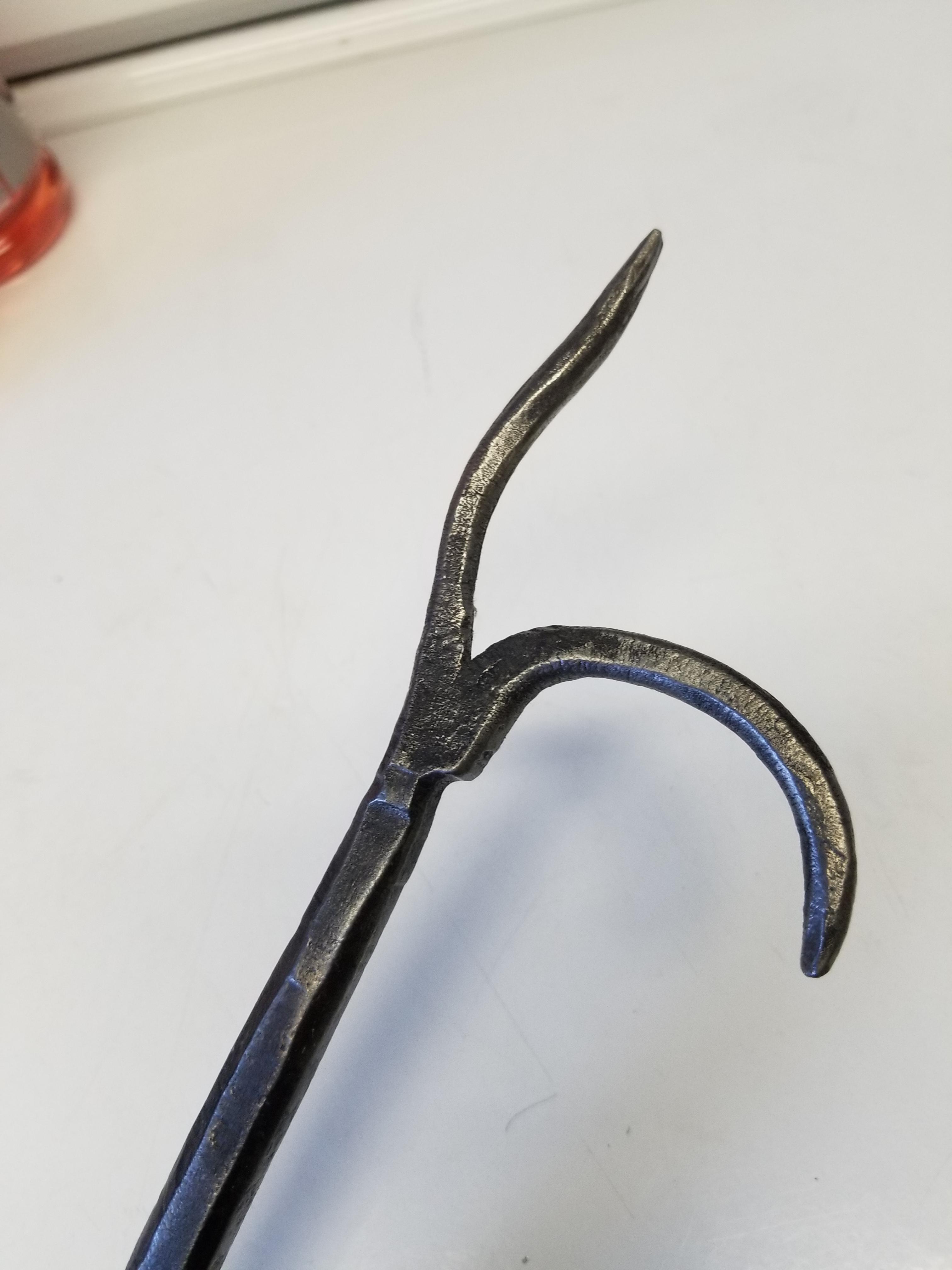
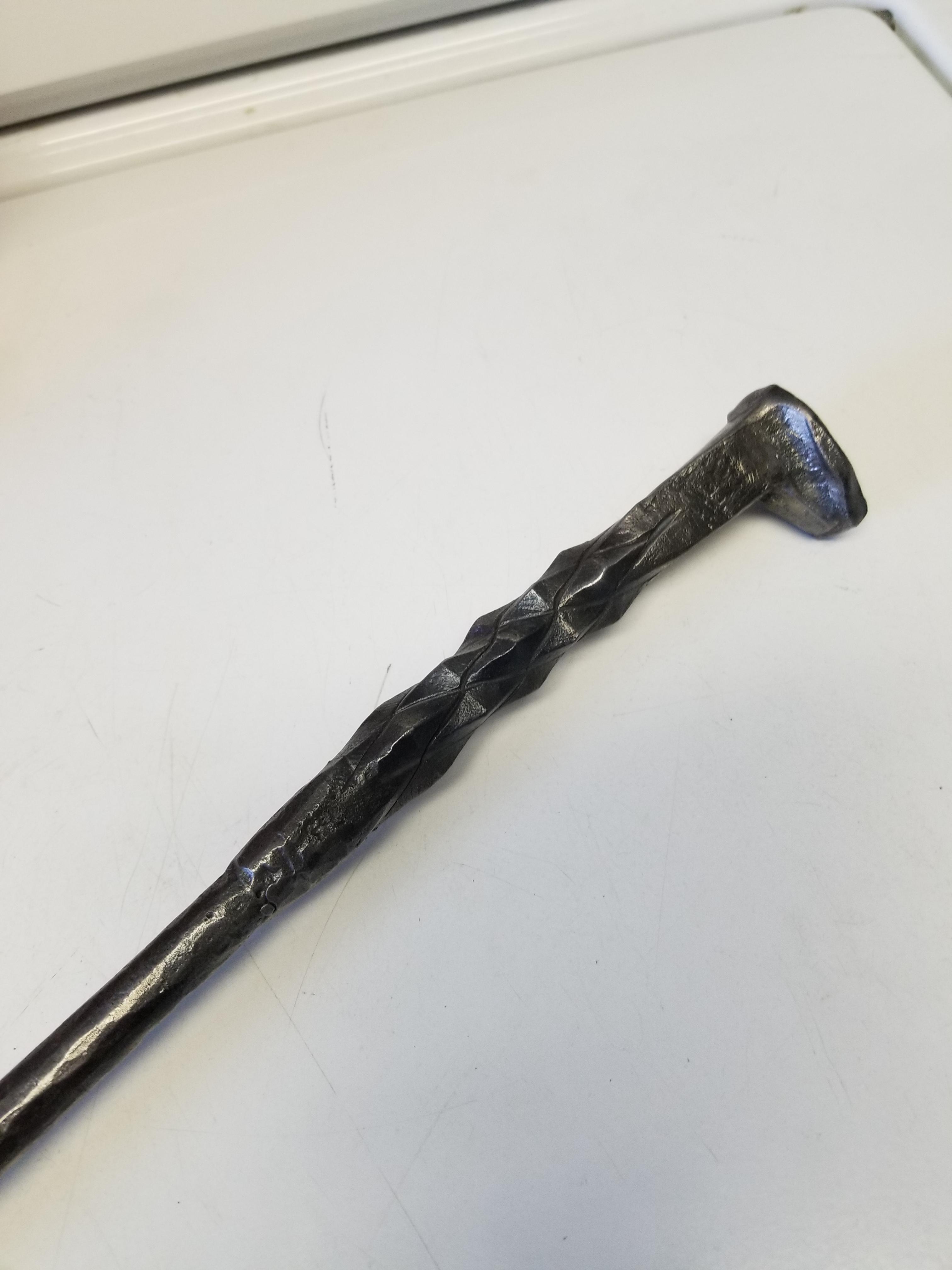
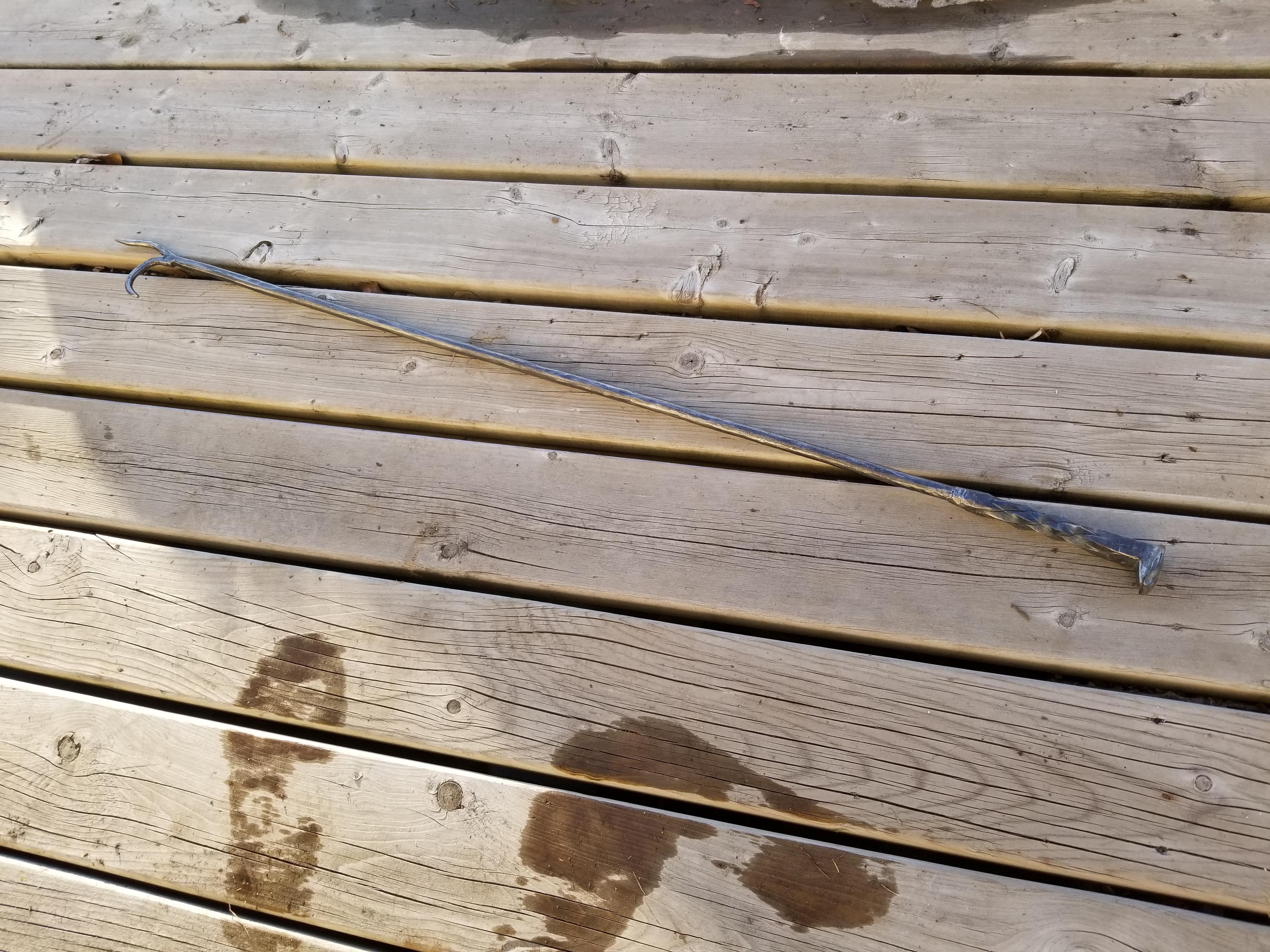
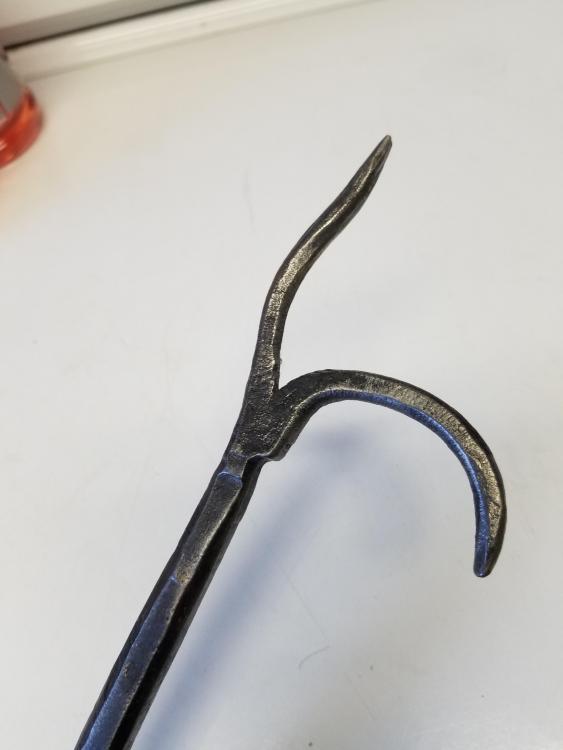
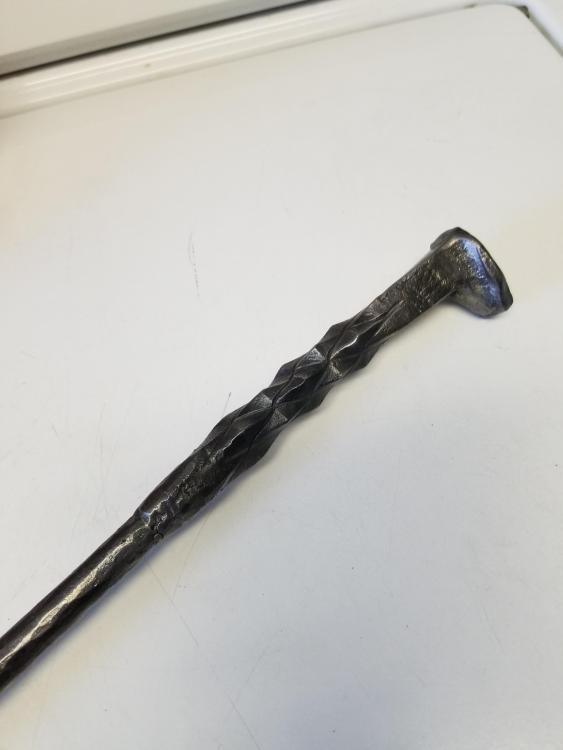
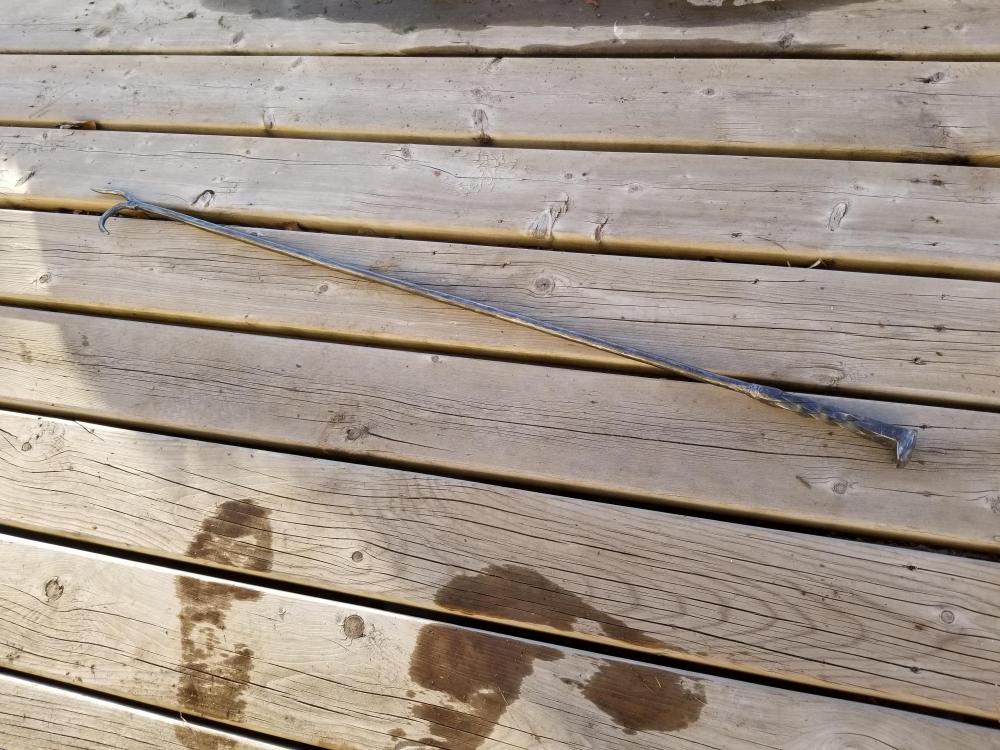
I made my first attempt at a fire poker, also my first try at a pineapple twist. My hammering skills need some work and I regret mig welding the rail spike on but I'll do better next time
-
I thought it was very good, I agree on the previous comments about the lighting and showing the final product at the beginning, that might keep viewers more interested. The music isnt horrible but maybe if it was quieter and played over the shop sounds might be better?
-
Thanks jhhc, good info there. I'll check out the oaba when I get home Swede, thanks
-
He everybody, I'm fairly new to the craft and came here looking to learn and I think I came to the right place. There seems to be a wealth of knowledge here and I intend to take full advantage of that