PJMilo
Members
-
Joined
-
Last visited
Everything posted by PJMilo
-
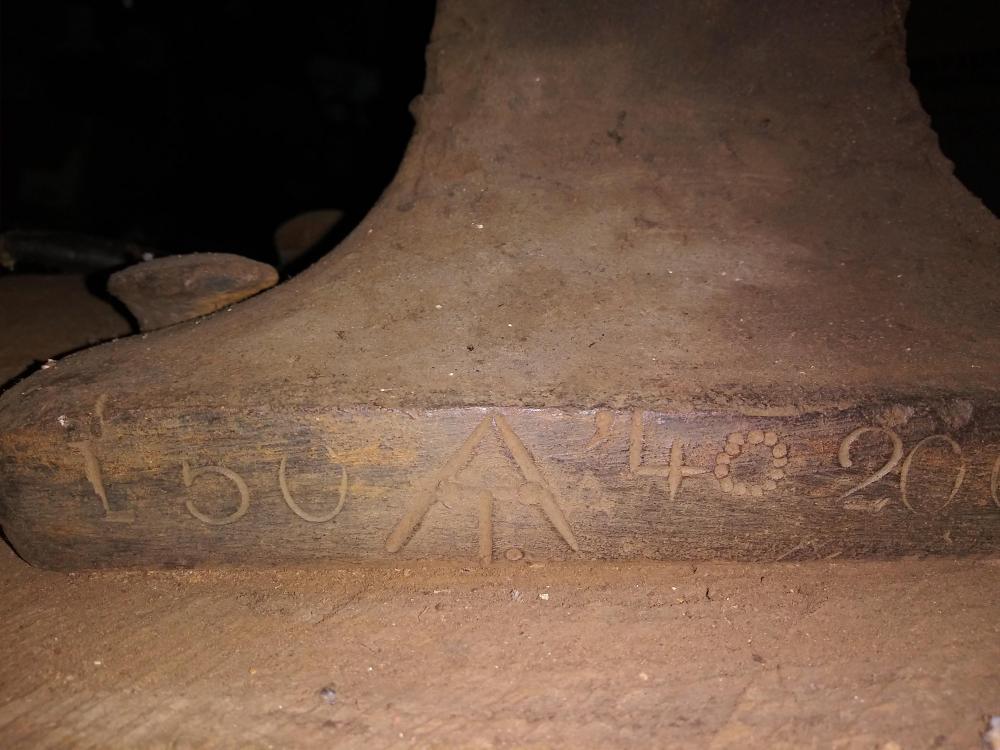
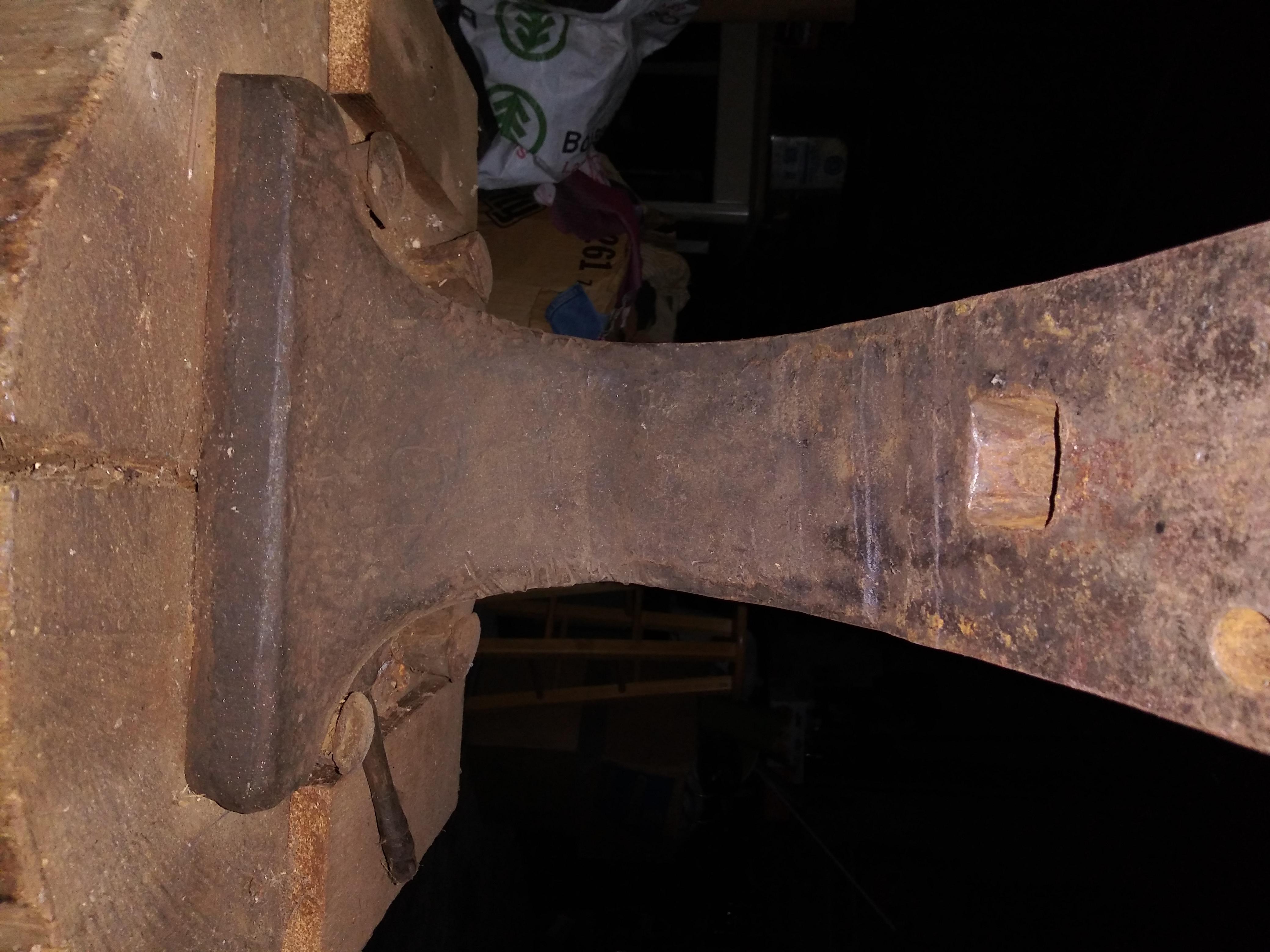
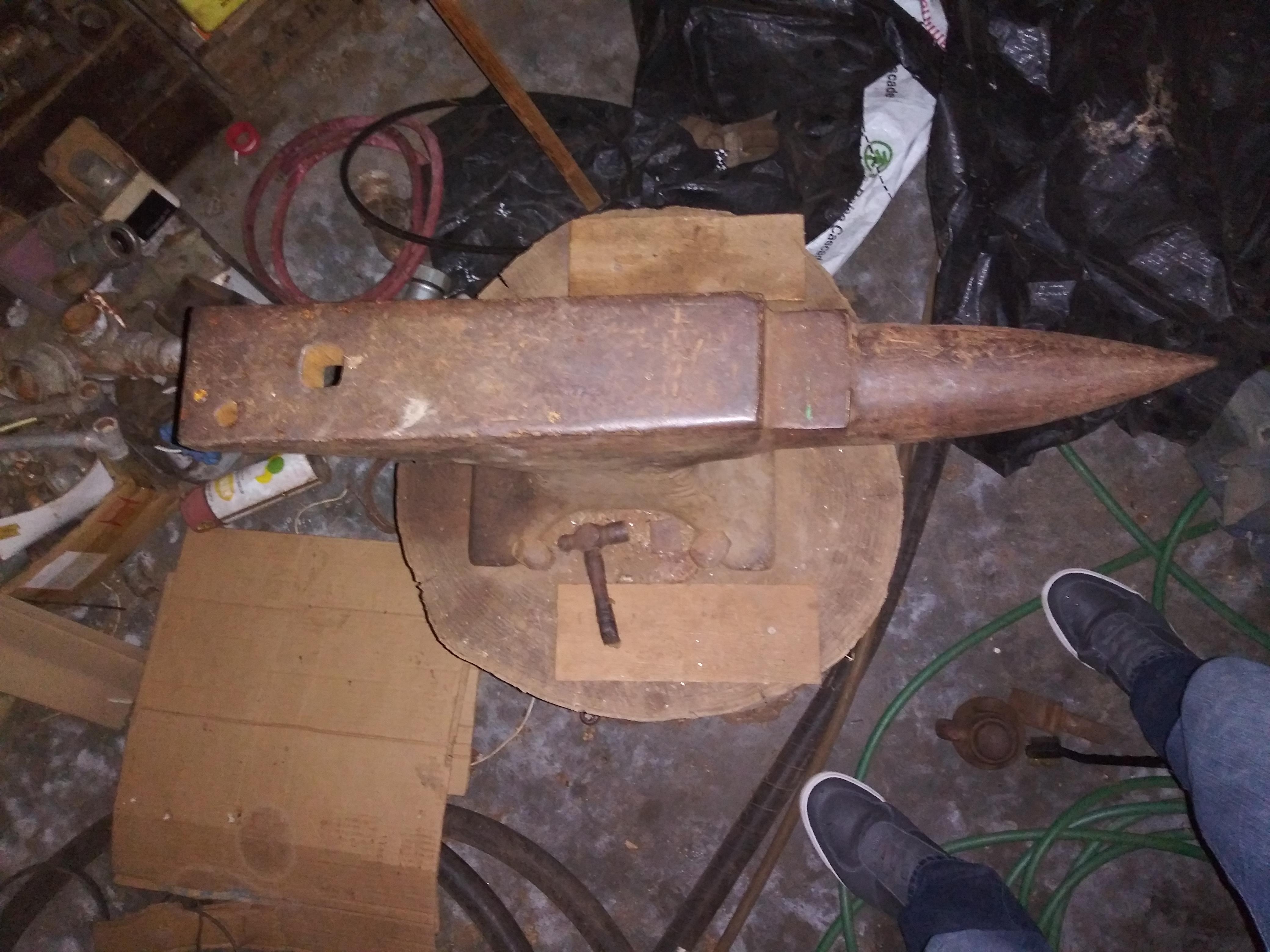
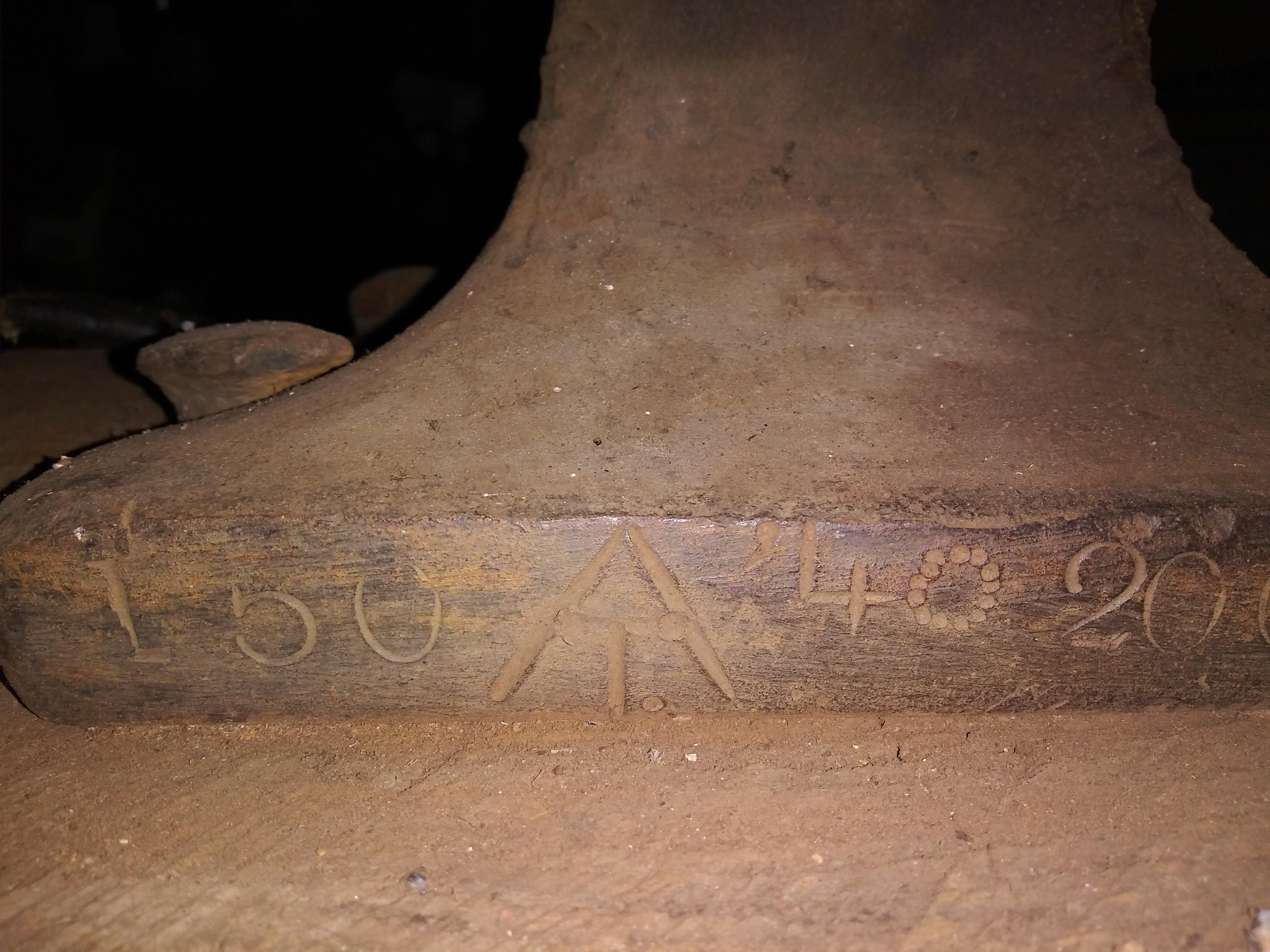
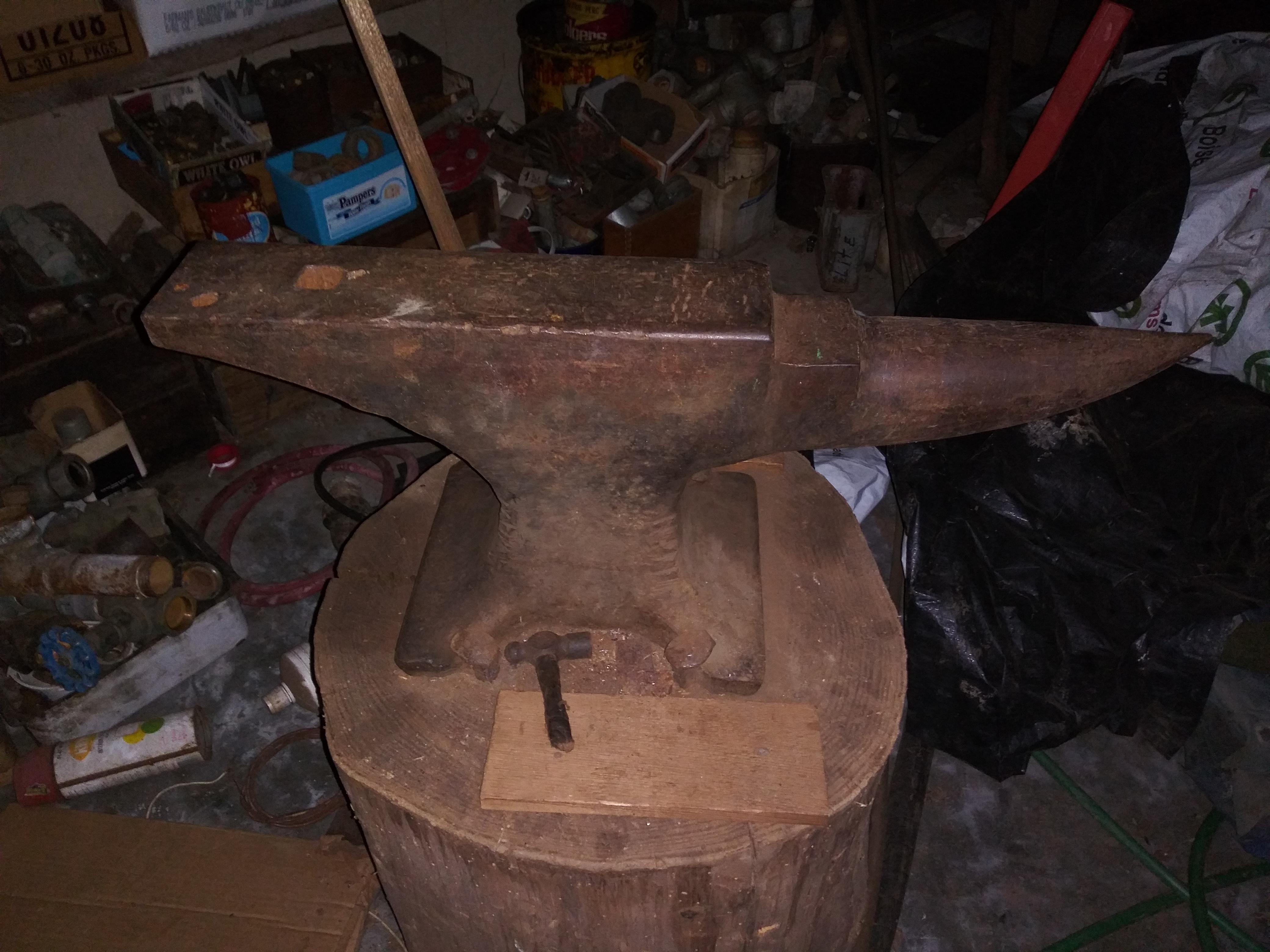
Thank you for the response. I read through the posted link. My location is Washington. This anvil was probably purchased between 60-80. I there isnt any info I could find. Anvilfire which a lot of forums recommended is down as well is another popular site. I figures if I could figure out the maker then I can deep dive into them, but havent had much luck with the symbol. Edit: Thank you for all the replies. It was great information! Peter
-
Thank you for the response. I read through the posted link. My location is Washington. This anvil was probably purchased between 60-80. I there isnt any info I could find. Anvilfire which a lot of forums recommended is down as well is another popular site. I figures if I could figure out the maker then I can deep dive into them, but havent had much luck with the symbol.
-
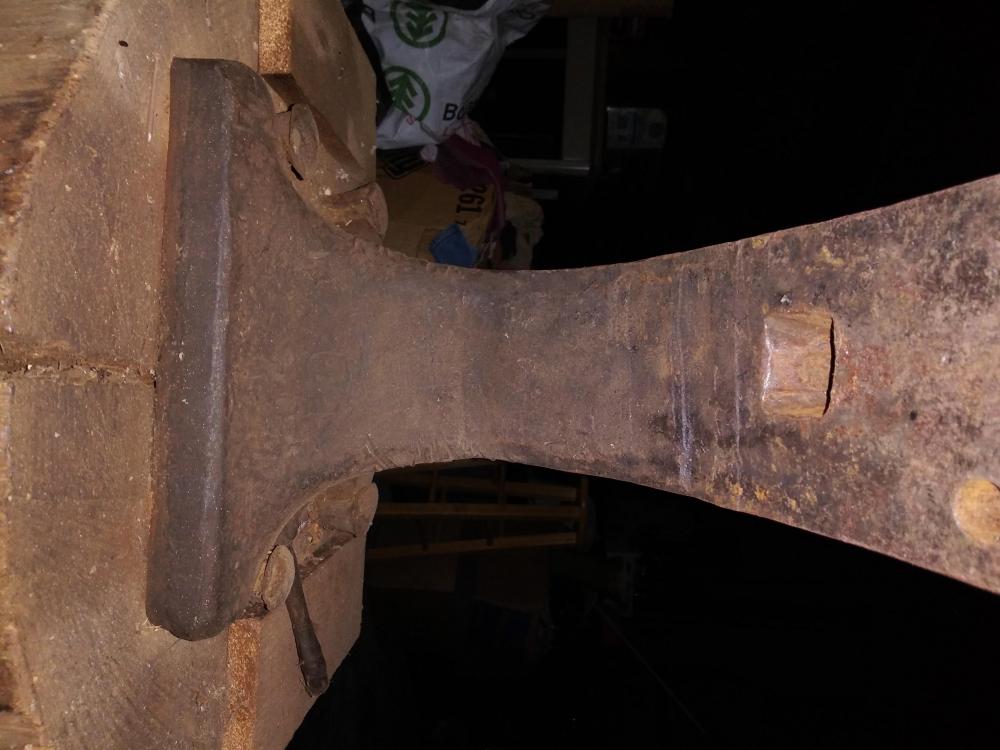
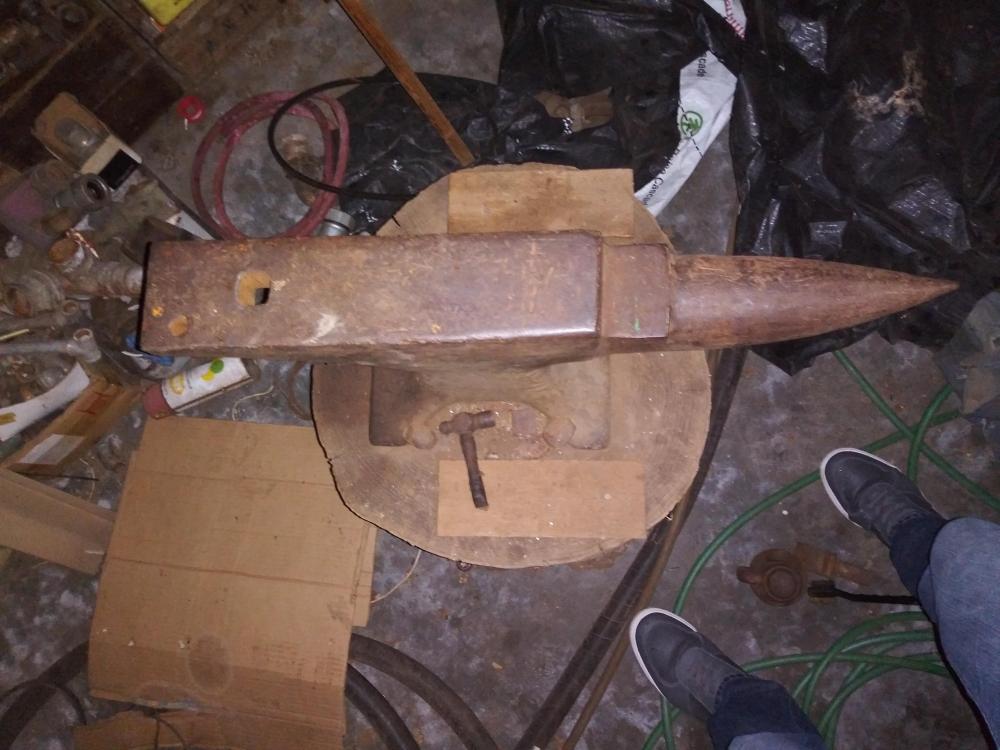
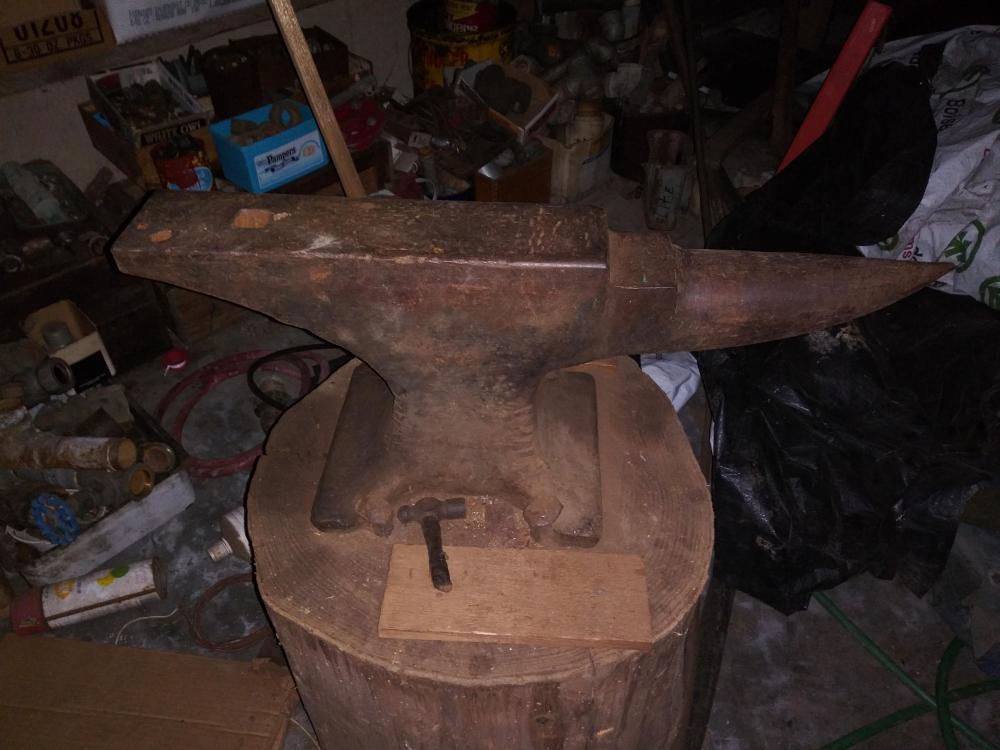
Let me know if this is not the right place. Trying to identify this anvil that was my wifes grandpa's Thanks, Peter