FivePointsForge
Members
-
Joined
-
Last visited
Everything posted by FivePointsForge
-
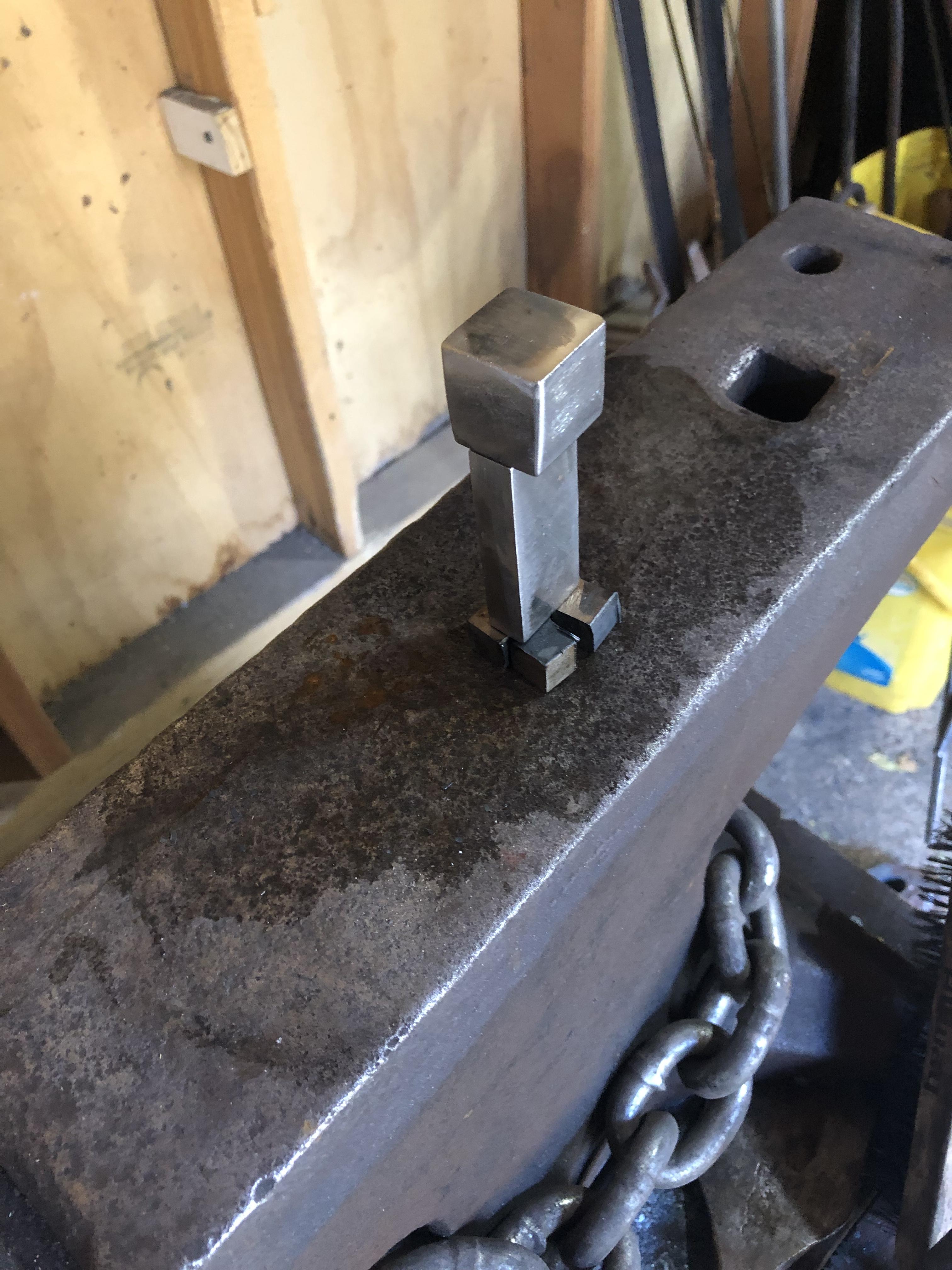
I’ll be making this stack of scrap into a Creeper from Minecraft for my son. Won’t be much forging involved other than maybe square punching the eyes and mouth.
-
Well I do spend an awful lot of time looking for my cell phone, sometimes I even use the flashlight app on my phone to look for it. Wait. What?
-
Agree here, it was the absolute first thing that stood out to me as the pic appeared on my screen. Otherwise stellar work as always Theo. (Theo this is Cliff btw, sorry I’ve been out of touch. Hope all is well)
-
Love it. Nice work. I particularly enjoy the very little bit of forge finish left on the blade that appears to spill out of the blued guard. Subtly excellent.
-
Hello all, had an account here at one point, can’t recall the name or email that I used and figured a fresh start wouldn’t be so bad anyway... looking forward to gaining and sharing knowledge. I’ve been actually forging for a few years now (after spending years reading, researching, etc), it’s not my main source of income but it has provided me with some spending money, particularly around the holidays which is always helpful! I named my forge “Five Points Forge” mostly because it began in New York City (an homage to the notorious Five Points neighborhood featured in Gangs of New York). Anyway, looking forward to seeing what everyone has been up to. Cheers!