Skip to content
View in the app

A better way to browse. Learn more.

I Forge Iron

A full-screen app on your home screen with push notifications, badges and more.

To install this app on iOS and iPadOS
  1. Tap the Share icon in Safari
  2. Scroll the menu and tap Add to Home Screen.
  3. Tap Add in the top-right corner.
To install this app on Android
  1. Tap the 3-dot menu (⋮) in the top-right corner of the browser.
  2. Tap Add to Home screen or Install app.
  3. Confirm by tapping Install.

9troragnar

Members
  • Joined

  • Last visited

Everything posted by 9troragnar

  1. Not the best photo cause it was moved out of the machine shred at spring time planting
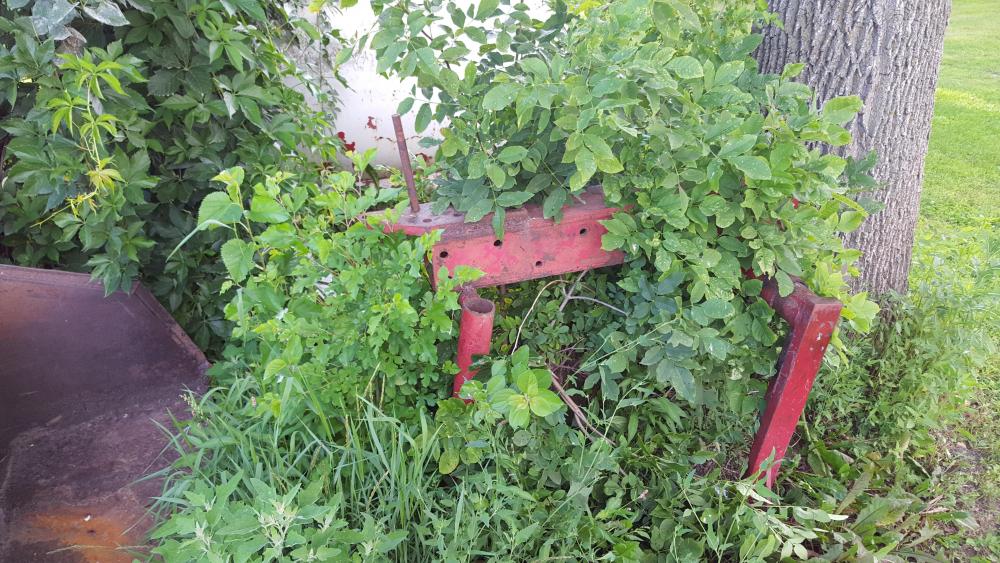
  2. Hi everyone from sw Minnesota I am new to the forging game I don't have a real anvil I kinda made my own but I have a nice old coal fired forge I can try to post pictures later on when I next get yo my Smith again looking forward to learning from everybody.
  3. Hi everyone quick question for you all?What kinda belts do you recommend for sharpening? I'm going to try my hand at some knifes and want to know will standard wood sanding belts work or should I get something more hefty? Thanks for any and all help have a great day everyone.

Account

Navigation

Search

Search

Configure browser push notifications

Chrome (Android)
  1. Tap the lock icon next to the address bar.
  2. Tap Permissions → Notifications.
  3. Adjust your preference.
Chrome (Desktop)
  1. Click the padlock icon in the address bar.
  2. Select Site settings.
  3. Find Notifications and adjust your preference.