Skip to content
View in the app

A better way to browse. Learn more.

I Forge Iron

A full-screen app on your home screen with push notifications, badges and more.

To install this app on iOS and iPadOS
  1. Tap the Share icon in Safari
  2. Scroll the menu and tap Add to Home Screen.
  3. Tap Add in the top-right corner.
To install this app on Android
  1. Tap the 3-dot menu (⋮) in the top-right corner of the browser.
  2. Tap Add to Home screen or Install app.
  3. Confirm by tapping Install.

Gute

Members
  • Joined

  • Last visited

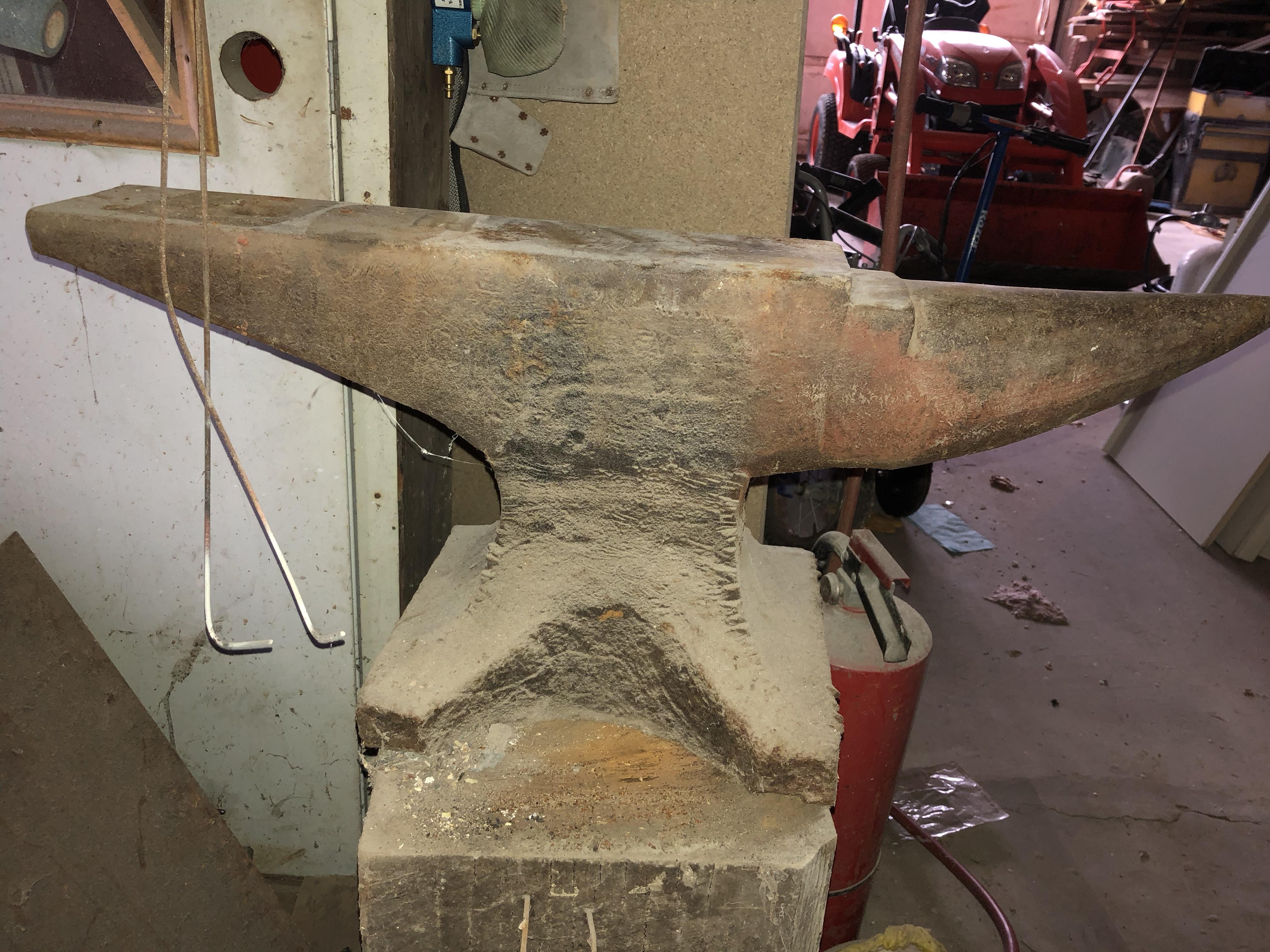
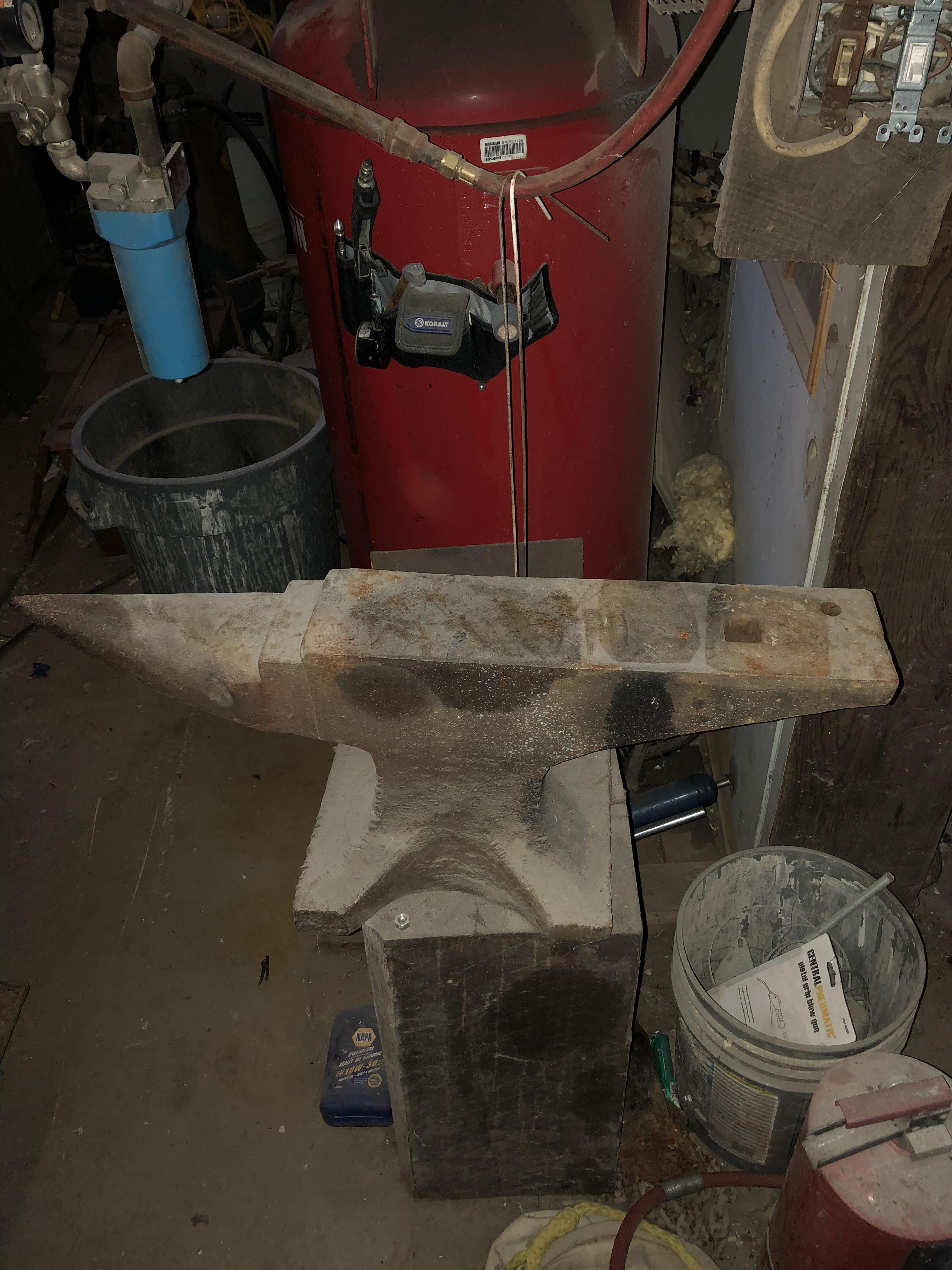
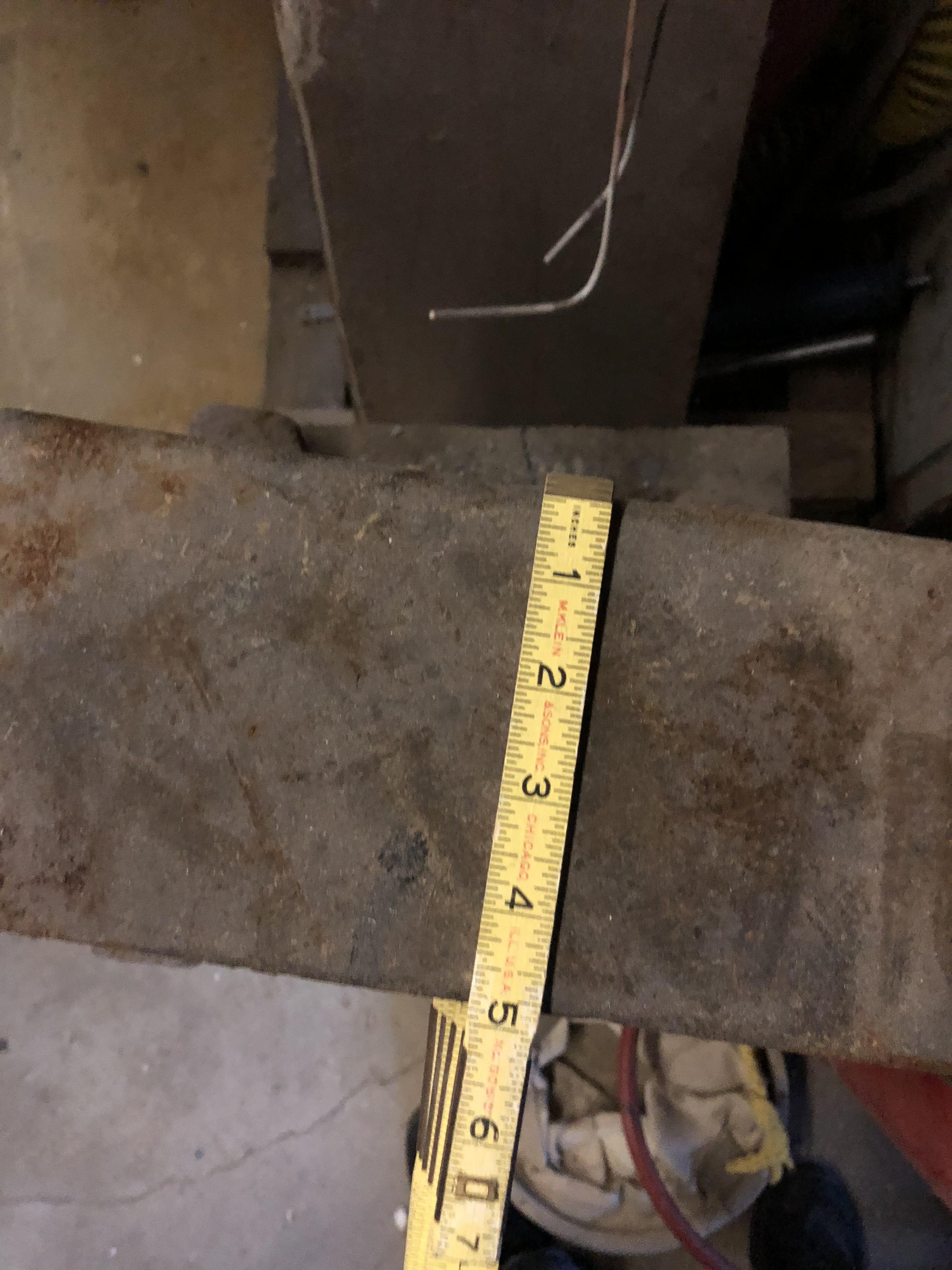
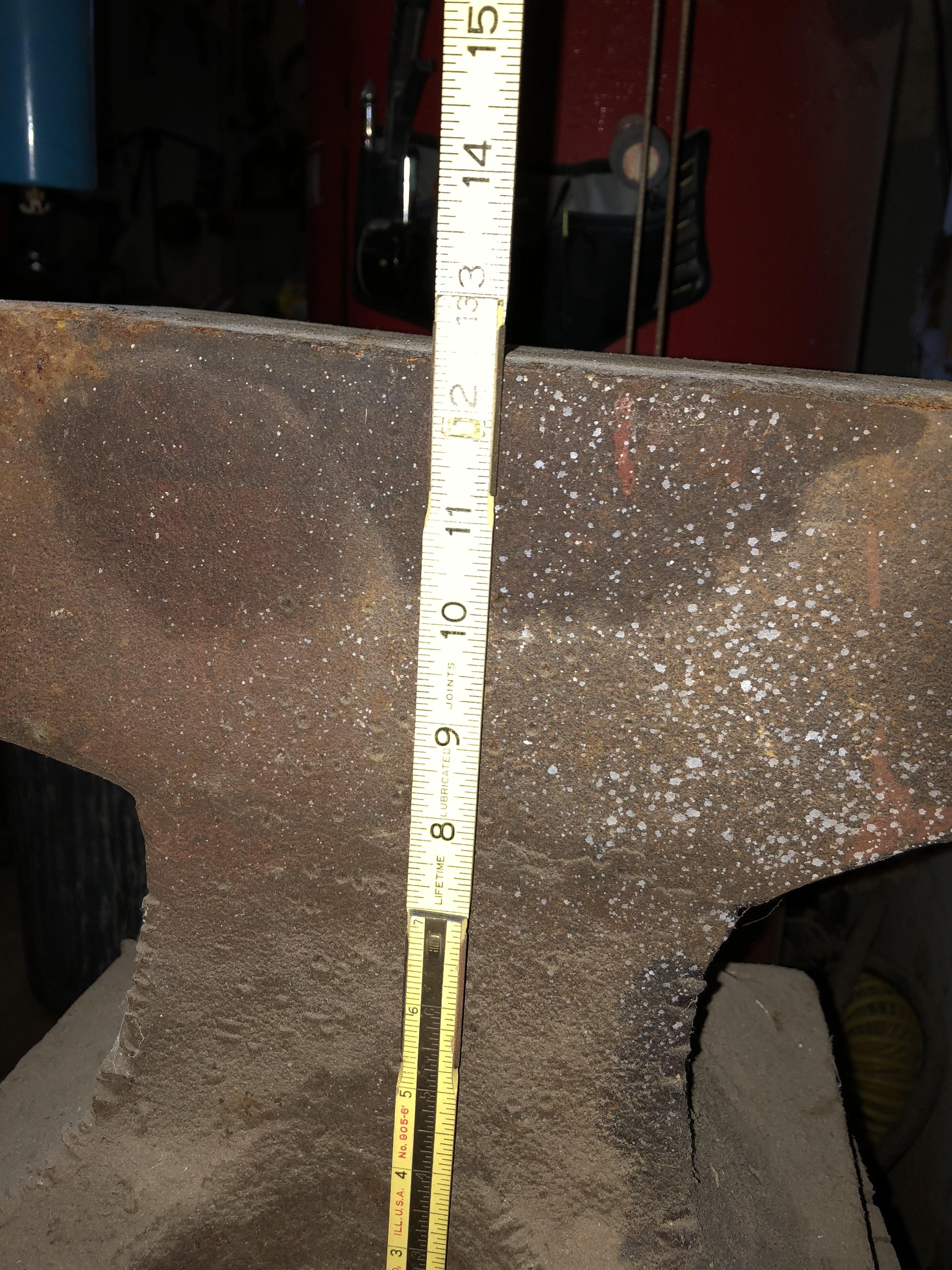
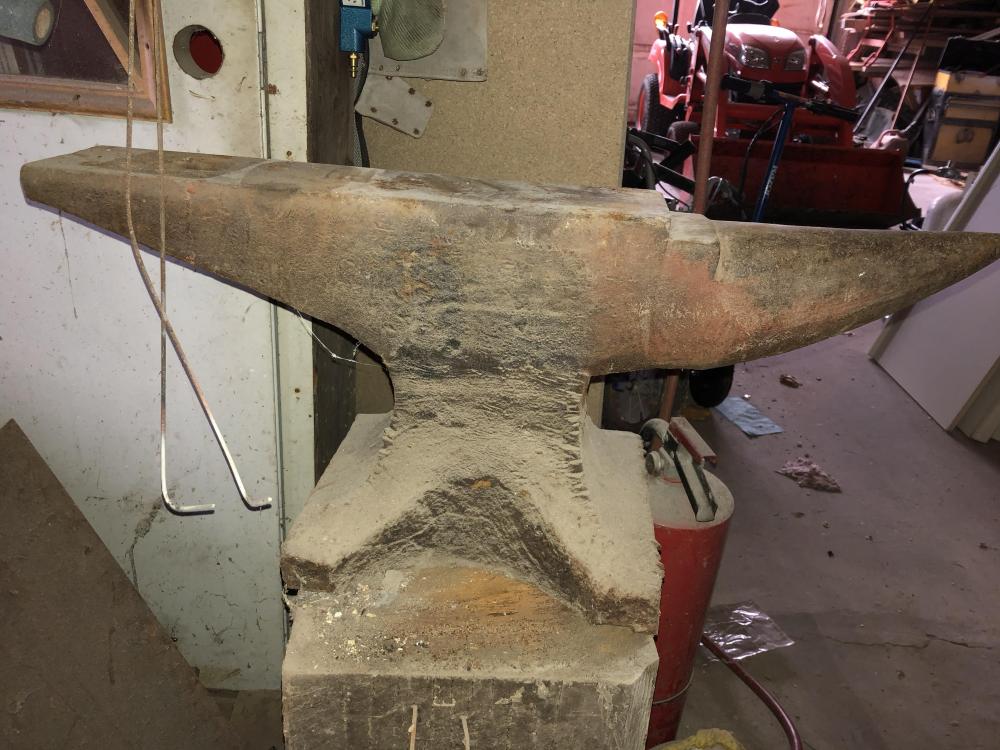
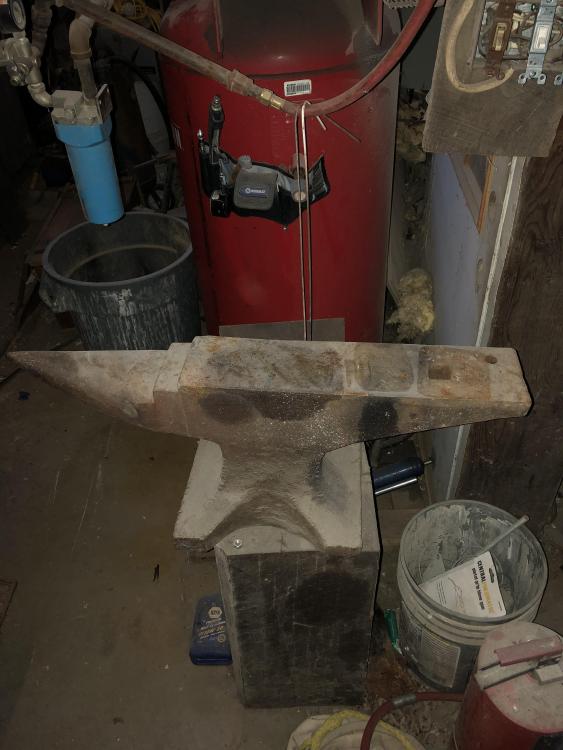
  1. Found the number 8 on the waist under the shoulder. Mean anything?
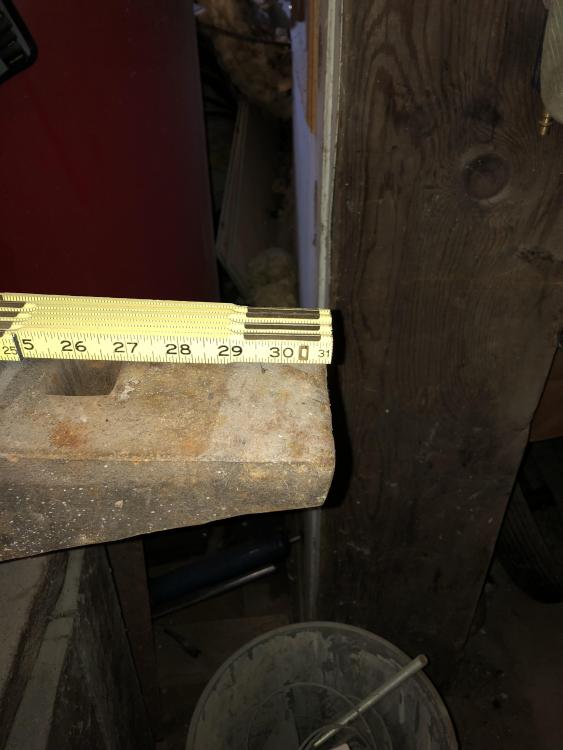
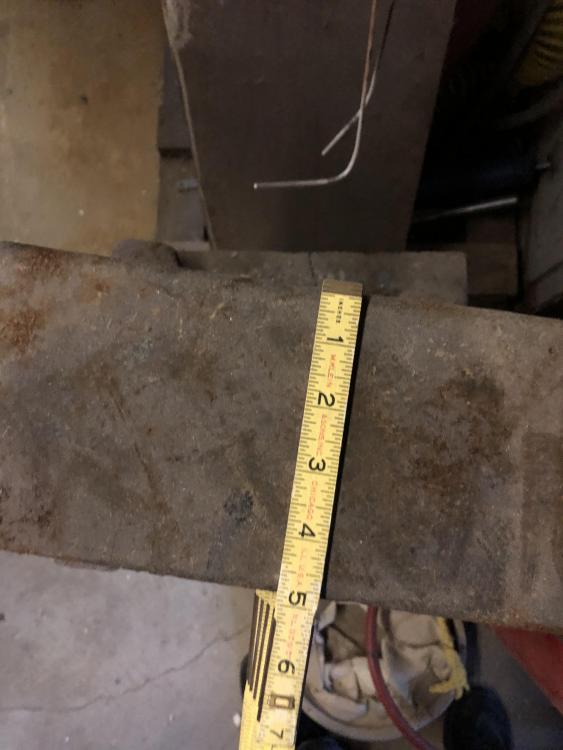
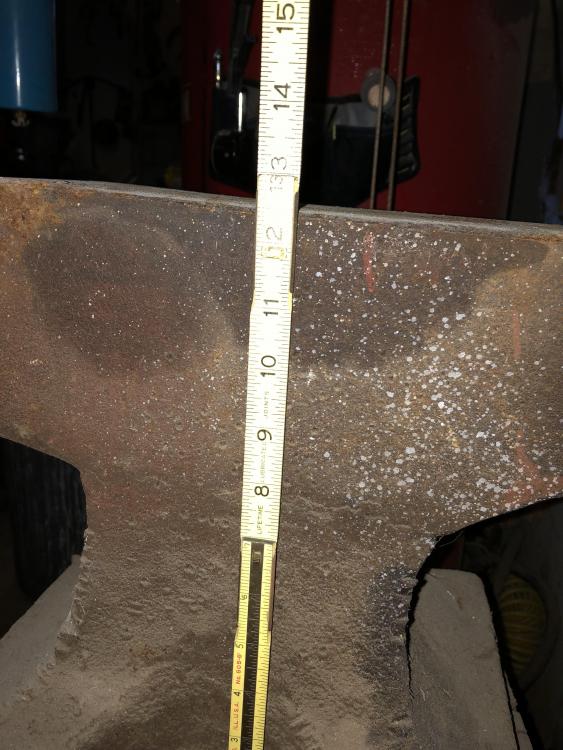
  2. I couldn’t find any markings on the sample other than the numbers 871 Which may be just a production number or possibly there is a one before it which indicates the date. I’d like to see with this is worth like to sell it soon. I’m in the Pittsburgh PA area any feedback would be great
Account

Navigation

Search

Search

Configure browser push notifications

Chrome (Android)
  1. Tap the lock icon next to the address bar.
  2. Tap Permissions → Notifications.
  3. Adjust your preference.
Chrome (Desktop)
  1. Click the padlock icon in the address bar.
  2. Select Site settings.
  3. Find Notifications and adjust your preference.