Skip to content
View in the app

A better way to browse. Learn more.

I Forge Iron

A full-screen app on your home screen with push notifications, badges and more.

To install this app on iOS and iPadOS
  1. Tap the Share icon in Safari
  2. Scroll the menu and tap Add to Home Screen.
  3. Tap Add in the top-right corner.
To install this app on Android
  1. Tap the 3-dot menu (⋮) in the top-right corner of the browser.
  2. Tap Add to Home screen or Install app.
  3. Confirm by tapping Install.

Fishtrembler

Members
  • Joined

  • Last visited

  1. Thanks for all the great info. I’ll keep researching as well.
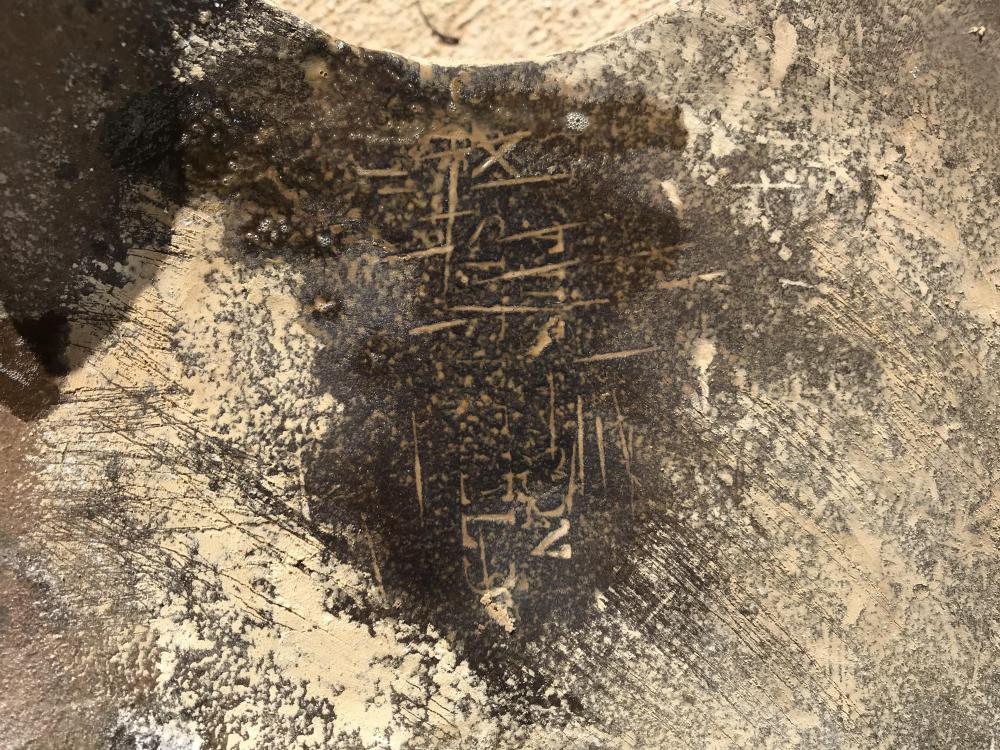
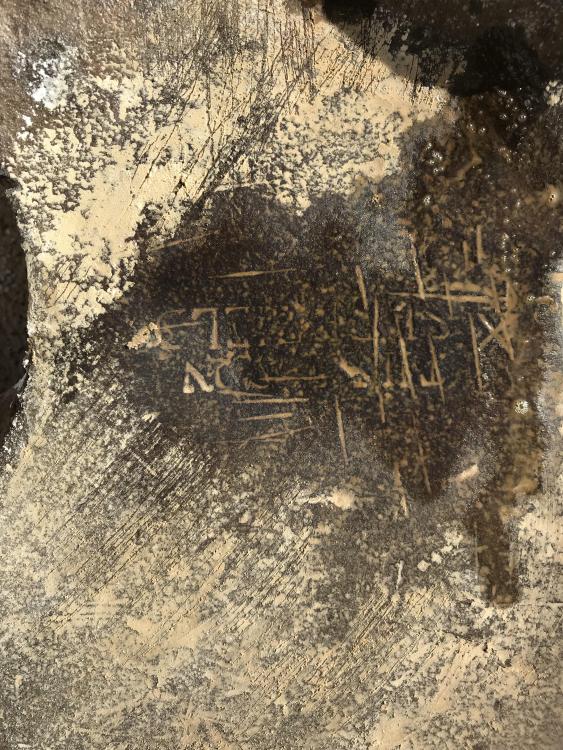
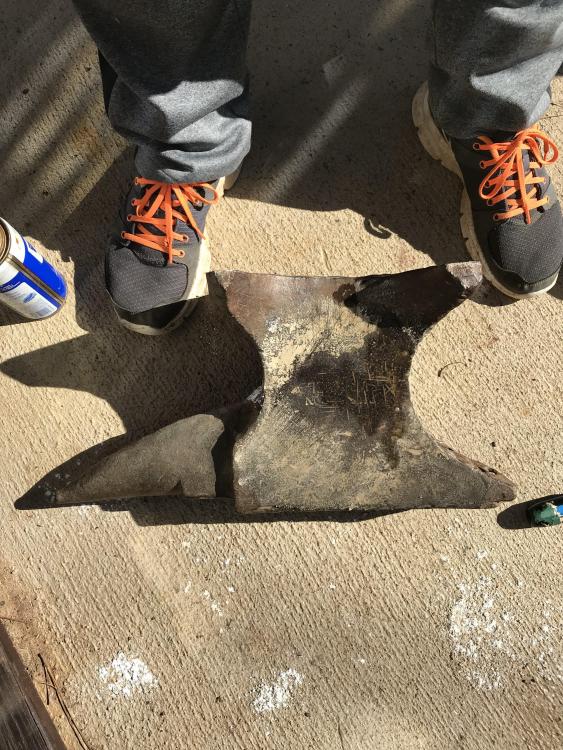
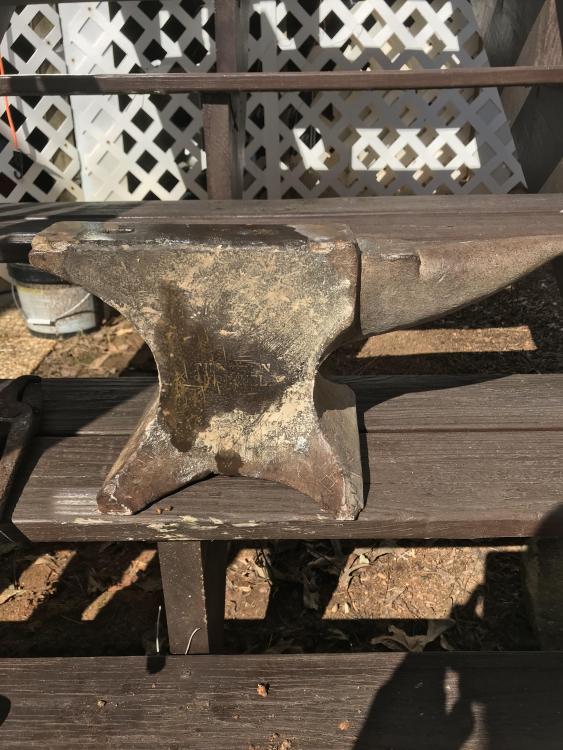
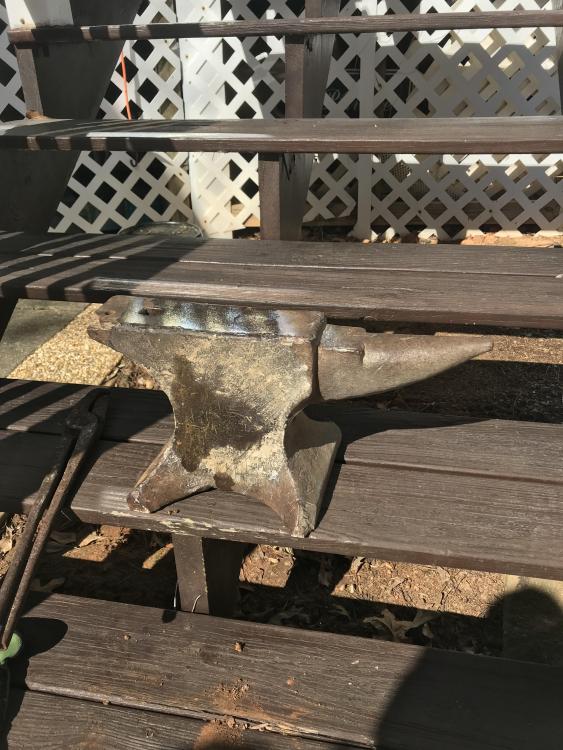
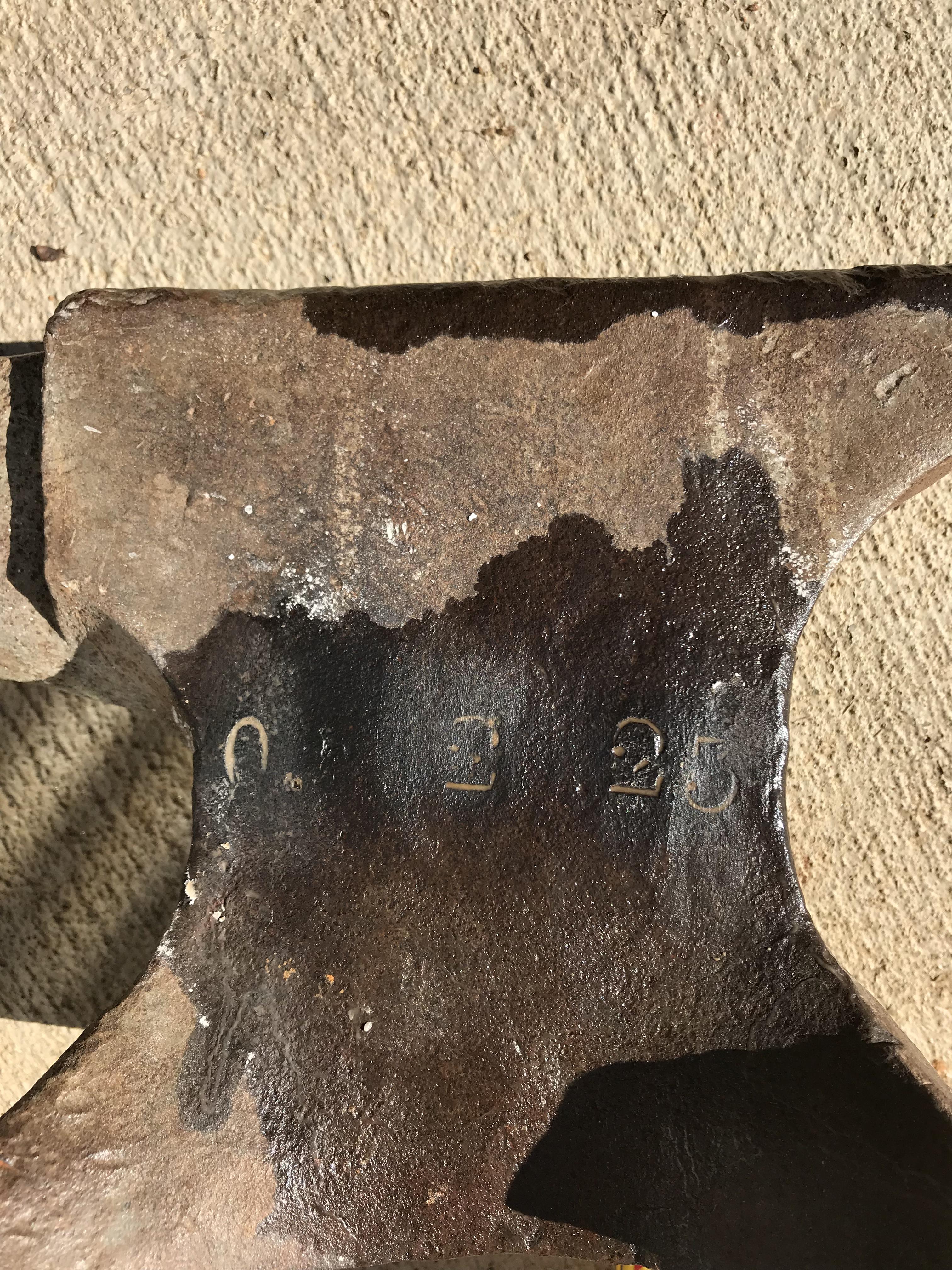
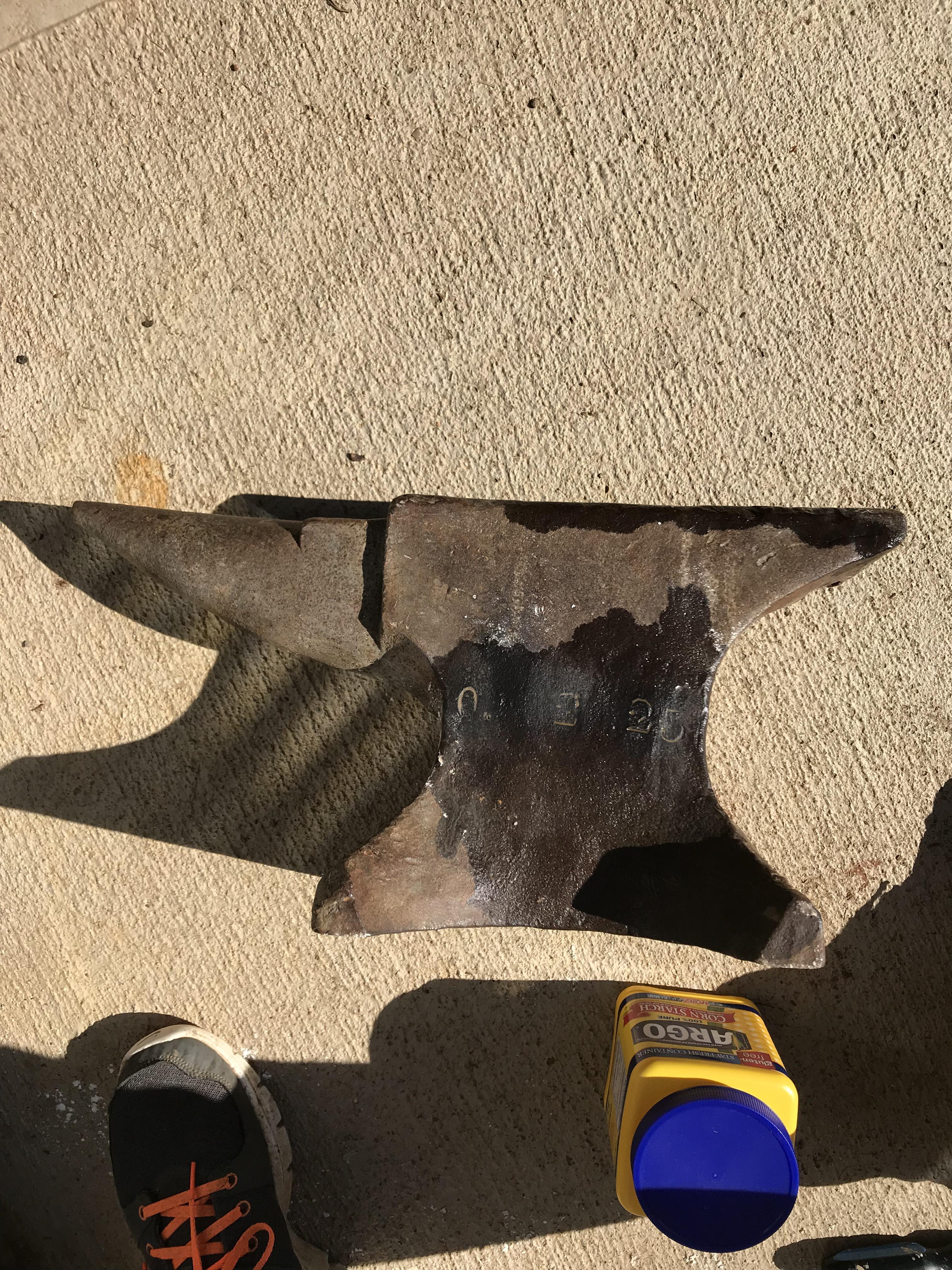
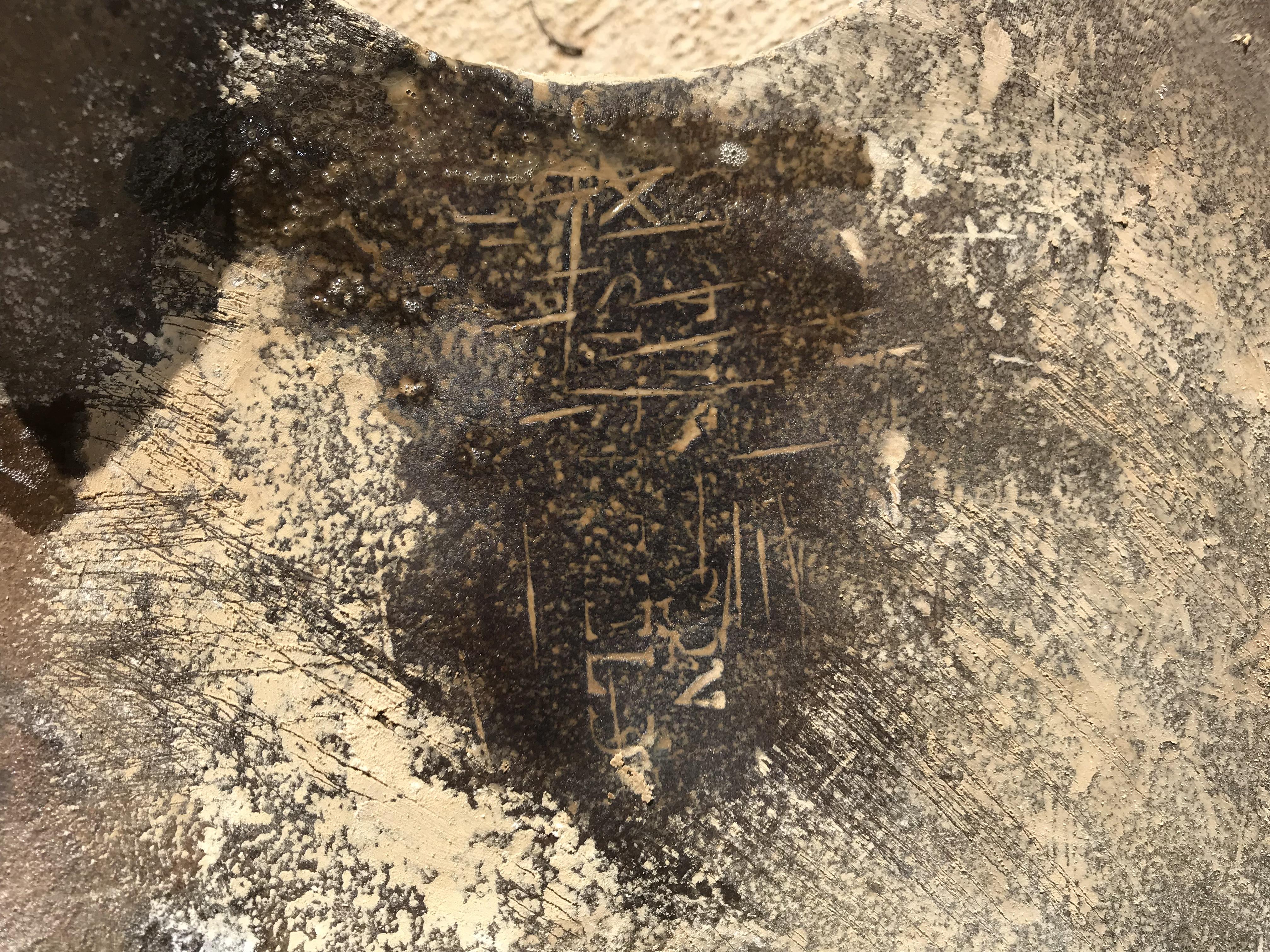
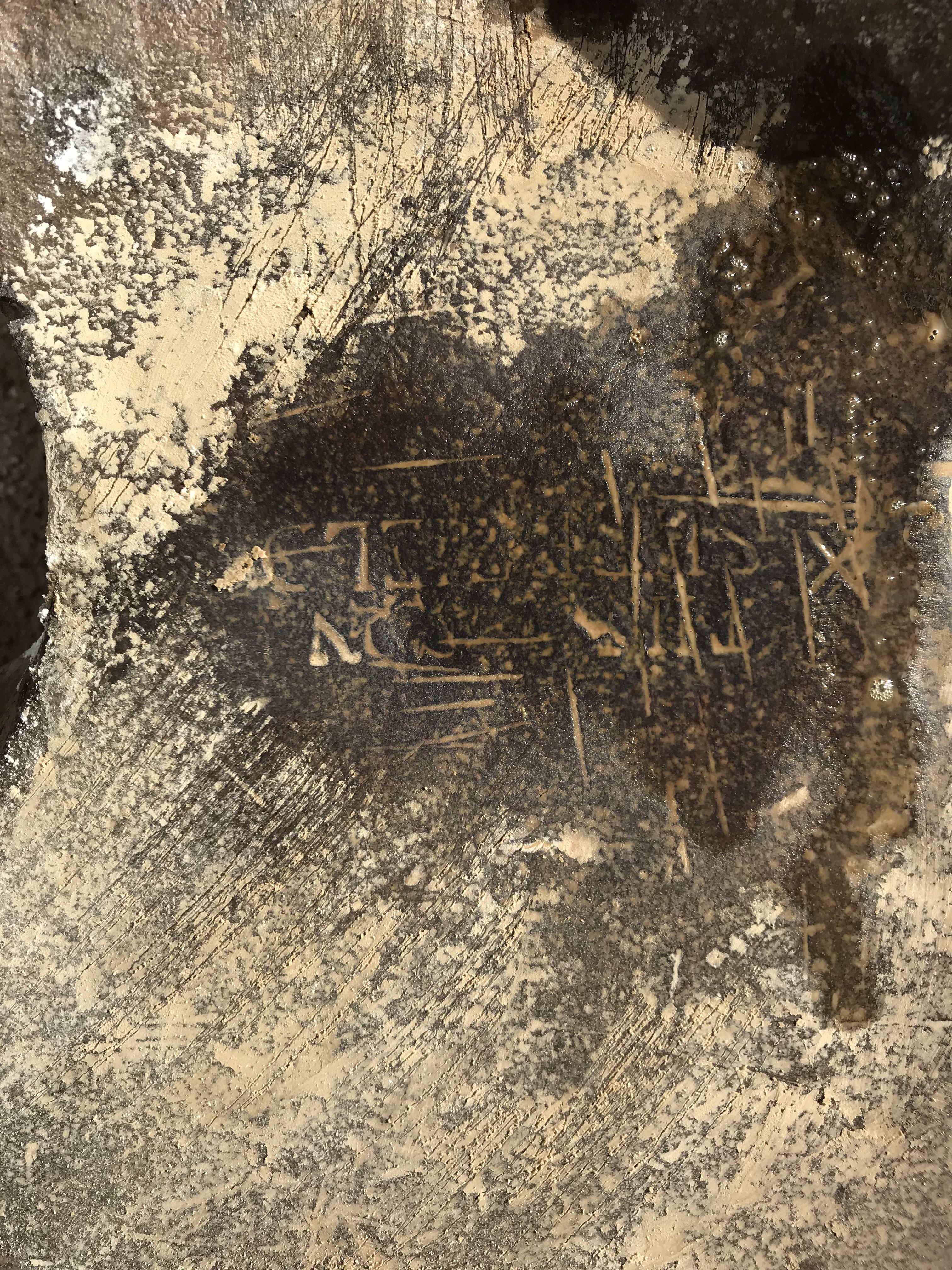
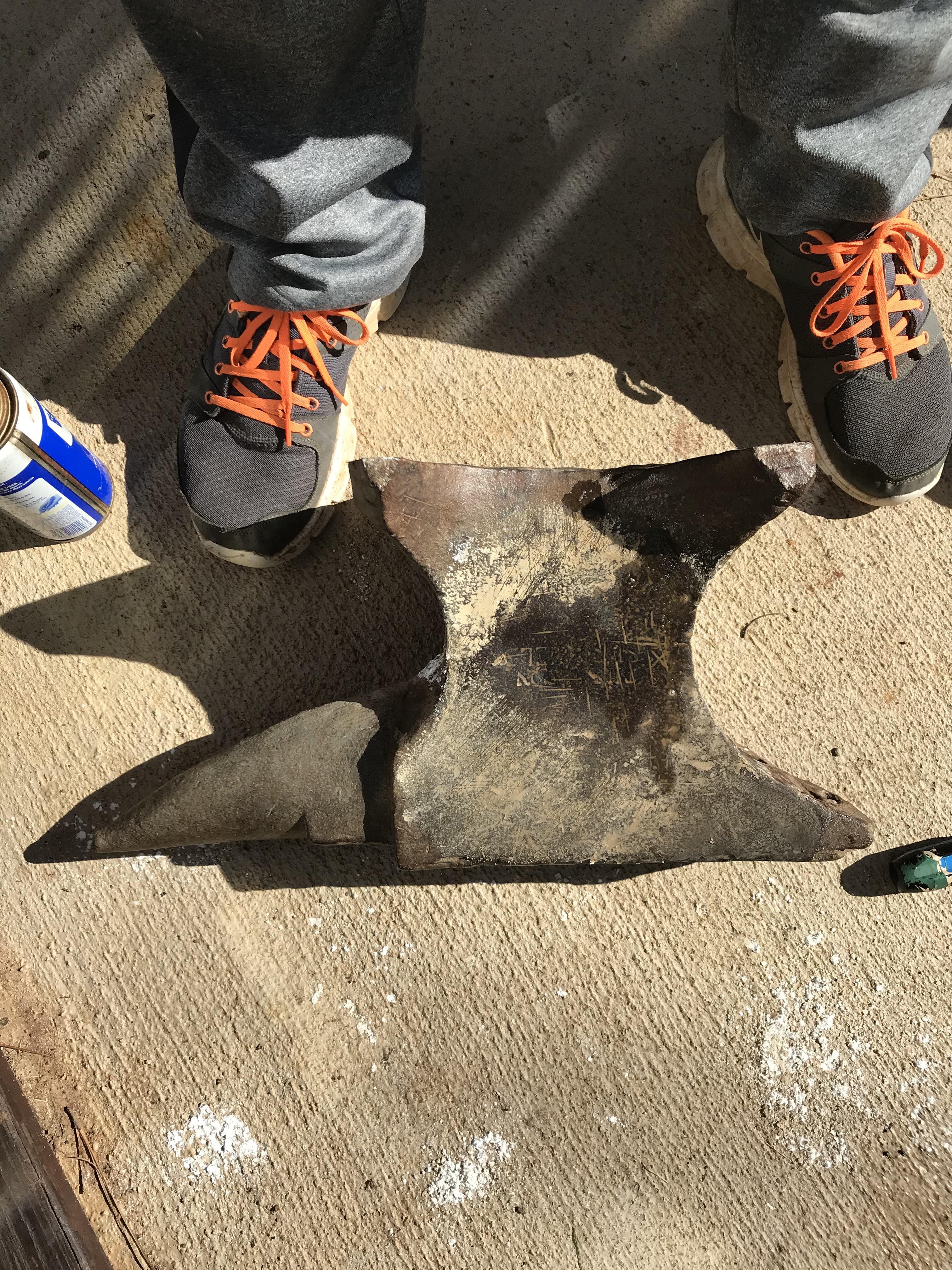
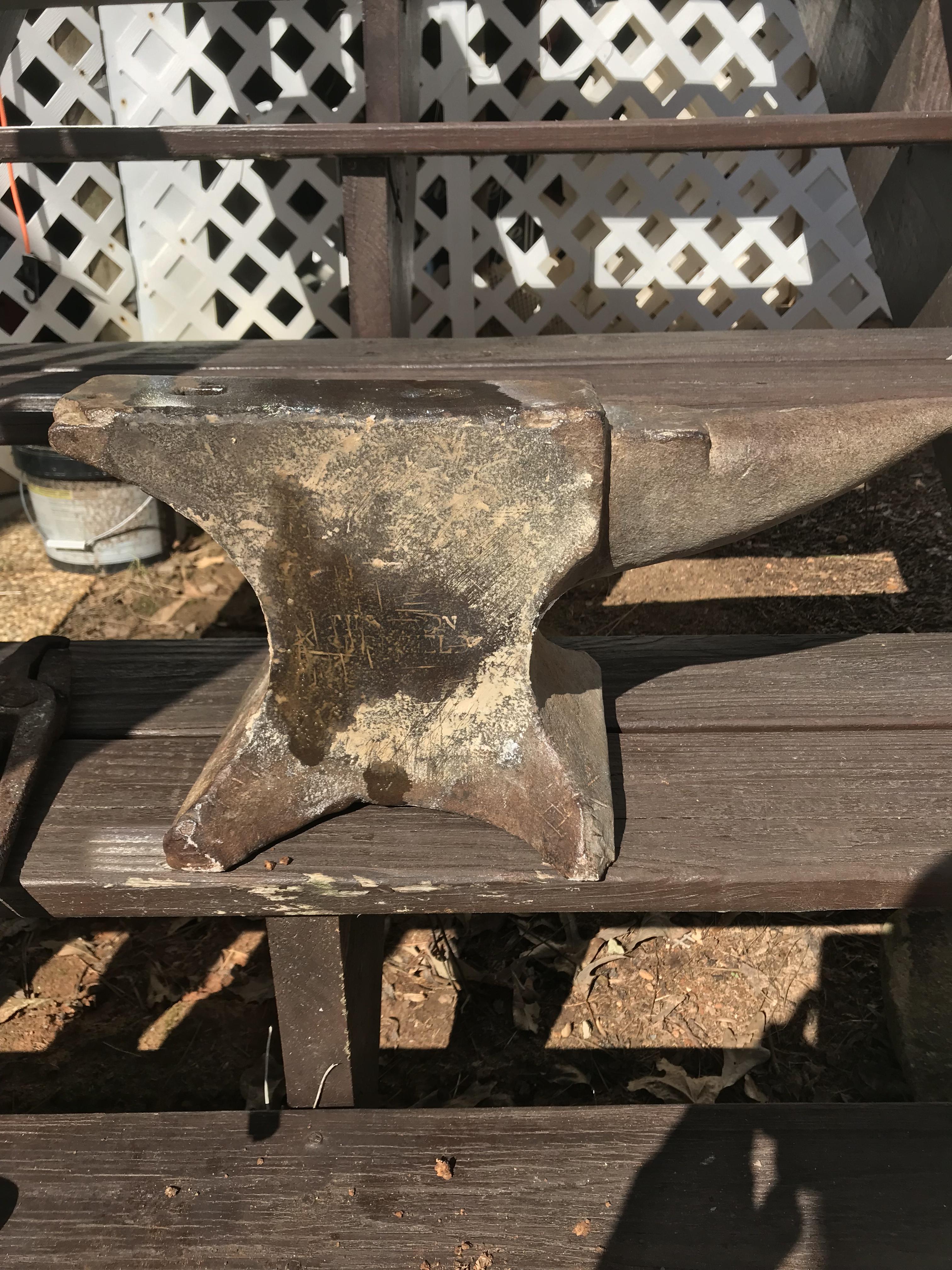
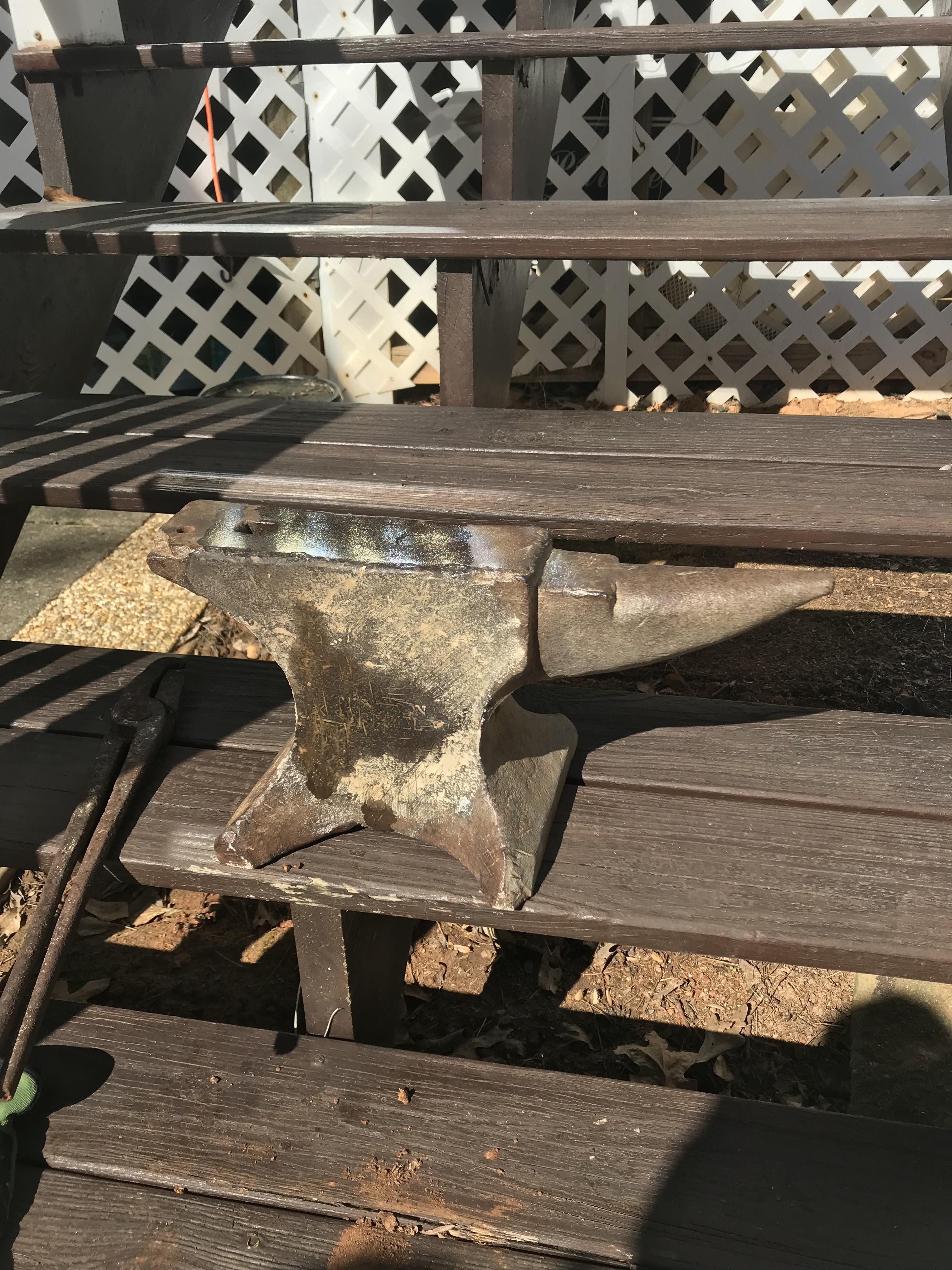
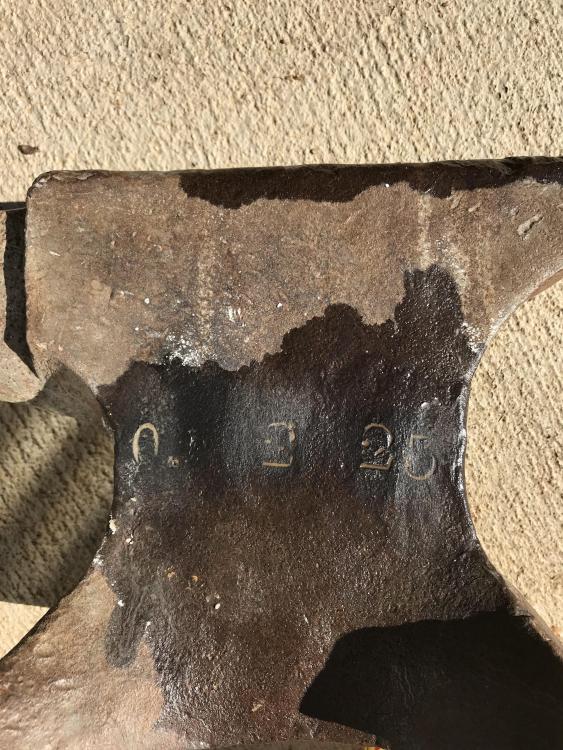
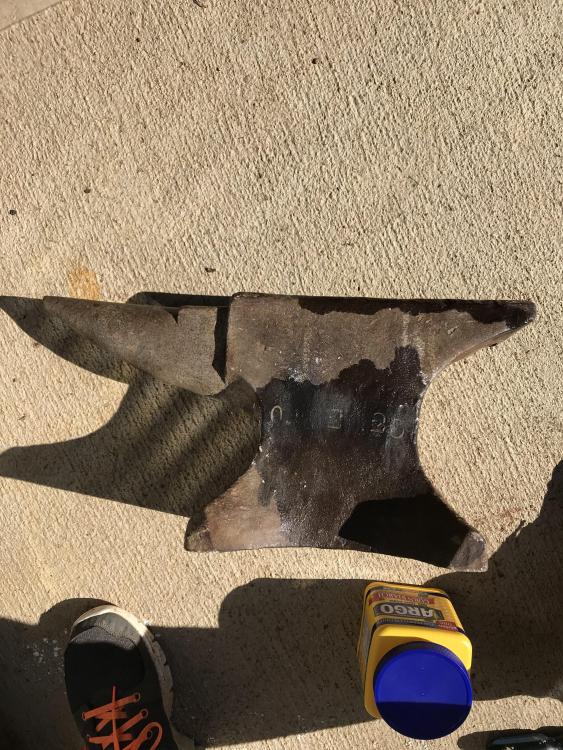
  2. This anvil belonged to my great great grandfather and has been in our family since approximately the 1930’s. He was a blacksmith by trade. My father grew up on a farm in austell, ga with a working blacksmith shop that we have retained many of his tools. My dad recently started trying to find the origin of this anvil and I wanted to see if some of the experts on this site could lend a hand. It weights 78.2 lbs, on one side has the numbers 0, 2 or 3, 25 or 35, On the other it appears to read the London Sheffield. Any help would be appreciated
Account

Navigation

Search

Search

Configure browser push notifications

Chrome (Android)
  1. Tap the lock icon next to the address bar.
  2. Tap Permissions → Notifications.
  3. Adjust your preference.
Chrome (Desktop)
  1. Click the padlock icon in the address bar.
  2. Select Site settings.
  3. Find Notifications and adjust your preference.