JBell
Members
-
Joined
-
Last visited
-
IronDragon, I don’t even know how to use it. But I did crack rocks on it 60 years ago. I would eventually like to learn how to put it to proper use in some of my projects. I’m building a claw hammer banjo now, not much use for an anvil. Lionel, I’m with you. I will keep it till I pass it down to my son(s). Looking forward to making a stand and mounting it. Then I might just sit and look at it for a while and remember working on my grandfathers farm. thank you for your posts,interest and help.
-
Thank you for your interest and the information. Appreciate it.
-
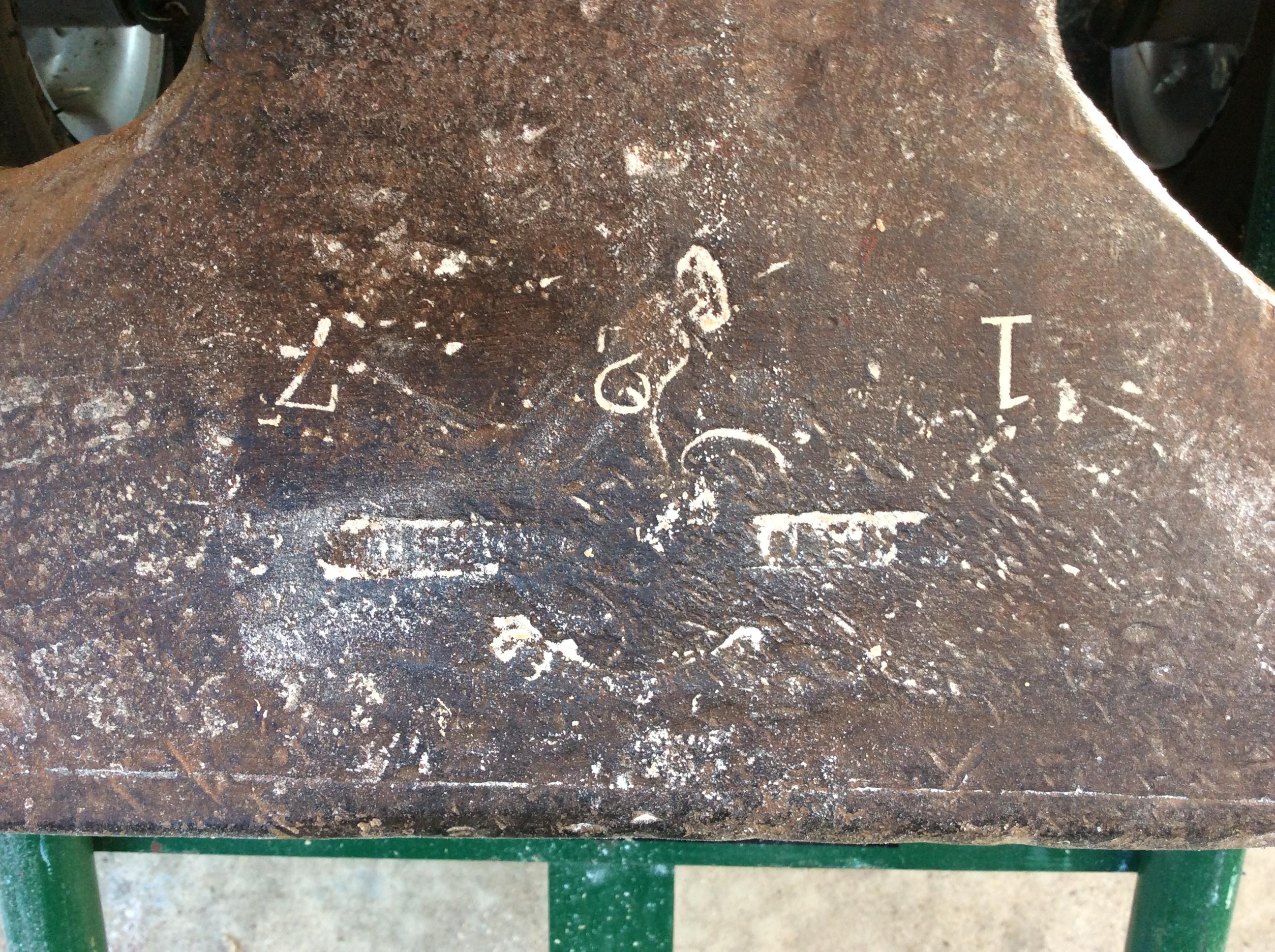
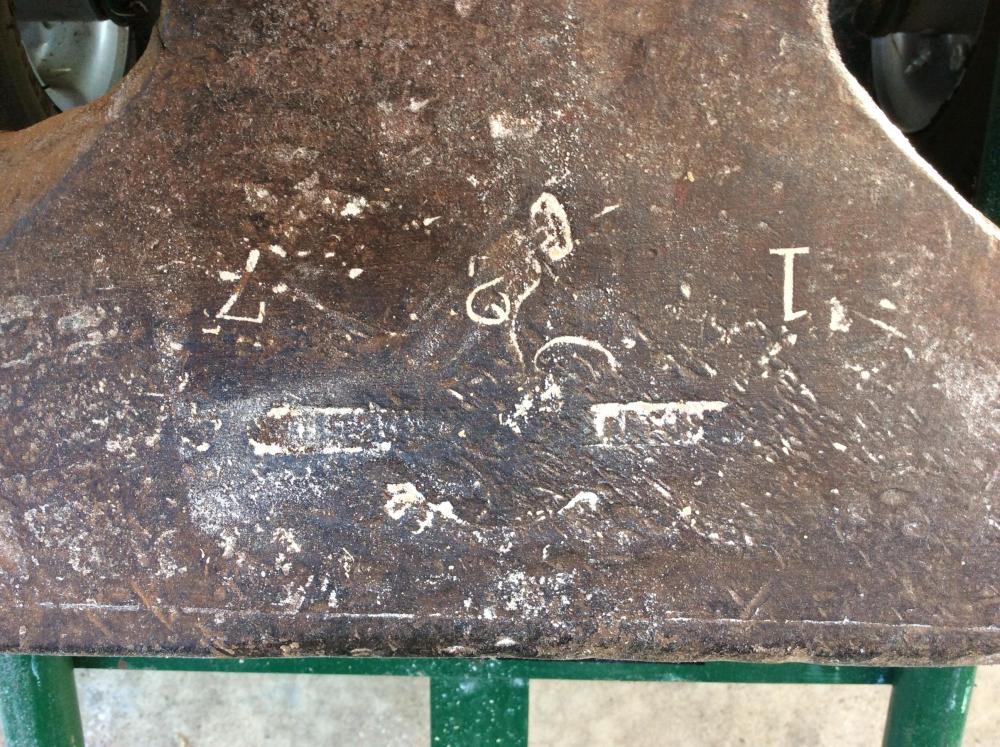
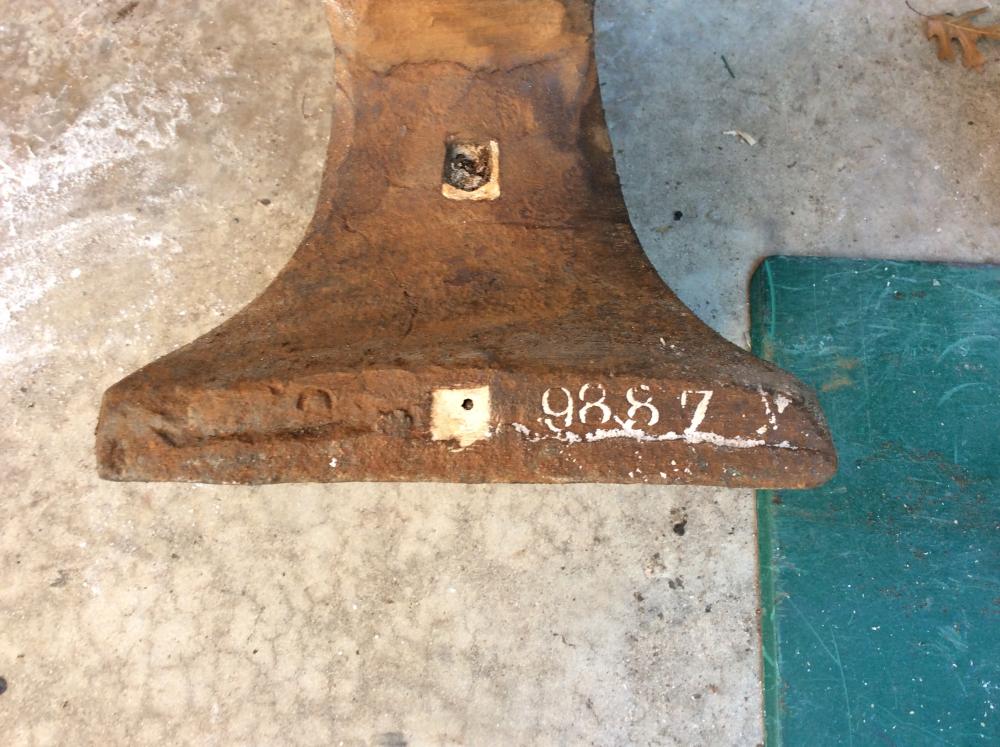
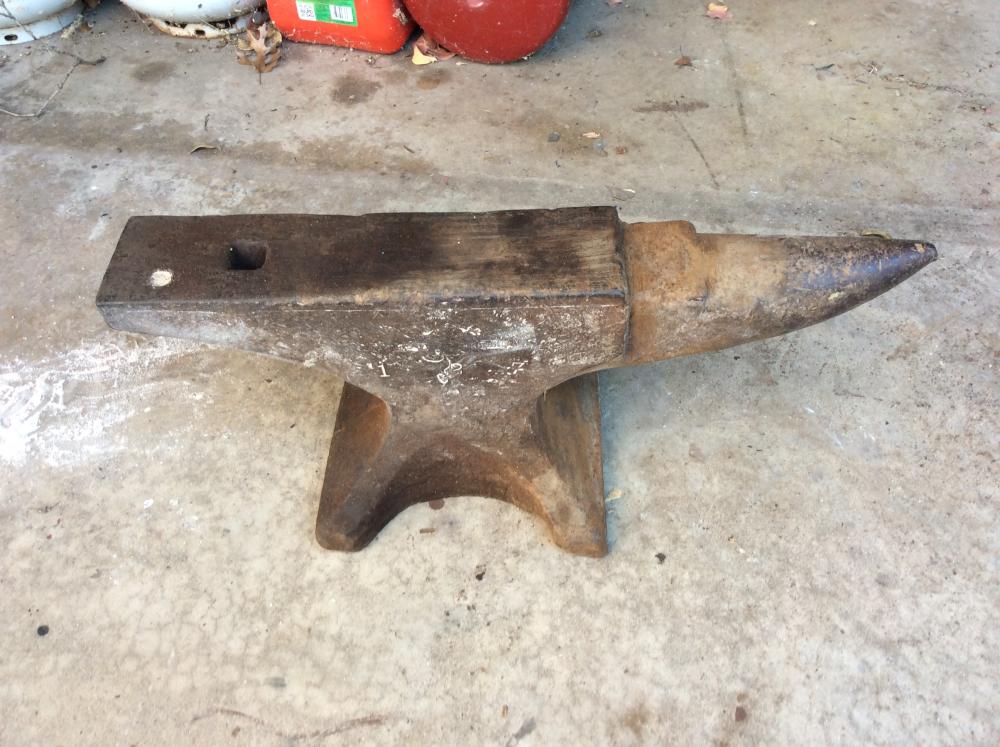
Photos requested: The logo very hard to see. I believe it says: WARRANTED SOLID WROUGHT Can clearly see the hammer in hand.
-
Can do. Thank you for your reply.
-
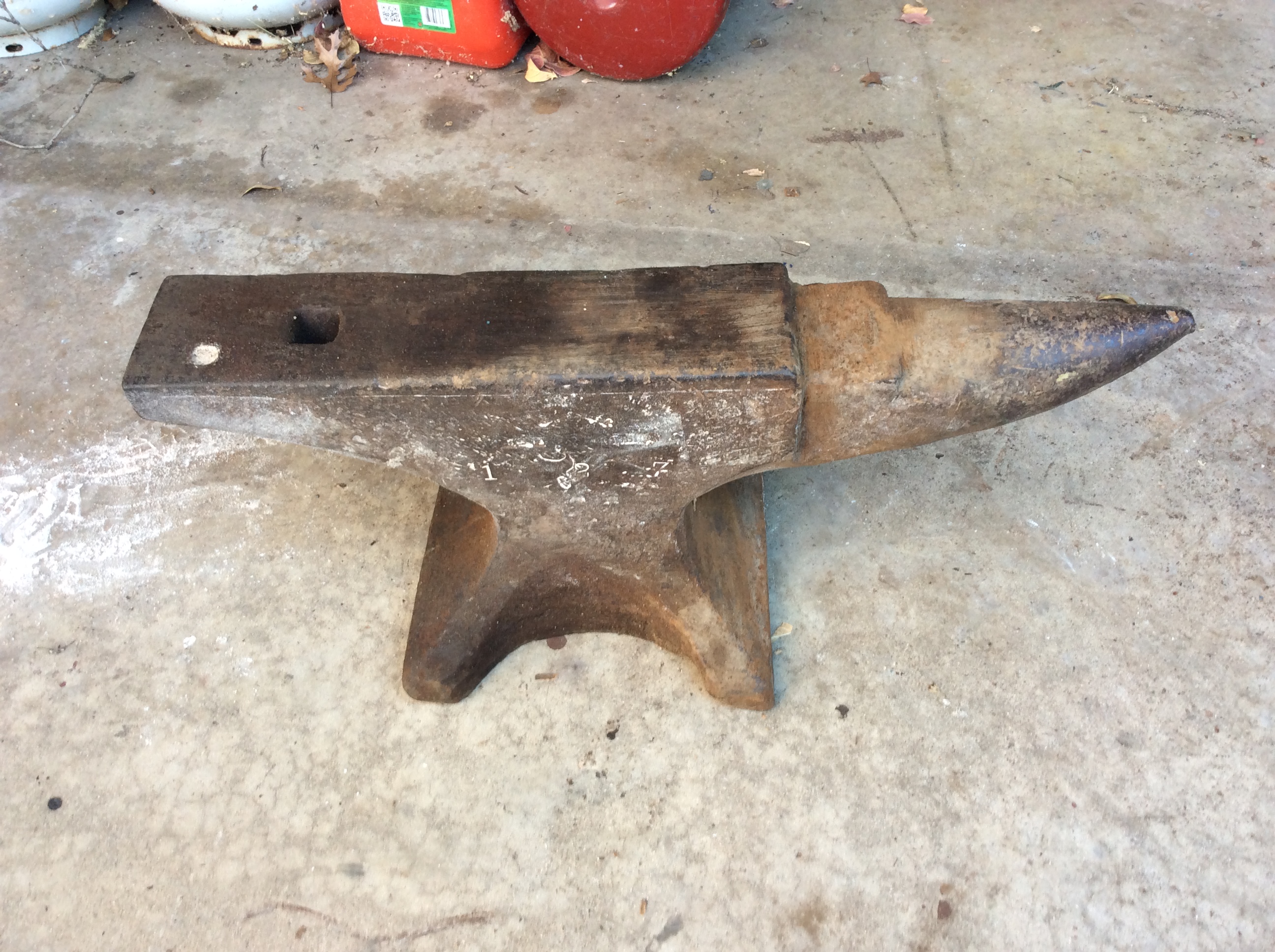
Just got my Great Grandfather’s anvil. Trying to find out more about it.
-
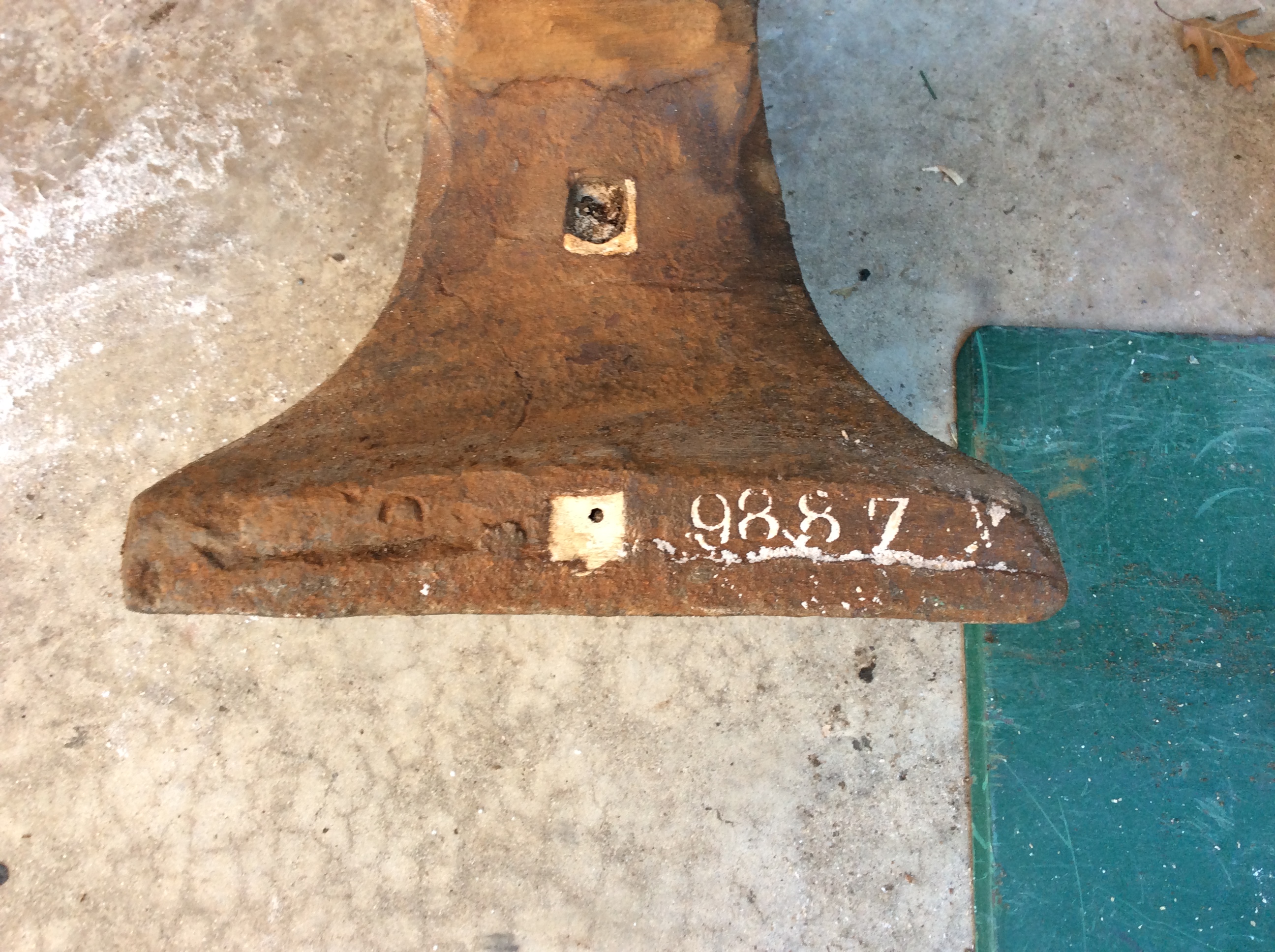
Arm and Hammer 217. Serial 9887. any help appreciated. JBell