Skip to content
View in the app

A better way to browse. Learn more.

I Forge Iron

A full-screen app on your home screen with push notifications, badges and more.

To install this app on iOS and iPadOS
  1. Tap the Share icon in Safari
  2. Scroll the menu and tap Add to Home Screen.
  3. Tap Add in the top-right corner.
To install this app on Android
  1. Tap the 3-dot menu (⋮) in the top-right corner of the browser.
  2. Tap Add to Home screen or Install app.
  3. Confirm by tapping Install.

Brandon G Valdez

Members
  • Joined

  • Last visited

  1. Brandon G Valdez changed their profile photo
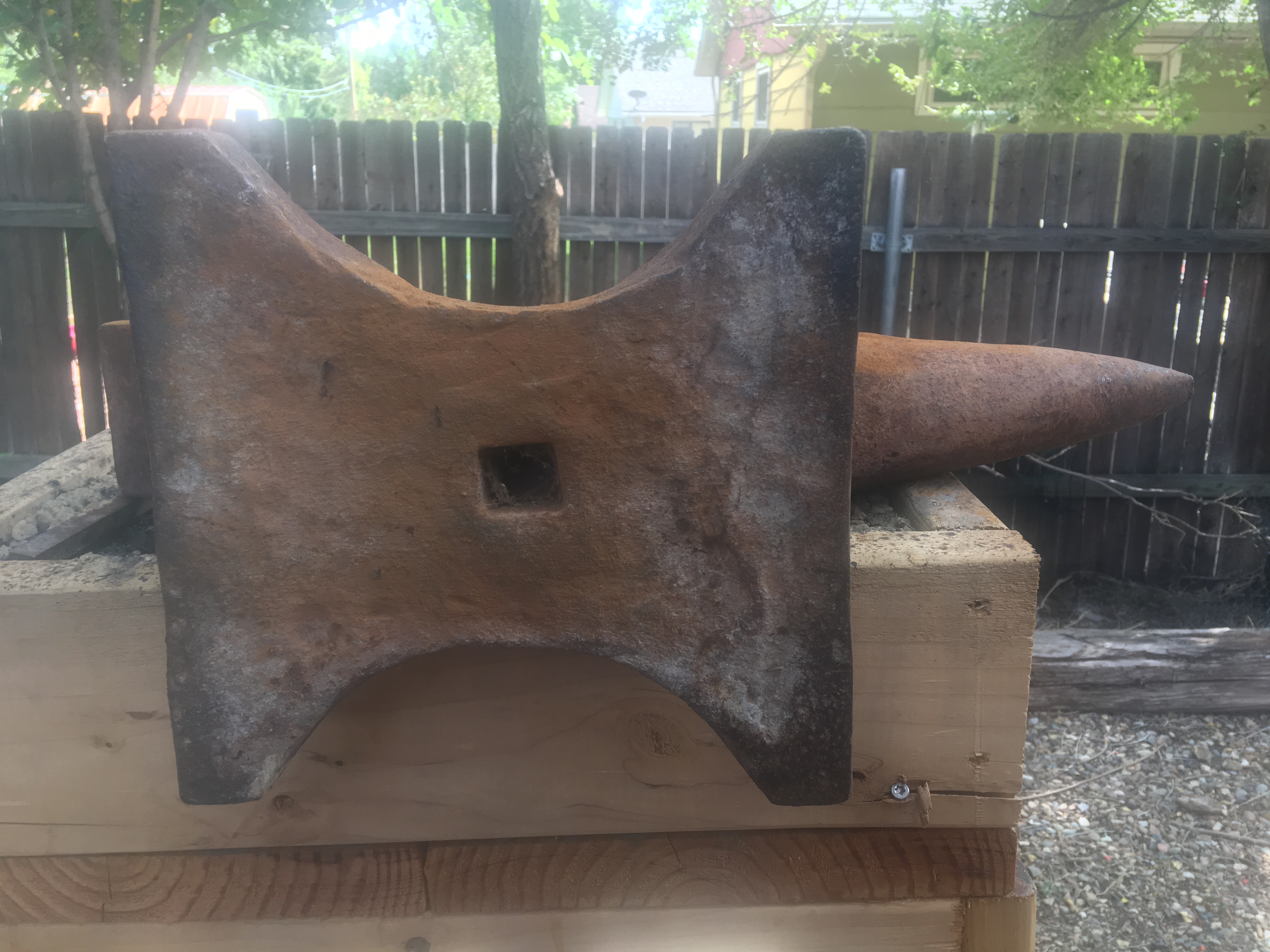
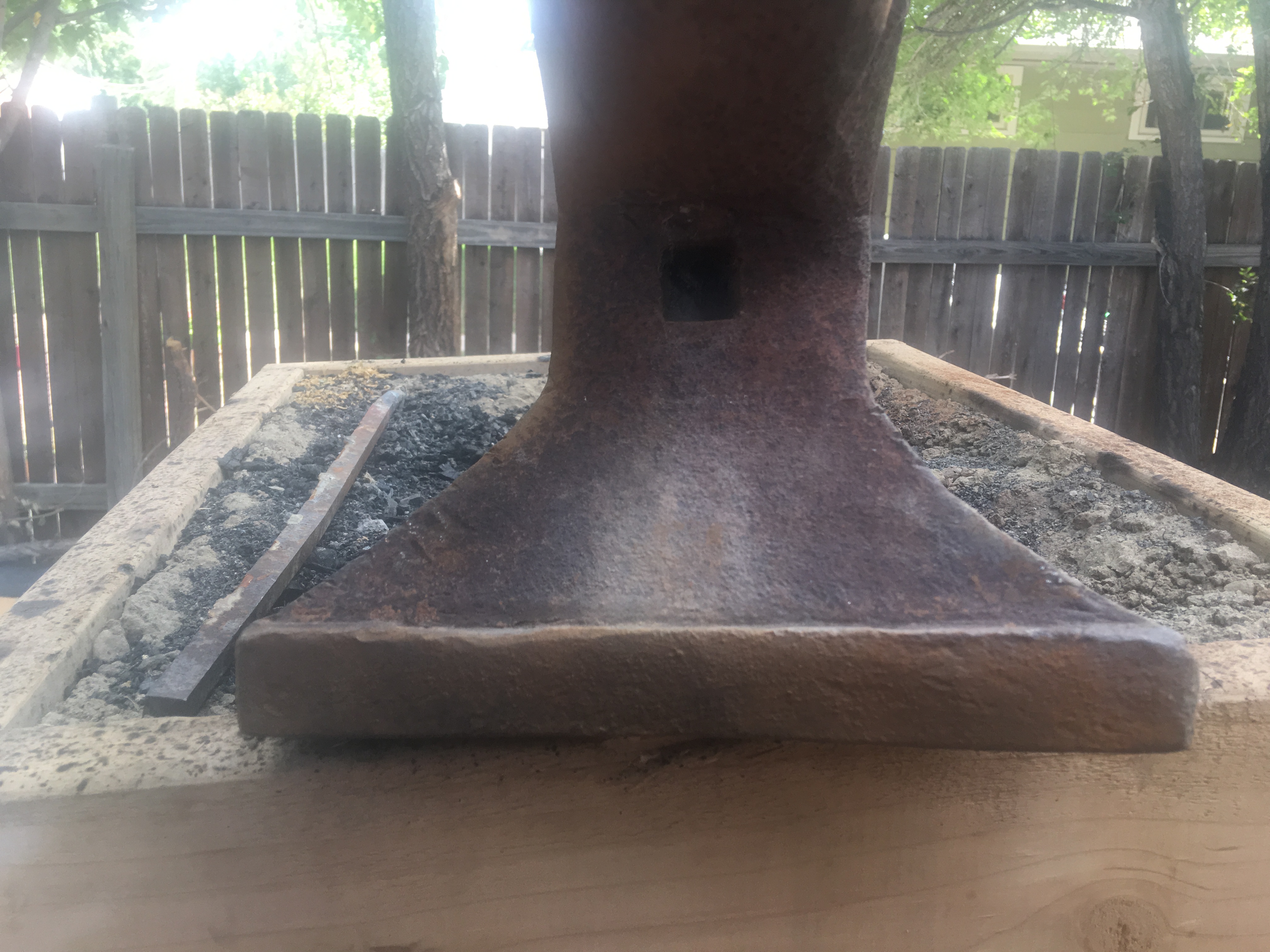
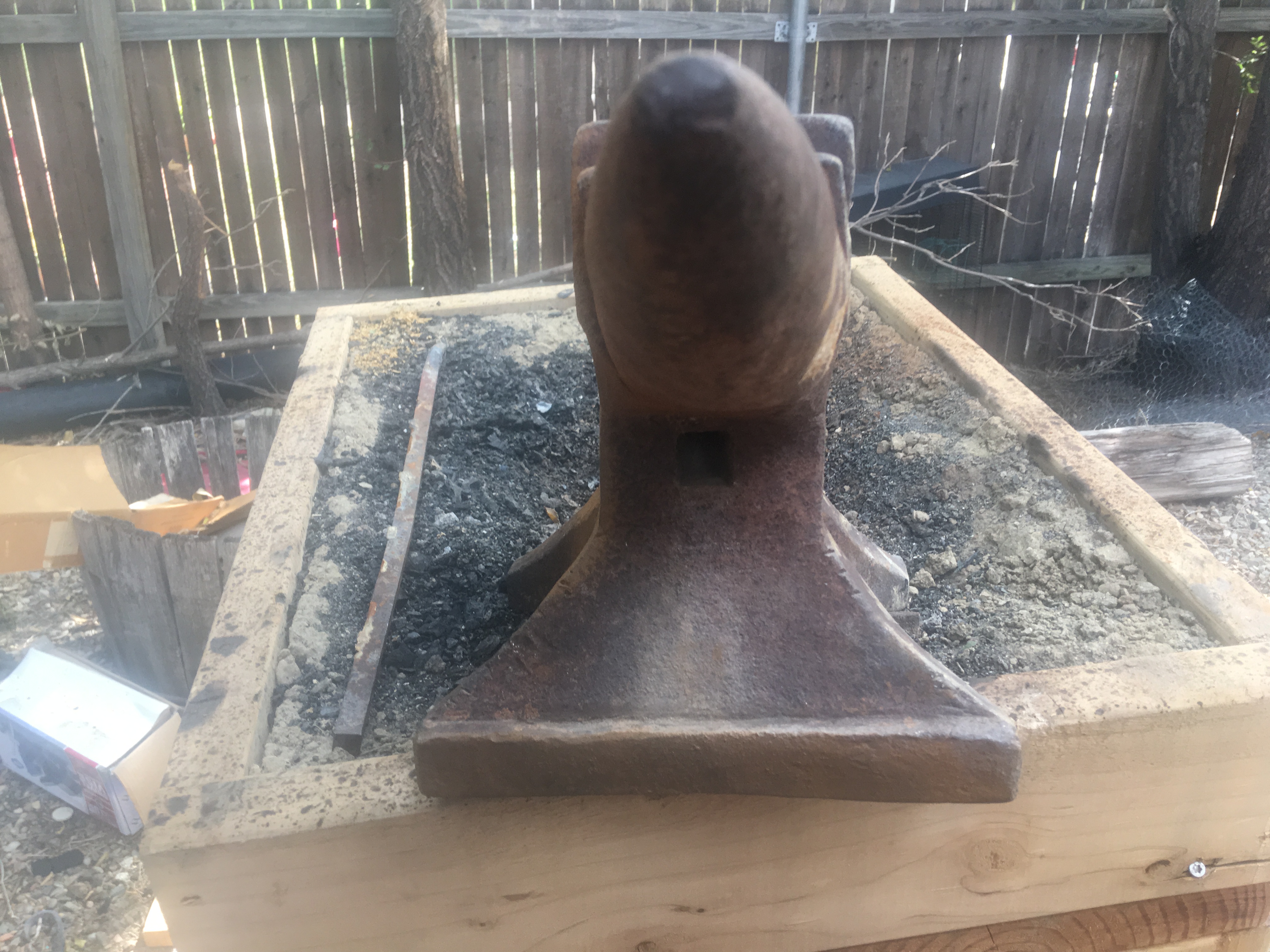
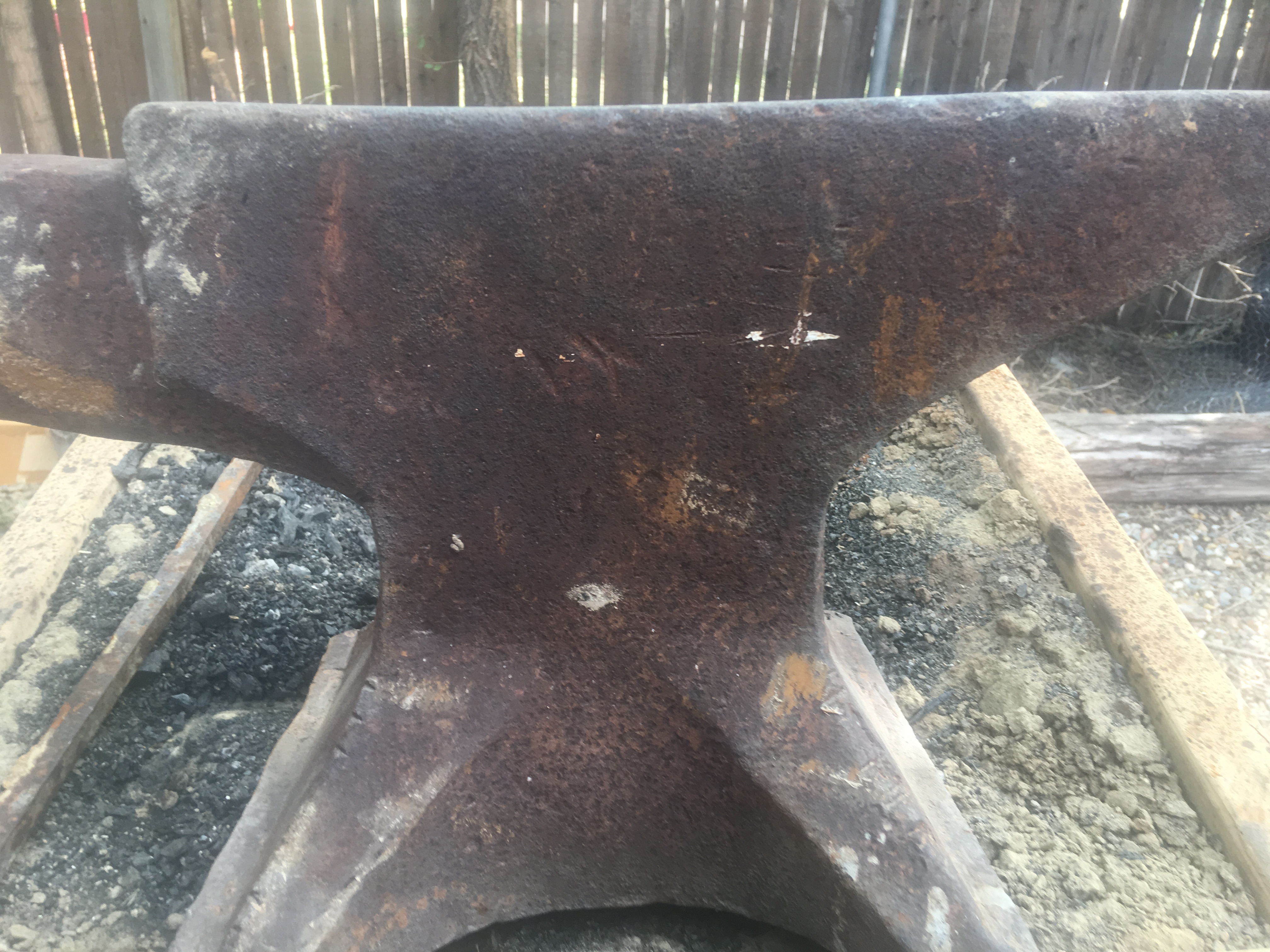
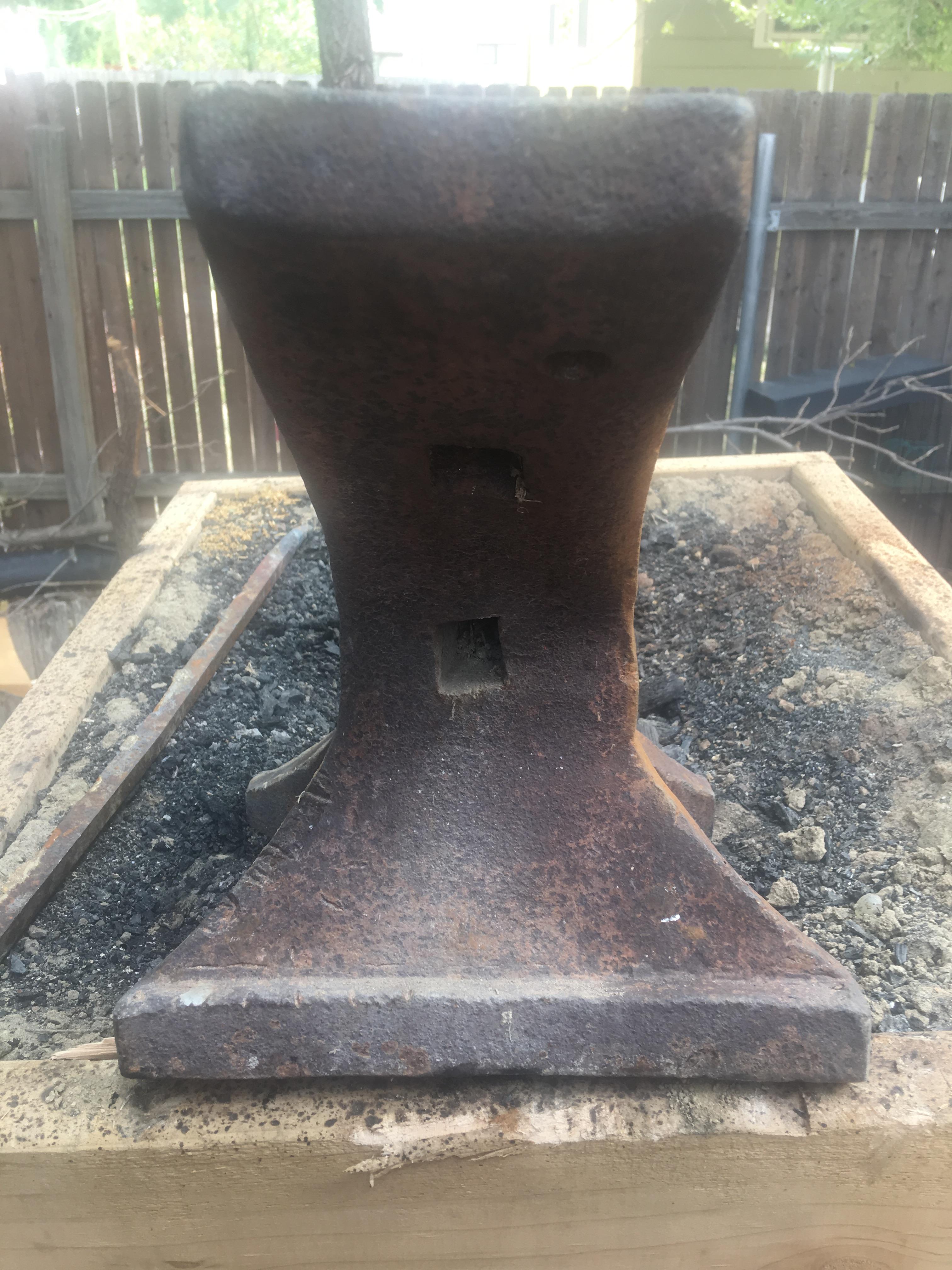
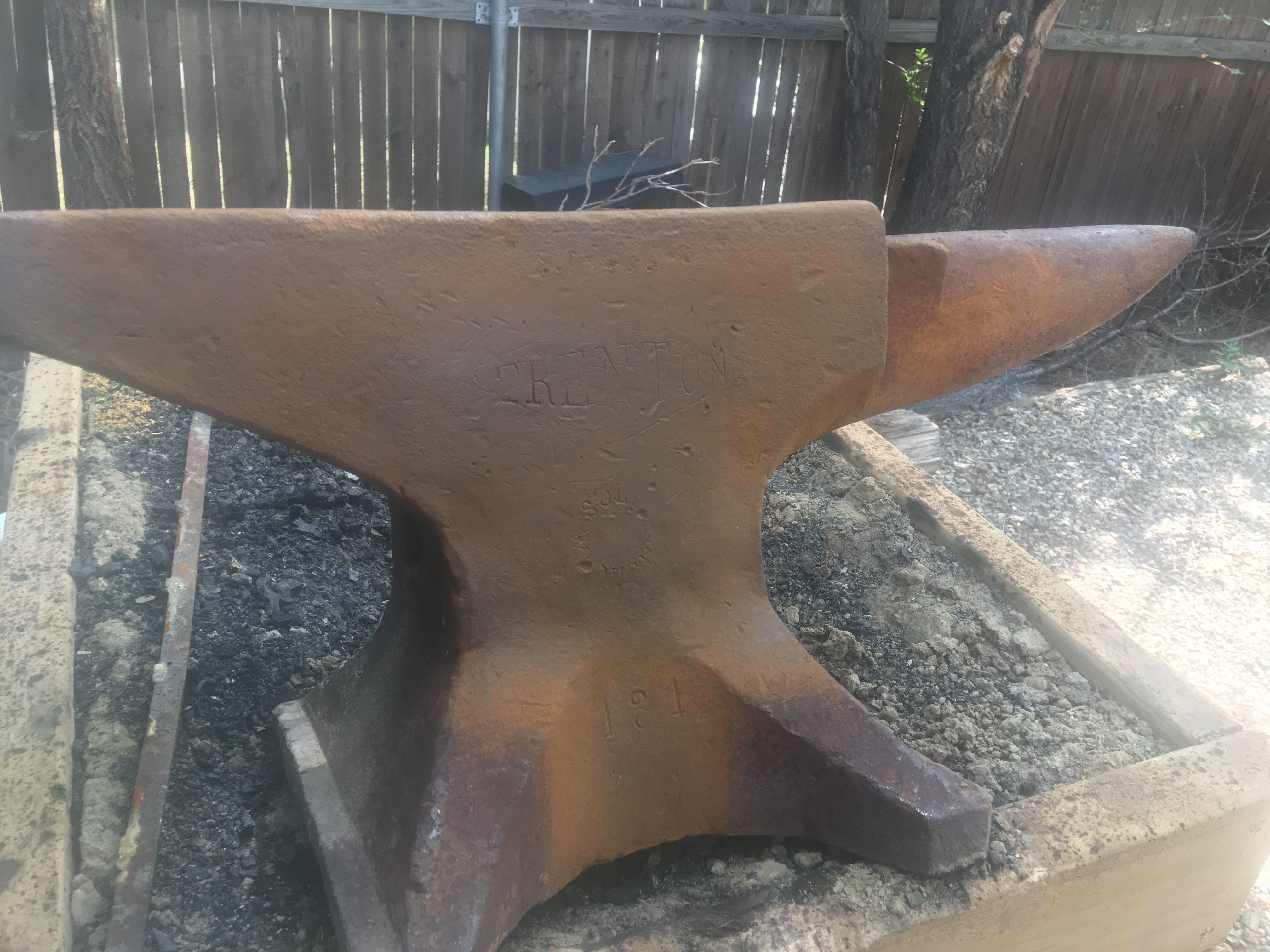
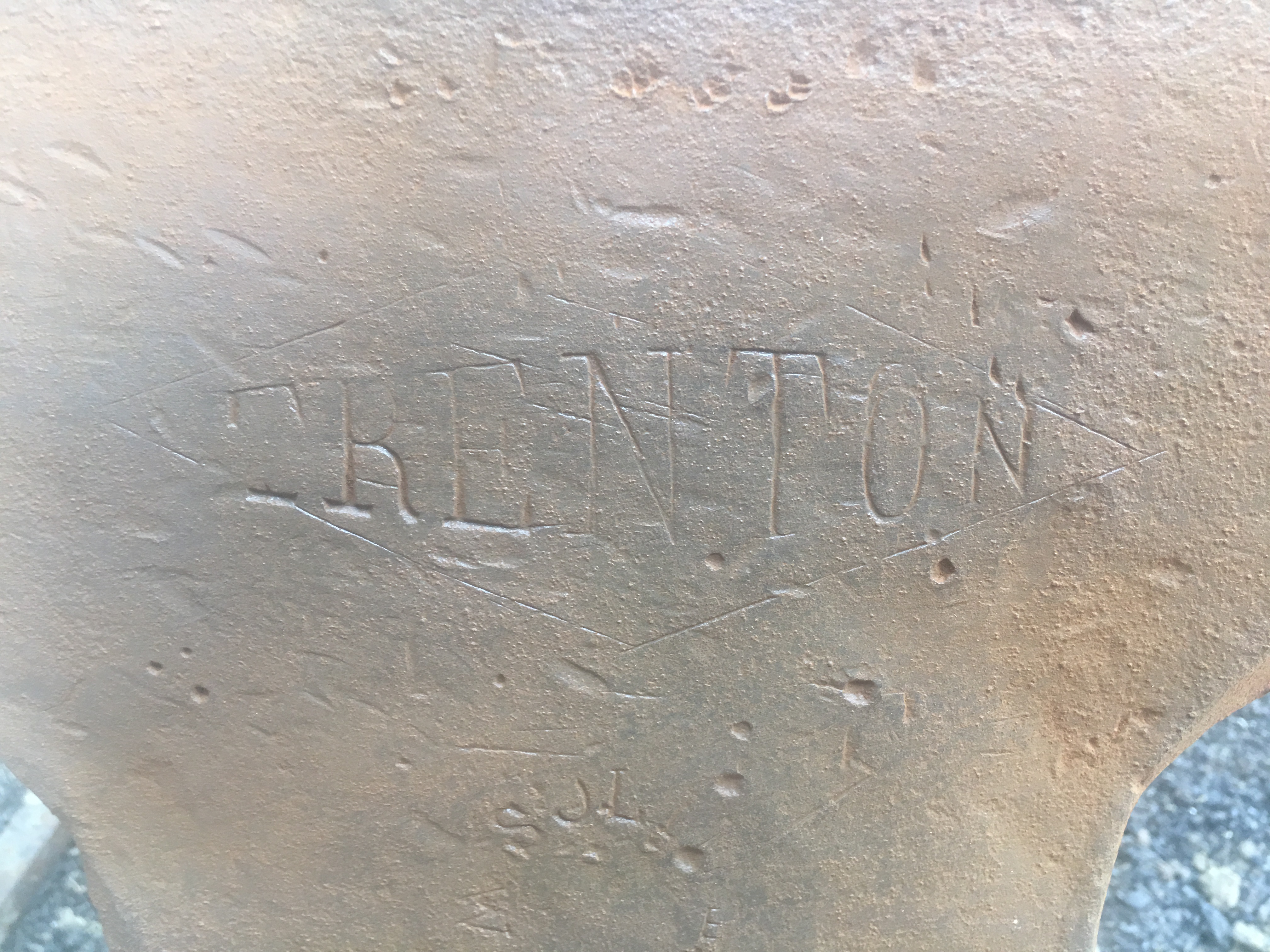
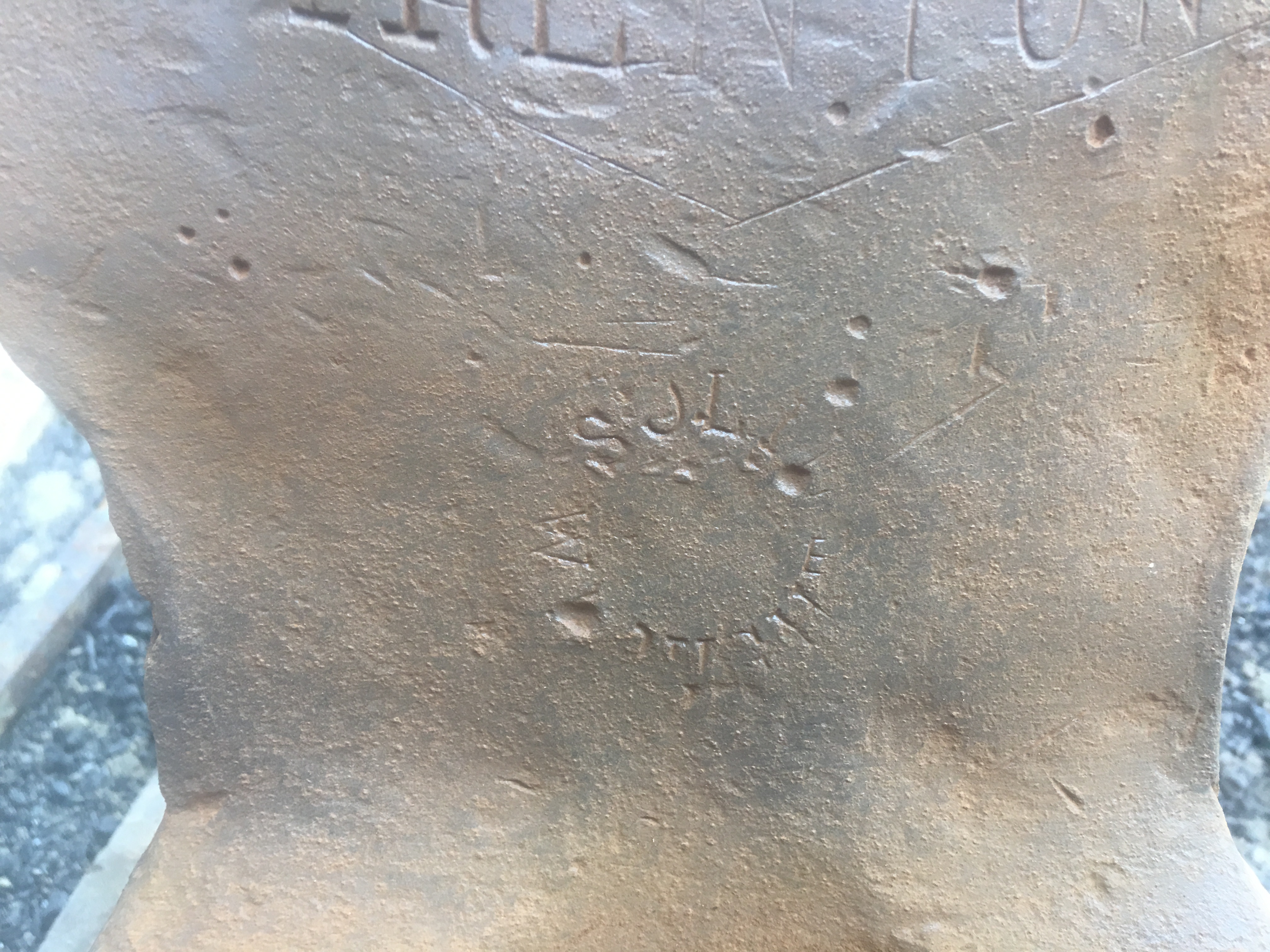
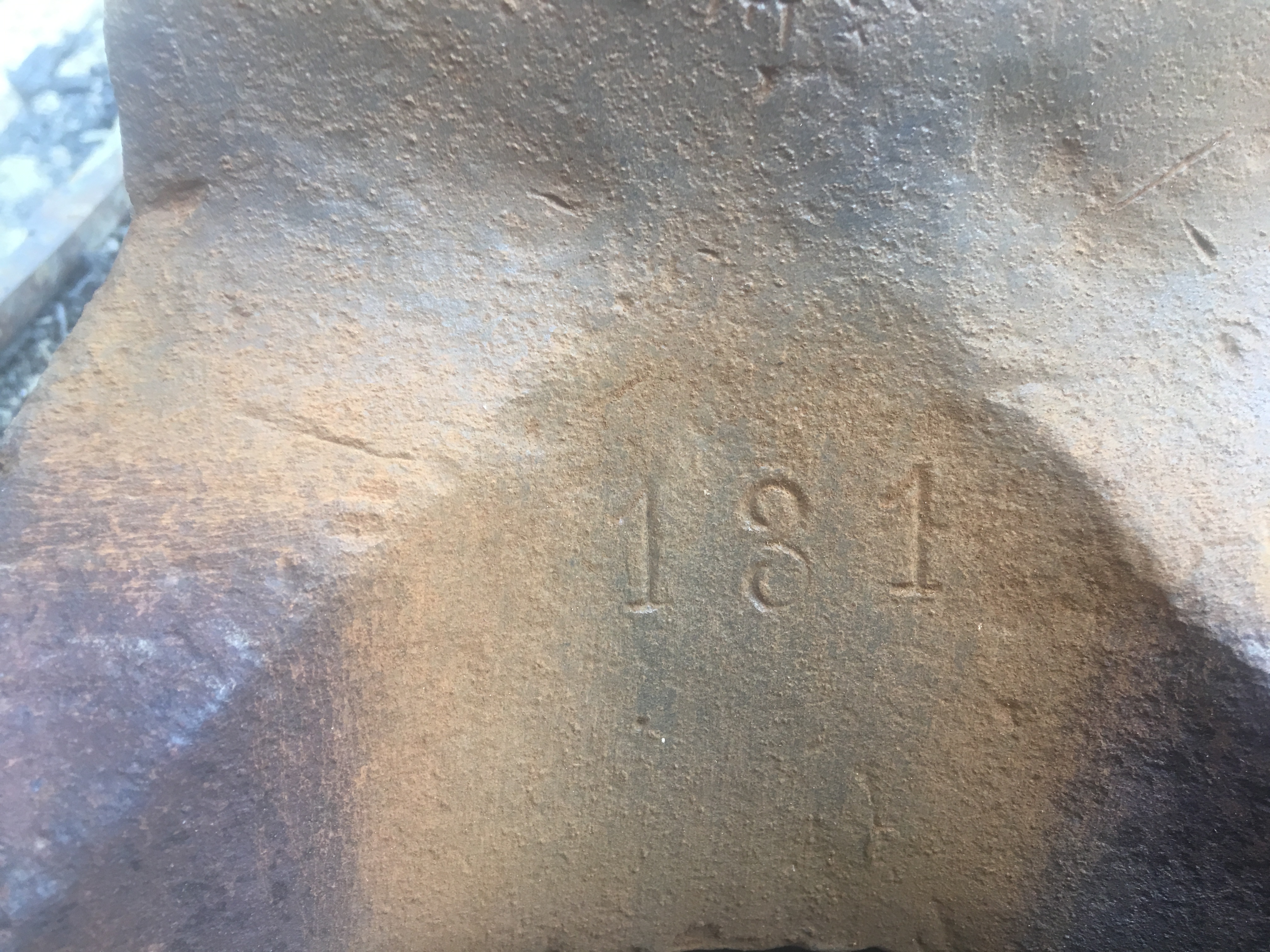
  2. Thank you all for the expedient responses, I am including photos of it keep in mind it was hard art
  3. Sorry I am new to the forum but what is this
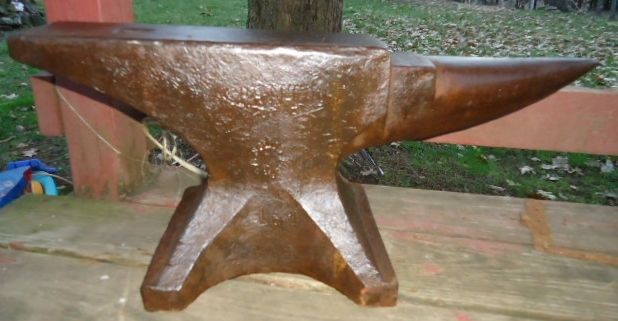
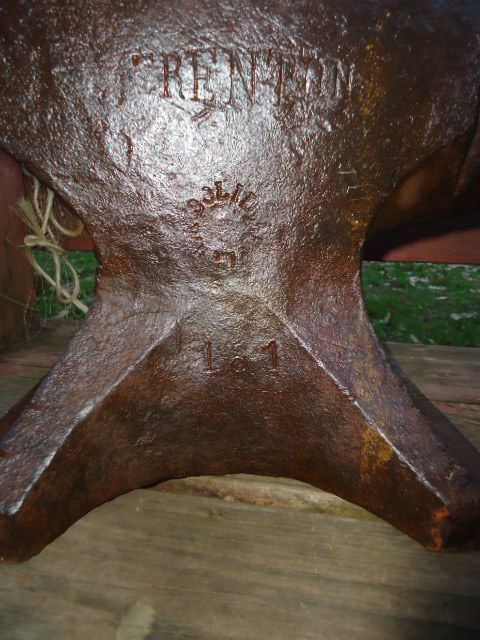
  4. I had just recently began blacksmithing using an A.s.o when I went to visit my great uncle who is a wood worker and ran across his yard art anvil I asked him how much he told me to take it, I have been looking all over for information on it but I have found nothing I know it is a Trenton it has "solid" on it and 131 stamped in the front but nothing else found something on the internet claiming it is a Germany model that matches my markings perfect. I have searched all over the anvil these are the only markings on it. This is one from an online ad, as my camera doesn't work too well. Any help would be so appreciated thanks Brandon
Account

Navigation

Search

Search

Configure browser push notifications

Chrome (Android)
  1. Tap the lock icon next to the address bar.
  2. Tap Permissions → Notifications.
  3. Adjust your preference.
Chrome (Desktop)
  1. Click the padlock icon in the address bar.
  2. Select Site settings.
  3. Find Notifications and adjust your preference.