Skip to content
View in the app

A better way to browse. Learn more.

I Forge Iron

A full-screen app on your home screen with push notifications, badges and more.

To install this app on iOS and iPadOS
  1. Tap the Share icon in Safari
  2. Scroll the menu and tap Add to Home Screen.
  3. Tap Add in the top-right corner.
To install this app on Android
  1. Tap the 3-dot menu (⋮) in the top-right corner of the browser.
  2. Tap Add to Home screen or Install app.
  3. Confirm by tapping Install.

Hotmetal15

Members
  • Joined

  • Last visited

Everything posted by Hotmetal15

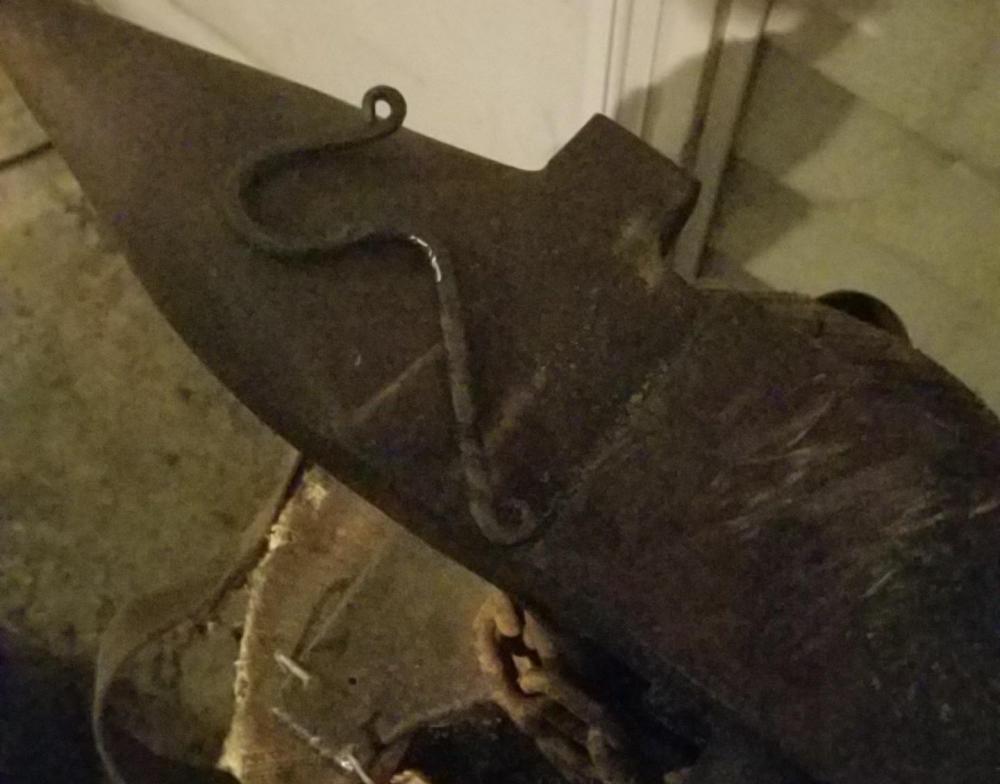
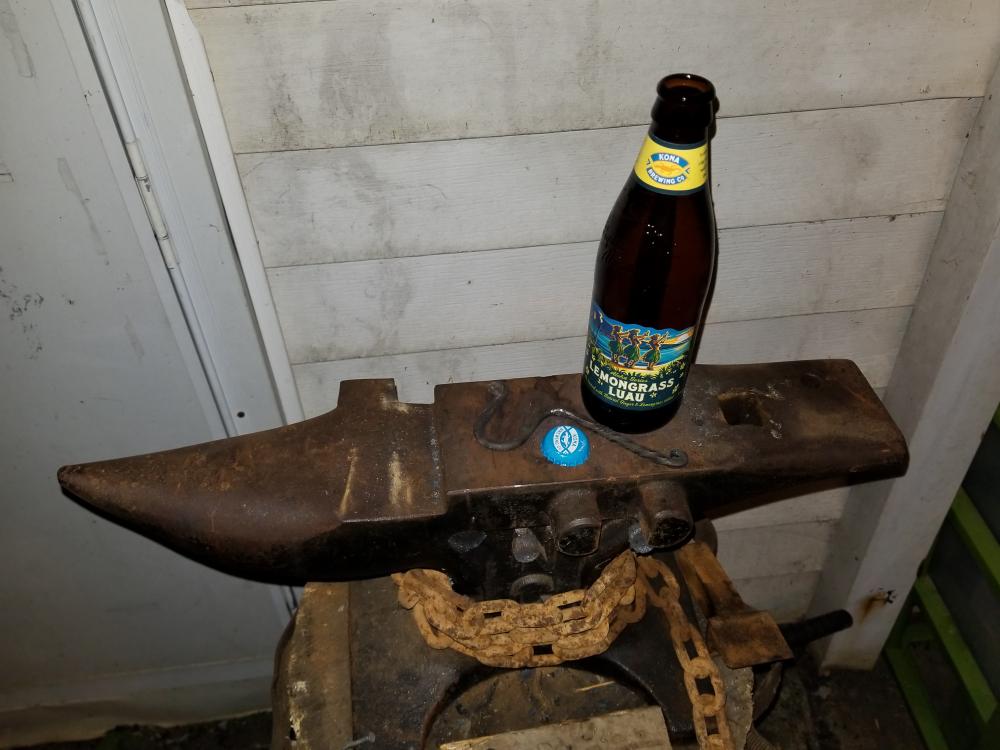
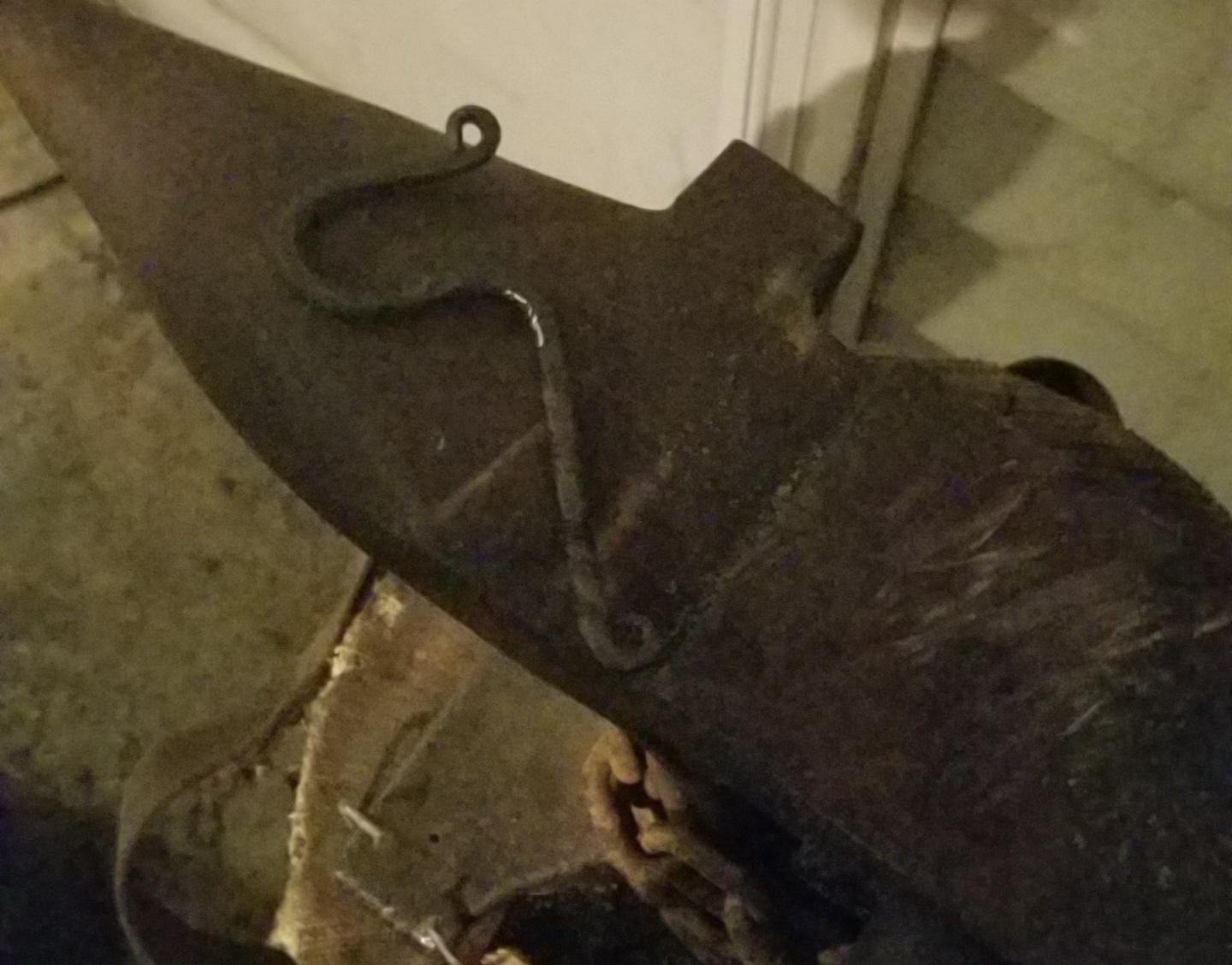
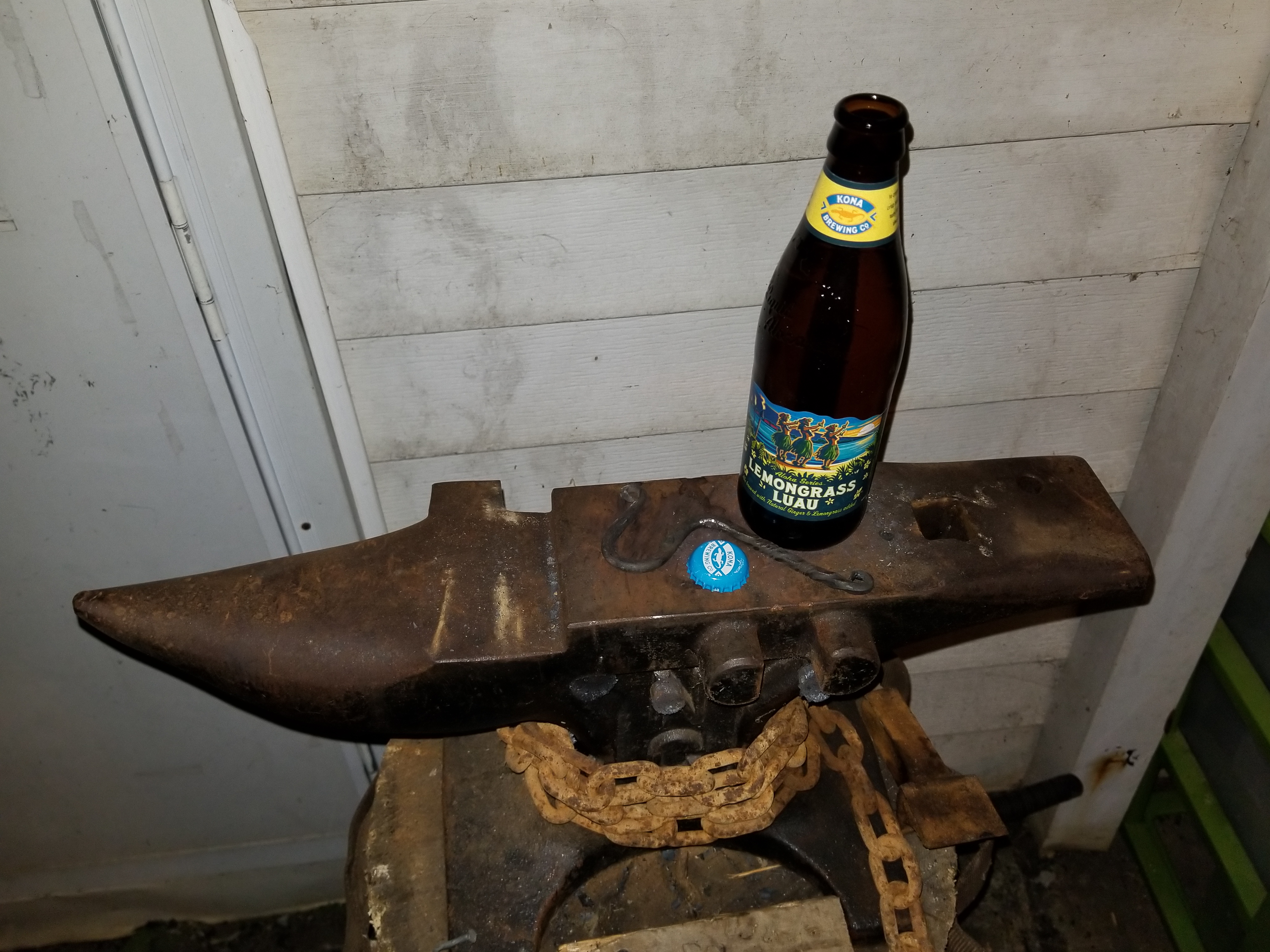
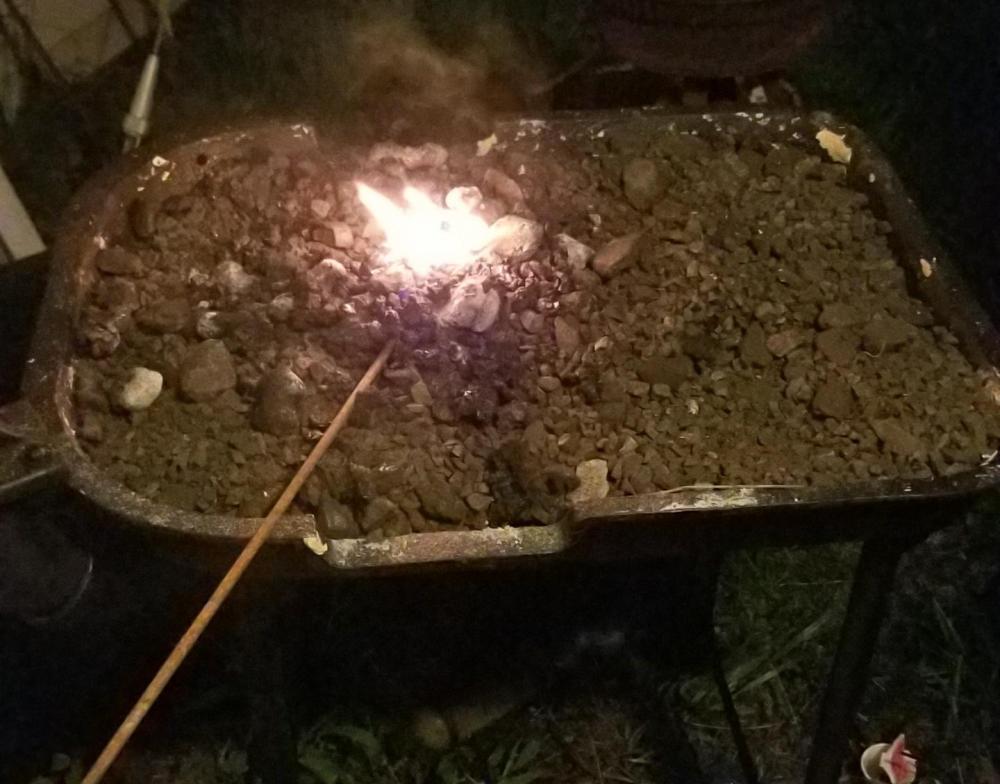
  1. It's alive! Forged an opener and of course had to test it. What do you guys think?
  2. I have one it was broken its being welded back together but I did think about forging one
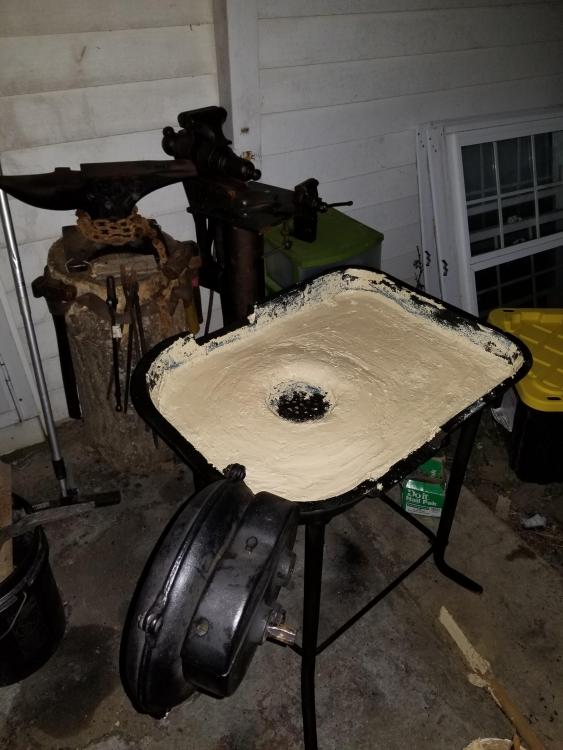
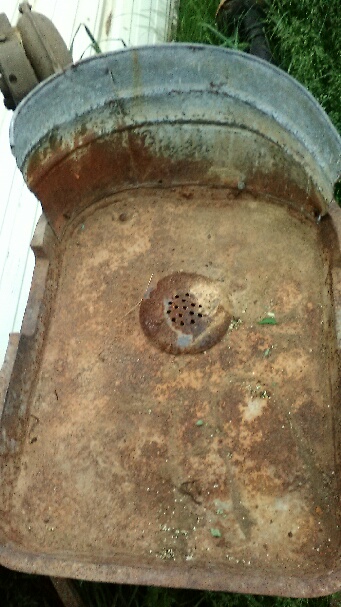
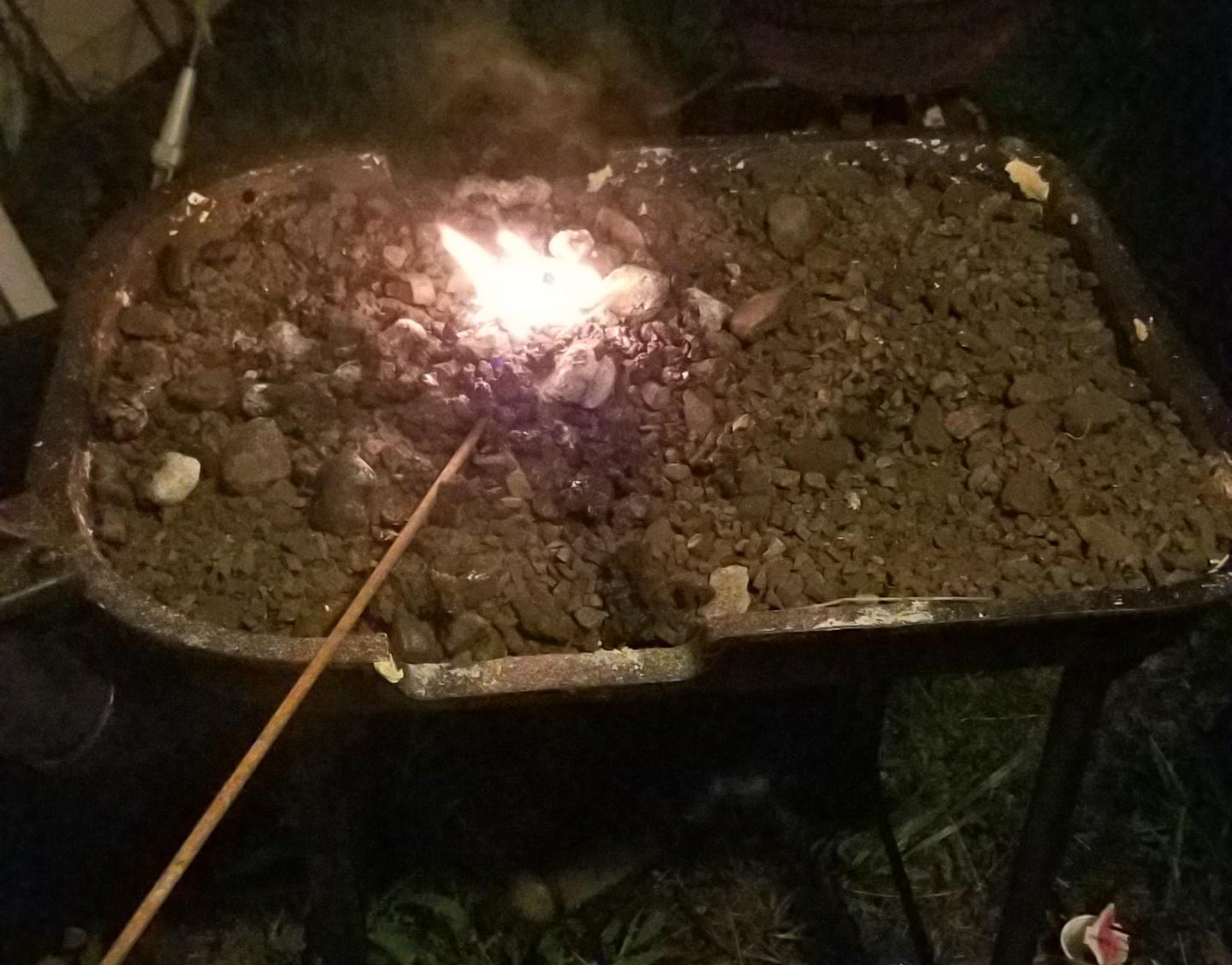
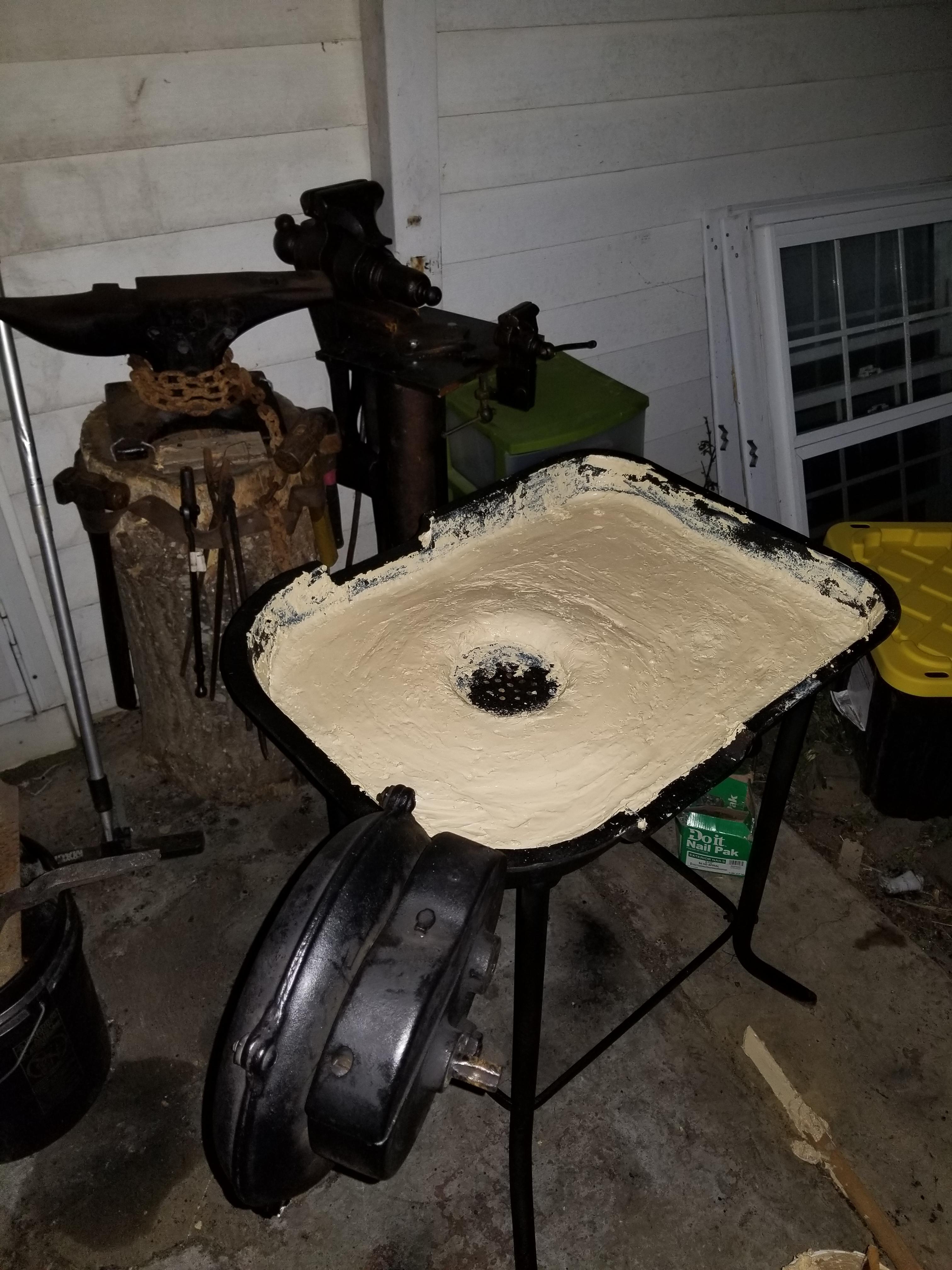
  3. So... update blower is clean and works like a charm! Forge is cleaned up and I've lined it. Letting it cure now for another day then to do the rest Monday evening. more photos to come
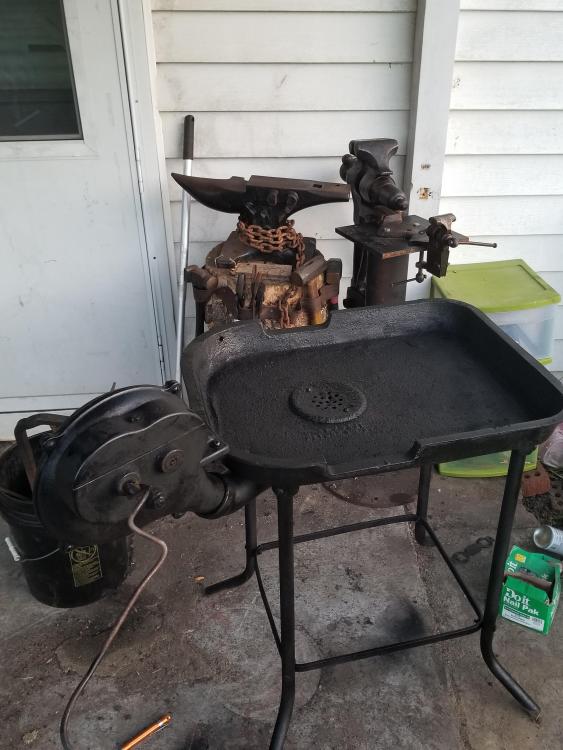
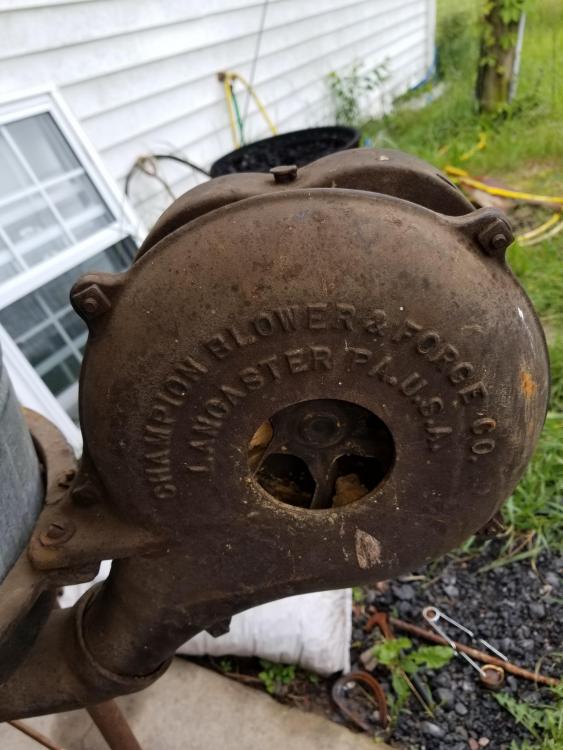
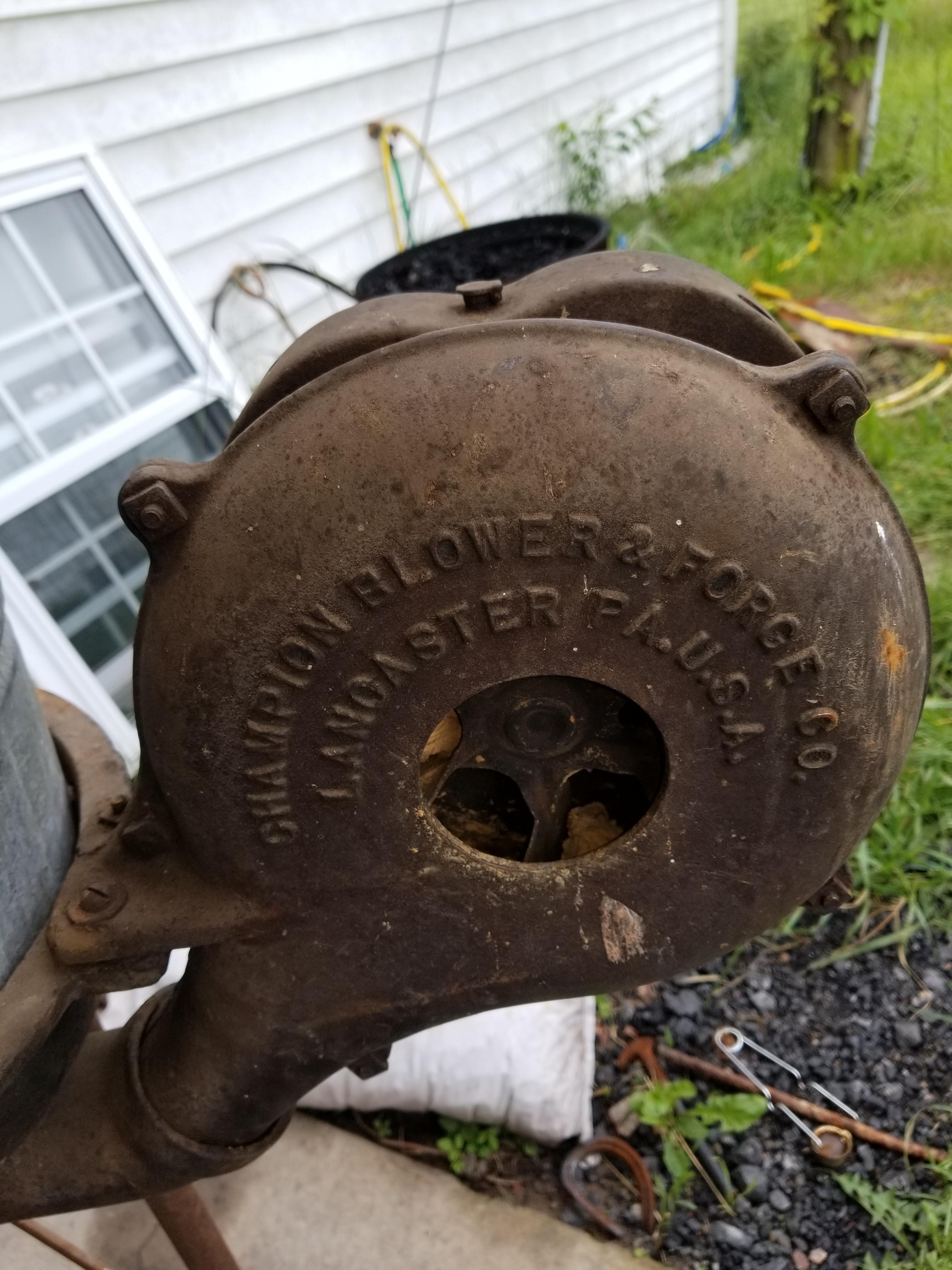
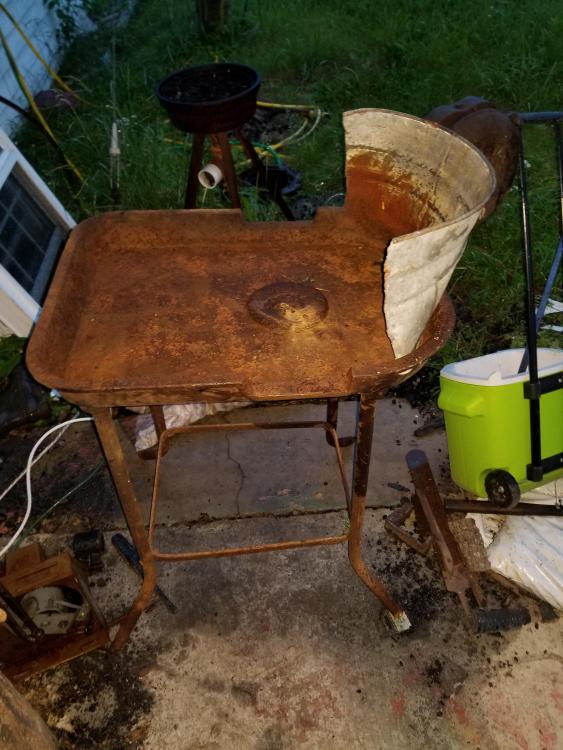
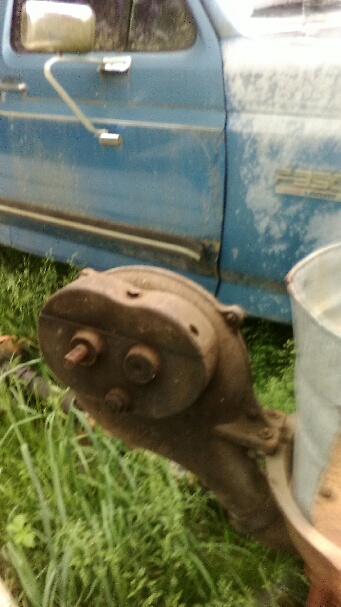
  4. New here. I'm looking for advise on fixing this up. The fan is free but the crank is locked up, I know ill have to t take it apart. Anyone have suggestions on what to do or where to start?
Account

Navigation

Search

Search

Configure browser push notifications

Chrome (Android)
  1. Tap the lock icon next to the address bar.
  2. Tap Permissions → Notifications.
  3. Adjust your preference.
Chrome (Desktop)
  1. Click the padlock icon in the address bar.
  2. Select Site settings.
  3. Find Notifications and adjust your preference.