Skip to content
View in the app

A better way to browse. Learn more.

I Forge Iron

A full-screen app on your home screen with push notifications, badges and more.

To install this app on iOS and iPadOS
  1. Tap the Share icon in Safari
  2. Scroll the menu and tap Add to Home Screen.
  3. Tap Add in the top-right corner.
To install this app on Android
  1. Tap the 3-dot menu (⋮) in the top-right corner of the browser.
  2. Tap Add to Home screen or Install app.
  3. Confirm by tapping Install.

Jason gardener

Members
  • Joined

  • Last visited

  1. It is a tradition in the UK, and here in France to, if someone gifts you a knife you must give them a silver coin
  2. I believe the same, that anvil will never be sold again, it will be used by me and when I cannot use it any longer will be given to another blacksmith, and yes as soon as my forge is up and running I will make him a gift, he also gave me a coin for luck, this will be placed under the anvil, call me a sentimental old fool but it feels right.
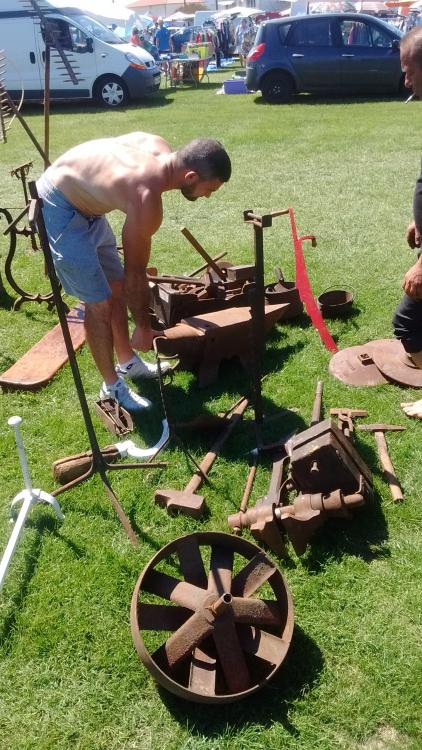
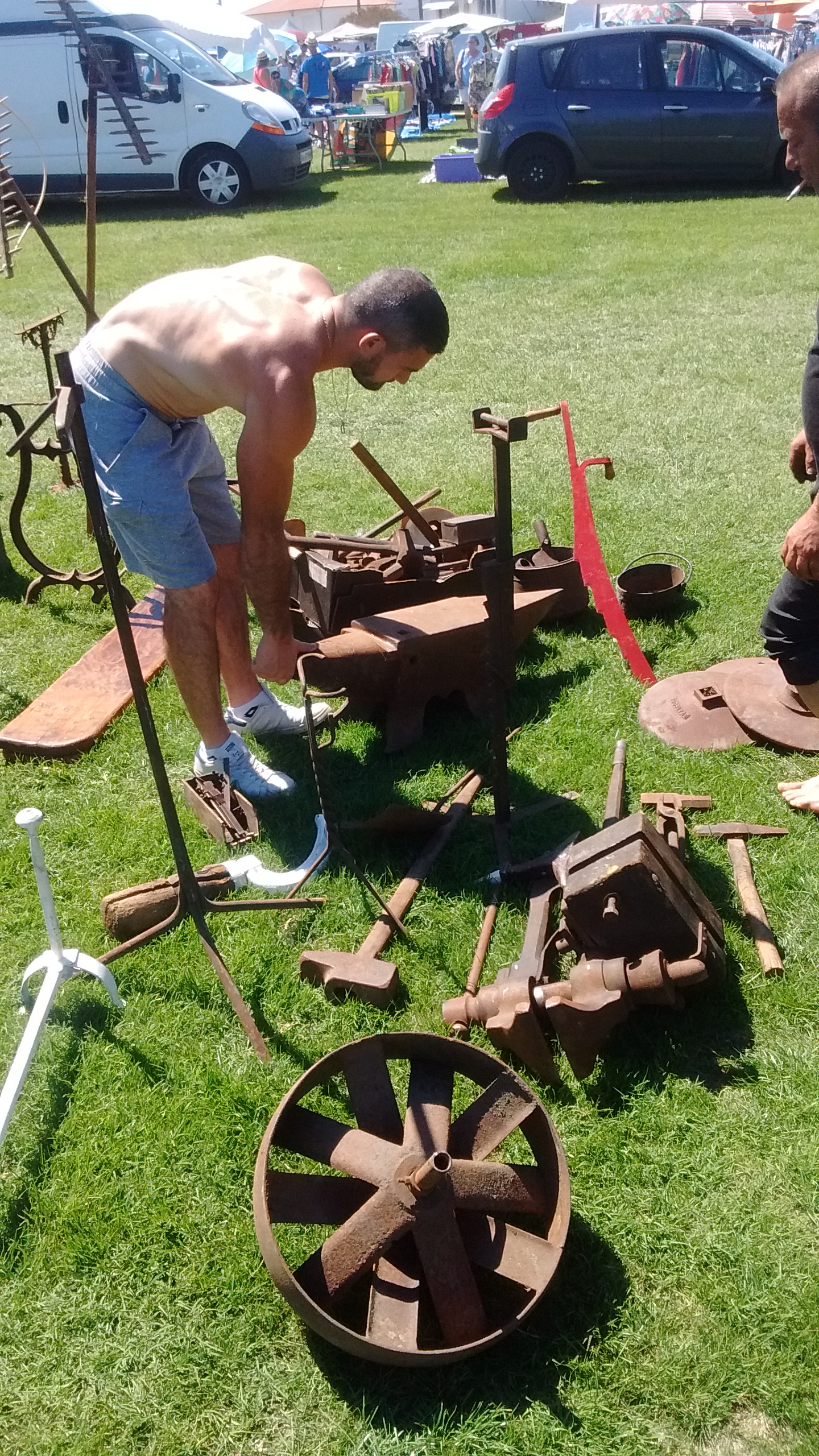
  3. It came with it, along with 34 pairs on tongs and other tools. I was stunned when he gave me that price I couldn't pay him quick enough.
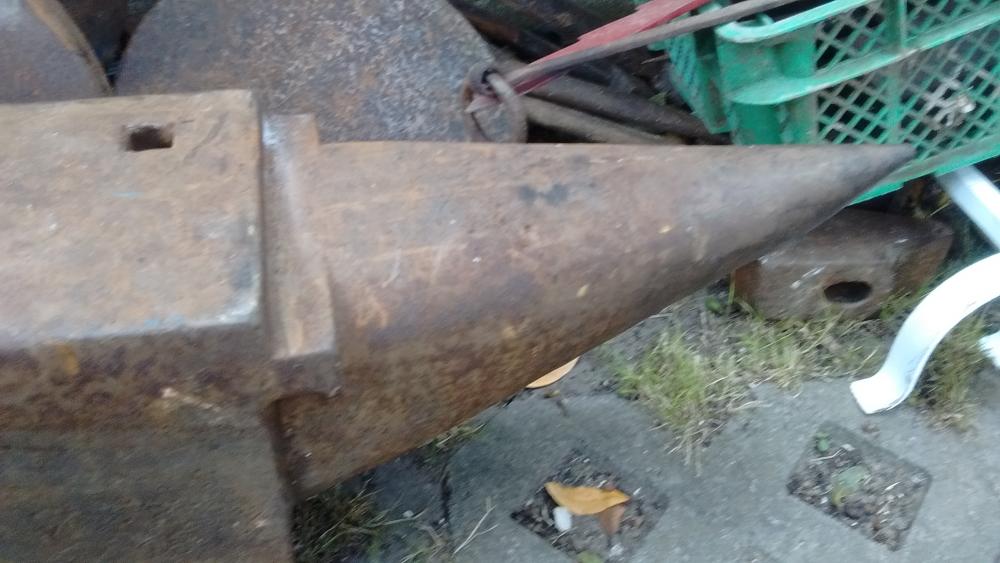
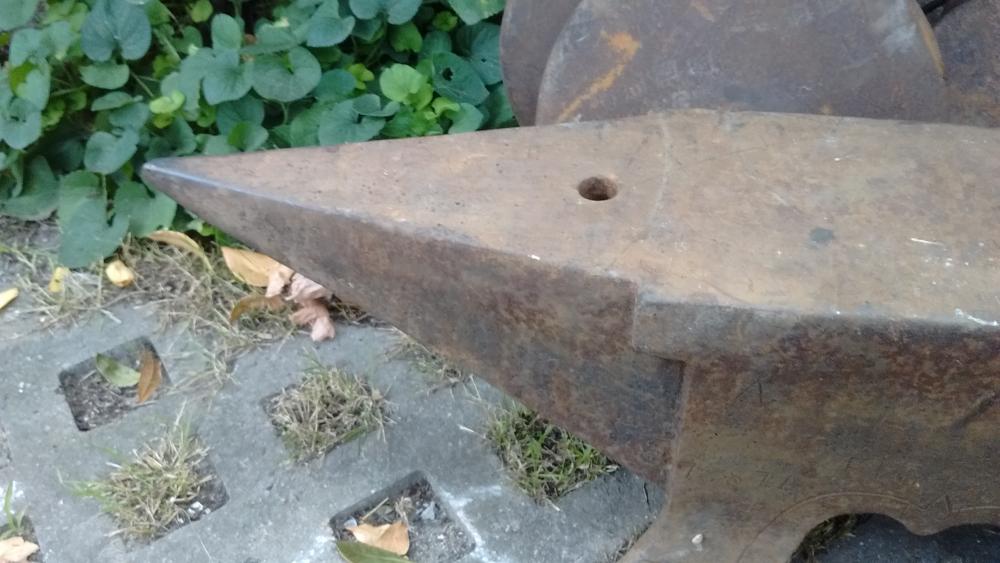
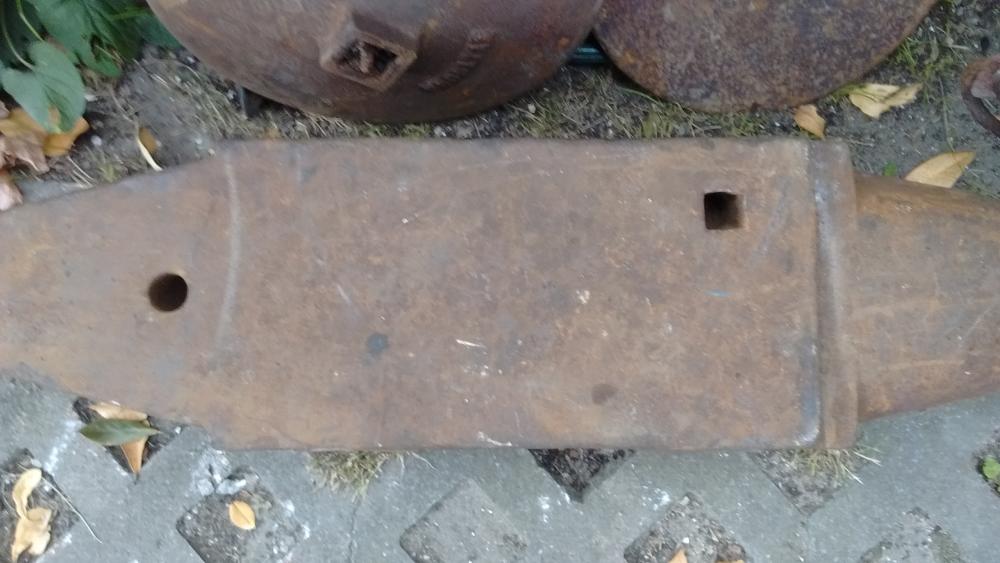
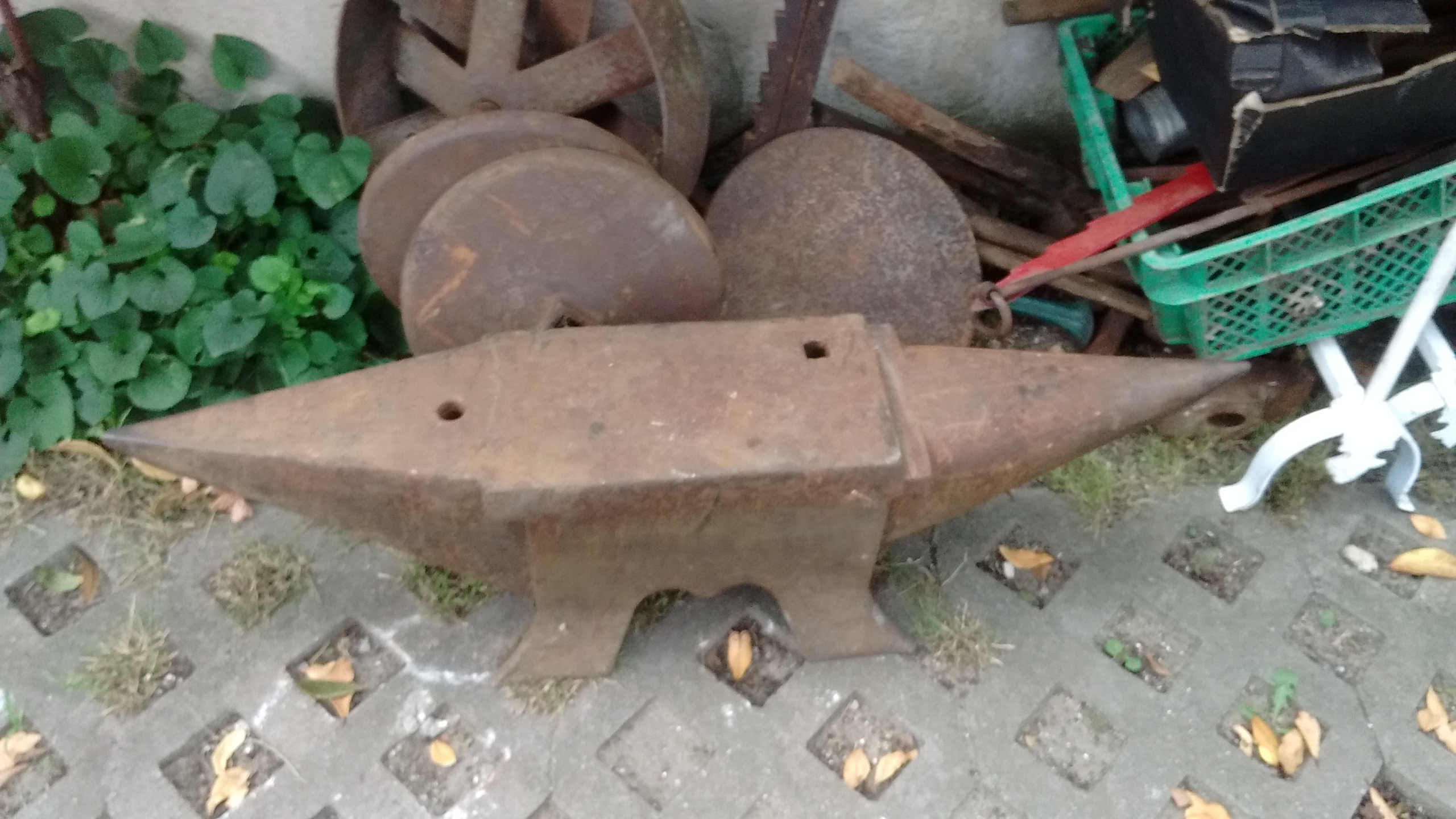
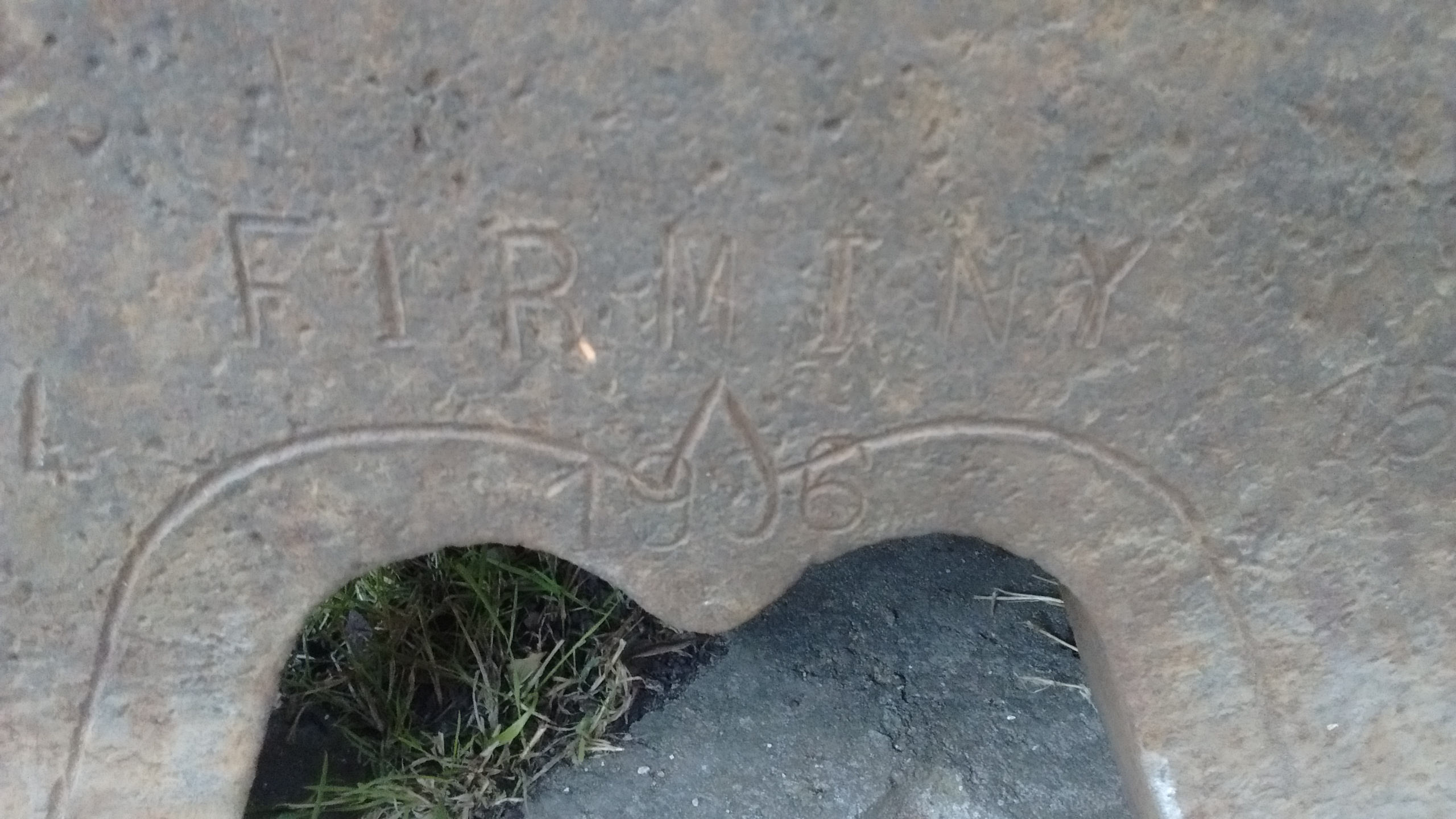
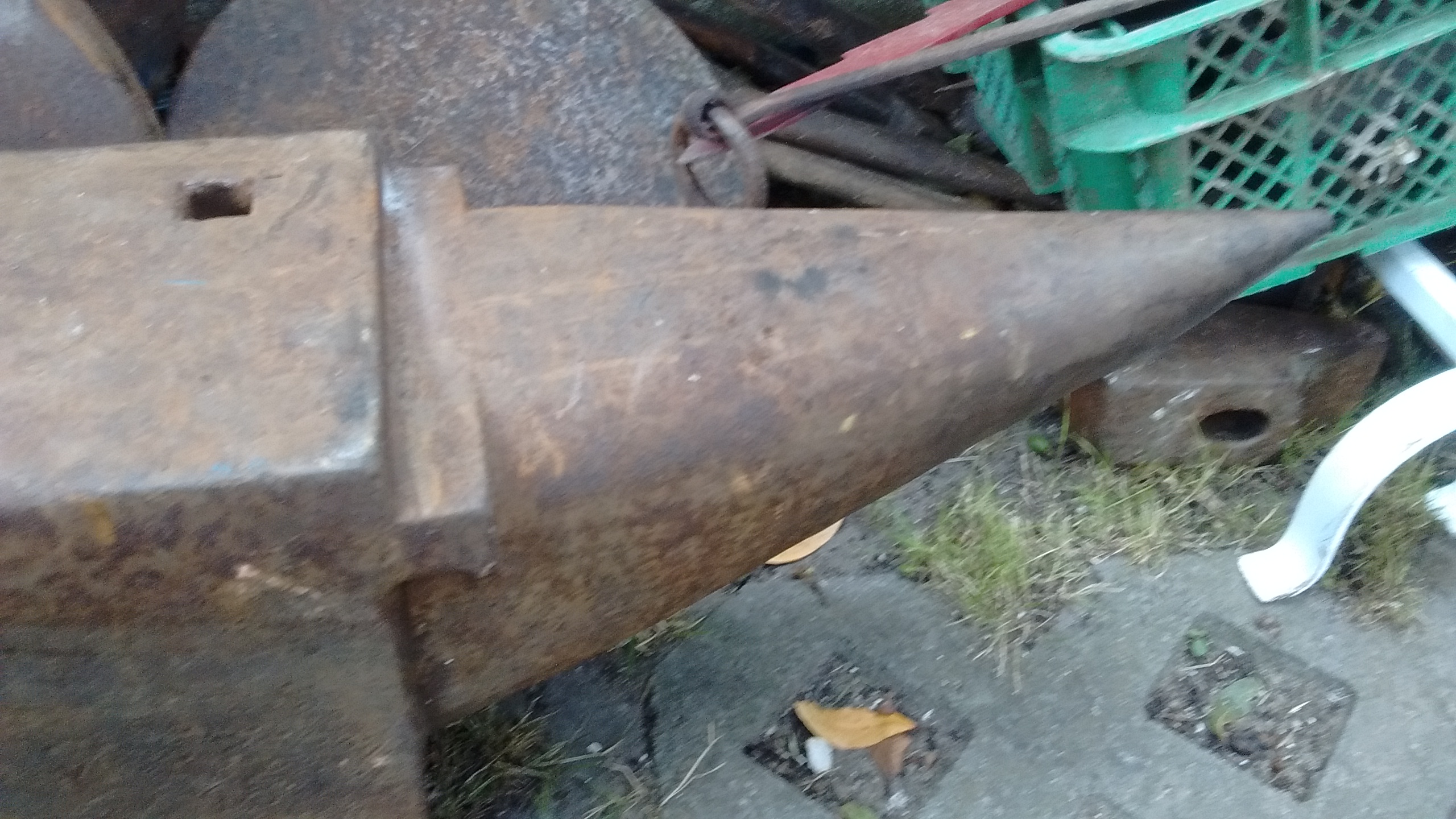
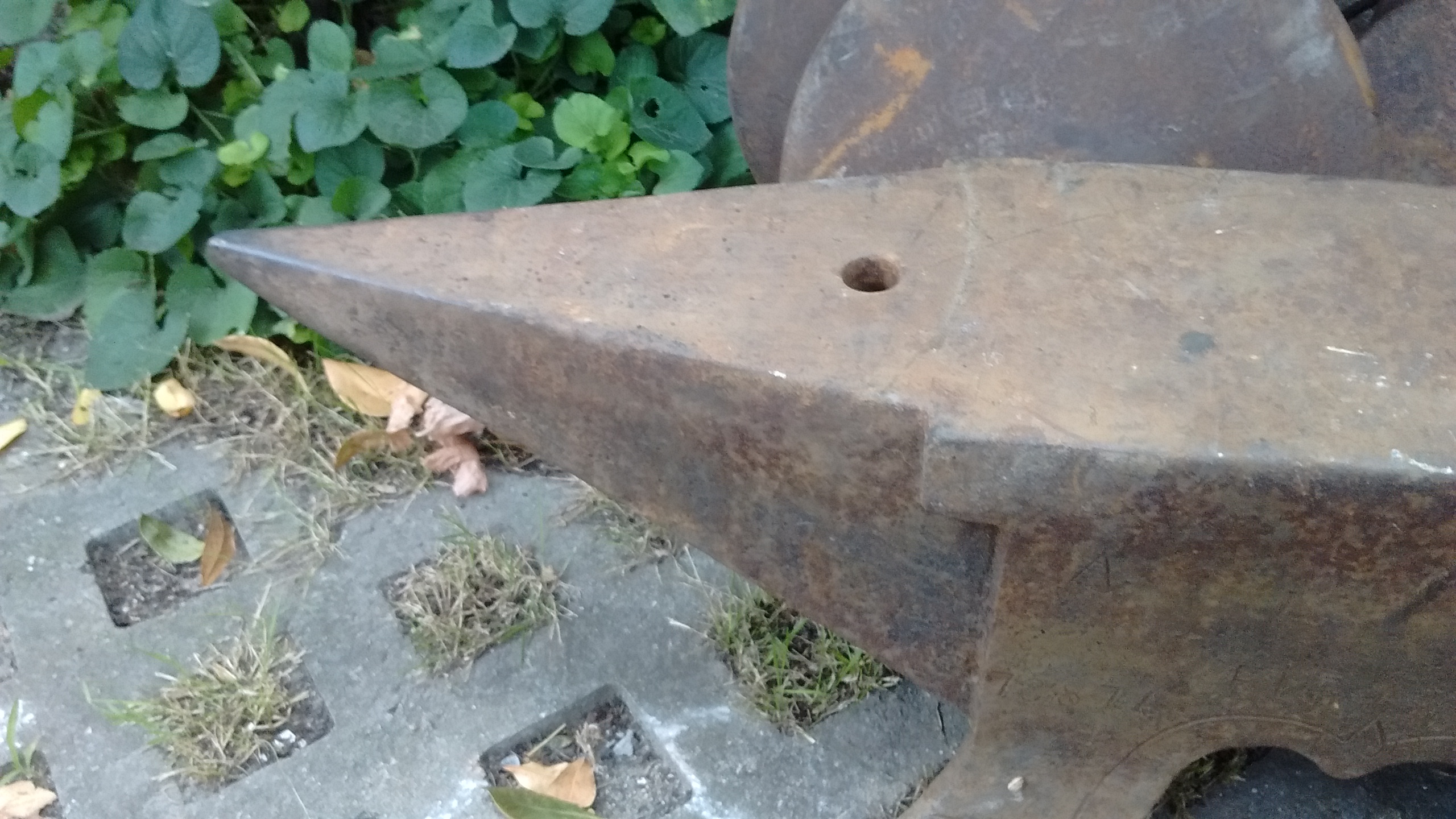
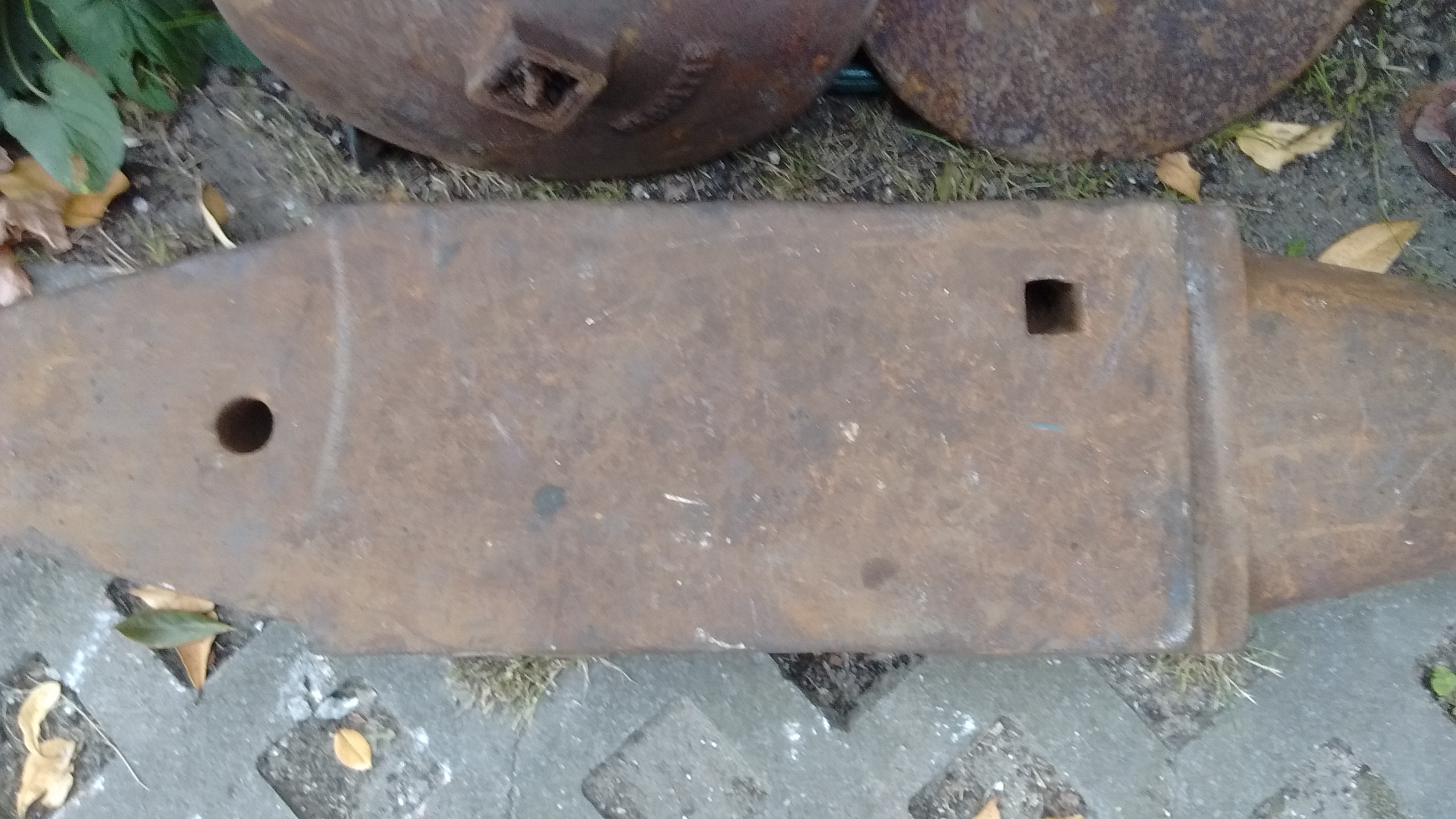
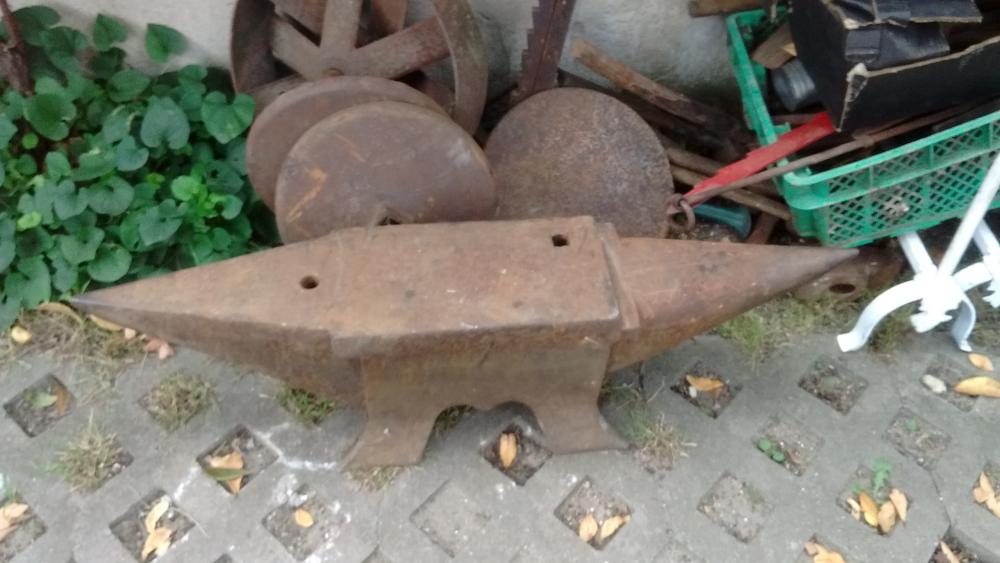
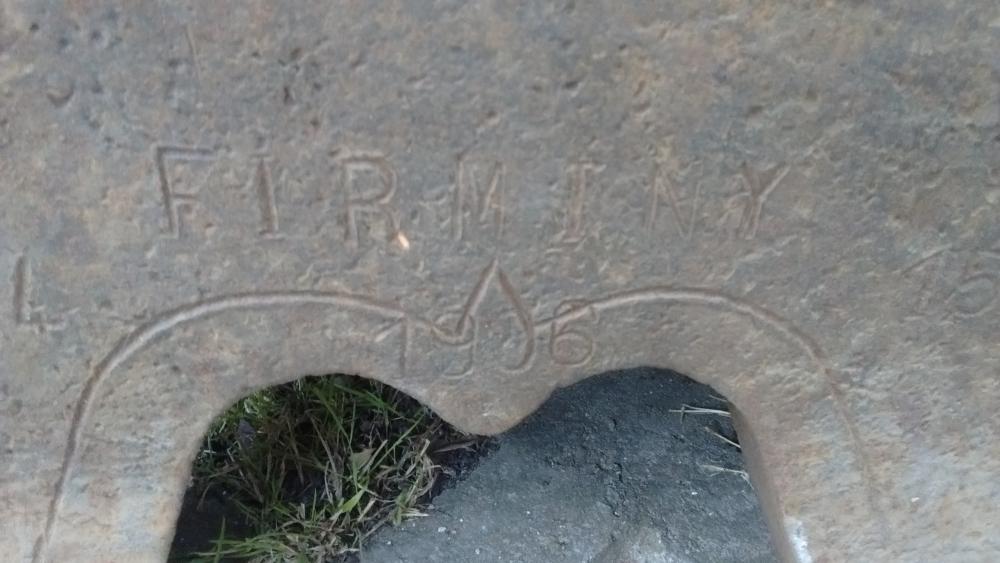
  4. Just picked up this lovely anvil and can't wait to use it, got everything you can see in the picture for €400, the anvil is made by firminy in 1906, It's 156 kg and in very good condition, the gentleman sold it to me at a good rate as he knew I would use it and not stick it in a garden, I think I have a bargain, what do you think
Account

Navigation

Search

Search

Configure browser push notifications

Chrome (Android)
  1. Tap the lock icon next to the address bar.
  2. Tap Permissions → Notifications.
  3. Adjust your preference.
Chrome (Desktop)
  1. Click the padlock icon in the address bar.
  2. Select Site settings.
  3. Find Notifications and adjust your preference.