Skip to content
View in the app

A better way to browse. Learn more.

I Forge Iron

A full-screen app on your home screen with push notifications, badges and more.

To install this app on iOS and iPadOS
  1. Tap the Share icon in Safari
  2. Scroll the menu and tap Add to Home Screen.
  3. Tap Add in the top-right corner.
To install this app on Android
  1. Tap the 3-dot menu (⋮) in the top-right corner of the browser.
  2. Tap Add to Home screen or Install app.
  3. Confirm by tapping Install.

Hadara

Members
  • Joined

  • Last visited

Everything posted by Hadara

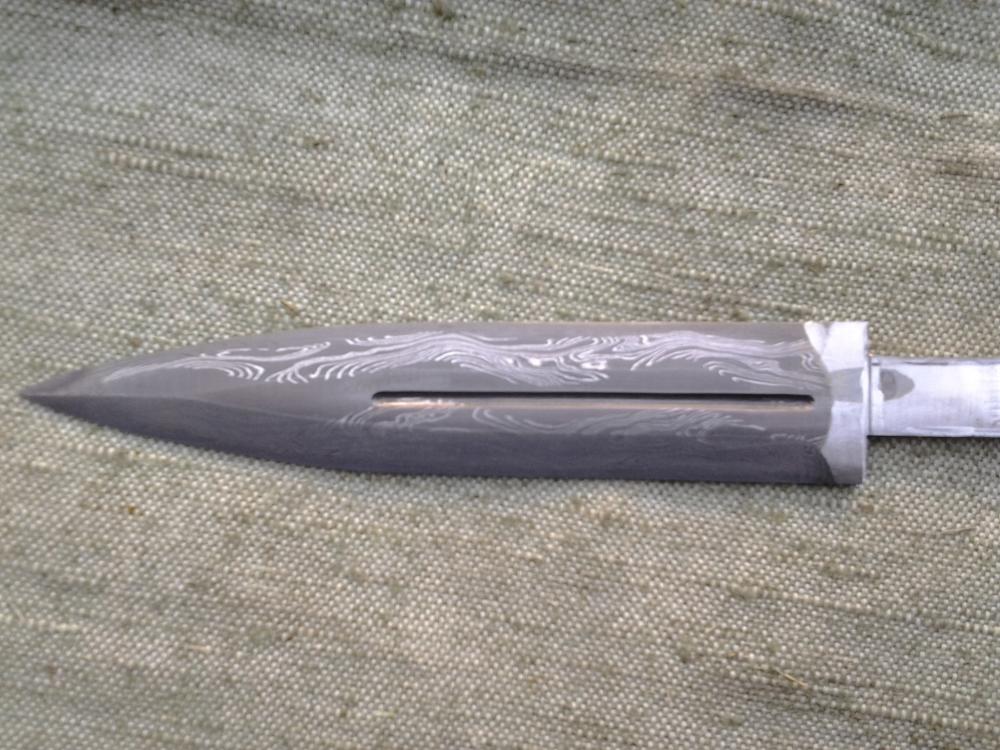
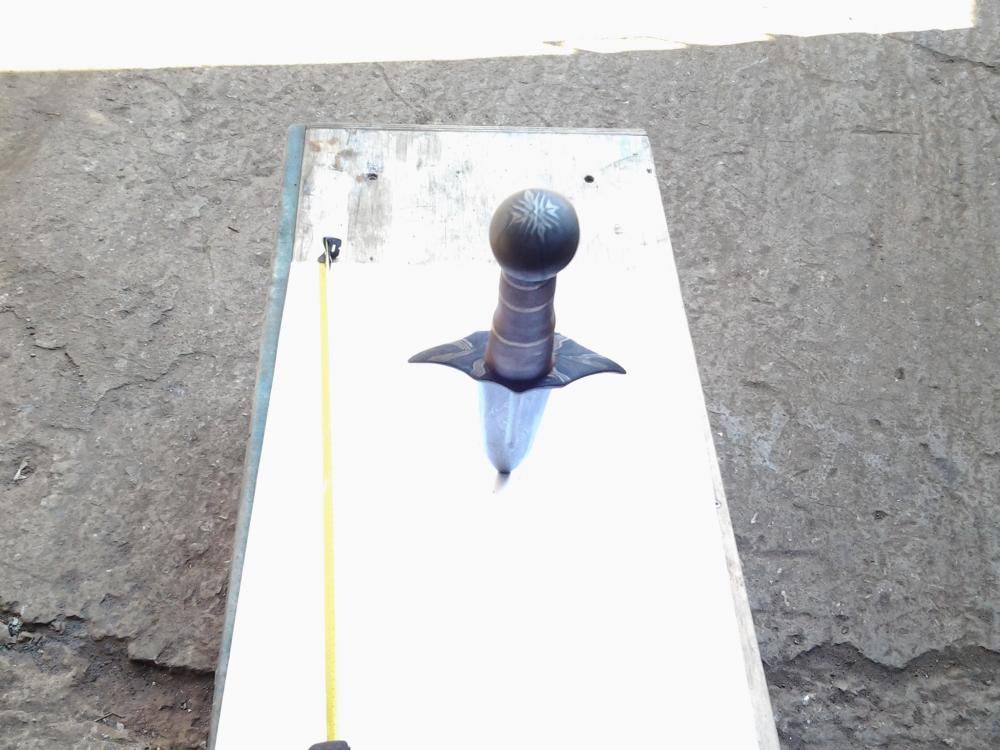
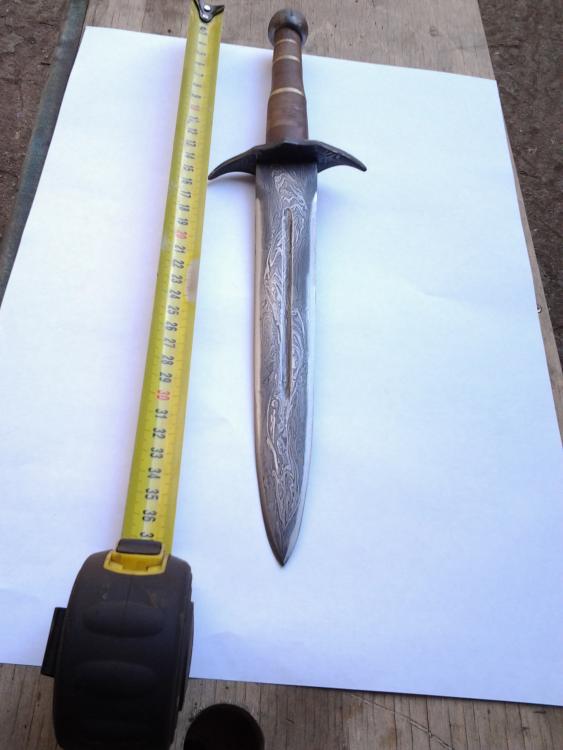
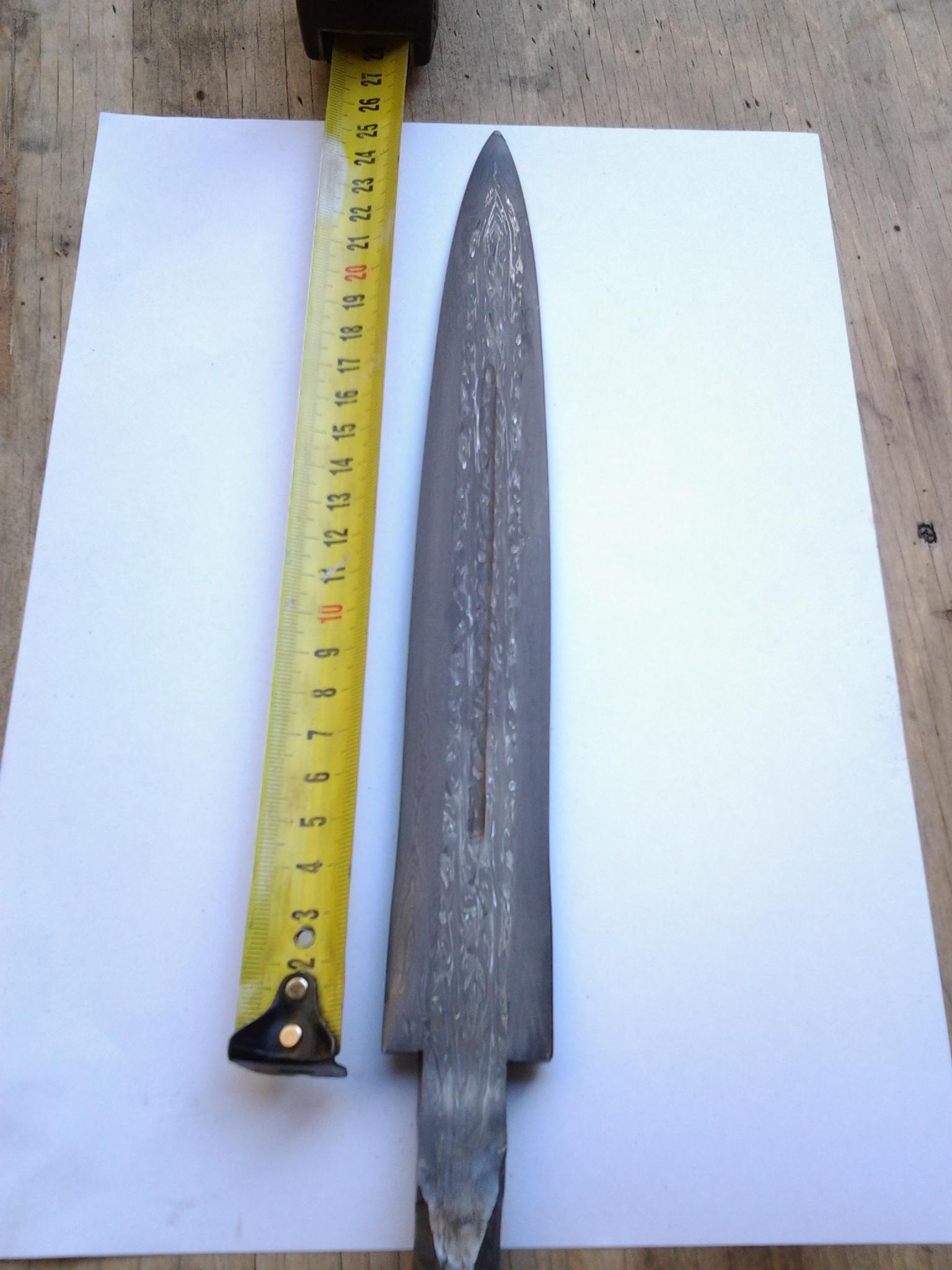
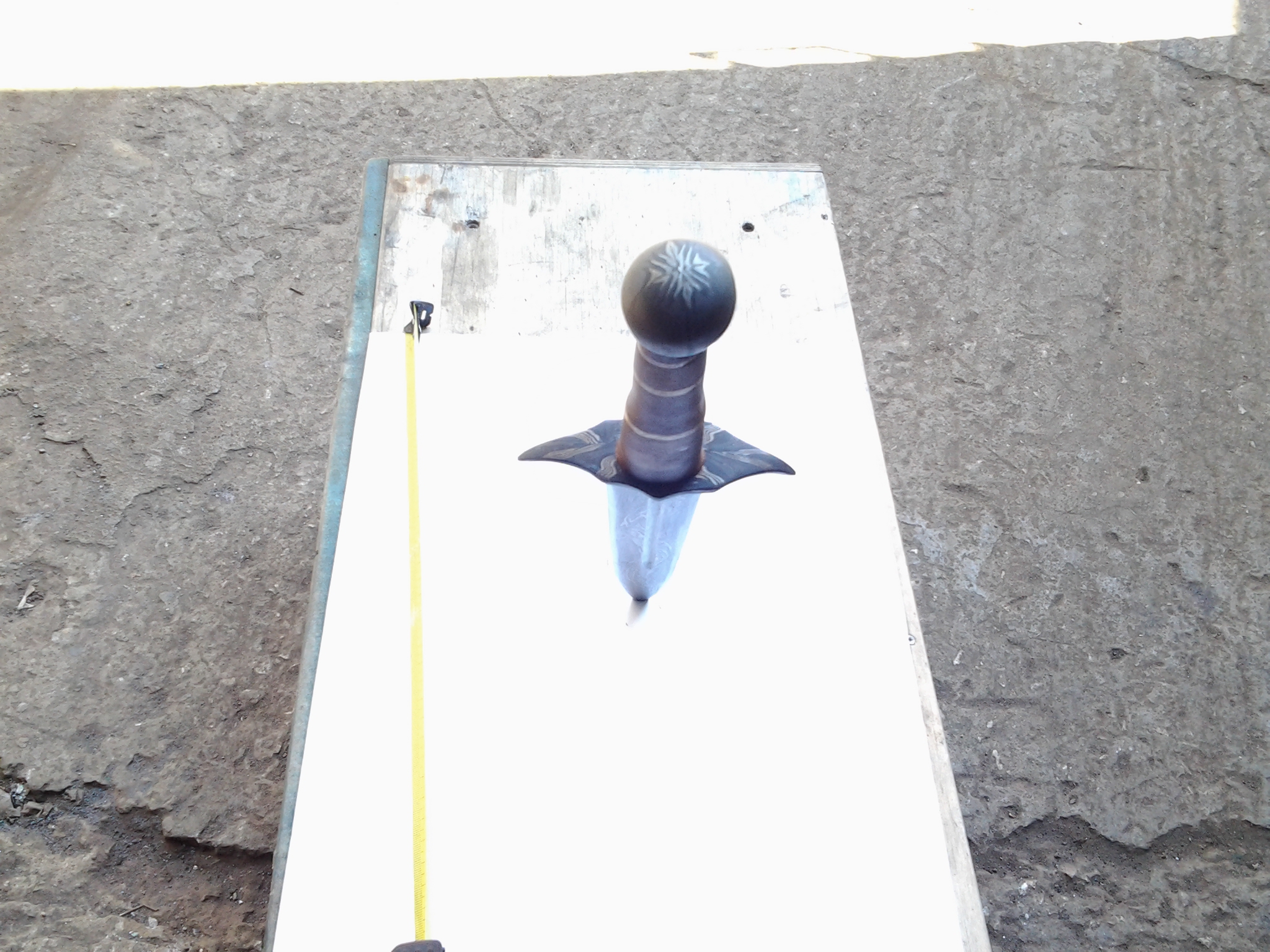
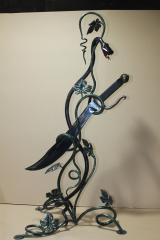
  1. Как вам наши кинжалы?!Из России! How do you like our daggers?! From Russia!
  2. Оригинальная форма ,возьму на заметку! The original form, take note!
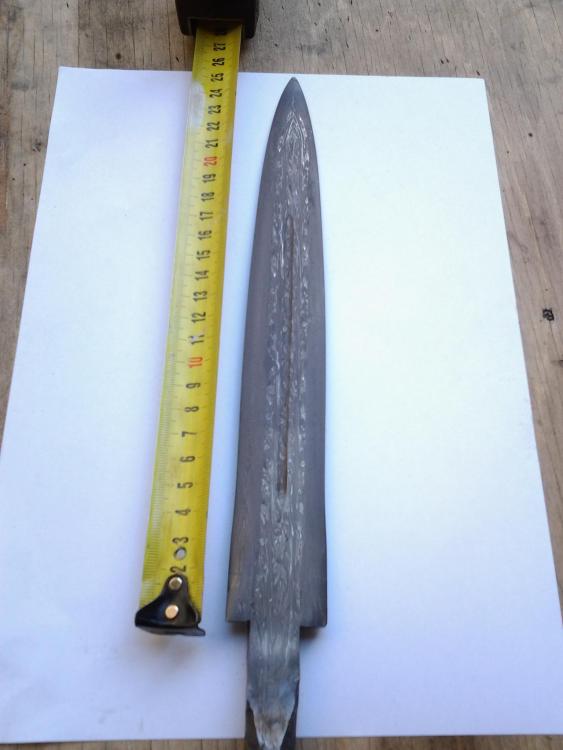
  3. Ищу кузницу в аренду желательно с оборудованием .Молот, тиски,горн Seeking a forge for rent preferably with equipment. Hammer, vise, Horn
  4. Скажите Друзья! Сколько это стоит? Tell Friends! How much does it cost?
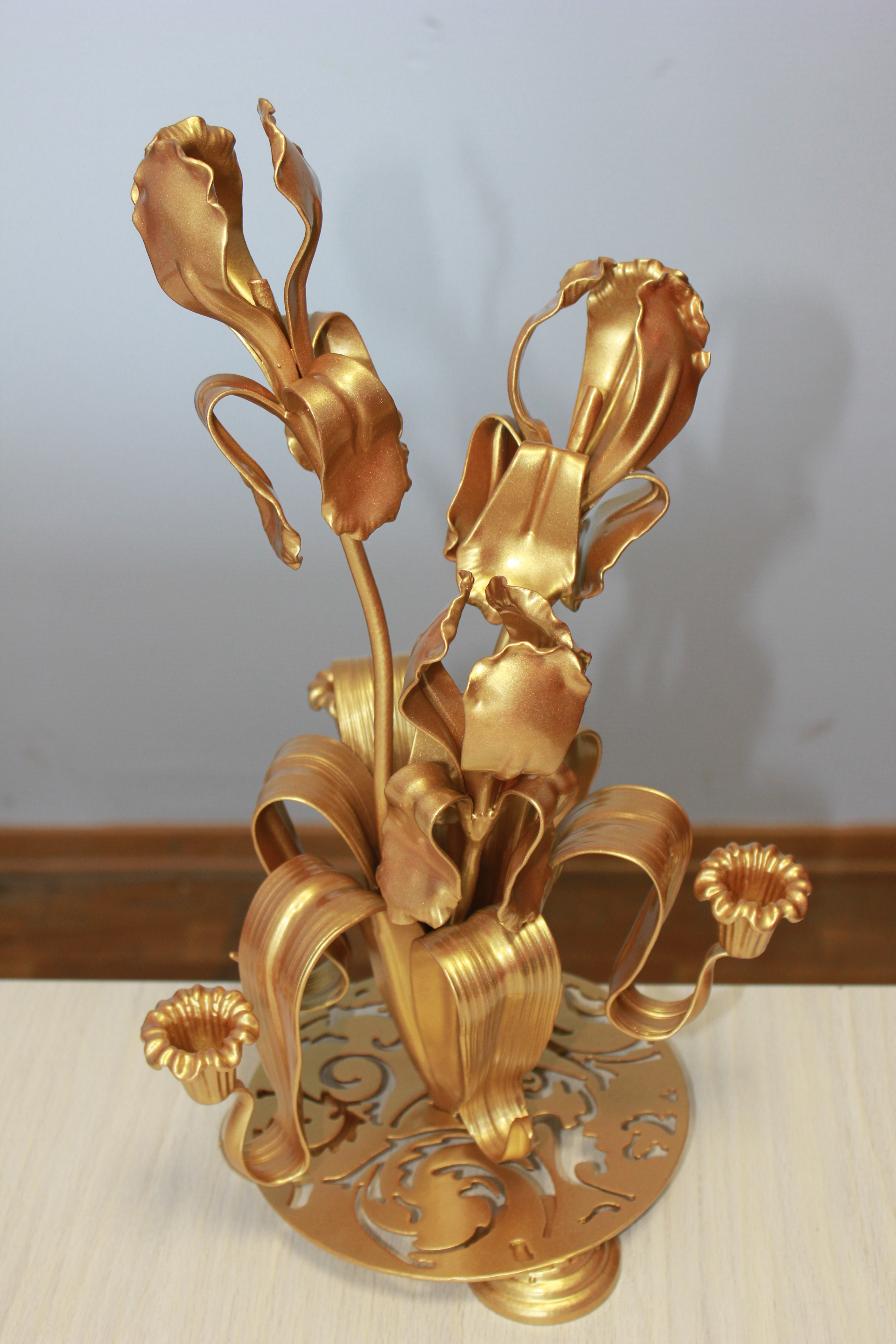
  5. Доброго всем дня! На обсуждение ! Конструктивная критика принимаеться.! Good day! In the discussion! Constructive criticism prinimaetsya.!
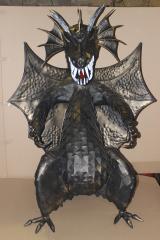
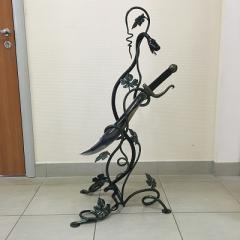
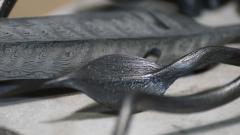
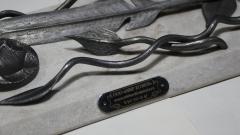
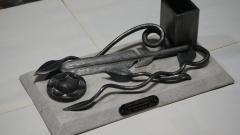
  6. Hadara posted a gallery image in Member Galleries
  7. Hadara posted a gallery image in Member Galleries
  8. Hadara posted a gallery image in Member Galleries
  9. Hadara posted a gallery image in Member Galleries
  10. Hadara posted a gallery image in Member Galleries

Account

Navigation

Search

Search

Configure browser push notifications

Chrome (Android)
  1. Tap the lock icon next to the address bar.
  2. Tap Permissions → Notifications.
  3. Adjust your preference.
Chrome (Desktop)
  1. Click the padlock icon in the address bar.
  2. Select Site settings.
  3. Find Notifications and adjust your preference.