Skip to content
View in the app

A better way to browse. Learn more.

I Forge Iron

A full-screen app on your home screen with push notifications, badges and more.

To install this app on iOS and iPadOS
  1. Tap the Share icon in Safari
  2. Scroll the menu and tap Add to Home Screen.
  3. Tap Add in the top-right corner.
To install this app on Android
  1. Tap the 3-dot menu (⋮) in the top-right corner of the browser.
  2. Tap Add to Home screen or Install app.
  3. Confirm by tapping Install.

Hadara

Members
  • Joined

  • Last visited

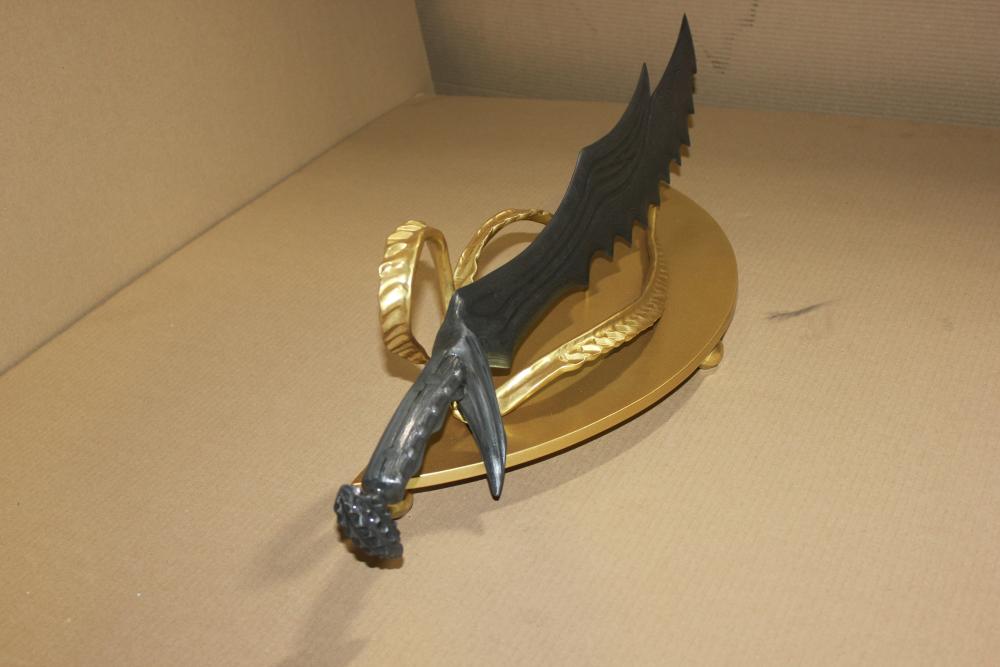
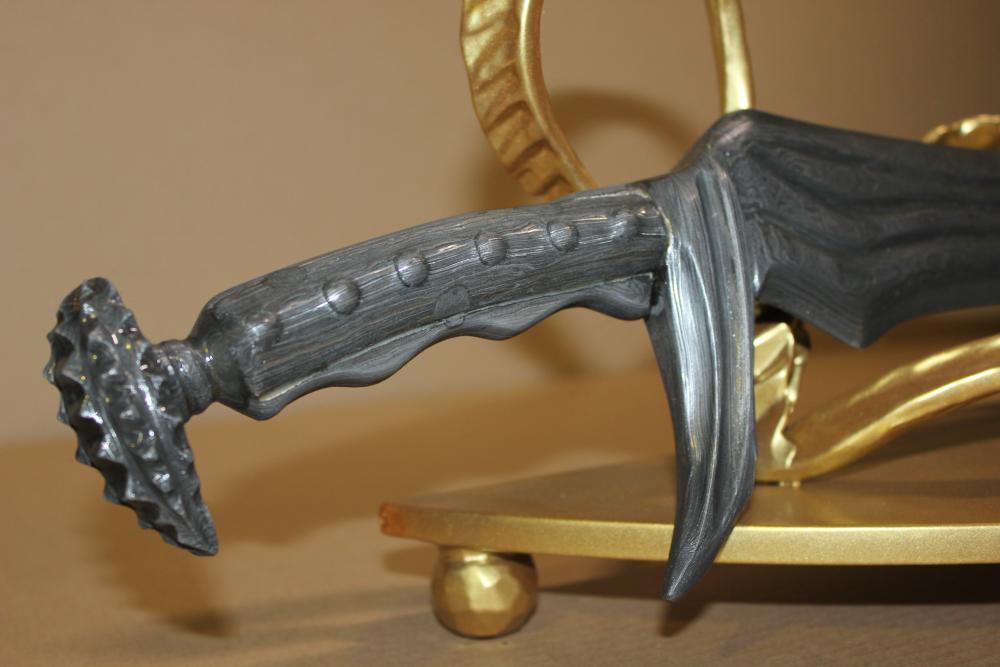
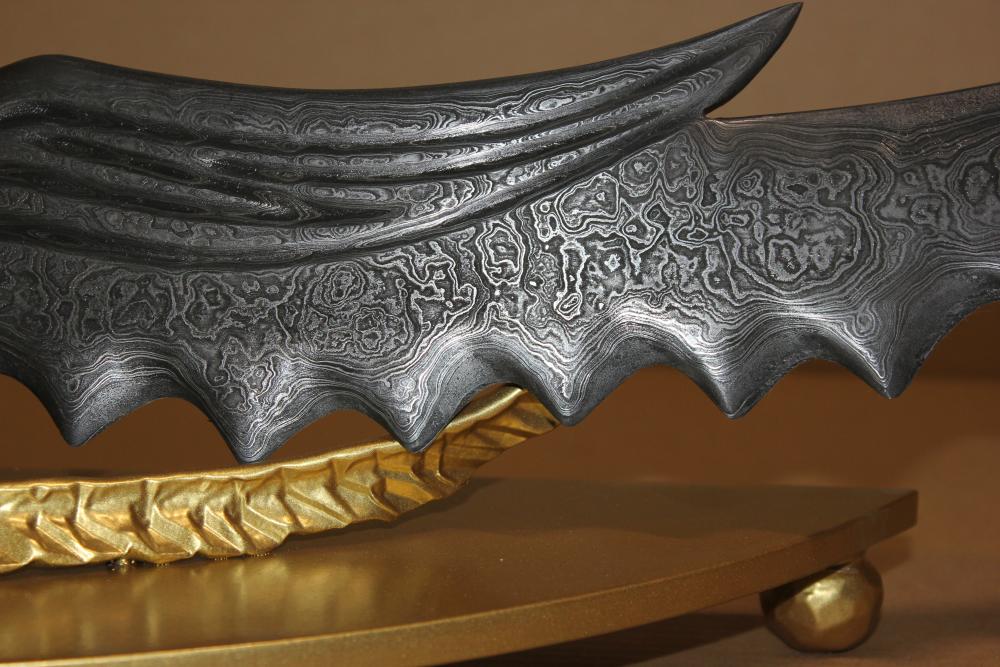
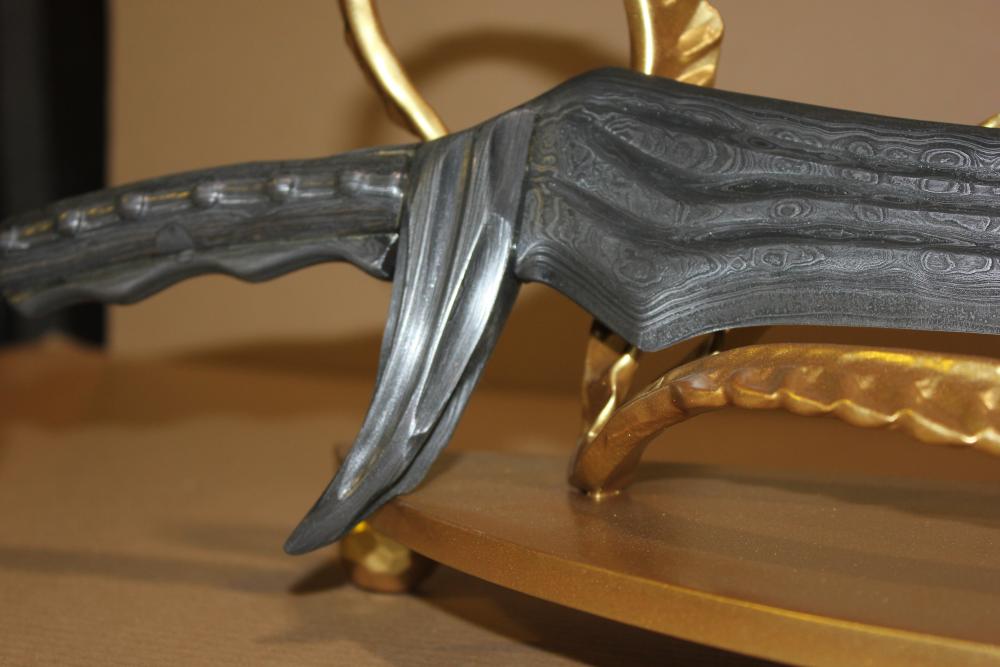
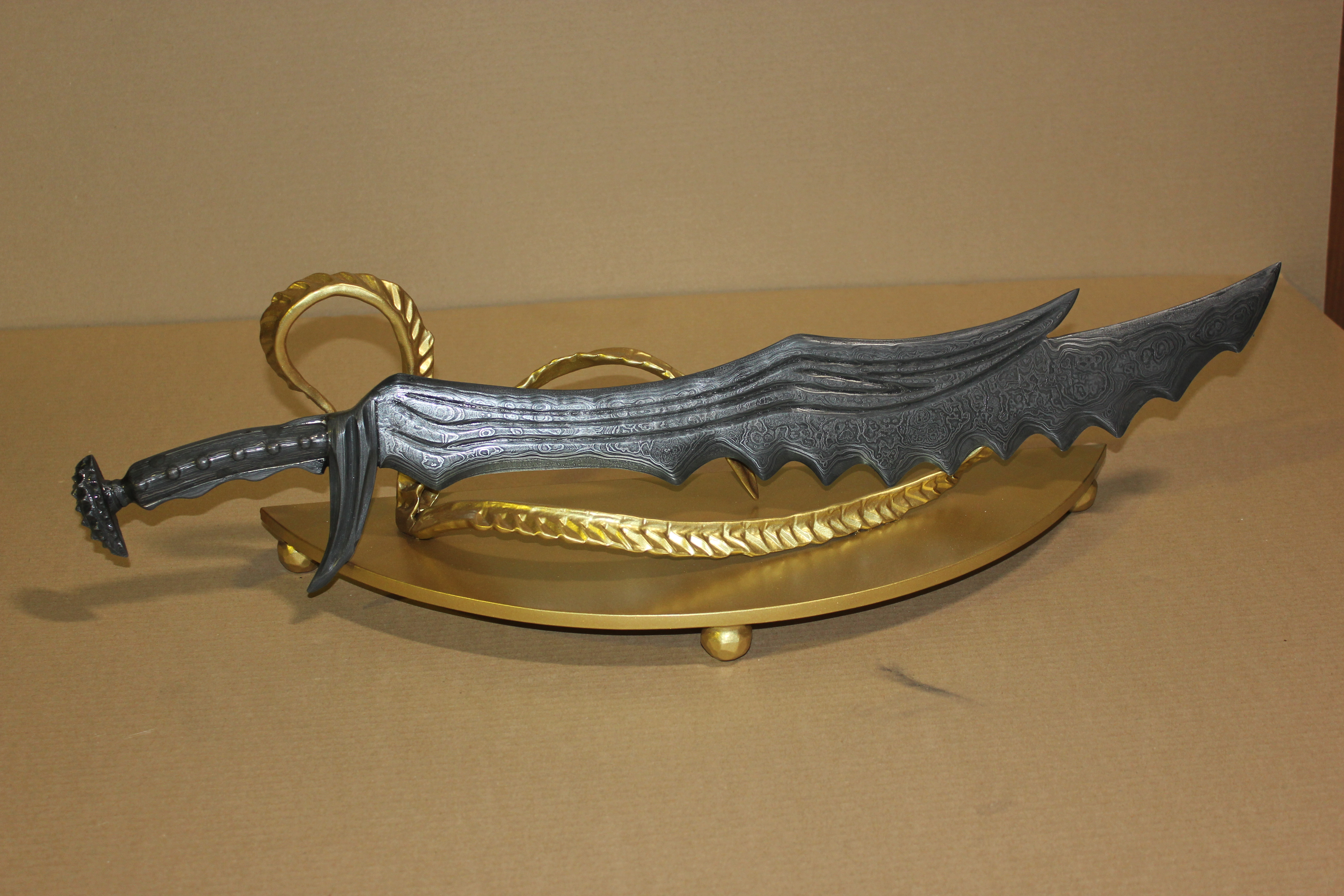
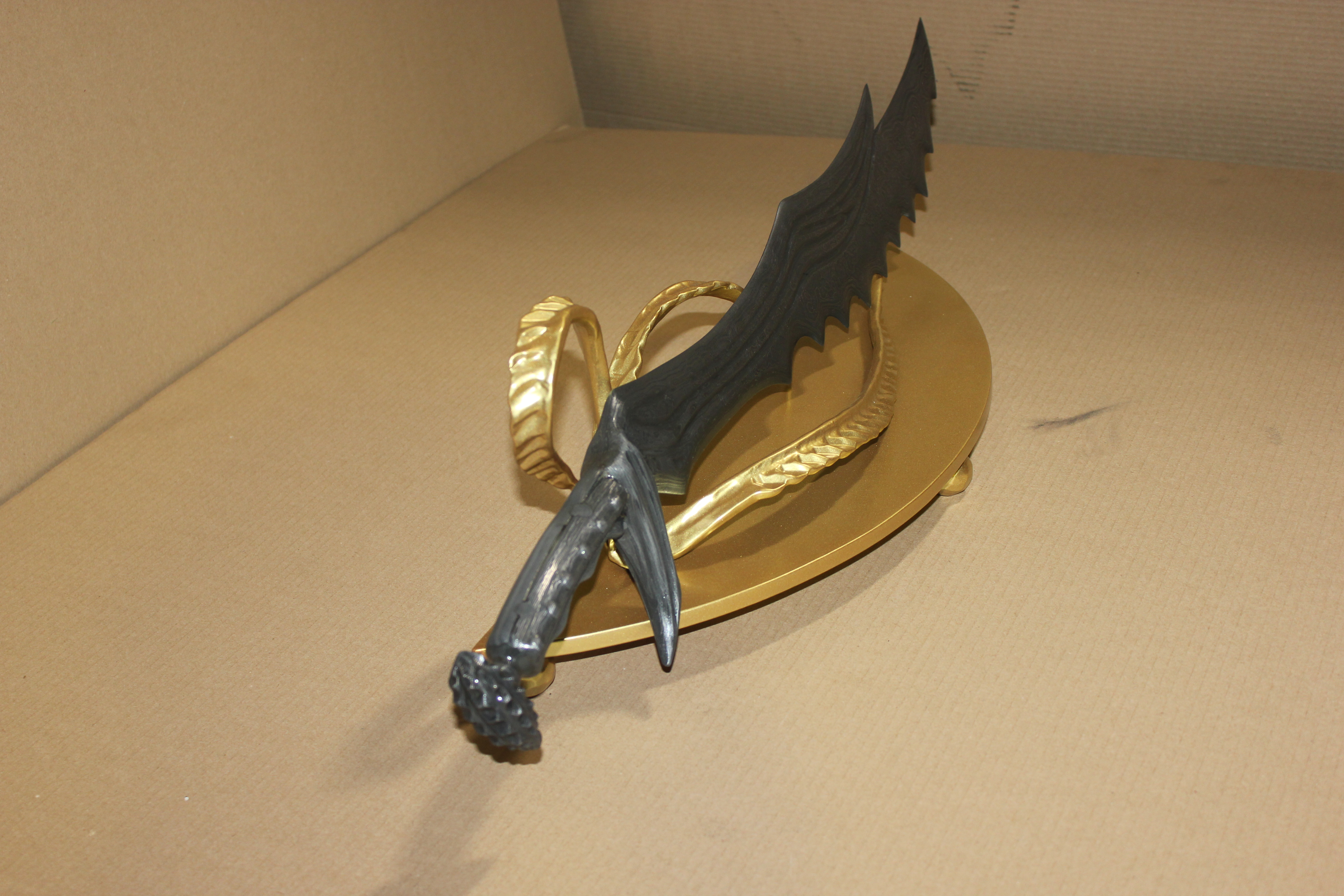
  1. Русский Дракон Russian Dragon Дракон Dragon
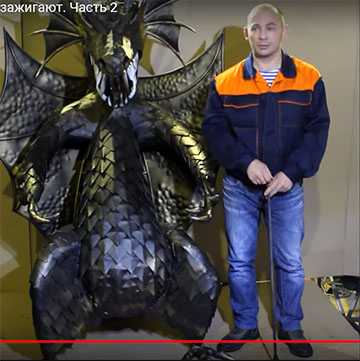
  2. https://vk.com/video137676678_456239022
  3. Спасибо за внимание! Название дал заказчик.
  4. Очень хороший нож, очень аккуратно!
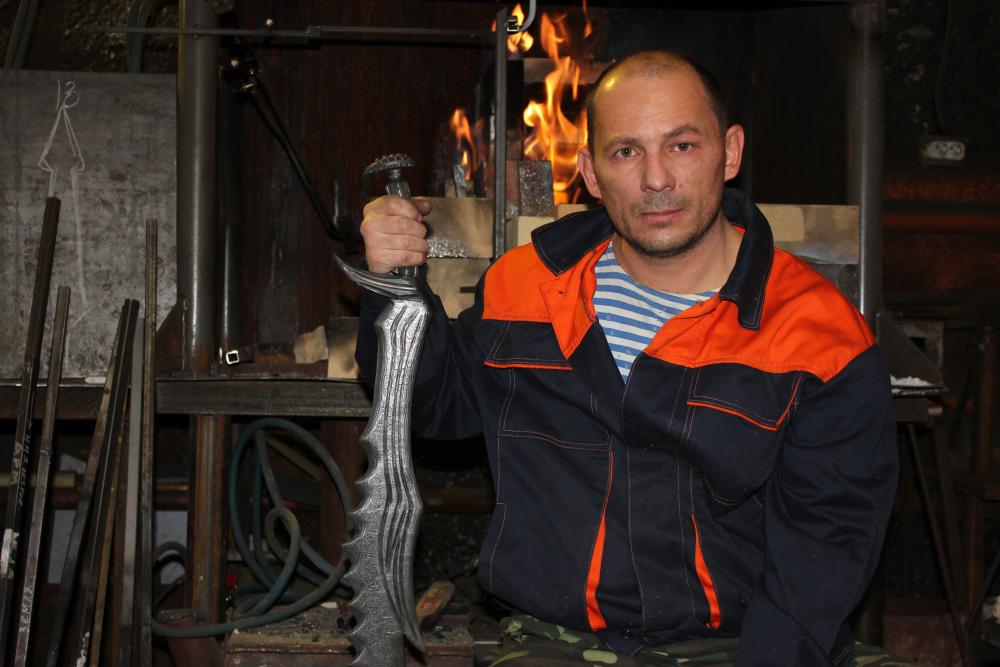
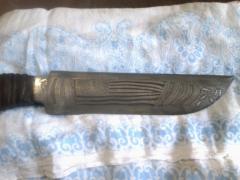
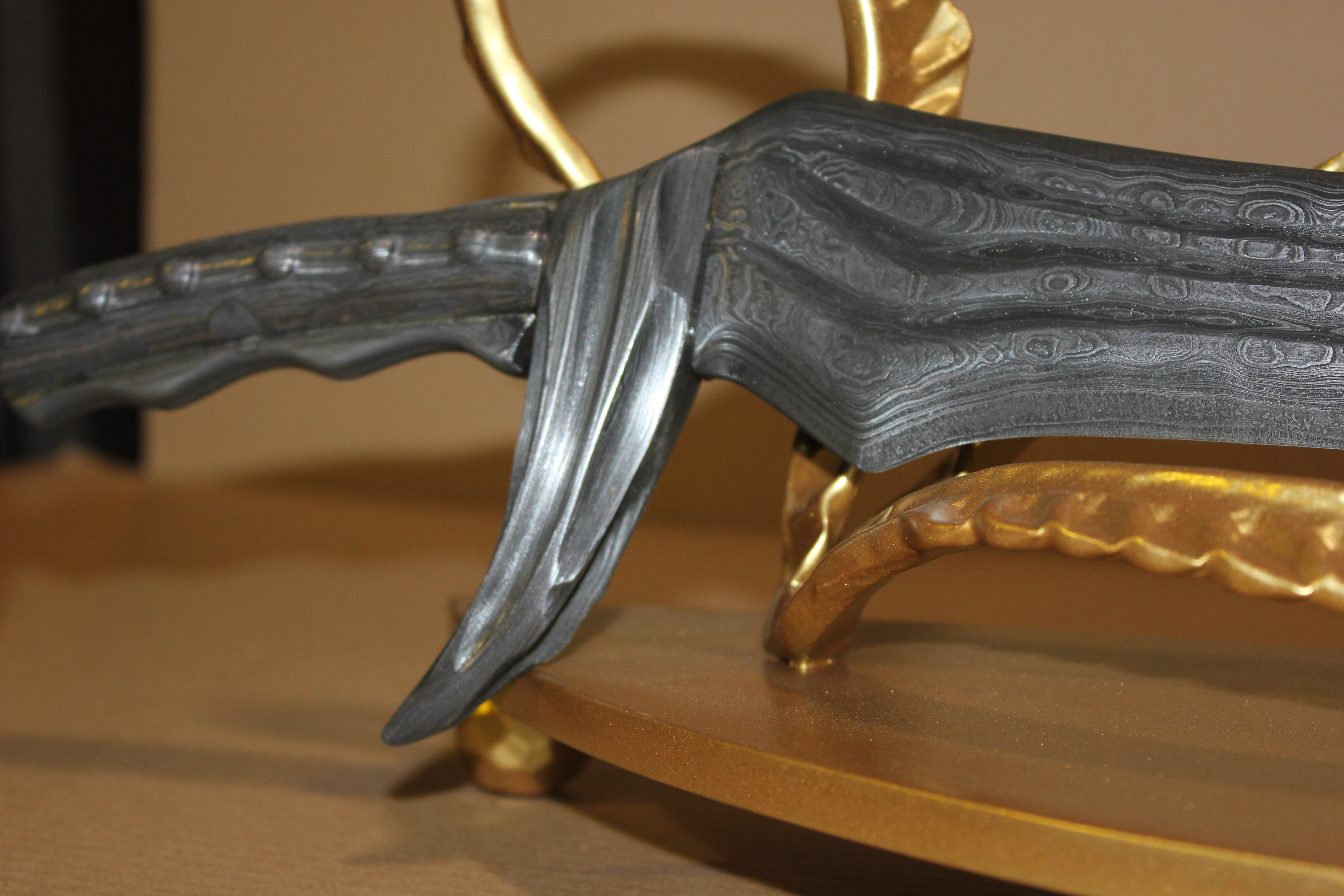
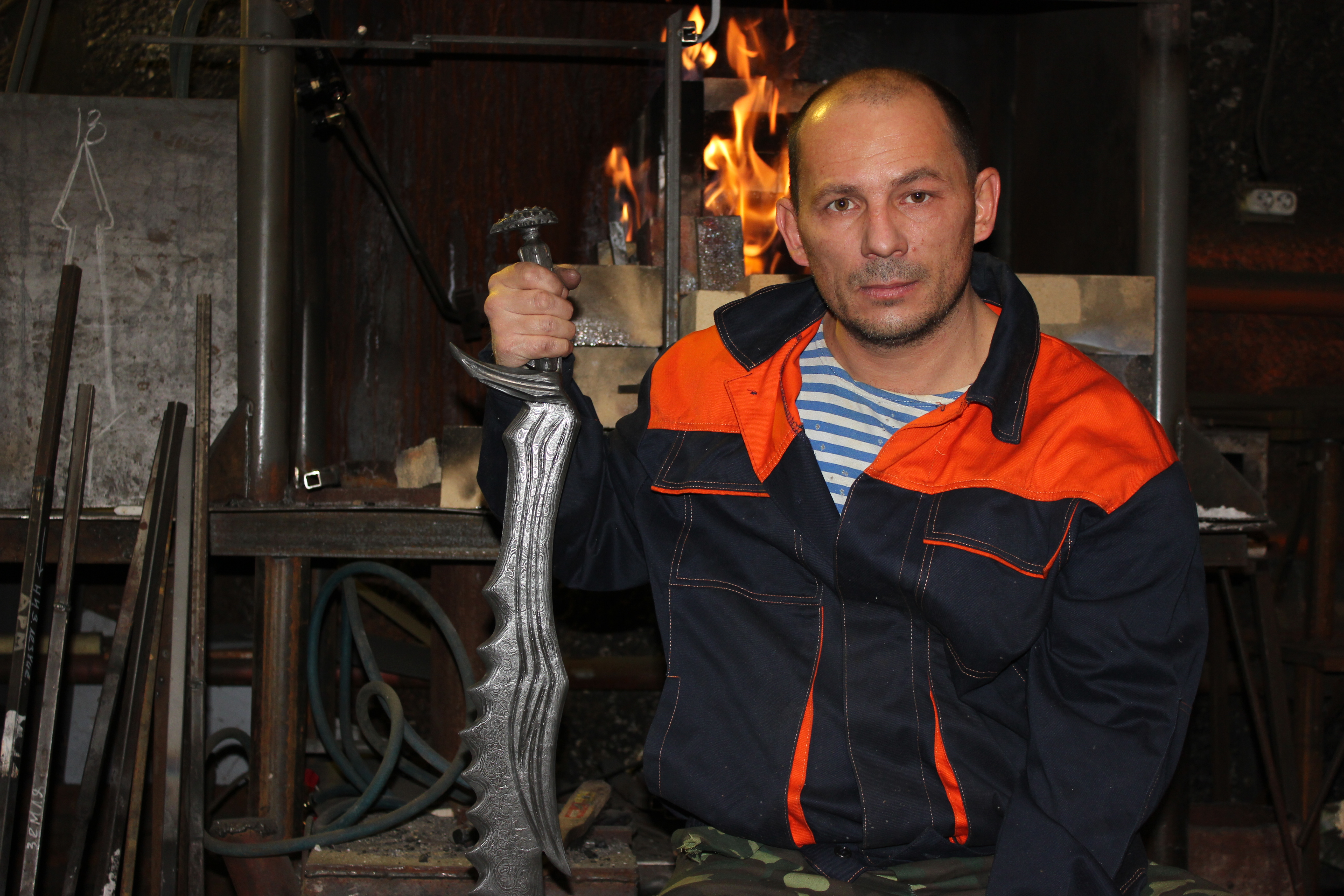
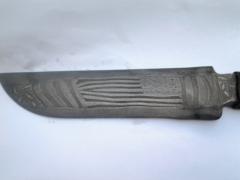
  5. Ковал нож сталь / боец/ Режет все даже металл! Единственный Аналог в мире. Forged steel knife/fighter/Cuts all even metal! The only Equivalent in the world.
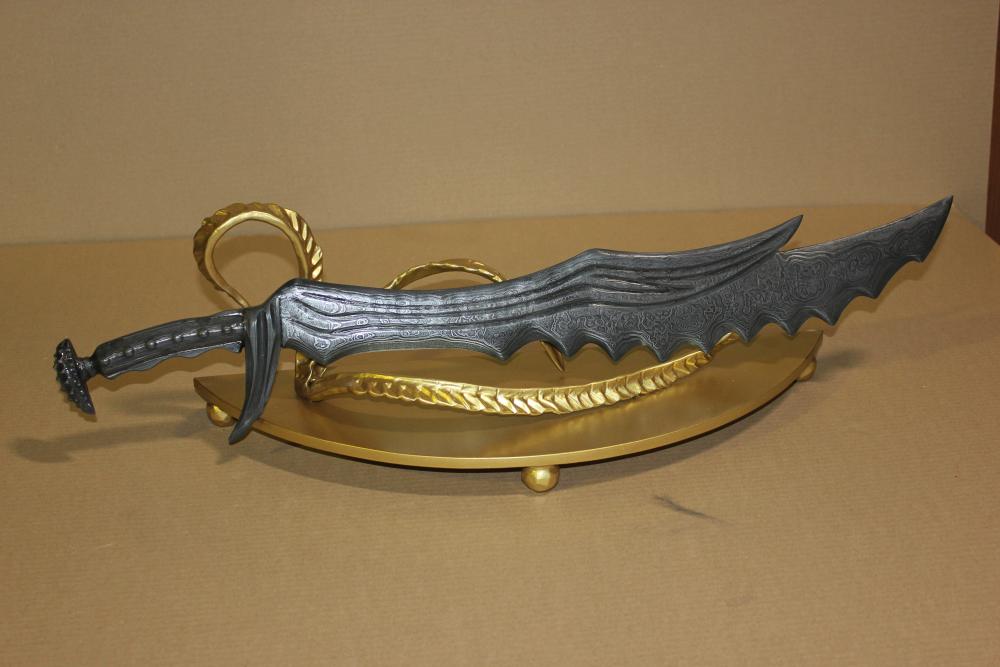
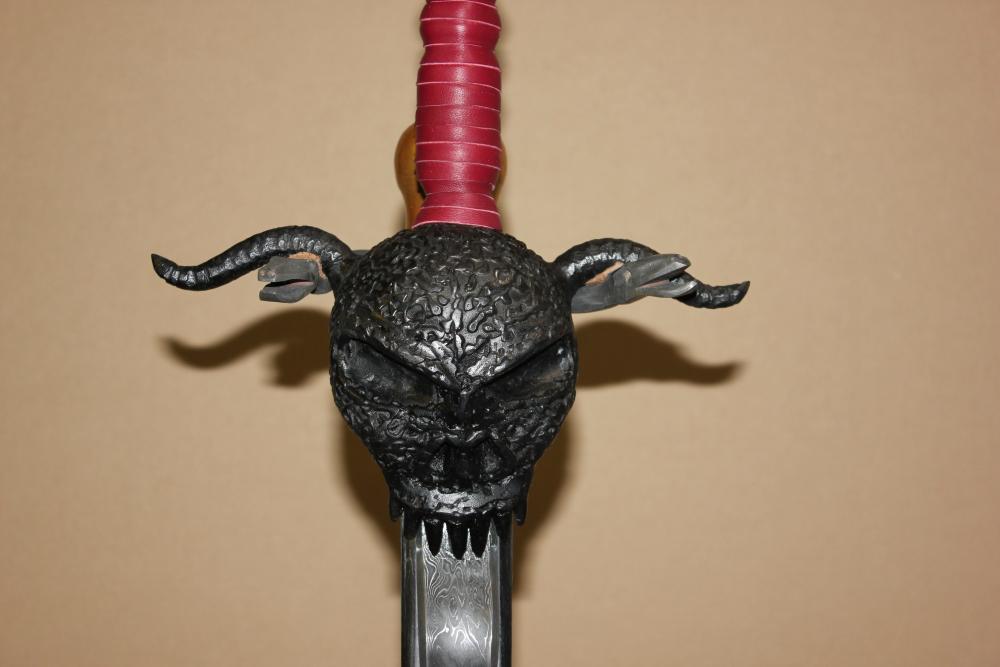
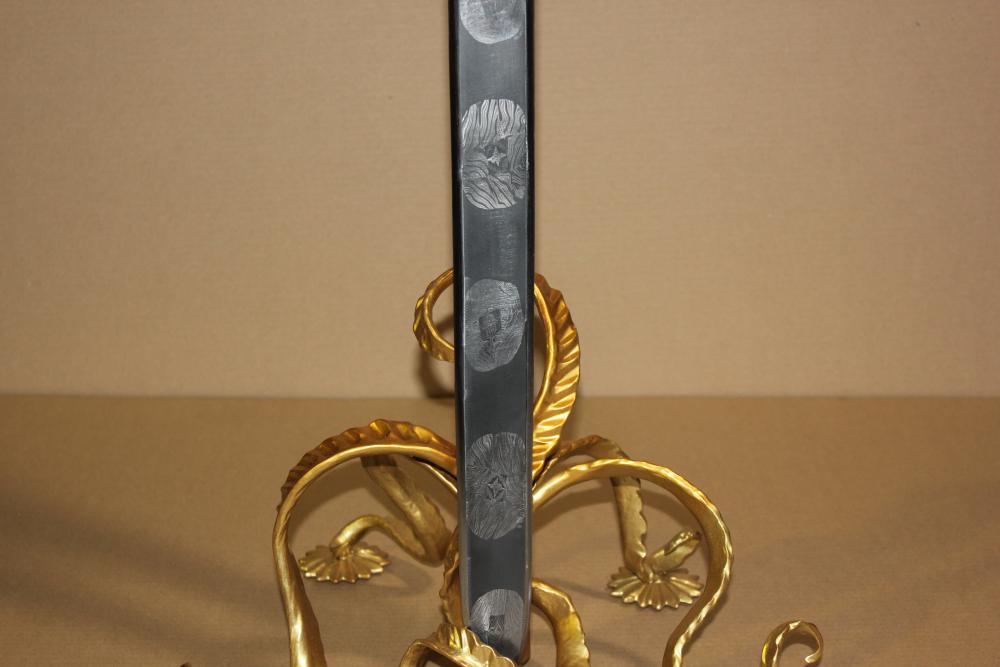
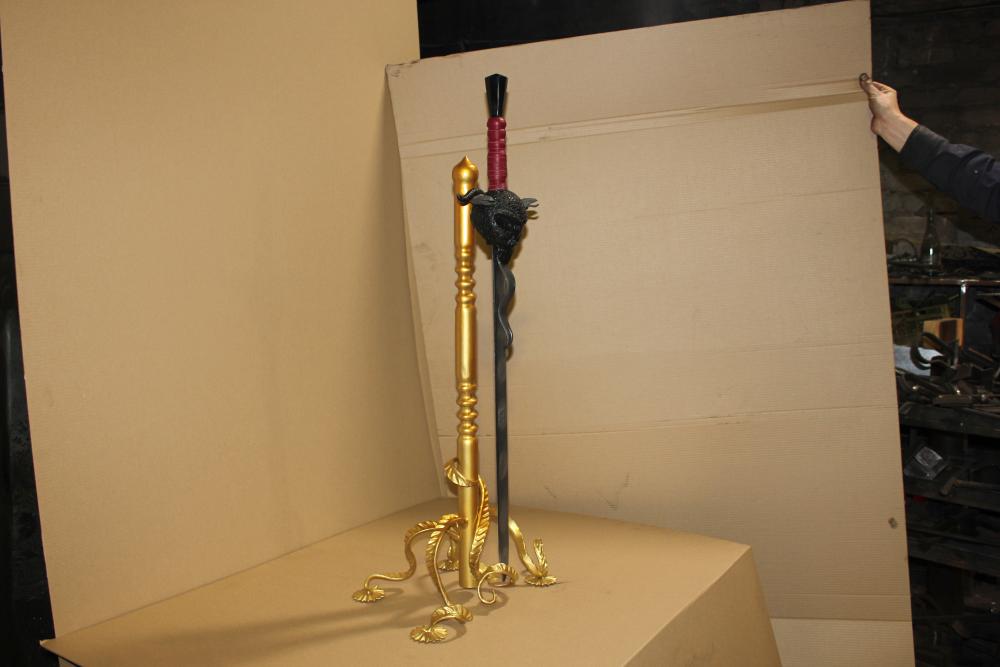
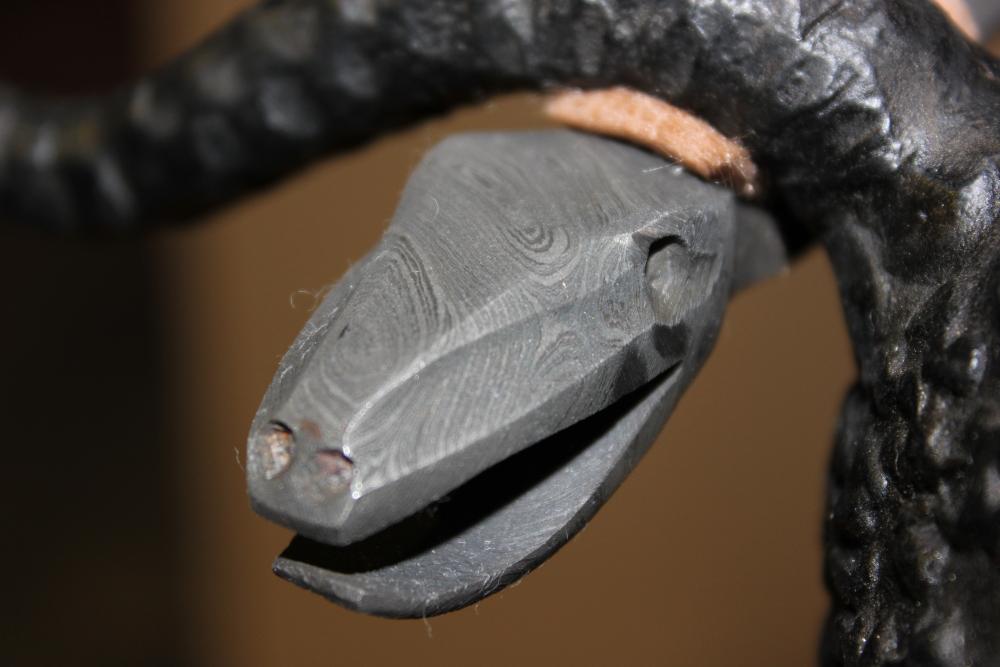
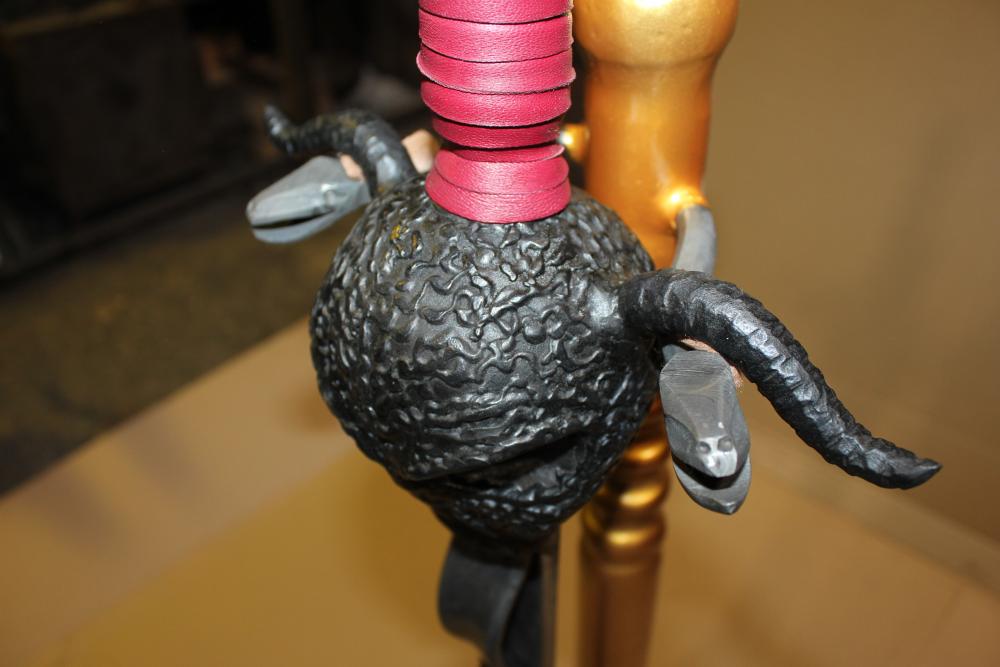
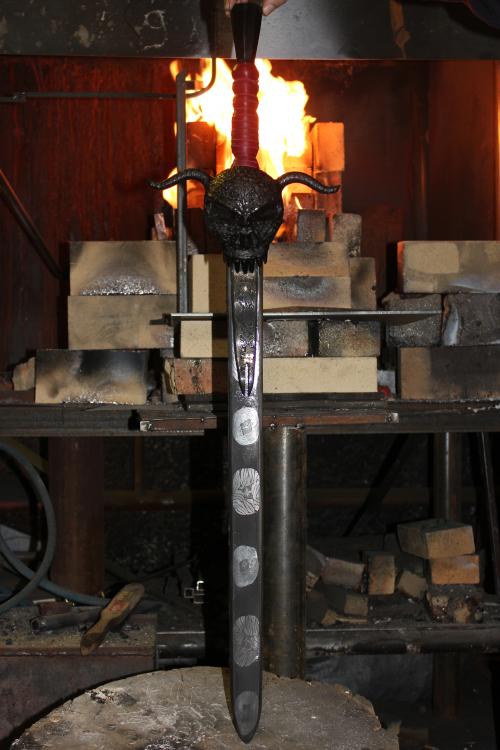
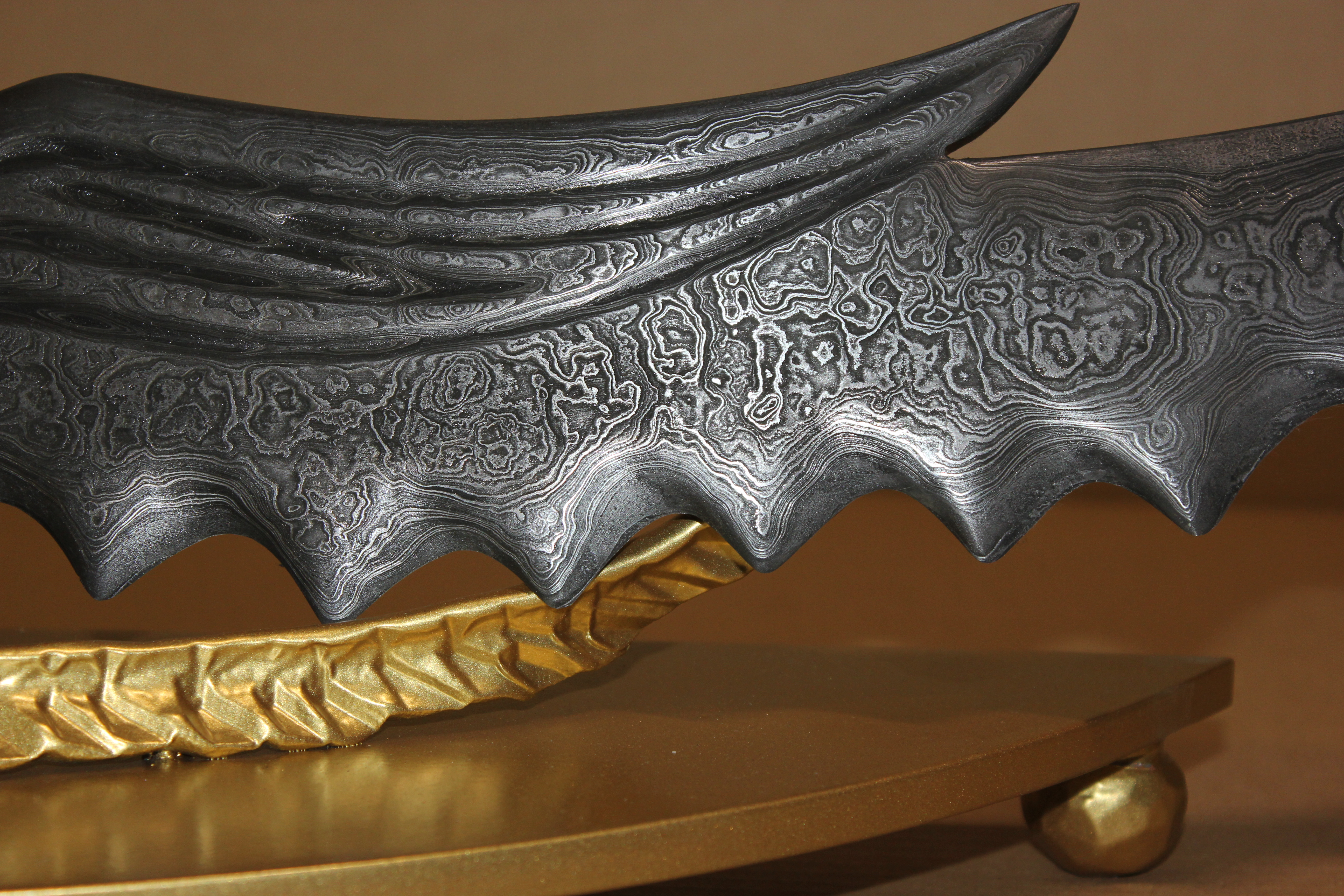
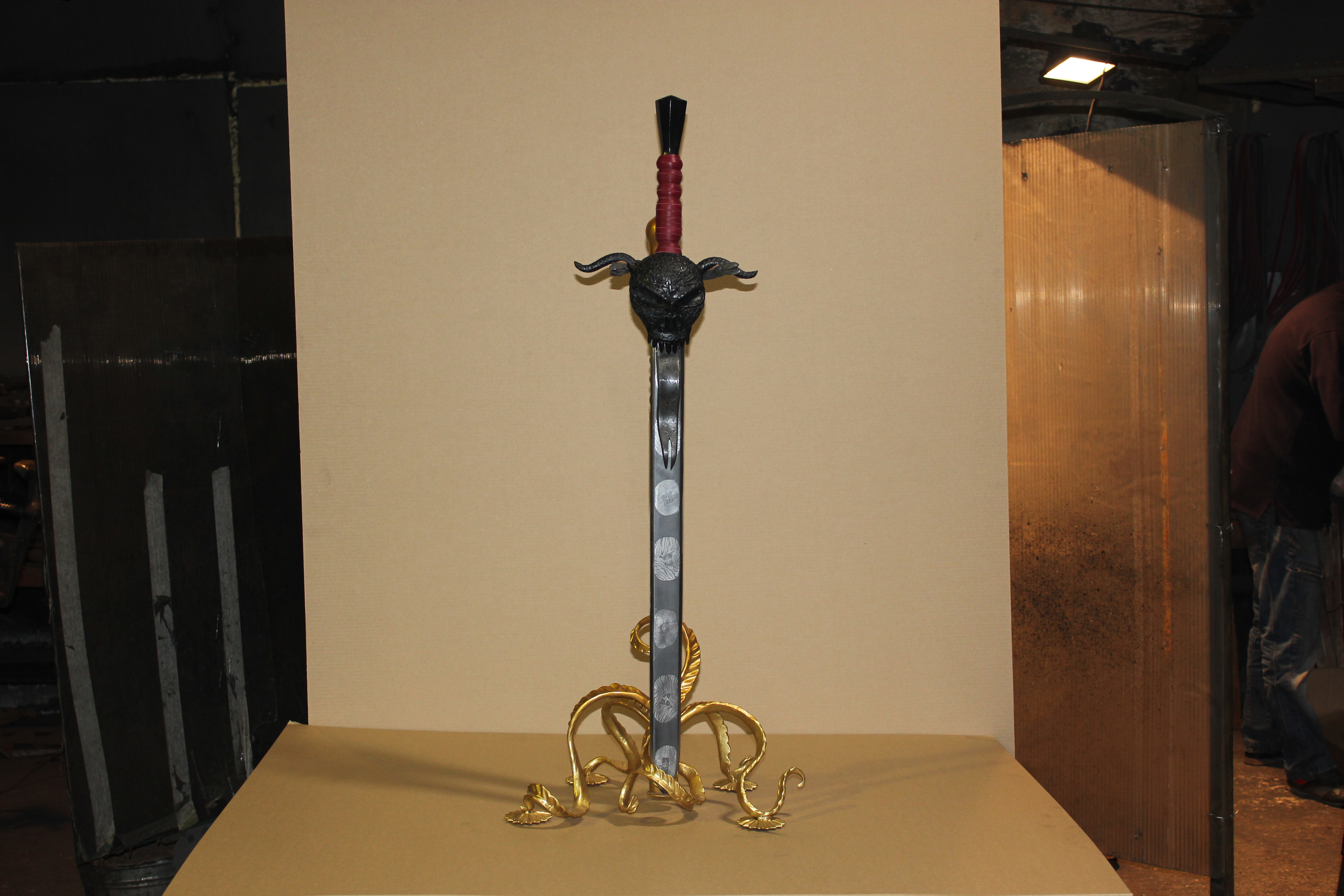
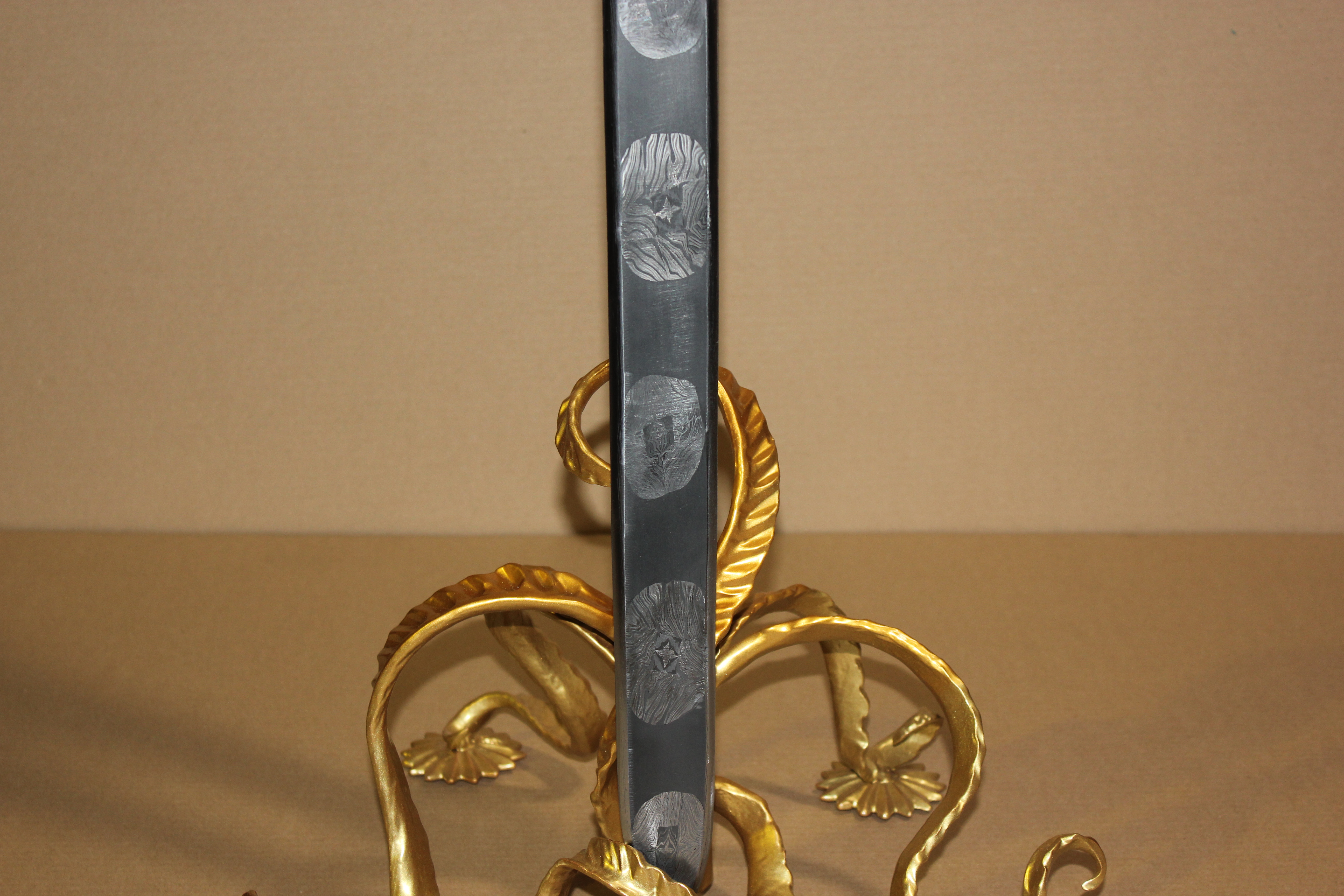
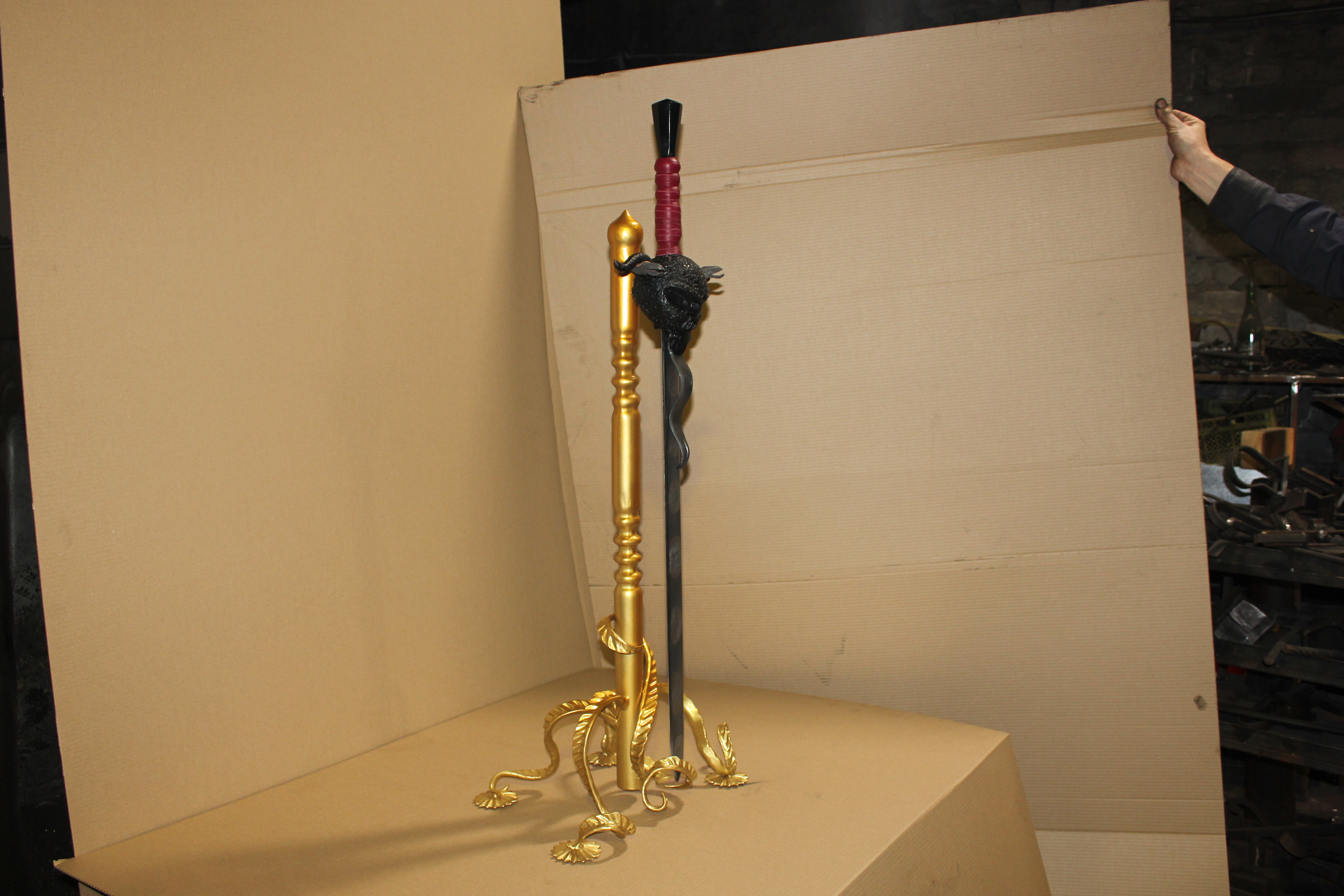
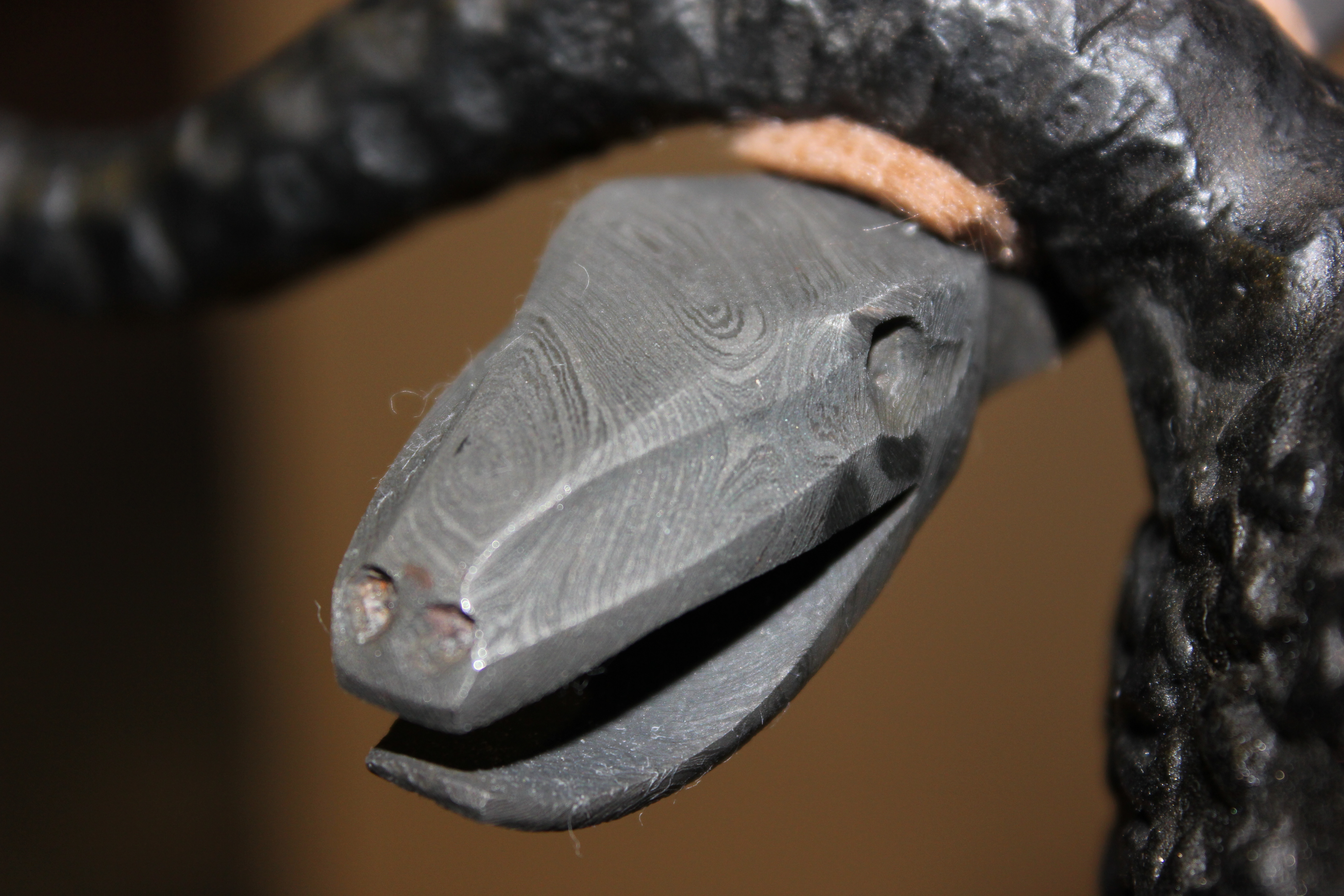
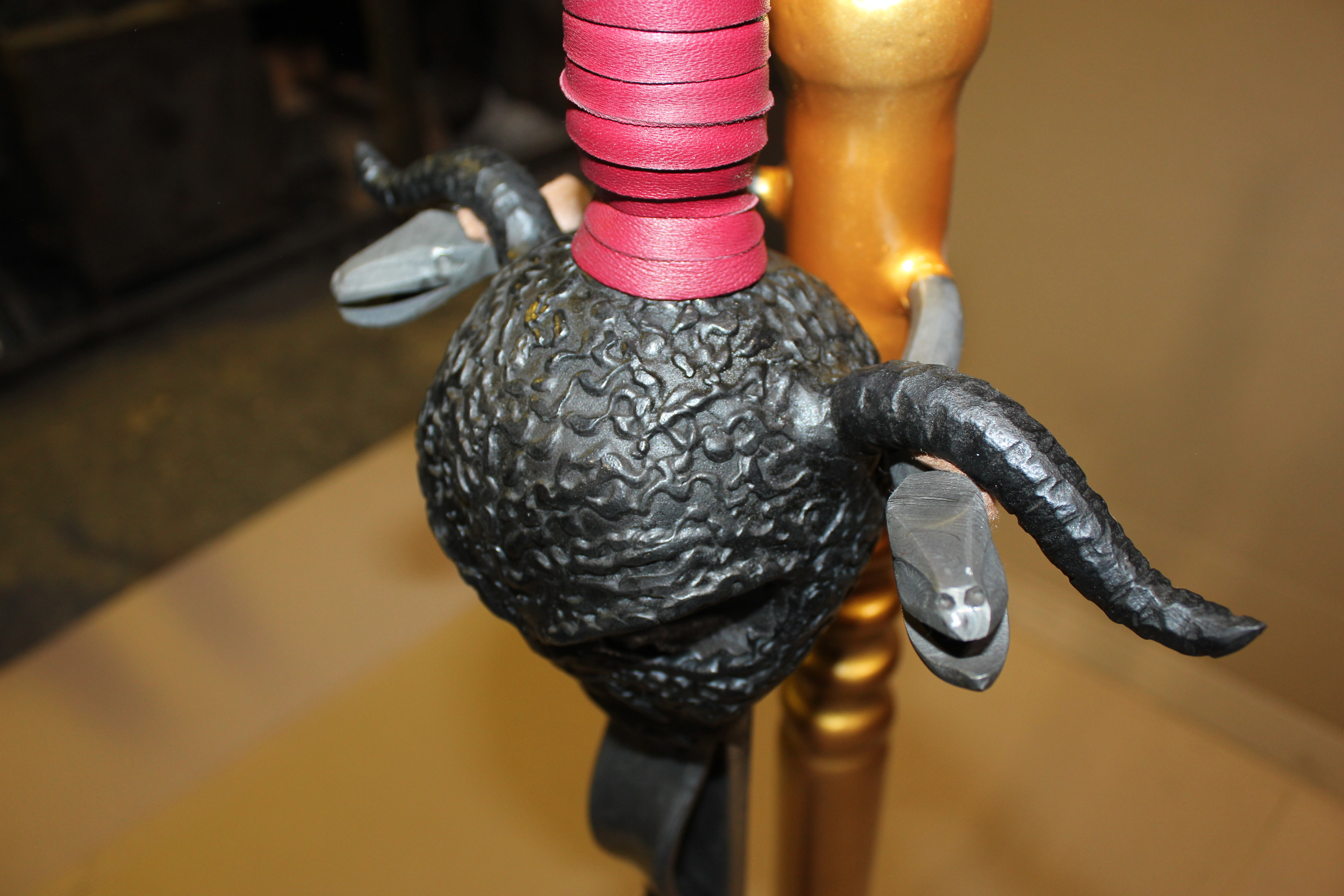
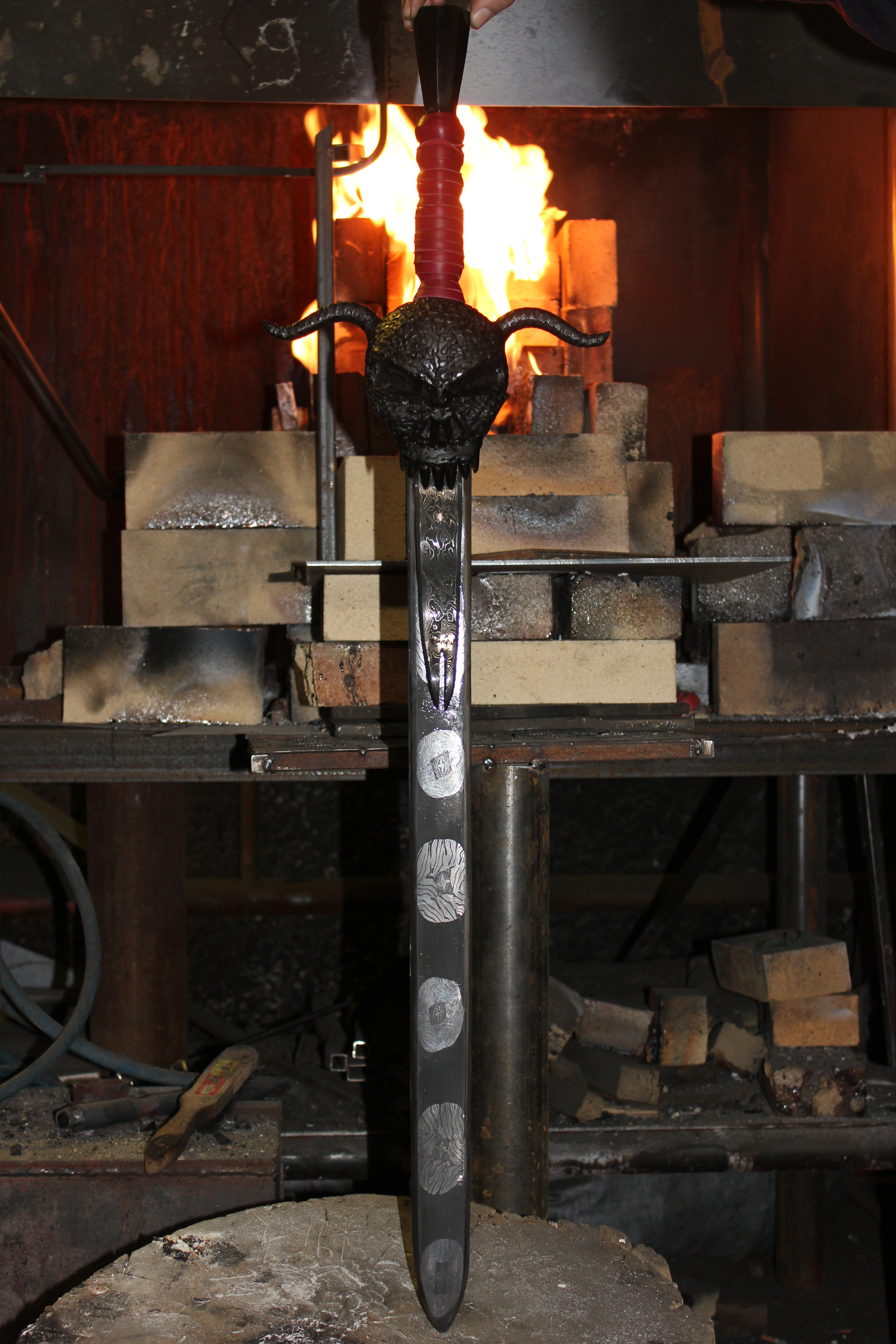
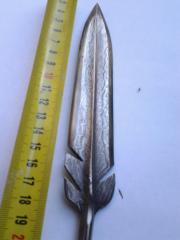
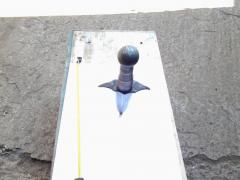
  6. Братья кузнецы! Оцените работу. Меч /сатана/ дамаск, ламинат. Brothers Smiths! Appreciate the work. Sword/Satan/Damascus, laminate flooring.
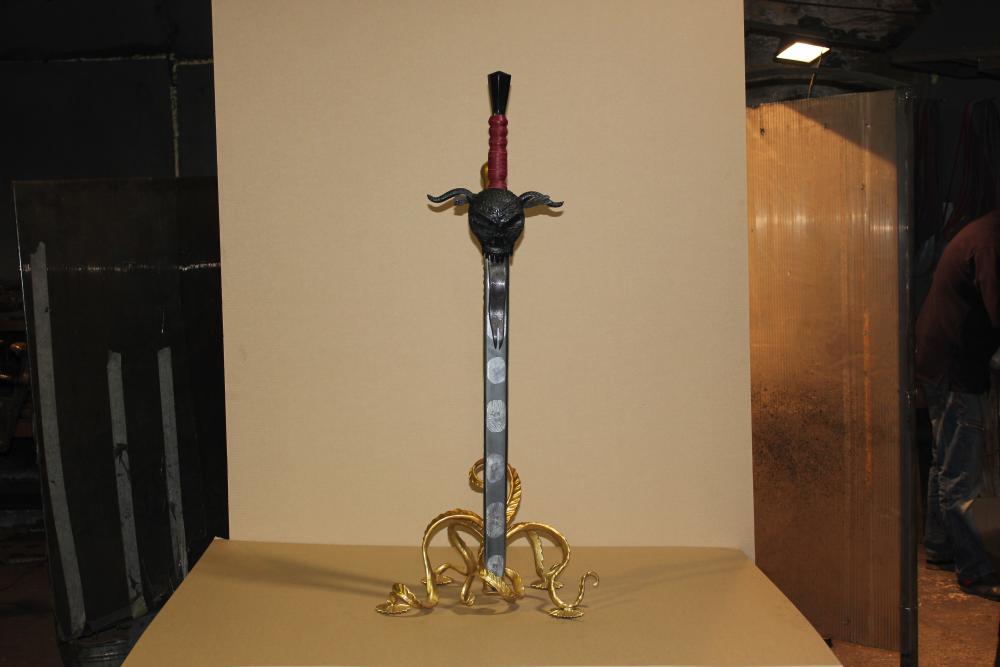
  7. Hadara commented on Hadara's gallery image in Member Galleries
  8. Hadara commented on Hadara's gallery image in Knives
  9. Hadara commented on Hadara's gallery image in Knives
  10. Hadara commented on Hadara's gallery image in Knives
  11. Hadara posted a gallery image in Knives
  12. Hadara posted a gallery image in Knives

Account

Navigation

Search

Search

Configure browser push notifications

Chrome (Android)
  1. Tap the lock icon next to the address bar.
  2. Tap Permissions → Notifications.
  3. Adjust your preference.
Chrome (Desktop)
  1. Click the padlock icon in the address bar.
  2. Select Site settings.
  3. Find Notifications and adjust your preference.