Skip to content
View in the app

A better way to browse. Learn more.

I Forge Iron

A full-screen app on your home screen with push notifications, badges and more.

To install this app on iOS and iPadOS
  1. Tap the Share icon in Safari
  2. Scroll the menu and tap Add to Home Screen.
  3. Tap Add in the top-right corner.
To install this app on Android
  1. Tap the 3-dot menu (⋮) in the top-right corner of the browser.
  2. Tap Add to Home screen or Install app.
  3. Confirm by tapping Install.

Jozi

Members
  • Joined

  • Last visited

Everything posted by Jozi

  1. Thank you all ! Ausfire i'll try to send you a top picture later today, it's just a tenon welded and grinded at the end.
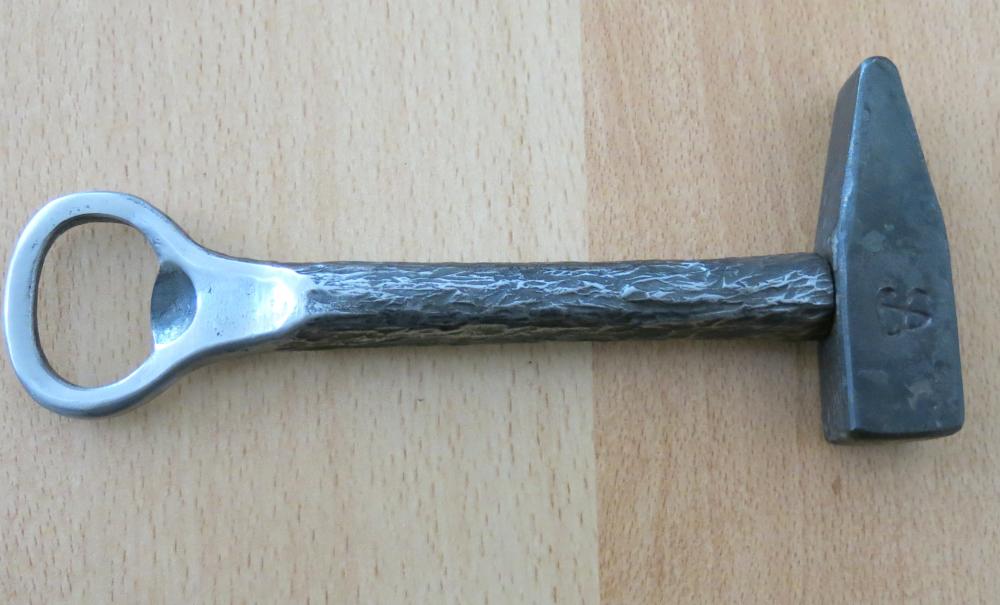
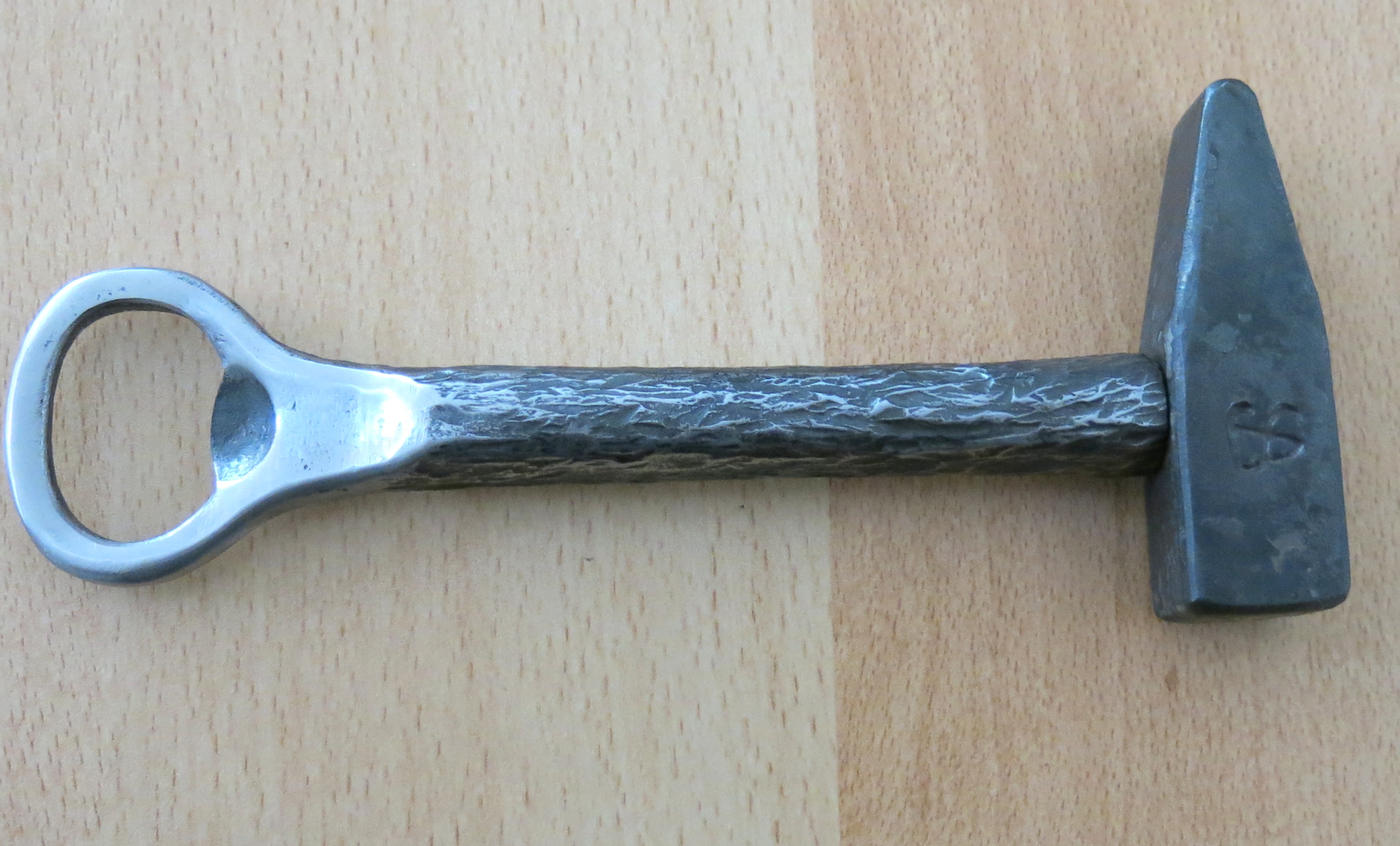
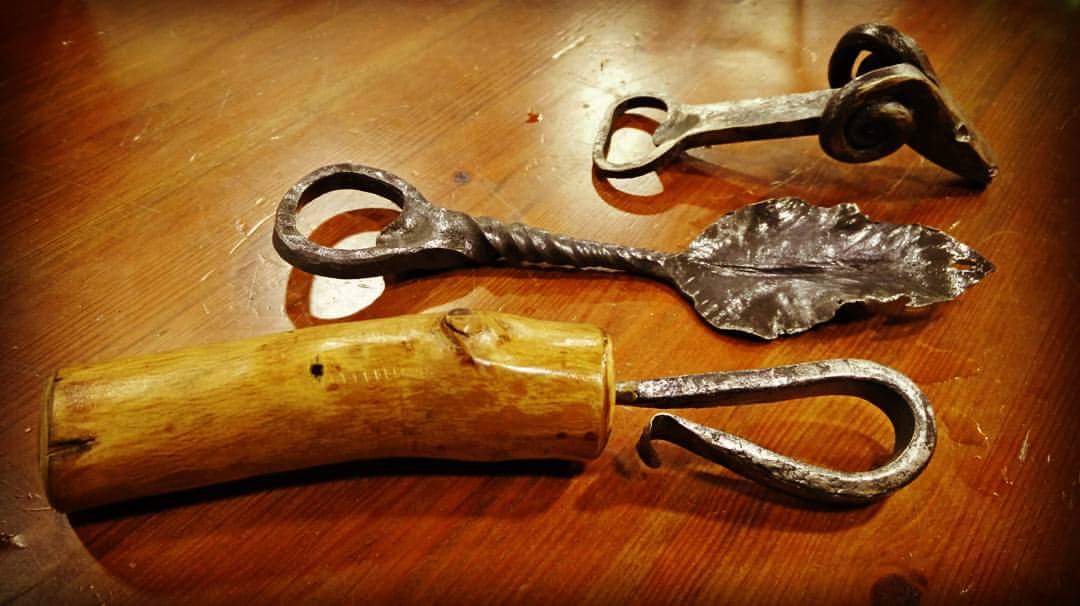
  2. my version of hammer opener
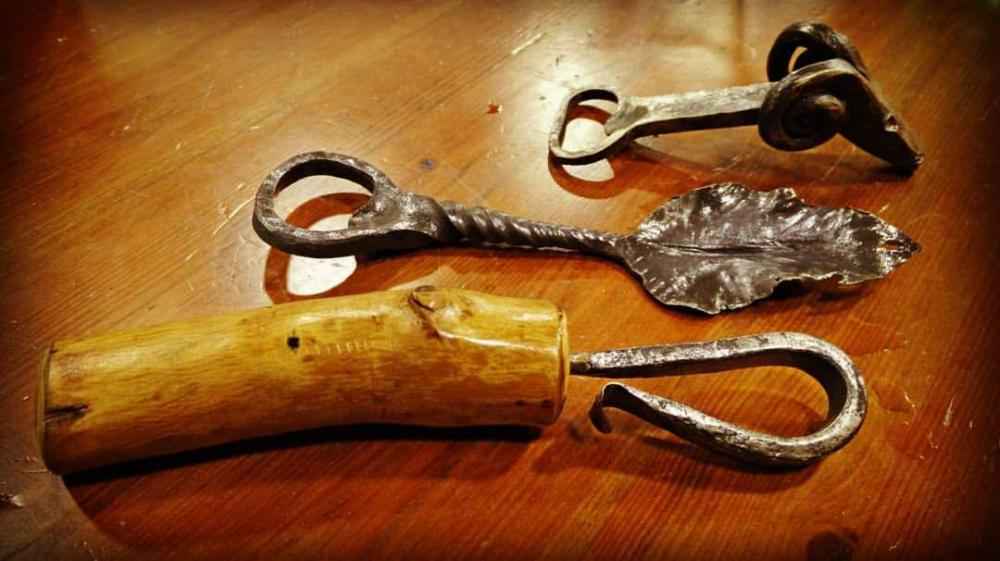
  3. Made a new corkscrew today
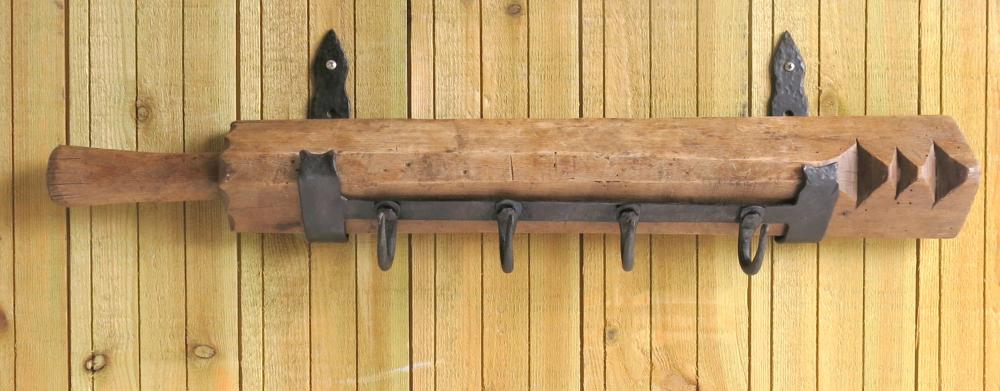
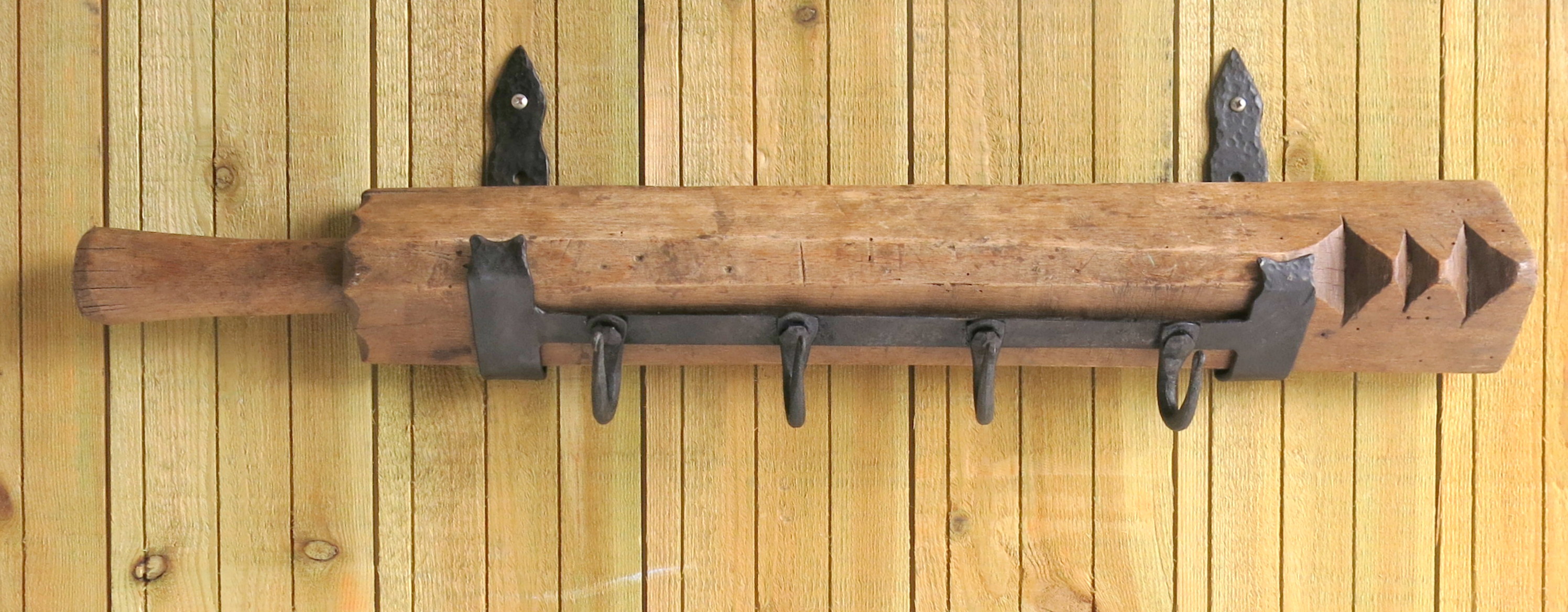
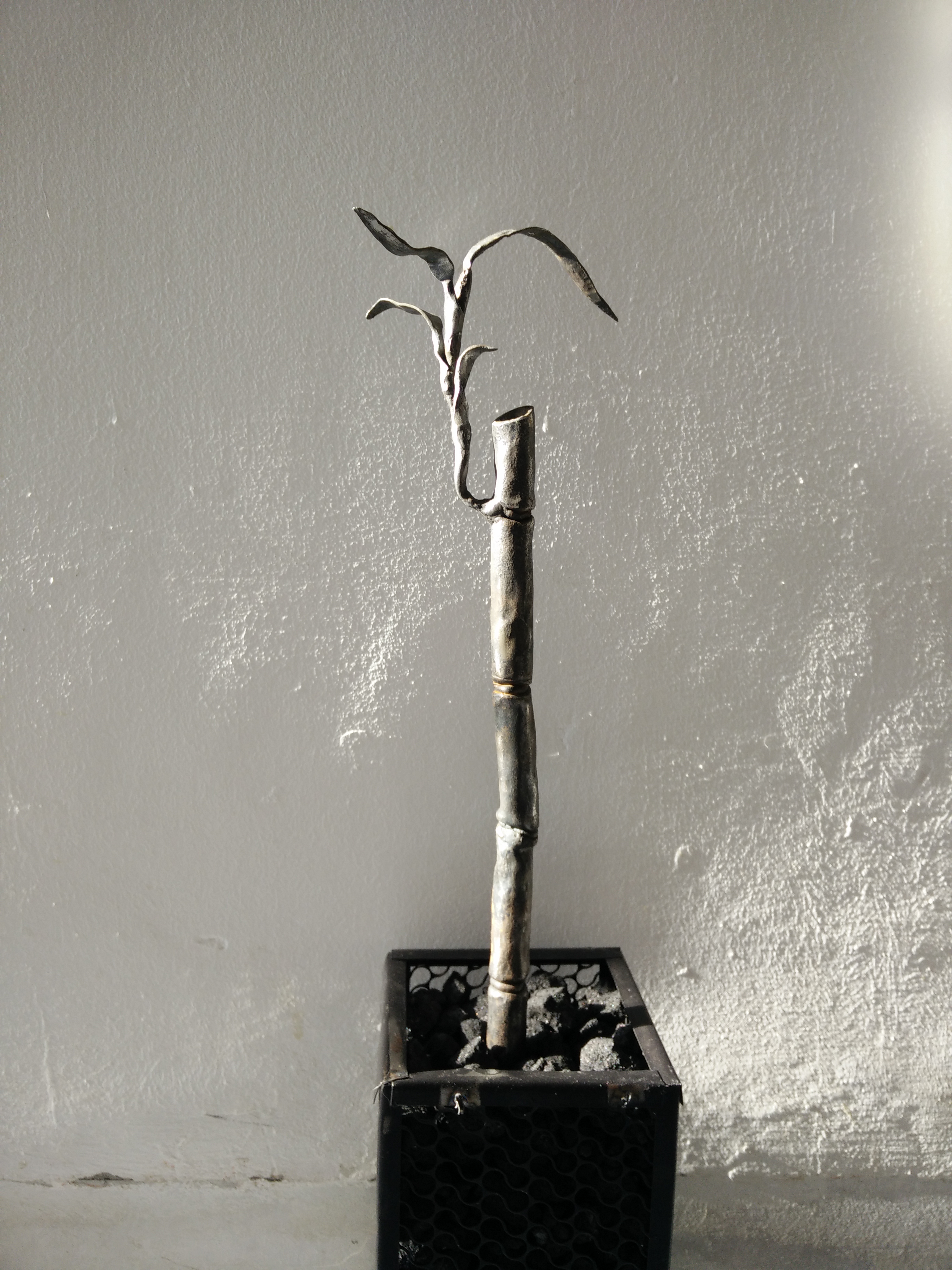
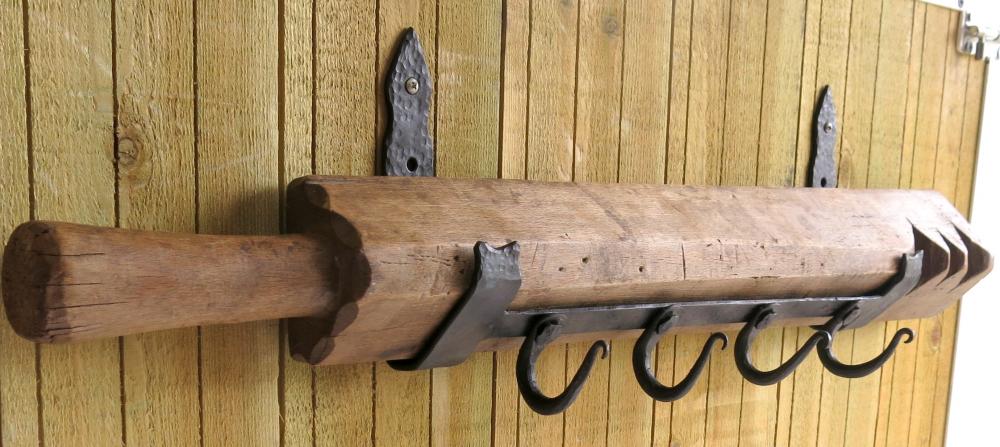
  4. One of my latest works, just got this piece of wood from an antique store in order to repurpose it. here is the result. Yoav
  5. Thanks, merry christmas !
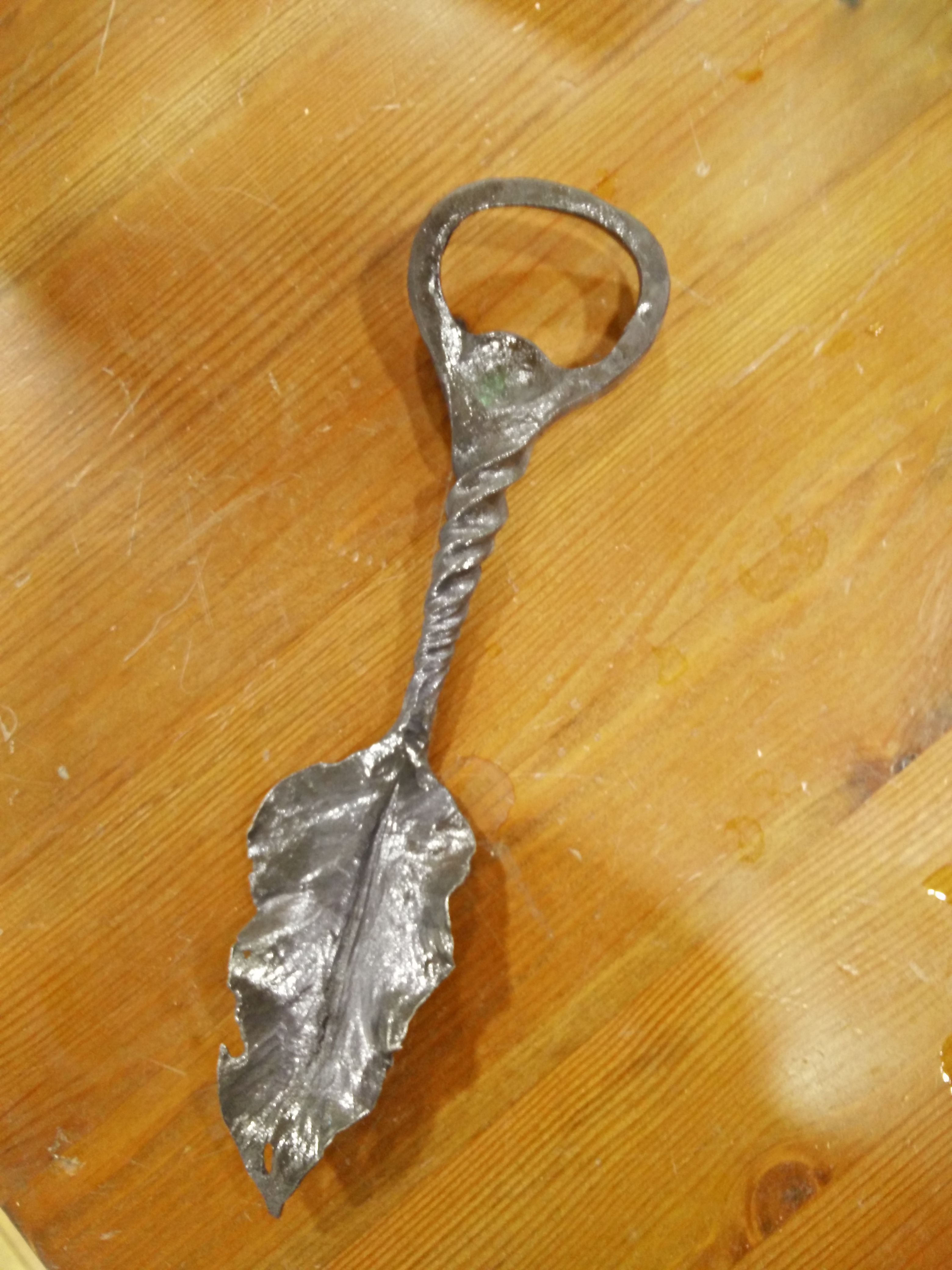
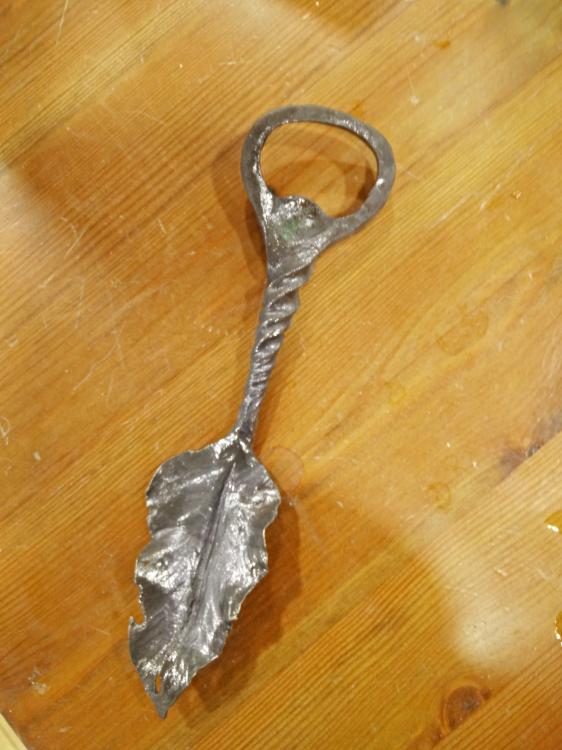
  6. Forging carver here is another one for you... It's all in the texture
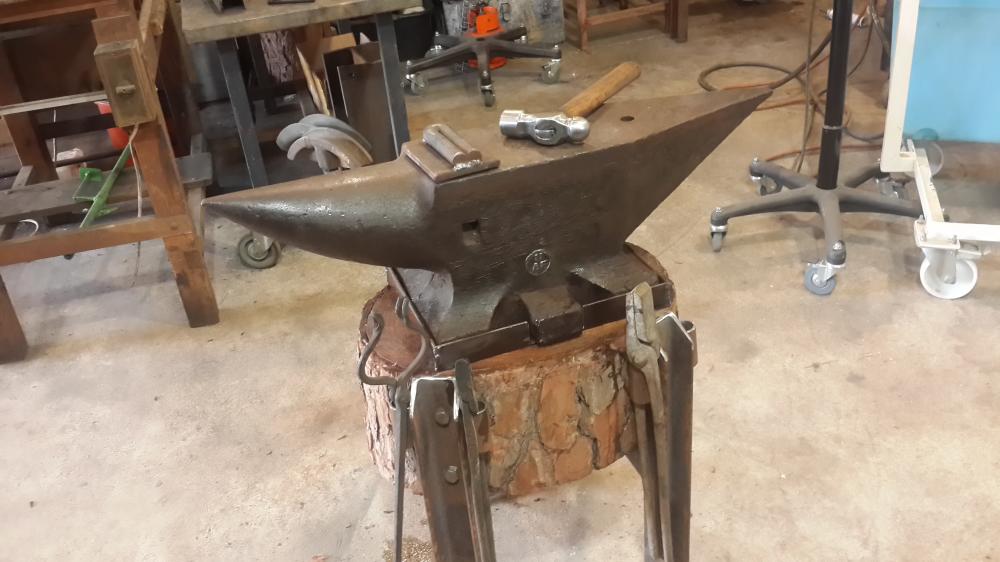
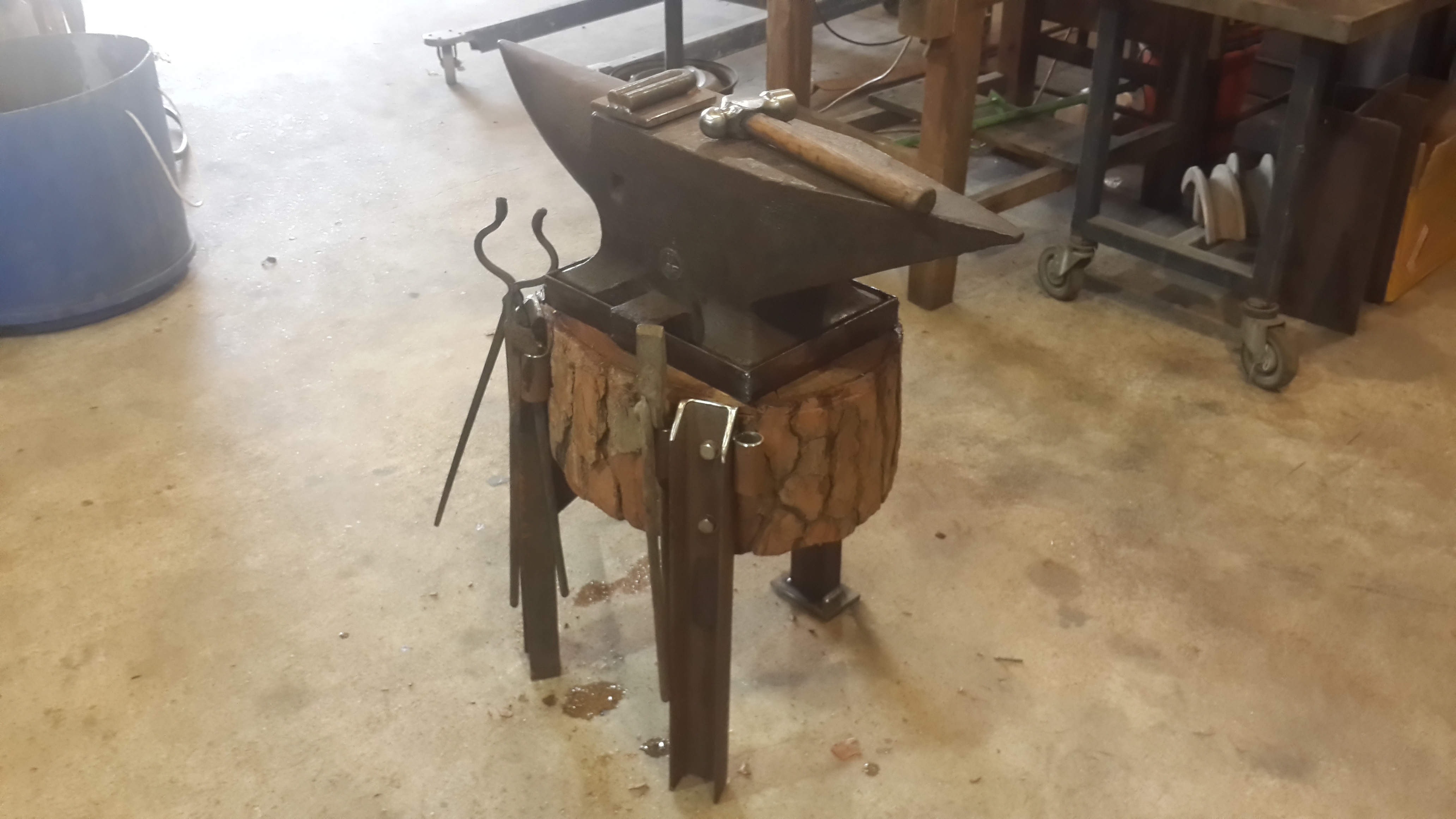
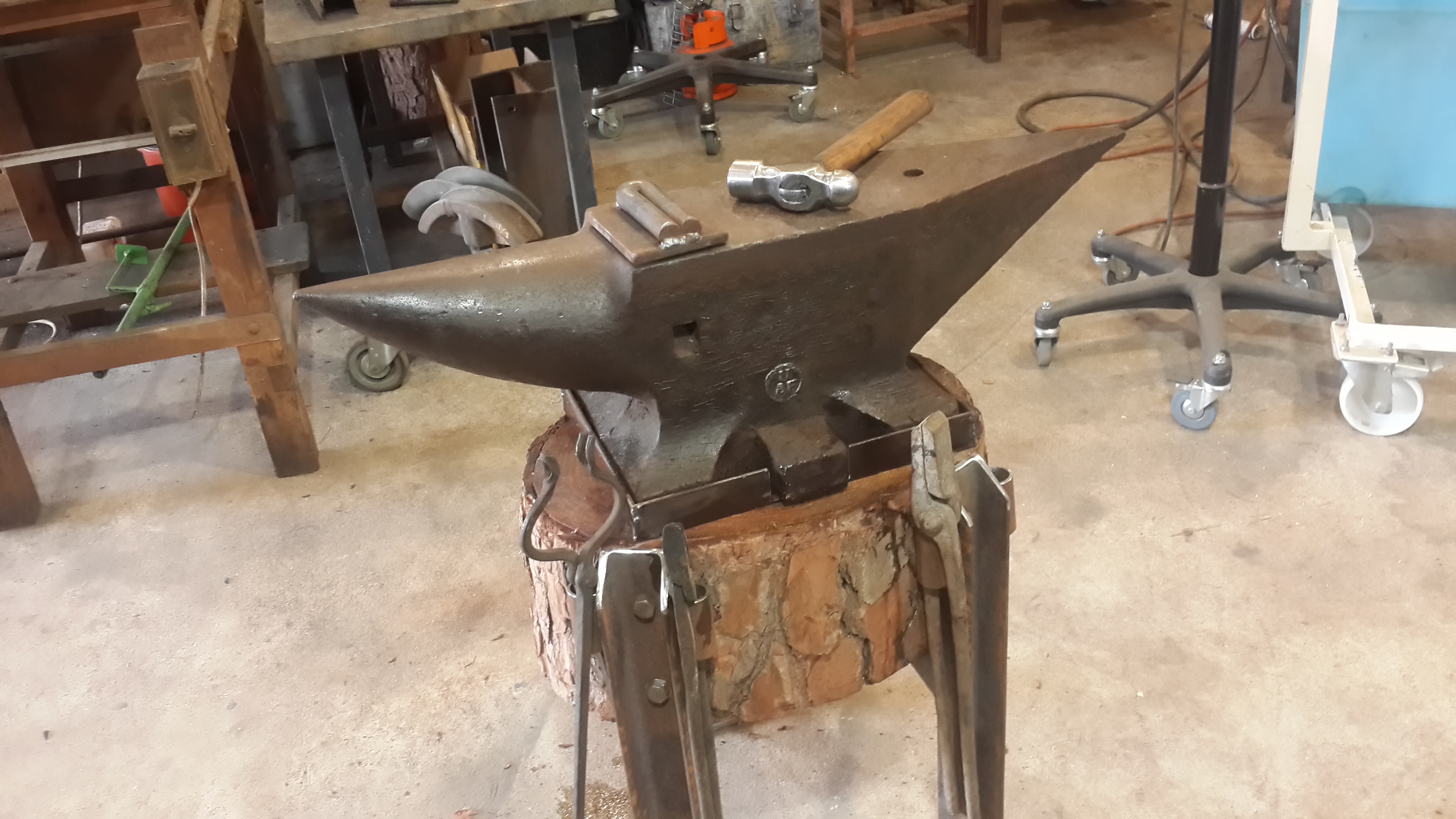
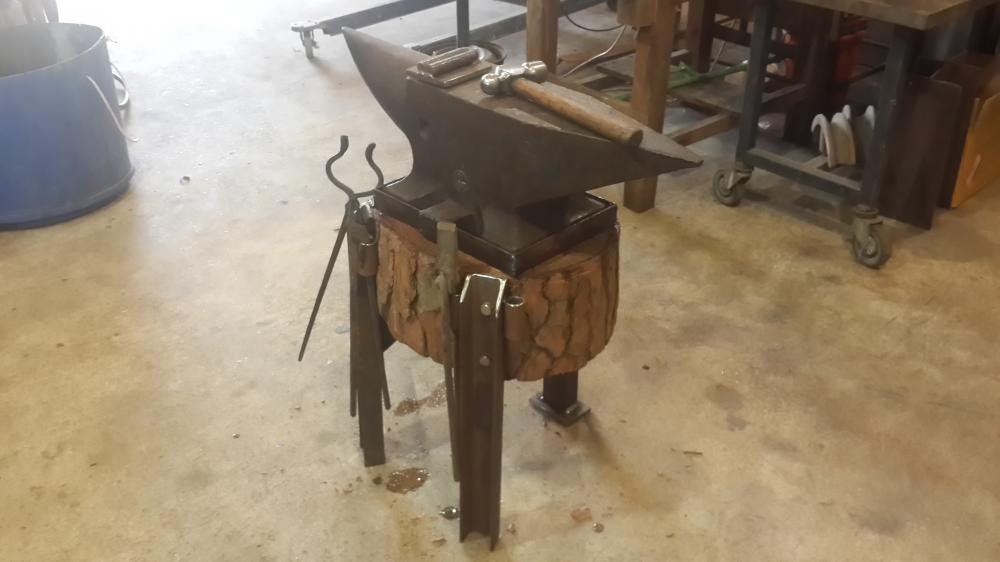
  7. Thanks, the anvil is definitely more quiet then it was on the metal stand although I would like it to be quieter.
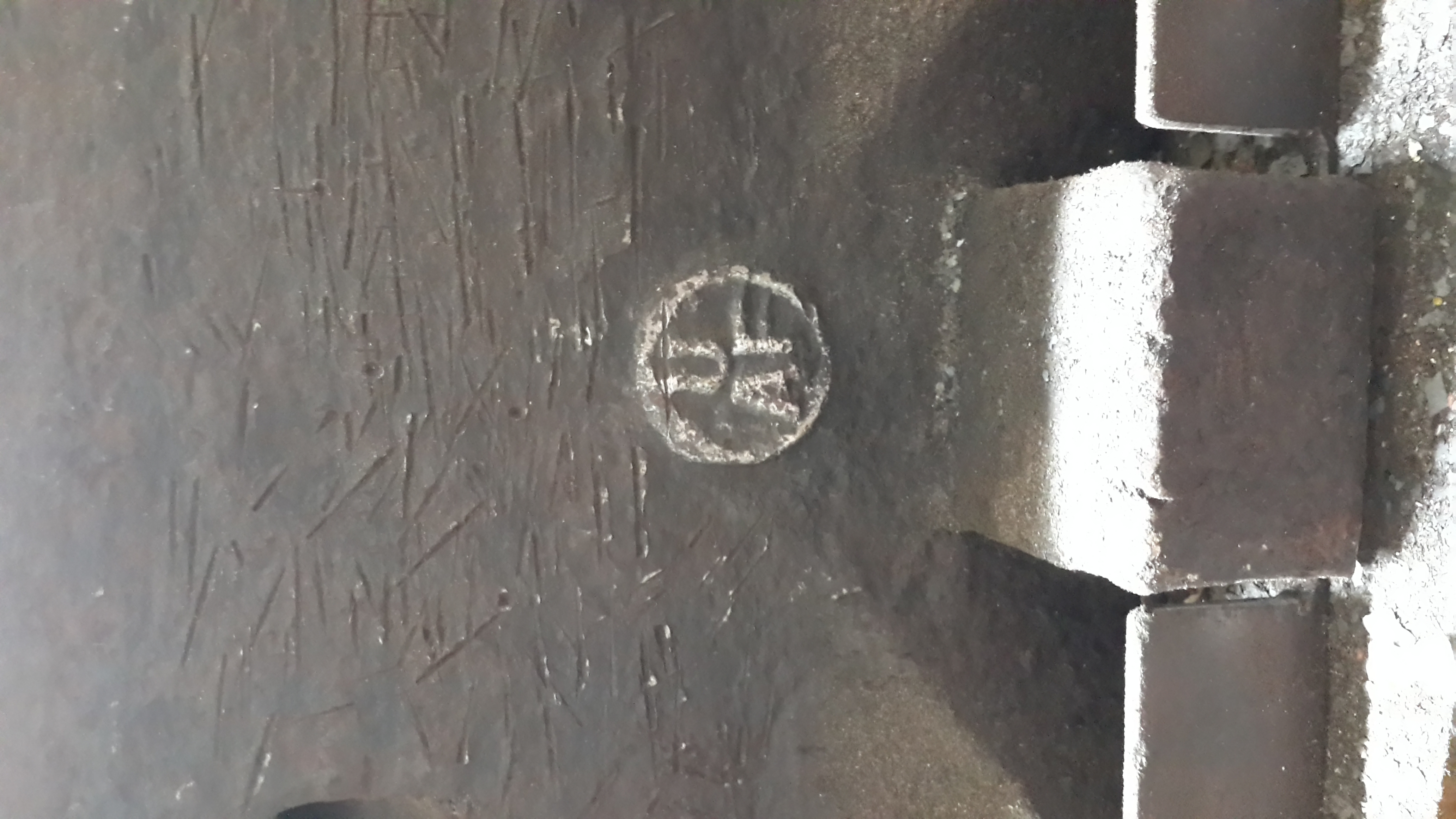
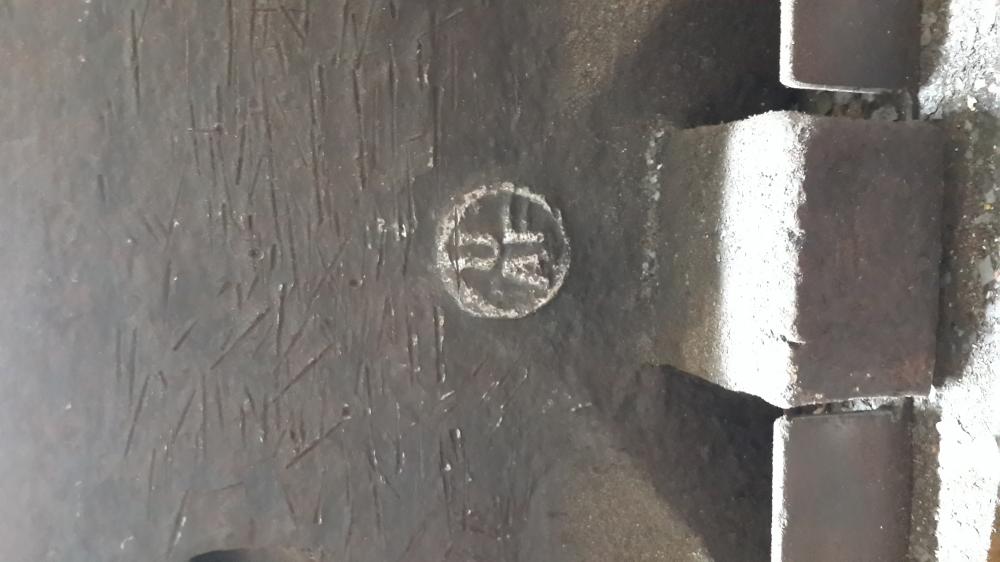
  8. Hi, I'm looking to id my anvil. It's a 120 kg and have a stamp of UAf ? From what I'v been told it's a German shape anvil. Thanks
Account

Navigation

Search

Search

Configure browser push notifications

Chrome (Android)
  1. Tap the lock icon next to the address bar.
  2. Tap Permissions → Notifications.
  3. Adjust your preference.
Chrome (Desktop)
  1. Click the padlock icon in the address bar.
  2. Select Site settings.
  3. Find Notifications and adjust your preference.