cable
Members
-
Joined
-
Last visited
-
Thanks for the ideas guys!
-
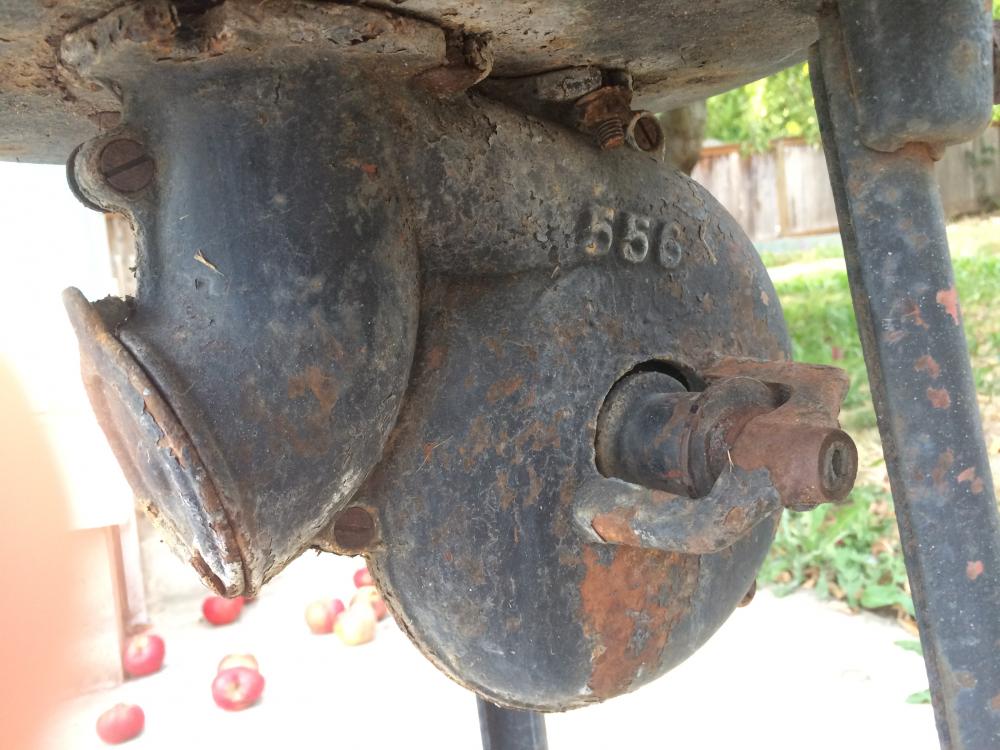
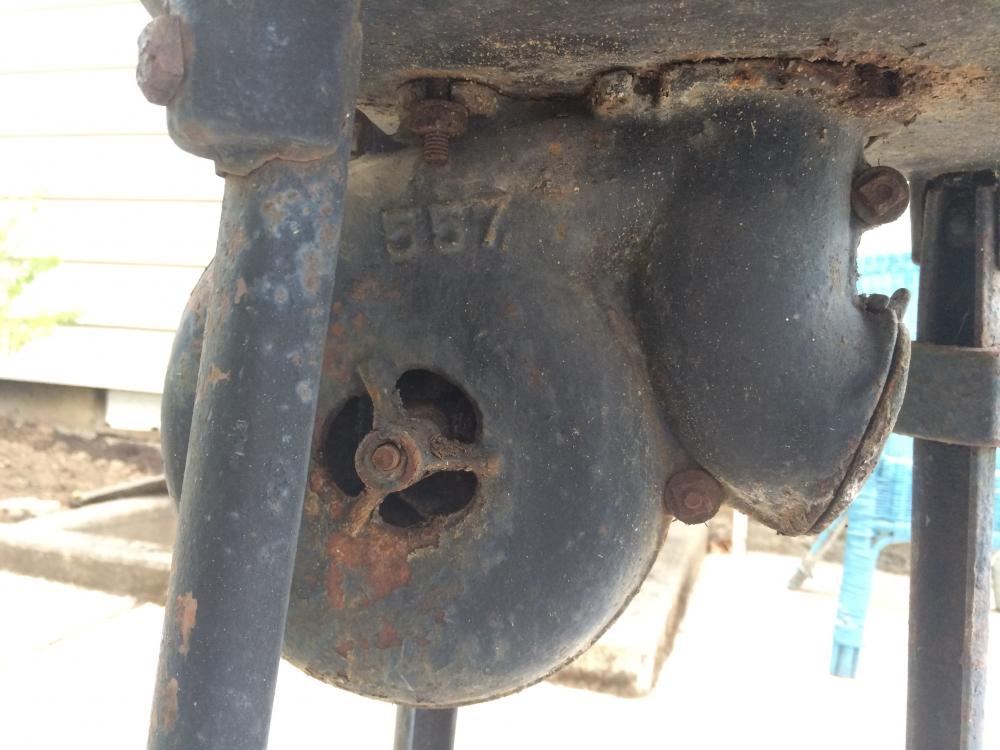
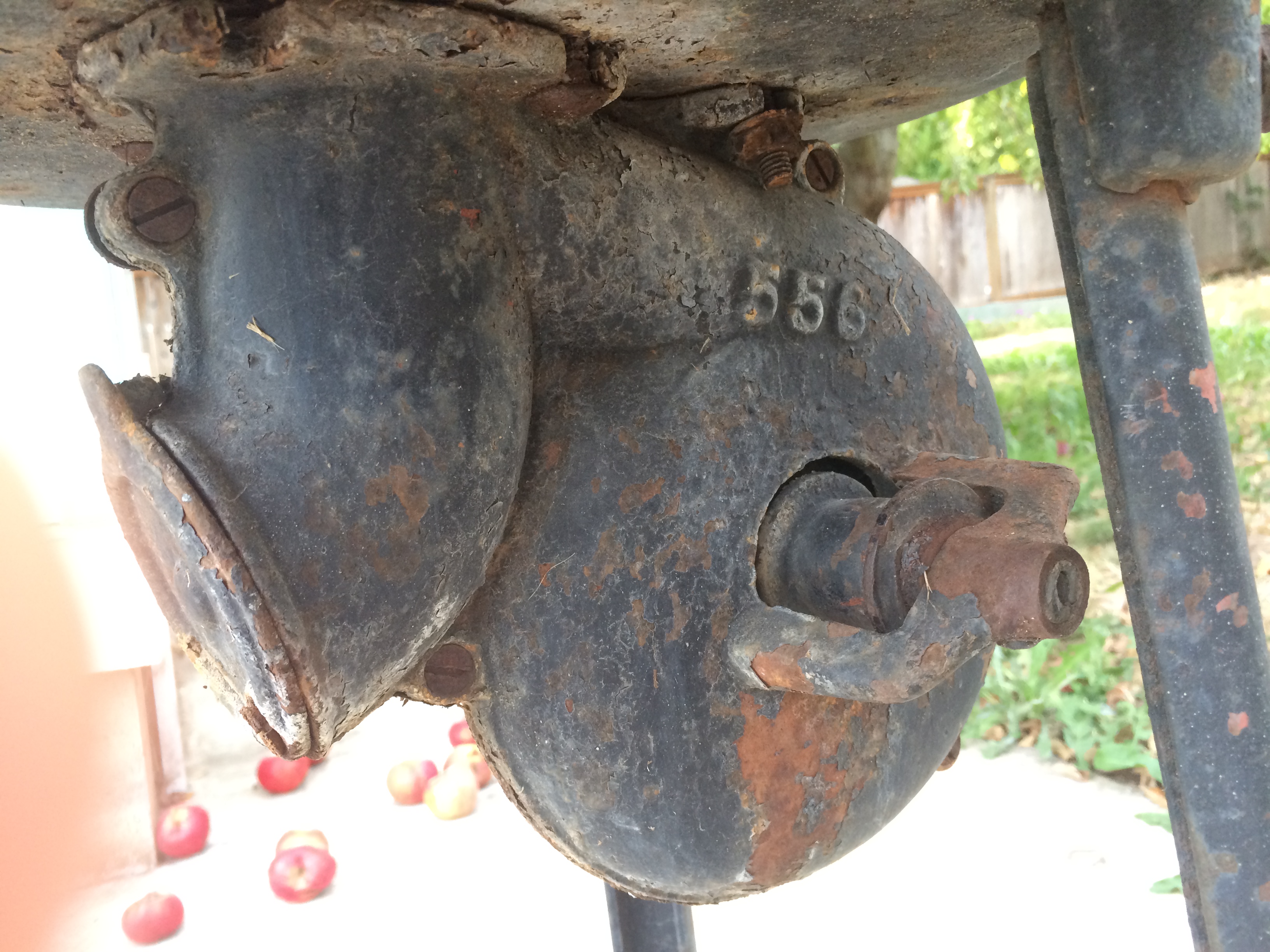
Not quite sure what I'm going to be burning yet, any suggestions would be helpful. I'm getting ready to take some classes at a local blacksmith shop here so hopefully I'll be learning more about what I should do with this thing. Any chance I could see a couple pics from other angles of your rivet forge so I can see how the blower works?
-
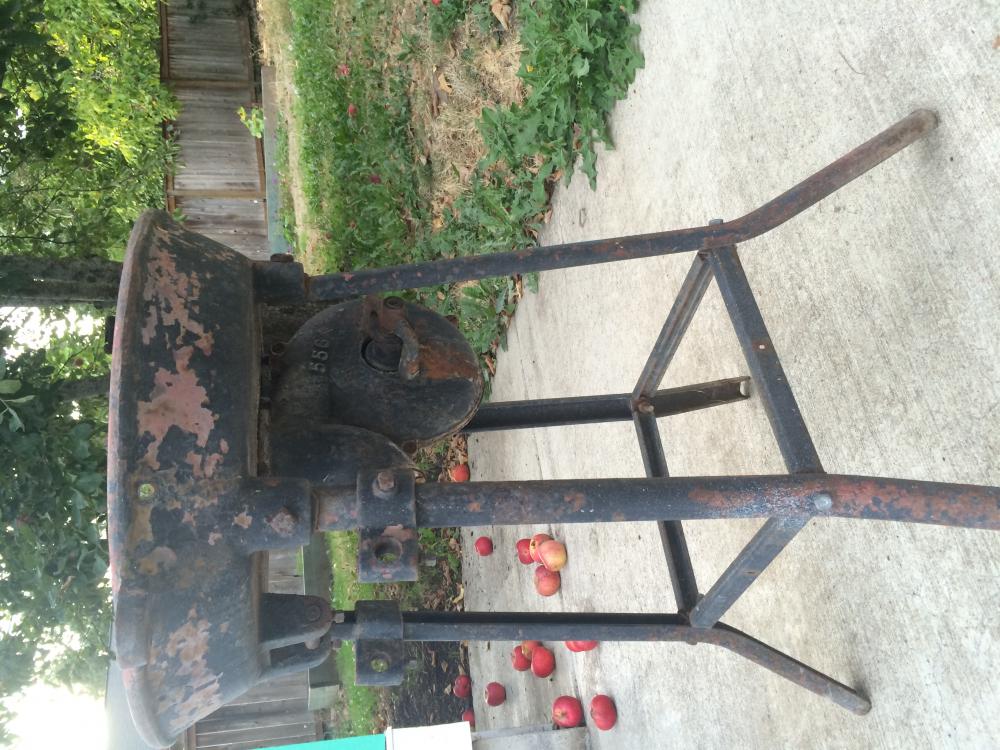
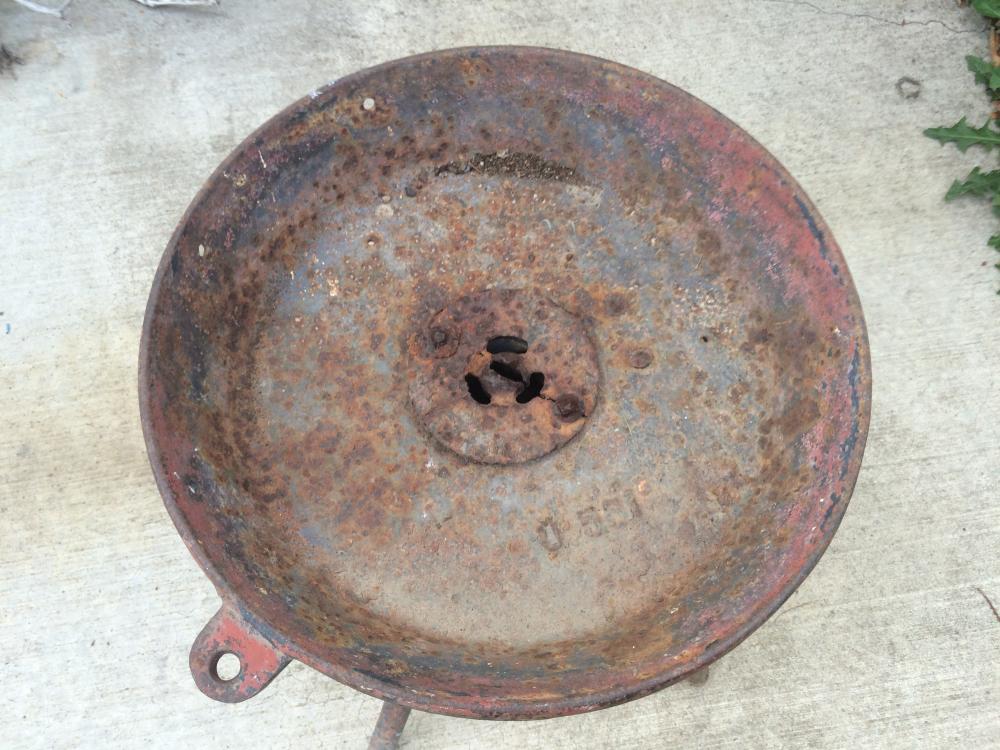
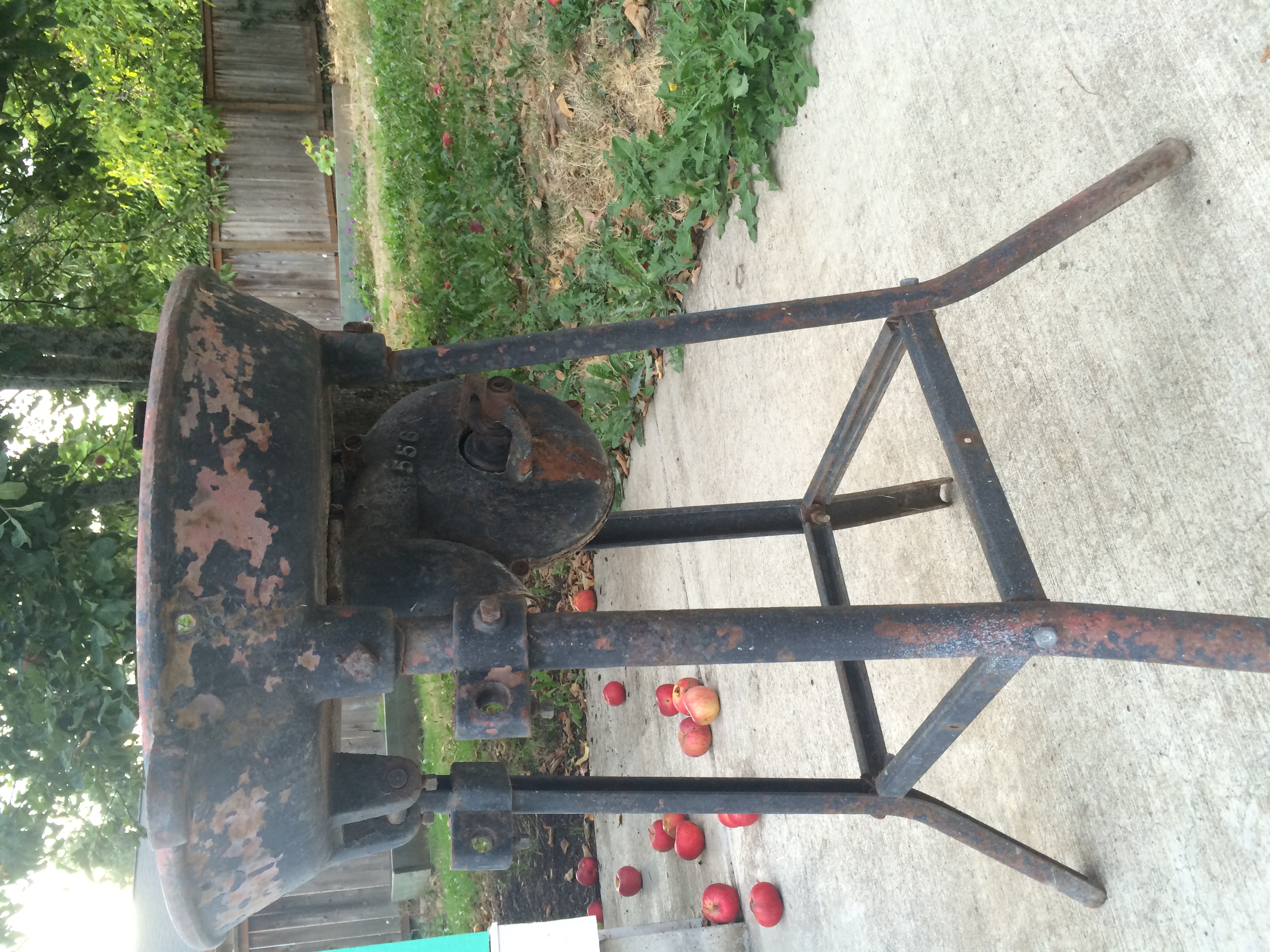
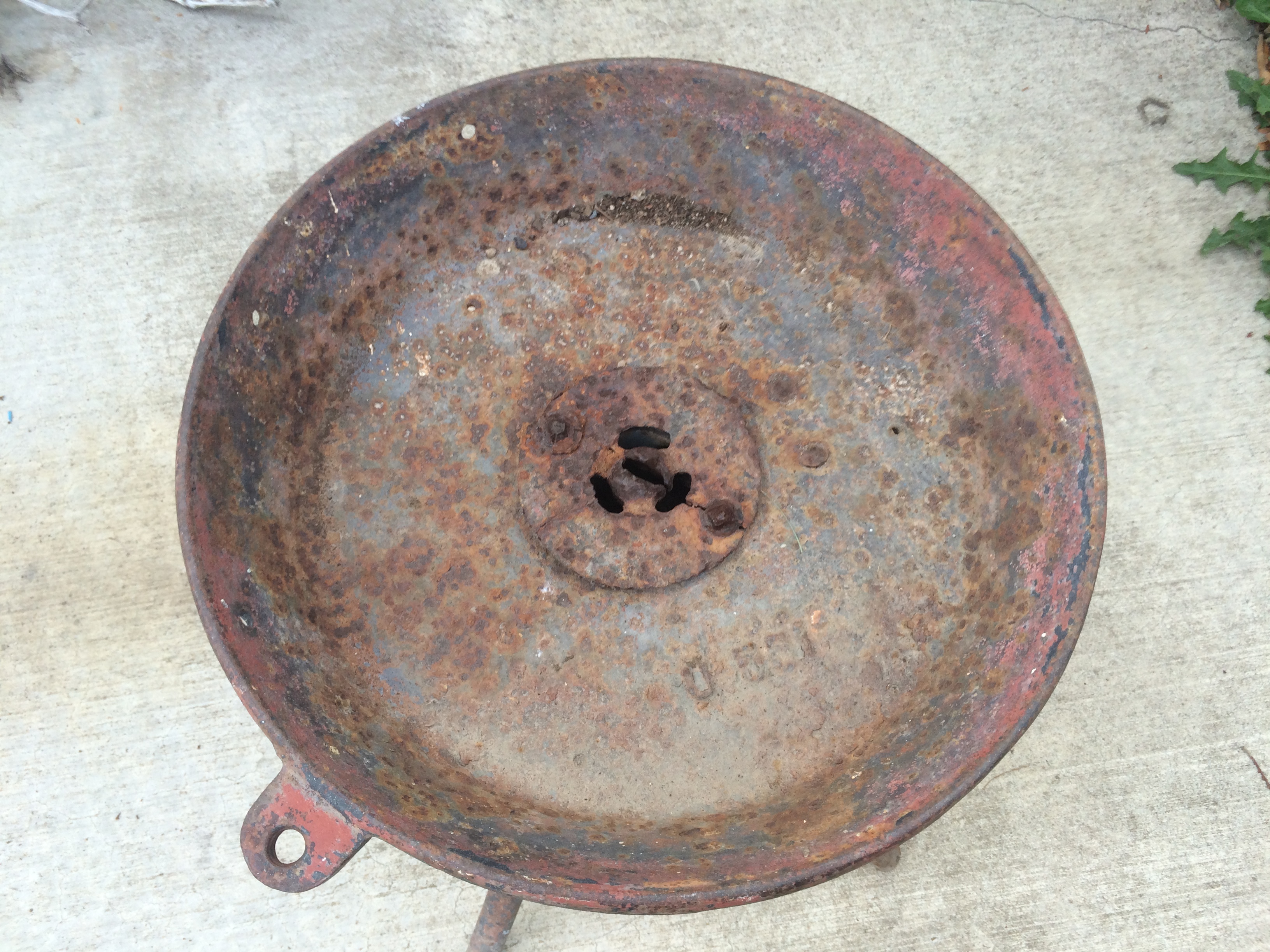
Hello all, I've recently gotten back into blacksmithing and on a travel back home to see my family I noticed an old forge my brother and his wife were using as a planter. I asked if I could have it and he was kind enough to give it to me. Now I have an awesome old forge that needs some cleaning up (removing planting soil from it) and I was hoping to get some tips from everyone here, after you have a look at it. It looks like the blower is belt driven, so I have a small motor I'm going to conned to it and the blower turns, just needs a little cleaning. Any words of advice are greatly appreciated!