RR22
Members
-
Joined
-
Last visited
Everything posted by RR22
-
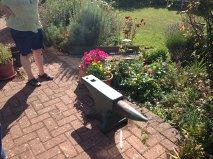
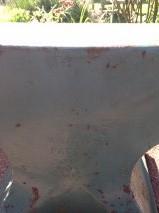
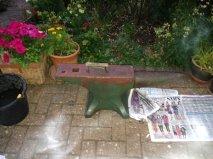
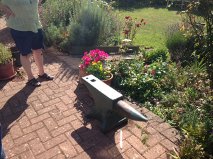
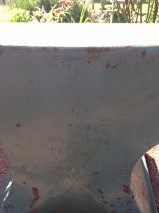
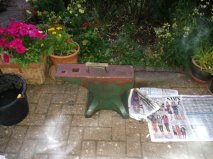
Our "new" Peter Wright 345Lb. We (Son & me) were messing around- researching heat treating A.S.O. from E-Bay or finding rail track to hammer on, but when I saw this I fell in love, and got it for him. Some twit painted it,and it's not without dings, but it rings all over (Loud!) and has real good bounce and no massive divots. Don't know if I got shafted on the deal as the market is all over the place here, I paid US $2.50 per Lb. + US $78. to the delivery chap. Anyway it's his now, I retain bashing permission for life, but it belongs to my Son (Jim),and he earned it. Loving the forum and reading my way through it slowly, big thanks for the posters depositing the mass of knowledge here. Next step is to test Jim's welding skills fabricating a belt grinder. P.S. Am I strange to love the feel of the curve from under the body to the horn? kind of sensual...