nlerner
Members
-
Joined
-
Last visited
-
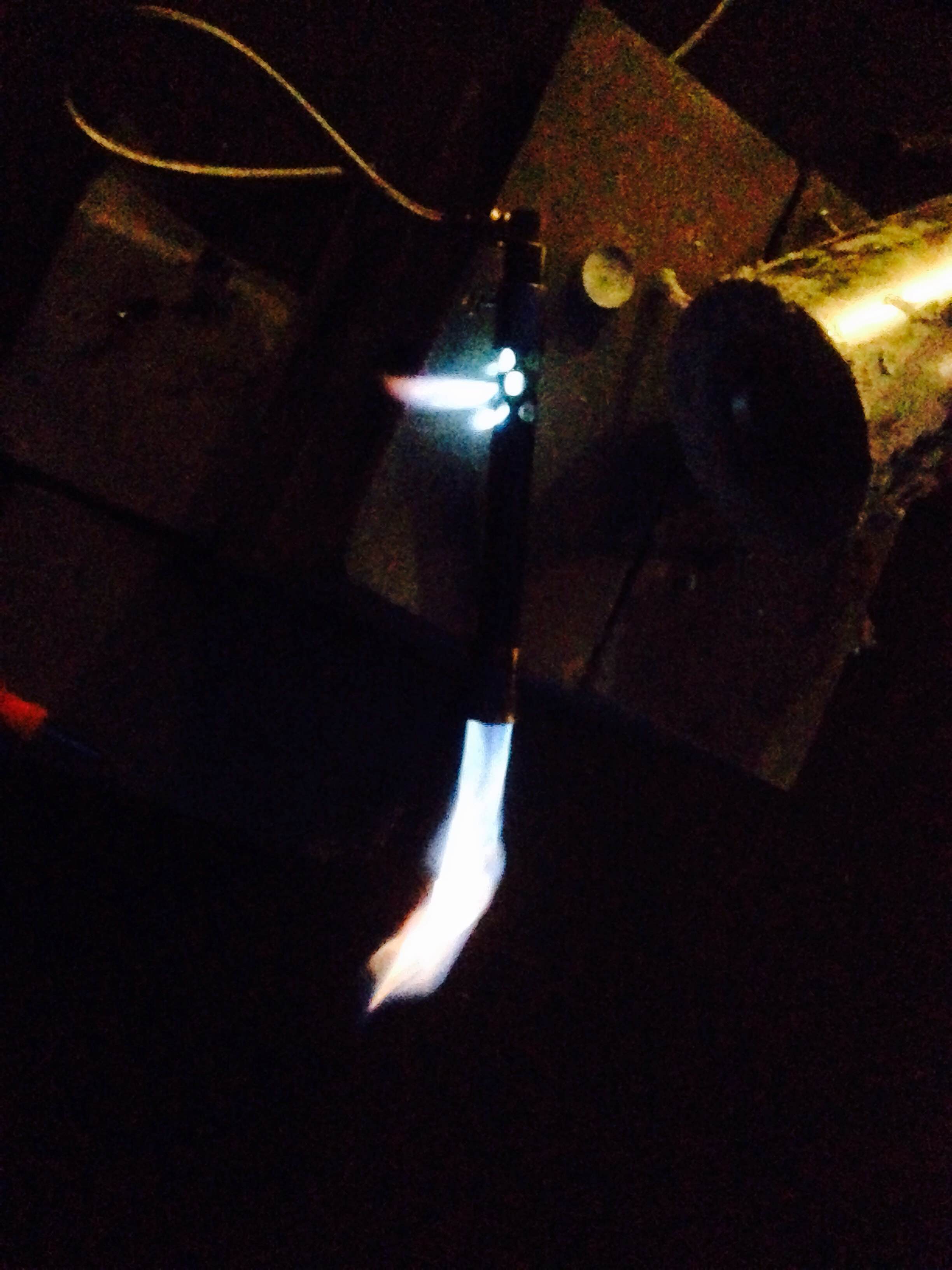
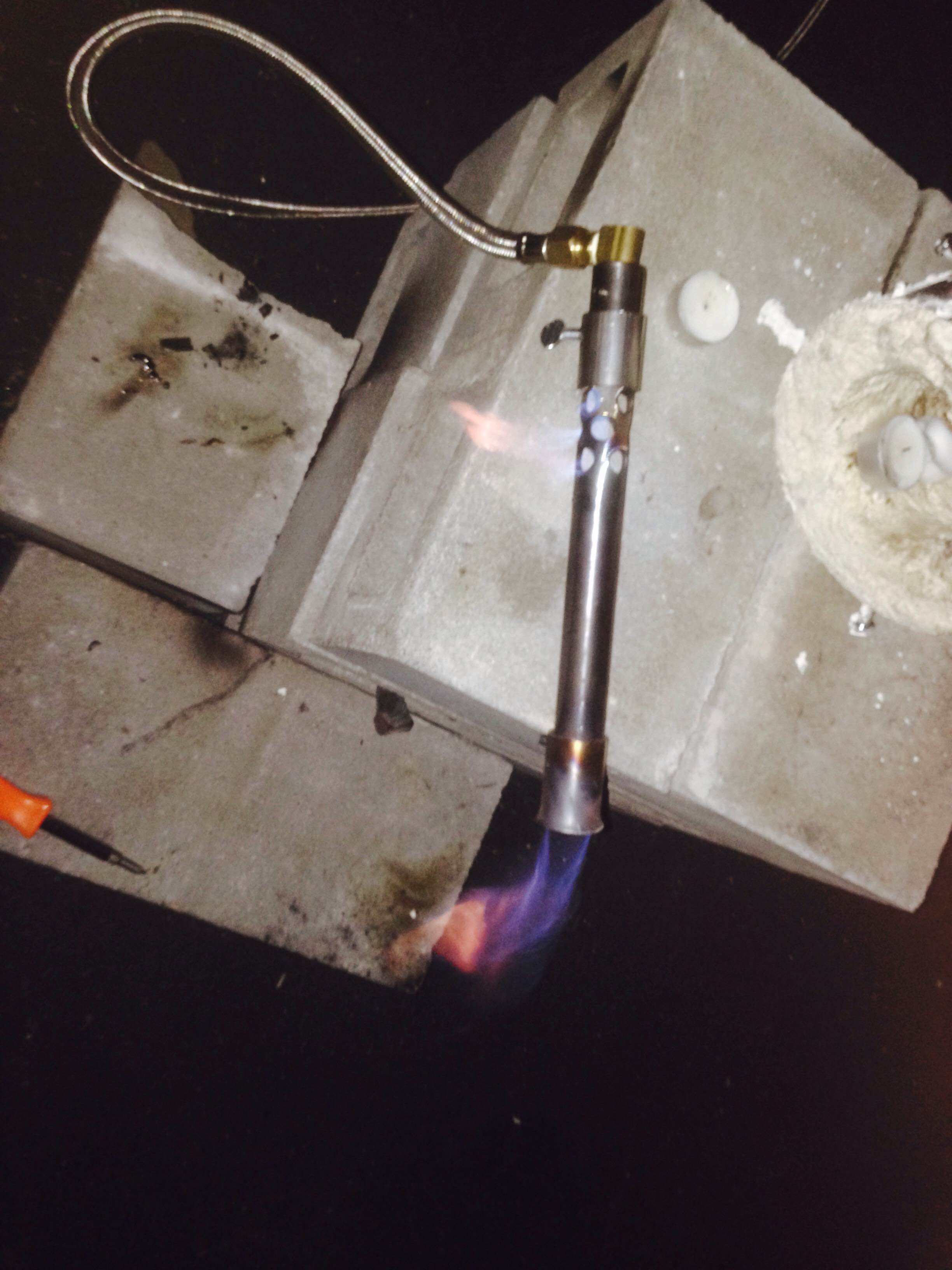
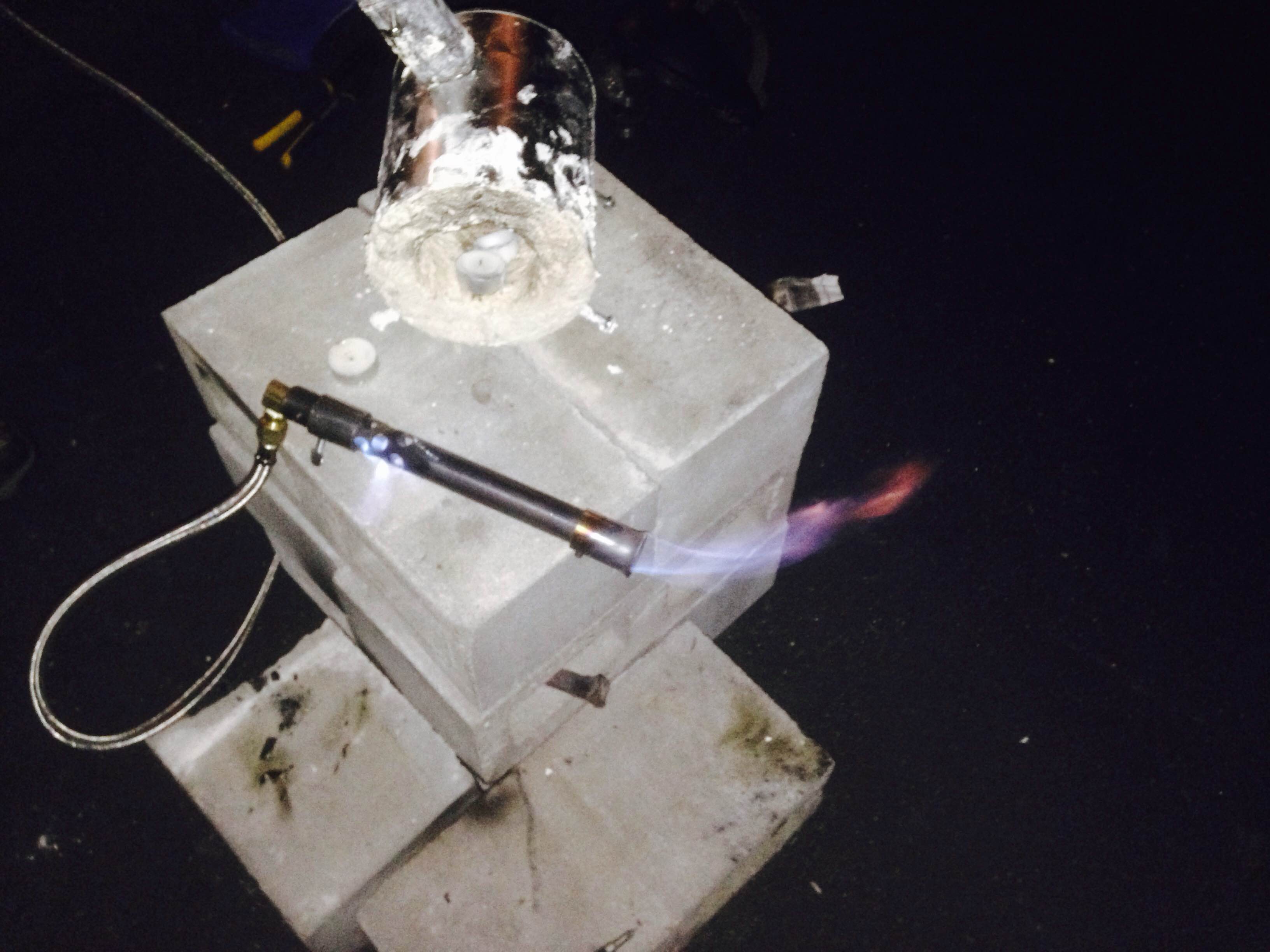
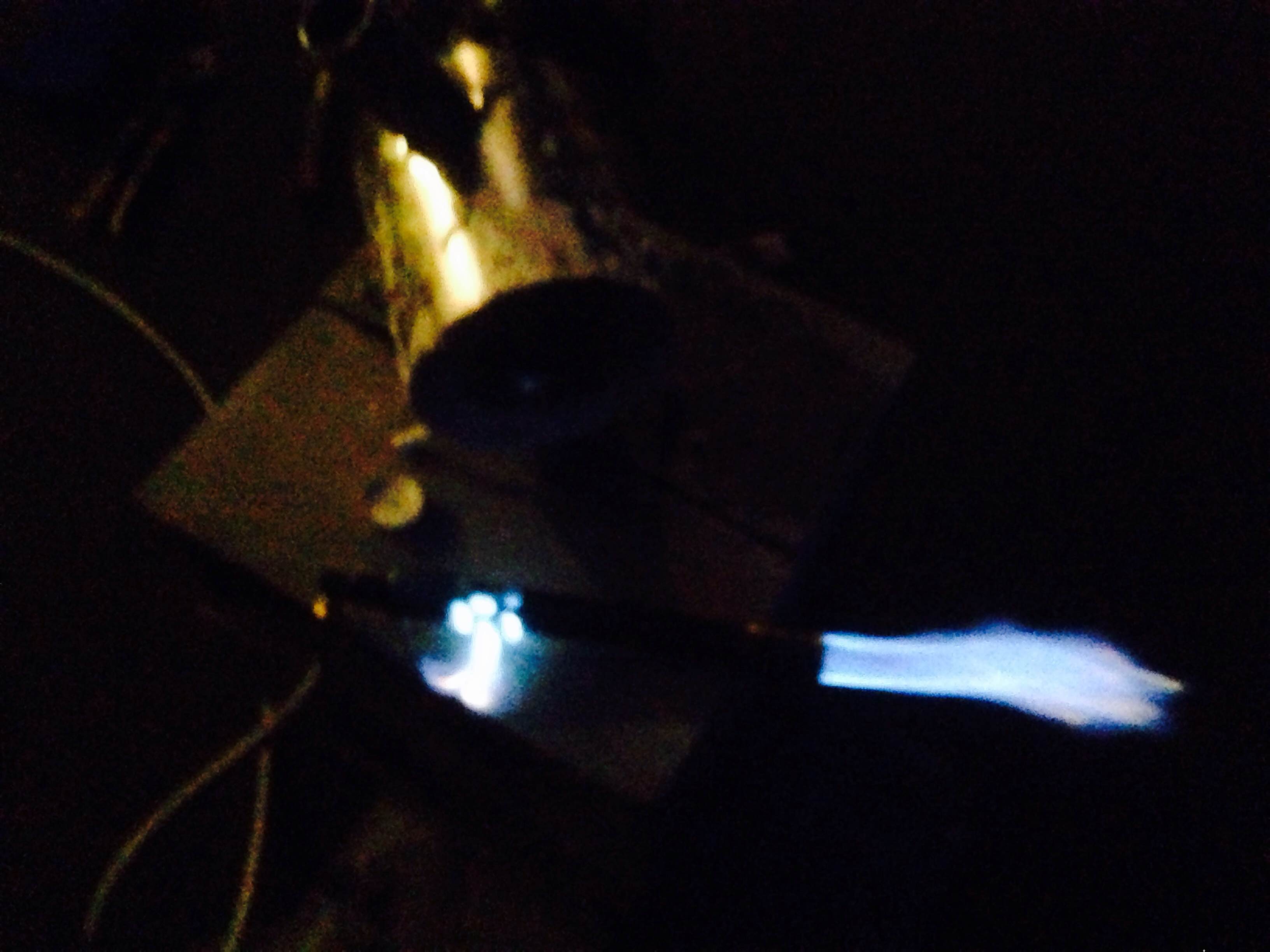
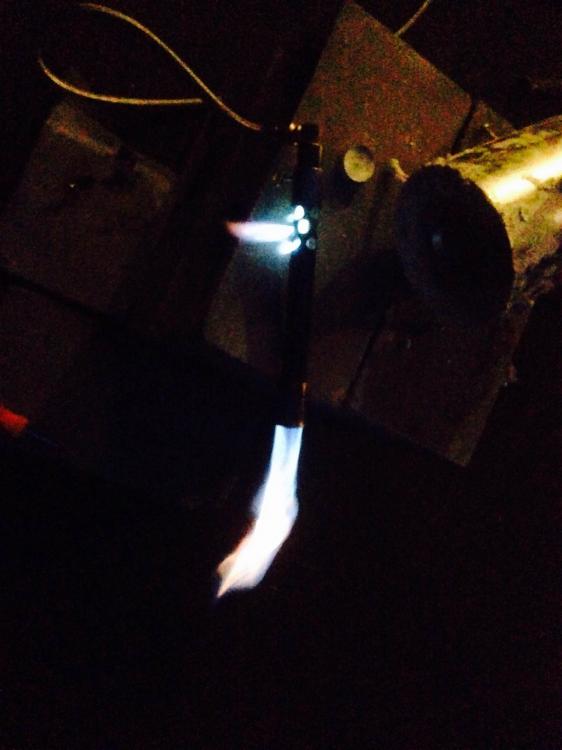
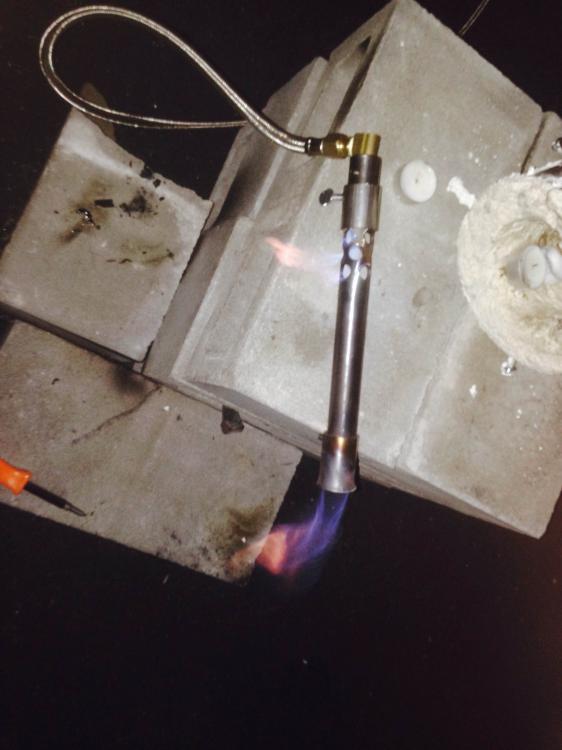
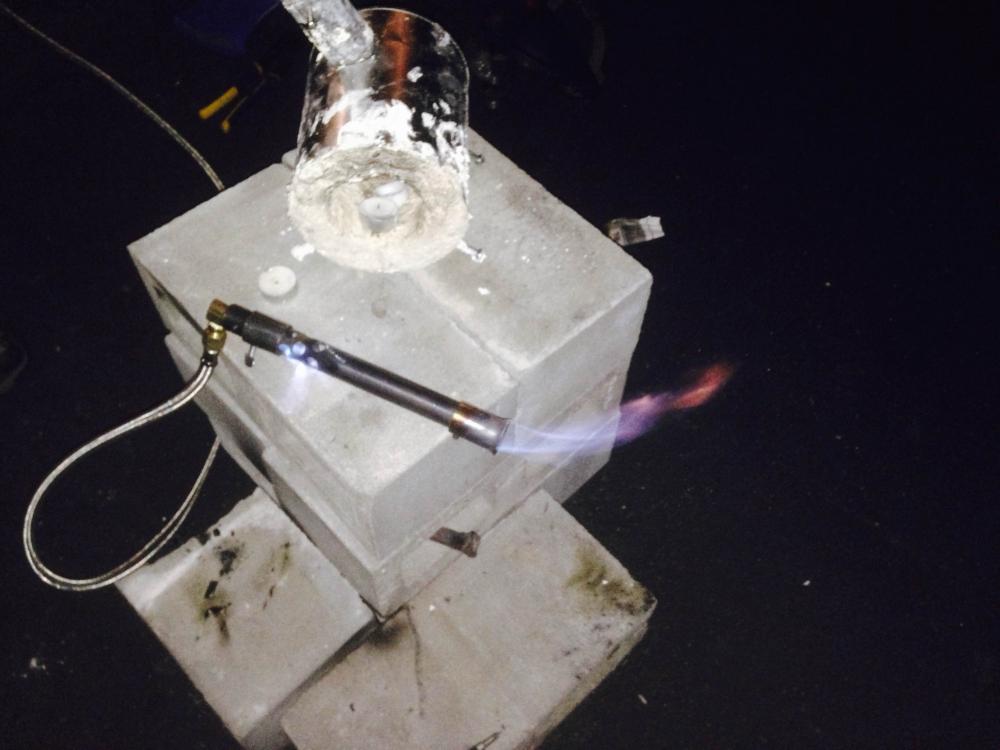
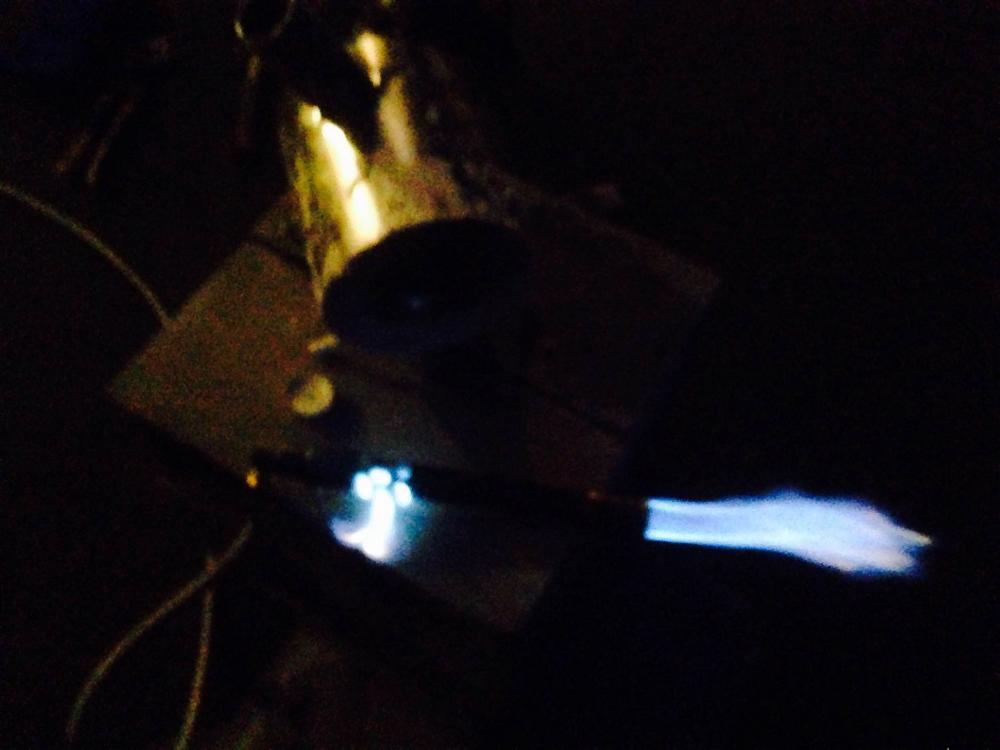
Hello, I built a simple paint can forge and ordered a burner online (picture attached), and tried it outside of the forge last night. The flame mostly comes out of the air holes on the side of the burner. No matter what we tried, the same would be true. We tried adjusting the collar to cover more/less of the air holes, adjusting the propane rate on both the regulator and the tank, and even the position of the burner. Nothing seemed to work. We then put it in the actual forge and turned it on. It worked correctly once but was in the wrong position, so we raised it up. Upon doing so, it never worked properly again. Any help would be greatly appreciated!
.thumb.jpg.b6958230f76124fb1d808802ea982dc2.jpg)
.jpg.fefcd54f3ed9c733ad39c4431b148123.jpg)