Skip to content
View in the app

A better way to browse. Learn more.

I Forge Iron

A full-screen app on your home screen with push notifications, badges and more.

To install this app on iOS and iPadOS
  1. Tap the Share icon in Safari
  2. Scroll the menu and tap Add to Home Screen.
  3. Tap Add in the top-right corner.
To install this app on Android
  1. Tap the 3-dot menu (⋮) in the top-right corner of the browser.
  2. Tap Add to Home screen or Install app.
  3. Confirm by tapping Install.

pallo007

Members
  • Joined

  • Last visited

Everything posted by pallo007

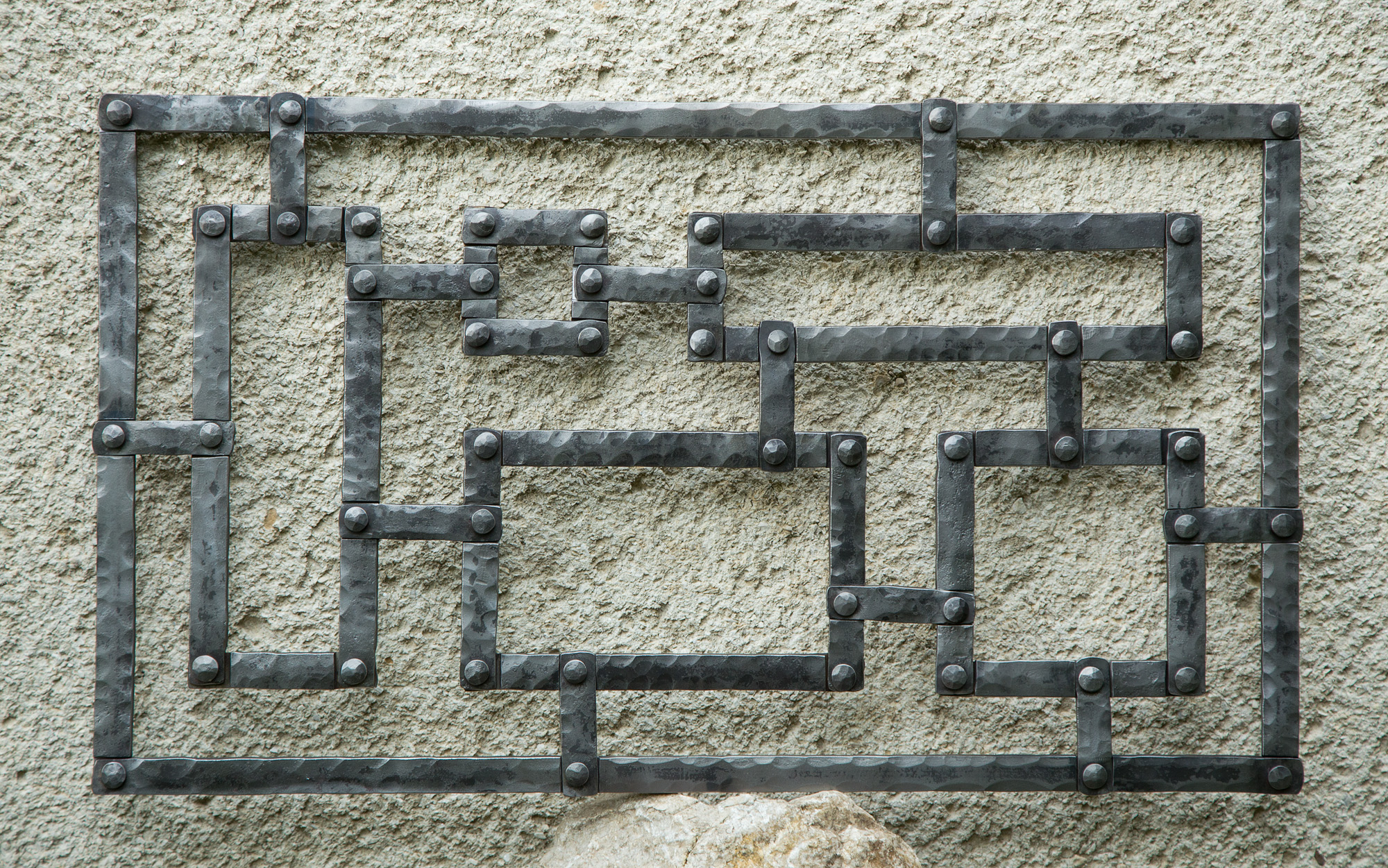
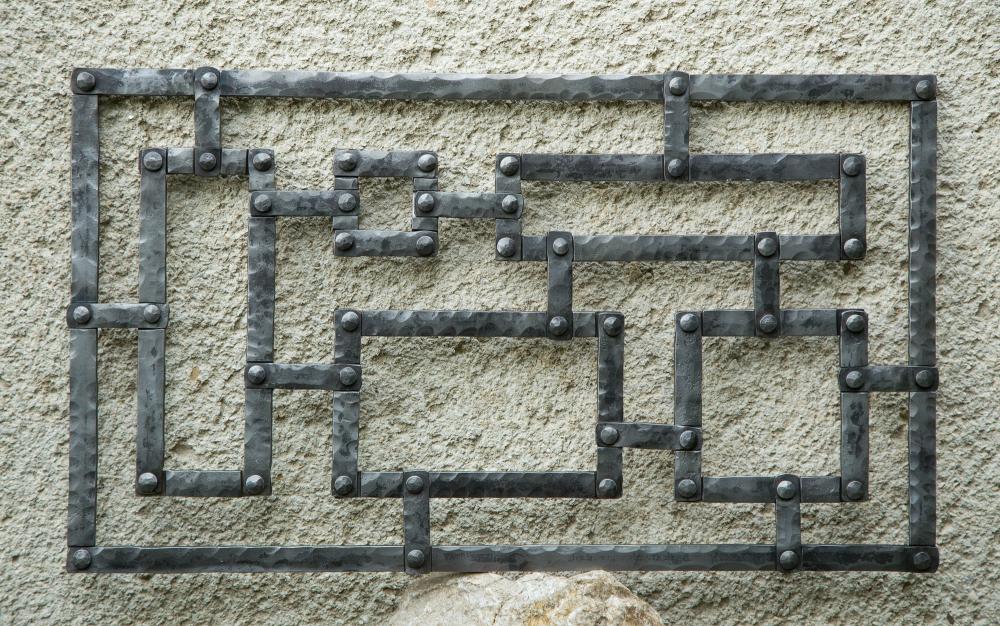
  1. it took me 2 months of free time:) cca 650x400mm...
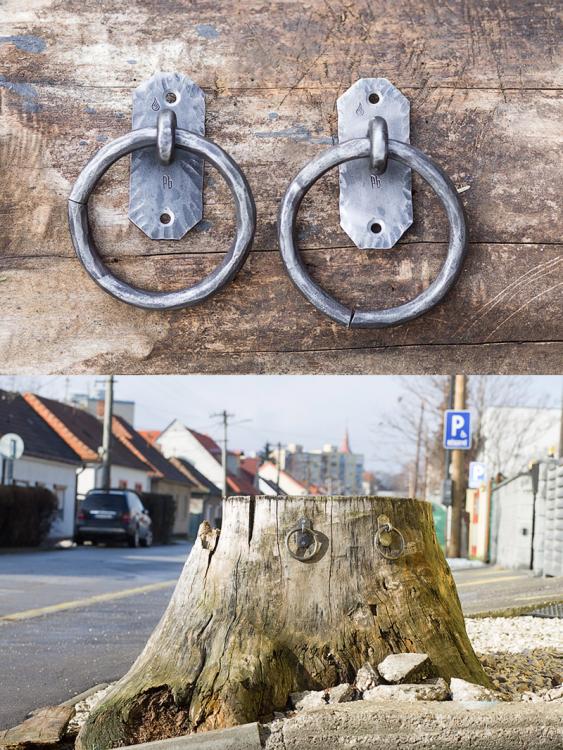
  2. thanks for all your comments:) I hope it will stay there forever:)
  3. pallo007 posted a topic in Member Projects
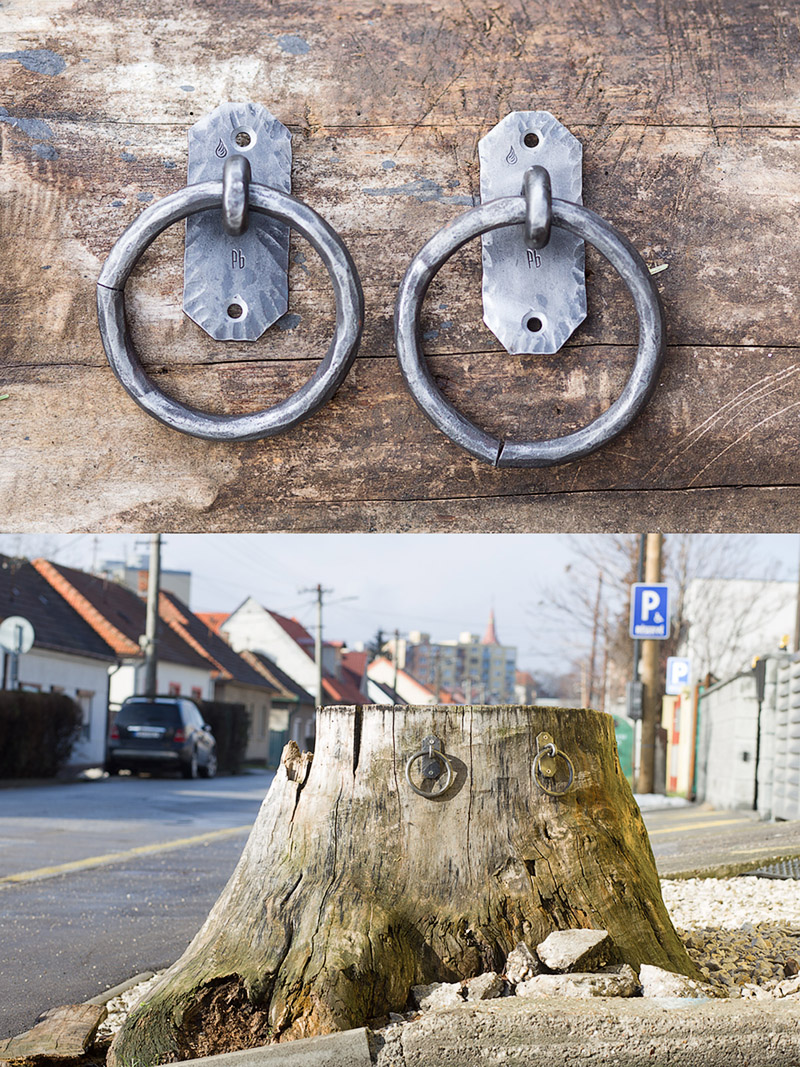
    just a small street "example" of blacksmithing art:)
  4. thanks, I'm glad you like my work... its just a hobby, a few hours a week:)
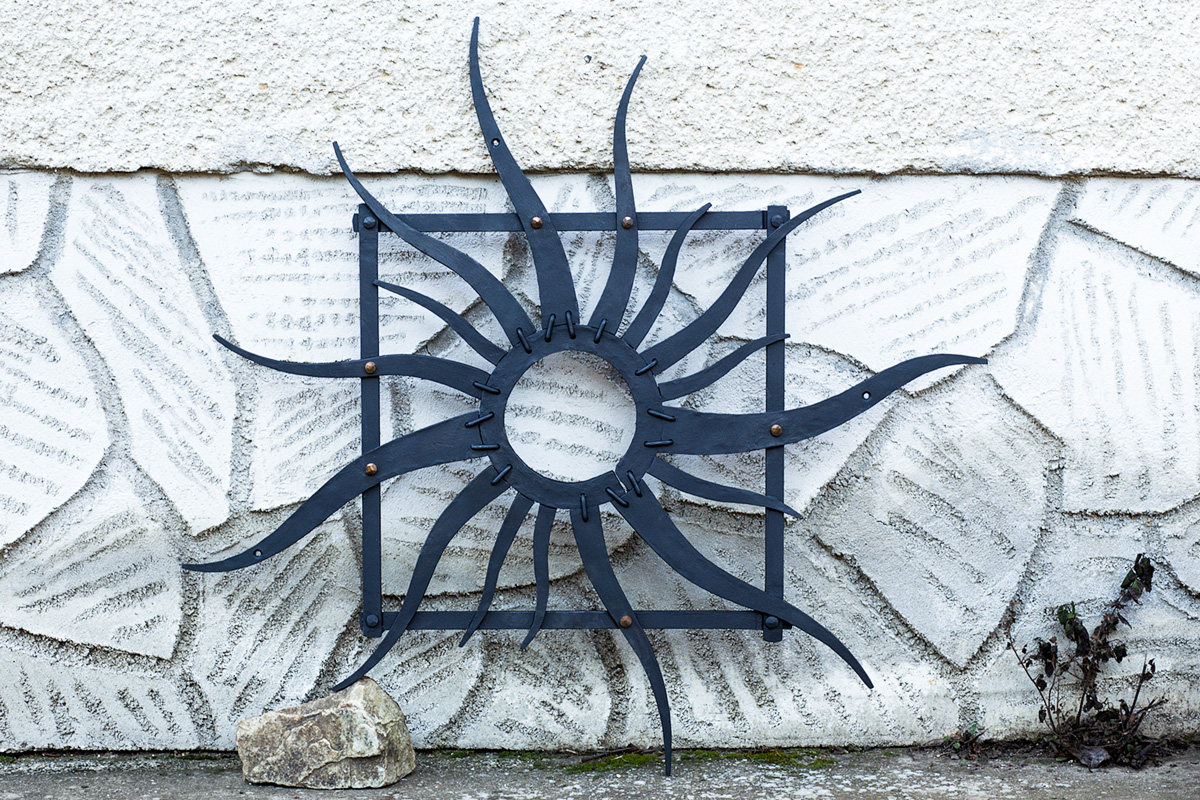
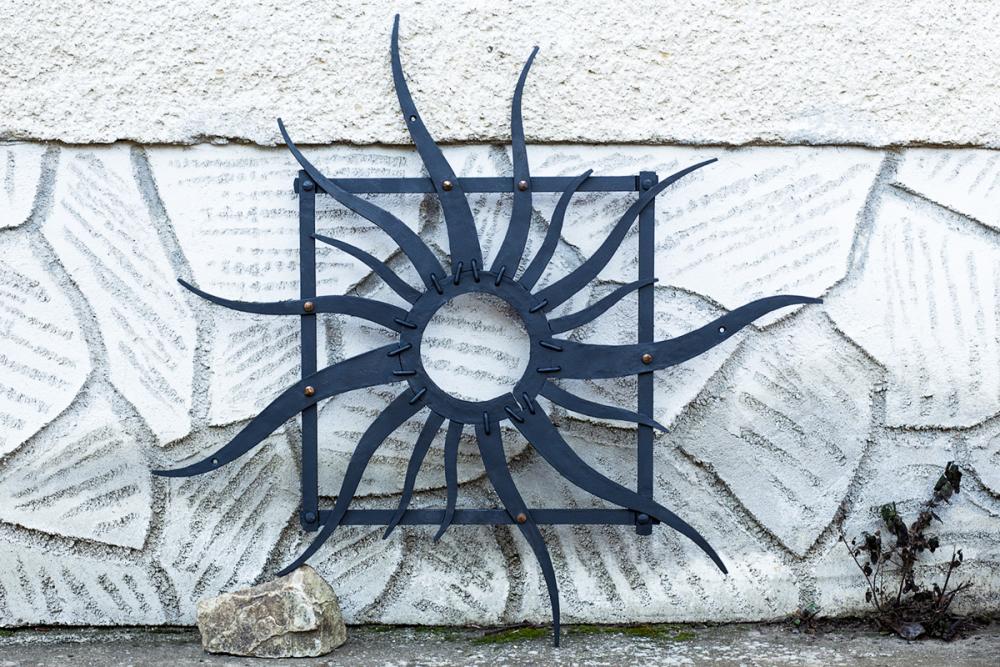
  5. iron + bronze rivets, the square - cca 50x50cm...
  6. you will, Im sure:)
  7. thanks for your comment:) I underestimated the amount of material, so I couldnt bring it to the bottom, but I planned to do it just as you wrote:)
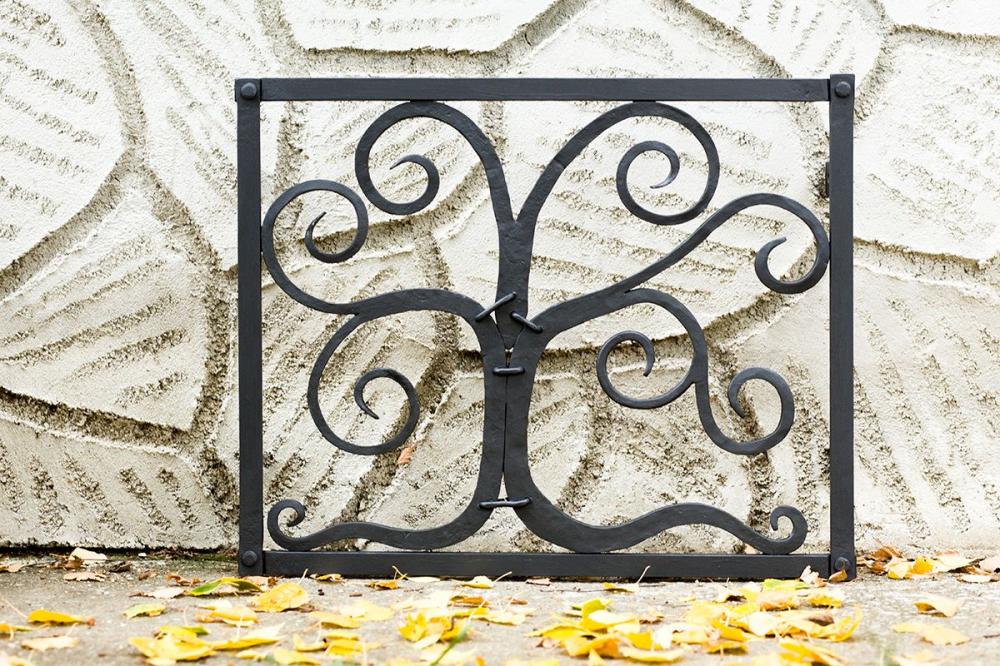
  8. hello, its welded from behind... just 4 screws into the wall... these pieces should imitate needlework:)
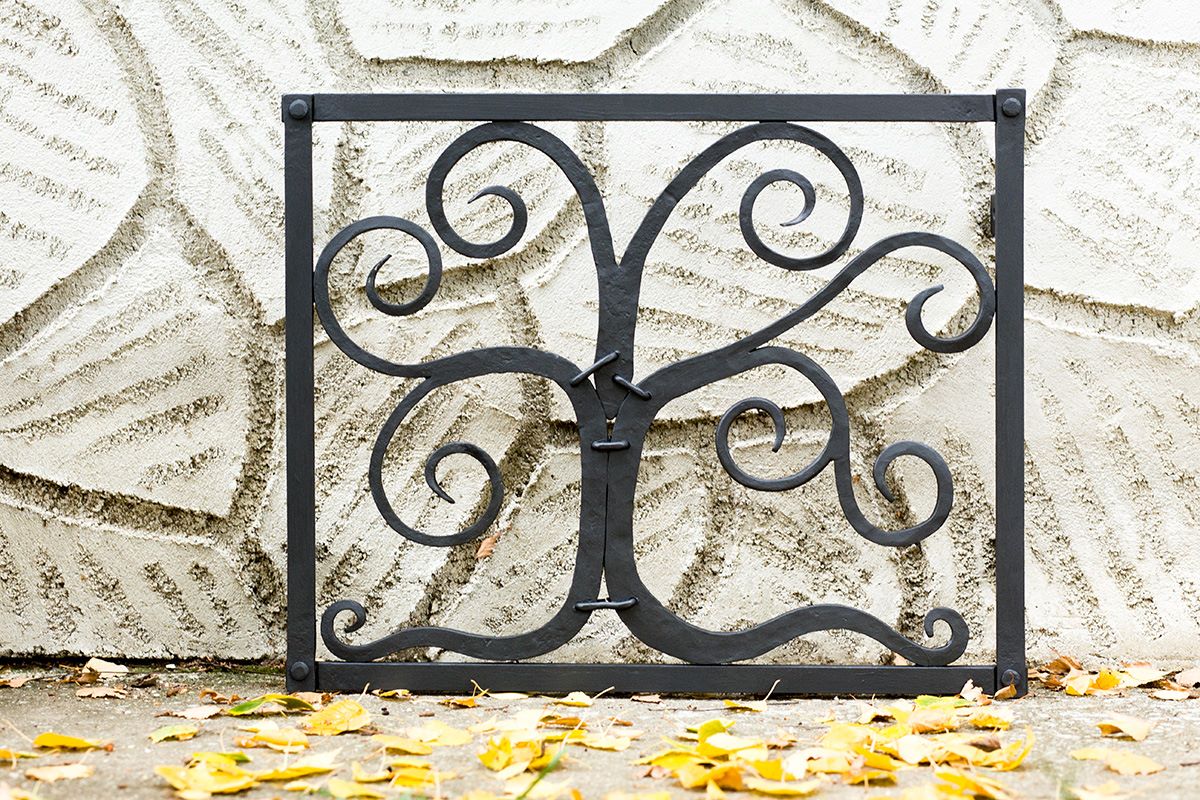
  9. its just a small grill for basement window...
Account

Navigation

Search

Search

Configure browser push notifications

Chrome (Android)
  1. Tap the lock icon next to the address bar.
  2. Tap Permissions → Notifications.
  3. Adjust your preference.
Chrome (Desktop)
  1. Click the padlock icon in the address bar.
  2. Select Site settings.
  3. Find Notifications and adjust your preference.