Skip to content
View in the app

A better way to browse. Learn more.

I Forge Iron

A full-screen app on your home screen with push notifications, badges and more.

To install this app on iOS and iPadOS
  1. Tap the Share icon in Safari
  2. Scroll the menu and tap Add to Home Screen.
  3. Tap Add in the top-right corner.
To install this app on Android
  1. Tap the 3-dot menu (⋮) in the top-right corner of the browser.
  2. Tap Add to Home screen or Install app.
  3. Confirm by tapping Install.

Jan

Members
  • Joined

  • Last visited

Everything posted by Jan

  1. Hi everyone, there is yet ANOTHER way;when we were completely broken(i mean one day before bankrupcy),we were using broken glass from beer bottles...it worked.
  2. Jan replied to jsanders's topic in Knife Making
    read on story about magical swords in category stories...it may help
  3. Thanks Chad, good link for guys like me ,who need their noses stick into manuscripts-even electronic-there are useful links on that arma pages,i really appreciate your help. Next time i gonna investigate in Norske Sagas,i really like that stuff about Skeggi and Hrolf Krakke`s sword(called Skoffnung)...but thats long story...thanks again! Jan
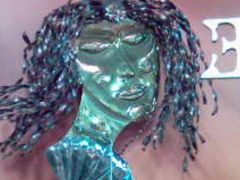
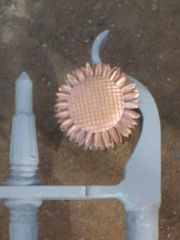
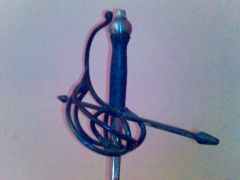
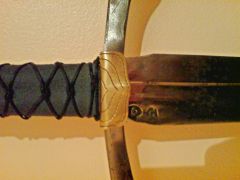
  4. Jan posted a gallery image in Member Galleries
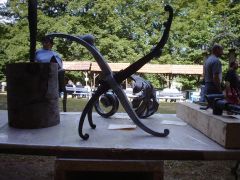
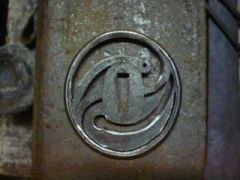
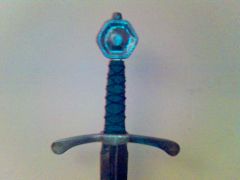
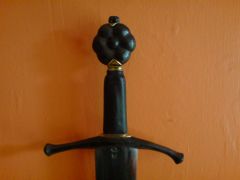
  5. Jan posted a gallery image in Member Galleries
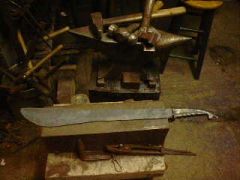
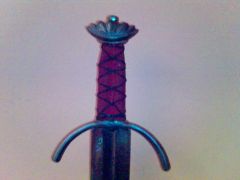
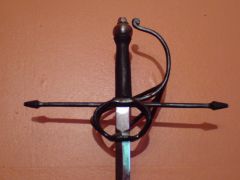
  6. Jan posted a gallery image in Member Galleries

Account

Navigation

Search

Search

Configure browser push notifications

Chrome (Android)
  1. Tap the lock icon next to the address bar.
  2. Tap Permissions → Notifications.
  3. Adjust your preference.
Chrome (Desktop)
  1. Click the padlock icon in the address bar.
  2. Select Site settings.
  3. Find Notifications and adjust your preference.