jhicks2013
Members
-
Joined
-
Last visited
Everything posted by jhicks2013
-
-
-
-
-
-
-
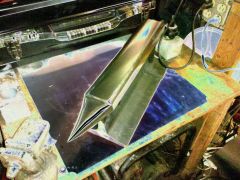
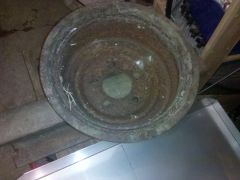
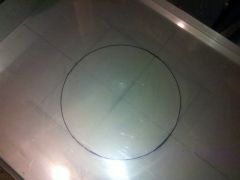
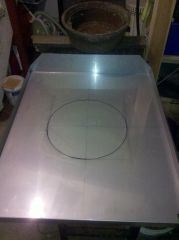 Stainless steel top for brake drum forge.
 -
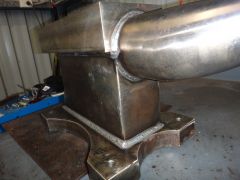 Did you lay those beads with a mig welder
 -
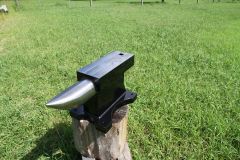 Awsome job that looks great
 -
-
-
-
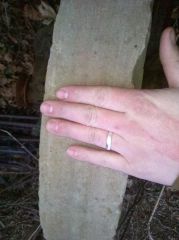
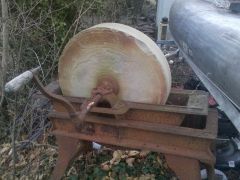
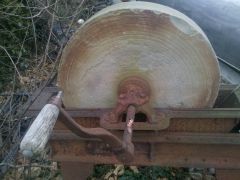
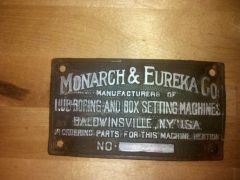 Here is the tag to my sharpening stone
 -
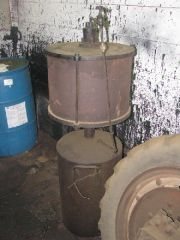 thats cool looking thanks for posting the photos I bet that thing weighs a ton.
 -
Those pictures look great nice job I love seeing old things get restored to working condition
-
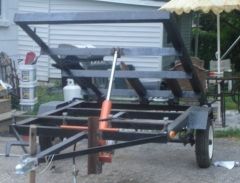 Trailer I made from elevator entrance frame 3"x3" angle iron ,8 ton piston and 1"1/2 bar on bearings in the back.
 -
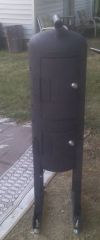 Smoker I made out of old steam condensate tank.
 -
-
-
-
-
-
-
-