nitro
Members
-
Joined
-
Last visited
Everything posted by nitro
-
-
-
-
-
-
-
-
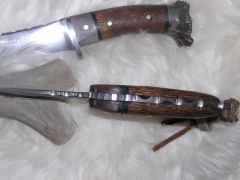
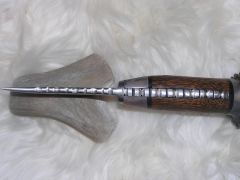
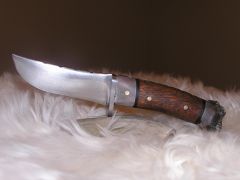
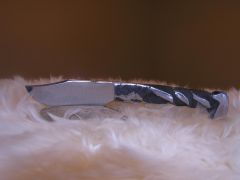
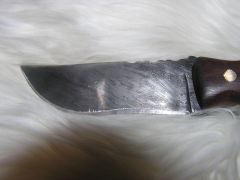
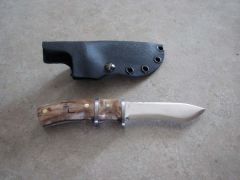 forged out of a old file, handle is burl maple.
 -
-
-
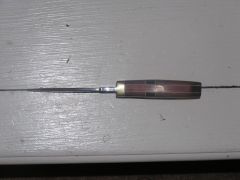
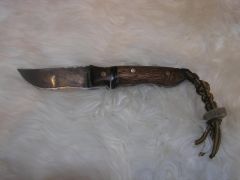
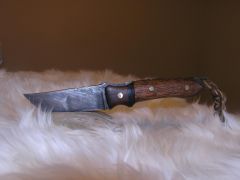
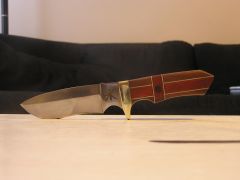 1095 blood wood sandwiched between walnut 10" hollow grind
 -
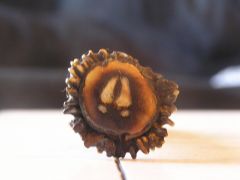
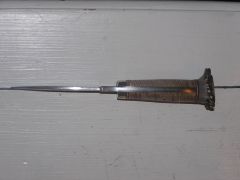
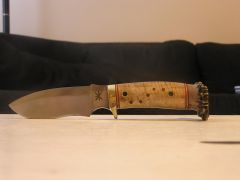 1095 tiger maple handle and deer horn 10" hollow grind
 -
-
-
-
-
-
-
-
-
-
-
-
Very cool, what is the handle material
-
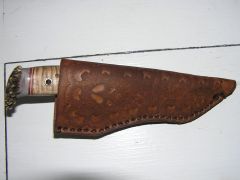
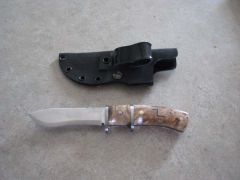
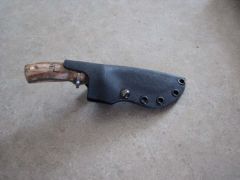
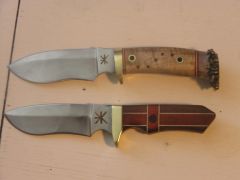
The top is for my brother who grad. in June with a bachelor in Architecture. There is a saw on the top and a gut hook. The blade slightly recessed to aid in cutting and the front is for skinning. The bottom Knife is one that I just finish that I put square pins in. There is a kydex spacer and maple on the front. Thanks for looking Nitro