jwmotley
Members
-
Joined
-
Last visited
Everything posted by jwmotley
-
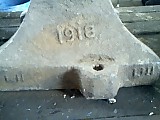 My "new" anvil, view from heel 1918-- year of manufacture? LII on left and LIII on right---Makers ID's?
 -
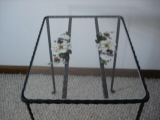 simple vanity table 12 inches D X 16 inches W X 18 inches H--- 1/4X1/2 hammered on 4 corners w/fishtail schrolls for feet
 -
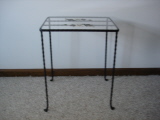 simple vanity table 12 inches D X 16 inches W X 18 inches H--- 1/4X1/2 hammered on 4 corners w/fishtail schrolls for feet
 -
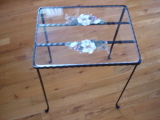 simple vanity table 12 inches D X 16 inches W X 18 inches H--- 1/4X1/2 hammered on 4 corners w/fishtail schrolls for feet
 -
-
-
-
-
-
-
-
-
-
-
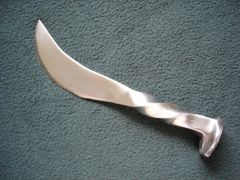
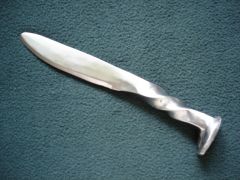
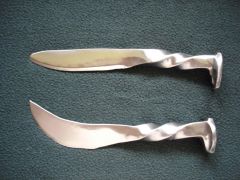
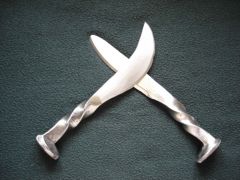
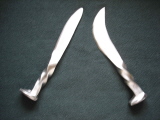
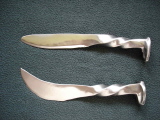
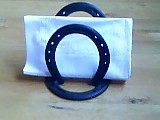 I did these for a local restaurant with western theme--- people REALLY like them--- good seller during tourist season
 -
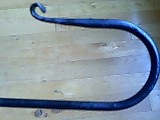 hanging loop part of towel holder--- very similar to handle on candle holders
 -
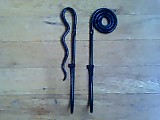 from blueprints also--- fun to make and great gifts/conversation pieces
 -
 striker also downsized to match dinner bell
 -
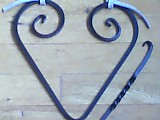 also from blueprints but I downsized stock from 3/8 inch sq to 1/4 inch sq and also downsized the heart itself
 -
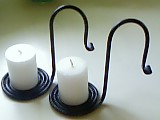 wound from 1/4 inch round stock---from blueprints except I changed the handle tip to a fishtail w/hammered finish
 -
I mean if folks only type the first and last letters of a word I'll be too busy tryin' to decipher to type anything
-
Heck then I'll never know what anyone's sayin'
-
 bowl bottom recess formed for drain and hole cut out
 -
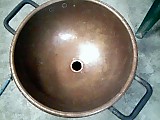 bowl bottom recess formed for drain and hole cut out
 -
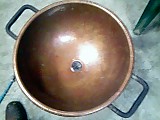 bowl bottom recess formed for drain and hole cut out & drain installed